No company paid to be on this list. Prices were checked on November 17, 2026 and can change. How we make money.
At a glance
| # | Product | Best for | Starting price | Free option |
|---|---|---|---|---|
| 1 | Free codes on phone and desktop | Free | Free plan | |
| 2 | Encrypted backup with web access | Free | Free plan | |
| 3 | People who already use Google | Free | Free app | |
| 4 | A browser extension for quick sign-ins | Free | Free plan | |
| 5 | Android users who want local control | Free | Free plan | |
| 6 | Bitwarden password manager users | Free | Free plan | |
| 7 | Microsoft personal and work accounts | Free | Free plan | |
| 8 | Simple setup with cloud backup | Free | Free plan |
The list
 Proton Authenticator
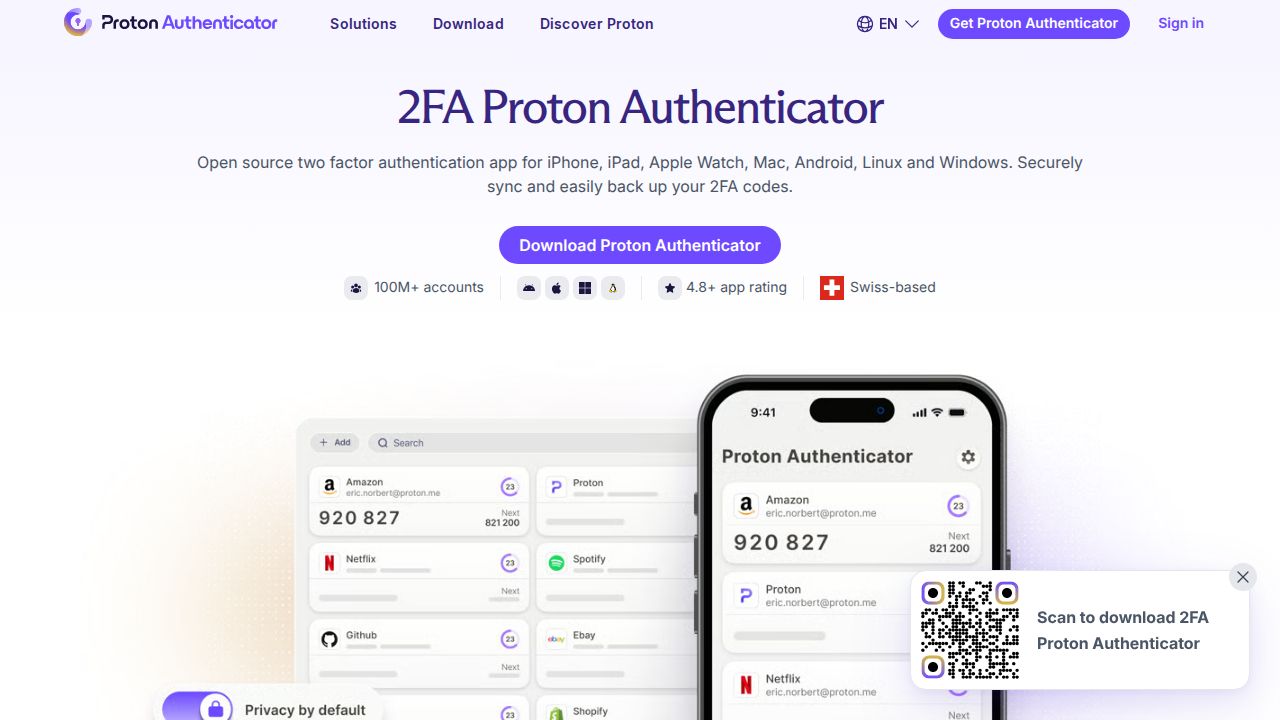
Best for free codes on phone and desktop Proton Authenticator covers the most ground for a free app. It runs on iPhone, iPad, Mac, Android, Windows and Linux, is open source, and has no ads or trackers. You can use it without a Proton Account, and you only need one if you want end-to-end encrypted sync across devices.
What stands out
- Free on all platforms with no ads or tracking
- Apps for iPhone, iPad, Mac, Android, Windows and Linux
- Open source, and works without a Proton Account
- End-to-end encrypted sync with a Proton Account
- Imports codes from Google Authenticator, 2FAS, Aegis, Bitwarden Authenticator and Ente Auth
Keep in mind
- Sync across devices needs a Proton Account
- Encrypted backup without an account is offered on iOS only
 Ente Auth
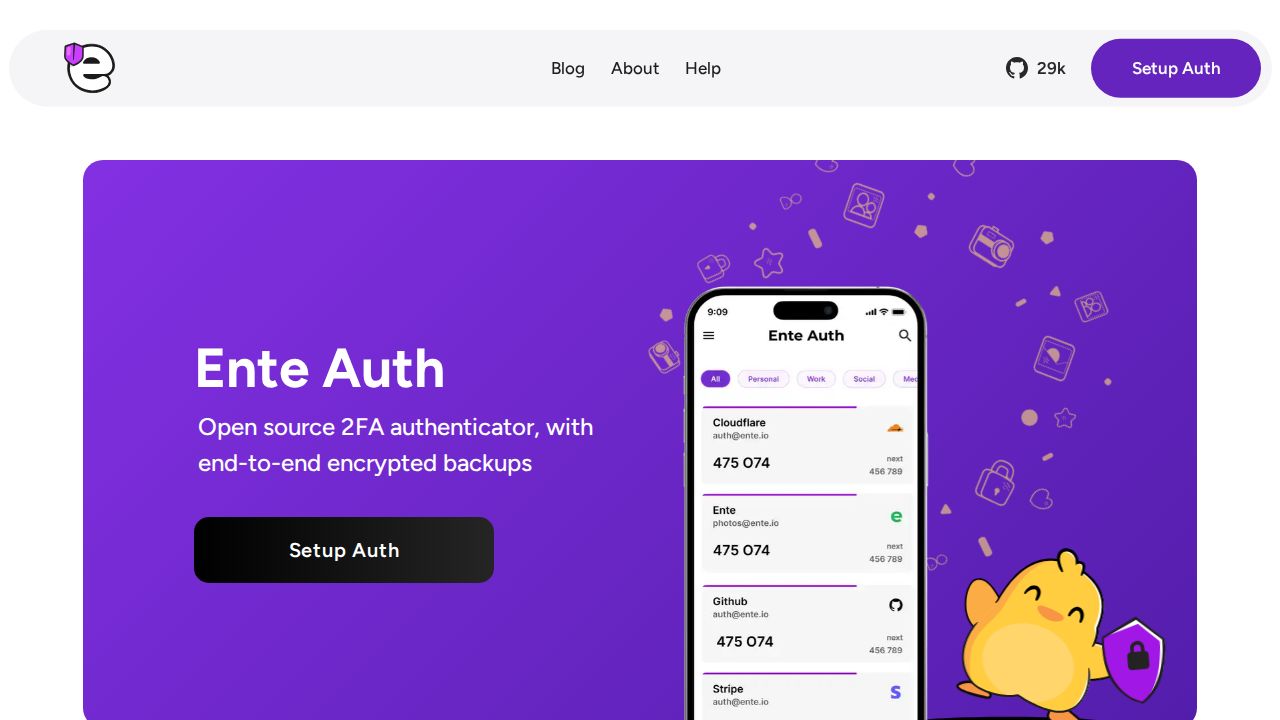
Best for encrypted backup with web access Ente Auth suits people who want their codes on every screen, including a web browser. It is free and open source, offers end-to-end encrypted cloud backups and cross-platform sync, and the company says its cryptography has been externally audited. An offline mode lets you use it without an account.
What stands out
- Free and open source
- End-to-end encrypted cloud backups and cross-platform sync
- Apps for iOS, Android, web, macOS, Linux and Windows
- Offline mode that works without an account
- Tags, pinning, search and notes for organizing codes
Keep in mind
- Backups and sync across devices need an Ente account
 Google Authenticator
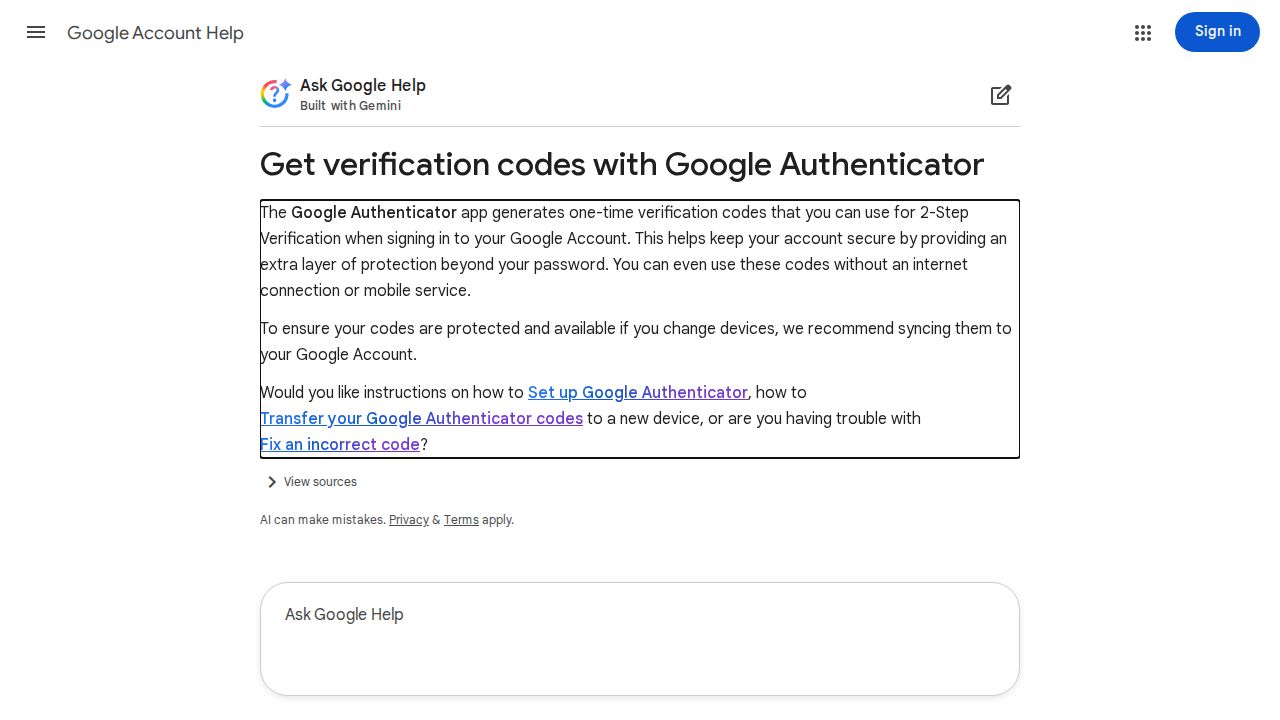
Best for people who already use Google Google Authenticator is a familiar choice if you already live in a Google Account. You can sync codes across devices by signing in, move them to a new phone with a QR code, and generate codes without an internet or mobile connection. It is available for Android and iOS only.
What stands out
- Syncs codes across devices through your Google Account
- Transfers accounts to a new phone with a QR code
- Generates codes without an internet connection or mobile service
- Privacy Screen can lock the app behind your screen lock, PIN or biometrics
Keep in mind
- Android and iOS only, with no desktop app listed
- Syncing requires signing in to a Google Account
 2FAS Auth
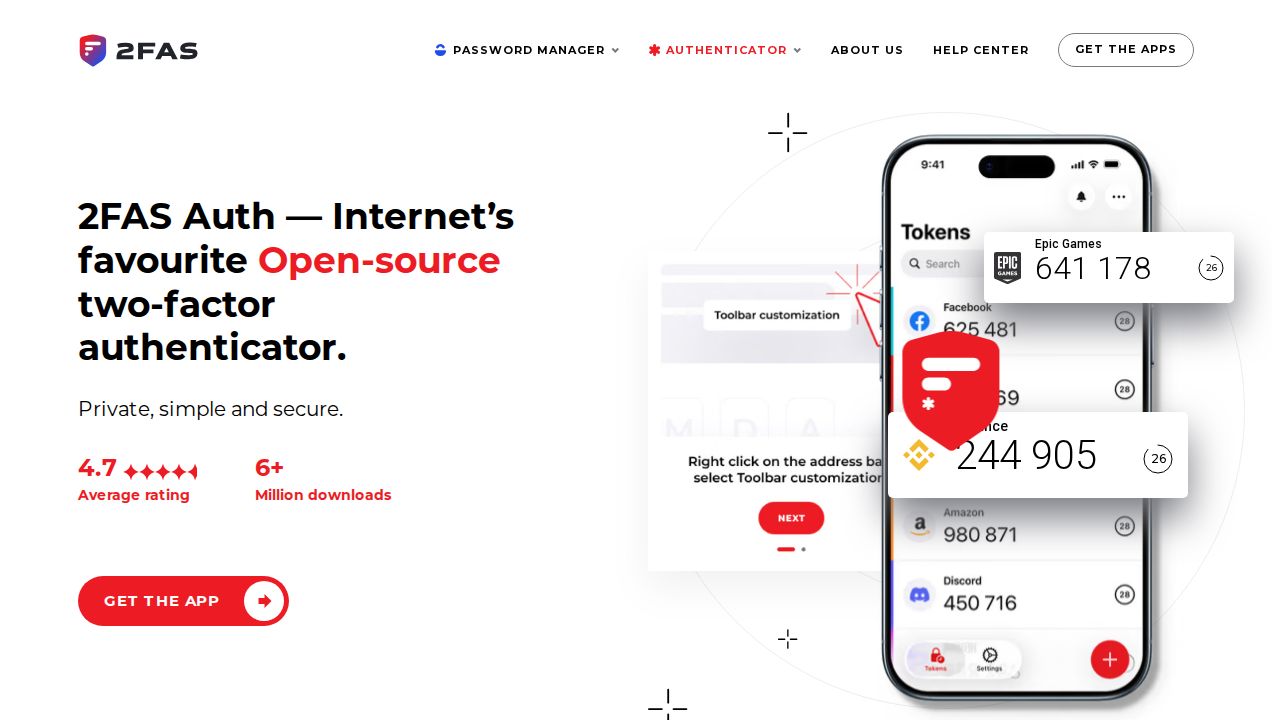
Best for a browser extension for quick sign-ins 2FAS Auth is a free, open source phone app that needs no account and uses no trackers. Its standout feature is a browser extension for Chrome, Firefox, Edge, Safari and others, which pairs with your phone by QR code. Tokens can be backed up through iCloud, Google Drive or an export file.
What stands out
- Free, open source and works offline
- No account needed and no trackers
- Browser extension for Chrome, Brave, Firefox, Edge, Opera and Safari
- Sync and restore through iCloud, Google Drive or 2FAS export files
Keep in mind
- No desktop app is mentioned; the extension confirms sign-ins through the phone app
- Cloud backup depends on your iCloud or Google Drive account
 Aegis Authenticator
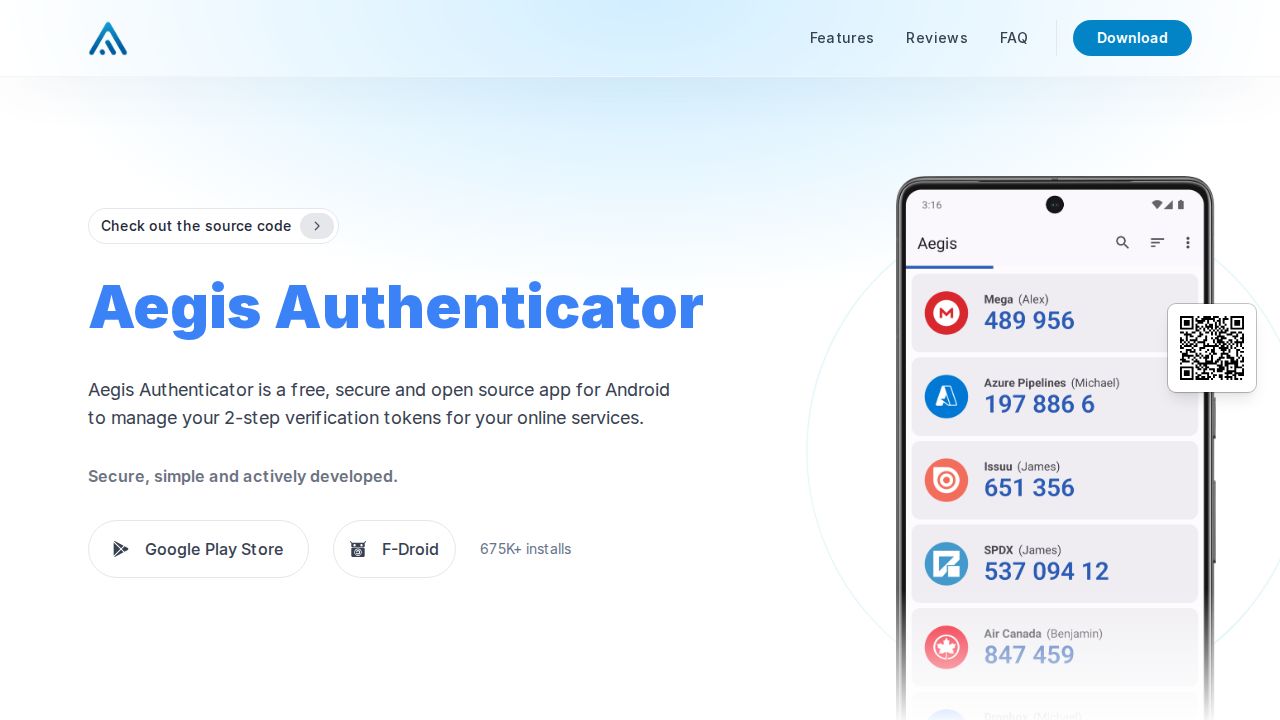
Best for android users who want local control Aegis Authenticator is built for Android users who want to keep control of their own data. It is free and open source, stores tokens in a secure vault with optional biometric unlock, and supports automatic backups. It can also import from a range of other two-factor apps, which makes switching easier.
What stands out
- Free and open source
- Secure vault with optional biometric unlock
- Backups, including automatic backups
- Imports from and exports to a range of 2FA apps
- Available on Google Play and F-Droid
Keep in mind
- Android only
- No cloud sync service is described, so you manage backups yourself
 Bitwarden Authenticator
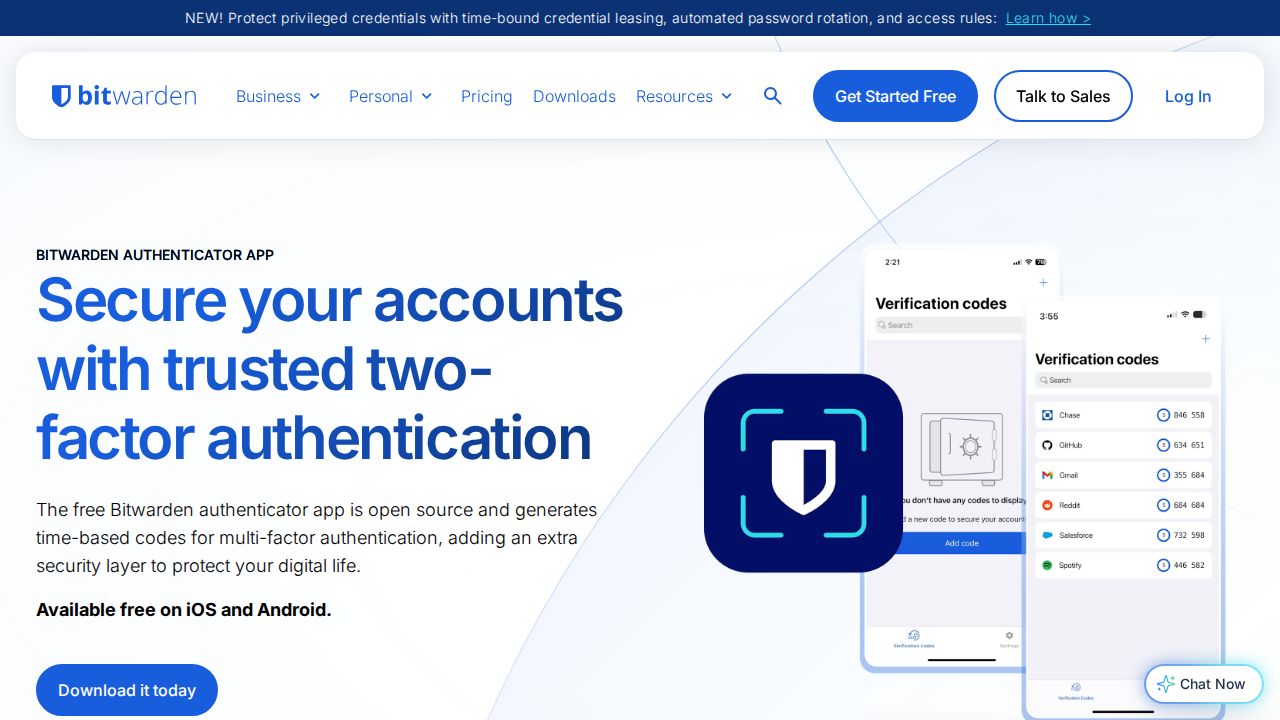
Best for bitwarden password manager users Bitwarden Authenticator is a free standalone app for iOS and Android that works with or without a Bitwarden account. It is open source, and it integrates with Bitwarden Password Manager so codes can be reached from either app. Backups currently rely on your phone's own operating system backup.
What stands out
- Free and open source
- No Bitwarden account required
- Integrates with Bitwarden Password Manager
- Available for iOS and Android
Keep in mind
- Backups rely on your phone's operating system backup
- No desktop or browser version is mentioned
 Microsoft Authenticator
Best for microsoft personal and work accounts Microsoft Authenticator makes the most sense if you sign in to Microsoft personal, work or school accounts. It supports passwordless sign-in with a fingerprint, face recognition or PIN, and it provides one-time codes for two-step verification. Microsoft describes it as a free app for Android and iOS.
What stands out
- Free app for Android and iOS
- Passwordless sign-in to Microsoft accounts with fingerprint, face recognition or a PIN
- One-time password codes for two-step verification
- Works with Microsoft personal, work and school accounts
Keep in mind
- No desktop app is listed
- The pages we checked do not describe backup options
 Authy
Best for simple setup with cloud backup Authy, from Twilio, is a free app that promotes simple setup, secure cloud backup and multi-device support. Those features help if you lose or replace a phone. Its download page lists the Google Play Store and the Apple App Store only, so plan to use it on a phone or tablet.
What stands out
- Free app from Twilio
- Secure cloud backup
- Multi-device support
- Available on the Google Play Store and the Apple App Store
Keep in mind
- The download page lists mobile apps only
- Its homepage does not explain how the cloud backup is encrypted
How we chose
We compared what each company publishes about its app on four things:
- Backup and sync. How you get your codes back after losing or replacing a phone.
- Platforms. Phone only, or also desktop, web or a browser extension.
- Account requirement. Whether the app works without signing up.
- Open source. Whether the code is public for independent review.
This list is based on published features, not lab testing. Where a company’s page did not state a price on the day we checked, we say “See site” instead of guessing.
What to look for in an authenticator app
- A backup you will use. Losing your phone without a backup can lock you out of accounts. Pick an app with sync, cloud backup or export, and turn it on.
- The devices you own. If you work at a computer all day, a desktop app or browser extension saves time.
- Import and export. Apps that import from other authenticators make switching simple, and export means you are not locked in.
- An app lock. A PIN or biometric lock keeps codes private if someone picks up your unlocked phone.
How to switch authenticator apps
- Install the new app and check whether it can import from your old one.
- If it can, export or transfer your codes and confirm that each account appears.
- If it cannot, sign in to each account, open its security settings and set up two-factor authentication again with the new app.
- Test a sign-in on one or two important accounts.
- Save the backup or recovery codes each service gives you in a safe place.
- Keep the old app until every account works, then remove the codes from it.
Frequently asked questions
What is an authenticator app?
It is an app that generates short one-time codes you enter after your password. Because the codes are created on your device, a stolen password alone is not enough to sign in.
Are authenticator apps free?
Most are. Proton Authenticator, Ente Auth, 2FAS Auth, Aegis, Bitwarden Authenticator, Microsoft Authenticator and Authy all state that they are free.
What happens if I lose my phone?
It depends on the backup you set up. Google Authenticator can sync to a Google Account, Proton Authenticator and Ente Auth offer end-to-end encrypted sync with an account, and 2FAS Auth can restore from iCloud or Google Drive.
Which authenticator apps work on a computer?
Proton Authenticator has apps for Mac, Windows and Linux, and Ente Auth covers web, macOS, Linux and Windows. 2FAS Auth offers a browser extension that works with its phone app.
Do authenticator apps work without an internet connection?
Yes for code generation. Google Authenticator, Proton Authenticator and 2FAS Auth all state that codes work offline. You need a connection only for sync or cloud backup.
Sources
How we wrote this
This list is based on each company's published plans, prices and feature pages, not on hands-on lab testing. Facts were last checked on November 17, 2026. See our editorial policy.