No company paid to be on this list. Prices were checked on November 17, 2026 and can change. How we make money.
At a glance
| # | Product | Best for | Starting price | Free option |
|---|---|---|---|---|
| 1 | Private chats with no ads or tracking | Free | Free plan | |
| 2 | Reaching people who already use it | Free | Free plan | |
| 3 | Messaging without a phone number | $6 one-time | No | |
| 4 | Anonymous accounts and onion routing | Free | Free plan | |
| 5 | Small teams that need secure chat | Free | Free plan (up to 5 people) | |
| 6 | Self-hosting and open standards | Free | Free plan |
The list
 Signal
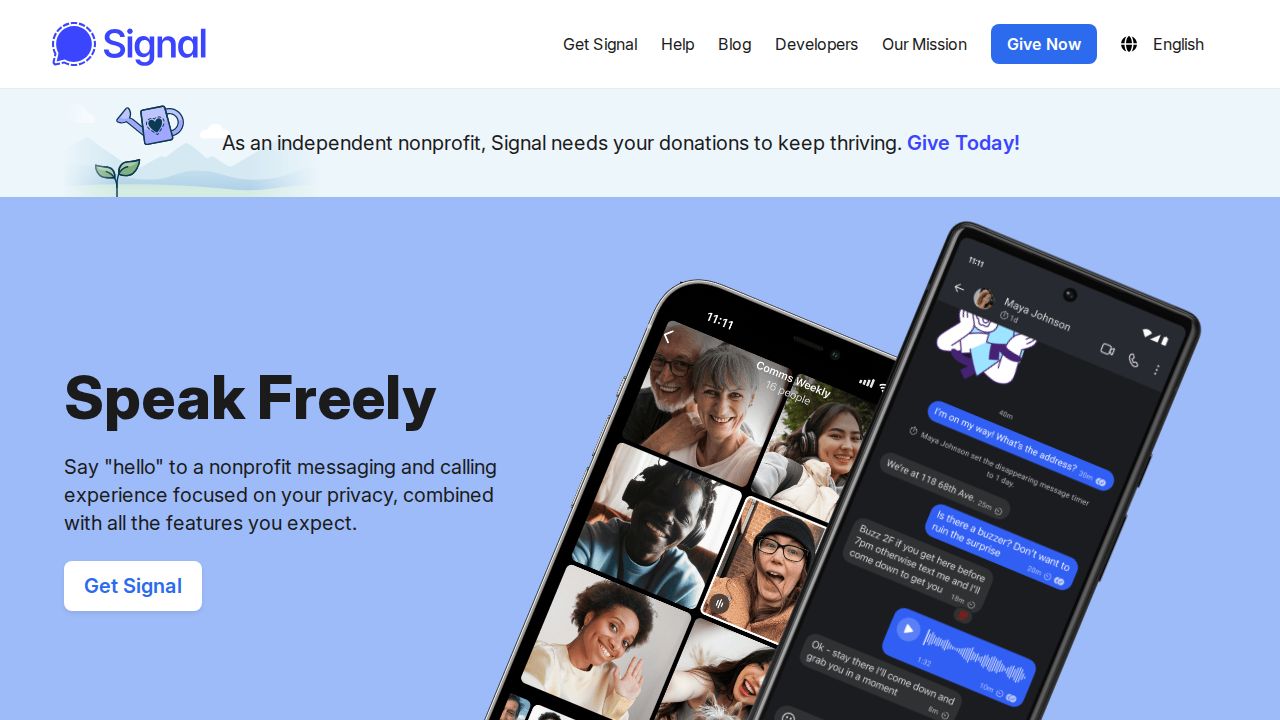
Best for private chats with no ads or tracking Signal is the default pick for private messaging. It is built on the open source Signal Protocol, and the organization states that it cannot read your messages or listen to your calls. It is an independent nonprofit funded by grants and donations, with no ads and no tracking.
What stands out
- Free, funded by grants and donations
- End-to-end encryption based on the open source Signal Protocol
- States no ads, no affiliate marketers and no tracking
- Text, voice messages, photos, videos, files, group chats, and voice and video calls
- Apps for Android, iPhone and iPad, Windows, Mac and Linux
Keep in mind
- Registration uses a phone number that can receive an SMS or call
- Your contacts need to install Signal too
 WhatsApp
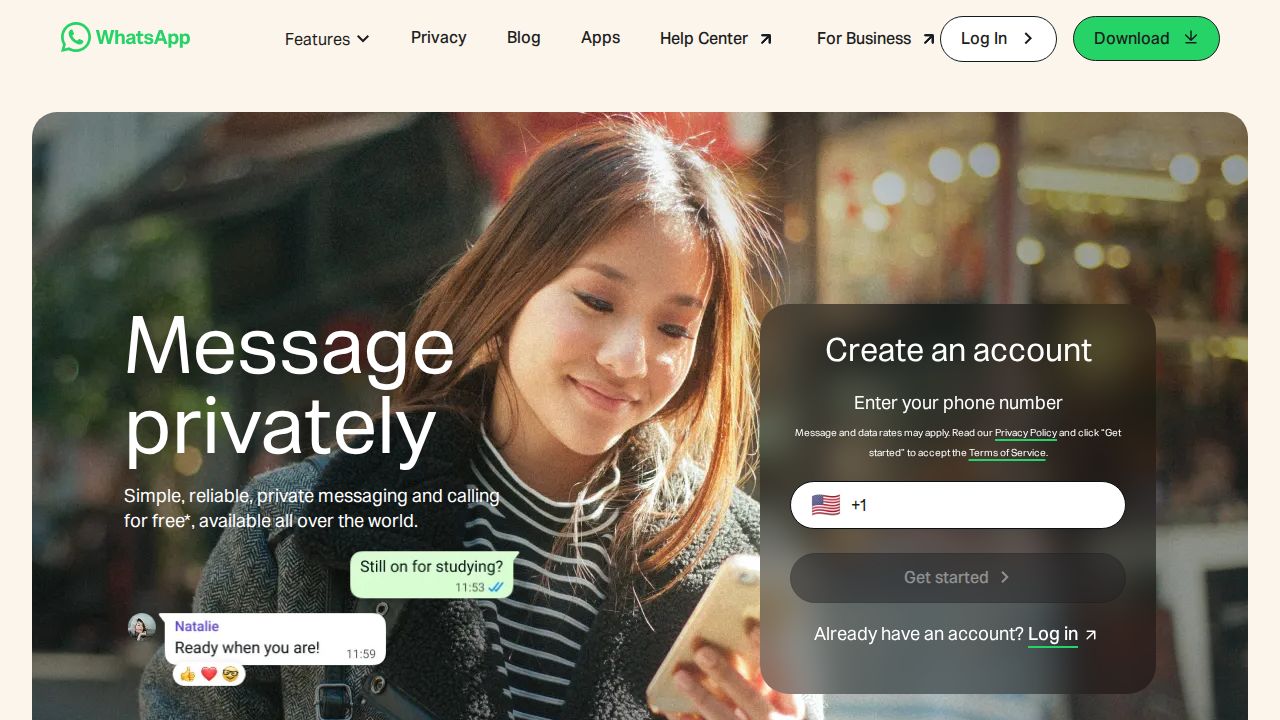
Best for reaching people who already use it WhatsApp is the practical choice when the people you talk to are already on it. The company states that personal messages, calls, photos and videos are end-to-end encrypted and that not even WhatsApp can see them. It also lists disappearing messages, chat lock and two-step verification.
What stands out
- Free messaging and calling (data charges may apply)
- States end-to-end encryption for personal messages, calls, photos and videos
- Disappearing messages and password-protected locked chats
- Two-step verification with a PIN
- Works on mobile, desktop, tablet and the web
Keep in mind
- Encrypted backups are an option you have to turn on
- Accounts are registered to a phone number
 Threema
Best for messaging without a phone number Threema trades a small one-time fee for anonymity. The company states that it does not require a phone number or email address, that messages, calls and files are end-to-end encrypted, and that its servers are in Switzerland. The code is open source, with reproducible builds.

What stands out
- One-time purchase, listed at 6.00 (varies by app store and country)
- No phone number or email address required
- End-to-end encrypted messages, calls and files, with Perfect Forward Secrecy
- Open source code and regular external security audits, per the company
Keep in mind
- No free version for private use
- Your contacts also have to buy the app
- Business plans are separate, from 3.00 per user a month with annual payment
 Session
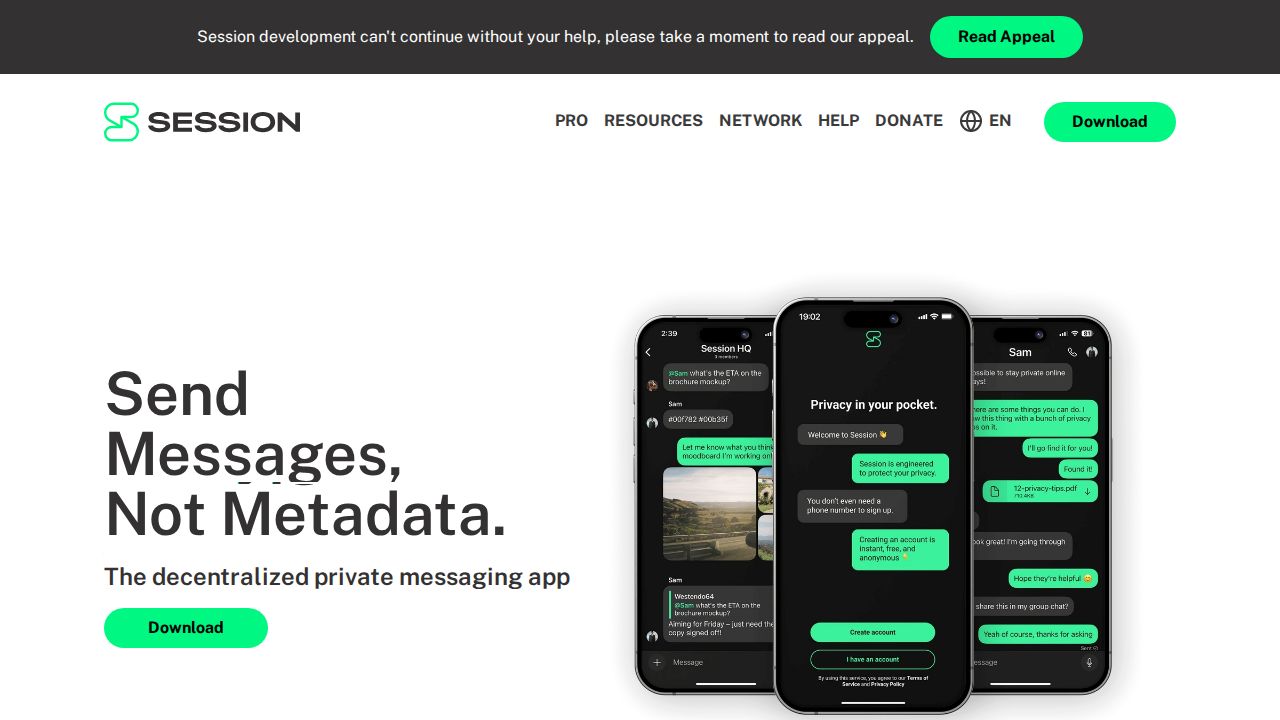
Best for anonymous accounts and onion routing Session is designed to keep metadata to a minimum. You sign up with an Account ID, not a phone number or email, and the project states that messages travel over onion-routed paths on a decentralized network. The code is open for anyone to view and audit.
What stands out
- Free tier with end-to-end encrypted messaging
- No phone number or email required to sign up
- Onion routing and a decentralized network
- Open source, with apps for Android, iPhone and desktop
Keep in mind
- Attachments on the free tier are limited to 10 MB
- Session Pro, from $2.99 a month, is needed for longer messages and unlimited pinned chats
- Larger attachments and bigger groups are listed as coming soon to Pro, not available now
 Wire
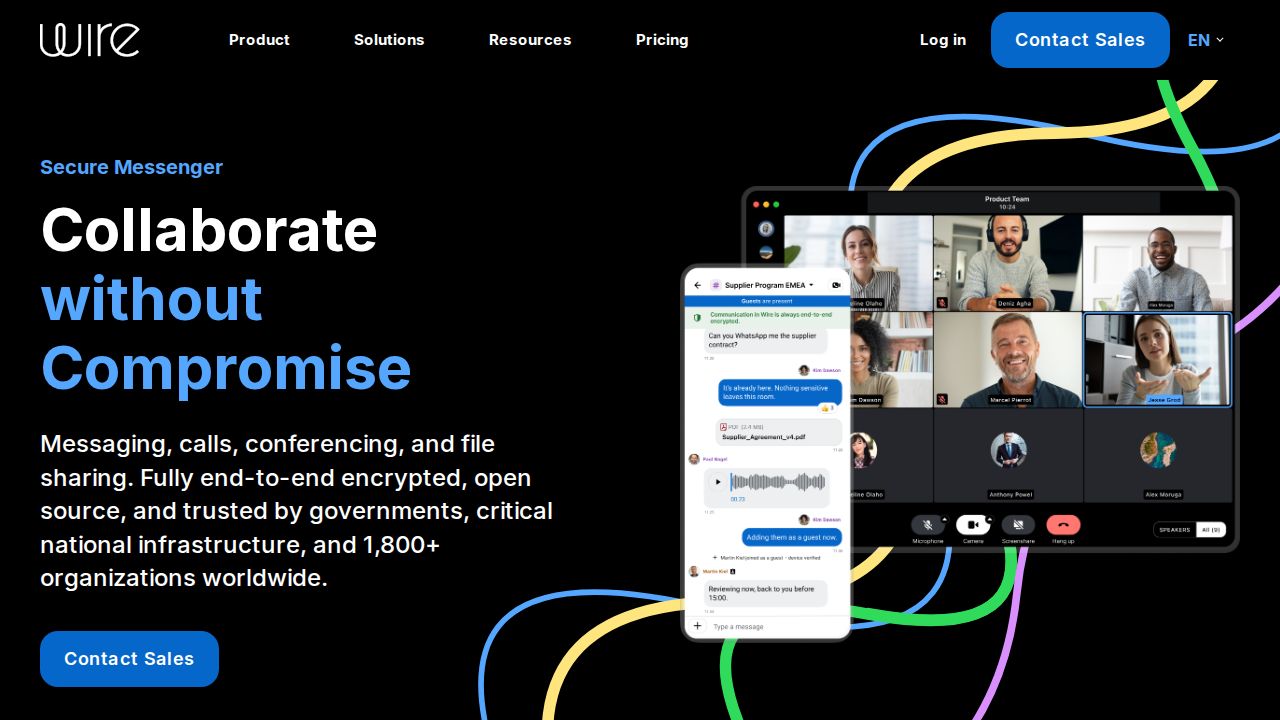
Best for small teams that need secure chat Wire is aimed at work. Its free plan covers small teams of up to 5 people with encrypted messaging, calls and file sharing on up to 8 devices. The company states that every plan has end-to-end encryption and points to an open-source codebase that can be audited.
What stands out
- Wire for Free covers teams of up to 5 people
- States end-to-end encryption on every plan
- Encrypted messaging, calls and file sharing, with screen sharing
- Up to 8 devices and groups of up to 500 on the free plan
Keep in mind
- Conference calls with more than 2 participants are not on the free plan
- The paid SMB plan is priced in euros, at 7.45 per person a month with annual payment
 Element
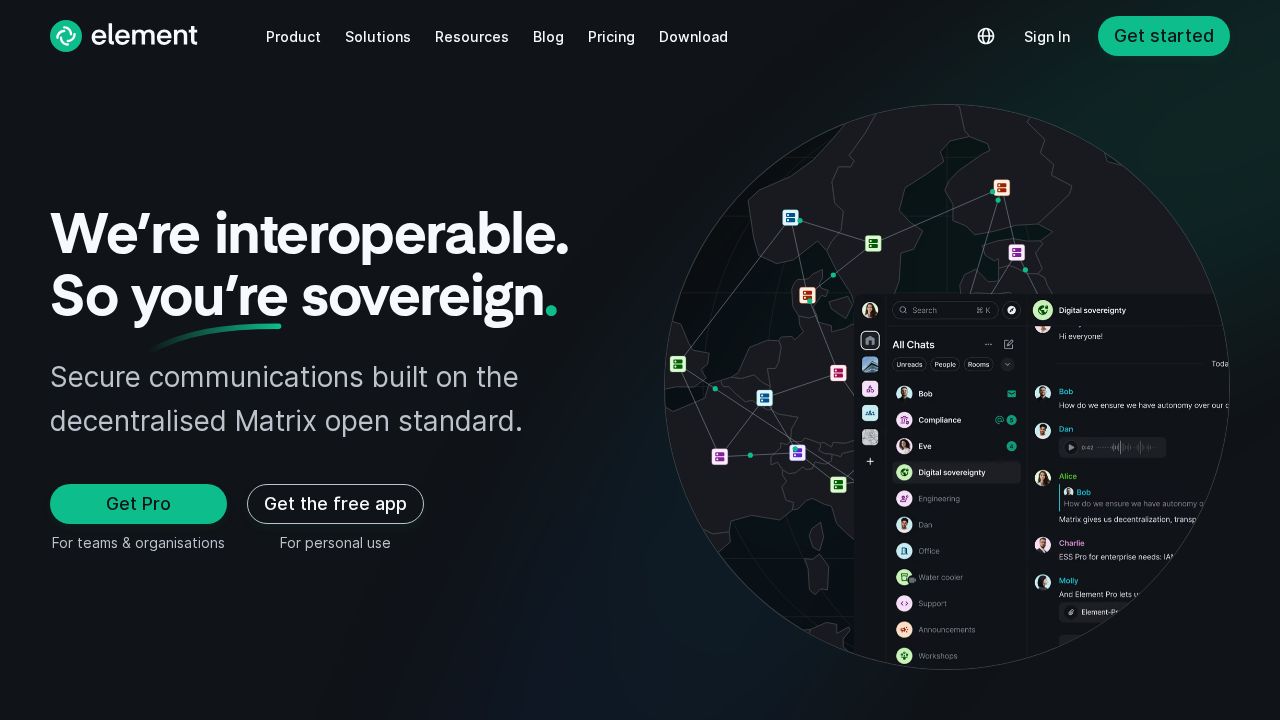
Best for self-hosting and open standards Element is the main app for Matrix, an open, decentralized standard. That means you are not tied to one company's servers and can host your own. Element states that messaging and calls are end-to-end encrypted, and it offers a free app for personal use.
What stands out
- Free app for personal use
- States end-to-end encrypted messaging and calls
- Built on the decentralized Matrix open standard
- Free, open source Community server suite for self-hosting (AGPL)
Keep in mind
- Rooms can be configured without encryption
- Enterprise pricing is per seat and not published
- Choosing or running a server adds setup work compared with Signal or WhatsApp
How we chose
We compared what each company publishes on four things:
- Encryption statement. Whether the company states that messages and calls are end-to-end encrypted, and by default.
- Sign-up requirements. Whether you need a phone number or email address.
- Cost. Free, one-time purchase or subscription.
- Openness. Whether the company says the code or protocol is open source.
This list is based on what each company publishes, not lab testing. We did not audit any app’s encryption. Where a company does not publish a price, we write “See site” instead of guessing.
How to choose
- You want the simplest private option. Pick the app that is free, encrypted by default and easy for friends to install.
- Your family will not switch apps. Use the encrypted app they already have, and turn on its extra privacy settings.
- You do not want to share a phone number. Choose an app that creates an account without one.
- You need it for a team. Look at apps with admin tools, larger groups and business plans.
- You want control of the server. Choose an app built on an open standard that you can self-host.
Settings worth turning on
- Set a registration PIN or two-step verification so nobody can take over your account.
- Turn on encrypted backups if the app offers them as an option.
- Use disappearing messages for sensitive chats.
- Lock the app or specific chats with a passcode or biometrics.
- Verify safety numbers or contact keys with people you message often, if the app supports it.
Frequently asked questions
What is the most secure messaging app?
There is no single answer, but Signal is the usual recommendation. It states that messages and calls are end-to-end encrypted with the open source Signal Protocol and that it has no ads or tracking.
Is WhatsApp end-to-end encrypted?
WhatsApp states that personal messages, calls, photos and videos are end-to-end encrypted. Backups in iCloud or Google Drive are covered only if you turn on encrypted backups.
Which encrypted messenger works without a phone number?
Threema and Session both state that no phone number or email address is required. Threema is a one-time purchase. Session has a free tier.
Are encrypted messaging apps free?
Mostly. Signal, WhatsApp, Session, Wire and Element can all be used for free. Threema is a one-time purchase listed at 6.00, and Session sells an optional Pro tier from $2.99 a month.
Sources
How we wrote this
This list is based on each company's published plans, prices and feature pages, not on hands-on lab testing. Facts were last checked on November 17, 2026. See our editorial policy.