No company paid to be on this list. Prices were checked on November 17, 2026 and can change. How we make money.
At a glance
| # | Product | Best for | Starting price | Free option |
|---|---|---|---|---|
| 1 | The longest free feature list | Free | Free plan | |
| 2 | Built-in protection on Windows 11 | Free | Free plan | |
| 3 | Free cover on PC, Mac and phones | Free | Free plan | |
| 4 | Light, basic protection on Windows | Free | Free plan | |
| 5 | Free extras beyond antivirus | Free | Free plan | |
| 6 | Cleaning up an existing infection | Free | Free plan (no real-time) |
The list
 Avast Free Antivirus
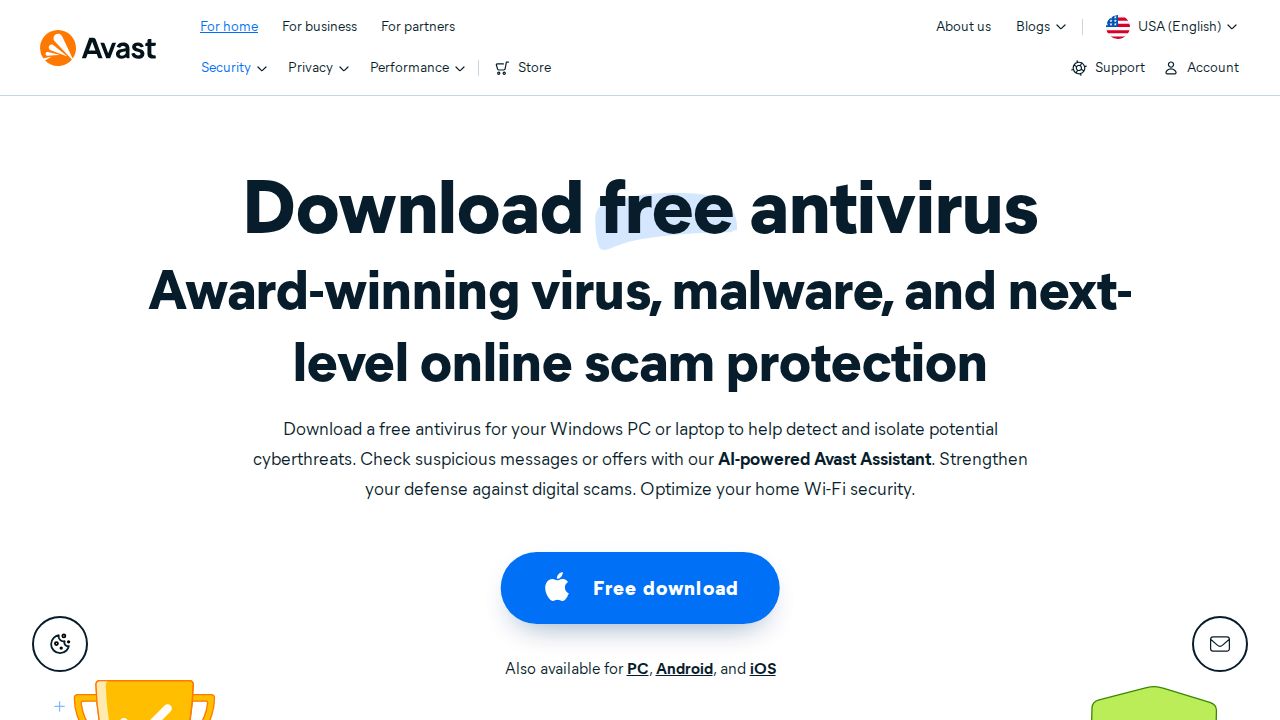
Best for the longest free feature list Avast Free Antivirus lists more features than most free tools. The Windows app includes file, behavior, web and mail shields, a firewall, Ransomware Shield, Wi-Fi network checks and alerts when an email password shows up in a leak. Separate free apps cover Mac, Android and iOS. Avast promotes Premium Security as the upgrade.
What stands out
- File Shield, Behavior Shield, Web Guard and Mail Shield
- Firewall and Ransomware Shield in the free Windows app
- Wi-Fi network security checks and Network Inspector
- Free apps for Windows, Mac, Android and iOS
Keep in mind
- After 12 months the app may ask you to reactivate
- The page promotes Premium Security for more advanced features
 Microsoft Defender Antivirus
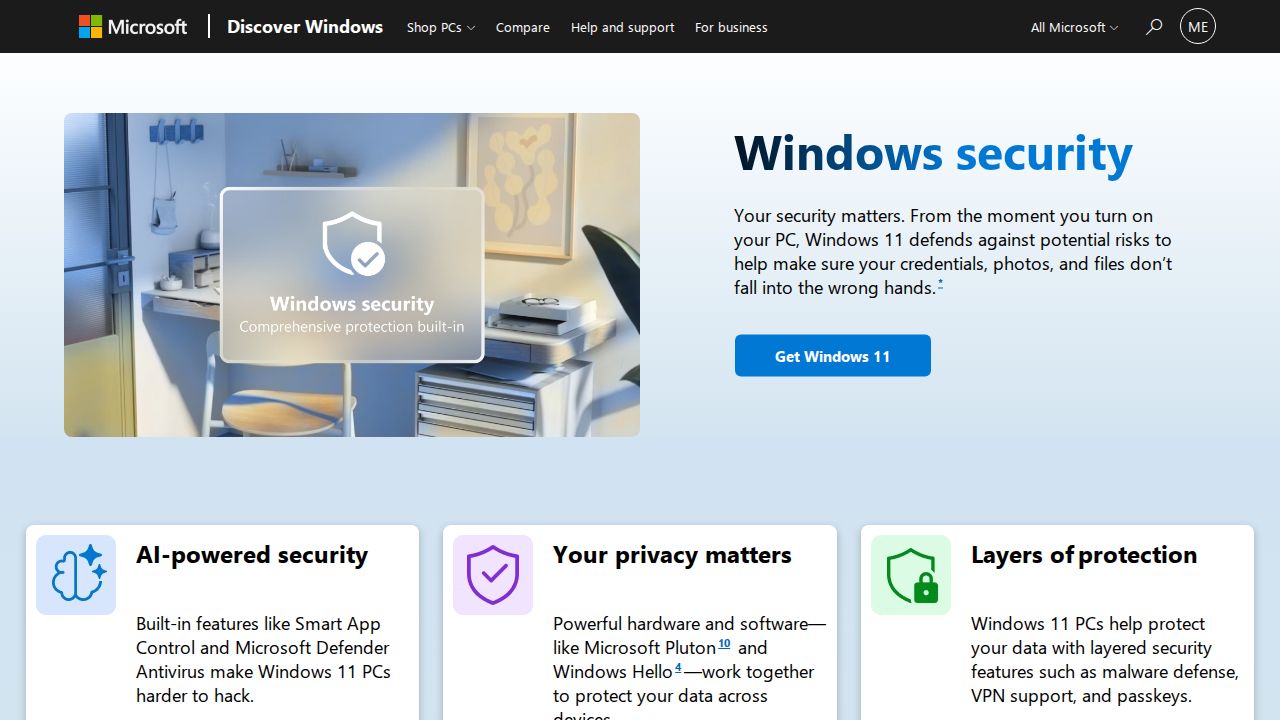
Best for built-in protection on Windows 11 Microsoft Defender Antivirus is the simplest choice because Windows 11 PCs come with it built in. It provides always-on, real-time protection, and Windows Security adds Windows Firewall and SmartScreen warnings for risky sites, apps and downloads. It is a sensible baseline if you do not want to install anything else on your computer.
What stands out
- Built into Windows 11 at no extra cost
- Always-on, real-time antivirus protection
- Windows Firewall blocks unwanted traffic
- SmartScreen warns about malicious sites, apps and downloads
Keep in mind
- The built-in protection is for Windows PCs only
- Advanced protection across devices is sold as a separate Microsoft Defender subscription
 AVG AntiVirus Free
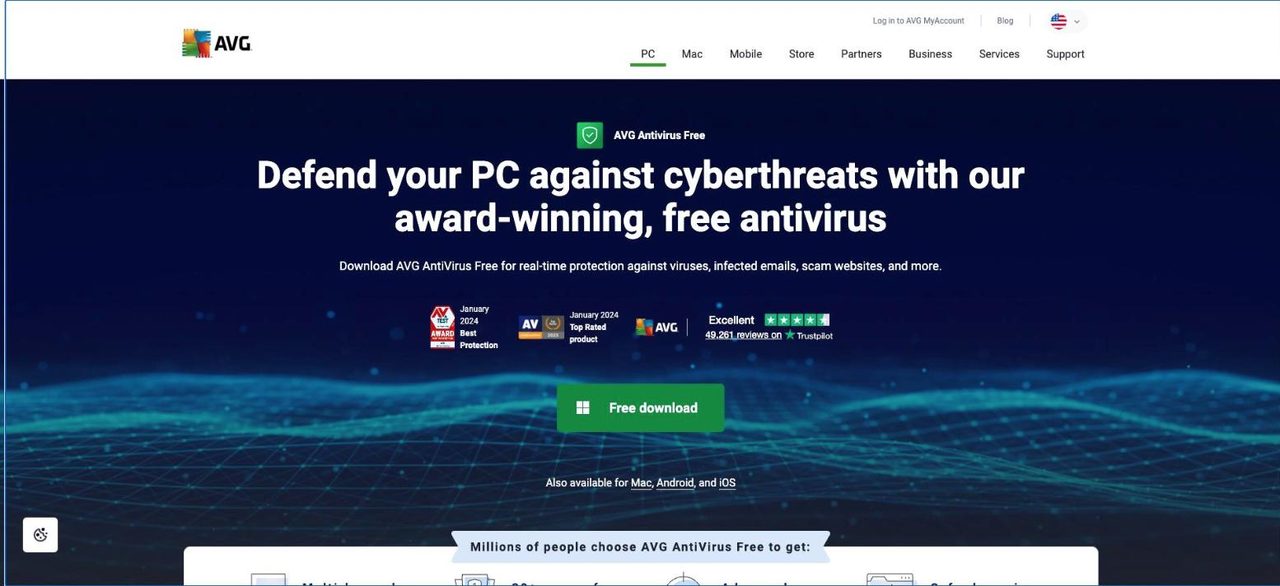
Best for free cover on PC, Mac and phones AVG AntiVirus Free is a good match if your household mixes platforms. It runs on Windows, macOS, Android and iOS and lists real-time protection against viruses, ransomware and spyware, plus checks on email and scam websites. It also alerts you if a password tied to your email is exposed.
What stands out
- Real-time protection against viruses, ransomware and spyware
- Works on Windows, macOS, Android and iOS
- Monitors incoming and outgoing email for threats
- Alerts when a password linked to your email is exposed
Keep in mind
- For personal and family use only, not business use
- The page promotes paid AVG Internet Security without showing its price
 Bitdefender Antivirus Free
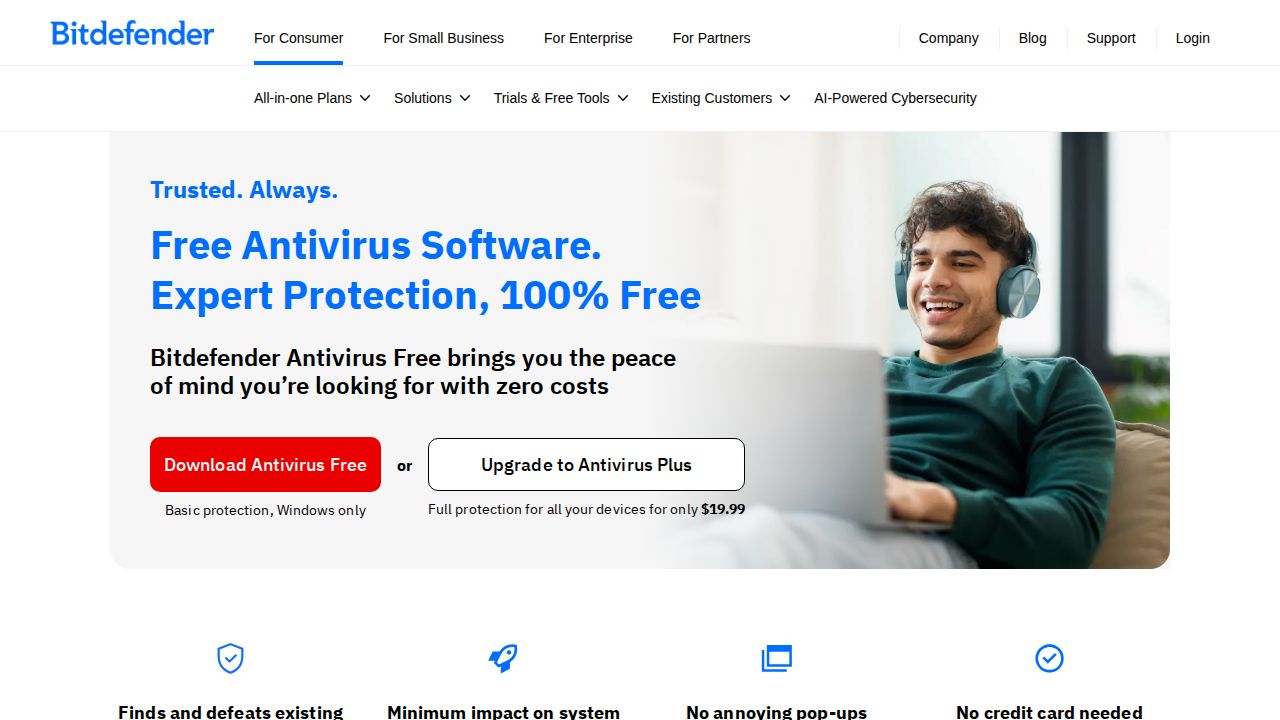
Best for light, basic protection on Windows Bitdefender Antivirus Free covers the basics on a Windows PC: real-time protection against ransomware, phishing and malicious websites, plus customizable scans and a virus cleaner. It also includes a small VPN allowance. You need a free Bitdefender Central account to install it, and it does not run on Mac or phones.
What stands out
- Real-time protection against ransomware, phishing and malicious websites
- Customizable virus scans and a virus cleaner
- Advanced Threat Defense shows where a threat came from
- Basic VPN with 200 MB of traffic per device per day
Keep in mind
- Windows only
- Requires a free Bitdefender Central account
- Ransomware remediation that restores encrypted files needs Antivirus Plus
 Avira Free Security
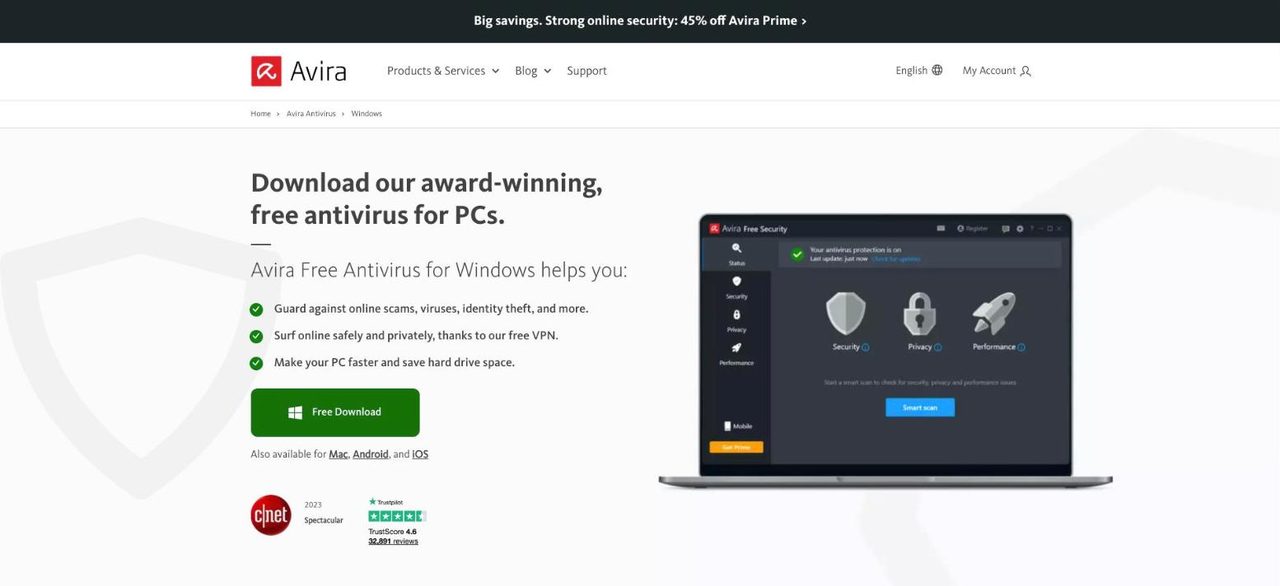
Best for free extras beyond antivirus Avira Free Security bundles more than a virus scanner. Along with antivirus and phishing protection, the free Windows app lists a software updater, cleanup tools for junk and duplicate files, a password manager and a free VPN. The Avira Firewall and web protection are kept for the paid Antivirus Pro version.
What stands out
- Antivirus with phishing protection and a browser extension that blocks unsafe sites
- Software updater for PC apps
- Password manager and a free VPN included
- Quick, full, custom and scheduled scans
Keep in mind
- Web protection and the Avira Firewall need Avira Antivirus Pro
- The page does not state the free VPN's data limit
- Mobile protection comes as separate Android and iOS apps
 Malwarebytes Free
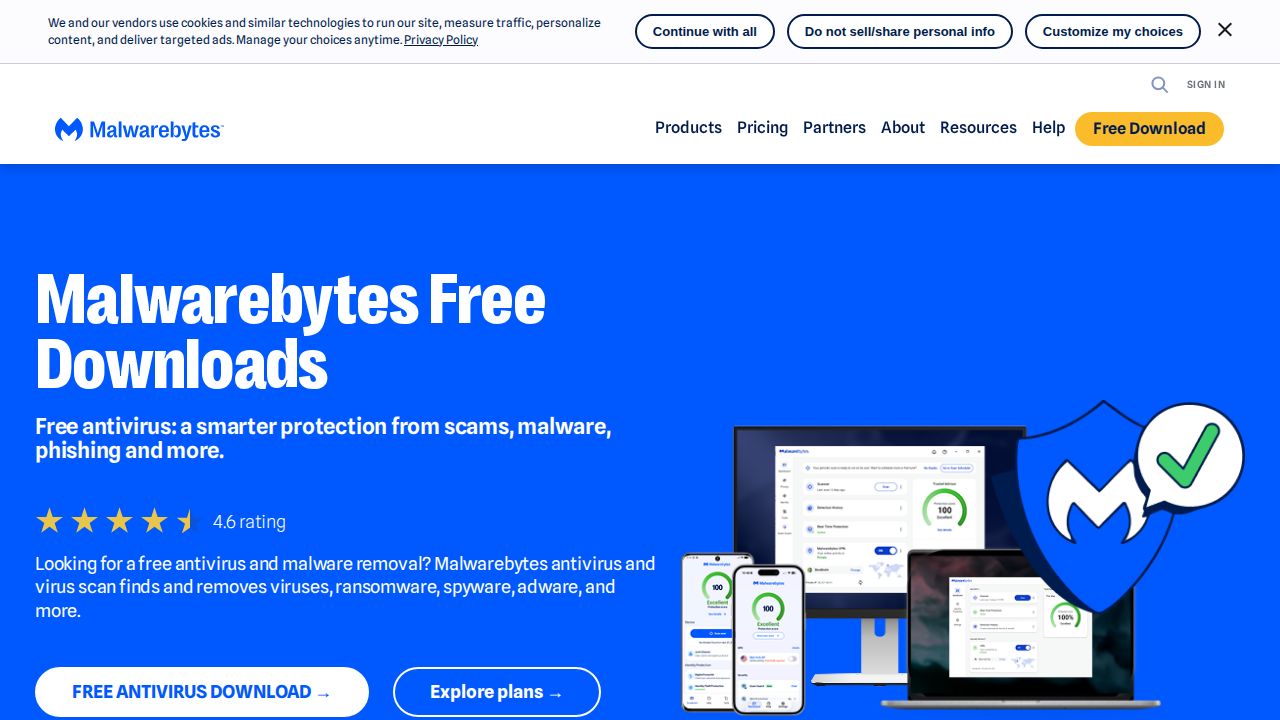
Best for cleaning up an existing infection Malwarebytes Free is a cleanup tool, not full-time protection. It scans for and removes malware that is already on your device, which makes it useful as a second opinion next to another antivirus. Real-time protection, ransomware protection and malicious site blocking are all part of the paid Premium Security plan.
What stands out
- Scans for and removes malware already on your device
- Free to download from the company's own site
- Other free tools available, including AdwCleaner and Browser Guard
Keep in mind
- No real-time protection in the free version
- Ransomware protection and malicious site blocking need Premium
- Premium Security is $29.99 for the first year on sale, then $59.99 a year
How we chose
We only included programs that are free to keep using, from companies with a long record in security software. We compared what each company publishes about its free version:
- Real-time protection. Does it block threats as they arrive, or only scan on demand?
- Platforms. Windows only, or also Mac, Android and iOS.
- Extras. Firewall, ransomware protection, VPN allowance and password alerts.
- Limits. What is held back for the paid version, and any license restrictions.
This list is based on published features, not lab testing. We did not measure detection rates. Every product here is free, so the price column shows “Free”. Where a detail was not published on the day we checked, we say so instead of guessing.
Free or paid: which do you need?
A free antivirus is usually enough if you:
- Use one or two personal devices
- Keep your operating system and apps up to date
- Do not need a VPN, parental controls or identity monitoring
Consider a paid plan when you want one subscription for the whole household, an unlimited VPN, or features the free version holds back, such as a firewall or ransomware remediation.
How to set up free antivirus safely
- Download the installer from the company’s own website, not from a download portal.
- Use only one real-time antivirus at a time. Uninstall the old one before you install a new one.
- During setup, read each screen and decline extra offers you do not want.
- Run a full scan once the program is installed.
- Leave automatic updates on so the program keeps up with new threats.
- Keep an on-demand scanner such as Malwarebytes Free for a second opinion if something looks wrong.
Frequently asked questions
Is free antivirus good enough?
For basic protection on a home PC, it can be. Avast, AVG, Bitdefender, Avira and Microsoft Defender Antivirus all list real-time protection in their free versions. Paid plans add extras such as an unlimited VPN, a firewall or cover for more devices.
Do I need antivirus if I have Windows 11?
Windows 11 already includes Microsoft Defender Antivirus with real-time protection, Windows Firewall and SmartScreen. A third-party free antivirus is optional and mostly adds extra tools.
Is there a free antivirus for Mac, Android or iPhone?
Yes. Avast and AVG both offer free apps for Mac, Android and iOS. Bitdefender Antivirus Free is for Windows only.
What is the catch with free antivirus?
Free versions leave out features to encourage upgrades. Bitdefender caps its free VPN at 200 MB a day per device, Avira keeps its firewall for the paid version, and Malwarebytes Free has no real-time protection.
Can I use free antivirus for my business?
Check the license first. AVG states that its free antivirus is for personal and family use only, not business or commercial use.
Sources
How we wrote this
This list is based on each company's published plans, prices and feature pages, not on hands-on lab testing. Facts were last checked on November 17, 2026. See our editorial policy.