No company paid to be on this list. Prices were checked on November 17, 2026 and can change. How we make money.
At a glance
| # | Product | Best for | Starting price | Free option |
|---|---|---|---|---|
| 1 | A full editor without paying | $17/mo | Free plan (Wix branding) | |
| 2 |  WordPress.com | A free blog that can grow | $4/mo | Free plan (ads, subdomain) |
| 3 | Selling online for $0 a month | $49/mo | Free plan (no custom domain) | |
| 4 | Learning a professional design tool | $15/mo | Free plan (2 pages) | |
| 5 | A modern one-off page or portfolio | $10/mo | Free plan (Framer domain) | |
| 6 | A basic site with a simple editor | $13/mo | Free plan | |
| 7 | Simple one-page sites | $9/yr | Free plan |
The list
 Wix
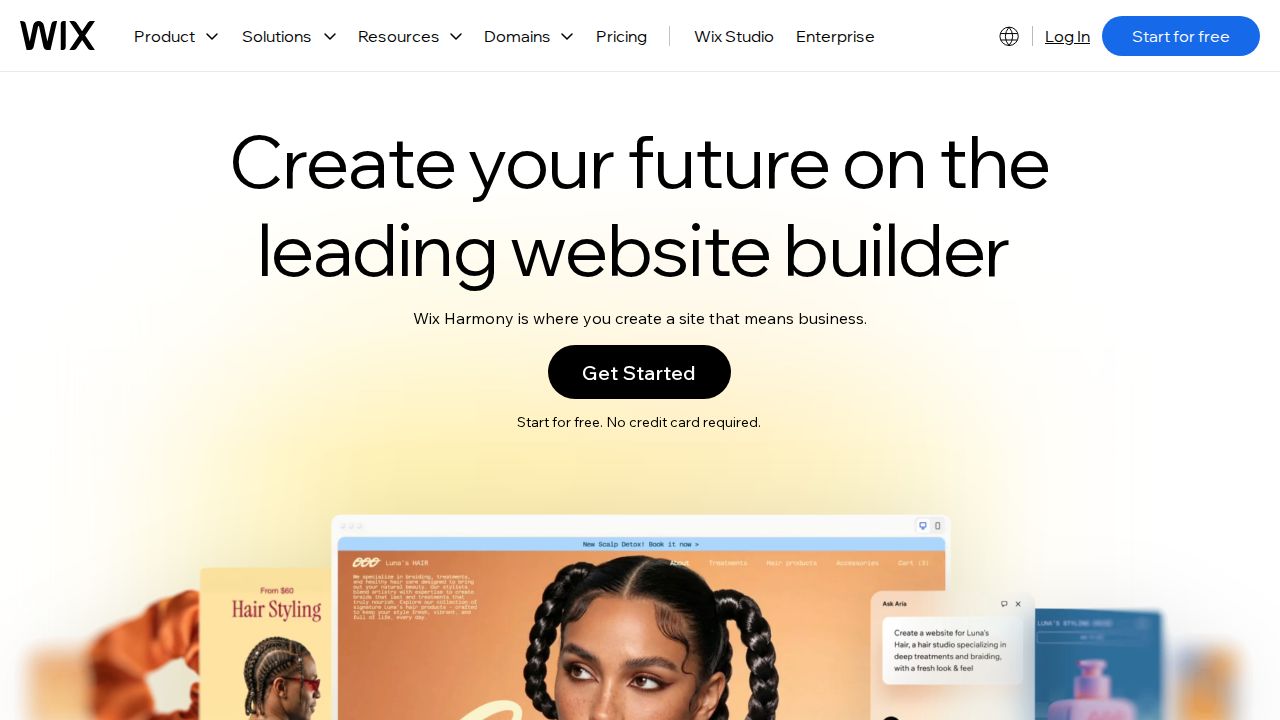
Best for a full editor without paying Wix gives free users the same drag-and-drop editor and template library as paying customers, which makes it the most complete free starting point. The limits are clear: up to 500 MB of storage, up to 1 GB of bandwidth, Wix branding on the site and a wixsite.com address.
What stands out
- Free plan includes the drag-and-drop editor and templates
- Up to 500 MB of storage and up to 1 GB of bandwidth on the free plan
- Free hosting included
- Upgrade path starts at $17 a month on a yearly subscription (Light plan)
Keep in mind
- Free sites show Wix branding, and sometimes ads
- Address is in the form siteprefix.wixsite.com/siteaddress and cannot be customized
- No way to take online payments on the free plan
WordPress.com
Best for a free blog that can grow WordPress.com is the natural free choice for writing. The free plan has no expiration date and includes 1 GB of storage. Visitors will see WordPress.com ads and your address will be a wordpress.com subdomain until you move to Personal, which costs $4 a month billed yearly.

What stands out
- Free plan with no expiration date
- 1 GB of storage on the free plan
- Personal plan ($4 a month billed every 12 months) removes ads and adds 6 GB of storage
- Annual paid plans include a custom domain free for one year
Keep in mind
- Free sites show WordPress.com ads to visitors
- Address is yoursite.wordpress.com on the free plan
- Plugins are not included on the free plan, and payments carry a 10% transaction fee
 Square Online
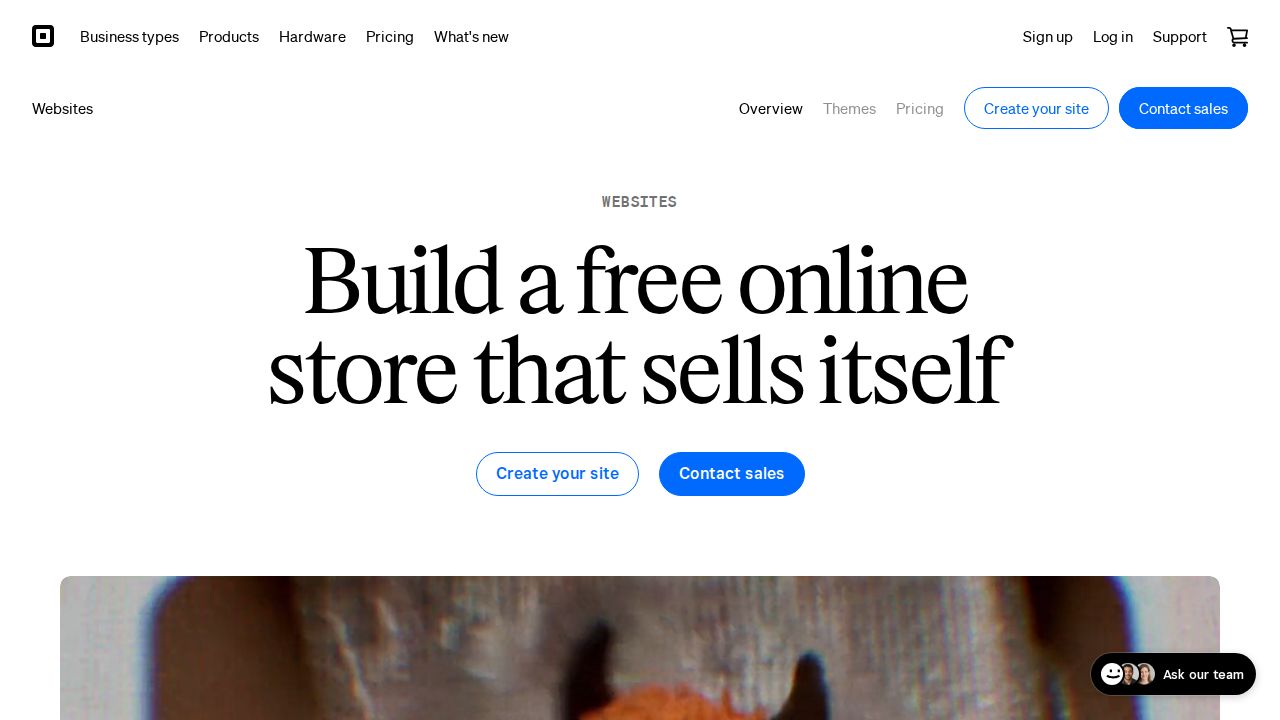
Best for selling online for $0 a month Square Online is the free option built for selling. The Square Free plan costs $0 a month and includes an online site, an item library, invoicing and booking. Hosting and a free SSL certificate are included. You pay a processing fee on each sale, and a custom domain needs a paid plan.
What stands out
- Square Free plan is $0 a month and includes an online site
- Shipping, local delivery and in-person pickup options on the free store
- Accepts Apple Pay, Google Pay and Afterpay
- Hosting and a free SSL certificate included
Keep in mind
- Custom domains are not available on the free plan
- Square charges a processing fee on every online sale; check the pricing page for the current rate
- The next step up, Square Plus, is $49 a month per location
 Webflow
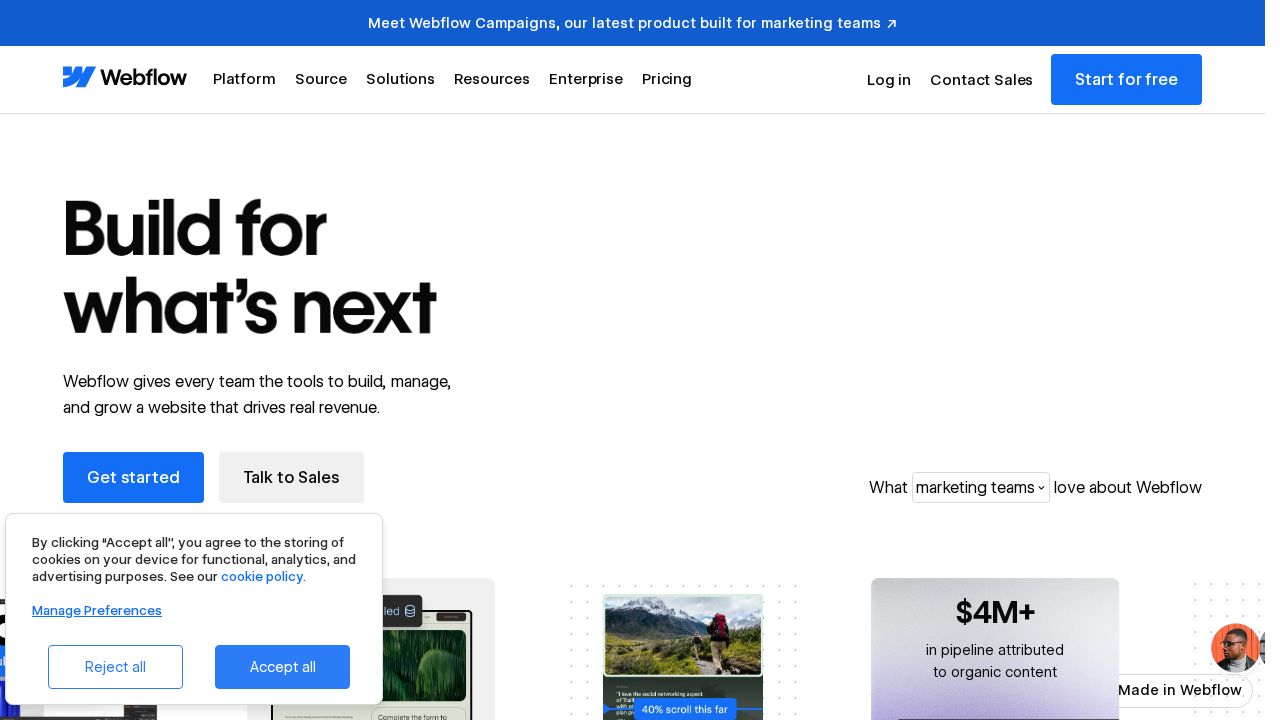
Best for learning a professional design tool Webflow's free Starter plan is best treated as a learning space or a home for a very small site. It publishes to a webflow.io address with 2 static pages, 50 CMS items and 1 GB of bandwidth a month. The Webflow badge stays on Starter sites.
What stands out
- Free Starter site plan
- 50 CMS items and 20 collections on Starter
- 1 GB of bandwidth a month and 50 form submissions
- Basic plan ($15 a month billed yearly) adds a custom domain and 300 static pages
Keep in mind
- Starter is limited to 2 static pages
- webflow.io domain only; no custom domain on Starter
- The Webflow badge cannot be removed on Starter
 Framer
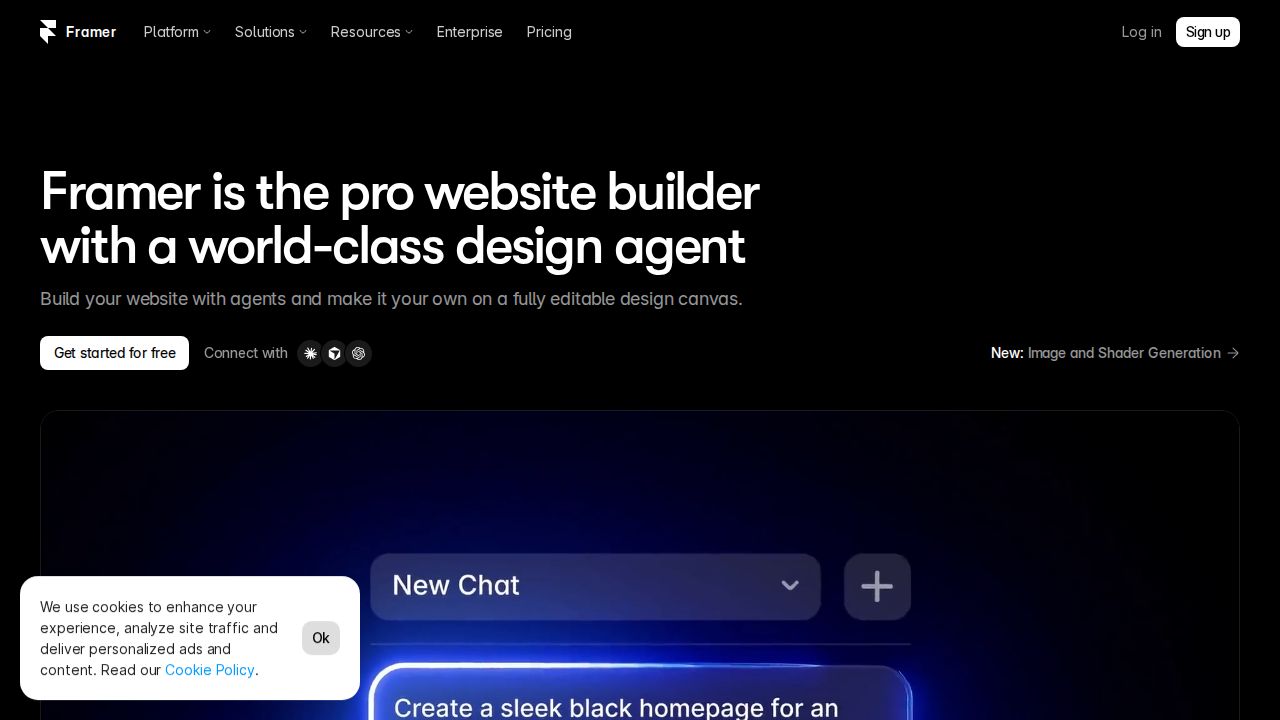
Best for a modern one-off page or portfolio Framer's free plan suits a portfolio or landing page where a Framer address is acceptable. It includes a free Framer domain and 1 GB of bandwidth, with file uploads capped at 5 MB. Connecting your own domain requires the Basic plan, listed at $10 a month.
What stands out
- Free plan with a free Framer domain
- 1 GB of bandwidth on the free plan
- 500 AI credits a month on a free workspace with no active subscriptions
- Basic plan, listed at $10 a month, adds a custom domain
Keep in mind
- A custom domain needs a paid plan
- File uploads are limited to 5 MB on the free plan
 Weebly
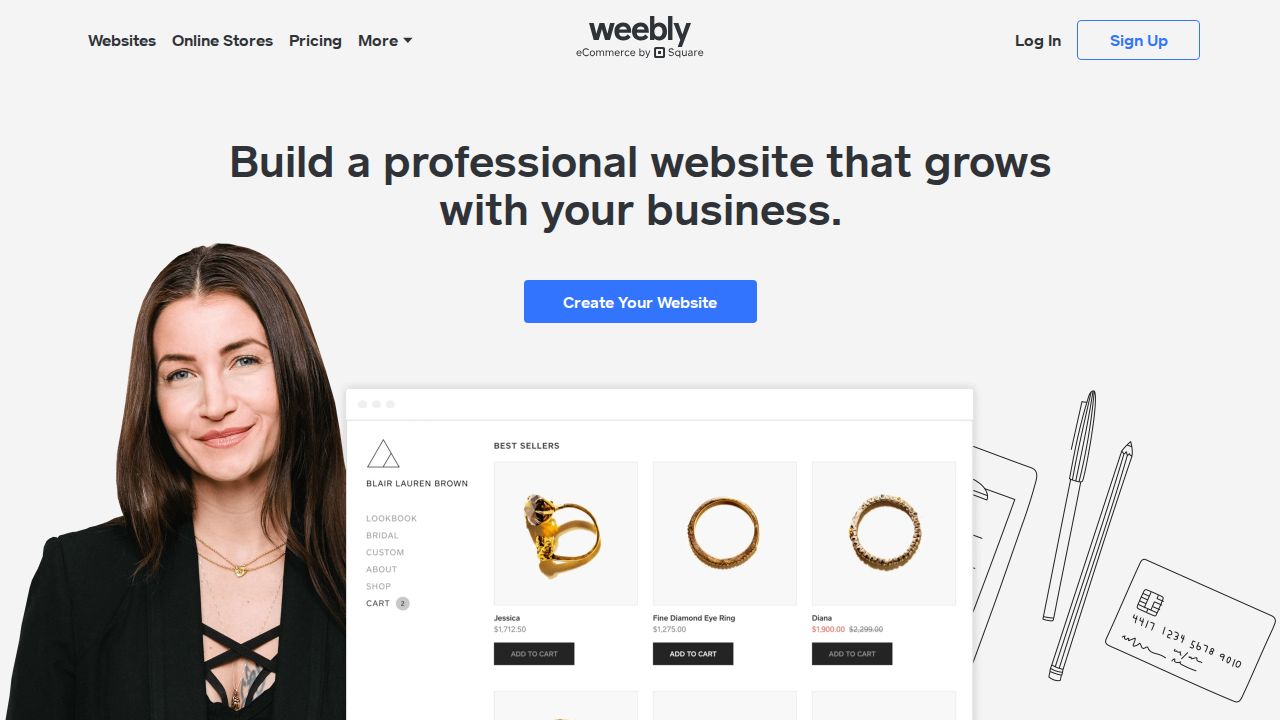
Best for a basic site with a simple editor Weebly, which is part of Square, keeps a $0 plan that its pricing page describes as being for basic use. It is a reasonable pick for a simple personal or club site. Connecting a custom domain starts with the Personal plan at $13 a month billed annually.
What stands out
- Free plan at $0 a month for basic use
- Free hosting listed among its features
- Personal plan ($13 a month billed annually) connects a custom domain
- Professional plan is $15 a month billed annually
Keep in mind
- Connecting a custom domain starts on the Personal plan
- The pricing page does not clearly state the free plan's ad or storage limits
- Personal is $16 on month-to-month billing
 Carrd
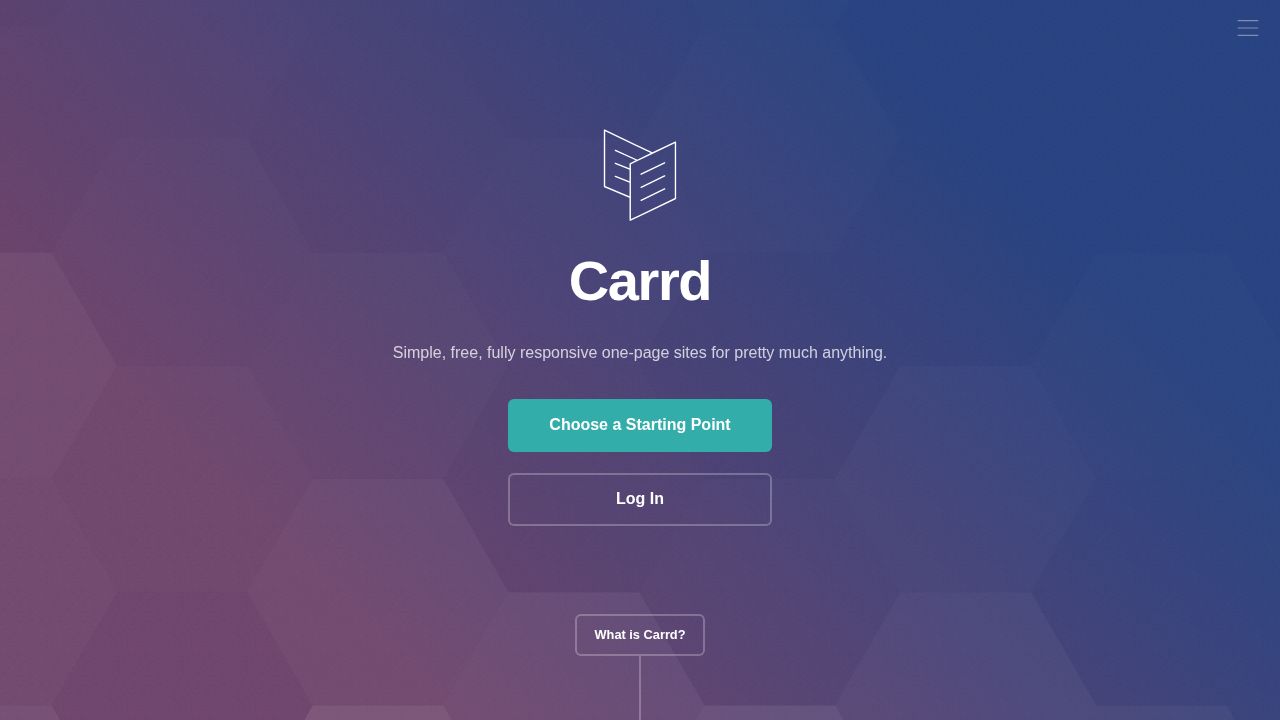
Best for simple one-page sites Carrd is made for one-page sites such as a personal profile, a link page or a simple landing page. It is free to start, and the paid upgrade is the cheapest on this list. Pro Lite costs $9 a year for 3 sites with no Carrd branding, and custom domains begin at Pro Standard.
What stands out
- Free to start for simple one-page sites
- Pro Lite is $9 a year for 3 sites with no branding
- Pro Standard is $19 a year for 10 sites, with custom domains and forms
- All Pro plans are billed per year at published rates
Keep in mind
- Removing Carrd branding requires a Pro plan
- Custom domains and forms are not listed on Pro Lite; they start at Pro Standard
- The Pro page does not spell out the free plan's exact limits
How we chose
We looked at each builder’s published free plan and ranked on four things:
- How much you can build for free. Pages, storage and bandwidth.
- Address. What your free web address looks like.
- Branding and ads. Whether the builder’s name or ads appear on your site.
- Cost to upgrade. The price of the first paid plan when you outgrow the free one.
The price column shows the lowest paid plan we could verify, since every product here is free to start. This list is based on published plans, not lab testing. Where a limit or price was not published, we say so or use “See site”.
What free plans usually leave out
- Your own domain. Expect an address that includes the builder’s name.
- A clean look. Branding, a badge or ads may appear on your pages.
- Room to grow. Storage, bandwidth, pages or uploads are capped.
- Selling. Payments are blocked, or carry extra fees, on several free plans.
When a free plan is enough
A free plan works well for:
- A personal page, resume or portfolio you share by link
- A class project or club site
- Testing an idea before spending money
- Learning a tool such as Webflow or Framer
Move to a paid plan when the site represents a business, when you want your own domain on business cards and email, or when you need to take payments without extra fees. Before upgrading, compare the yearly cost and check whether a domain is included for the first year.
Frequently asked questions
Is there a completely free website builder?
Yes. Wix, WordPress.com, Webflow, Framer, Square Online, Weebly and Carrd all let you publish without paying. In return you accept limits such as a branded address, the builder's branding or ads, and caps on storage or pages.
Can I use my own domain on a free plan?
Not on the plans listed here. WordPress.com, Webflow, Framer and Square Online state that a custom domain needs a paid plan, Wix free addresses cannot be customized, and Weebly and Carrd list custom domains as a paid feature.
Do free website builders put ads on my site?
Some do. WordPress.com shows its ads on free sites, and Wix free sites carry Wix branding and sometimes ads. Webflow keeps its badge on free Starter sites.
Can I sell things on a free website?
Square Online is the free plan built for this, with a $0 monthly plan and a processing fee on each sale. Wix does not allow online payments on its free plan, and WordPress.com charges a 10% transaction fee on the free plan.
What is the cheapest way to remove the limits?
Carrd Pro Lite is $9 a year for one-page sites. For a full site, WordPress.com Personal is $4 a month billed yearly and Framer Basic is listed at $10 a month.
Sources
How we wrote this
This list is based on each company's published plans, prices and feature pages, not on hands-on lab testing. Facts were last checked on November 17, 2026. See our editorial policy.