
No company paid to be on this list. Prices were checked on November 17, 2026 and can change. How we make money.
At a glance
| # | Product | Best for | Starting price | Free option |
|---|---|---|---|---|
| 1 | A free extension with real features | $2.99/mo | Free plan | |
| 2 | Free blocking of ads, trackers and banners | $3/mo | Free plan (10 GB/mo) | |
| 3 | Controlling the full desktop VPN | $2.99/mo | 30-day money-back | |
| 4 | Choosing which sites skip the VPN | $2.99/mo | 30-day money-back | |
| 5 | Ad blocking and leak warnings in one | $2.49/mo | 30-day money-back | |
| 6 | Fine-grained browser privacy settings | $2.03/mo | 30-day money-back | |
| 7 | A free proxy with no account at all | $2.19/mo | Free extension | |
| 8 | A one-switch extension for beginners | $3.33/mo | Free plan (2 GB) |
The list
 Proton VPN
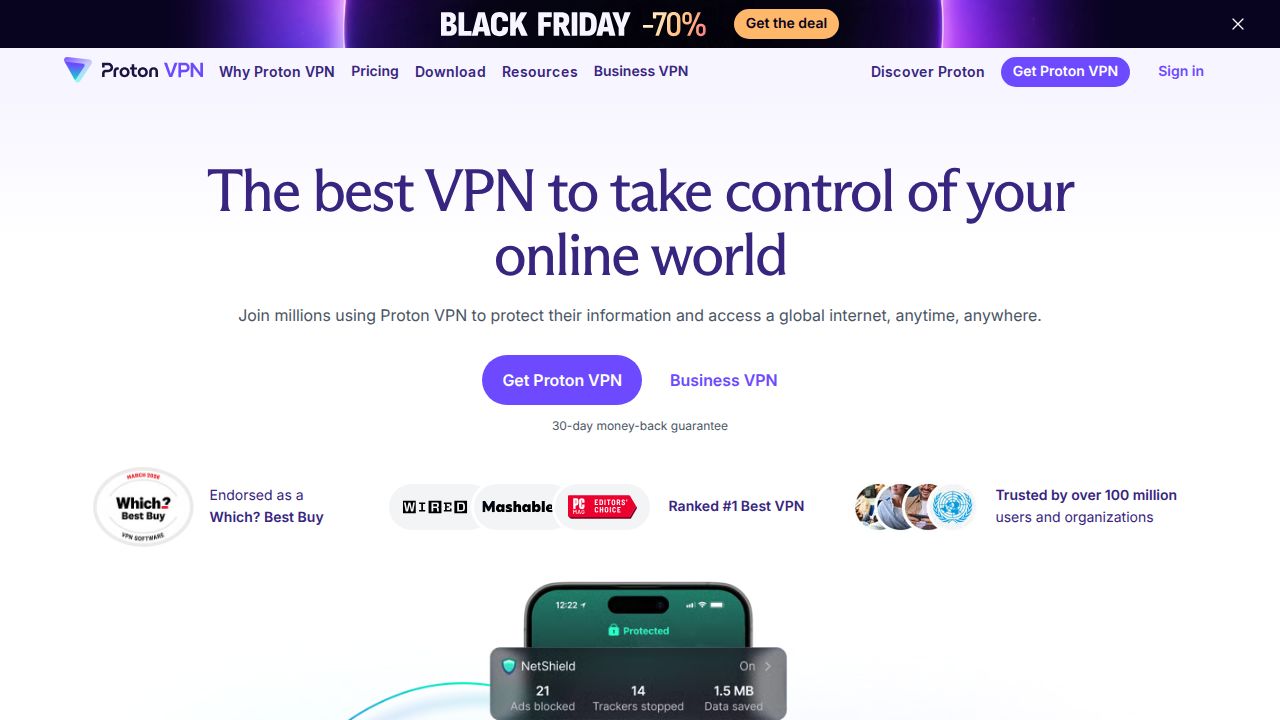
Best for a free extension with real features Proton VPN offers the most capable free extension on this list. It is a standalone product, so you do not need the desktop app, and any Proton account can use it. It includes Quick Connect, auto connect, split tunneling in both include and exclude modes and Secure Core double-hop routing.
What stands out
- Free for anyone with a Proton account; no desktop app required
- Split tunneling with include and exclude modes
- Secure Core routes traffic through two servers
- Works in Chromium browsers such as Edge, Brave and Vivaldi, and in Firefox-based browsers
Keep in mind
- Streaming needs a paid plan
- $2.99 is the first-year VPN Plus rate; it renews at $83.88 a year
- In Firefox, DNS queries are not routed through the VPN by default unless you change a setting
 Windscribe
Best for free blocking of ads, trackers and banners Windscribe packs the most privacy tools into its extension. Ad, tracker, malware and cookie banner blocking are on by default, and it can match your time zone and language to the server you pick. The free tier gives 10 GB a month across 10 countries, with no device limit.

What stands out
- Free tier with 10 GB a month and 10 countries
- Built-in blocking of ads, trackers, malware domains and cookie banners
- Matches location, time zone and language to the connected server
- Smokewall blocks traffic if the proxy drops
Keep in mind
- $3 is the minimum Build A Plan price; the yearly Pro plan is $69, or $5.75 a month
- Only 2 GB is available before you confirm your email
 ExpressVPN
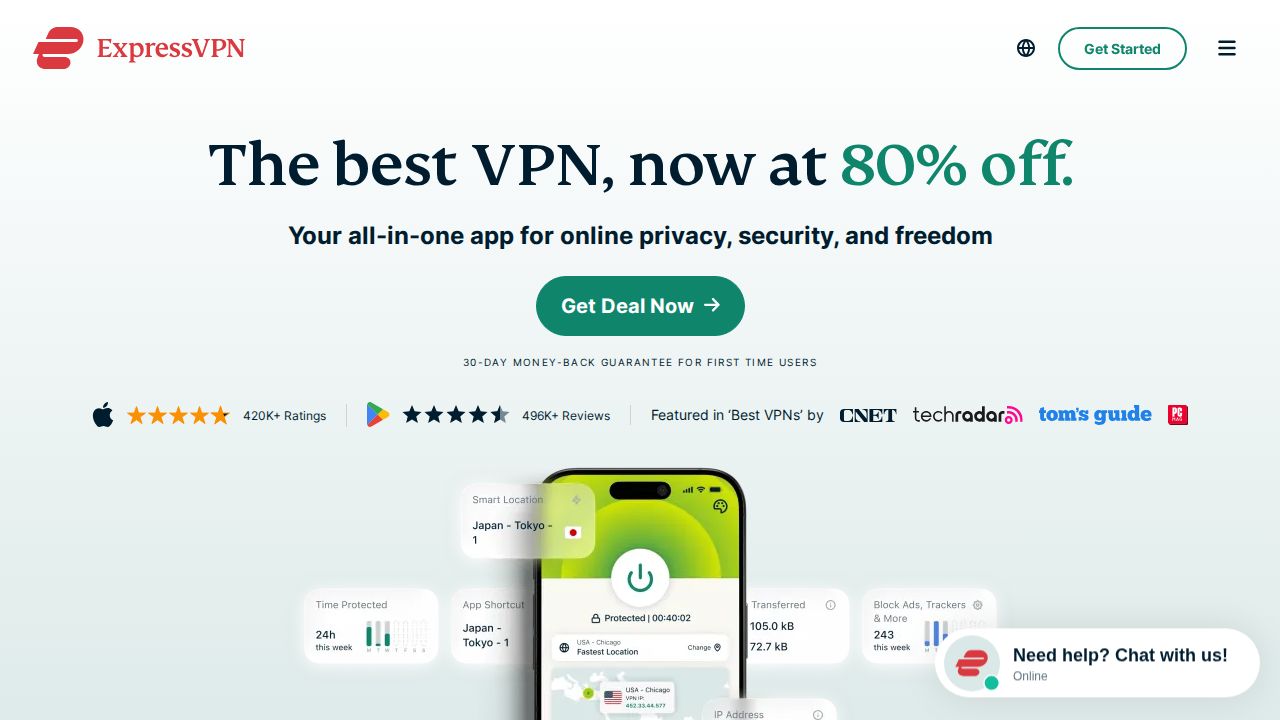
Best for controlling the full desktop VPN ExpressVPN's extension works in two ways. In Remote Control Mode it runs the desktop app, so all device traffic goes through the VPN. In Proxy Mode it works alone and covers only the browser. It also includes Web Protection, location spoofing and WebRTC blocking.
What stands out
- Remote Control Mode routes all device traffic through the desktop app
- Proxy Mode works without the app installed
- Web Protection blocks harmful sites, ads and trackers, with custom block lists
- Supports Chrome, Firefox, Edge, Brave and Vivaldi
Keep in mind
- $2.99 is the first-term rate on the 2-year Basic plan; it renews at $99.95 a year
- Edge has no dedicated listing; you install the Chrome version
 NordVPN
Best for choosing which sites skip the VPN NordVPN's proxy extension is for existing subscribers who want a lighter tool inside the browser. It lets you choose which websites bypass the VPN, blocks WebRTC leaks and includes Threat Protection against scam and phishing domains. You can pick a country or city, or let it choose a server for you.

What stands out
- Split tunneling by website
- Threat Protection blocks dangerous domains and intrusive ads
- WebRTC blocking and a kill switch in proxy settings
- Available for Chrome, Edge and Firefox
Keep in mind
- Needs a paid NordVPN subscription
- $2.99 is a Black Friday rate on the 2-year Basic plan; it renews at $139.08 a year
 Surfshark
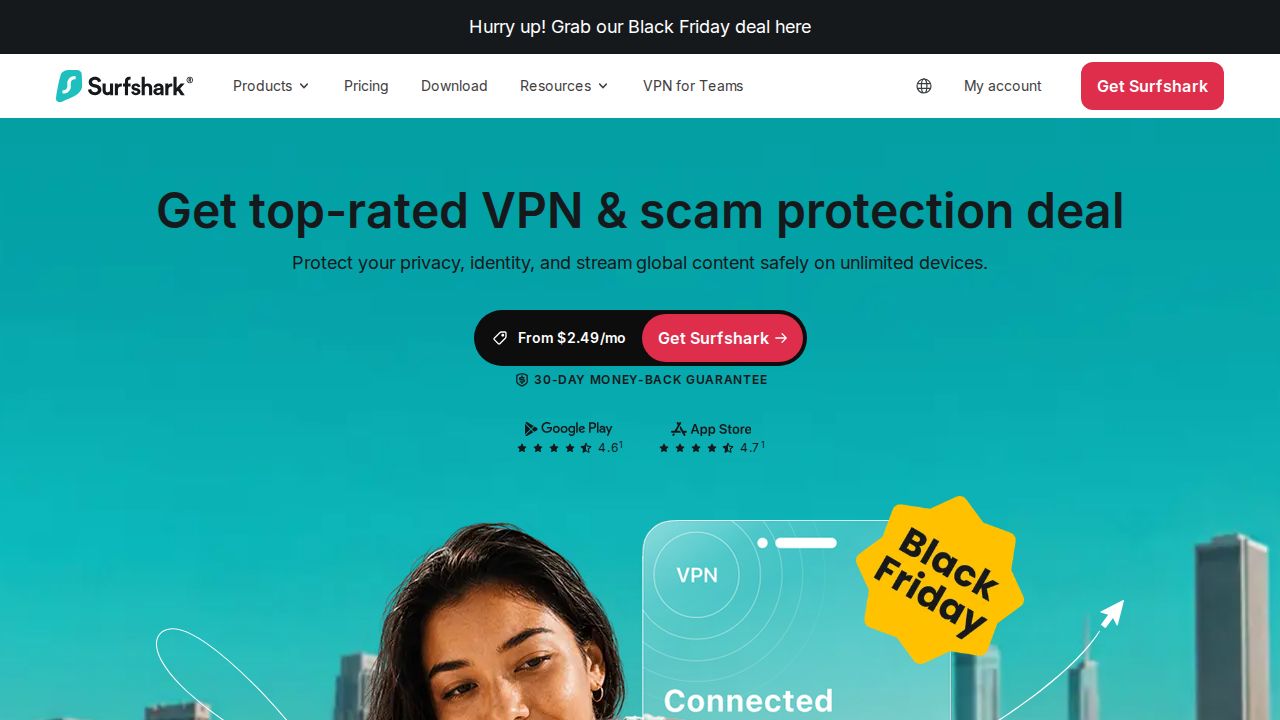
Best for ad blocking and leak warnings in one Surfshark's extension combines the VPN with its CleanWeb blocker, which removes ads, trackers and cookie pop-ups and helps limit browser fingerprinting. It also warns about malware and known data leaks on sites, including in search results. Paid plans allow unlimited simultaneous connections.
What stands out
- CleanWeb blocks ads, trackers and cookie pop-ups
- Warns about malware and data leaks on sites and search results
- WebRTC protection toggle
- Works in Chrome, Edge and Firefox with one account
Keep in mind
- Needs a paid plan
- $2.49 is a Black Friday rate for the first 27 months; the renewal price is not shown
 Private Internet Access
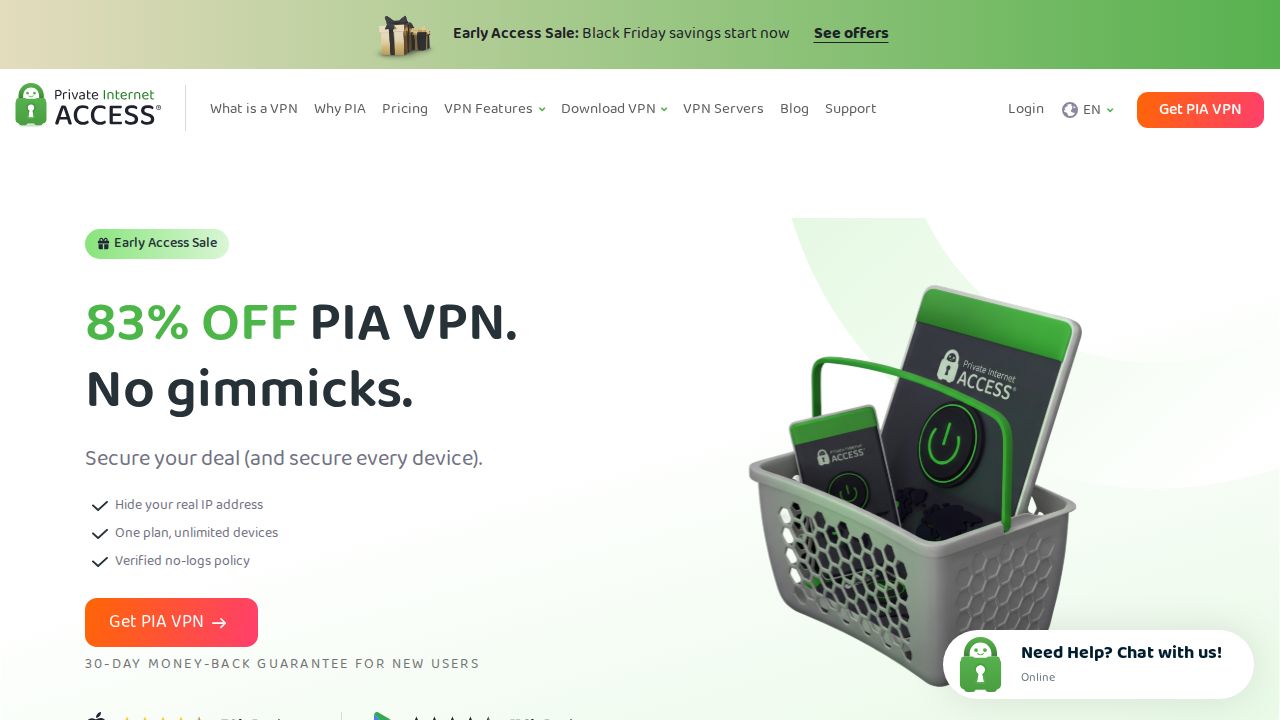
Best for fine-grained browser privacy settings Private Internet Access adds several browser privacy controls on top of the proxy. Its Chrome extension blocks WebRTC detection, forces HTTPS, stops network prediction from leaking your IP and can limit site access to your camera, microphone and location. PIA's MACE feature blocks known ads and malware.
What stands out
- Force HTTPS and WebRTC blocking
- Controls for camera, microphone and location access
- MACE blocks known ads and malware
- A Firefox version is also offered
Keep in mind
- $2.03 is the 3-year rate, billed at $81.20 per term
- The Chrome page lists only Chrome; other browsers are not named
 CyberGhost VPN
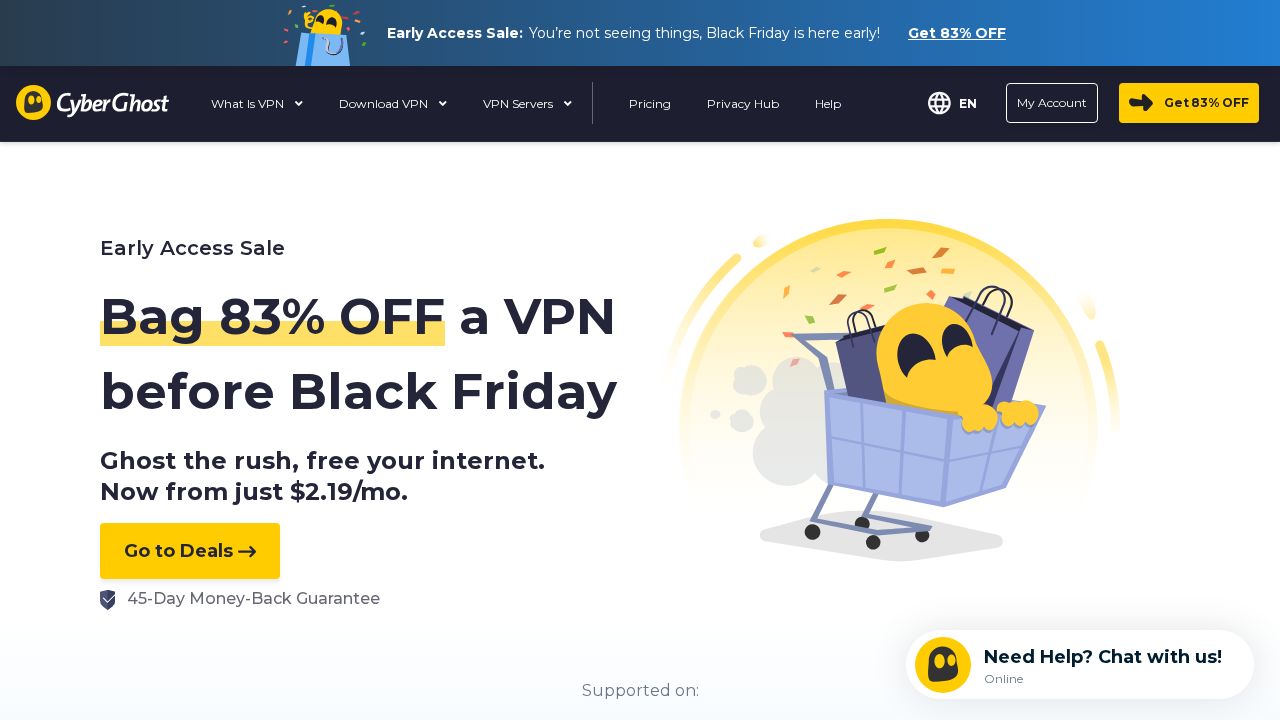
Best for a free proxy with no account at all CyberGhost VPN's Chrome extension is free and does not ask for an account or even an email address. That makes it a quick option for occasional use. The catch is a small network of 8 servers in 4 countries, and no kill switch or protocol choice.
What stands out
- Free, with no account or credit card
- Servers in the US, Germany, the Netherlands and Romania
- Works in some Chromium browsers such as Edge and Brave; a Firefox version exists
Keep in mind
- Only 8 servers in 4 countries
- No kill switch and no choice of protocol
- $2.19 is the 28-month rate for the full app, which renews at $61.32 a year
 TunnelBear
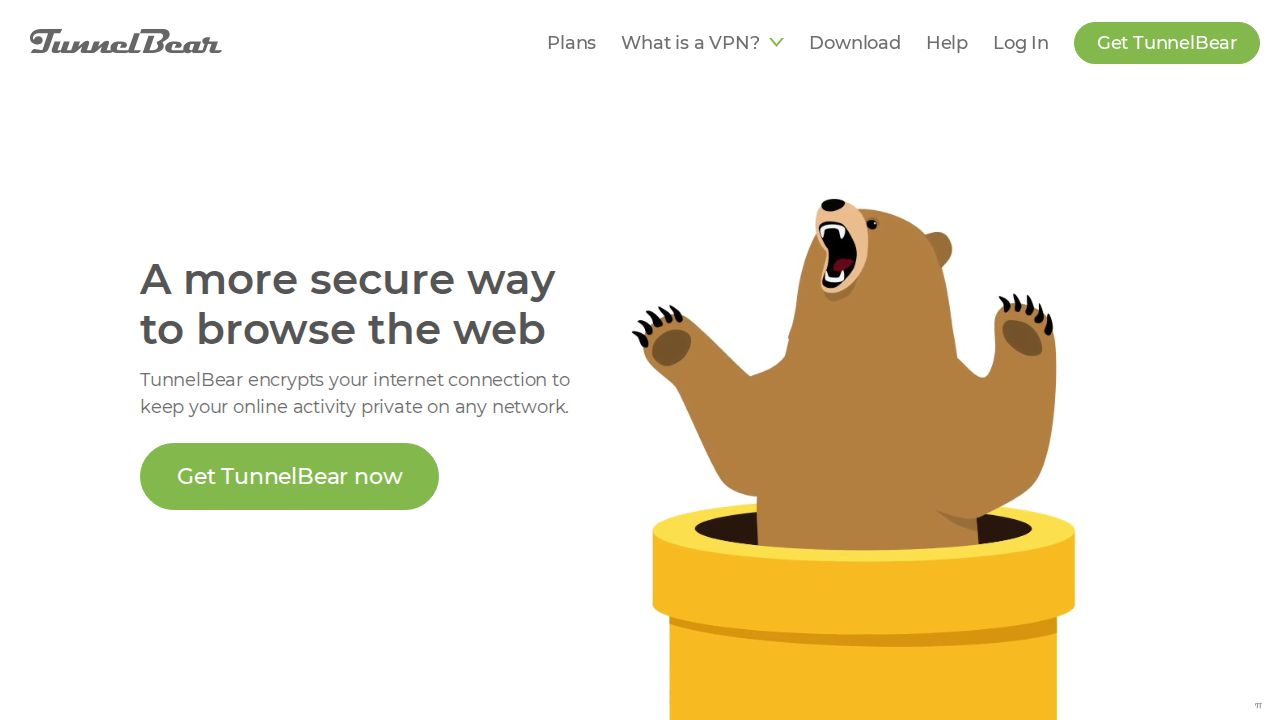
Best for a one-switch extension for beginners TunnelBear keeps its extension as simple as possible, with a single on and off control. It runs in Chrome, Firefox and Edge on Windows, macOS, Linux and Chrome OS. The free plan includes 2 GB of browsing, and the Unlimited plan removes the cap and covers unlimited devices.
What stands out
- Single on and off control
- Supports Chrome 22+, Firefox 58+ and Edge 114+
- Free plan with 2 GB of secure browsing
- Unlimited plan covers unlimited devices
Keep in mind
- Fewer privacy tools listed than Windscribe or PIA
- The billing term behind the $3.33 price is not stated on the pricing page
How we chose
We compared each company’s published extension pages on these points:
- Free access. Whether the extension works without a paid plan, and with what limits.
- Privacy tools. WebRTC leak protection, ad and tracker blocking and split tunneling.
- Browser support. Chrome, Firefox and Chromium browsers such as Edge and Brave.
- Price of the paid plan. The lowest long-term rate and what it renews at.
This list is based on published features and pricing, not lab testing. Where a company did not publish a price, we write “See site” instead of guessing.
Extension or full app: which do you need?
An extension is enough when you:
- Only need to protect browsing on public Wi-Fi
- Want to change your location for one website
- Use a work computer where you cannot install apps
Use the full app when you:
- Want every app, game and system update protected
- Download files with a torrent client
- Need a kill switch that covers the whole device
How to set one up safely
- Install the extension only from the official Chrome Web Store or Firefox Add-ons listing linked from the company’s site.
- Sign in, then turn on WebRTC protection if it is not on by default.
- In Firefox, check whether DNS goes through the VPN. Proton VPN, for example, needs a setting change.
- Remove other proxy or VPN extensions so they do not conflict.
Frequently asked questions
Is a VPN browser extension as safe as a full VPN app?
It covers less. A browser extension protects only the traffic in that browser, while apps, system updates and other browsers stay outside the tunnel. ExpressVPN's extension is an exception when it controls the desktop app.
Which VPN extension is completely free?
Proton VPN's extension is free with a Proton account, and CyberGhost VPN's Chrome extension needs no account. Windscribe gives 10 GB a month free and TunnelBear gives 2 GB.
Do VPN extensions work in Brave, Edge or Opera?
Usually. Proton VPN, Surfshark and ExpressVPN say their Chrome versions work in Chromium browsers such as Brave and Edge, and NordVPN says Opera users can install its Chrome version.
Do these extensions work in Safari?
Proton VPN says Safari lacks the tools needed for a VPN tunnel extension, and NordVPN has no Safari version. Use a full VPN app on a Mac if you browse in Safari.
Sources
- Proton VPN browser extension guide
- Proton VPN pricing
- Windscribe for Chrome
- Windscribe plans
- ExpressVPN browser extension guide
- ExpressVPN order page
- NordVPN proxy extension
- NordVPN pricing
- Surfshark Chrome extension
- Surfshark pricing
- Private Internet Access Chrome extension
- Private Internet Access plans
- CyberGhost VPN Chrome extension
- CyberGhost VPN plans
- TunnelBear for Chrome and Firefox
- TunnelBear pricing
How we wrote this
This list is based on each company's published plans, prices and feature pages, not on hands-on lab testing. Facts were last checked on November 17, 2026. See our editorial policy.