No company paid to be on this list. Prices were checked on November 17, 2026 and can change. How we make money.
At a glance
| # | Product | Best for | Starting price | Free option |
|---|---|---|---|---|
| 1 | Simple flat-rate cloud servers | $4/mo | See site | |
| 2 | The most RAM on an entry plan | $6.49/mo | 30-day money-back | |
| 3 |  Akamai Cloud | Hourly billing with a clear monthly cap | $5/mo | $100 trial credit |
| 4 | The lowest listed starting price | $2.50/mo | See site | |
| 5 | Unlimited traffic on a small budget | $2/mo | See site | |
| 6 | A small gap between intro and renewal | $4.49/mo | See site | |
| 7 | Month-to-month billing with 4 GB of RAM | $8.99/mo | See site |
The list
 DigitalOcean
Best for simple flat-rate cloud servers DigitalOcean is a safe default for developers who want clear, flat pricing. The cheapest Basic Droplet is $4 a month for 1 vCPU, 512 MiB of RAM, 10 GiB of SSD storage and 500 GiB of transfer. The $6 tier doubles the RAM to 1 GiB and raises storage to 25 GiB.

What stands out
- Basic Droplets start at $4 a month: 1 vCPU, 512 MiB RAM, 10 GiB SSD, 500 GiB transfer
- $6 a month buys 1 vCPU, 1 GiB RAM, 25 GiB SSD and 1,000 GiB transfer
- $12 a month buys 1 vCPU, 2 GiB RAM, 50 GiB SSD and 2,000 GiB transfer
- No intro discount or long term shown on Droplet pricing
Keep in mind
- 512 MiB of RAM on the $4 plan is tight for many apps
- New-user credits change; the pricing page does not list a current amount
 Hostinger
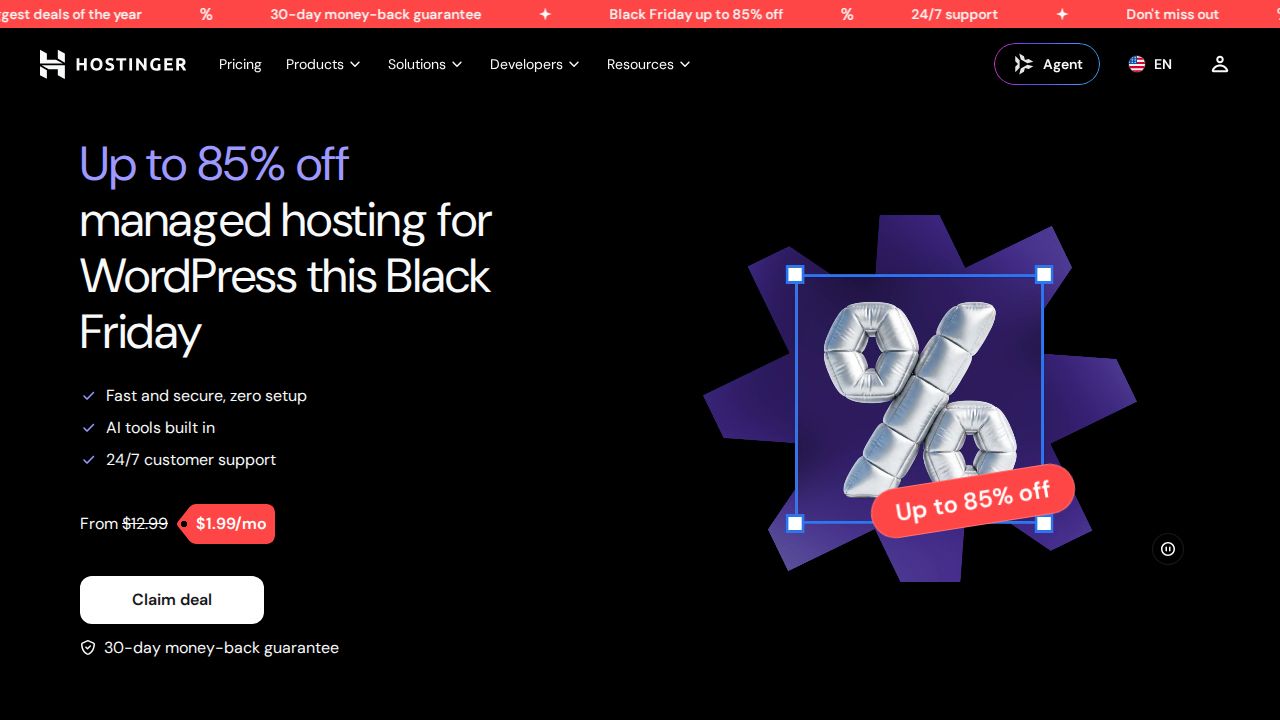
Best for the most RAM on an entry plan Hostinger gives you the most memory for the money at the entry level. KVM 1 comes with 1 vCPU core, 4 GB of RAM, 50 GB of NVMe storage and 4 TB of bandwidth for $6.49 a month. That rate needs a 24-month term paid upfront, which totals $155.76.
What stands out
- KVM 1: 1 vCPU, 4 GB RAM, 50 GB NVMe, 4 TB bandwidth
- KVM 2 doubles the specs (2 vCPU, 8 GB RAM, 100 GB NVMe) for $8.79 a month
- 30-day money-back guarantee advertised on the VPS page
Keep in mind
- The $6.49 rate requires 24 months prepaid ($155.76)
- KVM 1 renews at $11.99 a month
Akamai Cloud
Best for hourly billing with a clear monthly cap Akamai Cloud is the current name for Linode. Its cheapest Shared CPU plan, Nanode 1 GB, is $5 a month (or $0.0075 an hour) for 1 CPU, 1 GB of RAM, 25 GB of storage and 1 TB of transfer. The pricing page also advertises $100 in credits to try the platform.
What stands out
- Nanode 1 GB: 1 CPU, 1 GB RAM, 25 GB storage, 1 TB transfer for $5 a month
- Billed hourly at $0.0075 for the entry plan
- Linode 2 GB is $12 a month with 50 GB storage and 2 TB transfer
- US$100 in trial credits advertised
Keep in mind
- The credit offer has promotion rules, so read them before relying on it
- Self-managed: you look after the server yourself
 Vultr
Best for the lowest listed starting price Vultr lists the lowest starting price in this group. Regular Cloud Compute begins at $2.50 a month for 1 vCPU, 0.5 GB of RAM, 10 GB of storage and 0.5 TB of bandwidth. The $5 plan is the more practical starting point, with 1 GB of RAM, 25 GB of storage and 1 TB of bandwidth.
What stands out
- Regular Cloud Compute starts at $2.50 a month
- $5 a month buys 1 vCPU, 1 GB RAM, 25 GB storage and 1 TB bandwidth
- Flat monthly rates with no intro discount shown
Keep in mind
- The cheapest tiers have only 0.5 GB of RAM
- The lowest tiers include an IPv6-only option, so check which plan includes an IPv4 address
 IONOS
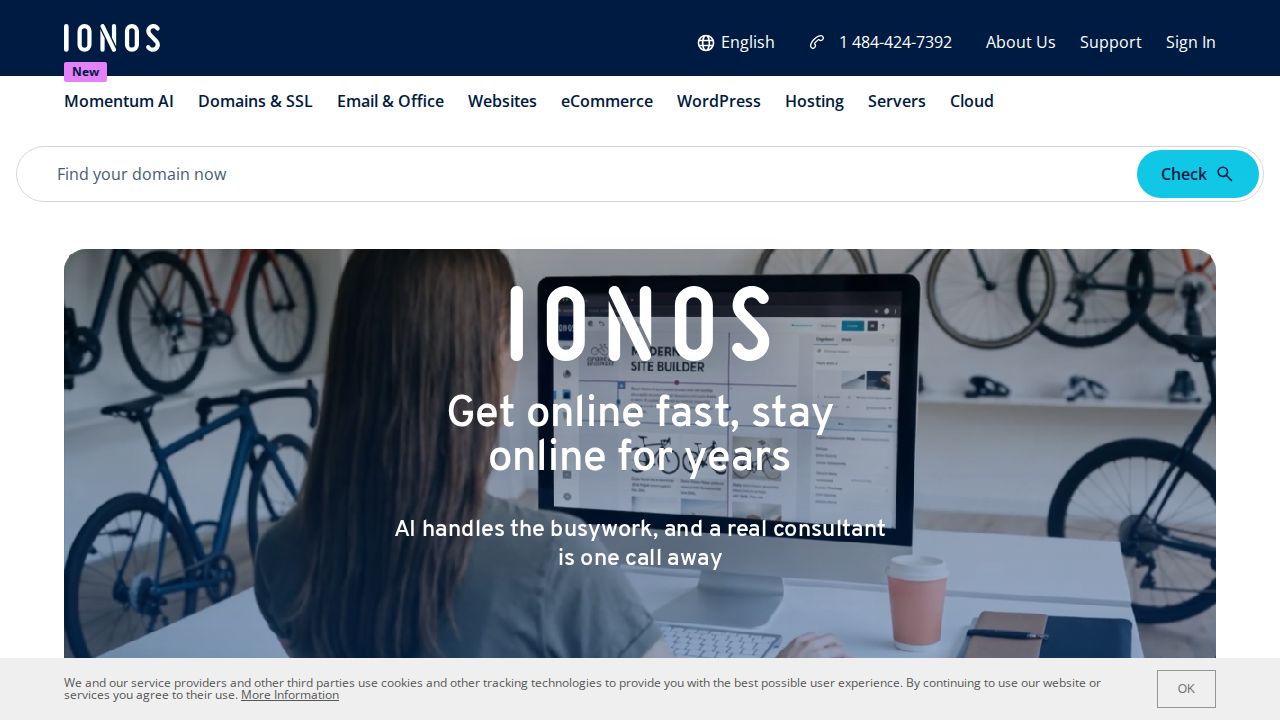
Best for unlimited traffic on a small budget IONOS pairs a low intro price with generous storage. VPS S+ has 1 vCore, 2 GB of RAM and 60 GB of NVMe storage with unlimited traffic. It is listed at $2 a month for the first 3 months on a 1-year term, with a $6 monthly figure shown next to it.
What stands out
- VPS S+: 1 vCore, 2 GB RAM, 60 GB NVMe storage
- Unlimited traffic, with an external connection up to 1 Gbps
- VPS M+ has 2 vCores, 4 GB RAM and 120 GB NVMe
Keep in mind
- The $2 rate covers only the first 3 months of a 1-year term
- The page shows $6 a month alongside the offer but does not label it as the renewal price
 Bluehost
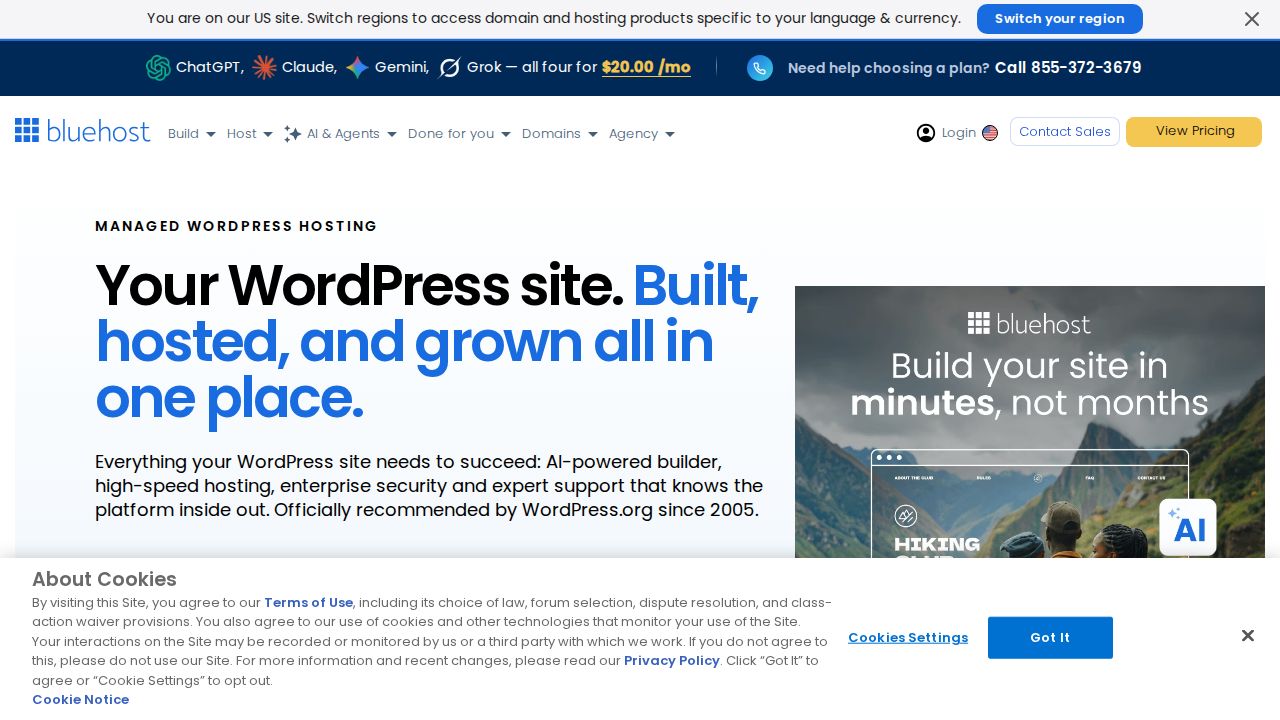
Best for a small gap between intro and renewal Bluehost's entry VPS stands out for a renewal price that stays close to the intro rate. NVMe 2 is $4.49 a month on a 24-month term and renews at $5.69 a month. It includes 1 vCPU core, 2 GB of DDR5 RAM, 50 GB of NVMe storage and unmetered bandwidth.
What stands out
- NVMe 2: 1 vCPU core, 2 GB DDR5 RAM, 50 GB NVMe storage
- Unmetered bandwidth on every VPS plan
- Entry plan renews at $5.69 a month
Keep in mind
- The $4.49 rate is for a 24-month term
- Plans are self-managed
- Larger plans jump more at renewal; NVMe 8 goes from $12.49 to $28.99 a month
 DreamHost
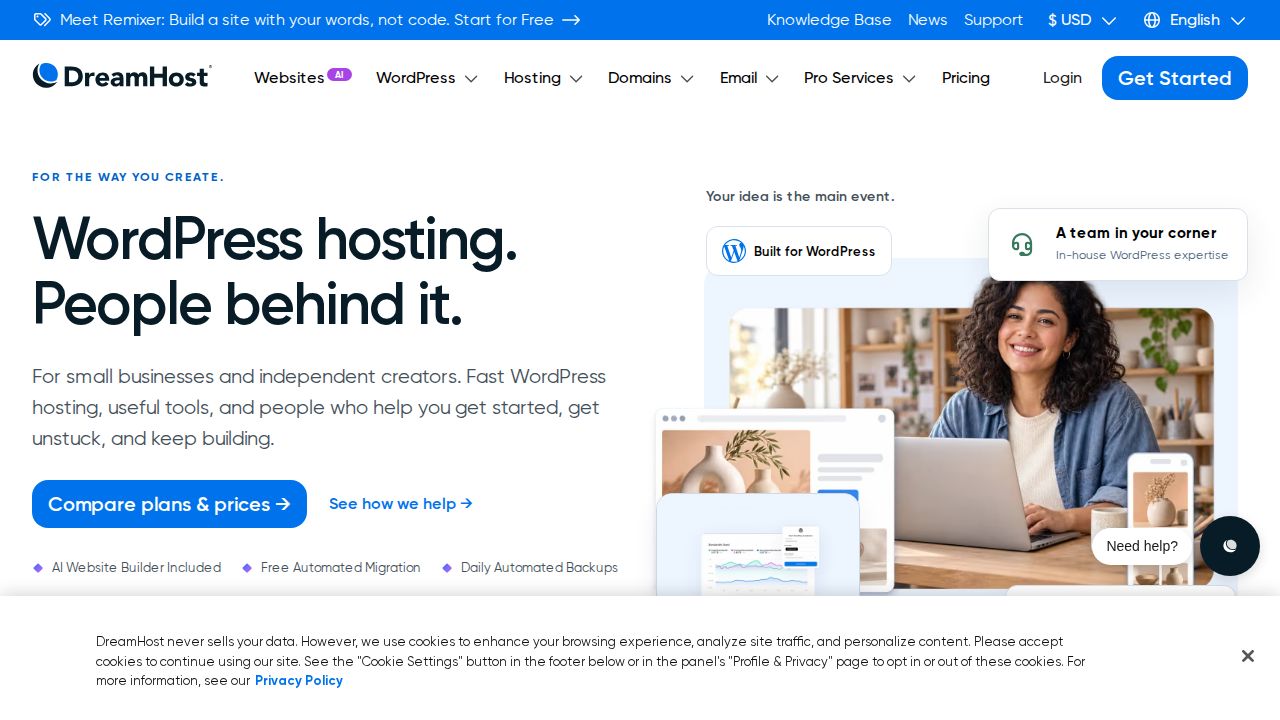
Best for month-to-month billing with 4 GB of RAM DreamHost works for people who want a mid-size server without a long contract. Stack 4 is billed monthly and includes 2 AMD EPYC vCPUs, 4 GB of RAM and 75 GB of NVMe SSD storage with unmetered bandwidth. It costs $8.99 a month for the first 3 months.
What stands out
- Stack 4: 2 vCPU, 4 GB RAM, 75 GB NVMe SSD
- Monthly subscription, no multi-year term required
- Unmetered bandwidth
Keep in mind
- Rises to $15.99 a month after the first 3 months
- Unmetered bandwidth is subject to fair use terms
- You manage your own software stack on these plans
How we chose
We looked at the entry-level VPS plan each company publishes and compared:
- Monthly price. The lowest listed rate, and whether it is an intro offer.
- CPU, RAM and storage. Exactly as stated on the pricing page.
- Bandwidth or transfer. The monthly allowance, or whether it is unmetered.
- Term and renewal. How long you must commit and what the plan costs later.
The list is based on published plans and specs. We did not benchmark these servers. Where a company does not publish a trial or refund term on its VPS page, we write “See site”.
What the specs mean
- vCPU or vCore. A share of a physical processor. More cores help with busy sites and background jobs.
- RAM. The memory your apps run in. Running out of RAM is the most common reason a small VPS slows down or crashes.
- NVMe or SSD storage. Disk space for your files and databases. NVMe is the faster type.
- Bandwidth or transfer. How much data can leave the server each month. “Unmetered” plans do not count it, but fair use terms can still apply.
Flat rate or intro deal?
Pick a flat-rate cloud provider if:
- You want to pay by the hour or month and cancel any time
- You plan to resize the server as the project grows
- You dislike prepaying
Pick an intro deal if:
- You know you will keep the server for one to two years
- You want more RAM and storage per dollar in the first term
- You have checked the renewal price and can live with it
Before you order
- Decide whether you can manage a Linux server yourself. If not, look for a managed plan.
- Choose a data center region close to your visitors.
- Check how backups work and whether they cost extra.
- Note the renewal date and price in your calendar.
Frequently asked questions
What is a VPS and who needs one?
A VPS is a virtual server with its own set share of CPU, RAM and storage. It suits sites and apps that have outgrown shared hosting or need custom server software.
How much RAM do I need on a VPS?
It depends on what you run. Entry plans here range from 0.5 GB (Vultr and DigitalOcean) to 4 GB (Hostinger KVM 1 and DreamHost Stack 4). A small WordPress site or app is more comfortable with 1 to 2 GB or more.
Which VPS hosts have no intro pricing tricks?
DigitalOcean, Vultr and Akamai Cloud list flat monthly rates on their pricing pages. Hostinger, IONOS, Bluehost and DreamHost show intro prices that go up later.
Are these VPS plans managed?
Mostly no. Bluehost describes its plans as self-managed, and DreamHost points to a separate Managed VPS for people who do not want to run the server themselves.
Sources
How we wrote this
This list is based on each company's published plans, prices and feature pages, not on hands-on lab testing. Facts were last checked on November 17, 2026. See our editorial policy.