No company paid to be on this list. Prices were checked on November 17, 2026 and can change. How we make money.
At a glance
| # | Product | Best for | Starting price | Free option |
|---|---|---|---|---|
| 1 | Most people building a first site | $17/mo | Free plan (Wix branding) | |
| 2 |  Squarespace | A designed look with selling included | $19/mo | 14-day trial |
| 3 | The lowest price for a paid site | $1.99/mo | 30-day money-back | |
| 4 |  WordPress.com | Blogs and content-heavy sites | $4/mo | Free plan (ads, subdomain) |
| 5 | Designers who want fine control | $15/mo | Free plan (2 pages) | |
| 6 | Modern landing pages and portfolios | $10/mo | Free plan (Framer domain) | |
| 7 | A quick site with payments built in | See site | Free to start |
The list
 Wix
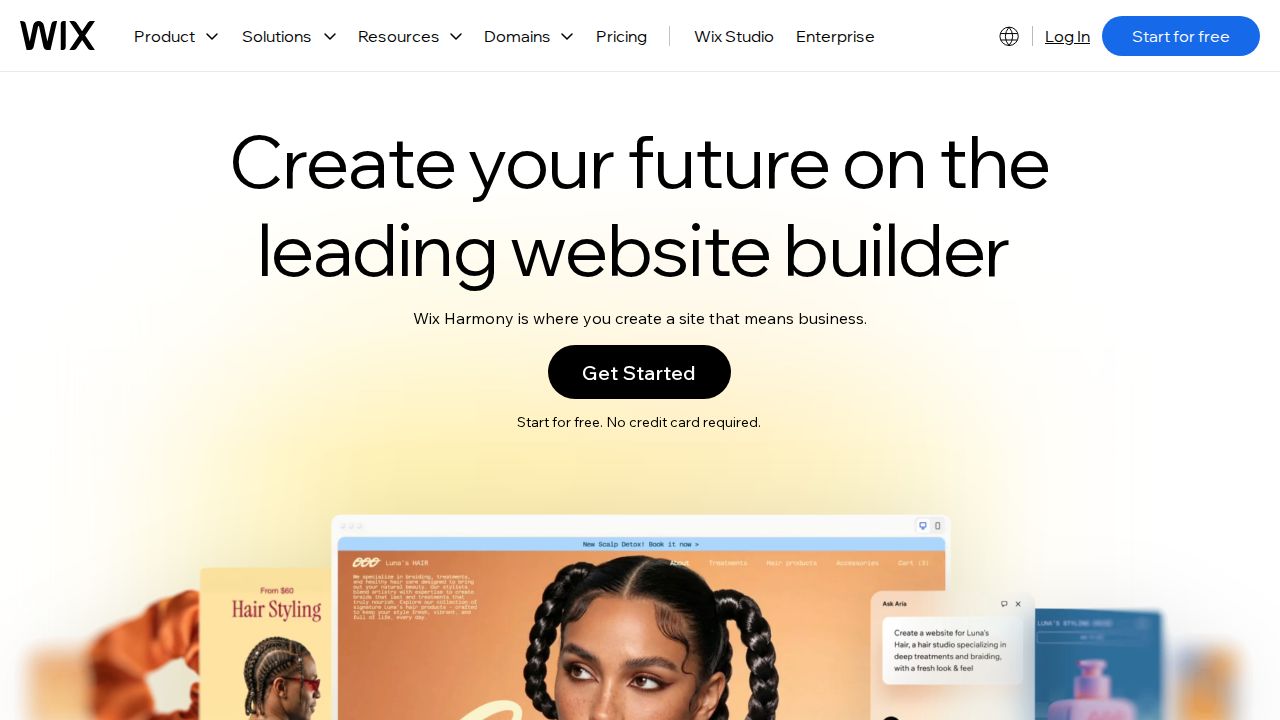
Best for most people building a first site Wix is the easy starting point because you can build and publish on the free plan before paying. The Light plan adds 2 GB of storage, a free domain for a year and removes Wix branding. To take payments you need Core or higher, which starts at $29 a month.
What stands out
- Free plan with a drag-and-drop editor and templates
- Light plan is $17 a month on a yearly subscription, with 2 GB of storage and 2 collaborators
- Paid plans include a free domain for 1 year
- 14-day money-back guarantee on Premium plans
Keep in mind
- Free sites show Wix branding and use a wixsite.com address
- Online payments need the Core plan, $29 a month on a yearly subscription
- Paying monthly costs more: Light is $24 a month
Squarespace
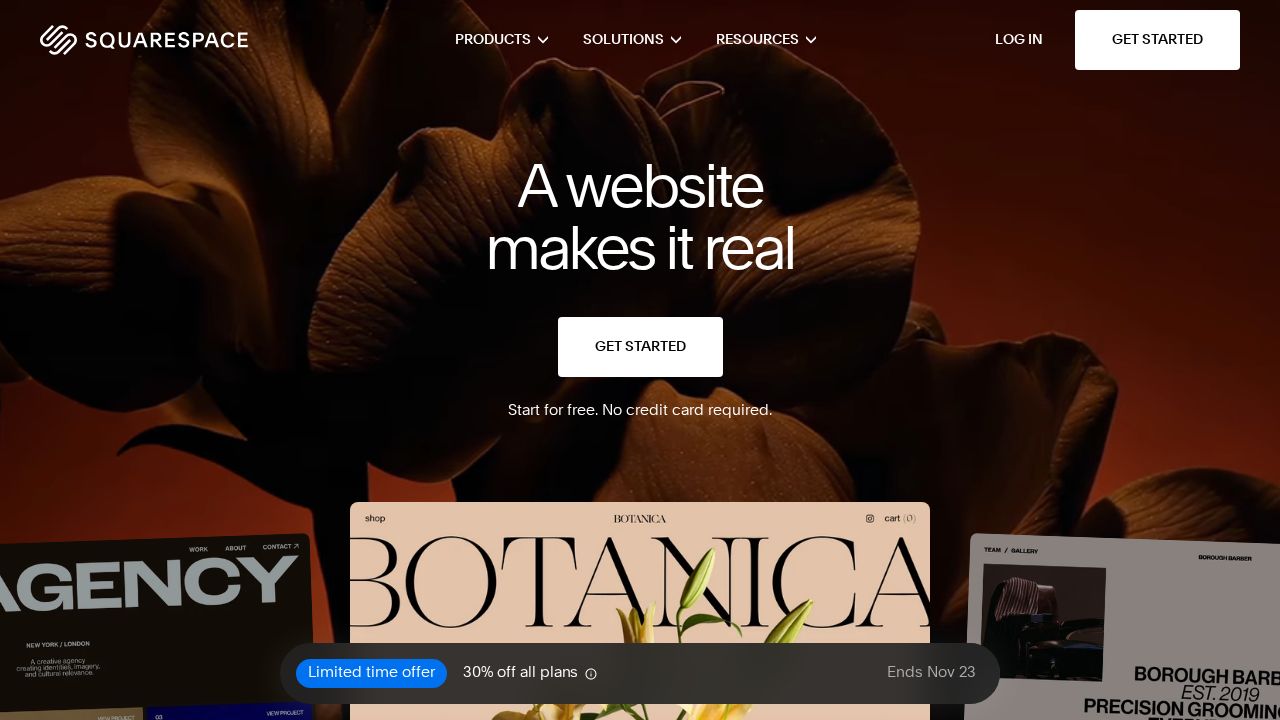
Best for a designed look with selling included Squarespace suits anyone who wants a finished-looking site and may sell later. Even the Basic plan includes an online store with unlimited products, gift cards and invoices. There is no free plan, so use the 14-day trial, which does not need a credit card.
What stands out
- Basic plan is $19 a month billed annually
- Online store with unlimited products on every plan
- Free custom domain for 1 year on annual plans
- Unlimited bandwidth on every plan
Keep in mind
- No free plan
- Basic charges a 2% transaction fee on store sales and allows 2 contributors
- Basic costs $25 a month if you pay monthly
 Hostinger Website Builder
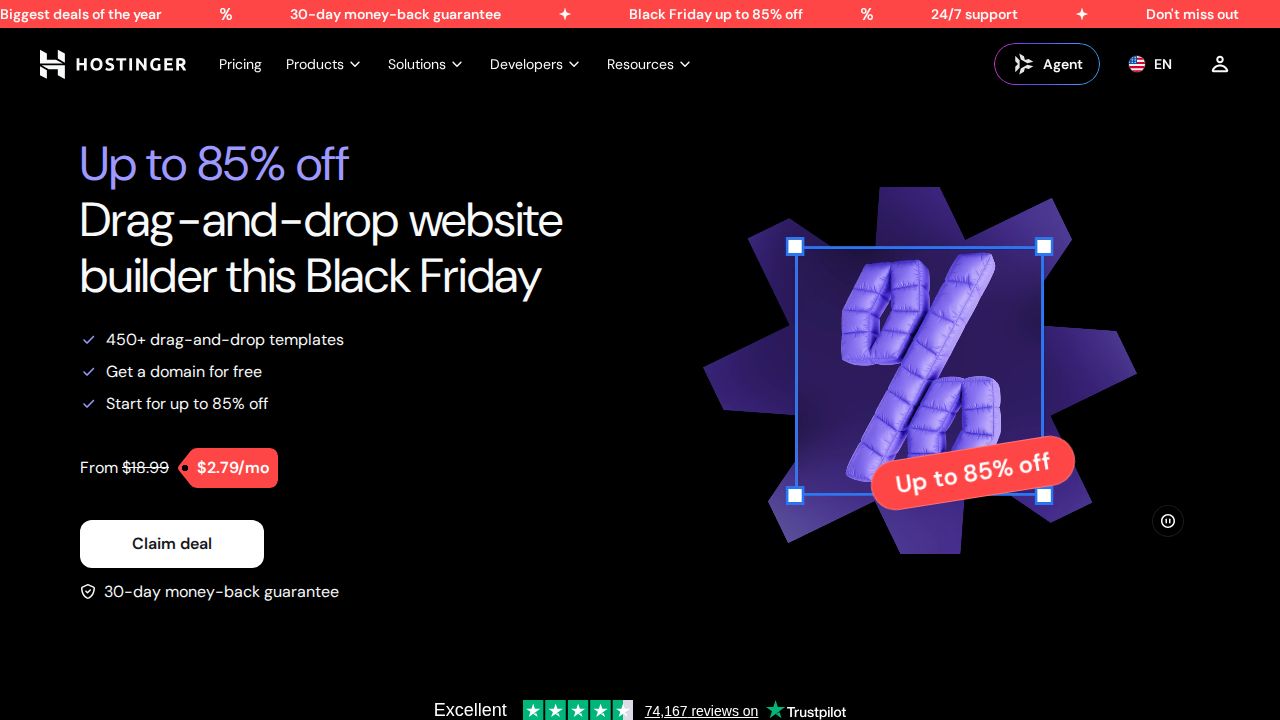
Best for the lowest price for a paid site Hostinger's builder is the budget pick. The Premium plan allows up to 3 websites, a custom domain free for the first year and more than 900 templates, with AI tools included. The low rate depends on a 48-month term paid upfront, so it fits people who are sure about the project.
What stands out
- Premium plan is $1.99 a month for up to 3 websites
- Custom domain free for 1 year
- 900+ website templates and AI tools
- 30-day money-back guarantee
Keep in mind
- The $1.99 rate needs a 48-month term ($95.52 upfront); Premium renews at $10.99 a month
- Price shown is a limited-time Black Friday sale rate
- No free plan
WordPress.com
Best for blogs and content-heavy sites WordPress.com is a strong choice for a blog or a site with lots of pages. The free plan gives you 1 GB of storage with no expiration date. Personal, at $4 a month billed yearly, removes WordPress.com ads, raises storage to 6 GB and adds a domain that is free for one year.
What stands out
- Free plan with 1 GB of storage
- Personal plan is $4 a month billed every 12 months, with 6 GB of storage
- Custom domain free for one year on annual and multi-year plans
- Paid plans remove WordPress.com ads
Keep in mind
- Free sites show ads and use a wordpress.com subdomain
- Personal is $9 a month on monthly billing, with no free domain
 Webflow
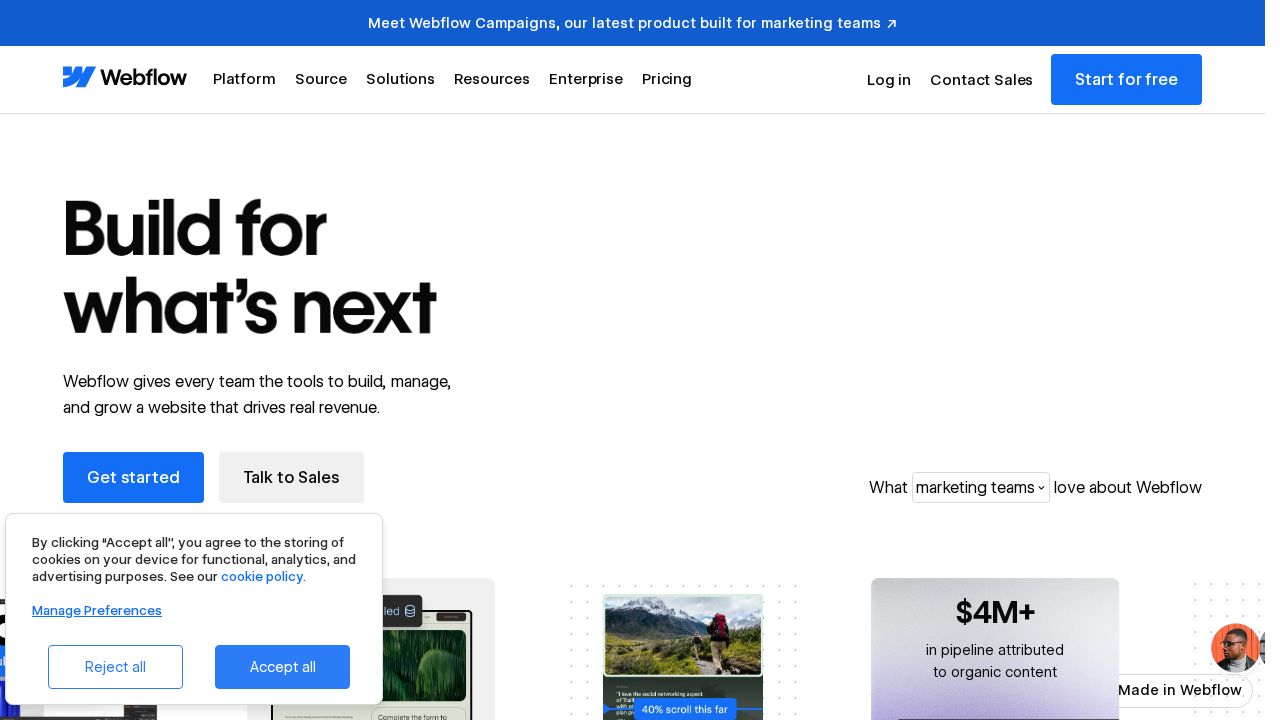
Best for designers who want fine control Webflow is aimed at people who want detailed design control and are comfortable with a more technical editor. The free Starter plan is for trying it out on a webflow.io address. The Basic site plan adds a custom domain, 300 static pages and 10 GB of bandwidth a month.
What stands out
- Free Starter plan to learn the tool
- Basic site plan is $15 a month billed yearly, with a custom domain
- Basic allows 300 static pages and unlimited form submissions
- Separate ecommerce plans from $29 a month billed yearly
Keep in mind
- Starter is limited to 2 static pages, 50 CMS items and a webflow.io domain
- Basic has no CMS items; those start on the Premium plan at $25 a month billed yearly
 Framer
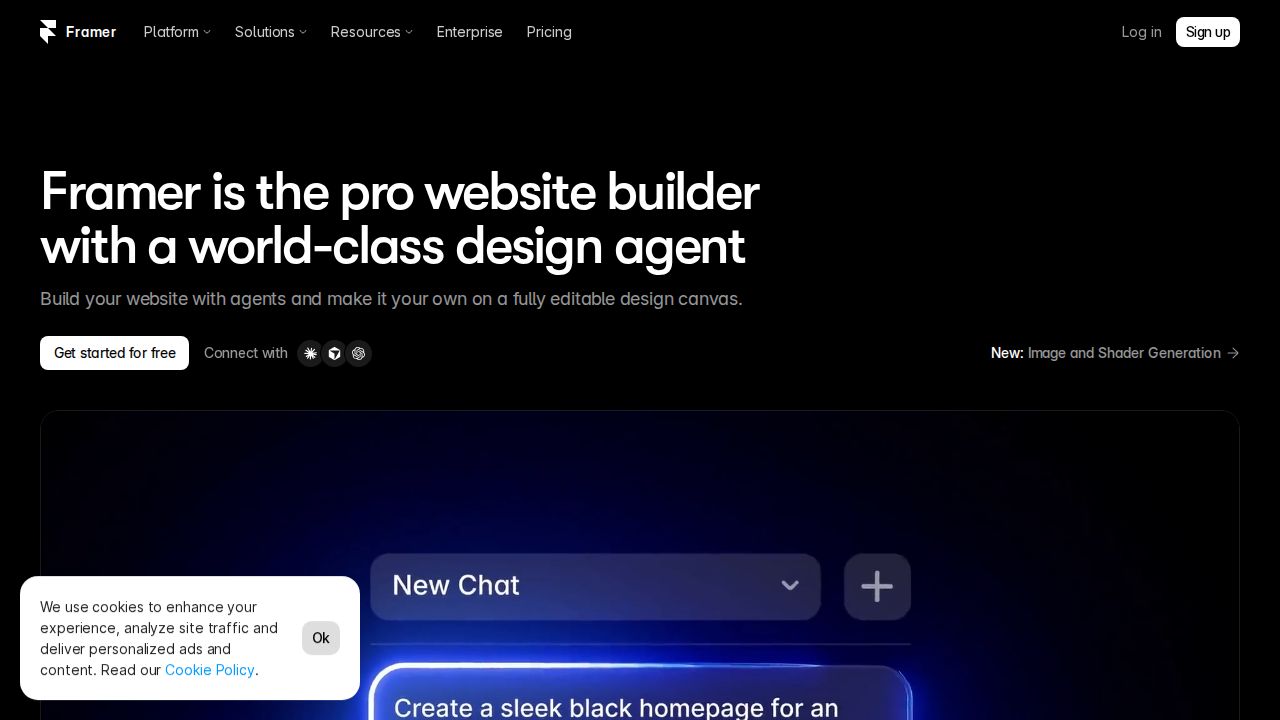
Best for modern landing pages and portfolios Framer fits designers and startups that want a modern site without code. You can publish on a free Framer domain, then upgrade to Basic to use your own domain. Basic allows 30 site pages and 50 GB of bandwidth, and yearly billing includes a complimentary domain.
What stands out
- Free plan with a free Framer domain
- Basic plan is listed at $10 a month and supports a custom domain
- Basic includes 30 site pages, 1,000 CMS items and 50 GB of bandwidth
- Complimentary domain on yearly billing
Keep in mind
- A custom domain needs a paid plan
- Free plan is limited to 1 GB of bandwidth and 5 MB file uploads
 GoDaddy Website Builder
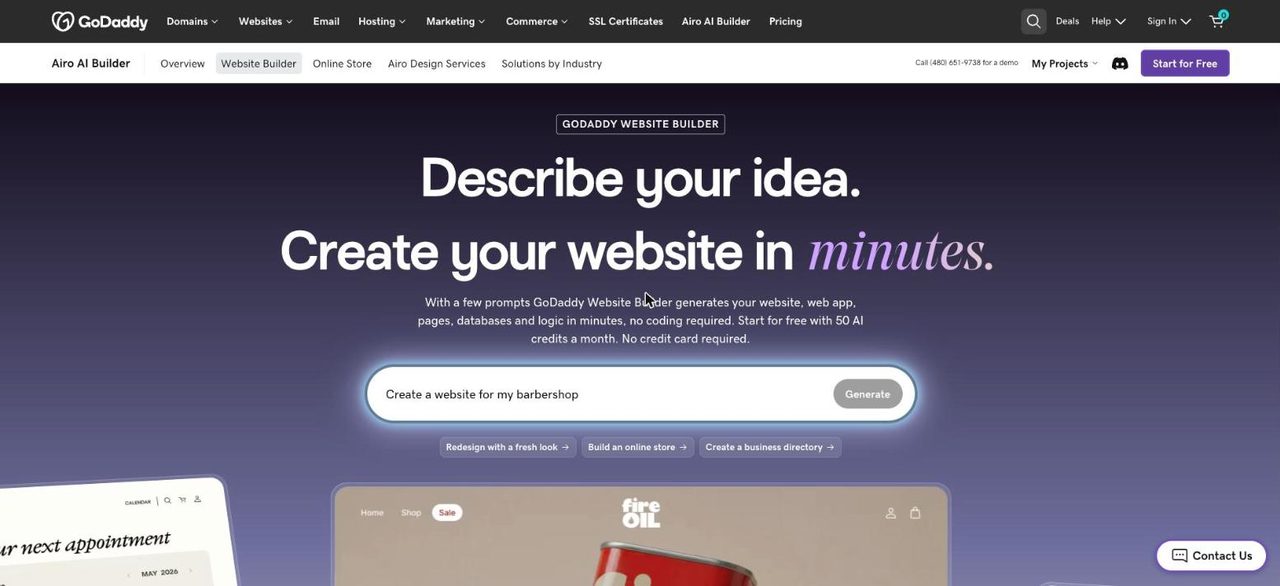
Best for a quick site with payments built in GoDaddy's builder is for getting a simple business site online quickly. You can start for free with 50 AI credits a month and no credit card, and any website plan can take payments through GoDaddy Payments. Plan prices were not shown on the pages we checked, so confirm them before you commit.
What stands out
- Start for free with 50 AI credits a month, no credit card required
- Free domain included with annual plans
- Any website plan can set up an online store and take payments with GoDaddy Payments
- 24/7 live support listed
Keep in mind
- Plan names and prices were not published on the pages we checked
- Unused credits expire at the end of each billing cycle
How we chose
We compared each builder’s published plans on four things:
- Entry price. The lowest paid plan and the billing term needed to get it.
- Free plan or trial. Whether you can build before paying, and what the limits are.
- Domain. Whether a custom domain is included and for how long.
- Selling. Which plan you need to take payments.
This list is based on published plans and pricing, not lab testing. Where a company’s pages did not show a price on the day we checked, we say “See site” instead of guessing.
Free plan or paid plan?
A free plan is fine for a personal project, a school assignment or testing an idea. Expect the builder’s name in your web address and, on some services, its branding or ads on your pages.
Pay for a plan when you want:
- Your own domain name, such as yourbusiness.com
- No builder branding or ads
- More storage, pages or bandwidth
- The ability to take payments
How to pick in five minutes
- Decide what the site is for: a blog, a portfolio, a business page or a store.
- If it is a blog, start with WordPress.com. If it is a store, check which plan allows payments.
- Build a draft on a free plan or trial before paying.
- Compare the yearly cost, not only the monthly number shown.
- Check the price after the first term, since several intro rates rise at renewal.
Frequently asked questions
Which website builder is best for beginners?
Wix is the simplest place to start because it has a free plan and a drag-and-drop editor. Squarespace is a good second choice if you are willing to pay after its 14-day trial.
Can I build a website for free?
Yes. Wix, WordPress.com, Webflow and Framer have free plans, and GoDaddy lets you start for free. Free plans use the builder's own subdomain and carry limits on storage, pages or bandwidth.
How much does a website builder cost per month?
Entry paid plans on this list run from $1.99 a month at Hostinger (48-month term) to $19 a month at Squarespace (billed annually). Wix Light is $17 a month on a yearly subscription.
Do website builders include a domain name?
Often for the first year only. Wix, Squarespace, Hostinger and WordPress.com include a custom domain free for one year on annual or longer plans. After that you pay the domain renewal fee.
Can I sell products with these builders?
Yes, with the right plan. Squarespace includes a store on every plan, Wix needs Core or higher, and Webflow has separate ecommerce plans from $29 a month billed yearly.
Sources
How we wrote this
This list is based on each company's published plans, prices and feature pages, not on hands-on lab testing. Facts were last checked on November 17, 2026. See our editorial policy.