No company paid to be on this list. Prices were checked on November 17, 2026 and can change. How we make money.
At a glance
| # | Product | Best for | Starting price | Free option |
|---|---|---|---|---|
| 1 | The cheapest way to run WordPress | $1.99/mo | 30-day money-back | |
| 2 | Many WordPress sites on one plan | $3.99/mo | 30-day money-back | |
| 3 | A single site with a short term | $1.99/mo | See site | |
| 4 | Daily backups at a budget price | $1.99/mo | 30-day money-back | |
| 5 |  WordPress.com | A hosted site with no server setup | $4/mo | Free plan (ads, subdomain) |
| 6 | Managed hosting for a business site | $17.50/mo | 30-day money-back | |
| 7 | Higher-traffic managed WordPress | $28/mo | See site |
The list
 Hostinger
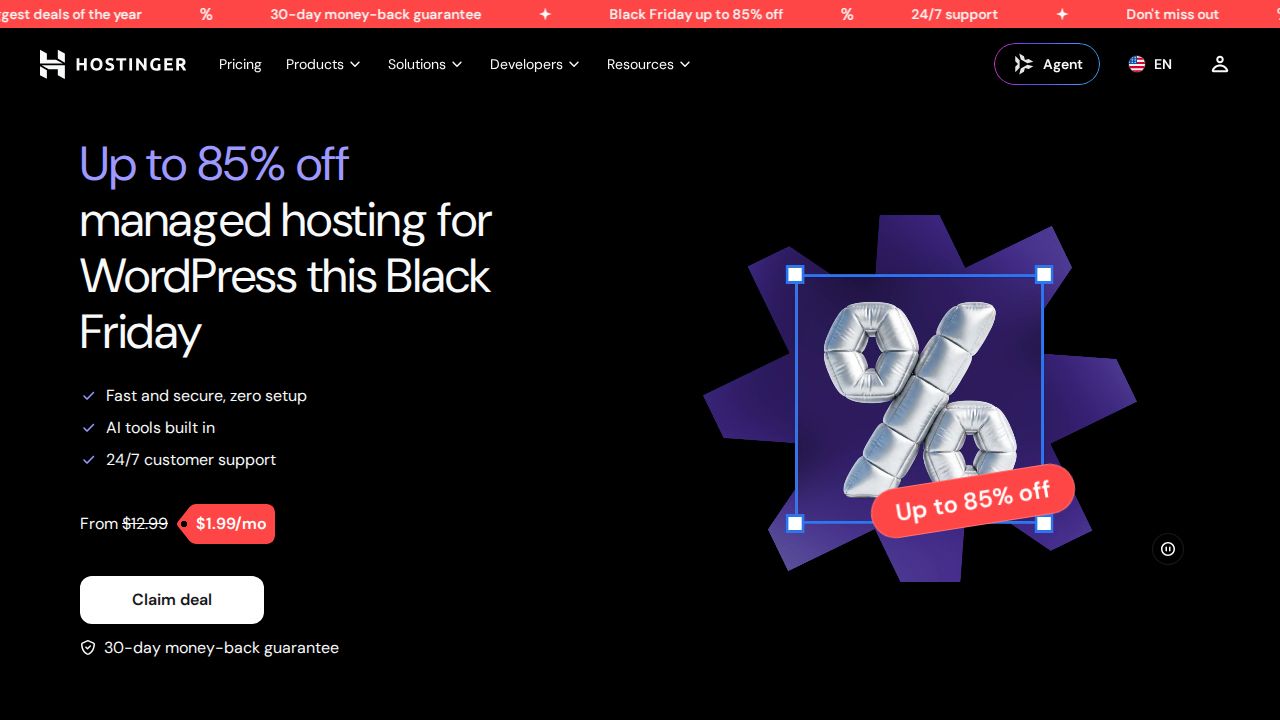
Best for the cheapest way to run WordPress Hostinger is the low-cost choice for a new WordPress site. The Premium plan covers 3 websites with 20 GB of SSD storage, weekly backups and a domain that is free for the first year. Its managed hosting includes automatic updates for WordPress, themes and plugins, plus one-click staging.
What stands out
- Premium plan is $1.99 a month for up to 3 websites
- Automatic updates for WordPress, themes and plugins on managed plans
- Free weekly backups on Premium; daily backups on the Unlimited plan
- Free domain for 1 year and a 30-day money-back guarantee
Keep in mind
- The $1.99 rate needs a 48-month term ($95.52 upfront); Premium renews at $10.99 a month
- Price shown is a limited-time Black Friday sale rate
 Bluehost
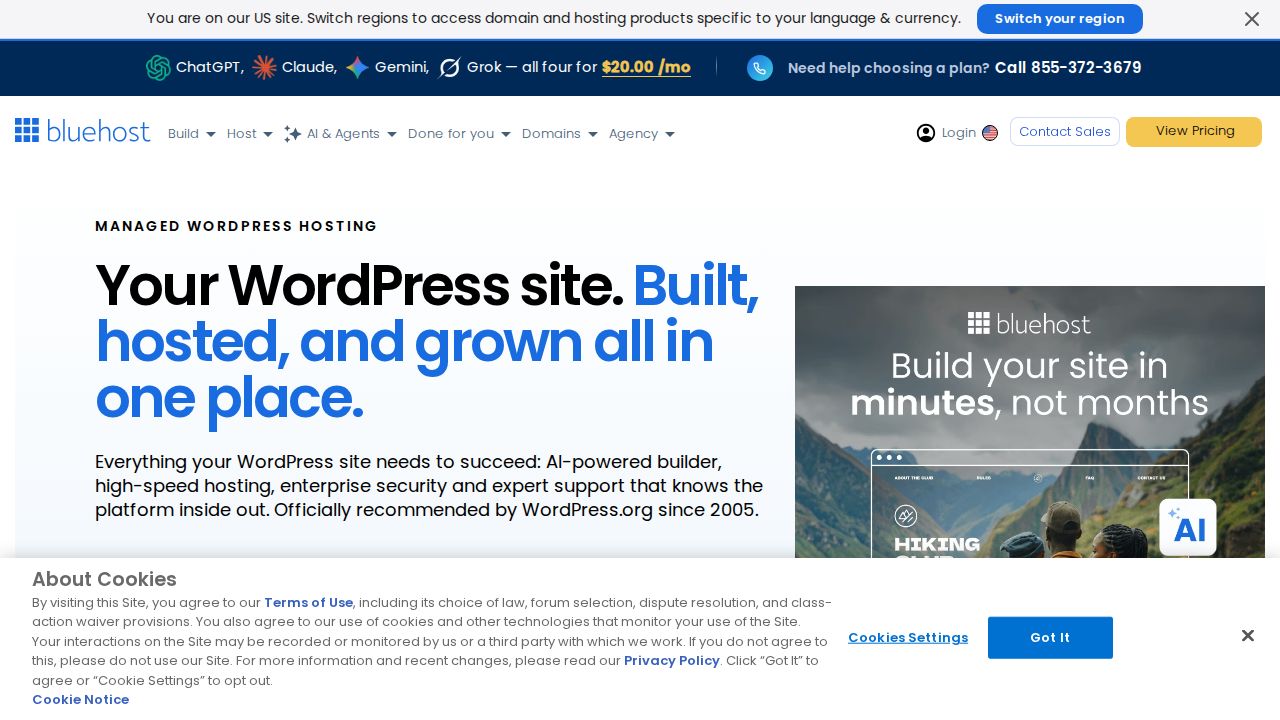
Best for many WordPress sites on one plan Bluehost's Starter WordPress plan suits someone who wants to run several small sites from one account. It allows 10 websites on 10 GB of NVMe SSD storage, with staging, a free domain for the first year and weekly website backups listed in the plan table.
What stands out
- Starter plan covers 10 websites with 10 GB of NVMe SSD storage
- Staging included
- Free domain for the first year
- 30-day money-back guarantee on hosting plans
Keep in mind
- The $3.99 rate is for a 36-month term; Starter renews at $9.99 a month
- The plan table lists weekly backups while the FAQ mentions daily backups, so confirm before you buy
 SiteGround
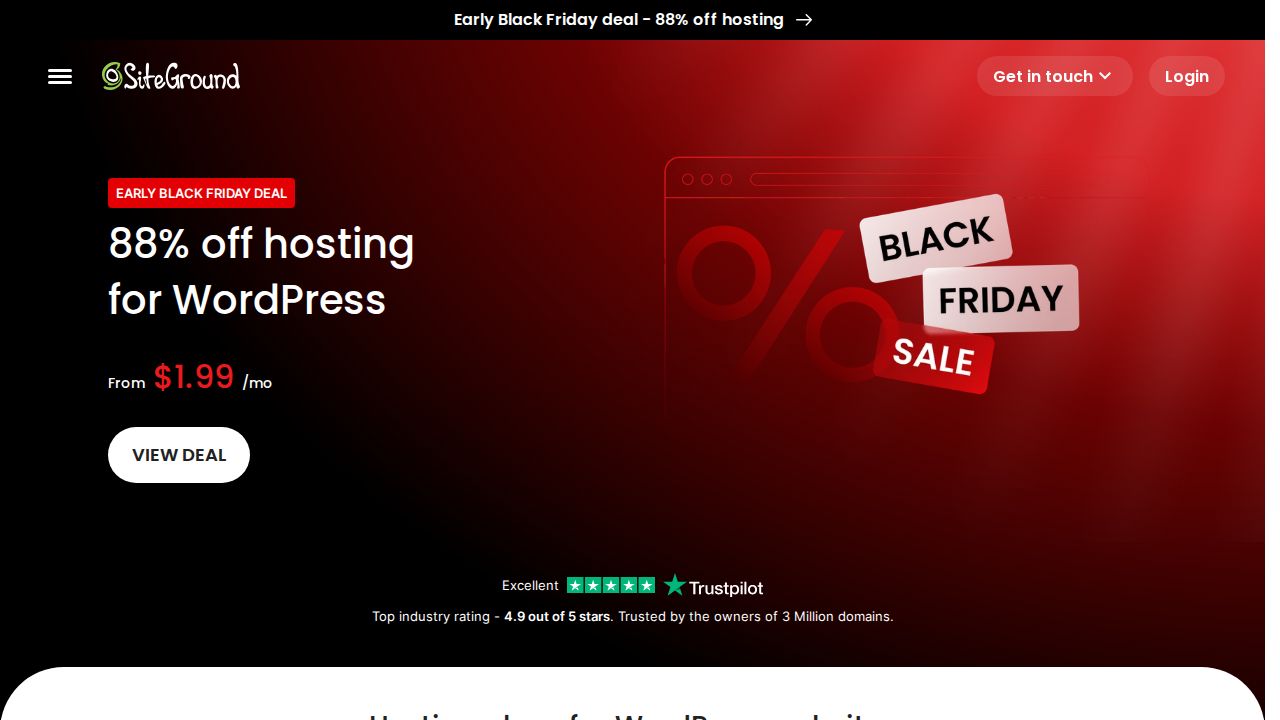
Best for a single site with a short term SiteGround is a fit for one WordPress site when you prefer a 12-month commitment over a multi-year one. StartUp includes managed automatic updates, multilevel caching and free site migrations on 10 GB of web space. Staging starts on the GrowBig plan, and regular prices are high once the intro year ends.
What stands out
- StartUp is $1.99 a month, prepaid for 12 months
- Managed automatic updates and multilevel caching on every plan
- Free site migrations listed on every plan
- GrowBig and GoGeek cover unlimited websites and add staging
Keep in mind
- StartUp's regular price is $17.99 a month after the intro term
- StartUp covers 1 website and does not list staging
 DreamHost
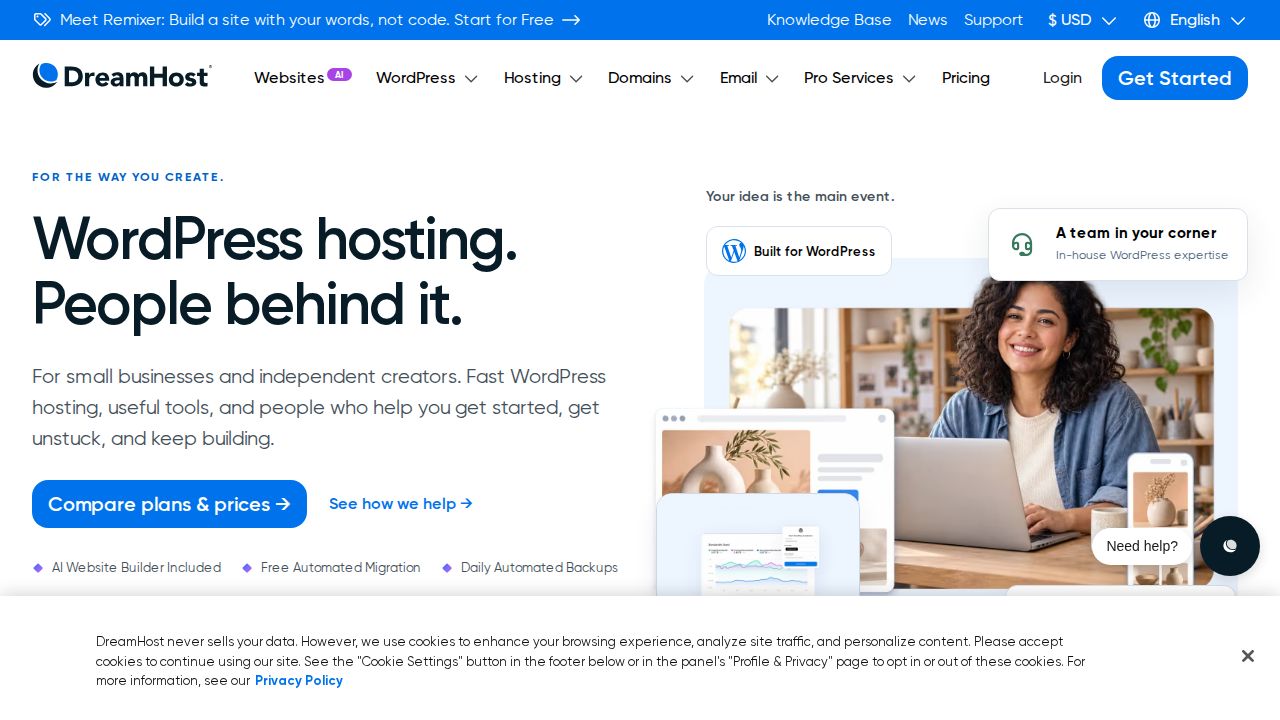
Best for daily backups at a budget price DreamHost's WordPress Hosting Launch plan pairs a low intro price with daily automated backups, which many budget plans leave out. It covers 25 websites, 25 GB of NVMe SSD storage and around 40,000 monthly visits. The low rate applies to a four-year term, and the renewal price is lower than most rivals here.
What stands out
- Launch plan is $1.99 a month for the first 4 years
- Daily automated backups and unmetered bandwidth
- 25 websites and 25 GB of NVMe SSD storage
- Free domain for 1 year and a 30-day money-back guarantee
Keep in mind
- The full subscription term is charged at checkout; Launch renews at $7.99 a month after 4 years
- Email is free for three months only
- DreamPress, its higher-performance tier, had no price on the page we checked
WordPress.com
Best for a hosted site with no server setup WordPress.com is the hosted version of WordPress, so there is no separate hosting account to manage. You can start on the free plan with 1 GB of storage, then move to Personal for 6 GB, no WordPress.com ads and a domain that is free for one year on annual plans.
What stands out
- Free plan with 1 GB of storage and no expiration date
- Personal plan is $4 a month billed every 12 months
- Paid annual and multi-year plans include a custom domain free for one year
- Paid plans remove WordPress.com ads
Keep in mind
- Free sites show WordPress.com ads and use a wordpress.com subdomain
- Personal costs $9 a month if you pay monthly, and monthly plans do not include the free domain
- Payments on the free plan carry a 10% transaction fee
 Kinsta
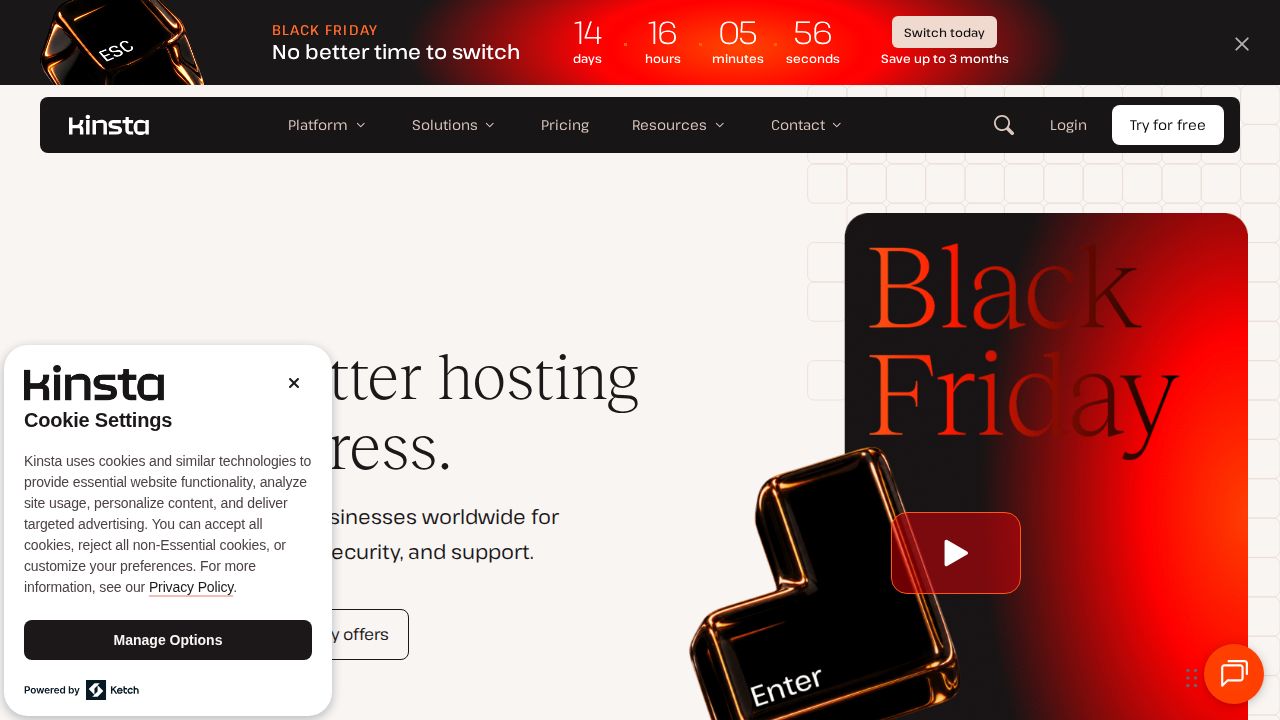
Best for managed hosting for a business site Kinsta is a managed WordPress platform for sites where upkeep matters more than the lowest price. Every plan includes automatic daily backups, a CDN and unlimited free migrations. The Launch plan covers 1 site, 75,000 monthly visits and 15 GB of storage.
What stands out
- Automatic daily backups on all plans, kept for 14 days on business plans
- CDN included on all plans, with 125 GB on Launch
- Unlimited free migrations
- 30-day money-back guarantee
Keep in mind
- $17.50 is a limited-time sale rate for new customers, shown until December 1, 2026; the list price is $35 a month
- Launch covers a single site
 WP Engine
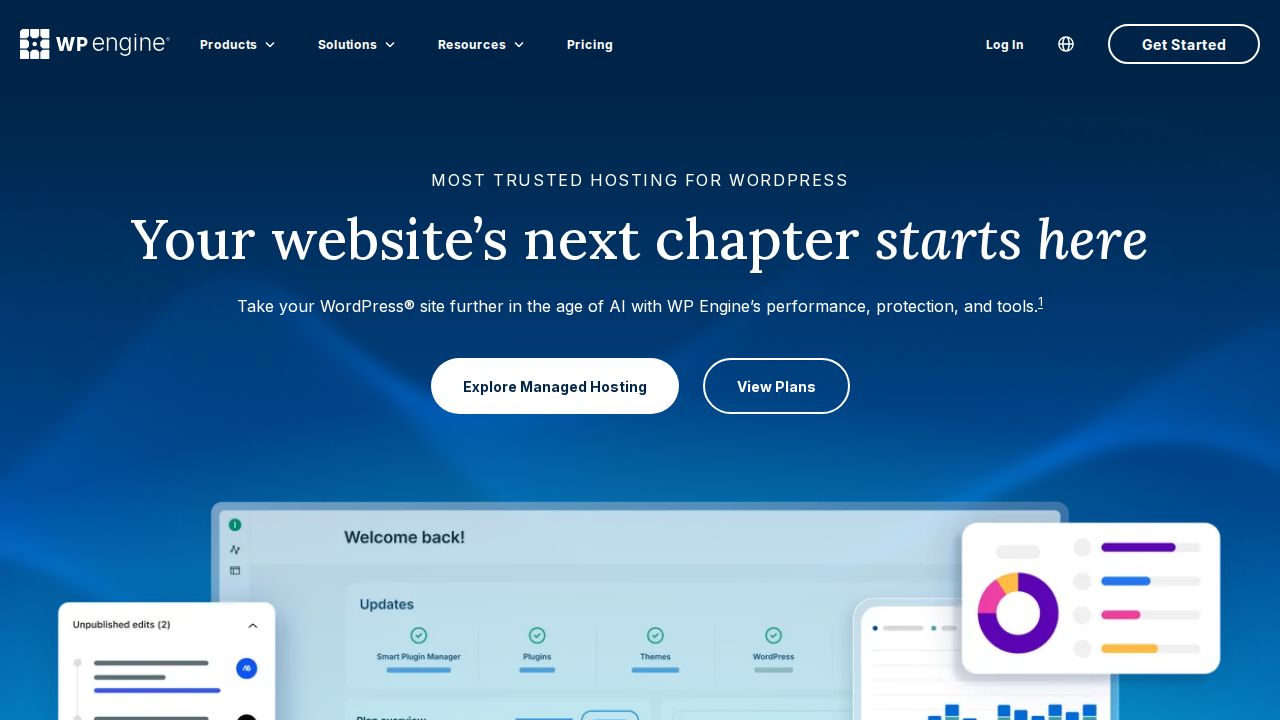
Best for higher-traffic managed WordPress WP Engine is aimed at established sites and businesses. The Essential plan starts at $28 a month billed annually and includes daily automated backups, 24/7 chat support, free SSL and managed WordPress, PHP and MySQL. Phone support, managed migrations and an uptime SLA sit on the much pricier Business plan.
What stands out
- Essential plan includes daily automated backups
- 24/7 chat support
- Managed WordPress, PHP and MySQL, with free SSL and SSH
- Essential covers 25,000 to 400,000 visits a month and 10 to 50 GB of storage
Keep in mind
- Essential is billed annually, with $336 due upfront
- The 99.99% uptime SLA, phone support and managed migrations need the Business plan, from $400 a month
- No money-back guarantee is stated on the plans page
How we chose
We compared each provider’s published WordPress plans on four things:
- Intro price and term. The entry price and how long you must prepay to get it.
- Renewal or regular price. What the plan costs after the first term.
- WordPress features. Automatic updates, staging, backups and migrations.
- Site and traffic limits. How many sites the plan allows and the visits it is sized for.
This list is based on published plans and pricing, not lab testing. We did not measure speed or uptime. Where a price was not published on the day we checked, we say “See site”.
Budget or managed: which do you need?
A budget plan from Hostinger, Bluehost, SiteGround or DreamHost is enough for a new blog, a portfolio or a small business site. You get WordPress installed and the basic tools to run it.
Consider a managed platform such as Kinsta or WP Engine when:
- The site earns money and downtime has a real cost
- You want daily backups and migrations handled for you
- Traffic is in the tens of thousands of visits a month or more
- You would rather pay more than spend time on upkeep
Choose WordPress.com if you do not want a hosting account at all and are fine starting with a simpler setup.
What to check before you buy
- The term. A $1.99 rate may need 12, 48 or more months paid upfront.
- The renewal price for your plan.
- How often backups run: weekly or daily.
- Whether staging is on your plan or a higher one.
- The number of sites allowed, if you plan to build more than one.
- The refund window, where one is listed.
Frequently asked questions
What is the difference between WordPress hosting and regular hosting?
WordPress hosting is hosting set up for WordPress, often with automatic updates, staging and caching included. At Hostinger and Bluehost the WordPress plans share the same prices as the entry shared plans.
What is managed WordPress hosting?
A managed host looks after updates, backups and performance for you. Kinsta and WP Engine are managed platforms, and both include daily automated backups on their entry plans.
Is WordPress.com the same as WordPress?
WordPress.com is a hosted service that runs WordPress for you, with a free plan and paid plans from $4 a month billed yearly. The other hosts on this list give you a hosting account where you run WordPress yourself or with managed help.
How much does WordPress hosting cost?
Budget plans here start at $1.99 to $3.99 a month at intro rates on 12 to 48 month terms. Managed plans start at $28 a month billed annually at WP Engine, and Kinsta's Launch plan has a $35 list price.
Do WordPress hosting prices go up at renewal?
Yes, on every budget plan listed. Published renewal rates are $7.99 a month at DreamHost, $9.99 at Bluehost, $10.99 at Hostinger and $17.99 at SiteGround.
Sources
How we wrote this
This list is based on each company's published plans, prices and feature pages, not on hands-on lab testing. Facts were last checked on November 17, 2026. See our editorial policy.