No company paid to be on this list. Prices were checked on November 17, 2026 and can change. How we make money.
At a glance
| # | Product | Best for | Starting price | Free option |
|---|---|---|---|---|
| 1 | Android users and Google Photos fans | See site | Free plan (15 GB) | |
| 2 | iPhone and Mac owners | $0.99/mo | Free plan (5 GB) | |
| 3 | Windows users who want cheap space | $1.99/mo | Free plan (5 GB) | |
| 4 | Paying once instead of every month | $159 lifetime | Free plan (up to 10 GB) | |
| 5 | Photographers who want unlimited uploads | See site | See site | |
| 6 | Big libraries shared with clients | $9.99/mo | Free plan (2 GB) |
The list
 Google One
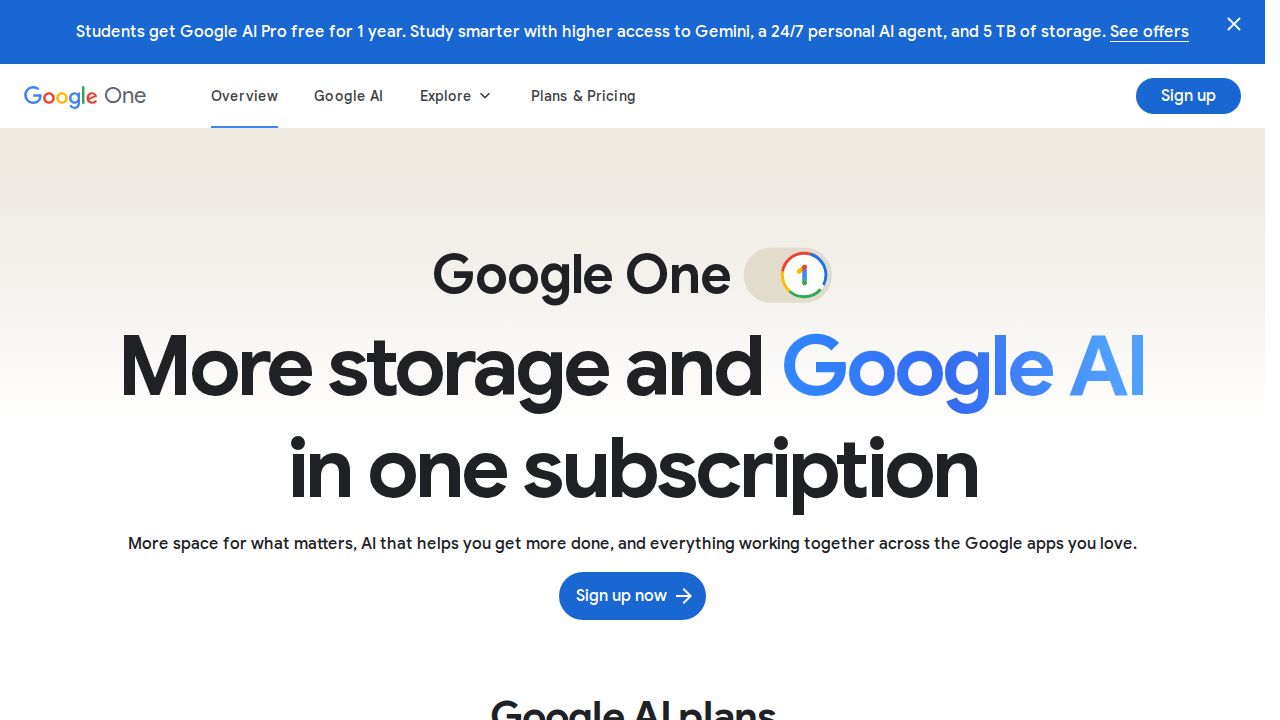
Best for android users and Google Photos fans Google One is the natural upgrade if your phone already backs up to Google Photos. Every account starts with 15 GB, and paid plans run from 100 GB up to 20 TB or more on the top AI tier. A plan can be shared with five other people, each with private space.
What stands out
- 15 GB free with every Google Account
- Plans from 100 GB up to 20 TB and beyond
- Share a plan with up to 5 other people at no extra cost
- One pool covers Google Photos, Gmail and Drive
Keep in mind
- Gmail and Drive files eat into the same space as your photos
- US prices did not appear on the plans page we checked
 iCloud+
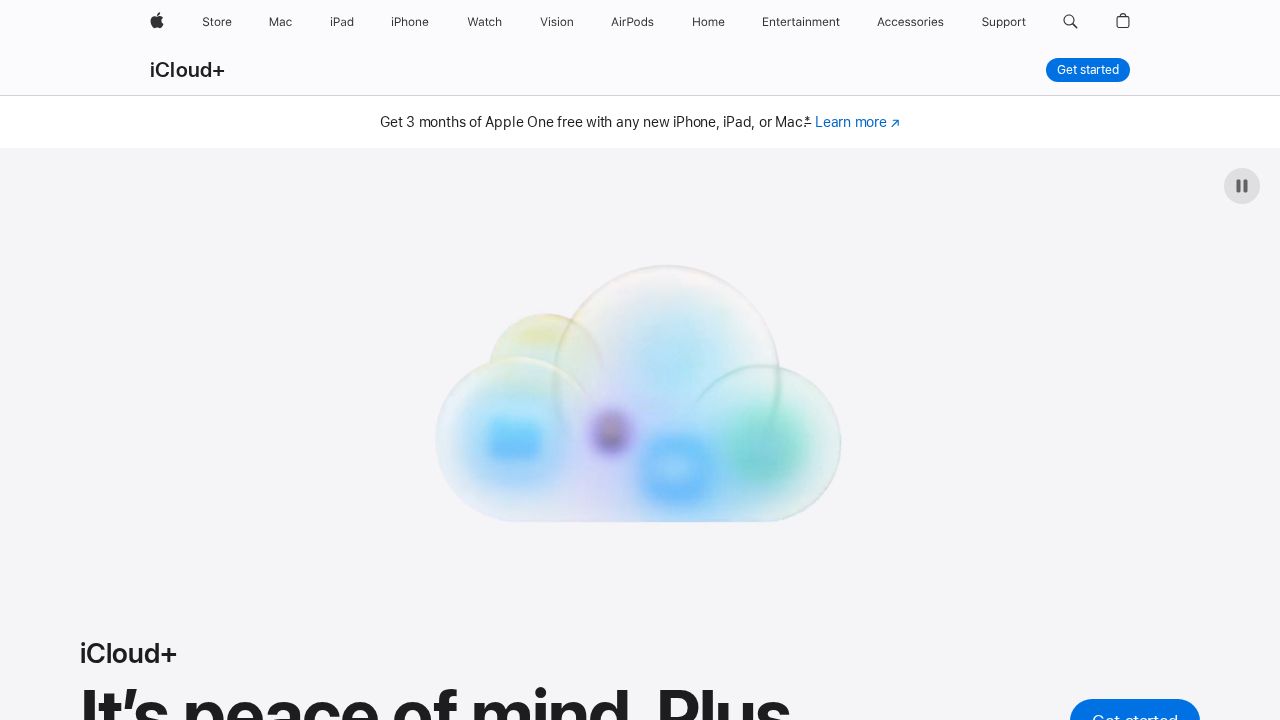
Best for iPhone and Mac owners iCloud+ is the simplest choice for anyone in Apple's ecosystem. iCloud Photos keeps full-resolution copies in the cloud and lighter versions on each device. Plans start at $0.99 a month for 50 GB and go up to 12 TB, and every paid tier can be shared with family.
What stands out
- 50 GB for $0.99 a month, 2 TB for $9.99 a month
- Paid plans can be shared with up to five family members
- Shared Photo Library lets up to five other people add to one collection
- Photos are viewable on iCloud.com and on Windows with iCloud for Windows
Keep in mind
- The free 5 GB fills quickly with a photo library
- Some US states add tax to the monthly price
 Microsoft OneDrive
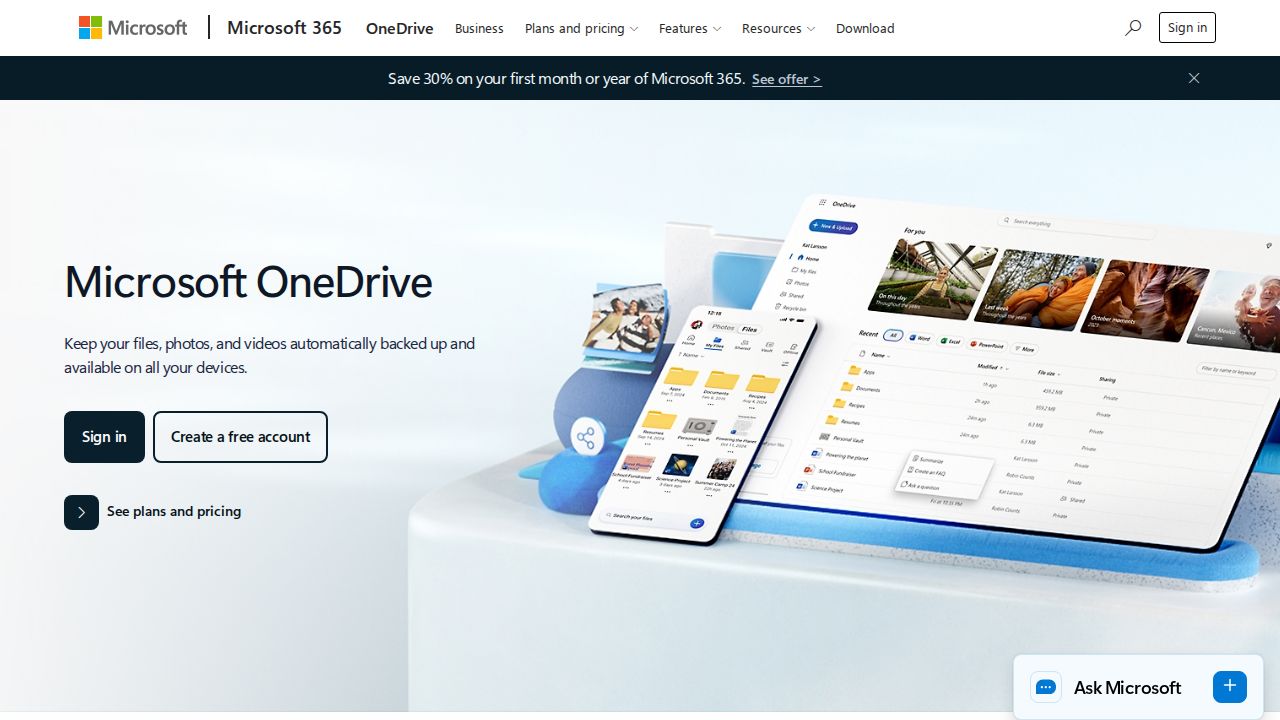
Best for windows users who want cheap space OneDrive is a low-cost pick for Windows households. Microsoft 365 Basic gives 100 GB for $1.99 a month, and every paid plan includes camera roll backup and the Personal Vault. Families can step up to 2 TB shared among six people with Microsoft 365 Family.
What stands out
- Microsoft 365 Basic: 100 GB for $1.99 a month or $19.99 a year
- Camera roll backup and Personal Vault on all paid plans
- Microsoft 365 Family covers up to 6 people with 2 TB shared
- Version history and ransomware detection on paid plans
Keep in mind
- Microsoft 365 Personal's $69.99 first-year price is a limited-time offer; it renews at $99.99 a year
- Free tier is only 5 GB
 pCloud
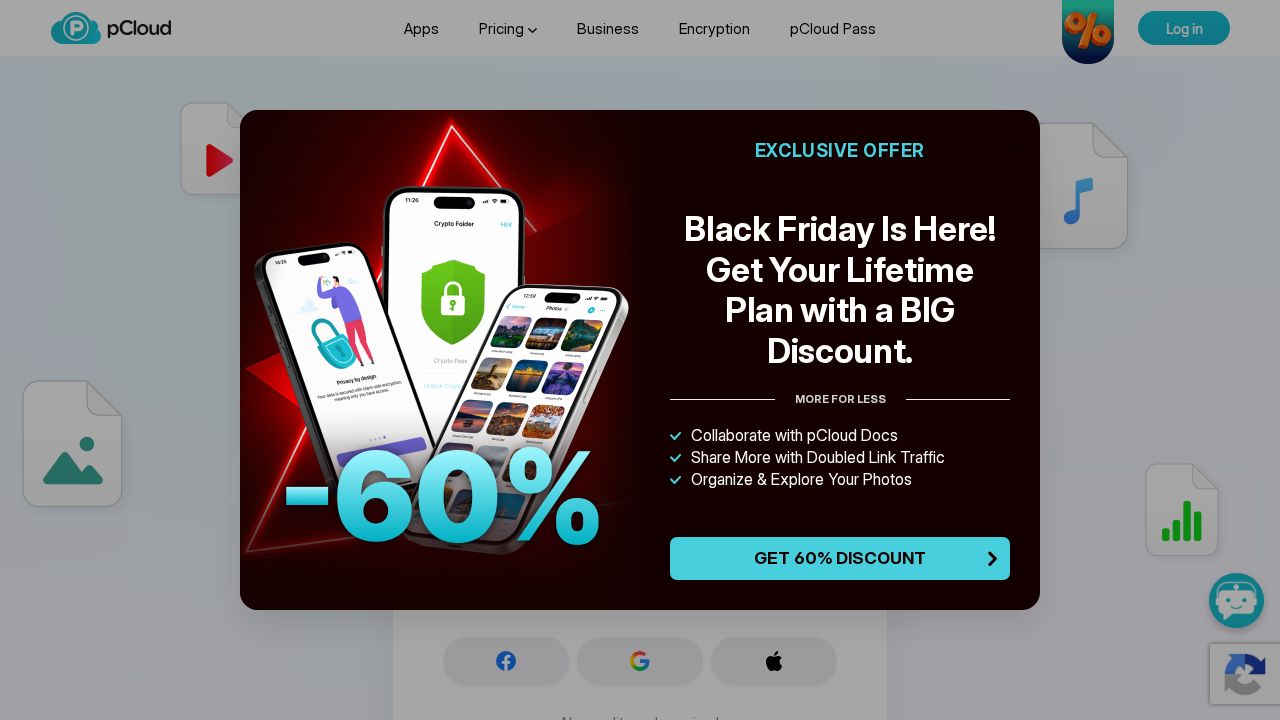
Best for paying once instead of every month pCloud suits people with large, slowly growing photo libraries who dislike subscriptions. Its lifetime plans are a single payment: 500 GB for $159 or 2 TB for $379 at the current sale prices. A free account offers up to 10 GB to try it first.
What stands out
- Lifetime 500 GB for $159 and 2 TB for $379, paid once
- Up to 10 GB free with no credit card
- Automatic backup of images and videos
- Family lifetime plans cover up to 5 users
Keep in mind
- Current lifetime prices are a Black Friday sale; regular prices are $279 and $709
- Client-side encryption costs extra on standard plans
 Flickr Pro
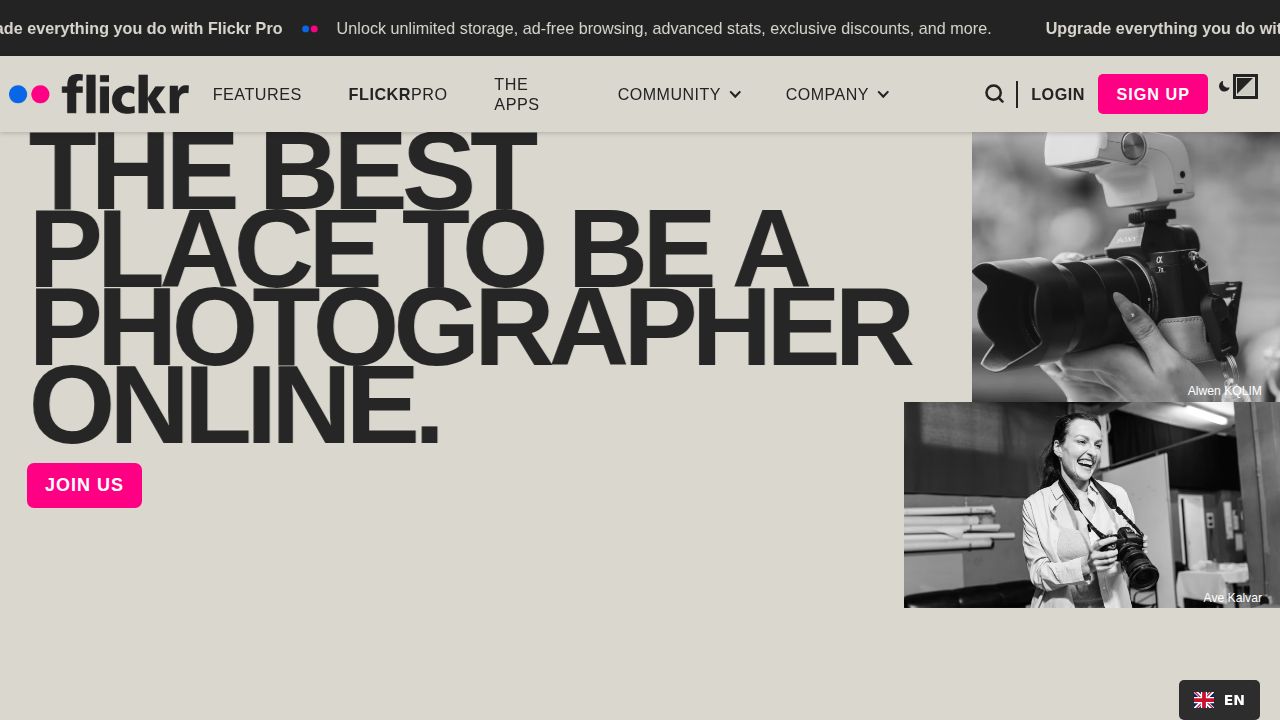
Best for photographers who want unlimited uploads Flickr Pro is aimed at hobby and working photographers rather than everyday phone backups. It promises full-resolution uploads with no storage cap, removes ads for you and your visitors and adds detailed stats on views and referrers. Monthly, annual and two-year billing are offered.
What stands out
- Unlimited storage for full-resolution uploads
- Ad-free for you and people viewing your photos
- Detailed stats on views, referrers and engagement
Keep in mind
- Prices did not appear on the upgrade page we checked
- Built for photos and video, not general file storage
 Dropbox
Best for big libraries shared with clients Dropbox Plus gives one person 2 TB for $9.99 a month, which is enough for a large RAW archive. It also lets you send up to 50 GB at a time with Dropbox Transfer, useful when delivering photo sets to clients or family who do not use Dropbox.
What stands out
- Plus includes 2 TB for one person at $9.99 a month
- Send up to 50 GB per transfer on Plus
- Recipients of a transfer do not need a Dropbox account
Keep in mind
- Free Basic plan has only 2 GB
- No free trial on Plus
- Transfer links on Plus expire after 7 days
How we chose
We compared each company’s published plans on these points:
- Free space. How many photos you can store before paying.
- Cost per gigabyte. Monthly plans, and one-time options for long-term archives.
- Family sharing. Whether one plan can cover a whole household.
- Photo-friendly extras. Automatic backup, full-resolution storage and easy sharing.
This list is based on published plans and pricing, not lab testing. Where a pricing page did not show a fixed price on the day we checked, we wrote “See site” instead of guessing.
How much storage do you need for photos?
A rough guide based on typical libraries:
- Under 50 GB: a few thousand phone photos with little video. The smallest iCloud+ tier or Microsoft 365 Basic is enough.
- 100 GB to 500 GB: several years of phone photos plus some 4K video. Look at Google One, OneDrive or a pCloud lifetime plan.
- 2 TB or more: a camera owner shooting RAW files, or a family sharing one plan. Dropbox Plus, the 2 TB iCloud+ tier or Flickr Pro make sense.
Tips before you move a photo library
- Check whether your current service stores originals or compressed copies, and export the originals.
- Keep at least one copy on an external drive while the upload finishes.
- Turn on automatic backup in the new app only after the old library is fully transferred, to avoid duplicates.
- Remember that email and documents may share the same storage pool on Google, Apple and Microsoft plans.
- Review the renewal price, not just the first-year price, before you commit.
Frequently asked questions
Which cloud storage is cheapest for photos?
For small libraries, iCloud+ starts at $0.99 a month for 50 GB and Microsoft 365 Basic gives 100 GB for $1.99 a month. For large libraries you plan to keep for years, pCloud's one-time 500 GB plan at $159 avoids a monthly bill.
Does Google Photos still offer free unlimited storage?
No. Google Photos shares the 15 GB free allowance with Gmail and Drive. Backing up in original quality counts against that limit, so most heavy users need a Google One plan.
Can I share one storage plan with my family?
Yes. Google One and iCloud+ paid plans can each be shared with up to five other people, Microsoft 365 Family covers up to six people, and pCloud sells family lifetime plans for up to five users.
Is unlimited photo storage really unlimited?
Flickr Pro advertises full-resolution uploads with no monthly cap. Read the terms for video limits and file types before moving a full archive.
Sources
How we wrote this
This list is based on each company's published plans, prices and feature pages, not on hands-on lab testing. Facts were last checked on November 17, 2026. See our editorial policy.