No company paid to be on this list. Prices were checked on November 17, 2026 and can change. How we make money.
At a glance
| # | Product | Best for | Starting price | Free option |
|---|---|---|---|---|
| 1 | Teams that already use Office files | $7/user/mo | 1-month trial | |
| 2 | Teams built around Gmail and Docs | $8.40/user/mo | 14-day trial | |
| 3 | Businesses handling sensitive files | $7.99/user/mo | 30-day money-back | |
| 4 | Low-cost seats for small teams | $5/user/mo | Free trial | |
| 5 | Encrypted storage on a tight budget | $4.50/user/mo | 30-day trial | |
| 6 | Sending large files to clients | $15/user/mo | Free trial | |
| 7 | Teams wanting client-side encryption | $9.99/user/mo | 30-day trial |
The list
 Microsoft 365 Business Basic
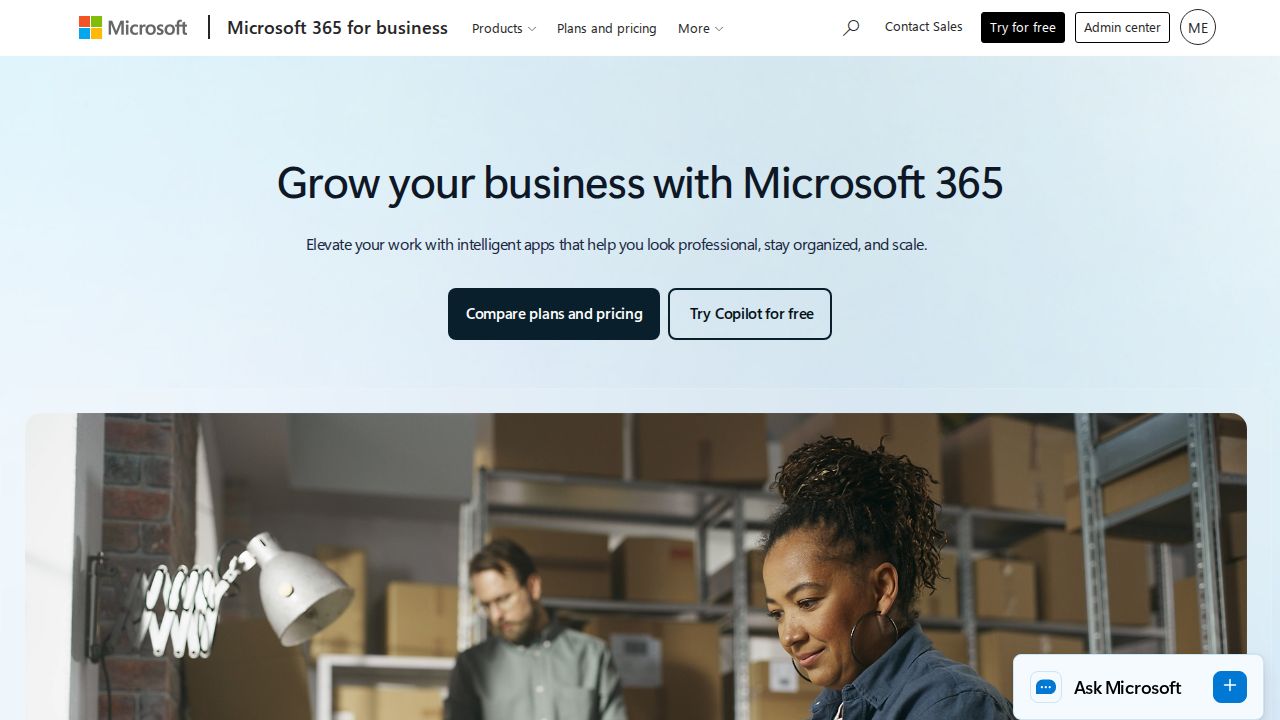
Best for teams that already use Office files Business Basic is the best value for most small offices. Each user gets 1 TB of OneDrive storage for $7 a month on a yearly commitment, and the plan covers up to 300 users. Higher tiers add the desktop Office apps and Copilot if your team needs them later.
What stands out
- 1 TB of storage per user
- $7 per user a month, paid yearly
- Covers 1 to 300 users
- One-month free trial on each plan
Keep in mind
- The $7 rate needs an annual commitment
- Trial requires a credit card and has limited storage
 Google Workspace
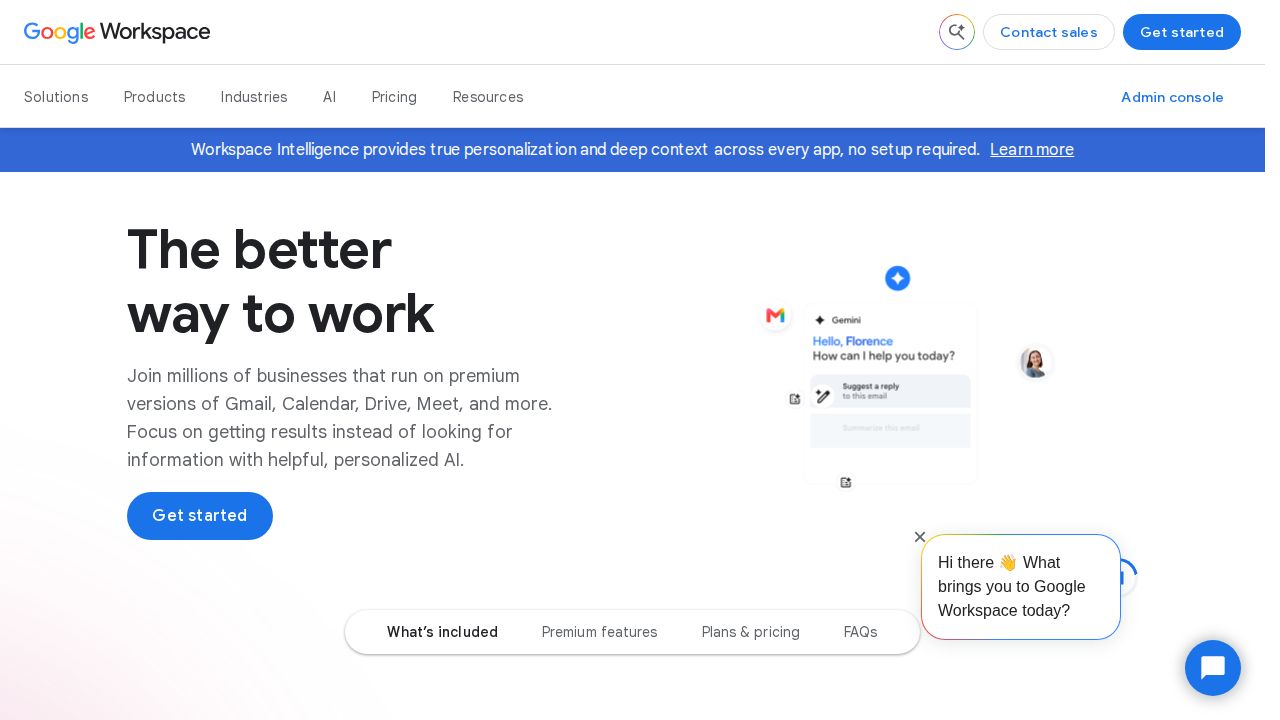
Best for teams built around Gmail and Docs Google Workspace makes sense when your team already works in Gmail, Docs and Sheets. Business Starter costs $8.40 per user a month on the Flexible plan with 30 GB of pooled storage per user, while Business Standard raises that to 2 TB per user.
What stands out
- Business Starter is $8.40 per user a month on the Flexible plan
- Business Standard pools 2 TB per user for $16.80
- Plans support up to 300 users
- 14-day free trial
Keep in mind
- Business Starter includes only 30 GB of storage per user
- Google says a 1-year commitment saves 16%, but the annual rate was not shown
 Proton Drive Professional
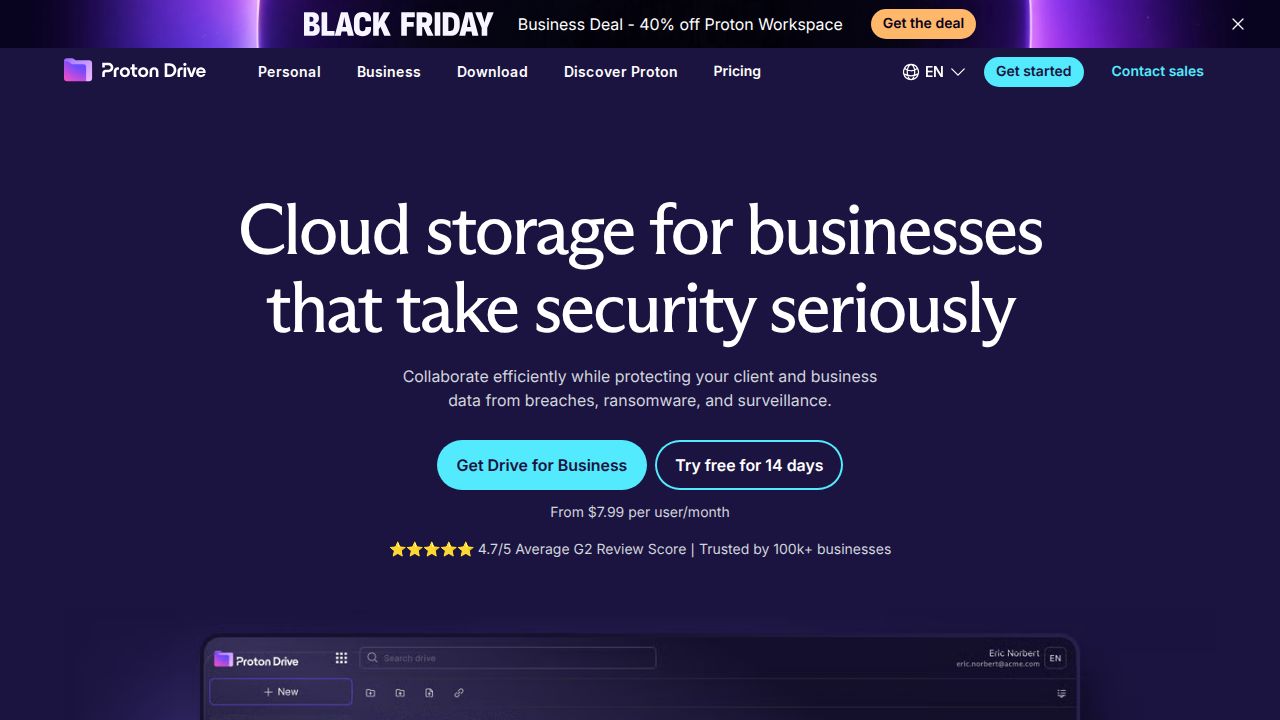
Best for businesses handling sensitive files Proton Drive Professional is the pick for firms that want privacy by default. Each user gets 1 TB of storage protected with end-to-end encryption that Proton says extends to file metadata. It costs $7.99 per user a month, billed as $95.88 a year.
What stands out
- 1 TB of storage per user
- End-to-end encryption, including metadata
- Encrypted online document editor
- 30-day money-back guarantee
Keep in mind
- $7.99 is the yearly-billing rate; the drive pricing page shows it as 20% off a $9.99 list price
- No free trial listed, only a refund window
 Box
Best for low-cost seats for small teams Box Business Starter has the lowest per-seat price on this list, but it is tight on space, with 100 GB per user and a 2 GB upload limit. The Business plan at $15 per user removes the storage cap, which suits teams with growing file libraries.

What stands out
- Business Starter from $5 per user a month
- Business plan and above include unlimited storage
- Free trial on every business plan
Keep in mind
- Minimum of 3 users
- Starter allows only 100 GB per user and 2 GB per upload
- The page shows a higher struck-through price ($7) without saying which billing cycle each applies to
 Sync.com
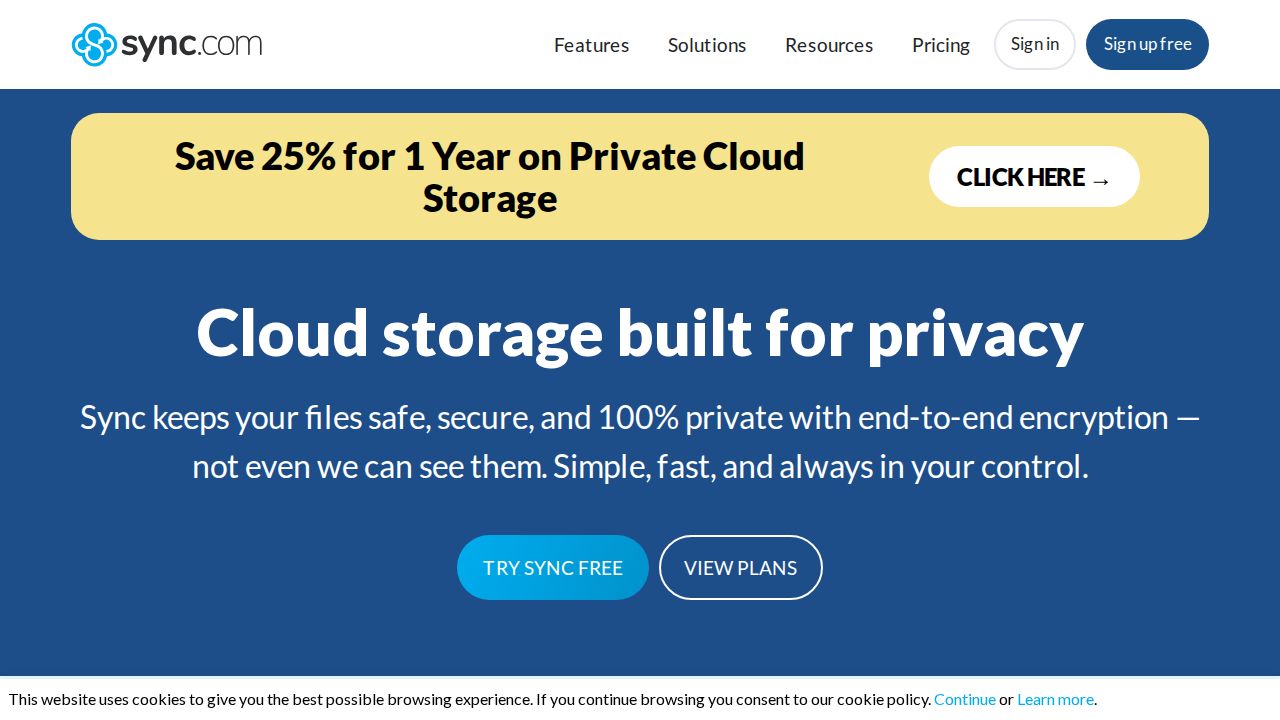
Best for encrypted storage on a tight budget Sync.com Teams pairs end-to-end encrypted storage with simple admin tools. Teams 1TB gives each user 1 TB, admin controls and 180 days of file history. The page lists SOC 2 Type 1, HIPAA, GDPR and PIPEDA compliance, which helps in regulated fields.
What stands out
- 1 TB per user with 180-day file history on Teams 1TB
- End-to-end encrypted storage
- 30-day free trial and 30-day money-back guarantee
- Lists HIPAA and SOC 2 Type 1 compliance
Keep in mind
- $4.50 reflects a 25% first-year discount on annual billing; the regular rate shown is $6
- Minimum of 3 users
 Dropbox
Best for sending large files to clients Dropbox Standard is pricier per seat, but it starts at 3 TB for the whole team and lets users send up to 100 GB at a time with Dropbox Transfer. It works for a single user too, while the Advanced plan starts at 15 TB for teams of 3 or more.
What stands out
- Standard starts at 3 TB for the team
- Available for 1 user or more
- Send up to 100 GB per transfer, with passwords and custom expiration
- Advanced plan starts at 15 TB for $24 per user
Keep in mind
- Highest entry price on this list
- The page did not show separate monthly and yearly rates
 pCloud Business
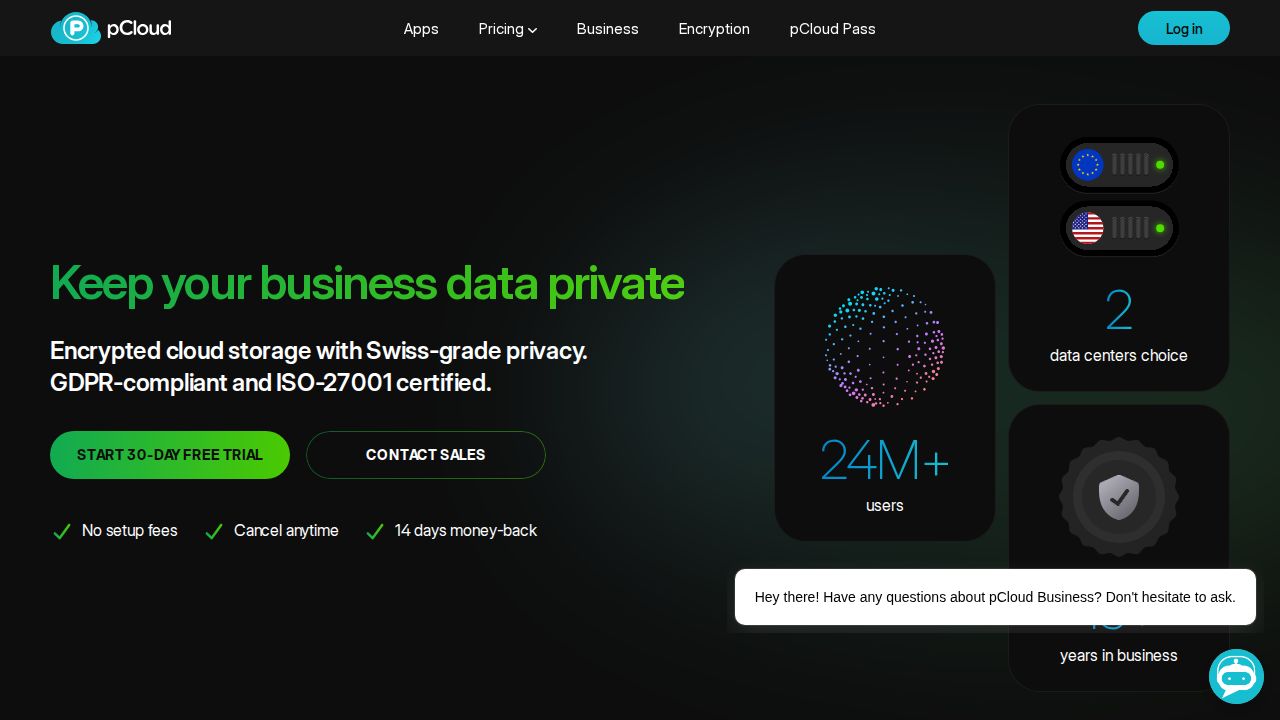
Best for teams wanting client-side encryption pCloud Business suits small teams that want encrypted shared folders without a big setup. The plan costs $9.99 per user a month for 3 users with 3 TB in total, and includes 180-day file version history, unlimited upload file size and per-user storage quotas.
What stands out
- Files are encrypted on the device before upload
- Unlimited file size uploads and 180-day version history
- 30-day free trial and 14-day money-back guarantee
- EU data center with GDPR and ISO 27001 listed
Keep in mind
- Sold in packs that start at 3 users ($29.97 a month)
- The 25% Business Pro discount applies only to new accounts
How we chose
We compared the published business plans of each company on these points:
- Price per user. The lowest paid business plan, and whether it needs an annual commitment.
- Storage per user. How much space each seat actually gets.
- Minimum team size. Whether a solo founder or a team of two can sign up.
- Admin and security. User management, file history and encryption.
This list is based on published plans and pricing, not lab testing. Where a company did not show a fixed price, we wrote “See site” instead of guessing.
What to check before you buy
- Annual versus monthly billing. Several of these prices need a yearly commitment. Monthly billing usually costs more.
- Promotional rates. Sync.com and Proton show discounted first-year prices. Budget for the regular rate.
- Pooled or per-user storage. Google Workspace pools storage across the team, while Microsoft gives each user a fixed 1 TB.
- Compliance needs. Medical, legal and finance firms should confirm HIPAA or similar support on the plan they pick.
How to roll out cloud storage to a team
- Start a free trial with two or three staff before buying every seat.
- Create shared folders by department or client, not by person.
- Set permissions so only managers can delete shared folders.
- Turn on two-factor sign-in for every account.
- Write down how to remove a user’s access when they leave.
Frequently asked questions
How much storage does a small business need per user?
Office documents rarely need more than 100 GB per person, but design, video and photo teams can use several terabytes. Microsoft 365 Business Basic and Proton Drive Professional both give 1 TB per user, which covers most office work.
Can I use a personal cloud plan for my business?
You can, but business plans add admin controls, user management and compliance features. Plans such as Sync.com Teams and Box also let you remove a departing employee's access in one place.
Which business cloud storage is end-to-end encrypted?
Proton Drive Professional and Sync.com describe their storage as end-to-end encrypted, and pCloud Business encrypts files on the device before upload.
Is there a minimum number of users?
Box, Sync.com Teams and pCloud Business start at 3 users. Dropbox Standard and Proton Drive Professional can be bought for one person.
Sources
How we wrote this
This list is based on each company's published plans, prices and feature pages, not on hands-on lab testing. Facts were last checked on November 17, 2026. See our editorial policy.