No company paid to be on this list. Prices were checked on November 17, 2026 and can change. How we make money.
At a glance
| # | Product | Best for | Starting price | Free option |
|---|---|---|---|---|
| 1 | Open-source encrypted storage | $2.49/mo | Free plan (5 GB) | |
| 2 | Large encrypted backups | $9/mo | 30-day trial | |
| 3 | Professionals with sensitive files | See site | 14-day trial | |
| 4 | Cheap encrypted space | €1.99/mo | Free plan (10 GiB) | |
| 5 | Open-source storage with extras | See site | Free plan (1 GB) | |
| 6 | Low first-year price | $1.20/mo | Free plan (10 GB) | |
| 7 | Adding encryption to pCloud | $150 lifetime | See site |
The list
 Proton Drive
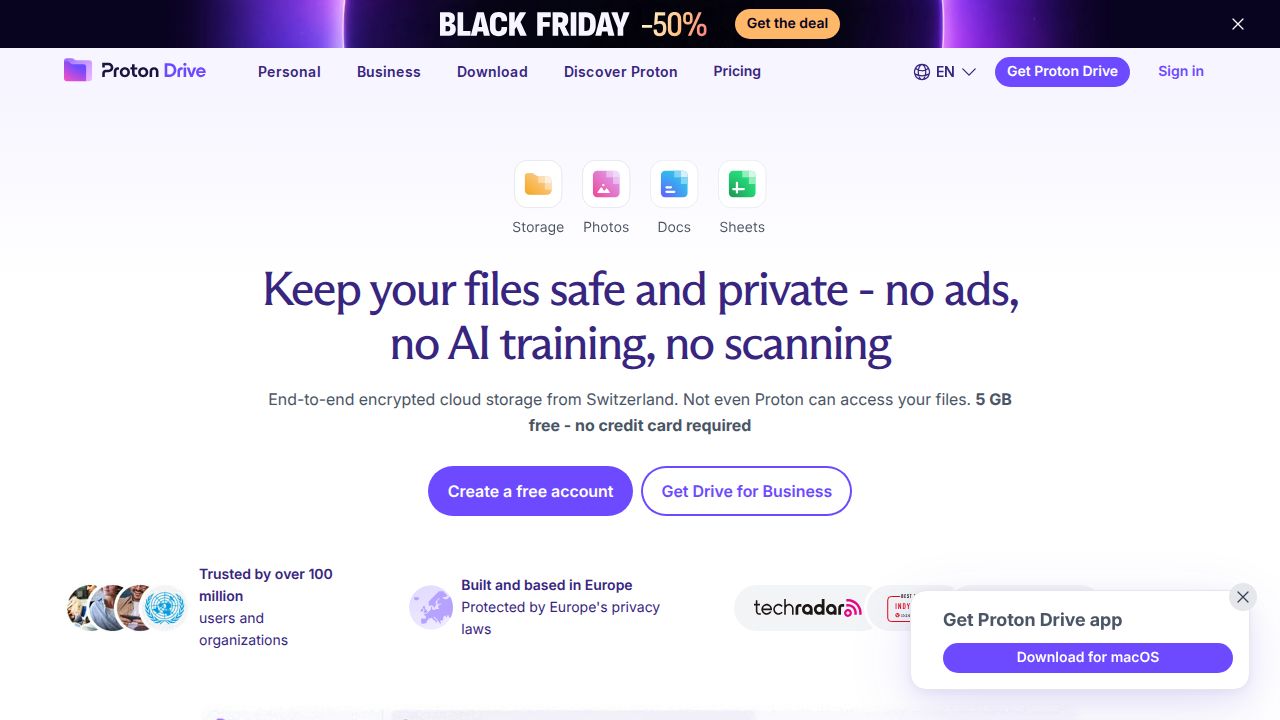
Best for open-source encrypted storage Proton Drive is the strongest all-round pick. Files and their names are encrypted on your device, Proton says it cannot read them, and the code is public and independently audited. Drive Plus adds 200 GB for $29.88 for the first year, and the free plan needs no card.
What stands out
- Proton describes its storage as zero-access and end-to-end encrypted
- File names are encrypted along with file contents
- Open-source apps for iOS, Android, Windows, macOS and the web
- 30-day money-back guarantee
Keep in mind
- Drive Plus is $29.88 for the first 12 months, then $47.88 a year
- Sharing files larger than 5 GB needs a paid plan
 Sync.com
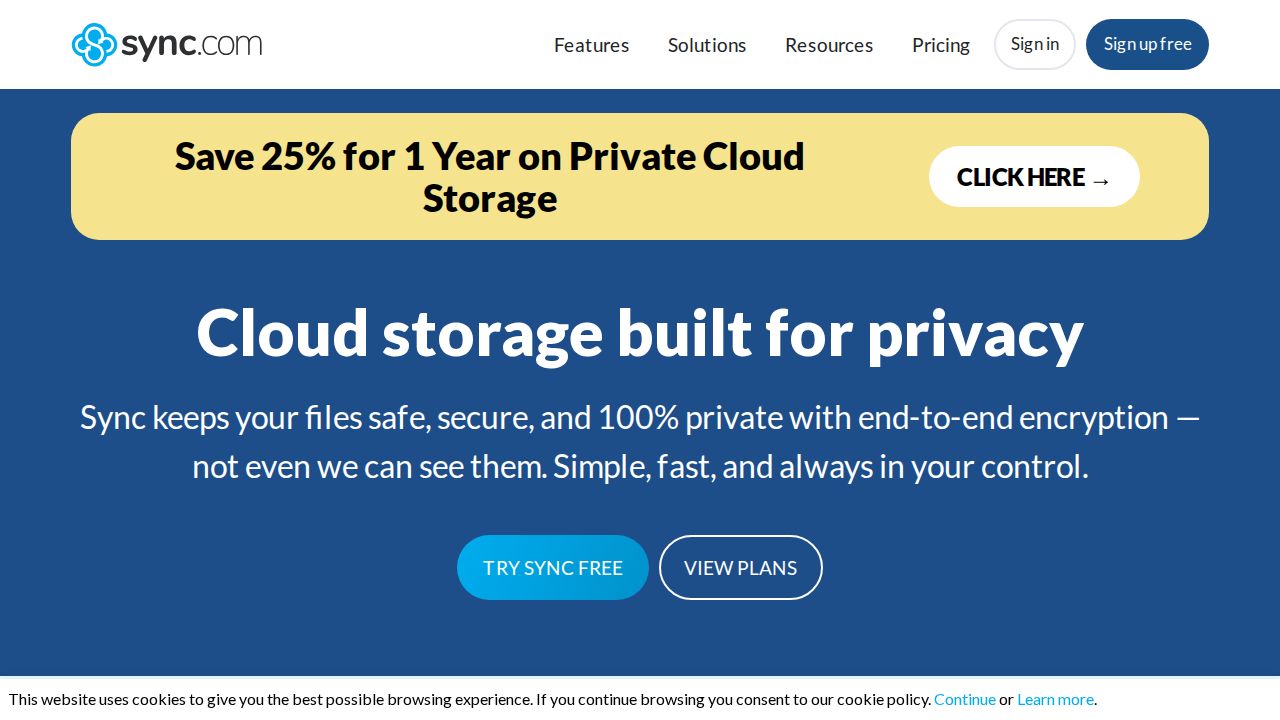
Best for large encrypted backups Sync.com focuses on end-to-end encrypted storage that only the account holder can open. Its smallest individual plan is 1 TB, which makes it better for people with sizable archives than for light users. Every plan includes automatic camera upload from your phone.
What stands out
- End-to-end encrypted storage on every plan
- Personal 1TB is $9 a month billed annually ($108) in the first year
- Solo 5TB and an unlimited plan for bigger archives
- Automatic camera upload on mobile
Keep in mind
- First-year pricing; Personal 1TB renews at $12 a month billed annually
- No small, low-cost tier
 Tresorit
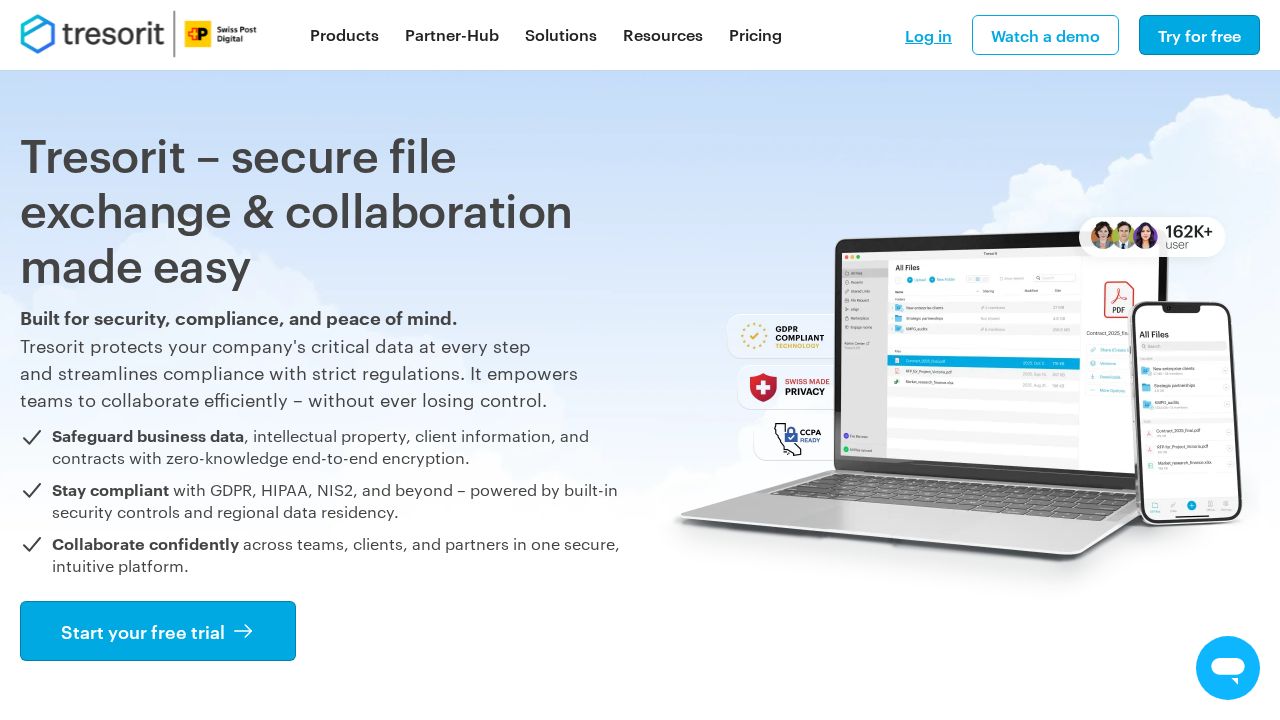
Best for professionals with sensitive files Tresorit is built for people who handle confidential documents, such as lawyers and consultants. It encrypts files and relevant metadata on your device and runs a zero-knowledge system, so the company cannot see your keys. Personal plans run from 50 GB to 4 TB.
What stands out
- End-to-end encryption that covers files and relevant metadata
- Zero-knowledge system: Tresorit cannot access your files or keys
- Personal plans from 50 GB to 4 TB
- 14-day trial without feature limits
Keep in mind
- Prices did not appear on the pricing page we checked
- Trial requires payment details upfront
- No free plan for personal use
 Filen
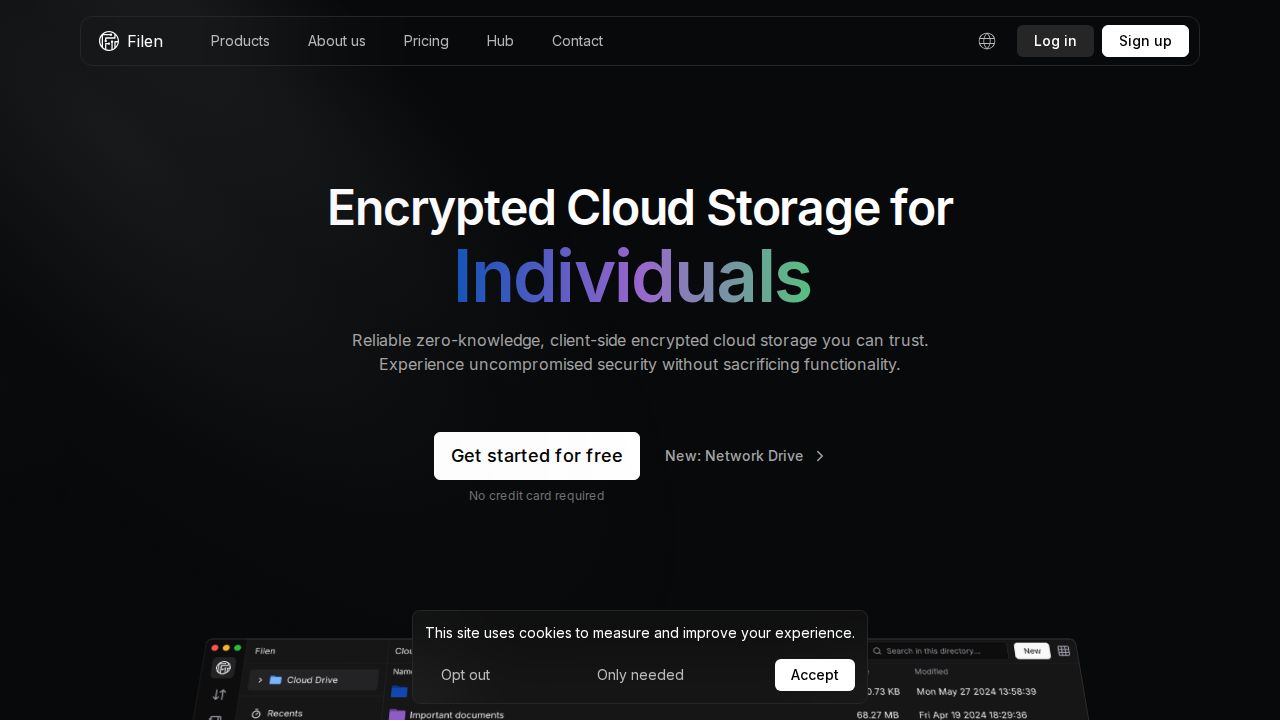
Best for cheap encrypted space Filen lists client-side encryption and zero-knowledge technology on every plan. It is one of the cheapest ways to get encrypted space, starting at 1.99 euros a month for 200 GiB and reaching 10 TiB on Pro X. Plans can be stacked.
What stands out
- Client-side encryption and zero-knowledge on every plan
- 200 GiB for 1.99 euros a month
- Plans can be combined, for example two Pro X plans for 20 TiB
- 10 GiB to start for free
Keep in mind
- Prices are listed in euros, not US dollars
- Lifetime plans are not currently on sale
 Internxt
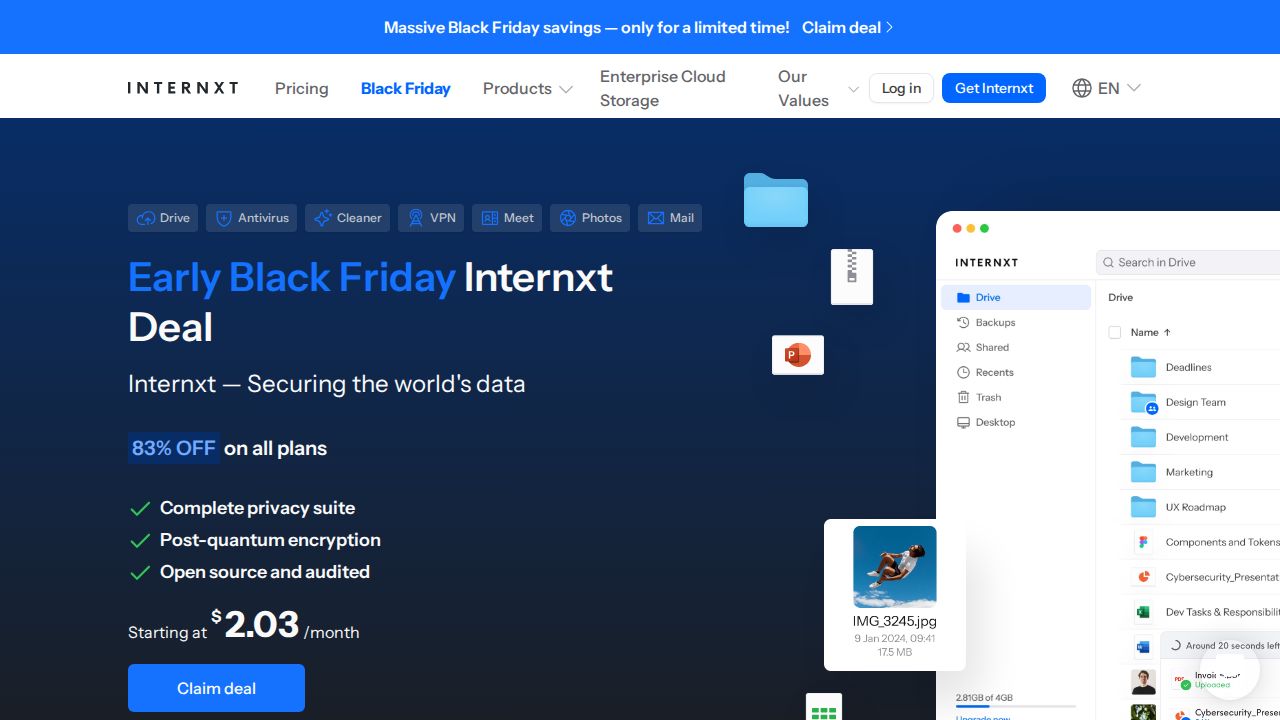
Best for open-source storage with extras Internxt pairs zero-knowledge AES-256 encryption with post-quantum cryptography, and its code is public on GitHub. Plans bundle extras such as a VPN, antivirus and file versioning. Both annual and lifetime plans exist, from 1 TB to 5 TB, but prices were hidden behind a sale banner.
What stands out
- Zero-knowledge AES-256 encryption plus post-quantum encryption
- Open-source code that anyone can audit
- Plans include a VPN, antivirus and file versioning
- 30-day money-back guarantee
Keep in mind
- Free plan offers only 1 GB
- Prices were not shown on the pricing page we checked
 Icedrive
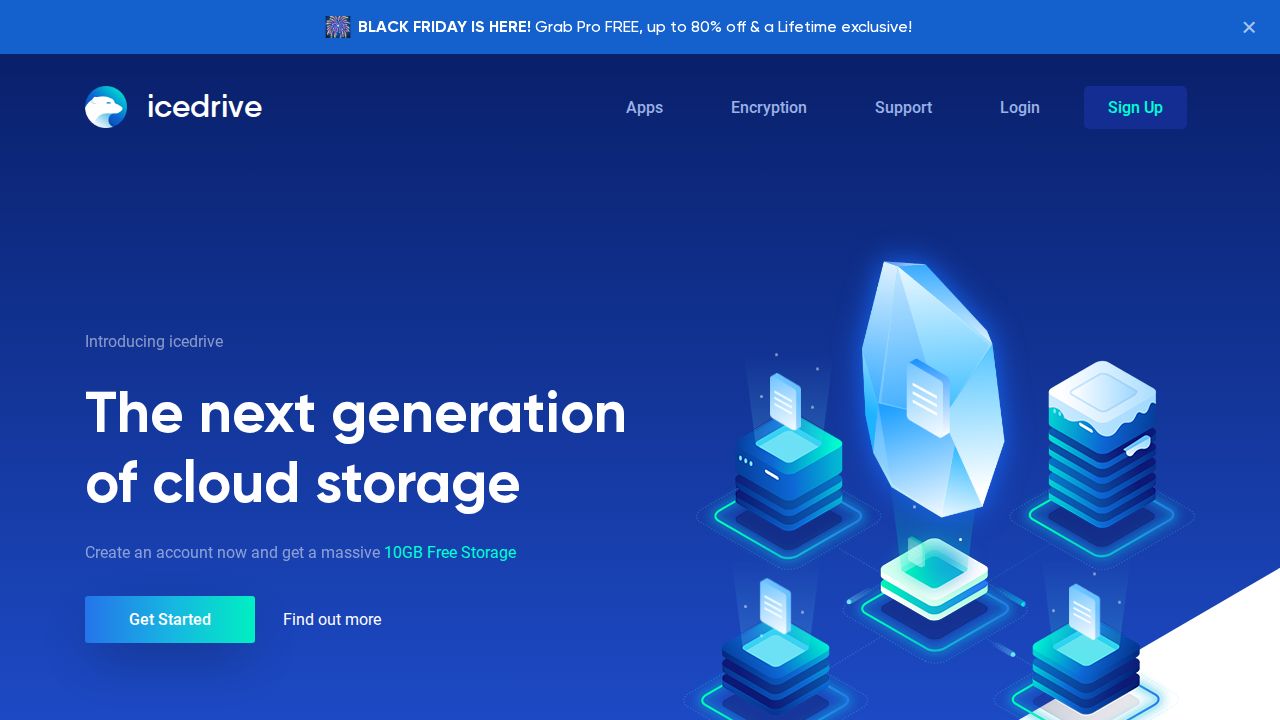
Best for low first-year price Icedrive uses client-side Twofish encryption with zero-knowledge protection on its paid Pro plans. Its Black Friday offer cuts the first year by 80%, bringing 1 TB to $1.20 a month. It suits budget buyers who will remember to check the renewal price.
What stands out
- Client-side Twofish encryption and zero-knowledge on paid plans
- Pro plans from 100 GB to 10 TB
- 30-day money-back guarantee
Keep in mind
- The free 10 GB plan does not include encryption
- $1.20 is a Black Friday first-year rate; plans renew at the standard annual price
 pCloud Encryption
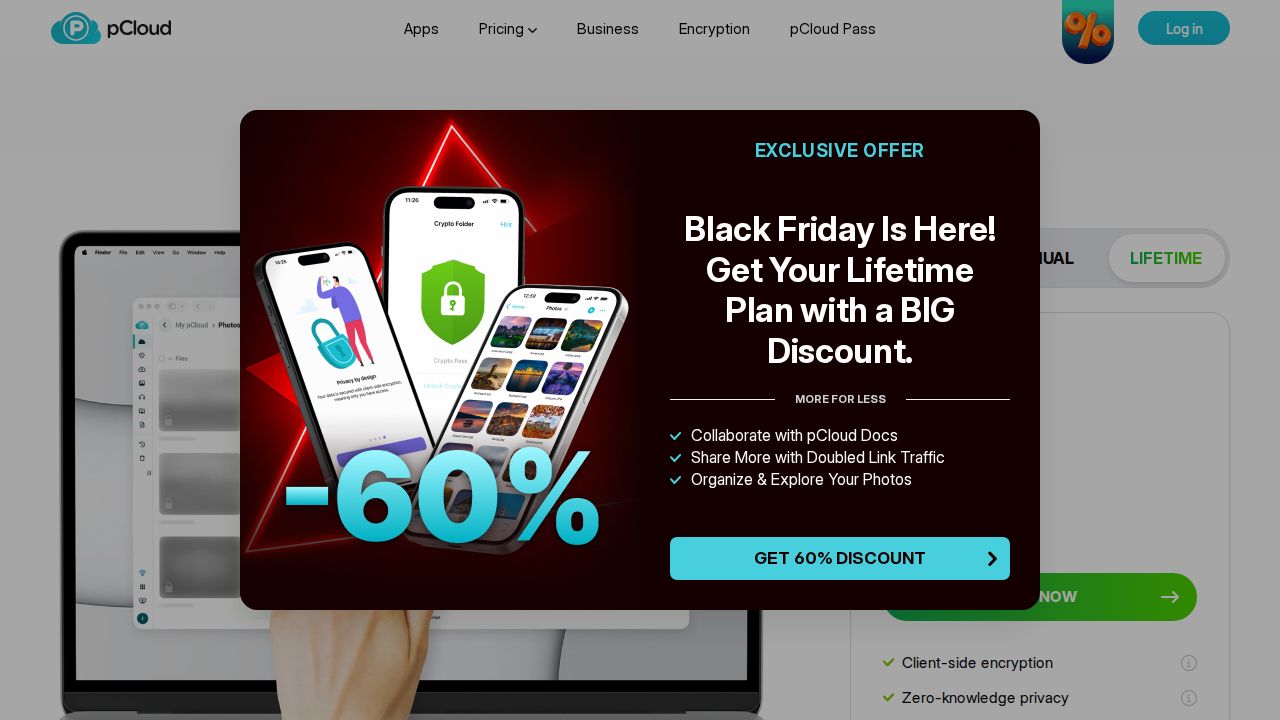
Best for adding encryption to pCloud pCloud Encryption adds a client-side, zero-knowledge folder to a pCloud account, using AES-256. It is sold on its own, with a lifetime option currently at $150. It is best for existing pCloud users who want only some files locked down.
What stands out
- Client-side, zero-knowledge AES-256 encryption
- Lifetime option at $150, down from $229
- Monthly, annual and lifetime billing options
Keep in mind
- Not included in pCloud's standard Premium, Premium Plus or Ultra plans
- Monthly and annual prices were not shown
How we chose
We compared each company’s published plans on these points:
- Encryption design. Whether files are encrypted on your device and whether the company holds your keys, using each company’s own description.
- Openness. Whether the code is published for review.
- Price per terabyte. Including renewal prices, not just first-year deals.
- Free tier. Whether the free plan includes the same encryption as paid plans.
This list is based on published plans and pricing, not lab testing or security audits of our own. Where a price was not published on the day we checked, we wrote “See site”.
What encrypted storage does and does not protect
Client-side encryption protects your files if the provider’s servers are breached or if staff try to look at them. It does not protect you from:
- Malware on your own computer or phone
- A weak or reused password
- Sharing a link with the wrong person
Tips for using encrypted cloud storage
- Use a long, unique password and store it in a password manager.
- Turn on two-factor authentication.
- Save any recovery key or phrase offline.
- Check whether file names and folders are encrypted, not just file contents.
- Keep a local backup, because a lost key can make cloud copies unreadable.
Frequently asked questions
What is the difference between end-to-end and zero-knowledge encryption?
End-to-end encryption means files are encrypted on your device and only decrypted by you or people you share with. Zero-knowledge means the provider does not hold your keys, so it cannot read your files. Most services here use both terms.
Are Google Drive and iCloud zero-knowledge?
Google says Google Photos data is encrypted in transit and at rest, which is not the same as encrypting files on your device with keys only you hold. Apple's iCloud page mentions an optional Advanced Data Protection setting. The services on this list build client-side encryption into their main product.
What happens if I forget my password?
With zero-knowledge storage, the company cannot reset your encryption key for you. Set up any recovery phrase or recovery method the service offers and store it somewhere safe.
Which encrypted cloud storage is free?
Proton Drive offers 5 GB free, Filen offers 10 GiB and Internxt 1 GB. Icedrive has a 10 GB free plan, but its encryption is only on paid plans.
Sources
- Proton Drive overview
- Proton Drive pricing
- Sync.com individual pricing
- Tresorit personal pricing
- Tresorit pricing overview
- Filen pricing
- Filen Hub: Starter Lifetime Plan temporarily unavailable
- Internxt pricing
- Icedrive plans
- Icedrive Black Friday 2026 offers
- Google Photos overview
- Apple iCloud overview
- pCloud Encryption
- pCloud pricing plans
How we wrote this
This list is based on each company's published plans, prices and feature pages, not on hands-on lab testing. Facts were last checked on November 17, 2026. See our editorial policy.