No company paid to be on this list. Prices were checked on November 17, 2026 and can change. How we make money.
At a glance
| # | Product | Best for | Starting price | Free option |
|---|---|---|---|---|
| 1 | Open source with easy cloud sync | $1.65/mo | Free plan | |
| 2 | Email aliases and a generous free plan | $1.99/mo | Free plan | |
| 3 | An offline vault on your own computer | Free | Free plan | |
| 4 | A portable Windows vault with plugins | Free | Free plan | |
| 5 | Teams that want to self-host | Free | Free plan |
The list
 Bitwarden
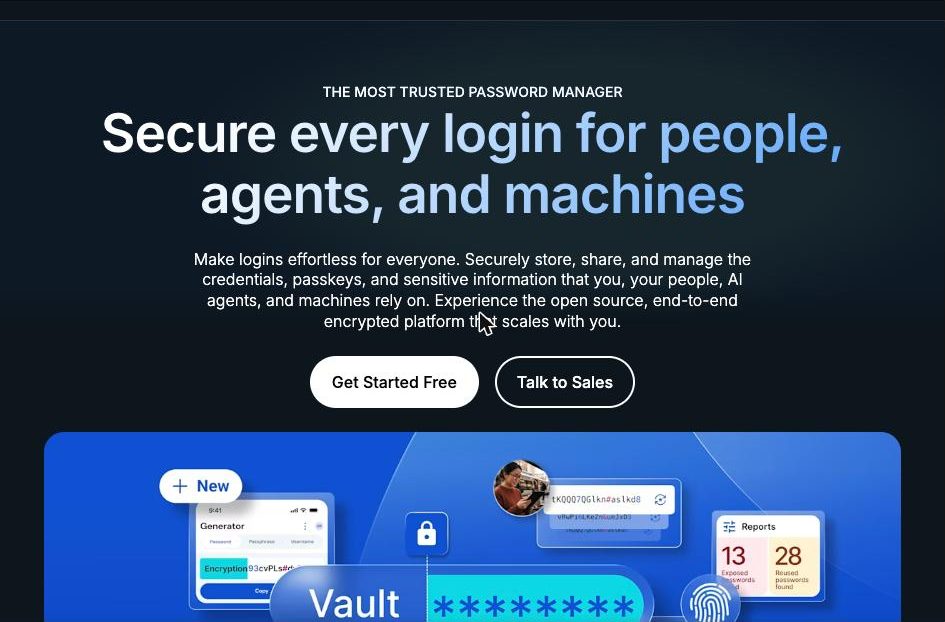
Best for open source with easy cloud sync Bitwarden is the simplest way to use an open-source password manager without managing files yourself. The free plan lists unlimited passwords and devices with apps for browser, mobile and desktop. The source code is on GitHub, and the company says it works with third parties such as Cure53 on security audits.
What stands out
- Free plan with unlimited passwords and unlimited devices
- Source code hosted on GitHub for the server, apps, browser extension and CLI
- Premium is $1.65 a month, billed annually at $19.80
- Can be self-hosted with Docker
- States zero knowledge, end-to-end AES-256 bit encryption
Keep in mind
- The integrated authenticator, file attachments and emergency access need Premium
- Prices do not include tax
 Proton Pass
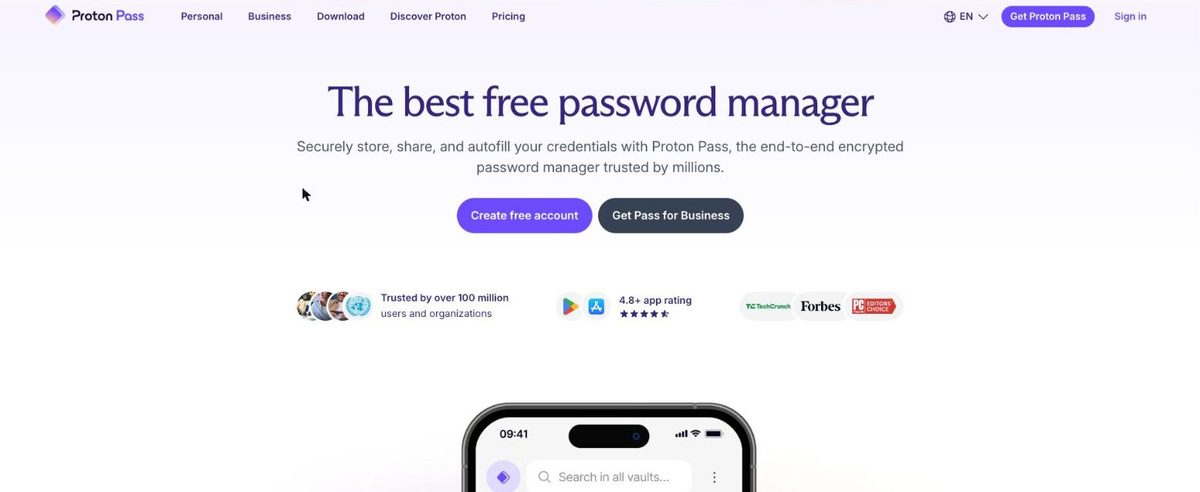
Best for email aliases and a generous free plan Proton Pass describes itself as an open-source, end-to-end encrypted password manager from the Swiss company Proton AG. The free plan lists unlimited logins on unlimited devices plus 10 hide-my-email aliases. Pass Plus adds unlimited aliases, a built-in 2FA authenticator and Dark Web Monitoring.
What stands out
- Free plan with unlimited logins, unlimited devices and 10 hide-my-email aliases
- Described by Proton as open source and independently audited
- Apps for Windows, macOS, Linux, Android and iOS, plus browser extensions
- Passkeys supported on all devices
Keep in mind
- Pass Plus is $23.88 for the first 12 months, then renews at $35.88 every 12 months
- Free plan is limited to 2 vaults
- The built-in 2FA authenticator and emergency access need a paid plan
 KeePassXC
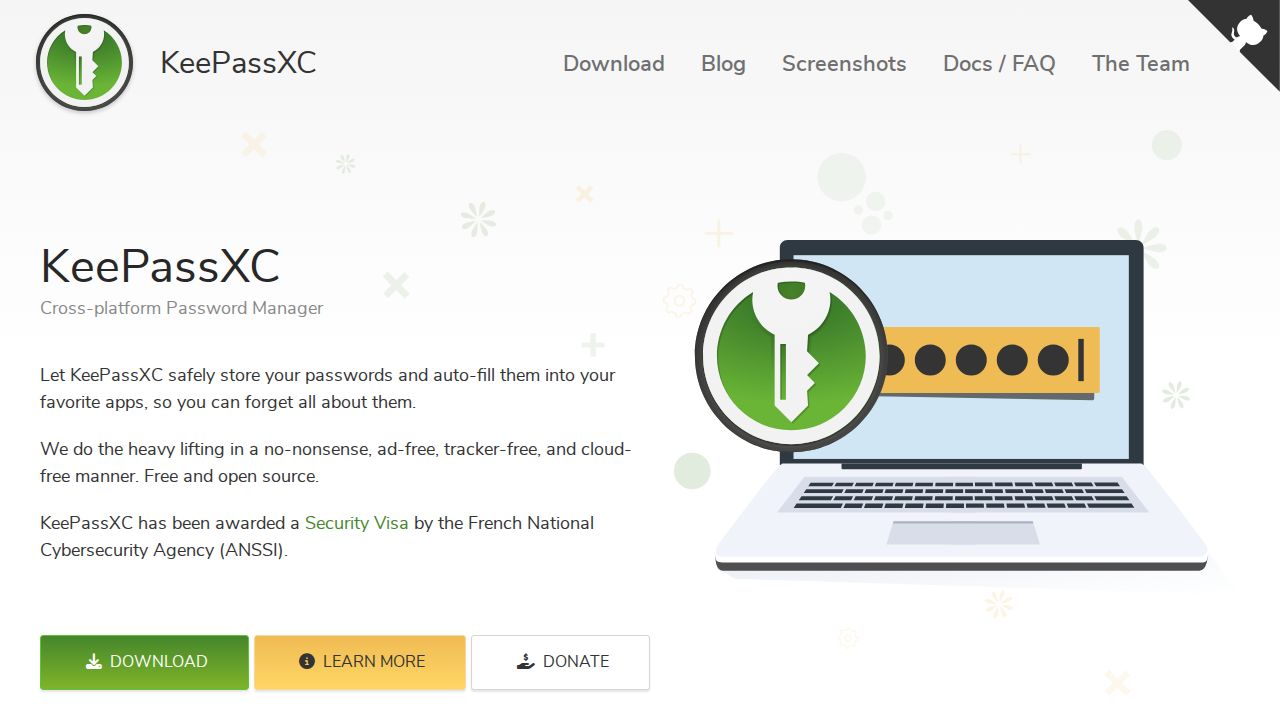
Best for an offline vault on your own computer KeePassXC is for people who do not want their passwords on anyone else's server. It stores everything in an offline, encrypted file that you can keep anywhere, including your own cloud storage. It is free with no subscriptions, licensed under GPLv3, and runs on Windows, macOS and Linux.
What stands out
- Free and open source under the GPLv3 license, with no subscriptions
- Passwords are kept in an offline, encrypted file, with no data on remote servers
- Runs on Windows, macOS and Linux
- Auto-fills passwords into your apps
Keep in mind
- No built-in cloud sync service, so you move or sync the file yourself
- The homepage does not mention official mobile apps
 KeePass
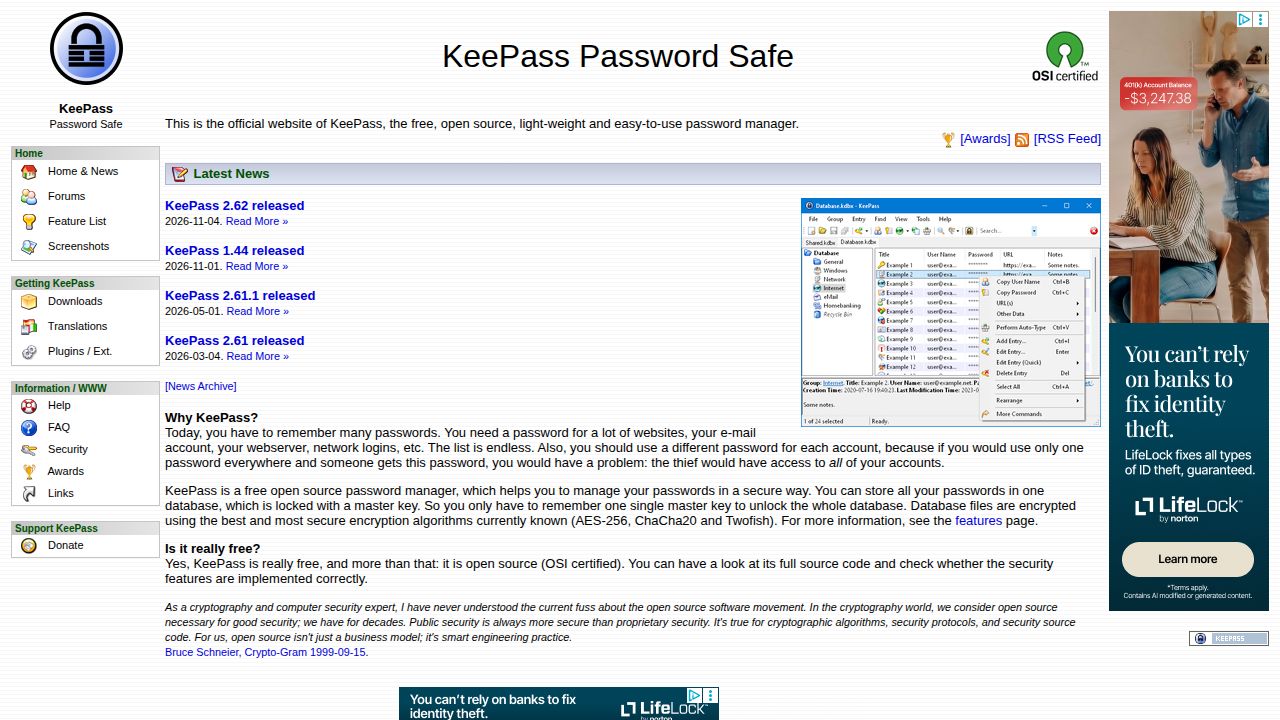
Best for a portable Windows vault with plugins KeePass is a free, OSI certified open source program that keeps your passwords in a single encrypted database file, which is easy to move between computers. It is a Windows program that can run from a USB stick without installation, and plugins add extra features.
What stands out
- Free, OSI certified open source software
- Database files encrypted with AES-256, ChaCha20 or Twofish
- Portable, runs from a USB stick without installation
- Plugins add import and export formats, backups and integrations
Keep in mind
- Described as a Windows program, with other systems served by separate ports
- No built-in sync service or hosted account
- Auto-Type and plugins take more setup than a cloud manager
 Passbolt
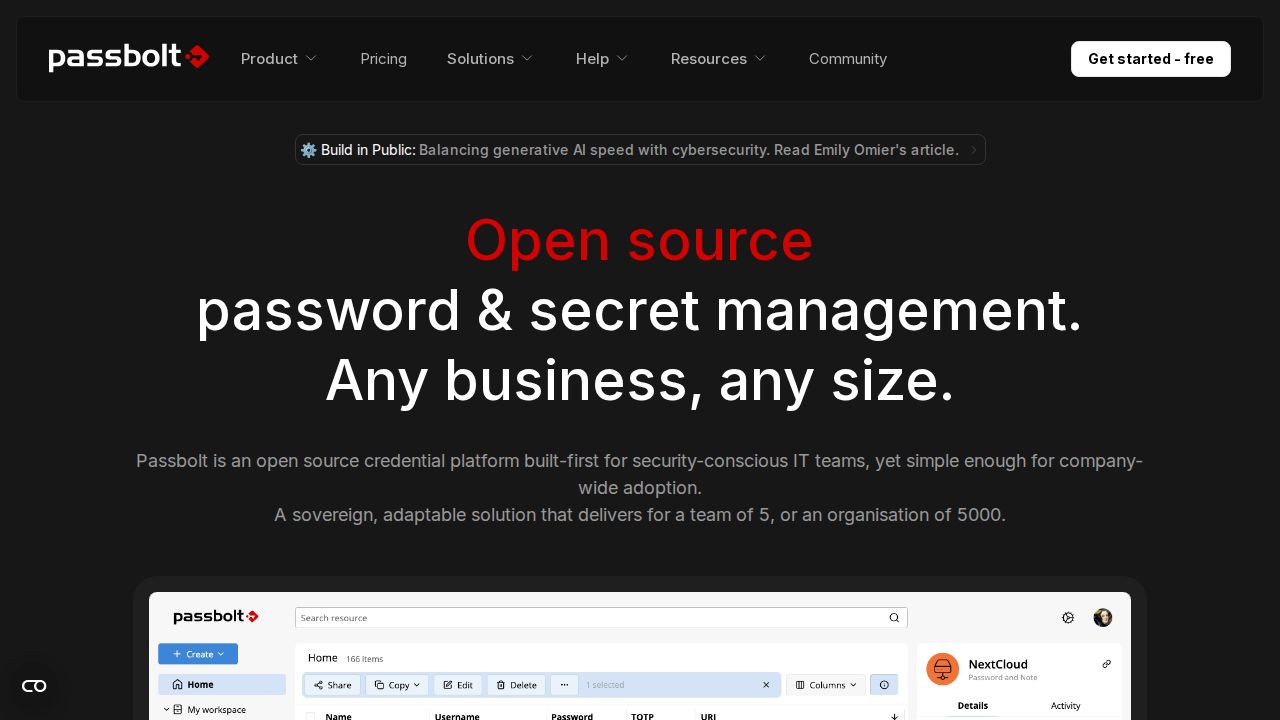
Best for teams that want to self-host Passbolt is built for teams, not solo users. The self-hosted Community Edition is free for unlimited users under AGPLv3 and covers password sharing, private and shared folders, users and groups, browser extensions and a CLI. The Pro Edition adds SSO, LDAP provisioning and activity logs.
What stands out
- Community Edition is free forever with unlimited users
- Open source under AGPLv3
- Password sharing, private and shared folders, and role based access control
- Browser extensions, a CLI and an open API
Keep in mind
- The Community Edition is self-hosted, so you need your own server
- Pro Edition is $4.9 per user a month billed annually, with a 10-user minimum
- SSO, LDAP provisioning and the activity log need Pro
How we chose
We compared what each project publishes on four things:
- Open source status. Whether the project states its license or publishes its code.
- Where the vault lives. In the company’s cloud, on your own server or in a local file.
- Cost. What the free version includes and what paid plans add.
- Platforms. Which operating systems and devices are listed.
This list is based on published plans and pricing, not lab testing. We did not review any source code ourselves. Where a company does not publish a price, we write “See site” instead of guessing.
Cloud sync or local file: which fits you?
Pick a cloud-synced manager if:
- You want your passwords on your phone and computer with no extra steps
- You share logins with family or coworkers
- You do not want to manage backups
Pick a local file manager if:
- You want no account and no data on a company’s servers
- You are comfortable backing up one encrypted file
- You mostly work on one or two computers
Pick a self-hosted server if you run a team, have someone who can maintain a server, and want full control of where the data sits.
How to stay safe with any of them
- Use a long, unique master password that you do not use anywhere else.
- Turn on two-factor authentication where the app supports it.
- Keep a backup of your vault or recovery codes in a safe place.
- Download apps only from the project’s official site or app store listing.
- Keep the app updated so you get security fixes.
Frequently asked questions
Are open-source password managers safe?
Open source means anyone can review the code, which helps trust. It is not a guarantee by itself. Bitwarden says it works with third parties such as Cure53 on audits, and Proton describes Proton Pass as independently audited.
What is the best free open-source password manager?
For sync across devices with no setup, Bitwarden's free plan lists unlimited passwords and devices. For a fully offline vault, KeePassXC is free under GPLv3 and stores an encrypted file on your own computer.
What is the difference between KeePass and KeePassXC?
KeePass is a Windows program with plugins that can run from a USB stick. KeePassXC is a separate project with native apps for Windows, macOS and Linux. Both are free and keep passwords in an encrypted database file.
Can I host my own password manager?
Yes. Bitwarden can be self-hosted with Docker, and the Passbolt Community Edition is a free self-hosted server for unlimited users. KeePassXC and KeePass need no server because the vault is a file.
Sources
How we wrote this
This list is based on each company's published plans, prices and feature pages, not on hands-on lab testing. Facts were last checked on November 17, 2026. See our editorial policy.