No company paid to be on this list. Prices were checked on November 17, 2026 and can change. How we make money.
At a glance
| # | Product | Best for | Starting price | Free option |
|---|---|---|---|---|
| 1 | iPhone owners who only use Apple devices | Free | Built in | |
| 2 | A free app that also works off Apple | $1.65/mo | Free plan | |
| 3 | A polished paid app with Face ID | $2.99/mo | 14-day trial | |
| 4 | Hide-my-email aliases on your phone | $1.99/mo | Free plan | |
| 5 | Families who want private vaults | See site | 30-day trial | |
| 6 | A simple app with a lifetime free tier | See site | Free plan (1 device) |
The list
 Apple Passwords
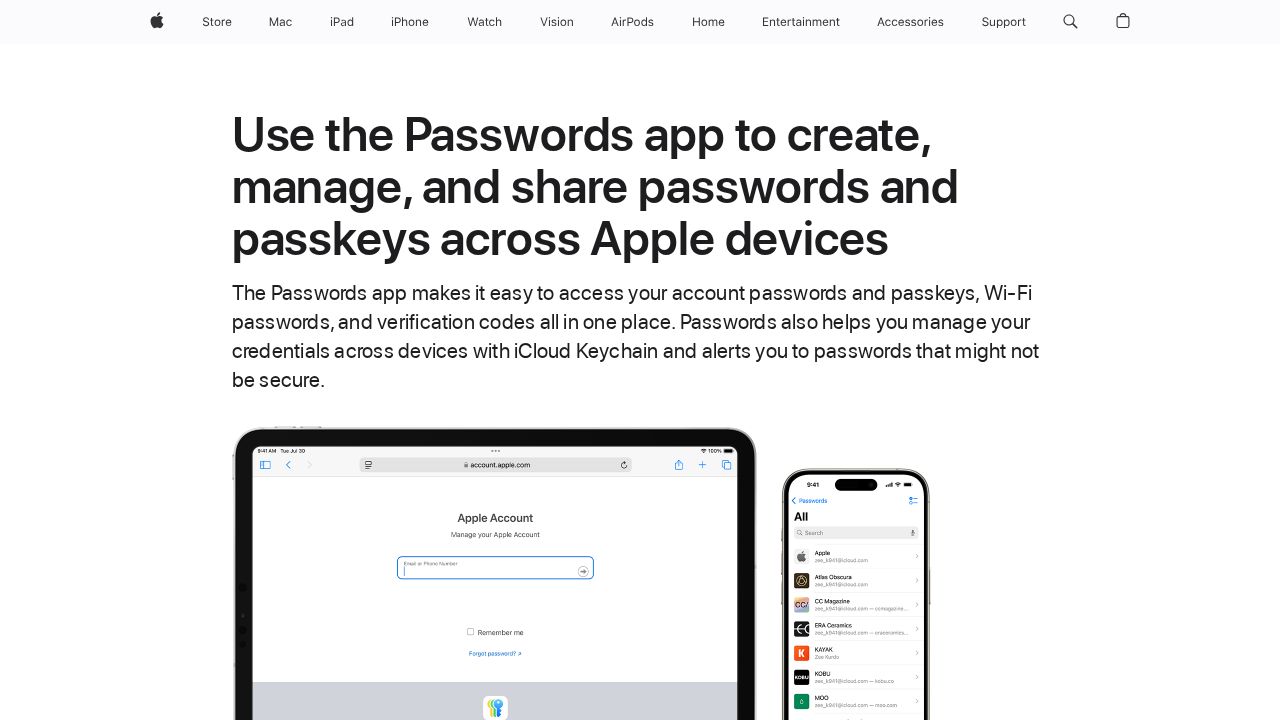
Best for iPhone owners who only use Apple devices Apple's Passwords app is already on your iPhone and is a sensible default if every device you own is an Apple one. It stores passwords, passkeys, Wi-Fi passwords and two-factor verification codes, flags reused or leaked passwords and syncs everything through iCloud Keychain. Shared Groups let family members share selected logins.
What stands out
- Built in at no extra cost on iOS 18 and later
- Stores and fills two-factor verification codes, so you may not need a separate authenticator app
- Shared Groups for sharing logins and passkeys with family
- Alerts for weak, reused and leaked passwords
Keep in mind
- No Android app; on Windows it works only through iCloud for Windows in Chrome or Edge
- Requires iOS 18 or later
 Bitwarden
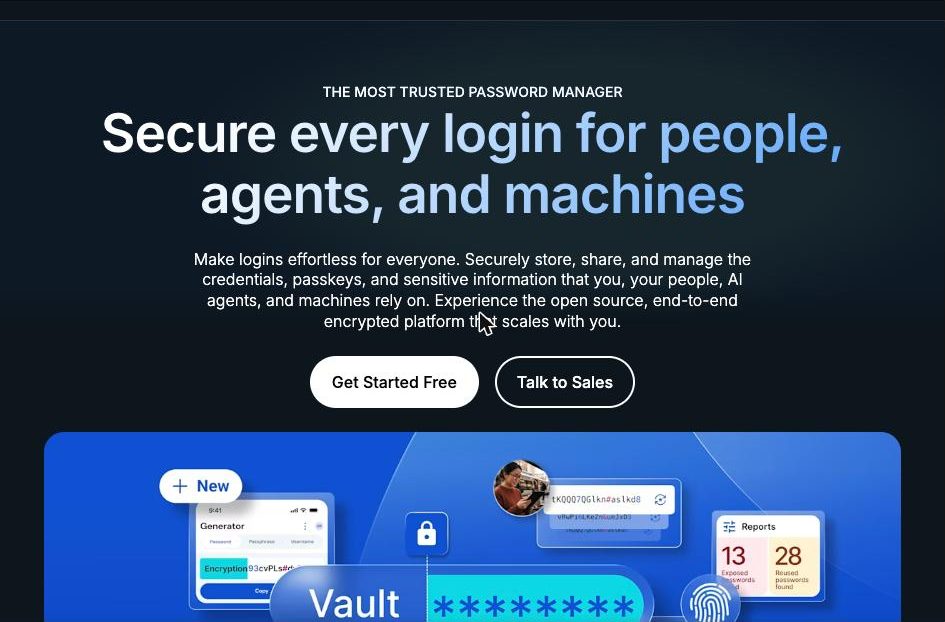
Best for a free app that also works off Apple Bitwarden is the best no-cost pick if you also use Windows or Android. Its free plan covers unlimited passwords on unlimited devices, it works as an iOS AutoFill provider for apps and browsers, and it can save and fill passkeys on iOS 17 or later. Face ID or Touch ID unlock is supported.
What stands out
- Free plan with unlimited passwords and unlimited devices
- Works as an iOS AutoFill provider across apps and browsers
- Saves and fills passkeys on iOS 17.0 or later
- Face ID or Touch ID unlock
Keep in mind
- The built-in authenticator needs Premium ($19.80 a year)
- iOS autofill does not support custom fields or logins split across two screens
 1Password
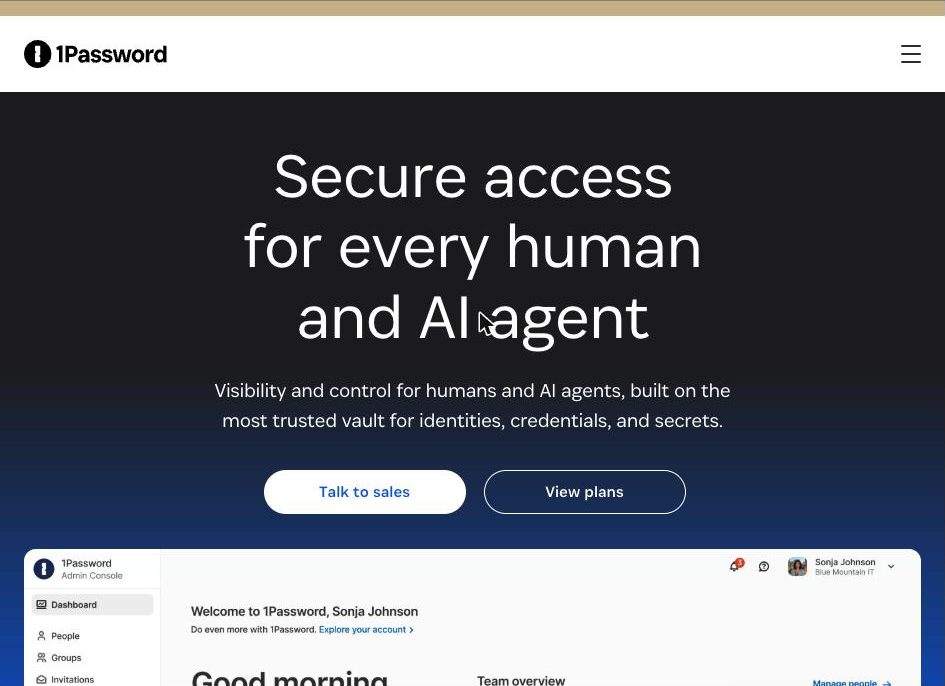
Best for a polished paid app with Face ID 1Password is the most polished paid choice for iPhone. It unlocks with Face ID or Touch ID, fills passwords and two-factor codes in Safari and supports passkey sign-in. Watchtower alerts you to breaches and other problems with saved items. It has no free plan, but the trial needs no credit card.
What stands out
- Unlock with Face ID or Touch ID
- Fills passwords and two-factor codes in Safari
- Passkey sign-in on iOS 17 or newer
- 14-day trial with no credit card required
Keep in mind
- No free plan
- $2.99 a month is a first-year rate billed annually; it rises to $3.99
- The current app requires iOS 18 or later
 Proton Pass
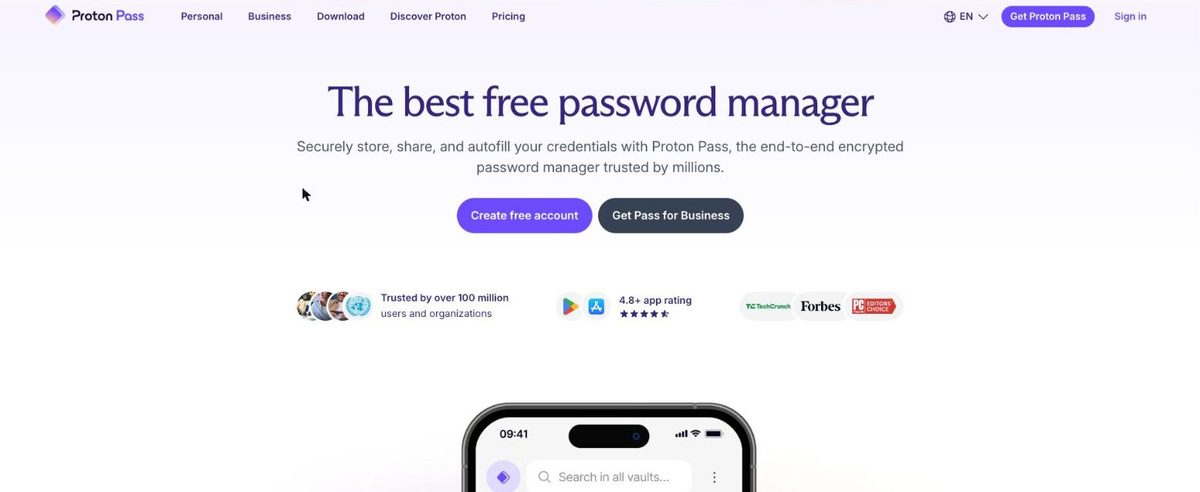
Best for hide-my-email aliases on your phone Proton Pass suits iPhone users who sign up for a lot of apps and want to keep their real email address private. The free plan includes unlimited logins on unlimited devices and 10 hide-my-email aliases. The iOS app fills in any app or browser, supports passkeys and gives offline access to saved items.
What stands out
- Free plan with unlimited logins, unlimited devices and 10 aliases
- Autofill in any app or browser on iPhone
- Passkey support and offline access
- Biometric unlock on mobile is available on free and paid plans
Keep in mind
- The built-in 2FA authenticator needs a paid plan
- Pass Plus is $23.88 for the first 12 months, then $35.88 a year
 Keeper
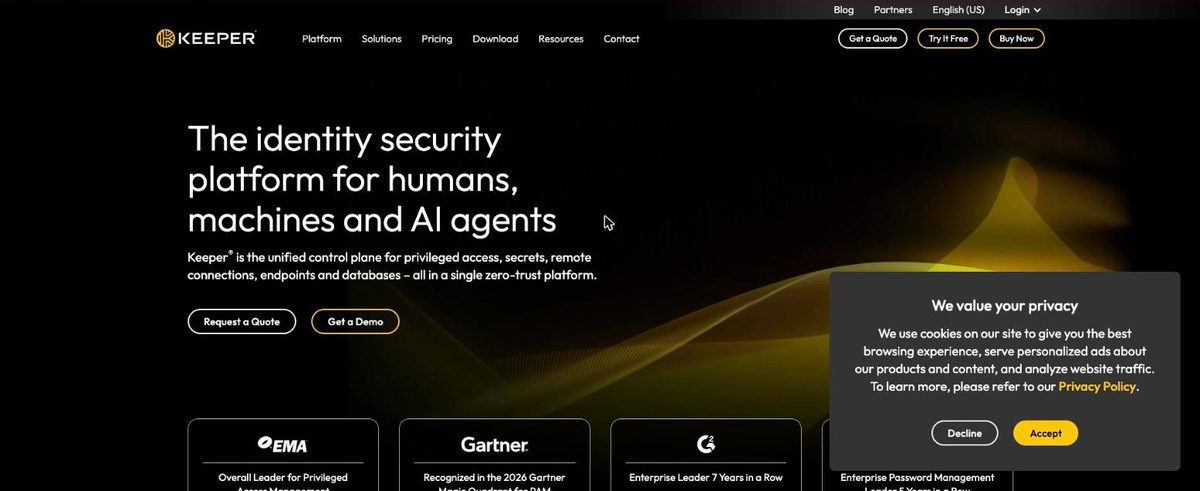
Best for families who want private vaults Keeper's iPhone app uses KeeperFill to fill logins, passkeys and payment details in apps and mobile browsers. The Personal plan lists Face ID login, unlimited password storage and unlimited devices. The Family plan gives up to 5 people their own private vault plus 10 GB of file storage.
What stands out
- KeeperFill fills logins, passkeys and payment cards in iOS apps and browsers
- Face ID login is listed on the Personal plan
- Family plan has up to 5 private vaults and 10 GB of file storage
Keep in mind
- No free plan, only a 30-day trial
- The pricing page did not show a price when we checked
- BreachWatch dark web monitoring is a paid add-on
 NordPass
Best for a simple app with a lifetime free tier NordPass keeps its iPhone app simple, with autofill, a password generator and passkey storage. The free plan lasts for life but does not include access on multiple devices. Premium adds multi-device access, Password Health and a Data Breach Scanner. The app needs iOS 17 or newer.
What stands out
- Autofill and password generator on iOS
- Stores passkeys alongside passwords and cards
- Free plan needs no credit card
- Premium adds Password Health and a Data Breach Scanner
Keep in mind
- Free plan does not include access on multiple devices
- Prices did not load on the download or plans pages when we checked
- Requires iOS 17.0 or newer
How we chose
We compared what each company publishes about its iPhone app on these points:
- iOS AutoFill. Whether the app fills logins in other apps and browsers, not just Safari.
- Face ID unlock. Whether biometric unlock is offered and on which plans.
- Passkeys. Whether the app can save and fill passkeys, and which iOS version that needs.
- Price. The free plan limits and the lowest paid personal plan, including renewal.
This list is based on published features and pricing, not lab testing. Where a company’s pricing page did not show a price, we write “See site” instead of guessing.
Apple Passwords or a third-party app?
Stick with Apple Passwords if:
- You only use iPhone, iPad and Mac
- You want verification codes filled automatically with no extra app
- You share a few logins with family who also use Apple devices
Choose a third-party manager if:
- You also use an Android phone or a Windows PC daily
- You want email aliases, secure file storage or emergency access
- You want separate private vaults for each family member
How to switch on your iPhone
- Install the new app and sign in.
- Bring your existing logins across with the new app’s import tool, following its help guide.
- In Settings, set the new app as your AutoFill provider.
- Turn off Apple Passwords as an AutoFill source to avoid duplicate prompts.
- If you exported a CSV file along the way, delete it, because it is not encrypted.
Frequently asked questions
Is the iPhone's built-in Passwords app good enough?
For many people, yes, if every device is an Apple device. It stores passwords, passkeys and verification codes and syncs them through iCloud. If you also use Android or want more cross-platform control, Bitwarden or Proton Pass are free alternatives.
How do I make a password manager fill logins on my iPhone?
Open Settings, find AutoFill and Passwords (under General on iOS 18), turn on AutoFill Passwords and Passkeys, and select your password manager. Bitwarden suggests turning off other autofill sources to avoid duplicate prompts.
Can a third-party app save passkeys on iPhone?
Yes, on iOS 17 or later. Bitwarden, 1Password, Proton Pass, Keeper and NordPass all list passkey support.
Which iPhone password manager is free?
Apple Passwords is built in. Bitwarden and Proton Pass have free plans with unlimited devices, and NordPass has a free plan limited to one device.
Sources
- Apple Passwords app overview
- Bitwarden pricing
- Bitwarden autofill on iOS
- Bitwarden unlock with biometrics
- 1Password for iOS
- 1Password personal pricing
- Proton Pass for iOS
- Proton Pass pricing
- Proton Pass macOS setup (biometric plan note)
- Keeper autofill
- Keeper personal and family pricing
- NordPass for iOS
- NordPass supported operating systems
How we wrote this
This list is based on each company's published plans, prices and feature pages, not on hands-on lab testing. Facts were last checked on November 17, 2026. See our editorial policy.