No company paid to be on this list. Prices were checked on November 17, 2026 and can change. How we make money.
At a glance
| # | Product | Best for | Starting price | Free option |
|---|---|---|---|---|
| 1 | Filling logins inside Mac apps | $2.99/mo | 14-day trial | |
| 2 | Mac users with an all-Apple setup | Free | Built in | |
| 3 | A free Mac app with Touch ID | $1.65/mo | Free plan | |
| 4 | Privacy with email aliases | $1.99/mo | Free plan | |
| 5 | A free vault that stays offline | Free | Free (open source) | |
| 6 | Mac App Store install and Apple Watch 2FA | See site | 30-day trial | |
| 7 | Older Macs running macOS 11 | See site | Free plan (1 device) |
The list
 1Password
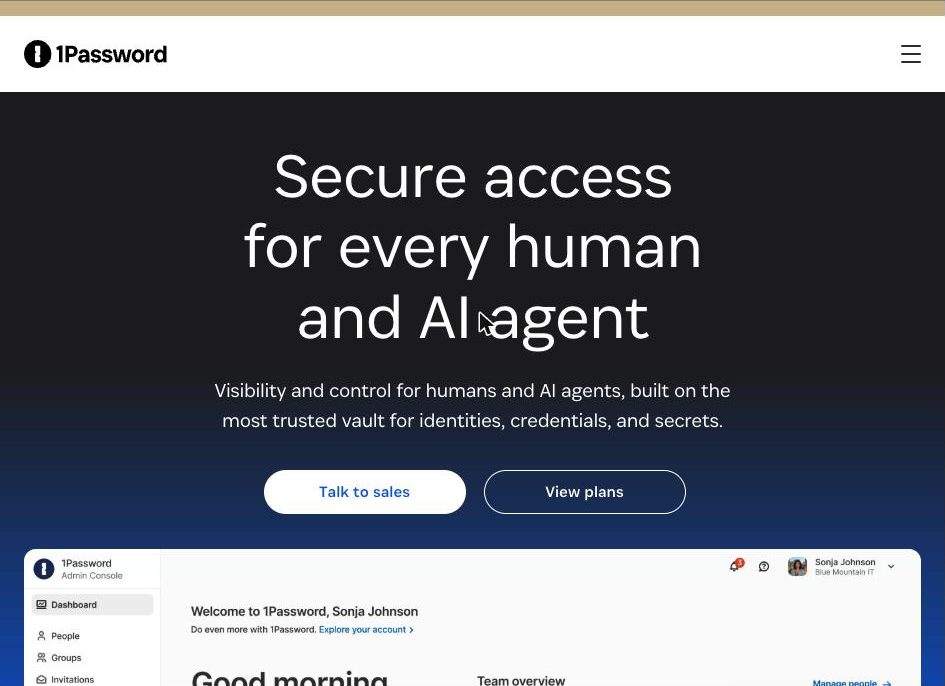
Best for filling logins inside Mac apps 1Password has the most Mac-focused feature set on this list. It fills logins, cards and addresses in browsers and in Mac apps, and its Quick Access option fills the login for whichever app is in front. Watchtower reports breached and weak passwords and sites that support two-factor login. It runs on macOS 12 or newer.
What stands out
- Autofill in browsers and in native Mac apps
- Quick Access fills the login for the app you have open
- Biometric unlock and passkey creation
- Watchtower flags breached and weak passwords
Keep in mind
- No free plan
- $2.99 a month is a first-year rate billed annually; it rises to $3.99
 Apple Passwords
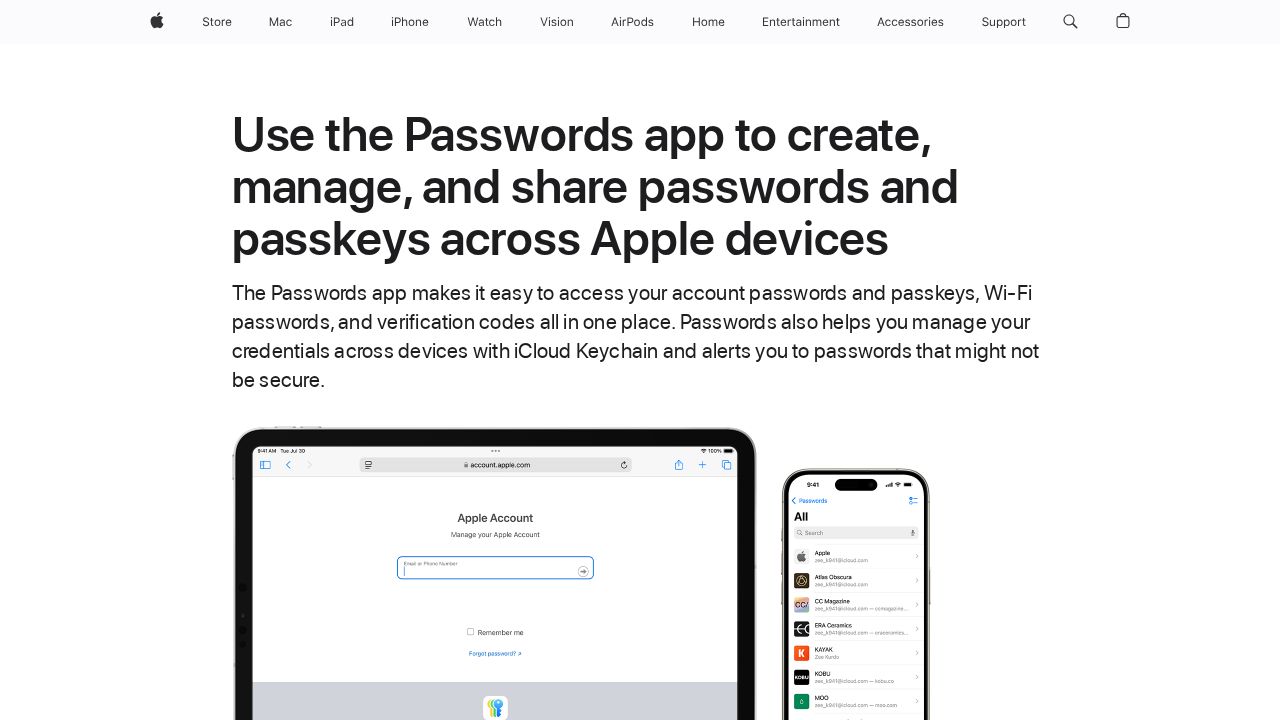
Best for mac users with an all-Apple setup Apple Passwords is built into macOS Sequoia and syncs with your iPhone and iPad through iCloud Keychain. It stores passwords, passkeys, Wi-Fi passwords and verification codes, flags weak or leaked passwords and supports Shared Groups for family. It is the easiest choice if every device you own is from Apple.
What stands out
- Built in at no extra cost on macOS Sequoia
- Stores two-factor verification codes
- Shared Groups for sharing with family
- Usable in Chrome or Edge on Windows through iCloud for Windows
Keep in mind
- Third-party browsers on the Mac need an extension
- No Android app
 Bitwarden
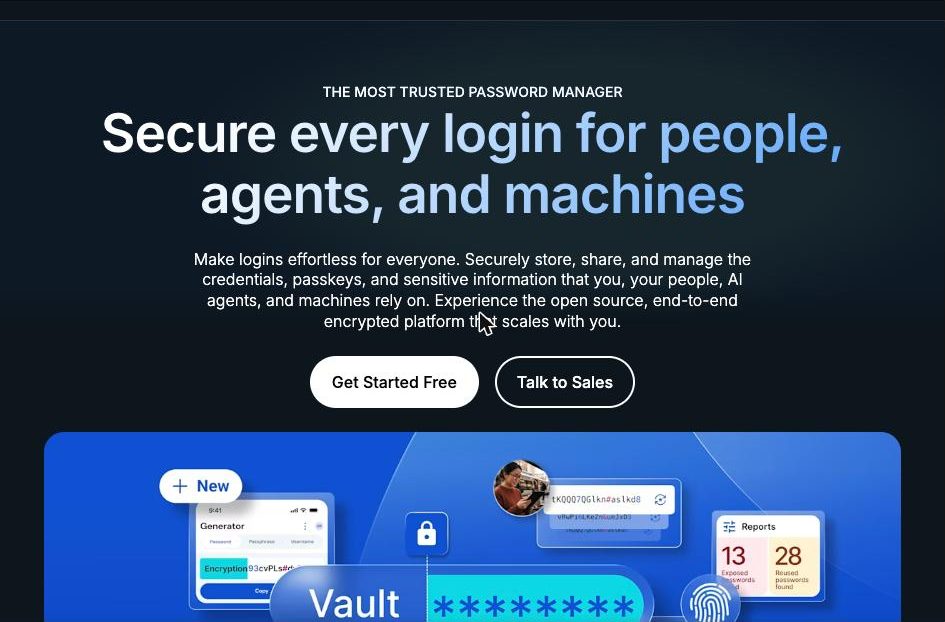
Best for a free Mac app with Touch ID Bitwarden gives Mac users a native desktop app, a Safari extension and extensions for Chrome, Firefox and other browsers, all on the free plan. Touch ID unlocks the desktop app, and with the app running it can also unlock browser extensions in Safari 14 or later, Firefox and Chromium browsers.
What stands out
- Free plan with unlimited passwords and unlimited devices
- Touch ID unlock in the Mac desktop app
- Biometric unlock for browser extensions, including Safari 14+, through the desktop app
- Command-line tool for macOS
Keep in mind
- Browser biometric unlock needs the desktop app open and logged in
- The built-in authenticator needs Premium ($19.80 a year)
 Proton Pass
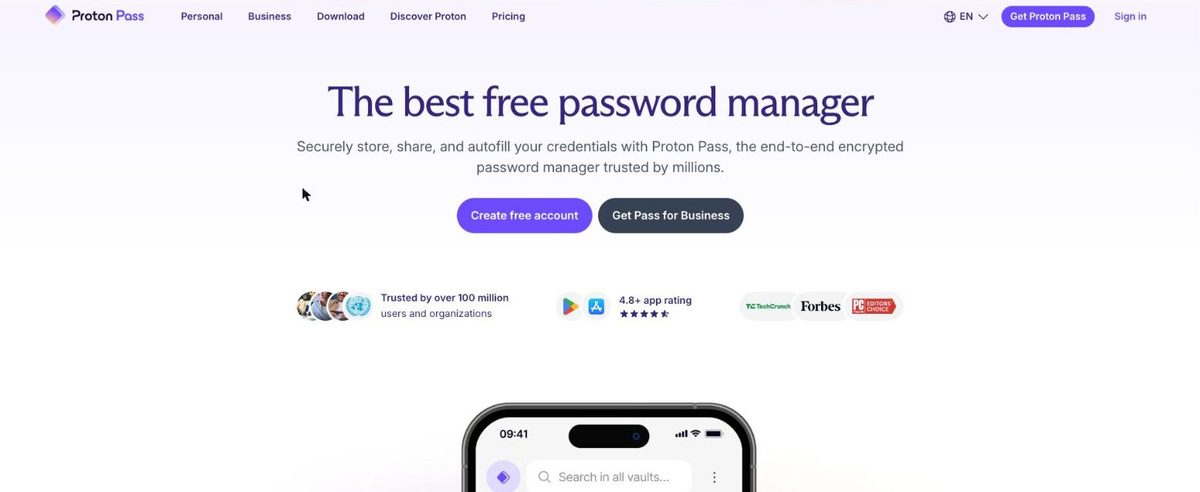
Best for privacy with email aliases Proton Pass has a dedicated macOS app plus a Safari extension for saving and filling logins. The free plan covers unlimited logins on unlimited devices and 10 email aliases. On the Mac, Touch ID unlock and offline access are paid features, so free users sign in with their password.
What stands out
- Free plan with unlimited logins, unlimited devices and 10 aliases
- Native macOS app and a Safari extension
- Pass Plus adds unlimited aliases, a 2FA authenticator and emergency access
Keep in mind
- Touch ID unlock and offline access on the Mac require a paid plan
- Pass Plus is $23.88 for the first 12 months, then $35.88 a year
 KeePassXC
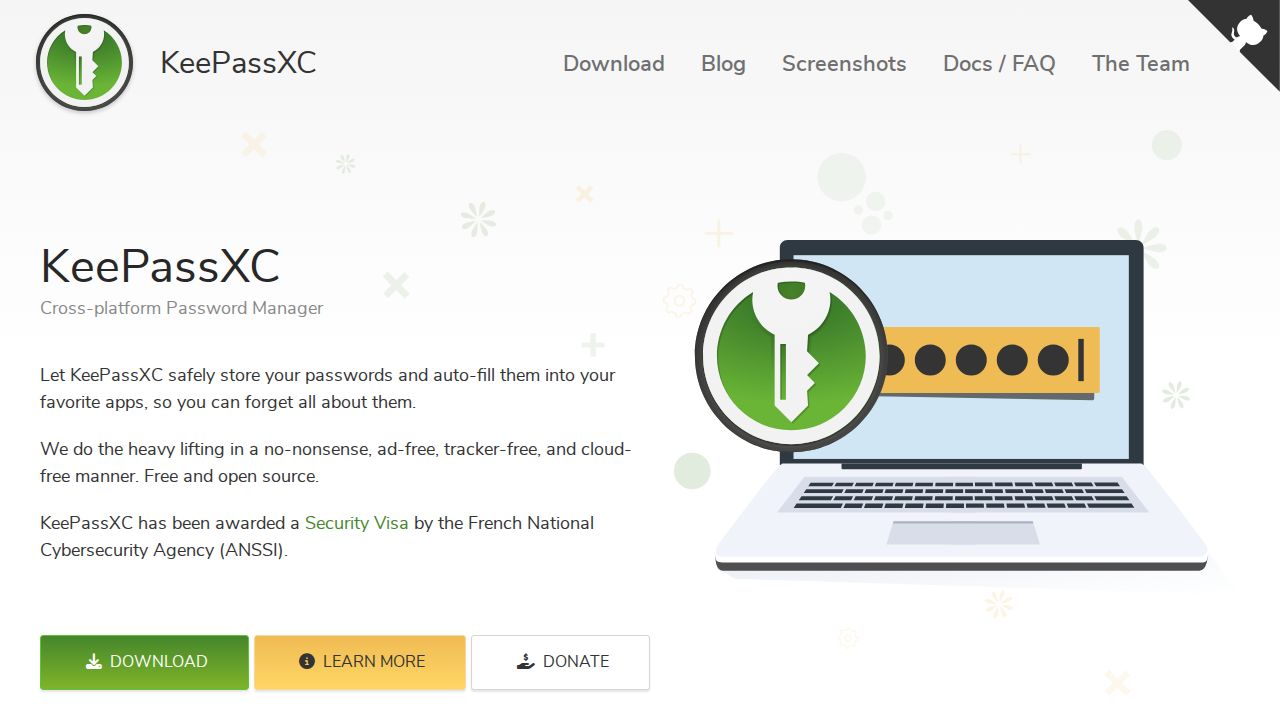
Best for a free vault that stays offline KeePassXC is for Mac users who do not want their vault on anyone's server. It is free, open source under the GPLv3 license and stores everything in an encrypted file you can keep wherever you like. It handles passkeys and two-factor codes, and lists a quick unlock option on macOS.
What stands out
- Free and open source, with no paid tier
- Encrypted database file you control, with no data on remote servers
- Supports passkeys and TOTP two-factor codes
- Runs on macOS, Windows and Linux
Keep in mind
- No built-in cloud sync; you move the file yourself or use external tools
- You are responsible for backing up the database file
 Keeper
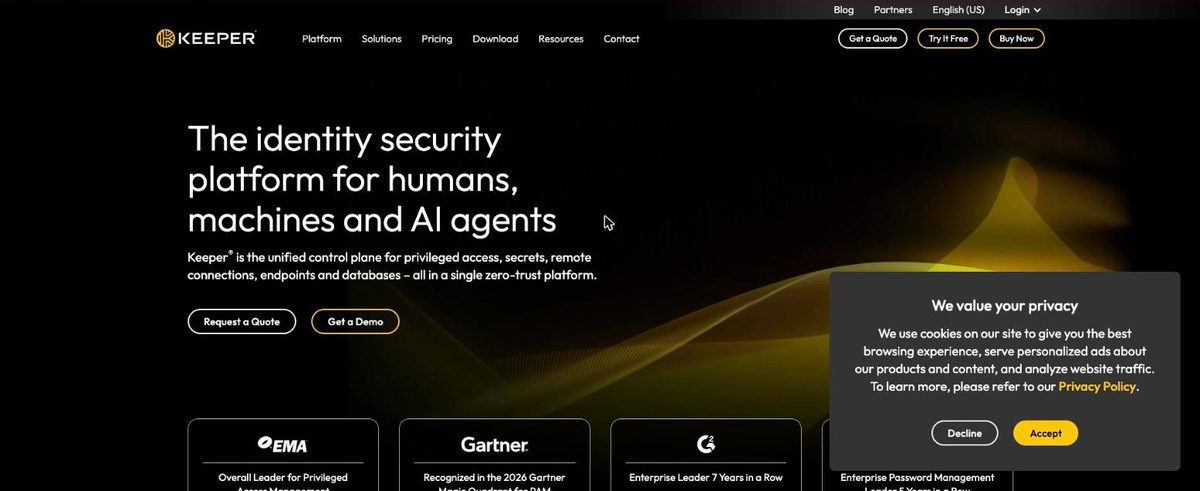
Best for mac App Store install and Apple Watch 2FA Keeper is available from the Mac App Store and supports Touch ID login on most MacBook Pro models. KeeperFill generates and fills passwords on the sites you visit, and Keeper lists Apple Watch as one of its two-factor methods. The Family plan gives 5 people private vaults and 10 GB of storage.
What stands out
- Download from the Mac App Store
- Touch ID login on most MacBook Pro models
- Apple Watch listed as a two-factor option
- Secure file storage and record sharing
Keep in mind
- No free plan, only a 30-day trial
- The pricing page did not show a price when we checked
 NordPass
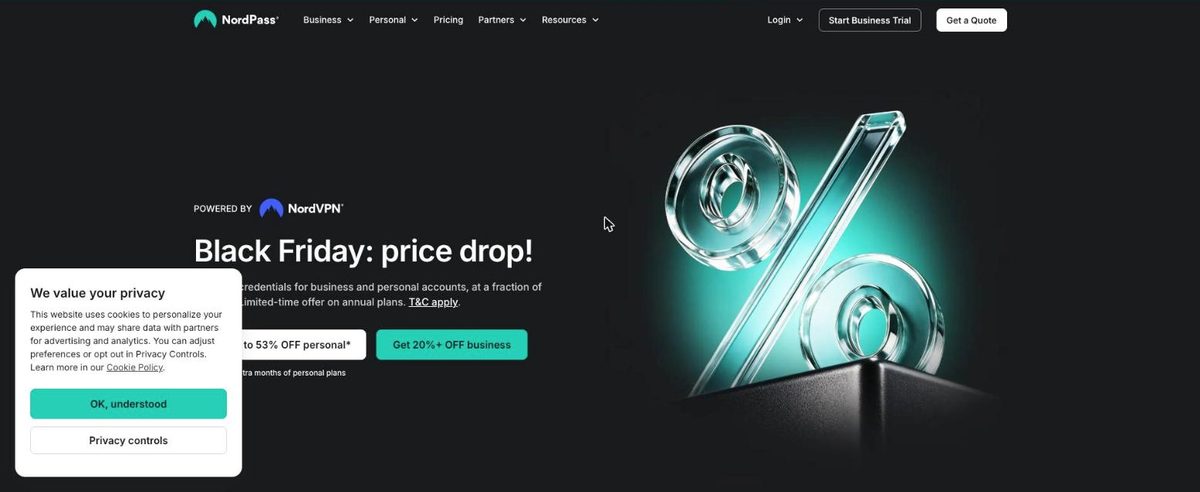
Best for older Macs running macOS 11 NordPass supports Macs back to macOS 11 and the two most recent major versions of Safari. That makes it a fit for an older Mac that cannot run the latest macOS. The free plan covers autosave and autofill but not access on multiple devices.
What stands out
- Supports macOS 11 or newer
- Works with the two latest versions of Safari, Chrome, Firefox, Opera and Edge
- Premium adds Password Health and a Data Breach Scanner
Keep in mind
- Free plan does not include access on multiple devices
- Prices did not load on the plans page when we checked
How we chose
We compared each company’s published Mac details on these points:
- Touch ID unlock. Whether it is offered, and whether it needs a paid plan.
- Browser support. Safari plus Chrome, Firefox and other browsers.
- macOS version. How old a Mac each app still supports.
- Price and storage model. Free plan limits, renewal prices and whether the vault is in the cloud or a local file.
This list is based on published features and pricing, not lab testing. Where a company’s pricing page did not show a price, we write “See site” instead of guessing.
Cloud vault or local file?
A cloud-synced manager (1Password, Bitwarden, Proton Pass, Keeper, NordPass, Apple Passwords) suits most people:
- Changes appear on your phone right away
- You can recover access if your Mac is lost
- Family sharing is built in
A local file (KeePassXC) suits you if:
- You do not want your vault on a company’s server
- You are comfortable choosing your own sync method
- You mainly use one or two computers
Setting up on a new Mac
- Install the desktop app and the extension for each browser you use.
- Turn on Touch ID unlock in the app’s security settings, if offered.
- Check that Safari has the extension enabled in its settings.
- Turn off saving in other password tools so you only get one prompt.
Frequently asked questions
Is Apple's Passwords app enough on a Mac?
If all your devices are Apple devices, it covers the basics well, including passkeys and verification codes. Choose a third-party app if you use Android, want to fill logins inside Mac apps with Quick Access, or need family vaults.
Which Mac password managers unlock with Touch ID?
Bitwarden and Keeper list Touch ID unlock, and 1Password lists biometric unlock. Proton Pass offers Touch ID on the Mac only on paid plans.
Do these work in Safari?
Yes. Bitwarden, Proton Pass and NordPass list Safari extensions, and Apple Passwords works in Safari natively. NordPass supports the two most recent Safari versions.
Can I keep my passwords completely offline on a Mac?
Yes, with KeePassXC. It stores your vault in an encrypted file and does not keep data on remote servers, though that means you handle syncing yourself.
Sources
- 1Password for Mac
- 1Password personal pricing
- Apple Passwords app overview
- Bitwarden pricing
- Bitwarden unlock with biometrics
- Bitwarden downloads
- Proton Pass macOS app setup
- Proton Pass pricing
- KeePassXC
- Keeper Mac password manager
- Keeper personal and family pricing
- NordPass supported operating systems
- NordPass plans
How we wrote this
This list is based on each company's published plans, prices and feature pages, not on hands-on lab testing. Facts were last checked on November 17, 2026. See our editorial policy.