No company paid to be on this list. Prices were checked on November 17, 2026 and can change. How we make money.
At a glance
| # | Product | Best for | Starting price | Free option |
|---|---|---|---|---|
| 1 | Low per-user cost with open source code | $4/user/mo | Free trial | |
| 2 | A flat price for up to 10 people | $24.95/mo | 14-day trial | |
| 3 | The lowest published per-user price | $1.99/user/mo | 14-day trial | |
| 4 | SSO and SCIM on a low-cost plan | $3.33/user/mo | Free trial | |
| 5 | A starter plan built for 5 to 10 users | See site | Free trial | |
| 6 | A fixed 10-user pack | See site | 14-day trial | |
| 7 | Phishing and credential risk tools | See site | 14-day trial |
The list
 Bitwarden
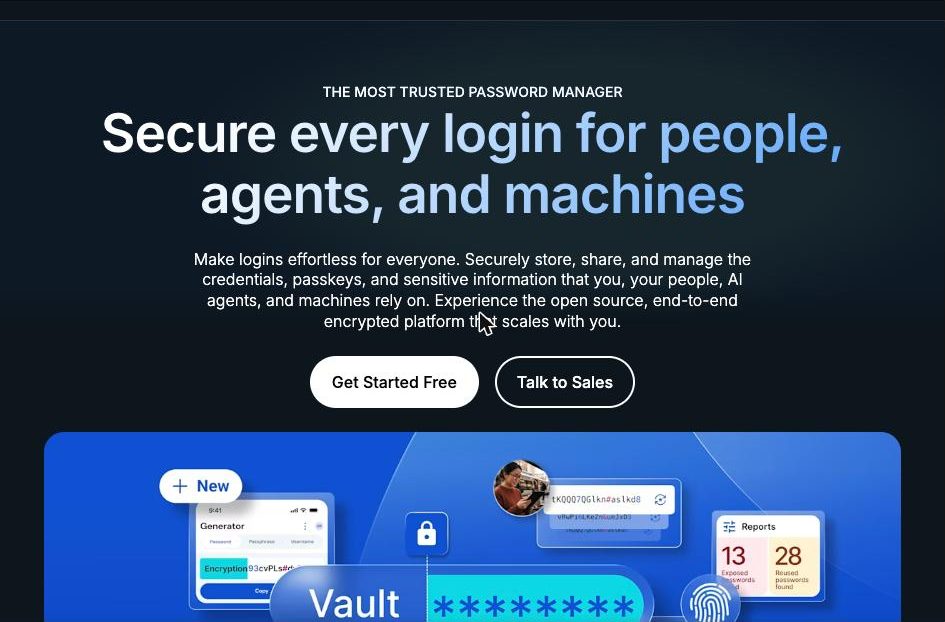
Best for low per-user cost with open source code Bitwarden Teams is a straightforward buy for a small company. It costs $4 per user a month billed annually and includes automated provisioning with SCIM. The code is open source and hosted on GitHub. Enterprise adds single sign-on, self-hosting and a free Families plan for every user.
What stands out
- Teams is $4 per user a month, billed annually
- Teams includes SCIM provisioning
- Enterprise, at $6 per user a month billed annually, adds SSO integration and self-hosting
- Enterprise includes a free Families plan for all users
Keep in mind
- SSO and self-hosting are not on the Teams plan
- The business pricing page lists annual billing only
 1Password
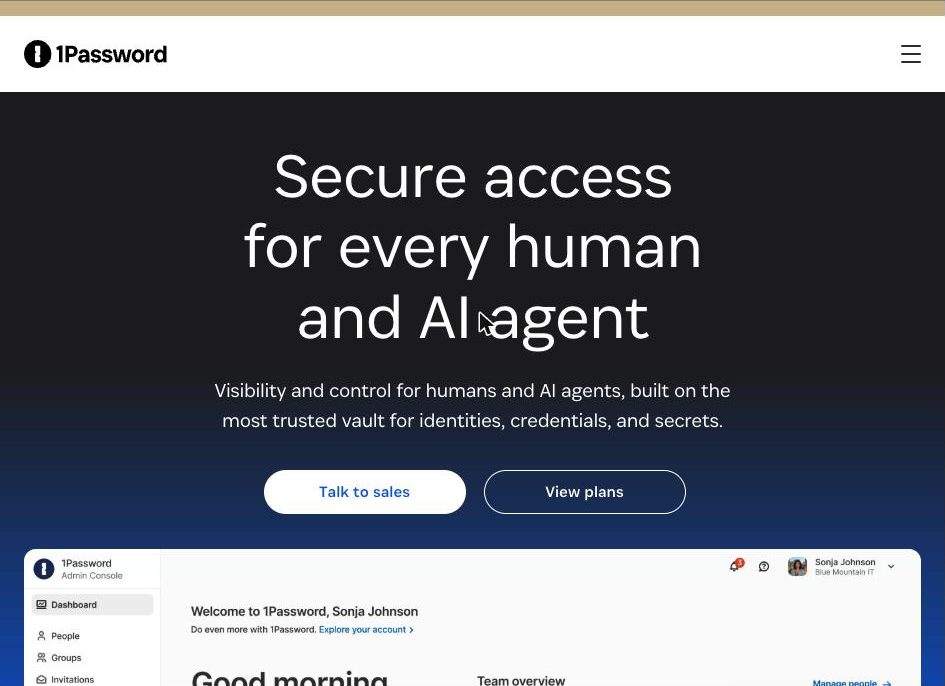
Best for a flat price for up to 10 people 1Password prices its smallest plan per team, not per person. The Teams Starter Pack covers up to 10 members for a flat $24.95 a month billed yearly, which works out well once you have more than a few users. The Business plan adds identity provider integrations.
What stands out
- Teams Starter Pack is $24.95 a month for up to 10 members, billed yearly at $299.40
- Starter Pack can grow to 20 users with add-on seats at $4.99 a seat a month
- Business plan integrates with Okta, Entra ID, OneLogin and Duo
- 14-day free trial with no credit card required
Keep in mind
- Business costs $8.99 per user a month billed yearly, the highest published rate here
- The Starter Pack flat price is poor value for teams of 2 or 3
- Enterprise pricing is by quote
 Proton Pass
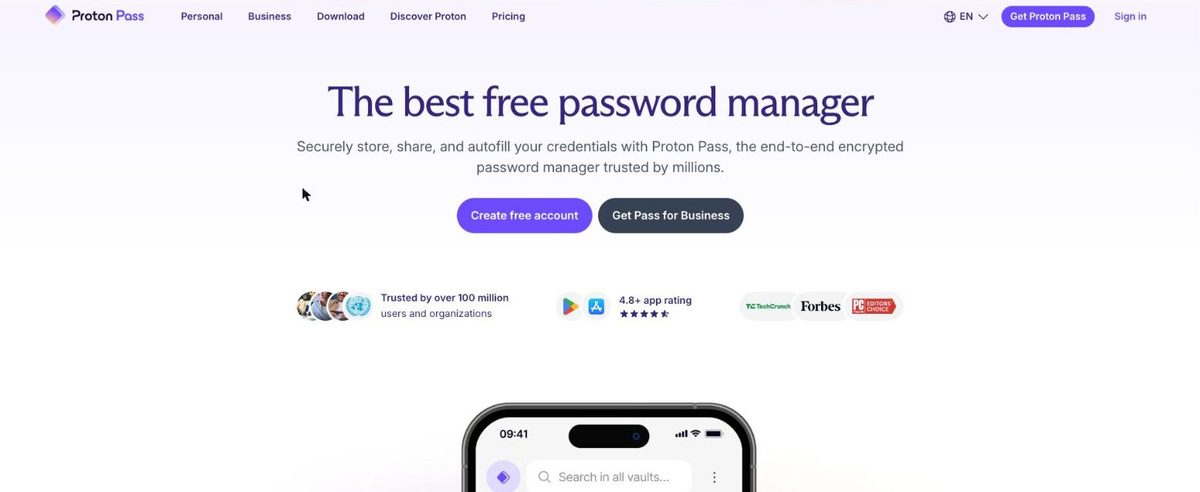
Best for the lowest published per-user price Proton Pass Essentials is the cheapest published plan on this list at $1.99 per user a month billed yearly. It still includes a built-in 2FA authenticator, dark web monitoring, passkey support and unlimited hide-my-email aliases. Single sign-on and activity logs need Pass Professional.
What stands out
- Pass Essentials is $23.88 per user a year, shown as $1.99 a month
- Includes a built-in 2FA authenticator, dark web monitoring and password health checks
- Unlimited hide-my-email aliases
- 14-day free trial and a 30-day money-back guarantee
Keep in mind
- Minimum of 3 users
- SSO, user provisioning, activity logs and group sharing need Pass Professional at $4.99 per user a month billed yearly
 RoboForm
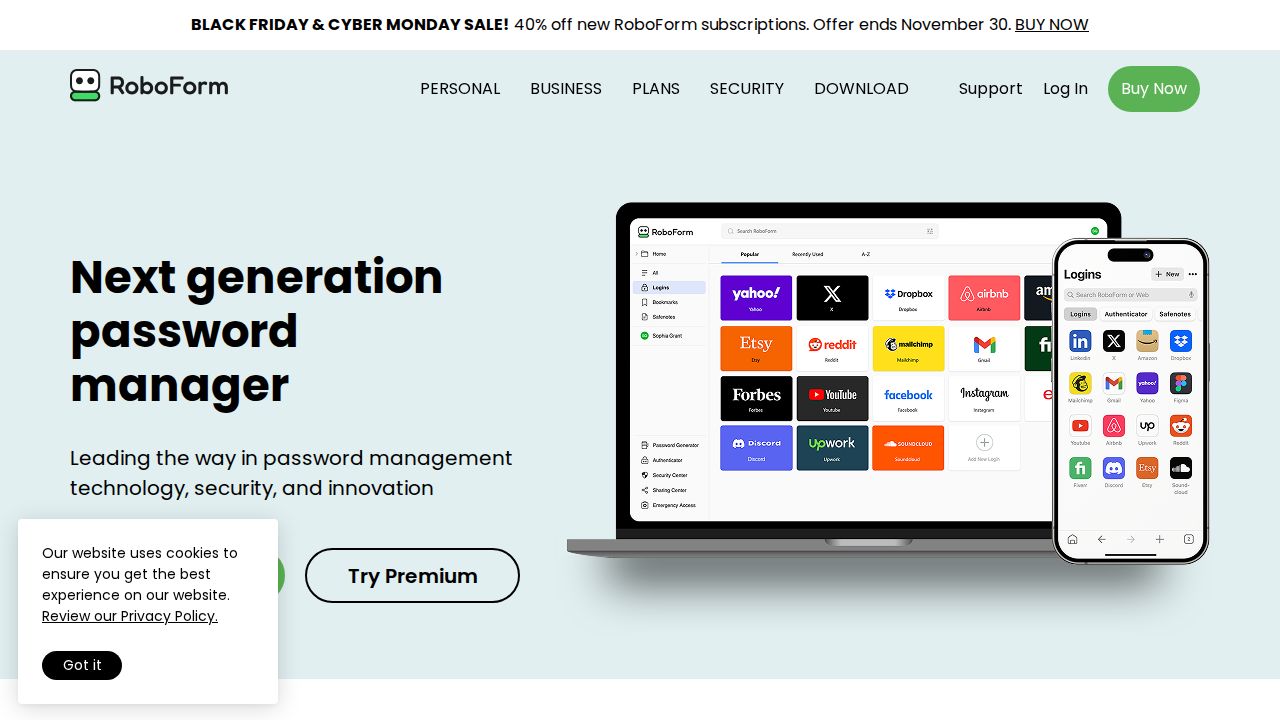
Best for sSO and SCIM on a low-cost plan RoboForm has one Business plan with a long feature list. At $3.33 per user a month billed annually it lists single sign-on integration, SCIM provisioning, role-based access control and dark web monitoring, features that several rivals keep for a higher tier. Enterprise is priced by volume.
What stands out
- Business plan is $3.33 per user a month, billed annually
- Lists SSO integration and SCIM provisioning on the Business plan
- Separate personal and work vaults
- Includes a RoboForm Family plan for personal use with 10 or more paid licenses
- Free trial with no credit card required
Keep in mind
- Renews at $39.95 a year per user, and a first-year offer for new users was not displayed clearly
- Self-hosting is only available for environments of 1,000 or more users
 Keeper
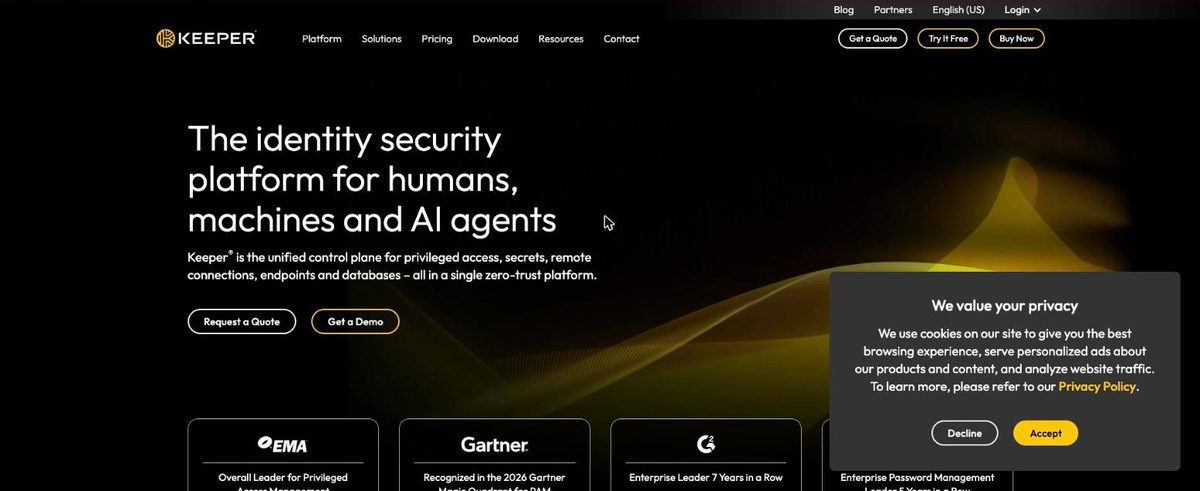
Best for a starter plan built for 5 to 10 users Keeper has a plan sized for small firms. Business Starter covers 5 to 10 seats and lists an encrypted vault per user, shared team folders, an admin console and a free Family Plan for each user. Larger teams move to Business, and SSO and SCIM sit in Enterprise.
What stands out
- Business Starter is designed for 5 to 10 users
- Encrypted vault per user on unlimited devices
- Admin console, policy engine and a security audit
- Free Family Plan for each user
Keep in mind
- No dollar price was displayed on the business pages when we checked
- Plans are billed annually
- SSO, SCIM and Active Directory sync are Enterprise features
 NordPass
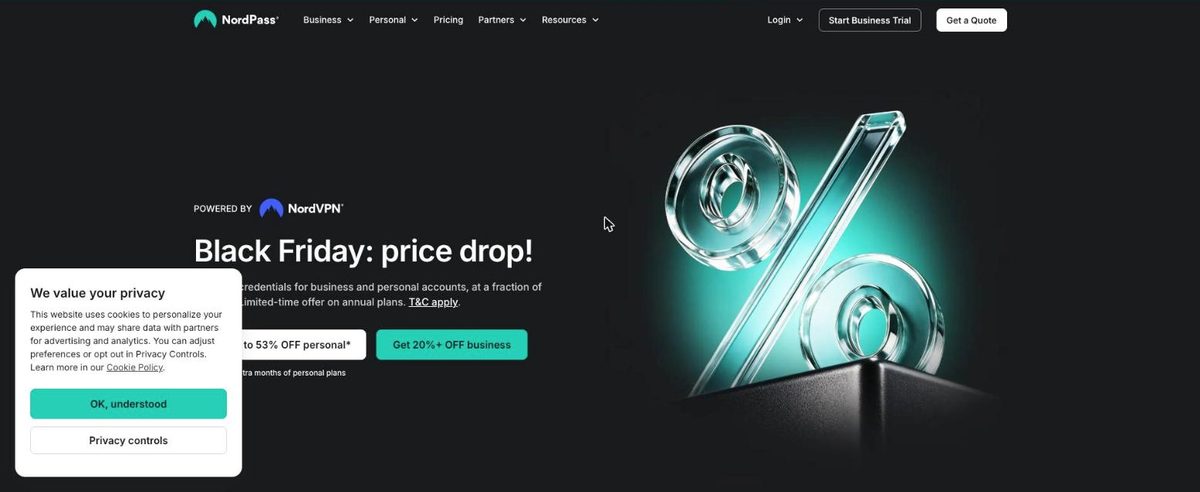
Best for a fixed 10-user pack NordPass sells a Teams plan as a 10-user pack, which fits a small office that wants one simple purchase. Teams lists safe password sharing, user activity monitoring, MFA and SSO login with Google Workspace. The Business plan adds group sharing and data breach monitoring.
What stands out
- Teams plan is a 10-user pack for small teams
- Teams lists MFA protection and SSO login with Google Workspace
- Business adds password strength and data breach monitoring
- 14-day free Business trial
Keep in mind
- Prices did not load on the business plan pages when we checked
- Business and Enterprise have a 5-user minimum
- SSO with Entra ID, MS ADFS and Okta needs Enterprise
 Dashlane
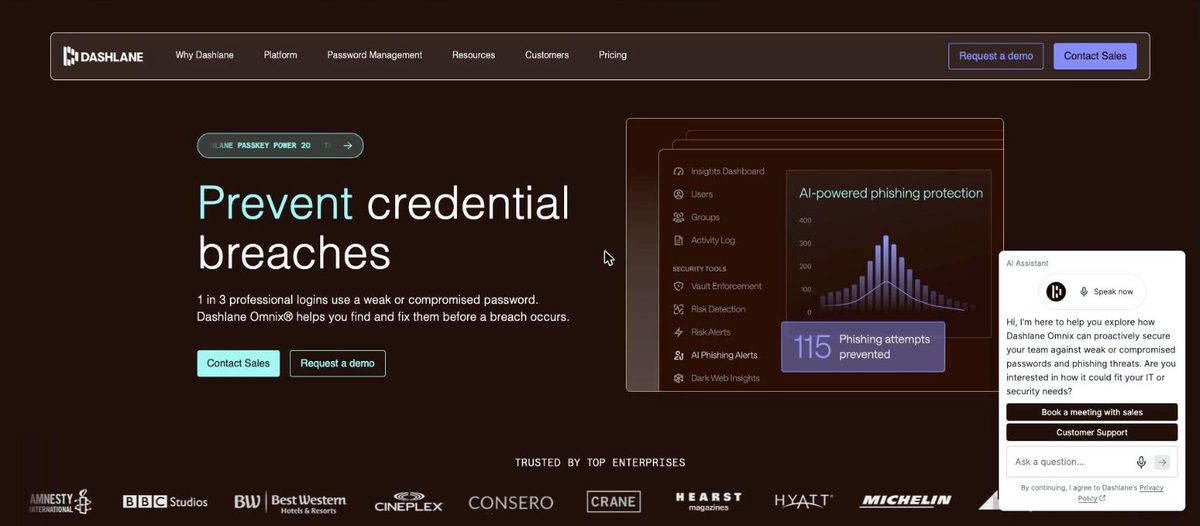
Best for phishing and credential risk tools Dashlane splits its business lineup in two. Password Management covers employee passwords and passkeys, secure sharing, password policies and SSO and SCIM integration. Credential Protection is aimed at security teams and adds breach prevention and in-browser phishing detection.
What stands out
- Password Management plan covers passwords, passkeys and secure sharing
- Lists integration with SSO and SCIM
- Integrations with Google Workspace, Microsoft Entra ID, Okta and Duo
- 14-day free trial of Password Management
Keep in mind
- No dollar price was displayed on the pricing page when we checked
- Plans are priced per user a month, billed annually
- Enterprise uses volume pricing through sales
How we chose
We compared each company’s published business plans on four things:
- Price per user. The lowest paid business plan and its billing term.
- Seat rules. Minimum or maximum users, and flat team packs.
- Admin features. Sharing, policies, provisioning and single sign-on, and which tier they need.
- Trial. Whether you can try the plan before paying.
This list is based on published plans and pricing, not lab testing. Where a company’s page did not show a price on the day we checked, we write “See site” instead of guessing.
What a small business should look for
- Shared vaults or folders. So a team can share logins without sending them in chat or email.
- An admin console. To add and remove people, and to recover access when someone leaves.
- Enforced two-factor authentication. So one weak account does not expose the whole company.
- Activity logs. Useful when you need to know who accessed a shared login.
- Provisioning and SSO. Worth paying for only if you already use an identity provider.
How to roll it out
- Start a trial with two or three people and one shared vault.
- Import existing passwords from browsers and spreadsheets, then delete the exported files.
- Create vaults or folders by team, such as finance, marketing and IT.
- Require two-factor authentication for every user.
- Add the rest of the staff and turn off password saving in browsers.
- Write down an offboarding step: remove the user and change the shared passwords they could see.
Frequently asked questions
How much does a business password manager cost?
Published prices on this list run from $1.99 per user a month (Proton Pass Essentials) to $8.99 per user a month (1Password Business), all billed annually. Bitwarden Teams is $4 and RoboForm Business is $3.33.
What is the cheapest option for a very small team?
For 3 users, Proton Pass Essentials is $1.99 per user a month billed yearly. For around 10 people, the 1Password Teams Starter Pack is a flat $24.95 a month billed yearly.
Do small businesses need single sign-on?
Not always. SSO matters once you use an identity provider such as Okta or Entra ID. It often costs more: Bitwarden includes it on Enterprise and Proton Pass on Professional, while RoboForm lists it on its Business plan.
Can employees get a personal plan too?
Some plans include one. Bitwarden Enterprise lists a free Families plan for all users, Keeper lists a free Family Plan per user, and RoboForm includes a Family plan with 10 or more paid licenses.
Is there a free trial?
Yes on all seven. 1Password, Proton Pass, NordPass and Dashlane list 14 days. Bitwarden, RoboForm and Keeper offer a free trial without stating the length on the pages we read.
Sources
How we wrote this
This list is based on each company's published plans, prices and feature pages, not on hands-on lab testing. Facts were last checked on November 17, 2026. See our editorial policy.