No company paid to be on this list. Prices were checked on November 17, 2026 and can change. How we make money.
At a glance
| # | Product | Best for | Starting price | Free option |
|---|---|---|---|---|
| 1 | Smart search and editing tools | See site | Free plan (15 GB) | |
| 2 | iPhone owners | $0.99/mo | Free plan (5 GB) | |
| 3 | Private, encrypted photo backup | $2.99/mo | Free plan (10 GB) | |
| 4 | Encrypted backup from a privacy brand | $2.49/mo | Free plan (5 GB) | |
| 5 | Windows PC owners | $1.99/mo | Free plan (5 GB) | |
| 6 | Big libraries with encryption | $9/mo | 30-day trial |
The list
 Google Photos
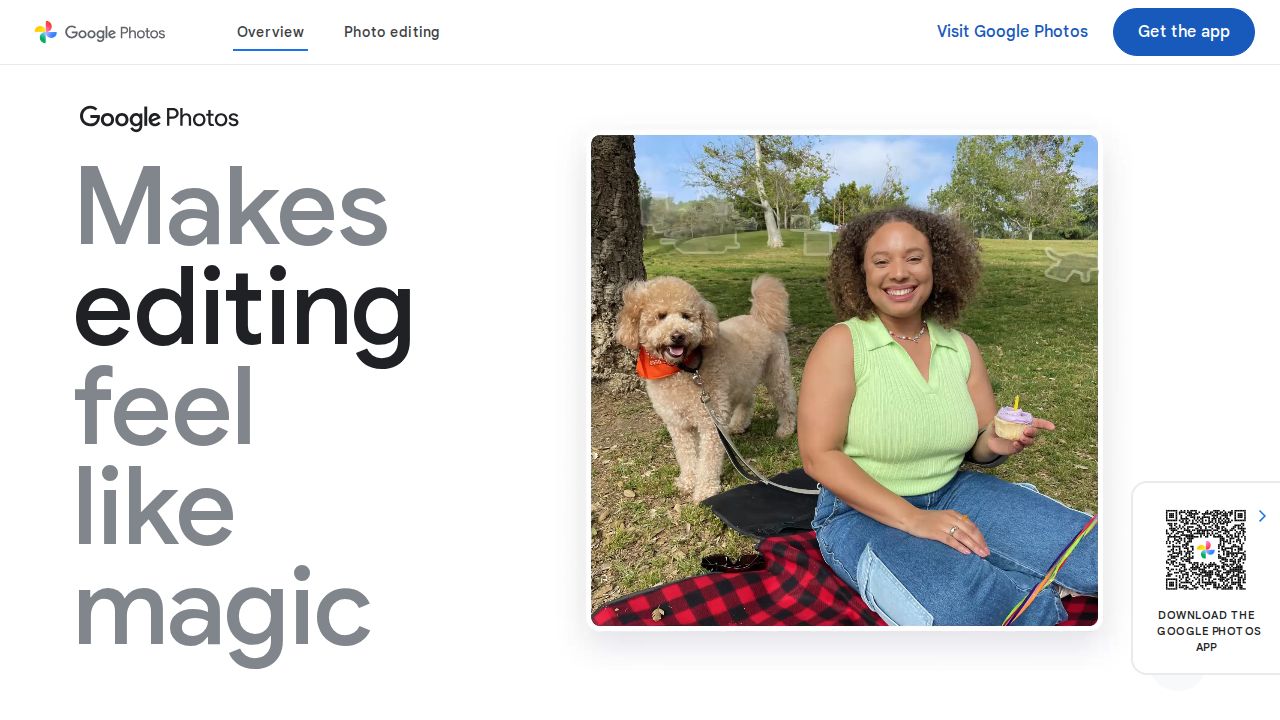
Best for smart search and editing tools Google Photos is the most capable app for finding and fixing pictures. It backs up automatically, lets you search by people, places and things, and includes AI editing tools such as Magic Eraser. It works on both iPhone and Android, which helps mixed-device families.
What stands out
- 15 GB free, shared with Gmail and Drive
- Search by people, pets, places and things
- AI editing tools including Magic Eraser and Photo Unblur
- Apps for iOS and Android, plus desktop access
Keep in mind
- Original-quality backups count against your storage
- US Google One prices were not shown on the pages we checked
 iCloud Photos
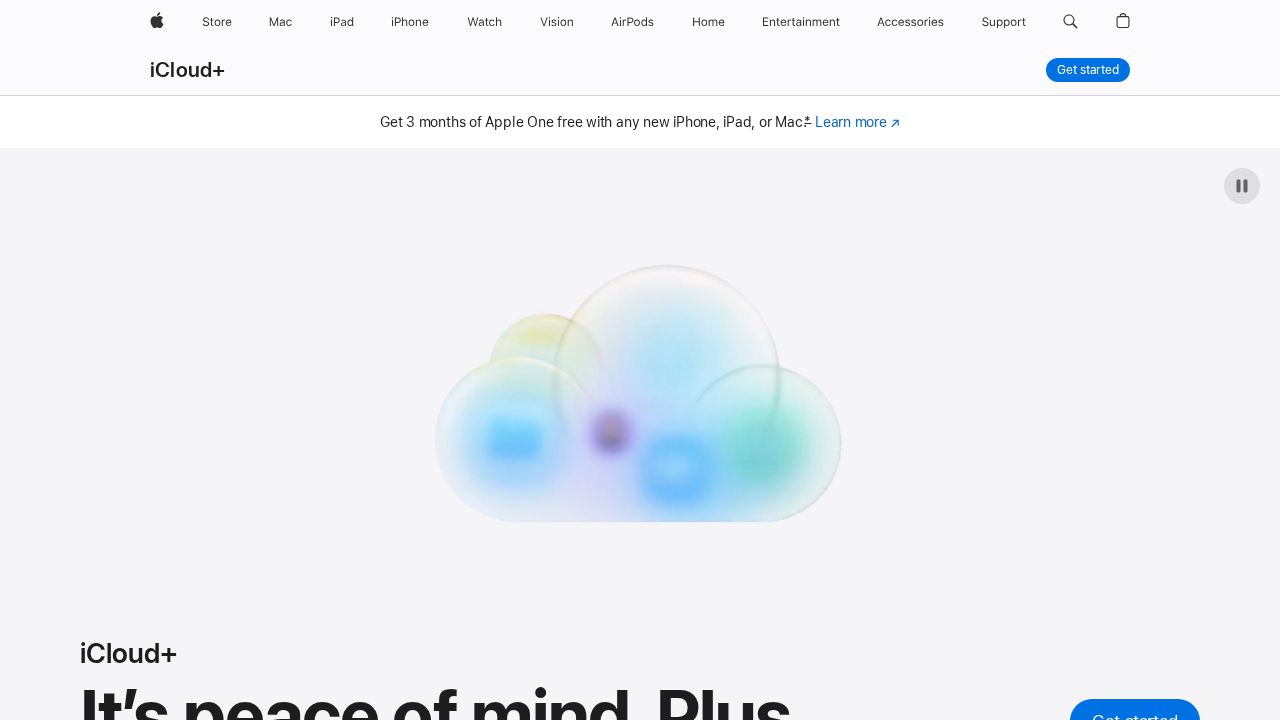
Best for iPhone owners iCloud Photos needs no setup on an iPhone and keeps your library in sync across Apple devices. Full-resolution files live in iCloud while each device keeps lighter copies. Upgrading to 50 GB costs $0.99 a month, and paid plans can be shared with five family members.
What stands out
- Built into iPhone, iPad and Mac
- Stores full-resolution files in the cloud, lighter copies on devices
- Shared Photo Library for up to five other people
- Paid plans from $0.99 a month for 50 GB
Keep in mind
- Free tier is only 5 GB
- Some US states add tax to the monthly price
 Ente Photos
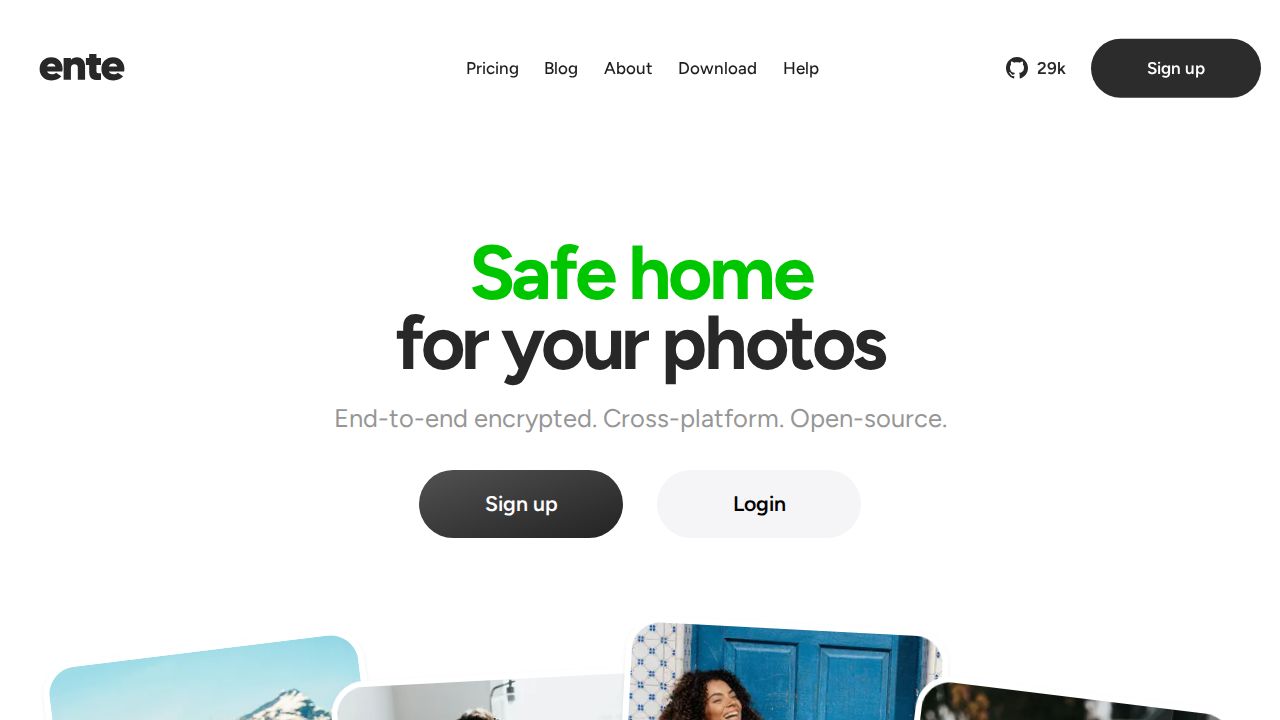
Best for private, encrypted photo backup Ente Photos is a dedicated photo app for people who want privacy without giving up convenience. It offers 10 GB free with no expiry, and paid plans start at 50 GB for $2.99 a month. A family plan lets up to 5 members share the storage with private libraries.
What stands out
- 10 GB free with no expiry
- 50 GB for $2.99 a month or $29.88 a year
- Family plans for up to 6 people in total
- End-to-end encrypted backups, with open-source, audited apps
- Import from Google Photos or Apple Photos with the desktop app
Keep in mind
- Plans above 2 TB require contacting support
- Free users cannot create family plans
 Proton Drive
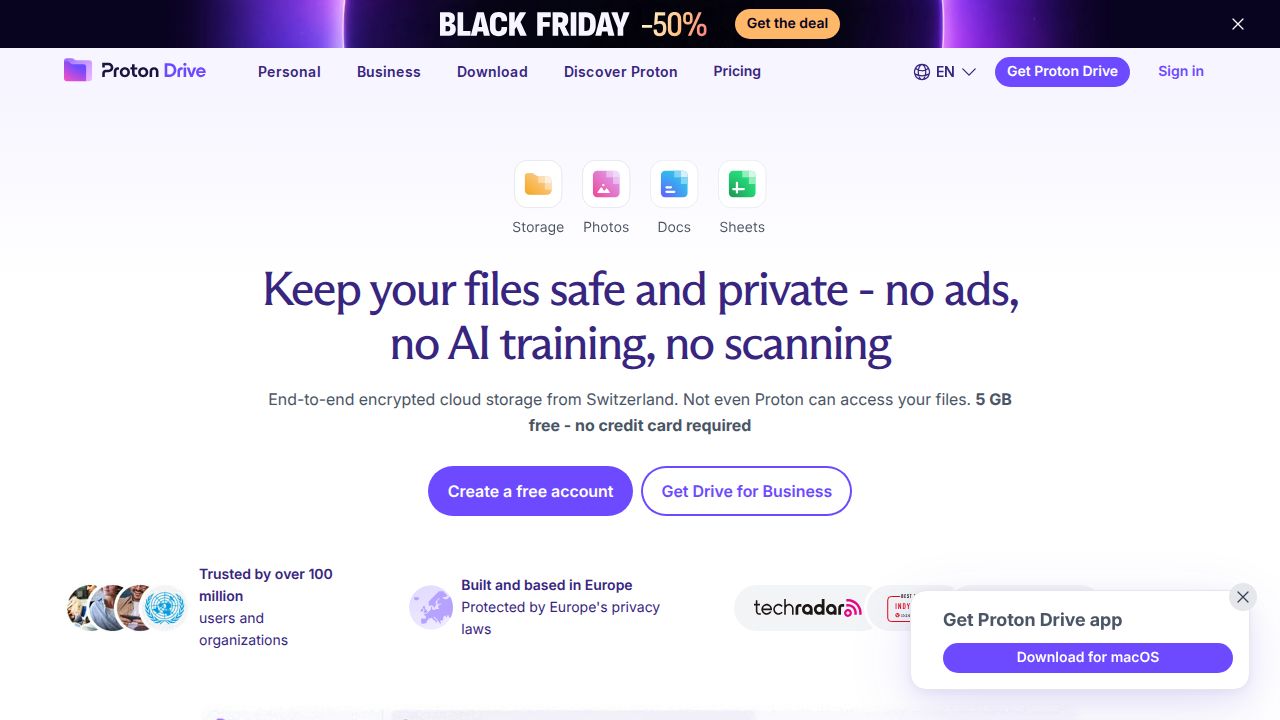
Best for encrypted backup from a privacy brand Proton Drive's iOS and Android apps can back up photos and videos automatically, and files are encrypted on your phone before upload. It is a good fit if you already use Proton Mail or Proton VPN. Drive Plus gives 200 GB for $29.88 in the first year.
What stands out
- Automatic photo and video backup on iOS and Android
- Files and file names encrypted on your device
- Collaborative albums for sharing
- 5 GB free with no credit card
Keep in mind
- Drive Plus renews at $47.88 a year after the first 12 months
- Fewer editing and search tools than Google Photos
 Microsoft OneDrive
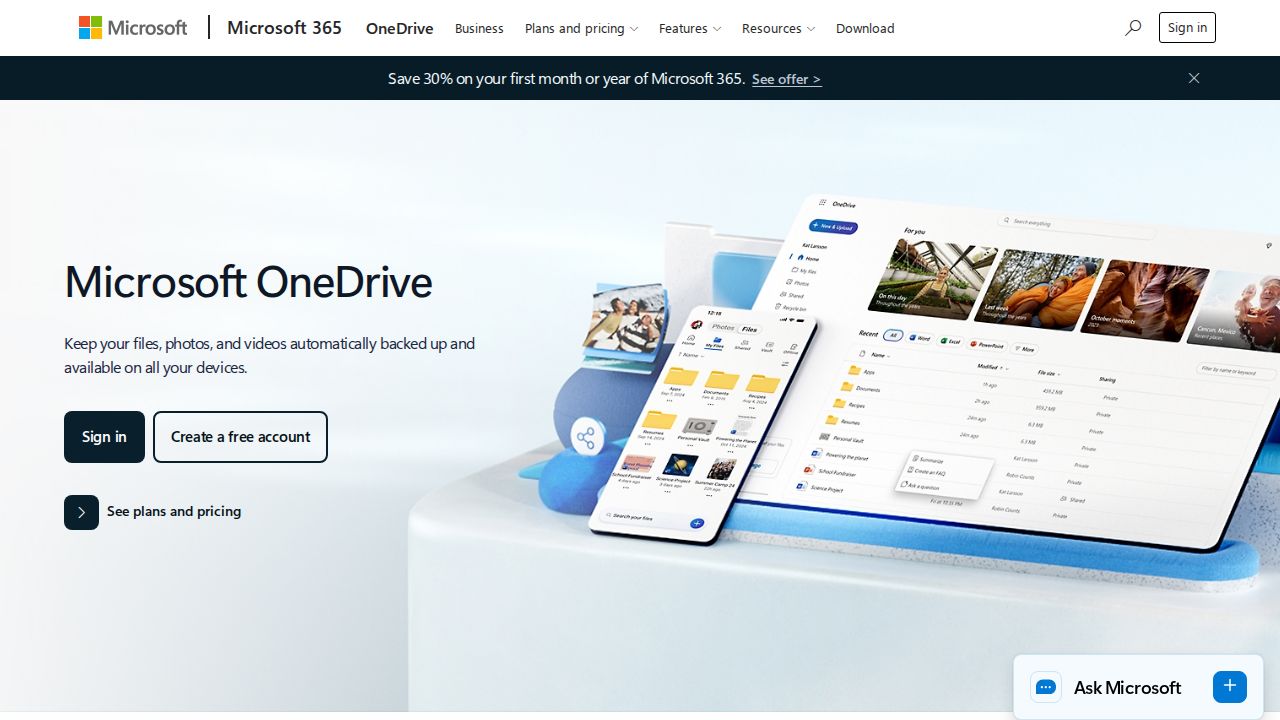
Best for windows PC owners OneDrive's camera roll backup is included on every paid Microsoft plan, and photos show up on any Windows PC signed in to the same account. Microsoft 365 Basic gives 100 GB for $1.99 a month, which is a low price for that much space.
What stands out
- Camera roll backup on all paid plans
- 100 GB for $1.99 a month with Microsoft 365 Basic
- Personal Vault for sensitive photos and documents
- Ransomware detection and file restore
Keep in mind
- Free tier is only 5 GB
- Bigger plans bundle Office apps you may not need
 Sync.com
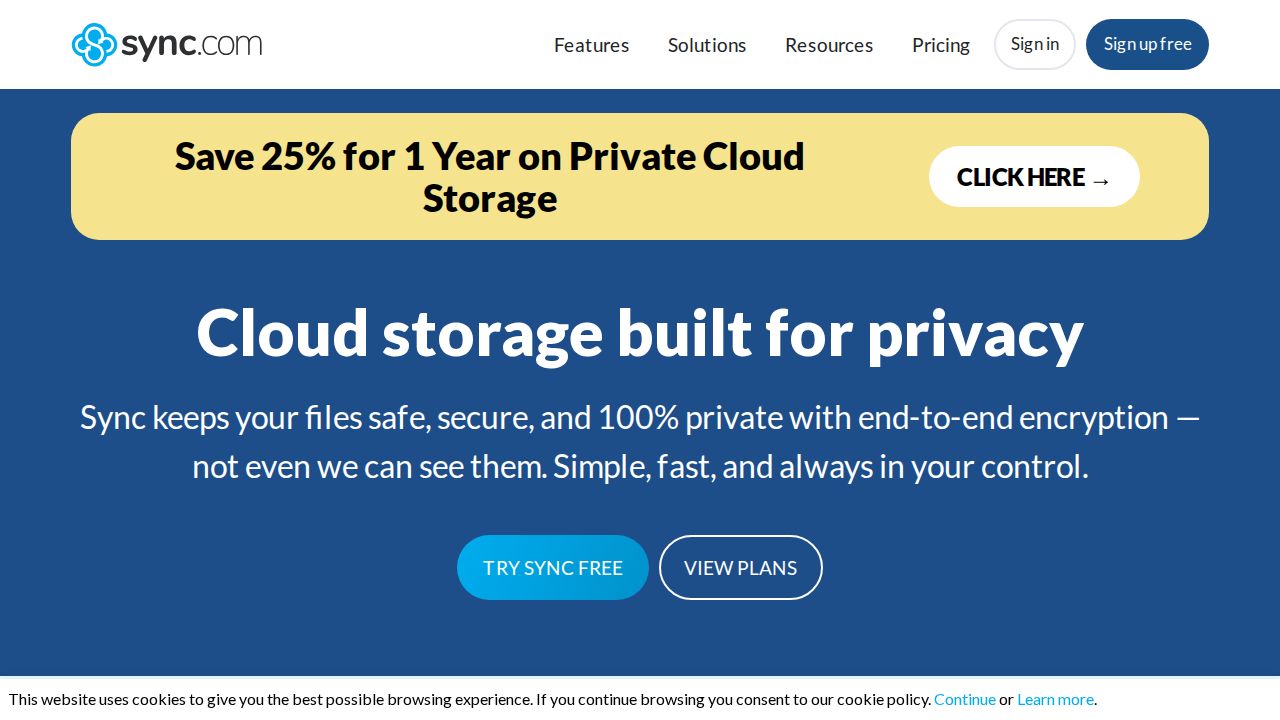
Best for big libraries with encryption Sync.com includes automatic camera upload on every plan, and storage is end-to-end encrypted. Its smallest plan is 1 TB, so it fits families or heavy shooters with large libraries rather than casual users. The first year costs $108 when billed annually.
What stands out
- Automatic camera upload on all plans
- End-to-end encrypted storage
- 1 TB for $9 a month billed annually in the first year
Keep in mind
- Renews at $12 a month billed annually after the first year
- No small, cheap tier for light users
How we chose
We compared each app’s published plans and features on these points:
- Automatic backup. Whether new photos upload without you doing anything.
- Free storage. How far the free tier goes before you need to pay.
- Price of the first paid tier. And whether it renews at a higher rate.
- Privacy. Whether photos are encrypted on your phone before upload.
This list is based on published plans and features, not hands-on use. Where a price was not published on the day we checked, we wrote “See site”.
How to set up photo backup on your phone
- Install the app and sign in.
- Turn on automatic backup or camera upload in the app’s settings.
- Choose whether to back up over Wi-Fi only, to save mobile data.
- Decide whether to include videos, which take far more space than photos.
- Wait for the first full upload to finish before deleting anything from your phone.
Should you use more than one app?
Many people keep two copies, for example iCloud Photos plus Google Photos or Ente. A second backup protects you if one account is locked or a file is deleted by mistake. Just make sure your free storage can handle both, or pay for one service and use the other for a smaller set of favorites.
Frequently asked questions
Which photo backup app is free?
Google Photos offers 15 GB free and Ente Photos 10 GB free. iCloud, OneDrive and Proton Drive each give 5 GB, which fills up quickly with a phone camera.
Can I use Google Photos on an iPhone?
Yes. Google Photos has an iOS app and can back up an iPhone camera roll automatically, which is handy if your household mixes iPhone and Android.
Which photo backup app is the most private?
Ente Photos and Proton Drive encrypt photos on your device before upload. Google says Google Photos data is encrypted in transit and at rest and that photos are not used for ads.
What happens to my photos if I stop paying?
Policies differ. Ente says expired accounts keep existing photos viewable and downloadable but block new backups, and sends warning emails before any deletion date. Check each service's policy and export your library before canceling.
Sources
How we wrote this
This list is based on each company's published plans, prices and feature pages, not on hands-on lab testing. Facts were last checked on November 17, 2026. See our editorial policy.