No company paid to be on this list. Prices were checked on November 17, 2026 and can change. How we make money.
At a glance
| # | Product | Best for | Starting price | Free option |
|---|---|---|---|---|
| 1 | LAN-style games with distant friends | $2.99/mo | 30-day money-back | |
| 2 | Unlimited consoles and PCs at home | $2.49/mo | 30-day money-back | |
| 3 | Port forwarding to host games | $2.03/mo | 30-day money-back | |
| 4 | Esports fans and its Lightway protocol | $2.99/mo | 30-day money-back | |
| 5 | Game-optimized server picks in the app | $2.19/mo | 45-day money-back | |
| 6 | Trying a gaming VPN with a free plan | $2.99/mo | Free plan (1 device) |
The list
 NordVPN
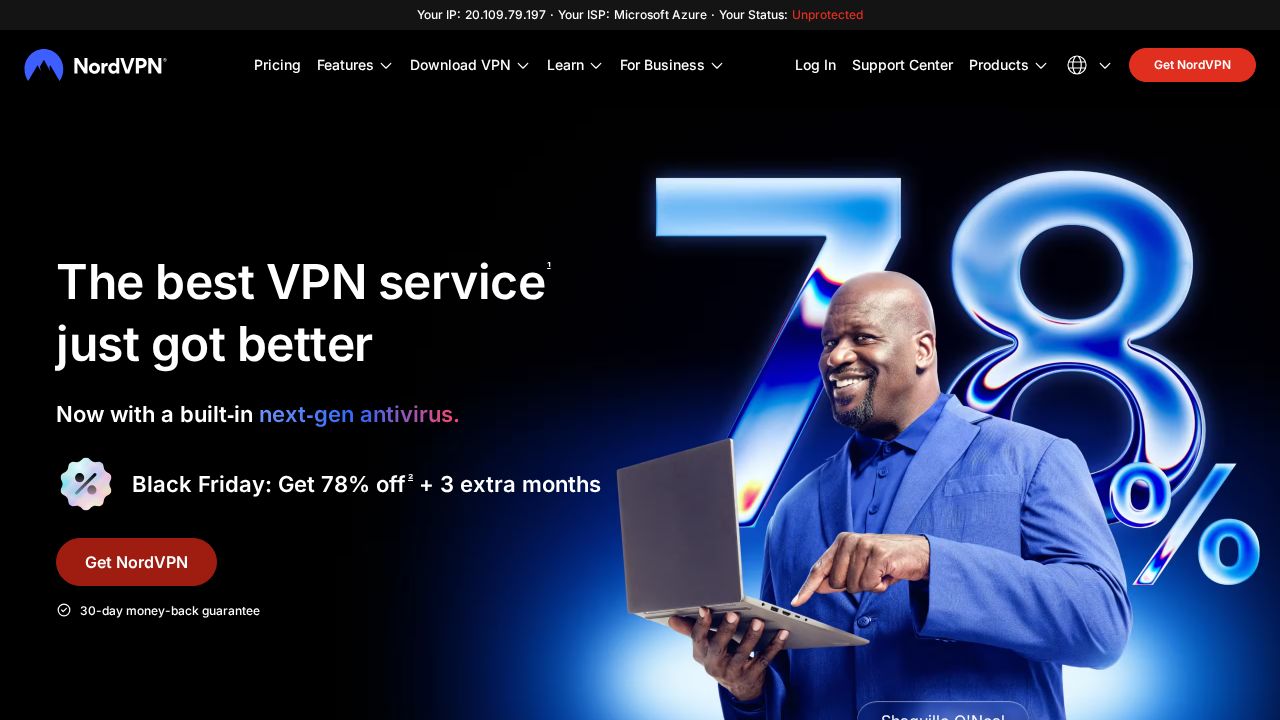
Best for lAN-style games with distant friends NordVPN suits players who want to set up private matches with friends in other cities. Its Meshnet feature links devices into a virtual LAN, and the company names Minecraft and Stardew Valley as examples. It covers 10 devices at once and lists setup guides for PlayStation, Xbox and Nintendo Switch through a router.
What stands out
- Meshnet creates a private virtual LAN between players' devices
- 10 devices protected at once
- Router setup guides for PlayStation, Xbox and Nintendo Switch
- Split tunneling and a kill switch are listed features
Keep in mind
- $2.99 is a Black Friday rate on the 2-year Basic plan; it renews at $139.08 a year
- Monthly billing is $14.99
 Surfshark
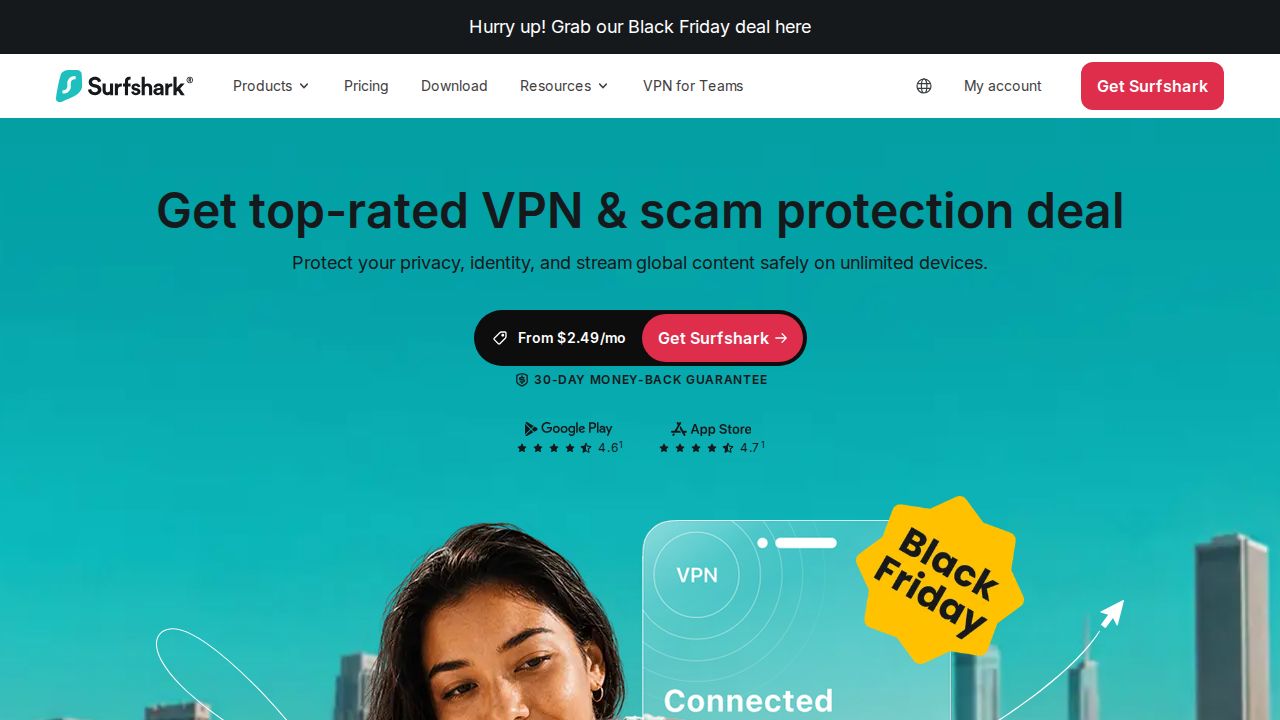
Best for unlimited consoles and PCs at home Surfshark is the pick for a household with several gaming devices because paid plans have no limit on simultaneous connections. The company says all its servers have up to 10 Gbps ports and recommends WireGuard for gaming. Console players are pointed to router setup or the dedicated PlayStation and Xbox guides.
What stands out
- Unlimited simultaneous connections on paid plans
- Surfshark says all servers have up to 10 Gbps ports
- 4,500+ servers in 100 countries
- Split tunneling to keep chosen apps off the VPN
Keep in mind
- $2.49 is a Black Friday rate for the first 27 months; the renewal price is not shown on the pricing page
- Surfshark says it cannot guarantee it works with every game, and some games block VPNs
 Private Internet Access
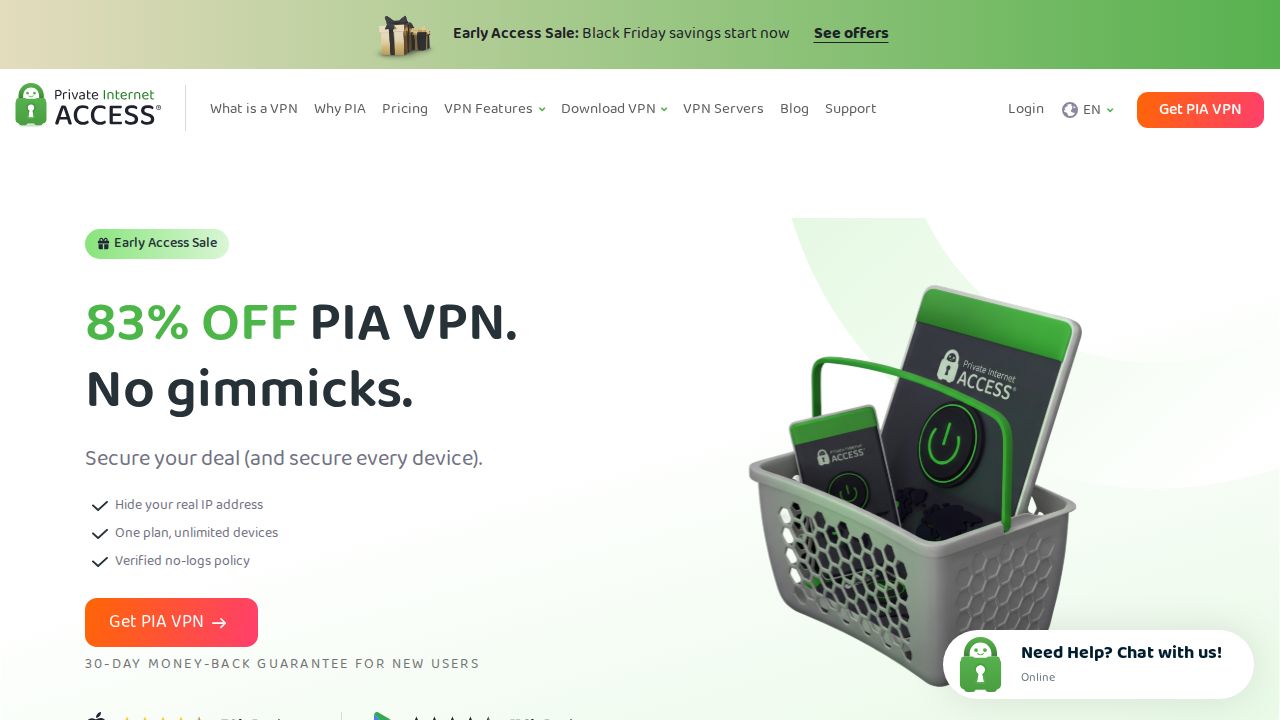
Best for port forwarding to host games Private Internet Access stands out for anyone who hosts matches. Its gaming page explains port forwarding through the VPN, so friends can join a game you run without you opening router ports. It lists servers in 113 countries, a 10 Gbps server network and both WireGuard and OpenVPN.
What stands out
- Port forwarding lets friends join a game server you host
- Servers in 113 countries on a 10 Gbps network
- WireGuard and OpenVPN protocols
- Dedicated IP add-on keeps the same address between sessions
Keep in mind
- $2.03 is the 3-year rate, billed at $81.20 per term
- The buy page lists both unlimited devices and up to 10 devices, so check the limit before you buy
 ExpressVPN
Best for esports fans and its Lightway protocol ExpressVPN pitches its own Lightway protocol for gaming, describing it as quick to reconnect when your network changes. The company lists 10 and 40 Gbps servers and displays official VPN partner logos for League of Legends and VALORANT esports leagues. The Basic plan covers 10 devices.
What stands out
- Lightway protocol, which the company says reconnects quickly on network changes
- Lists 10 and 40 Gbps servers
- Basic covers 10 devices; Advanced covers 12
- Obfuscated servers for networks that block games
Keep in mind
- $2.99 is the first-term rate on the 2-year Basic plan; it renews at $99.95 a year
- The gaming page gives both 113 countries and 214 locations, so the coverage figures are not consistent
 CyberGhost VPN
Best for game-optimized server picks in the app CyberGhost VPN labels some of its locations as gaming-optimized and shows ping, distance and load in its app to help you pick a server. It is also one of the cheapest long plans here, with a 45-day refund window. The trade-off is a lower limit of 7 devices.
What stands out
- Gaming-optimized locations, with ping, distance and load shown in the app
- 45-day money-back guarantee on longer plans
- Split tunneling on supported platforms so voice chat can skip the VPN
- OpenVPN, IKEv2 and WireGuard protocols
Keep in mind
- 7 devices at once, the lowest limit on this list
- $2.19 is the first 28-month rate; the 1-month plan is $12.99 with a 14-day refund window
 Proton VPN
Best for trying a gaming VPN with a free plan Proton VPN is the only service here with a free plan, though that plan is limited to one device, servers in 10 countries and medium speed. For gaming, the company points you to the paid Plus plan, which covers 10 devices and servers in more than 140 countries. It also says there are no bandwidth or data caps.
What stands out
- Free plan with no credit card required
- VPN Plus covers 10 devices
- Servers in more than 140 countries
- WireGuard available to all users
Keep in mind
- $2.99 is the first-year rate; VPN Plus renews at $83.88 a year
- The gaming page does not mention console or router setup
How we chose
We compared what each company publishes about gaming on these points:
- Console and router support. Whether there are setup guides for PlayStation, Xbox and Nintendo Switch.
- Features for multiplayer. Port forwarding, virtual LAN tools and split tunneling.
- Device limit. How many PCs, phones and consoles one account can cover.
- Price and renewal. The lowest long-term price and what it renews at.
This list is based on published plans, pricing and feature pages, not lab testing or our own speed measurements. Speed and latency figures in this post are the companies’ own claims. Where a price was not published, we say “See site”.
When a VPN helps gaming, and when it does not
A VPN can help when:
- Your ISP throttles gaming traffic
- You want to hide your home IP address from other players
- You play on public or school Wi-Fi
- You want to join friends on a server in another region, where the game allows it
A VPN usually does not help when you already have a direct, stable route to the game server. In that case it can add delay.
Quick setup tips
- Pick a server close to the game server, not close to you.
- Try WireGuard or the company’s own fast protocol first.
- Use split tunneling so launchers and voice chat skip the VPN if you see lag.
- For consoles, set the VPN up on your router and connect the console to that network.
Frequently asked questions
Will a VPN lower my ping?
Sometimes. Surfshark, Private Internet Access and CyberGhost VPN say a VPN can help when your ISP routes traffic poorly or throttles gaming traffic, but it can also add delay. Compare your ping with and without the VPN on the same game server.
Can I use a VPN on PlayStation or Xbox?
Not with an app on the console itself. NordVPN, Surfshark, Private Internet Access and CyberGhost VPN all describe setting up the VPN on a compatible router so the console is covered.
Does a VPN stop DDoS attacks?
It hides your home IP address, which reduces the risk. CyberGhost notes that an attacker who already knows your real IP could still target your connection.
Can a VPN get me banned from a game?
Some games and tournaments restrict VPN use, and Private Internet Access advises checking the publisher's rules first. CyberGhost also notes that a VPN does not reverse an existing account ban.
Sources
How we wrote this
This list is based on each company's published plans, prices and feature pages, not on hands-on lab testing. Facts were last checked on November 17, 2026. See our editorial policy.