No company paid to be on this list. Prices were checked on November 17, 2026 and can change. How we make money.
At a glance
| # | Product | Best for | Starting price | Free option |
|---|---|---|---|---|
| 1 | Most iPhone owners | $2.99/mo | 7-day trial | |
| 2 | A free iPhone VPN with no data cap | $2.99/mo | Free plan (1 device) | |
| 3 | A simple app that picks settings for you | $2.99/mo | 3-day trial | |
| 4 | Covering every Apple device you own | $2.49/mo | 7-day trial | |
| 5 | Widgets, Siri shortcuts and Wi-Fi rules | $2.03/mo | 30-day money-back | |
| 6 | Older iPhones and a 45-day refund | $2.19/mo | 45-day money-back |
The list
 NordVPN
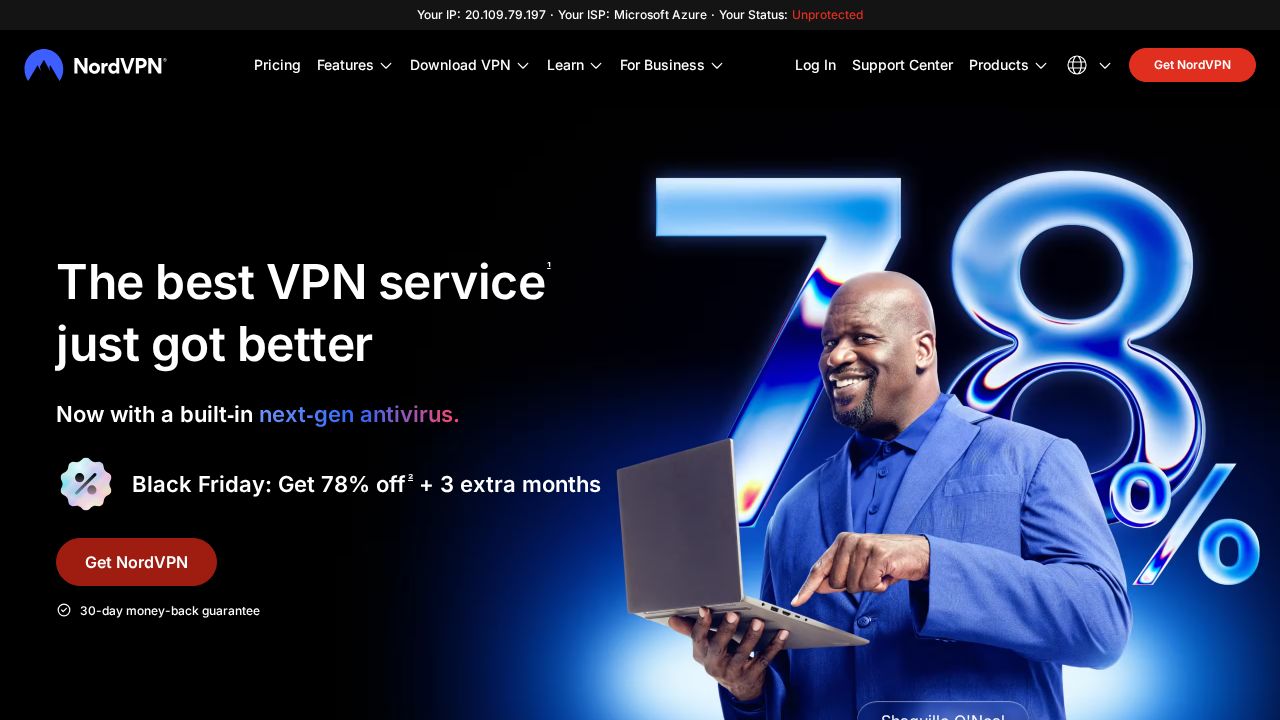
Best for most iPhone owners NordVPN publishes the fullest iPhone feature list here. Its iOS page names a kill switch, Dark Web Monitor, Onion Over VPN, scam and phishing protection, and Siri shortcuts for hands-free use. NordLynx is the preferred protocol on iOS. The app needs iOS 17 or later, and one account covers 10 devices.
What stands out
- iOS page lists a kill switch, Dark Web Monitor and Siri shortcut support
- NordLynx is the preferred protocol on iPhone, and you can switch protocols in settings
- 7-day free trial and a 30-day money-back guarantee listed on the iOS page
- Basic plan is $2.99 a month on the 2-year term, billed $80.73 for the first 27 months
- One account covers 10 devices
Keep in mind
- Requires iOS 17.0 or later
- Basic renews at $139.08 a year after the first term
- Price shown is a Black Friday sale rate
 Proton VPN
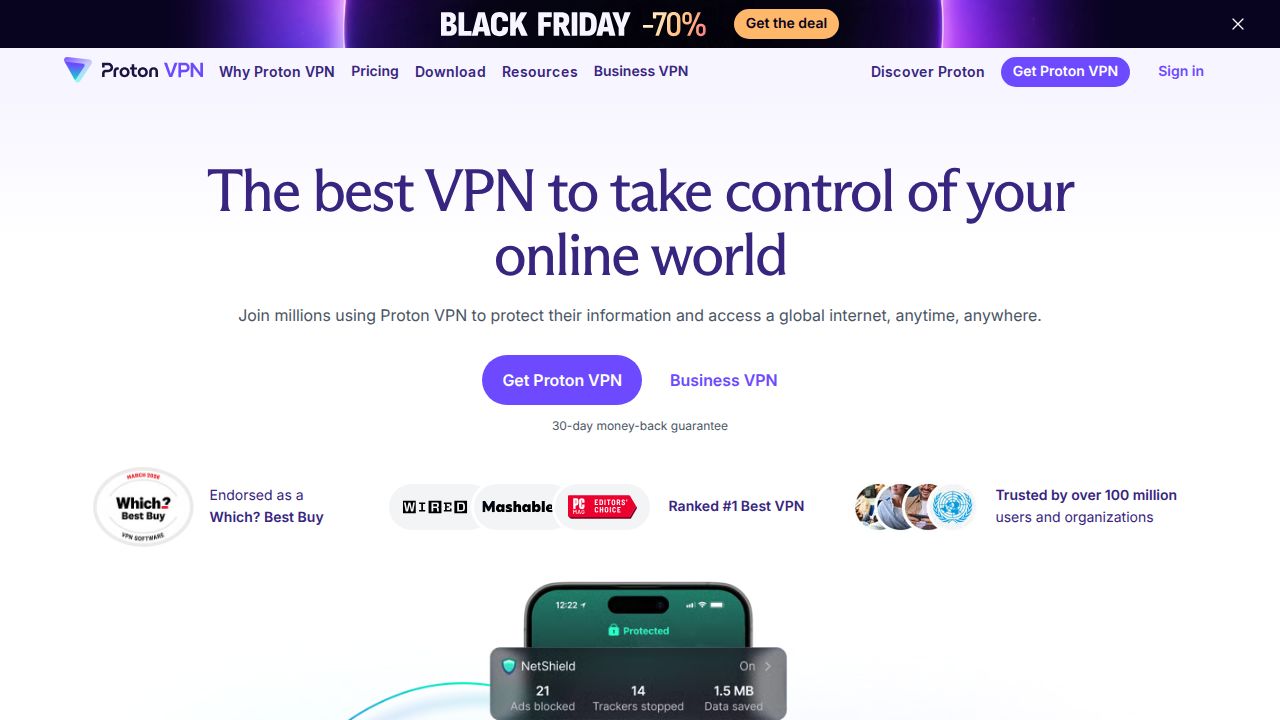
Best for a free iPhone VPN with no data cap Proton VPN is the pick if you want to protect an iPhone without paying. The company says its free service has no data limit, and the iOS app includes a kill switch, always-on VPN and a Home Screen widget. The apps are open source and independently audited. VPN Plus adds ad and tracker blocking and 10 devices.
What stands out
- Free plan with no data limit, on 1 device at a time
- Home Screen widget for quick connect and disconnect
- Kill switch, always-on VPN and DNS leak protection listed for iOS
- Open source apps that have been independently audited
- VPN Plus is $35.88 for the first 12 months and covers 10 devices
Keep in mind
- VPN Plus renews at $83.88 every 12 months
- Free plan picks from servers in 10 countries for you and does not support streaming
- Ad and tracker blocking in NetShield needs a paid plan
 ExpressVPN
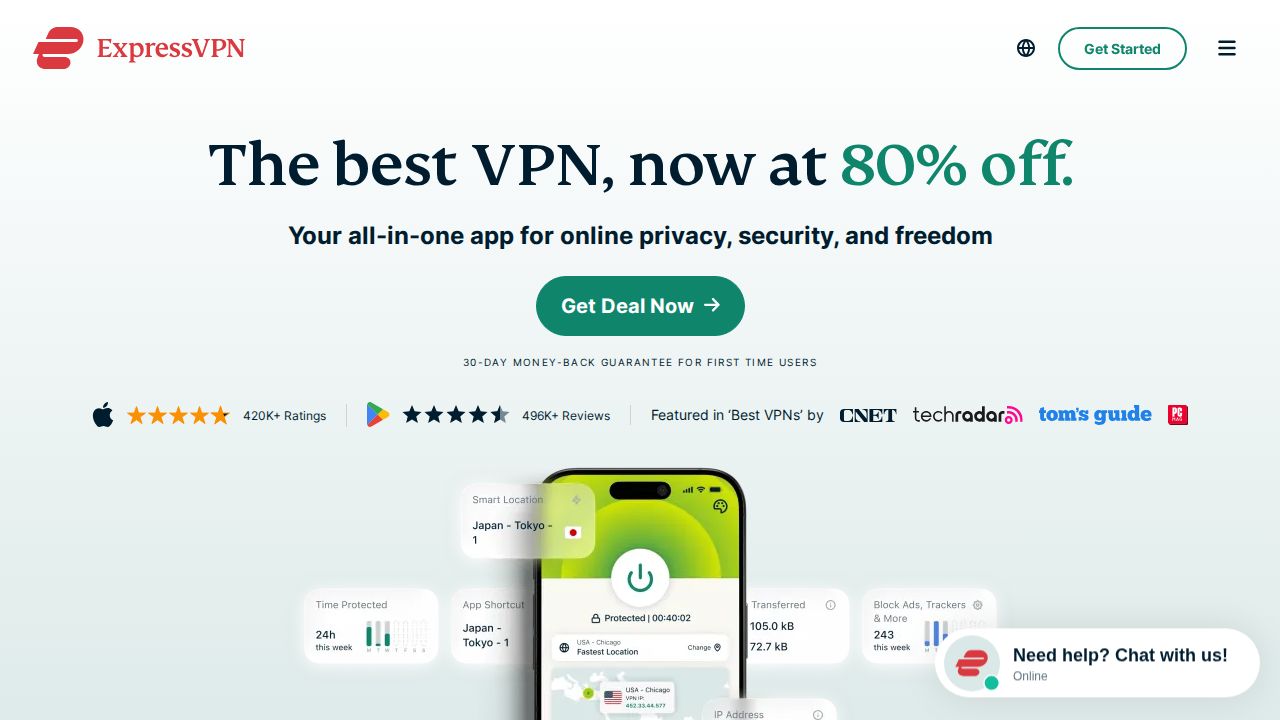
Best for a simple app that picks settings for you ExpressVPN suits iPhone owners who do not want to manage settings. The iOS app selects the company's own Lightway protocol automatically, and the page lists a kill switch, split tunneling, an ad blocker and tracker blocking. Basic costs $2.99 a month on the 2-year plan and covers 10 devices.
What stands out
- iOS app chooses the Lightway protocol automatically
- Kill switch, split tunneling and an ad blocker listed for iPhone
- Servers in 113 countries
- Basic is $2.99 a month, billed $83.72 for the first 28 months
Keep in mind
- Trial users and App Store buyers do not get the 30-day money-back guarantee
- Basic renews at $99.95 a year after the first term
- The iOS page does not state a minimum iOS version
 Surfshark
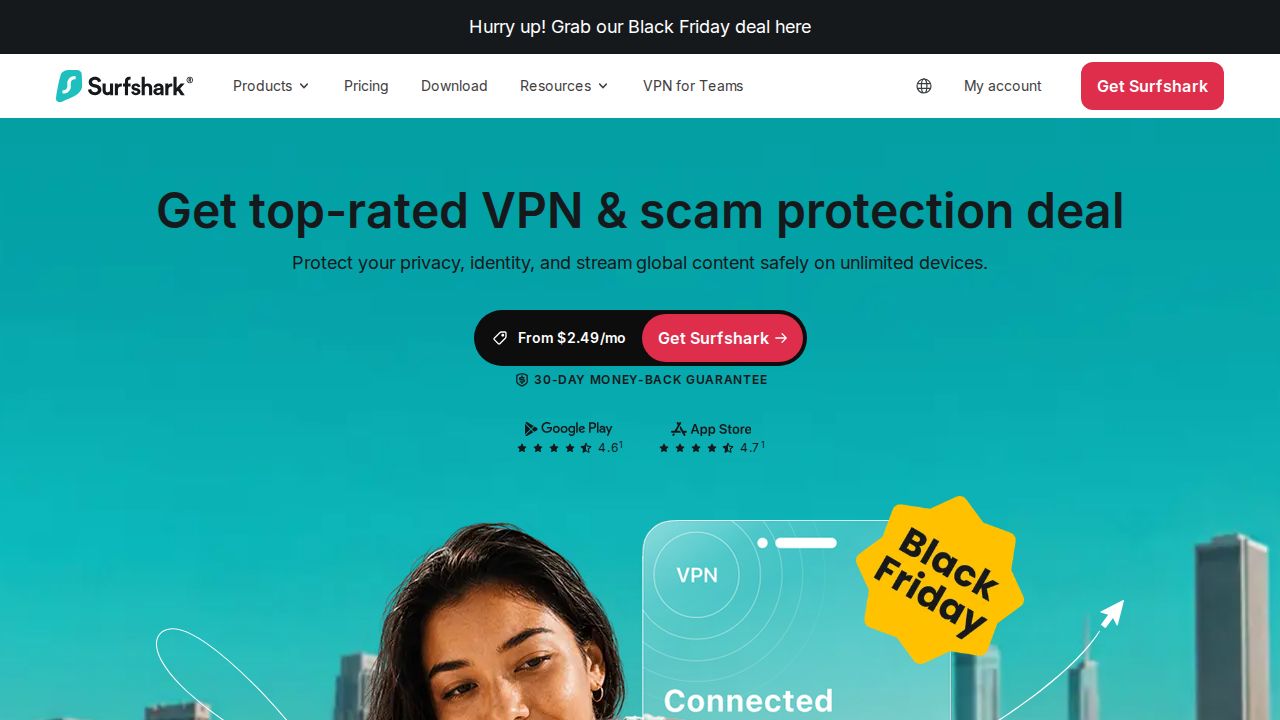
Best for covering every Apple device you own Surfshark fits households with many Apple devices because one subscription allows unlimited simultaneous connections. Its iOS page lists a kill switch, the CleanWeb ad and tracker blocker, MultiHop and Bypasser, which lets you add websites from Safari. Starter was $2.49 a month on the 24-month plan, billed as $67.23.
What stands out
- Unlimited simultaneous connections on one subscription
- Kill switch, CleanWeb and MultiHop listed for iPhone
- Bypasser lets you exclude websites straight from Safari
- Starter is $2.49 a month, billed $67.23 for the first 27 months
Keep in mind
- Requires iOS 17 or later
- The 7-day trial needs payment details and works on 3 devices only
- Renewal price is not stated on the pricing page
 Private Internet Access
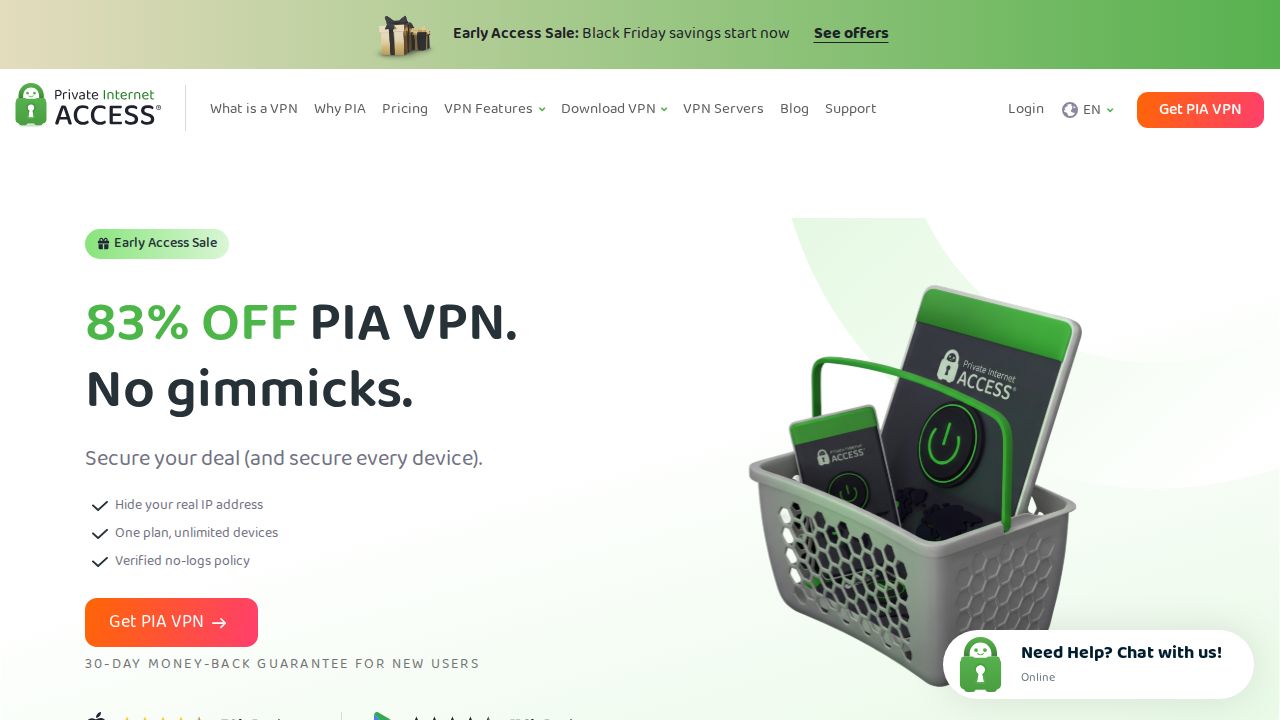
Best for widgets, Siri shortcuts and Wi-Fi rules Private Internet Access publishes the most iPhone-specific controls. Its iOS page lists a home screen widget, Siri shortcuts, rules that connect the VPN on open or new Wi-Fi networks, and a Safari content blocker extension. It supports older iPhones too, with iOS 15 as the stated minimum, and allows unlimited devices.
What stands out
- Home screen widget and Siri shortcuts listed for the iOS app
- Auto-connect rules for open, new or chosen Wi-Fi networks and mobile data
- Safari content blocker extension for ads and trackers
- WireGuard and OpenVPN available on iPhone
- 3-year plan with 4 extra months is $2.03 a month, billed $81.20
Keep in mind
- No free trial is described; App Store purchases follow Apple's refund terms
- The lowest price needs a 3-year commitment and was an early-access sale rate
- The page gives both iOS 15.0 and iOS 15.5 as the minimum version
 CyberGhost VPN
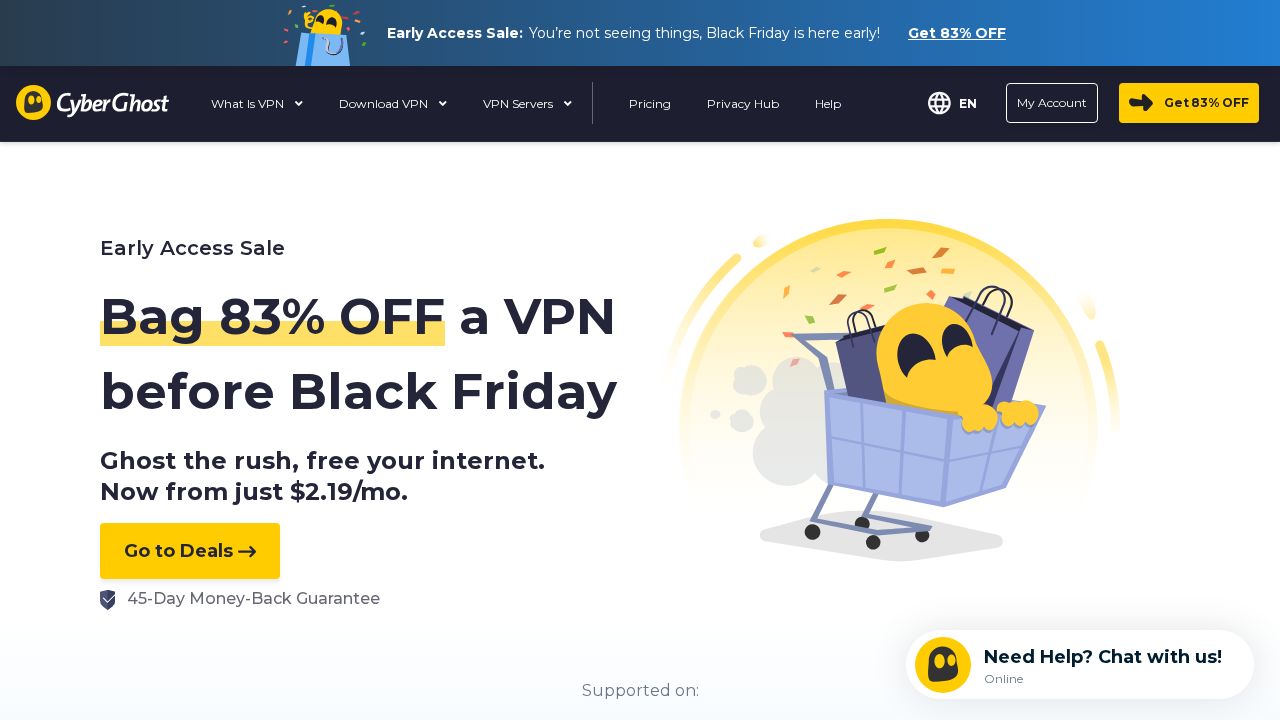
Best for older iPhones and a 45-day refund CyberGhost is a reasonable choice for an older iPhone, since its app supports iOS 15 and later. The iOS page lists an automatic kill switch, WireGuard and automatic protection when you join a new Wi-Fi network. The 2-year plan costs $2.19 a month, billed as $61.32, with a 45-day money-back guarantee.
What stands out
- Supports iOS 15 and later on iPhone and iPad
- Automatic kill switch and WireGuard on iOS
- Can start automatically on new Wi-Fi networks
- 45-day money-back guarantee on the long plan
Keep in mind
- 7 devices at once, fewer than most others here
- The 1-month plan costs $12.99 and has only a 14-day guarantee
- Price shown is a limited-time early-access sale rate
How we chose
We read each company’s iPhone download page and pricing page and compared four things:
- Published iOS features. Kill switch, protocols, widgets, Siri shortcuts and Wi-Fi auto-connect rules.
- iOS version support. The oldest iOS version the app is stated to run on.
- Trial and refund terms on iPhone. Whether there is a trial, and what happens to the guarantee if you pay through Apple.
- Price and device limit. The lowest long-plan price and how many devices one account covers.
This list is based on published plans, pricing and app descriptions, not lab testing. We did not measure speed or battery use. Where a company did not publish a detail on the day we checked, we say so, and “See site” is used where a price was not published.
What to look for in an iPhone VPN
- A kill switch. It stops traffic leaking if the connection drops when you move between Wi-Fi and cellular.
- Automatic connection on Wi-Fi. Useful if you often join public networks and forget to switch the VPN on.
- A widget or Siri shortcut. These save you opening the app each time.
- Support for your iOS version. An older iPhone that cannot run iOS 17 rules out some apps.
- Enough device slots. The same account usually covers your iPad, Mac and Apple TV too.
How to set up a VPN on an iPhone
- Decide where to subscribe. The company’s website usually keeps its own money-back guarantee.
- Install the app from the App Store and sign in.
- Tap Allow when iOS asks to add VPN configurations, then confirm with your passcode or Face ID.
- Turn on the kill switch and any auto-connect option in the app’s settings.
- Add the widget or a Siri shortcut if the app offers one.
Frequently asked questions
Does an iPhone need a VPN?
An iPhone does not need one to work safely, but a VPN hides your traffic from the network you are on, which is useful on hotel, airport and cafe Wi-Fi. Several apps here, including CyberGhost and Private Internet Access, can connect automatically when you join a new or open Wi-Fi network.
Is there a free VPN for iPhone that is worth using?
Proton VPN has a free plan with no data limit. It covers one device at a time and connects you to servers in 10 countries chosen for you.
Should I subscribe in the App Store or on the company's website?
Check the refund terms first. ExpressVPN and Private Internet Access both state that App Store purchases follow Apple's refund policy instead of their own 30-day guarantee. Buying on the website usually keeps the company's guarantee.
Which iOS version do these VPN apps need?
NordVPN and Surfshark list iOS 17 or later. CyberGhost lists iOS 15 or later, and Private Internet Access lists iOS 15. ExpressVPN and Proton VPN did not state a minimum on the pages we checked.
Do iPhone VPNs have a kill switch?
All six companies on this list publish a kill switch for their iPhone app. It blocks traffic if the VPN connection drops until it reconnects.
Sources
How we wrote this
This list is based on each company's published plans, prices and feature pages, not on hands-on lab testing. Facts were last checked on November 17, 2026. See our editorial policy.