No company paid to be on this list. Prices were checked on November 17, 2026 and can change. How we make money.
At a glance
| # | Product | Best for | Starting price | Free option |
|---|---|---|---|---|
| 1 | Teams of two or more on a budget | $6.99/user/mo | 14-day trial | |
| 2 | Access control and network security | $8/user/mo | 14-day money-back | |
| 3 | A static IP included in the base plan | $7/user/mo | 14-day trial | |
| 4 | A simple VPN for two or more people | $5.75/user/mo | 7-day trial | |
| 5 | Low per-license cost on long terms | $3.05/user/mo | 30-day money-back | |
| 6 | A free starter plan for two users | $7/user/mo | Free plan (2 users) | |
| 7 | Bundled antivirus and alerts per user | $5.90/user/mo | See site | |
| 8 | Month-to-month seat changes | See site | See site |
The list
 Proton VPN for Business
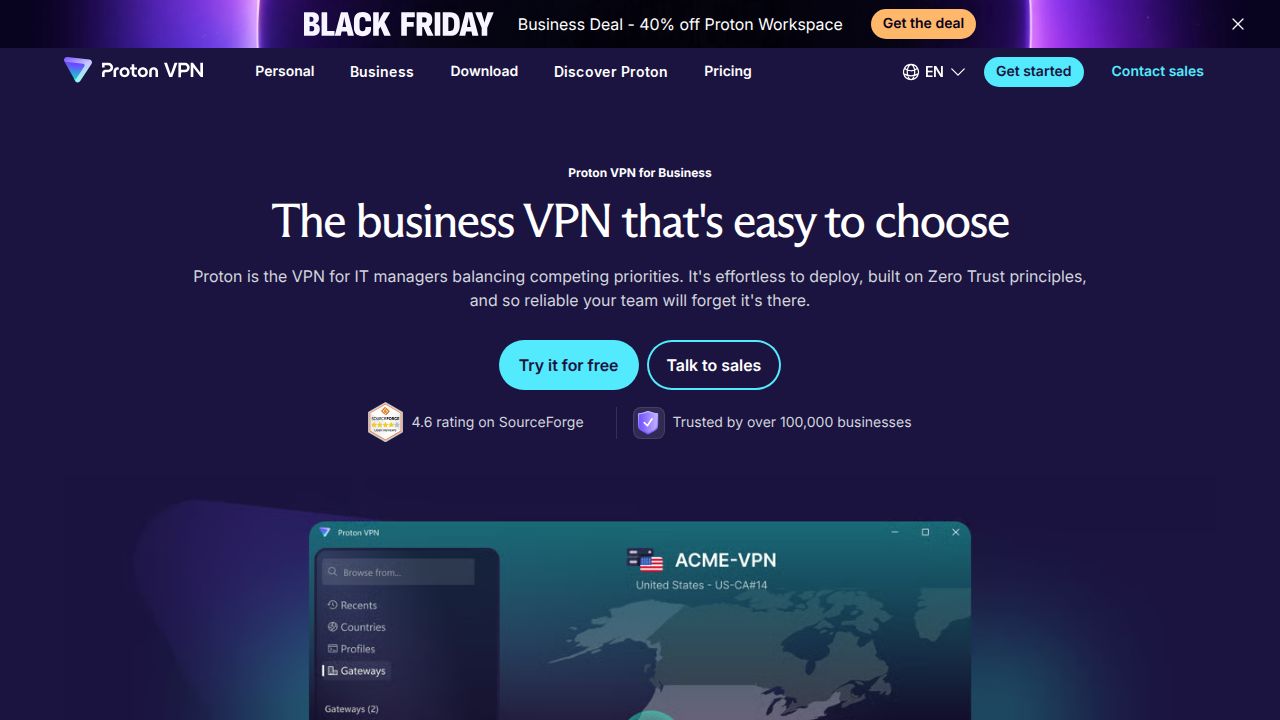
Best for teams of two or more on a budget Proton VPN for Business is the easiest fit for a very small company because the VPN Essentials plan starts at just 2 users. It lists central user management, enforced two-factor authentication and always-on VPN. Dedicated servers, private gateways and single sign-on need the VPN Professional plan at $9.99 per user.
What stands out
- VPN Essentials is $6.99 per user a month on yearly billing, with a 2-user minimum
- 14-day free trial on every business VPN plan
- Essentials lists central user management, 2FA enforcement, kill switch and split tunneling
- VPN Professional ($9.99 per user) adds SSO, SCIM provisioning and dedicated servers in 20+ countries
Keep in mind
- Prices shown are for yearly billing; the monthly rates were not shown on the page we read
- Dedicated servers and private gateways are not in the Essentials plan
- The dedicated IP add-on price was not shown
 NordLayer
Best for access control and network security NordLayer goes beyond a simple team VPN. The Lite plan covers an encrypted connection, threat blocking, multi-factor authentication and single sign-on. Core and Premium add access control, a cloud firewall, device posture checks and site-to-site connections, which suits a company that needs to lock down internal resources.
What stands out
- Lite is $8 per user a month, Core $11 and Premium $14, on annual billing
- Lite includes MFA, SSO, threat blocking and Always On VPN
- Core adds IP allowlisting, a Cloud Firewall and a Site-to-Site connector
- 14-day money-back guarantee on the first purchase
Keep in mind
- 5-user minimum on Lite, Core and Premium
- Core and Premium list a dedicated IP at $40 a month extra
- Prices shown are for annual billing; monthly billing costs more
 GoodAccess
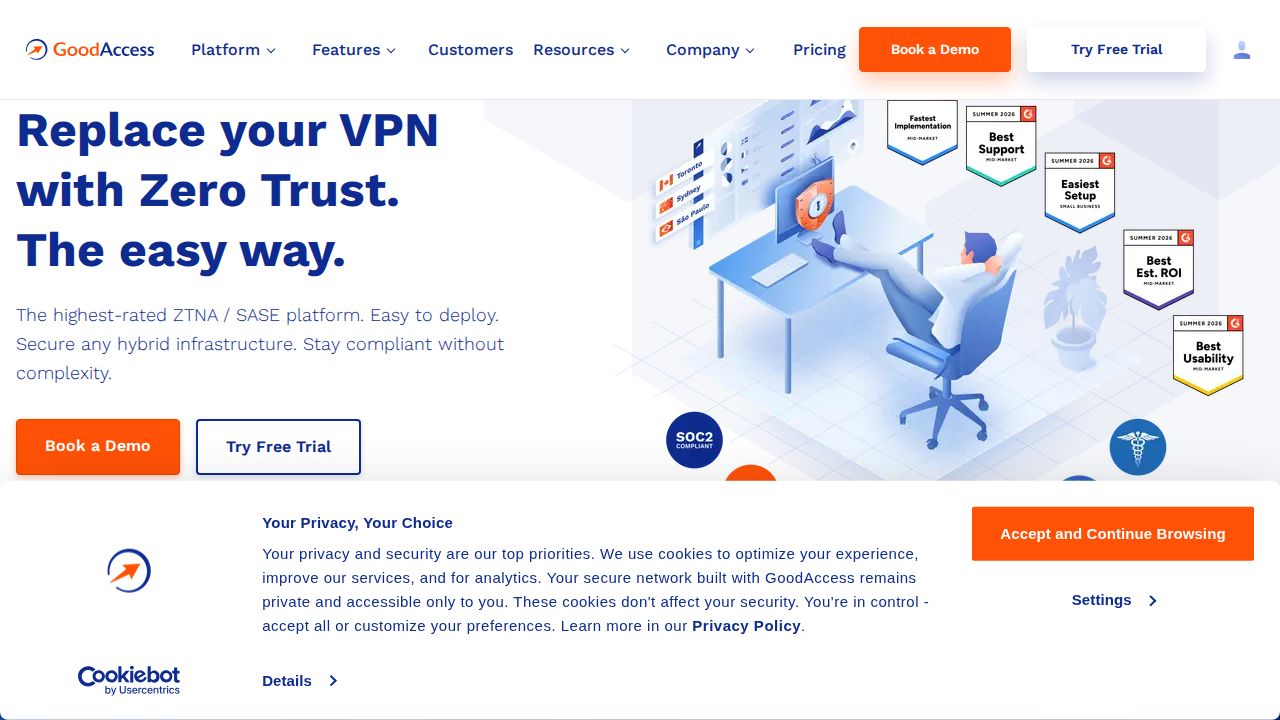
Best for a static IP included in the base plan GoodAccess is worth a look if your team needs a fixed IP address to allowlist in other business tools. The Essential plan lists a dedicated static IP, unlimited data, split tunneling and multi-factor authentication. The 14-day trial is full-featured and does not ask for a credit card.
What stands out
- Essential is $7 per user a month on annual billing, or $9 billed monthly
- Essential lists a dedicated static IP and unlimited data usage
- 14-day full-featured free trial with no credit card
- Premium ($11 per user on annual billing) adds SSO, device posture checks and network segmentation
Keep in mind
- 5-user minimum on Essential and Premium
- Additional gateways cost $49 a month each
 TunnelBear for Teams
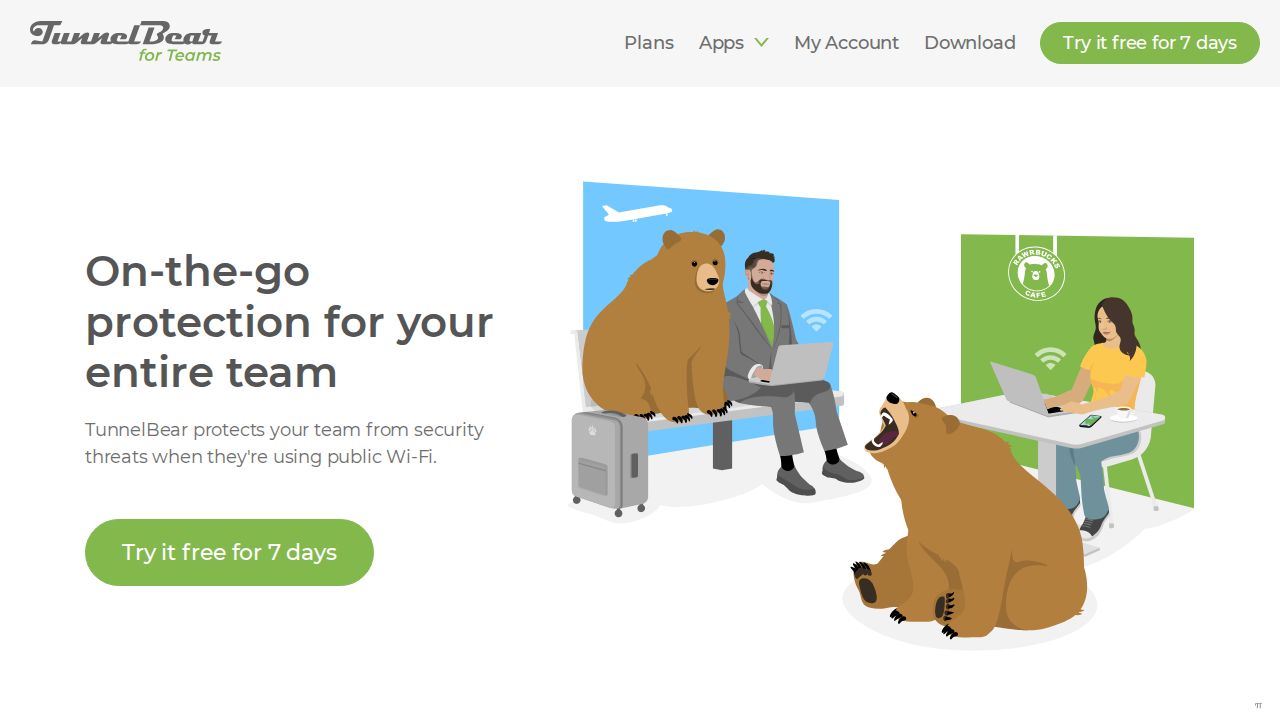
Best for a simple VPN for two or more people TunnelBear for Teams is a plain, low-effort option for a small office that mainly wants safer public Wi-Fi. It is sold for 2 or more users, with one annual invoice, an admin console for adding and removing people, and prorated charges when the team size changes.
What stands out
- $5.75 per user a month, for teams of 2 or more
- 7-day free trial
- Admin console for users, billing details and invoices
- Unlimited secure browsing and unlimited devices listed for Teams
Keep in mind
- Billed annually on a single team invoice
- No dedicated IP, SSO or access control features are listed on the Teams page
 ExpressVPN for Teams
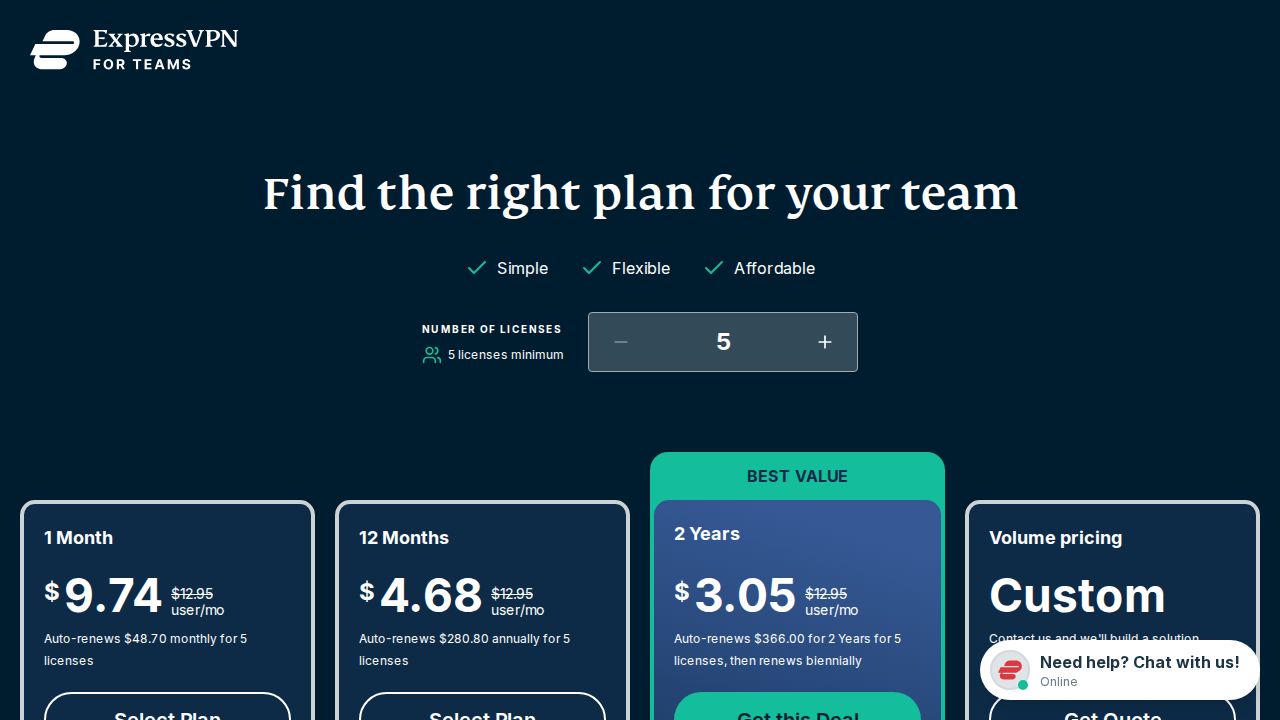
Best for low per-license cost on long terms ExpressVPN for Teams publishes a full price table, which makes budgeting easy. For 5 to 9 licenses it costs $3.05 per license a month on the 2-year plan, $4.68 on 12 months and $9.74 month to month. Per-license prices fall as the team grows, down to $2.04 at 50 or more on the 2-year plan.
What stands out
- $3.05 per license a month on the 2-year plan for 5 to 9 licenses
- 12-month plan is $4.68 per license a month; the 1-month plan is $9.74
- Volume tiers lower the price at 10, 20, 30, 40 and 50 licenses
- 30-day money-back guarantee for new users
Keep in mind
- 5-license minimum
- A dedicated IP costs $390 a year per location and needs a 1-year or 2-year plan
- Prices are before sales tax
 PureVPN for Teams
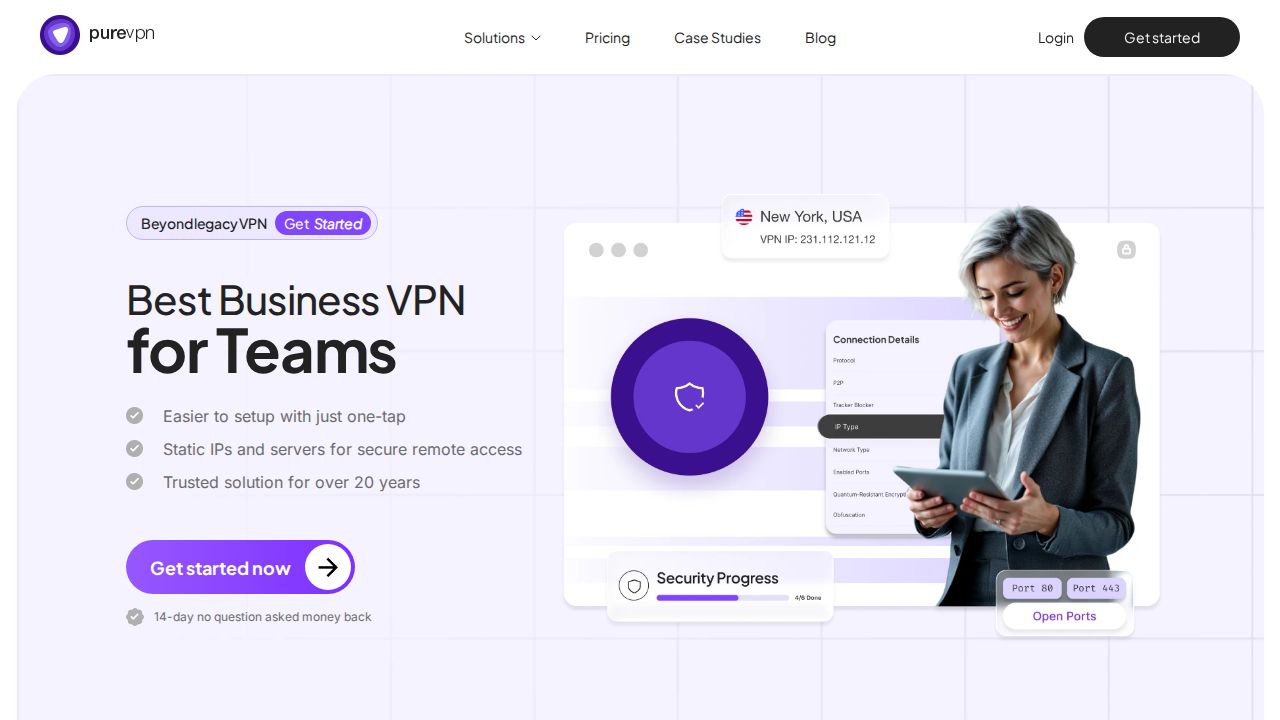
Best for a free starter plan for two users PureVPN for Teams lets a tiny business start without paying. Its free plan covers 2 users and 5 devices in total. The paid Starter plan begins at 3 seats and lists an admin dashboard, multi-factor authentication and static IPs that can be assigned per member or shared by the team.
What stands out
- Free plan for 2 users and 5 devices
- Starter is $7 per user a month on annual billing for 3 to 10 seats, or $9 billed monthly
- Starter lists an admin dashboard, MFA and no device limit
- Static IP add-on listed at $4.99 a month per IP
Keep in mind
- SSO, role-based access control and audit logs need the custom-priced Pro plan
- The page is inconsistent: its FAQ quotes a lower starting price and a different refund window than the pricing table
 Surfshark for Teams
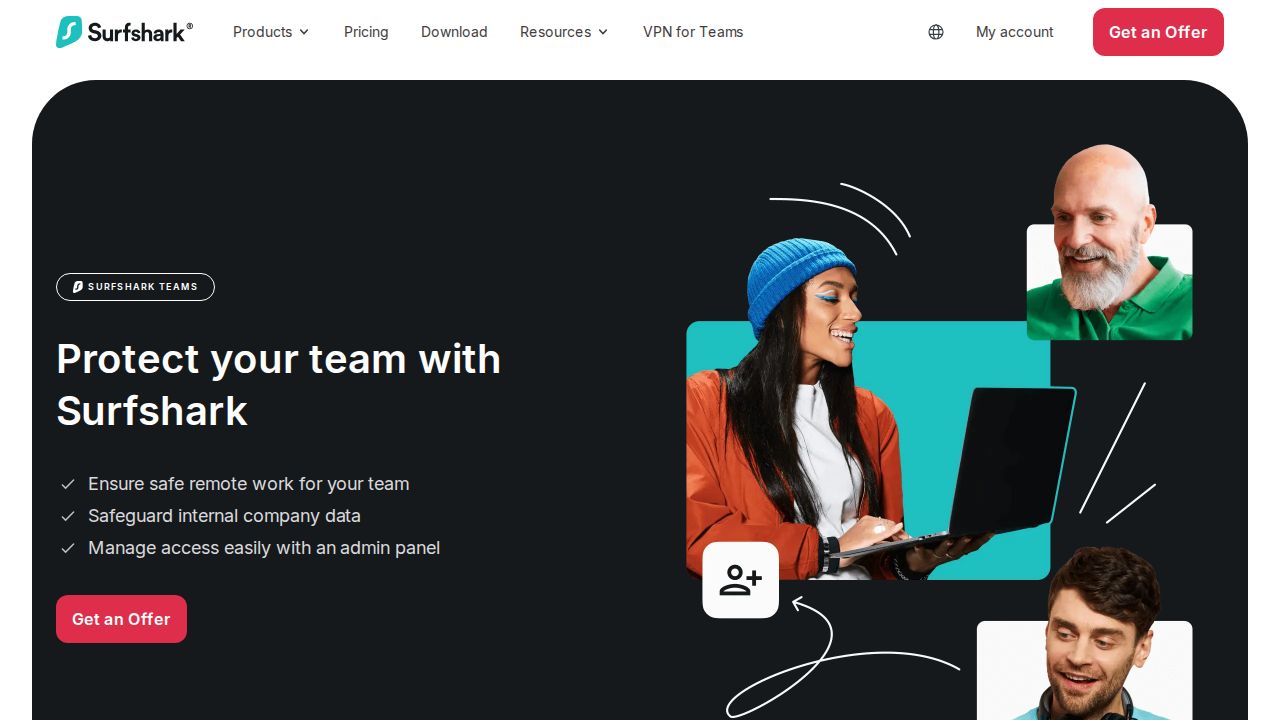
Best for bundled antivirus and alerts per user Surfshark for Teams packages the consumer Surfshark plans for groups of 5 or more. Starter is listed from $5.90 per user a month on a 1-year plan, with One from $6.90 and One+ from $9.40. You request an offer through a form instead of checking out directly.
What stands out
- Starter from $5.90 per user a month on a 1-year plan
- Plans list VPN, CleanWeb, Antivirus and Alert
- You can mix plan levels in one custom offer
Keep in mind
- 5-license minimum
- Prices are starting rates that vary by user count, and buying goes through a quote form
- No trial or refund terms are stated on the teams page
 Windscribe ScribeForce
Best for month-to-month seat changes ScribeForce is the team version of Windscribe. Every member gets full Windscribe Pro access on all devices, the whole team sits on one bill, and you can change the seat count from month to month. A static IP bought for the team can be used by every member.
What stands out
- Each seat gets full Windscribe Pro access on all devices
- One bill for the team, with seat counts adjustable month to month
- A purchased static IP is shared with all team members
Keep in mind
- 5-seat minimum
- No per-user price is shown on the ScribeForce feature page
How we chose
We compared each company’s published team or business plans on these points:
- Per-user price. The lowest paid plan per user, and which billing term that price needs.
- Minimum seats. A 5-seat minimum matters a lot when you only have three people.
- Trial or refund terms. Whether you can try the service before committing to a year.
- Admin features. Central user management, single sign-on and enforced two-factor authentication.
- Dedicated IP. Whether a fixed IP address is included or sold as an add-on.
This list is based on published plans and pricing, not lab testing. Where a company did not publish a price on the page we read, we write “See site” instead of guessing.
Work out your real monthly cost
The per-user price is only part of the bill. Before you compare, do this:
- Multiply the per-user price by the larger of your headcount and the plan’s minimum seats.
- Add any dedicated IP or gateway fee if you need a fixed address.
- Check the billing term. Most of the low prices here need annual billing, so the first charge is 12 months up front.
- Ask what happens when you add or remove a user mid-term.
Team VPN or access control platform?
- A simple team VPN (TunnelBear for Teams, ExpressVPN for Teams, Windscribe ScribeForce) protects staff on public Wi-Fi and gives you one bill. It is enough for a small office with mostly cloud apps.
- An access control platform (NordLayer, GoodAccess, the higher Proton VPN for Business plans) also controls who can reach which internal resource. Choose this if you run your own servers, need device checks or must show auditors who accessed what.
Frequently asked questions
How much does a business VPN cost per user?
On this list, published entry prices run from $3.05 per license a month (ExpressVPN for Teams, 2-year plan) to $8 per user a month (NordLayer Lite, annual billing). Monthly billing costs more where it is offered.
Which business VPN works for a team of two or three people?
Proton VPN for Business and TunnelBear for Teams both start at 2 users. PureVPN for Teams has a free plan for 2 users and a paid Starter plan from 3 seats. The others on this list need at least 5 seats.
Do I need a dedicated IP for my business?
Only if you want to allowlist a fixed address in tools such as a CRM, cloud console or firewall. GoodAccess lists a dedicated static IP in its Essential plan. NordLayer, ExpressVPN for Teams and PureVPN for Teams charge extra for one.
Can I just buy a consumer VPN for my team?
You can, but you lose central billing and user management. Business plans add an admin console, and some add single sign-on, enforced two-factor authentication and access rules for internal resources.
Which business VPNs have a free trial?
Proton VPN for Business and GoodAccess each offer a 14-day free trial, and TunnelBear for Teams offers 7 days. NordLayer has a 14-day money-back guarantee and ExpressVPN for Teams a 30-day one for new users.
Sources
How we wrote this
This list is based on each company's published plans, prices and feature pages, not on hands-on lab testing. Facts were last checked on November 17, 2026. See our editorial policy.