No company paid to be on this list. Prices were checked on November 17, 2026 and can change. How we make money.
At a glance
| # | Product | Best for | Starting price | Free option |
|---|---|---|---|---|
| 1 | Streaming on smart TVs and sticks | $2.99/mo | 30-day money-back | |
| 2 | Households with lots of screens | $2.49/mo | 30-day money-back | |
| 3 | TVs that cannot run a VPN app | $2.99/mo | 30-day money-back | |
| 4 | Servers set aside for streaming | $2.19/mo | 45-day money-back | |
| 5 | Unlimited devices on a long plan | $2.03/mo | 30-day money-back | |
| 6 | 4K streaming with a free plan to start | $2.99/mo | Free plan (no streaming) |
The list
 NordVPN
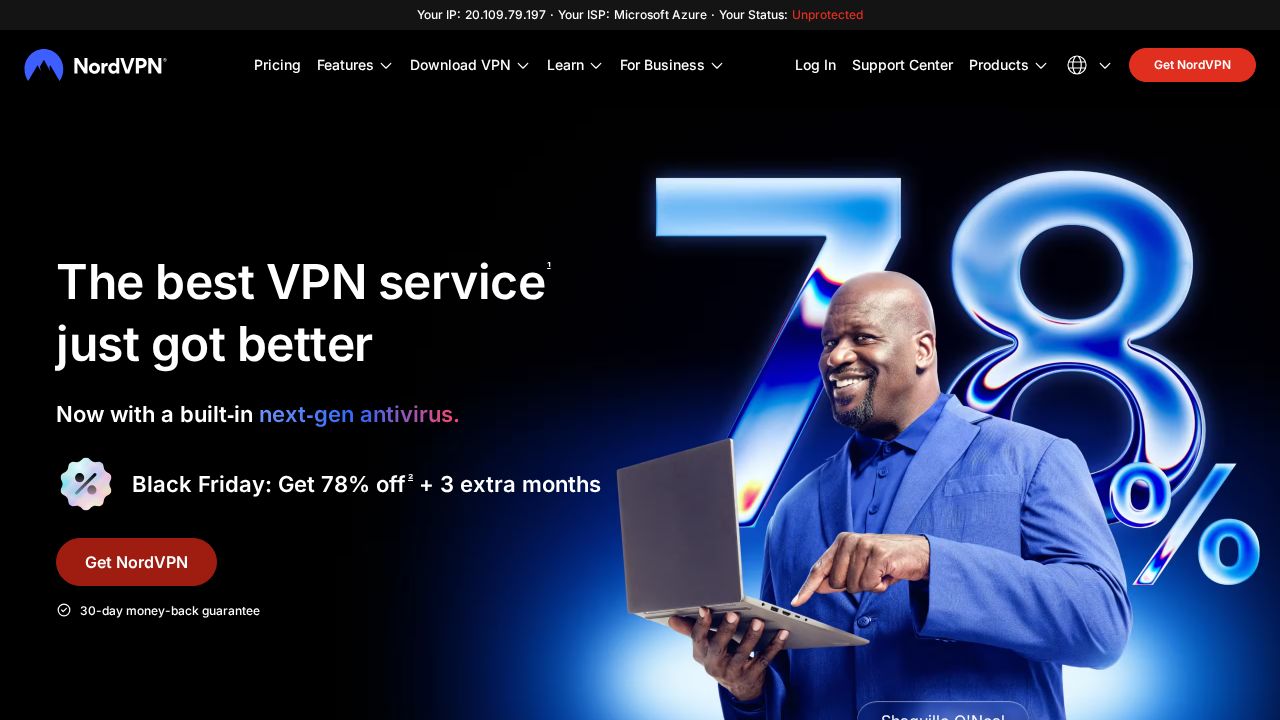
Best for streaming on smart TVs and sticks NordVPN suits viewers who watch on a mix of TVs, sticks and phones. Its streaming page lists apps for Apple TV, Android TV, Fire TV and Chromecast, plus a feature called SmartPlay. The company cites more than 7,000 servers and covers 10 devices per account. Basic starts at $2.99 a month on the 2-year plan.
What stands out
- Apps for Apple TV, Android TV, Fire TV Stick and Chromecast with Google TV
- SmartPlay feature included
- 7,000+ servers listed on its streaming page
- 10 devices per account and a 30-day money-back guarantee
Keep in mind
- Its own page notes that services such as Netflix, Hulu and Disney+ may limit VPN connections
- Basic renews at $139.08 a year after the first term
- Price shown is a Black Friday sale rate
 Surfshark
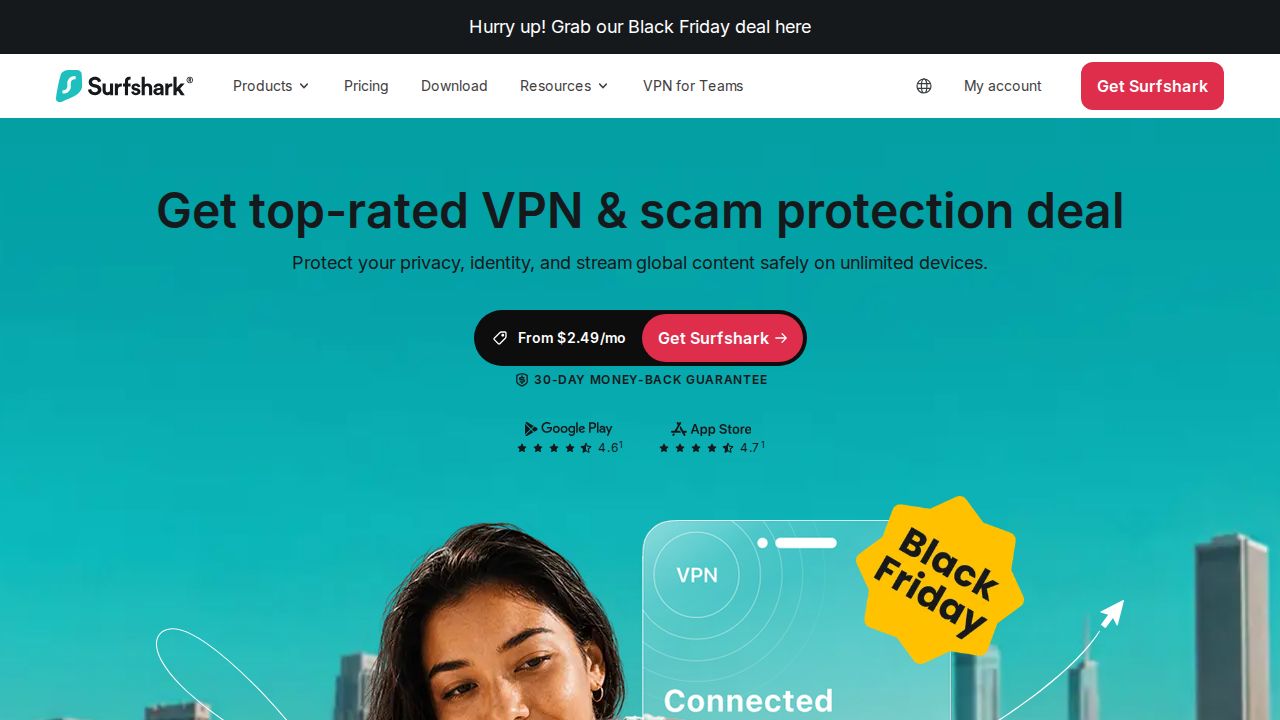
Best for households with lots of screens Surfshark is a strong pick for families because one account covers unlimited simultaneous connections with no data caps. Its streaming page names smart TVs, Apple TV and Amazon Fire TV, and describes a 10 Gbps server network with 4,500+ servers in 100 countries. Starter costs $2.49 a month on the 24-month plan.
What stands out
- Unlimited simultaneous connections and no data caps
- Lists support for smart TVs, Apple TV, Amazon Fire TV and Android TV
- 4,500+ servers in 100 countries on a 10 Gbps network
- 30-day money-back guarantee
Keep in mind
- Surfshark says results may vary depending on the streaming platform
- Its SmartDNS feature has been discontinued, per its support site
- Price shown is a Black Friday sale rate, and the renewal price is not stated on the pricing page
 ExpressVPN
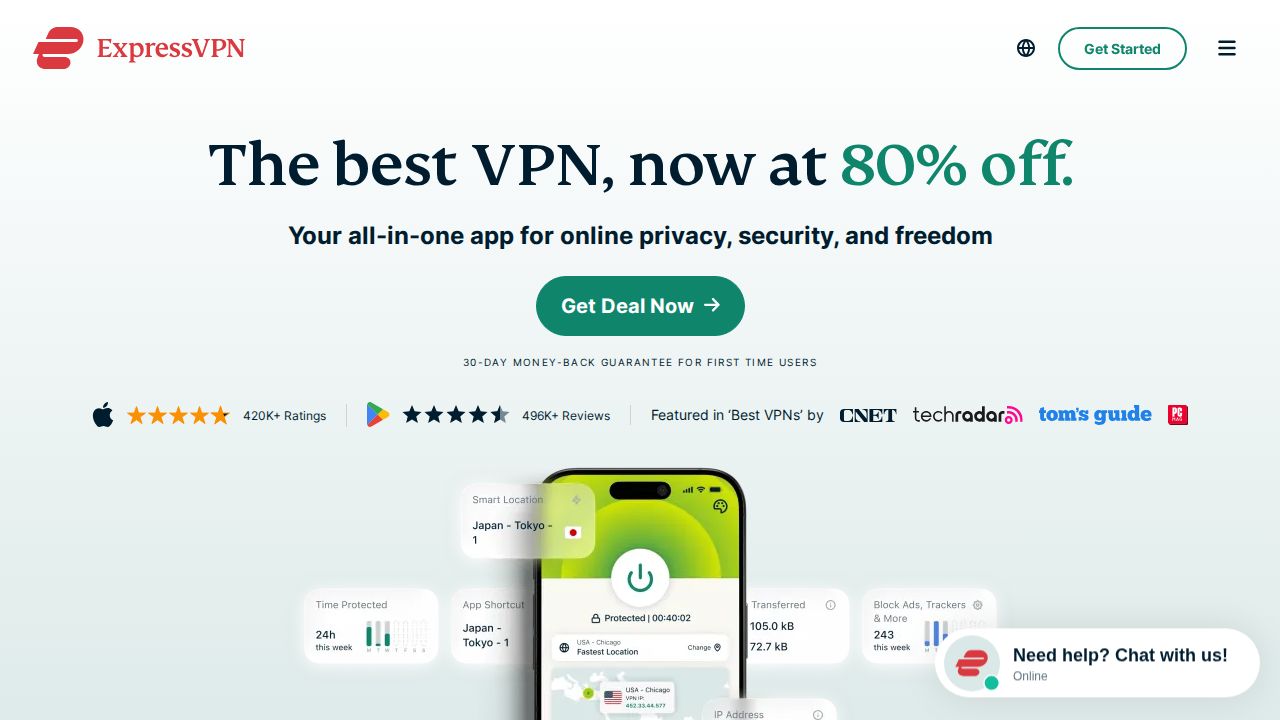
Best for tVs that cannot run a VPN app ExpressVPN stands out for covering devices that cannot install a VPN app. Its MediaStreamer smart DNS service is offered for TVs such as Samsung and LG models, alongside native apps for Apple TV, Fire TV and Android TV. Servers are in 113 countries. Basic costs $2.99 a month on the 2-year plan.
What stands out
- Native apps for Apple TV, Amazon Fire TV and Android TV or Google TV
- MediaStreamer smart DNS for devices without VPN apps
- Servers in 113 countries
- 30-day money-back guarantee for new users
Keep in mind
- MediaStreamer is not a VPN and does not encrypt your connection
- ExpressVPN tells users to connect to a server in the country they are in to comply with platform terms
- Basic renews at $99.95 a year after the first 28 months
 CyberGhost VPN
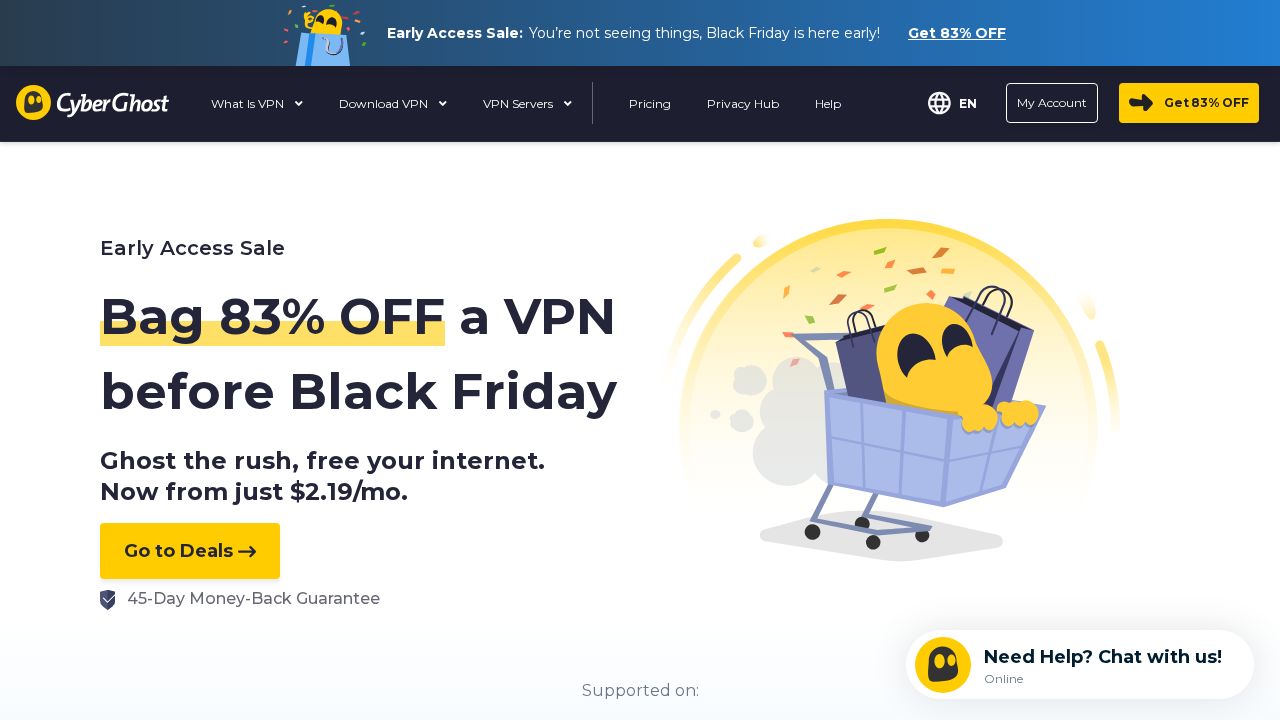
Best for servers set aside for streaming CyberGhost is the only service here that describes servers carrying streaming traffic alone, which it says it checks every day. It lists apps for Fire TV Stick and Android TV, unlimited bandwidth and 7 simultaneous connections. The 45-day money-back guarantee on longer plans gives you extra time to see whether it suits your setup.
What stands out
- Streaming servers that the company says carry only streaming traffic and are checked daily
- Apps for Amazon Fire TV Stick and Android TV, with router setup for consoles
- Unlimited bandwidth and up to 7 devices at once
- 45-day money-back guarantee on the 2-year and 6-month plans
Keep in mind
- Its page says using the VPN to access another country's content library goes against its terms of service
- Price shown is a limited-time early-access sale rate
 Private Internet Access
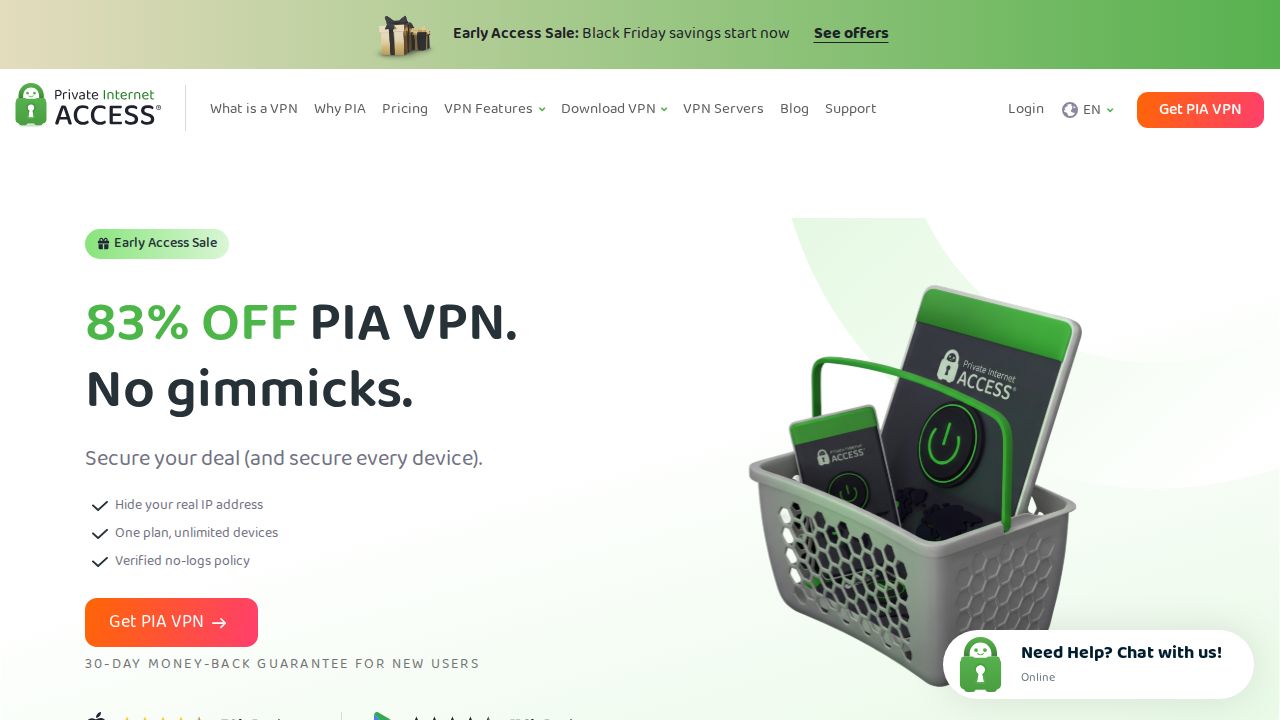
Best for unlimited devices on a long plan Private Internet Access pairs a low long-term price with unlimited device connections, so everyone at home can watch on their own screen. Its streaming page lists native apps for Android TV, Fire TV and Apple TV and a 10 Gbps server network in 113 countries. The lowest price needs a 3-year commitment.
What stands out
- Unlimited device connections on one subscription
- Native apps for Android TV, Fire TV and Apple TV
- Servers in 113 countries on a 10 Gbps network, with unlimited bandwidth
- 3-year plan with 4 extra months is $2.03 a month, billed $81.20
Keep in mind
- PIA says using a server to reach another country's catalog goes against its terms of service
- Smart TVs that cannot run VPN apps need a router setup
- The lowest price was an early-access Black Friday rate
 Proton VPN
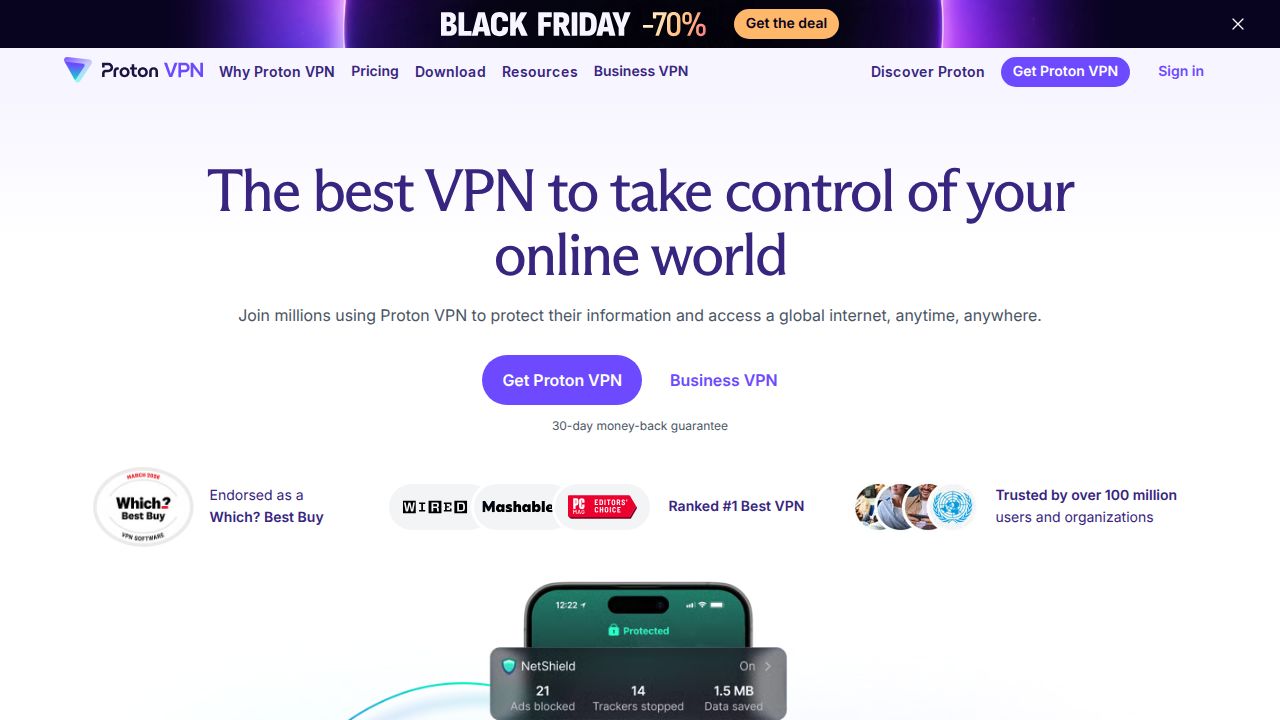
Best for 4K streaming with a free plan to start Proton VPN lets you start on a free plan and upgrade when you want streaming support, which is a paid feature. VPN Plus lists apps for Android TV, Fire TV Stick and Apple TV, servers in more than 140 countries and a VPN Accelerator feature the company says can raise speeds by up to 400 percent.
What stands out
- Apps for Android TV, Amazon Fire TV Stick and Apple TV
- VPN Accelerator, which the company says can boost speeds by up to 400 percent
- Servers in 140+ countries on paid plans
- VPN Plus covers 10 devices with a 30-day money-back guarantee
Keep in mind
- Streaming support needs VPN Plus or Proton Unlimited
- VPN Plus is $35.88 for the first 12 months, then renews at $83.88 a year
How we chose
We compared what each company publishes about streaming on its own site:
- TV and stick apps. Native apps for Apple TV, Fire TV and Android TV, and what is offered for TVs that cannot run a VPN app.
- Network claims. Server and country counts, and any stated network speed or bandwidth limits.
- Device limit. How many screens one account covers at the same time.
- Stated caveats. What the company says about streaming platforms and its own terms of service.
- Price and refund window. The lowest published price and how long you have to get a refund.
This list is based on published plans, features and pricing, not lab testing. We did not check any VPN against any streaming service, and we did not measure speeds. Where a price was not published on the day we checked, we say “See site”.
What to look for in a streaming VPN
- An app for your TV. A native app is the simplest setup. Without one, you need a router setup or a smart DNS option.
- Enough connections. Count every TV, phone and tablet that might be on at once.
- No bandwidth cap. Video uses a lot of data, so avoid plans with monthly limits.
- A refund window. Streaming platforms change how they treat VPN traffic, so use the money-back period to check your own setup.
Know the rules before you subscribe
- Read your streaming service’s terms. Many restrict use to the country where you signed up.
- Read the VPN’s terms too. Several companies on this list say reaching another country’s catalog is against their rules.
- When you travel, a VPN server in your home country is the use case these companies describe most often.
- If a service does not load, the VPN’s support pages usually have a troubleshooting guide.
Frequently asked questions
Will a VPN work with Netflix or other streaming services?
No company on this list guarantees it. Each names services such as Netflix, Disney+ or Prime Video on its site, but NordVPN notes that some services may limit VPN connections and Surfshark says results may vary by platform.
Is it legal to use a VPN for streaming?
Rules differ by country, and Private Internet Access notes that some countries restrict or ban VPN use. Using a VPN to reach another country's catalog can break the streaming service's terms, and CyberGhost, Private Internet Access and ExpressVPN say it goes against their own terms too.
Which VPN is best for a smart TV?
All six list apps for Apple TV, Fire TV and Android TV. For Samsung or LG TVs that cannot run VPN apps, ExpressVPN offers MediaStreamer smart DNS, while Private Internet Access and CyberGhost point to a router setup.
Can I stream with a free VPN?
Not with the free plan on this list. Proton VPN lists streaming support only on VPN Plus and Proton Unlimited.
How many devices can stream at once?
Surfshark and Private Internet Access advertise unlimited connections. NordVPN, ExpressVPN Basic and Proton VPN Plus cover 10 devices, and CyberGhost covers 7.
Sources
- NordVPN streaming page
- NordVPN pricing
- Surfshark VPN for streaming
- Surfshark pricing
- Surfshark SmartDNS discontinued notice
- ExpressVPN: how to stream content
- ExpressVPN for smart TVs
- ExpressVPN order page
- CyberGhost streaming page
- CyberGhost VPN plans
- Private Internet Access streaming page
- Private Internet Access plans
- Proton VPN streaming page
- Proton VPN pricing
How we wrote this
This list is based on each company's published plans, prices and feature pages, not on hands-on lab testing. Facts were last checked on November 17, 2026. See our editorial policy.