No company paid to be on this list. Prices were checked on November 17, 2026 and can change. How we make money.
At a glance
| # | Product | Best for | Starting price | Free option |
|---|---|---|---|---|
| 1 | An all-round assistant with a free tier | $8/mo | Free plan | |
| 2 | Writing, analysis and long projects | $17/mo | Free plan | |
| 3 | Google users who want storage included | $4.99/mo | Free plan | |
| 4 | People who work in Word and Excel | $9.99/mo | Free plan | |
| 5 | Research with cited sources | See site | Free plan | |
| 6 | Real-time answers from X | $8/mo | Free plan (limited requests) |
The list
 ChatGPT
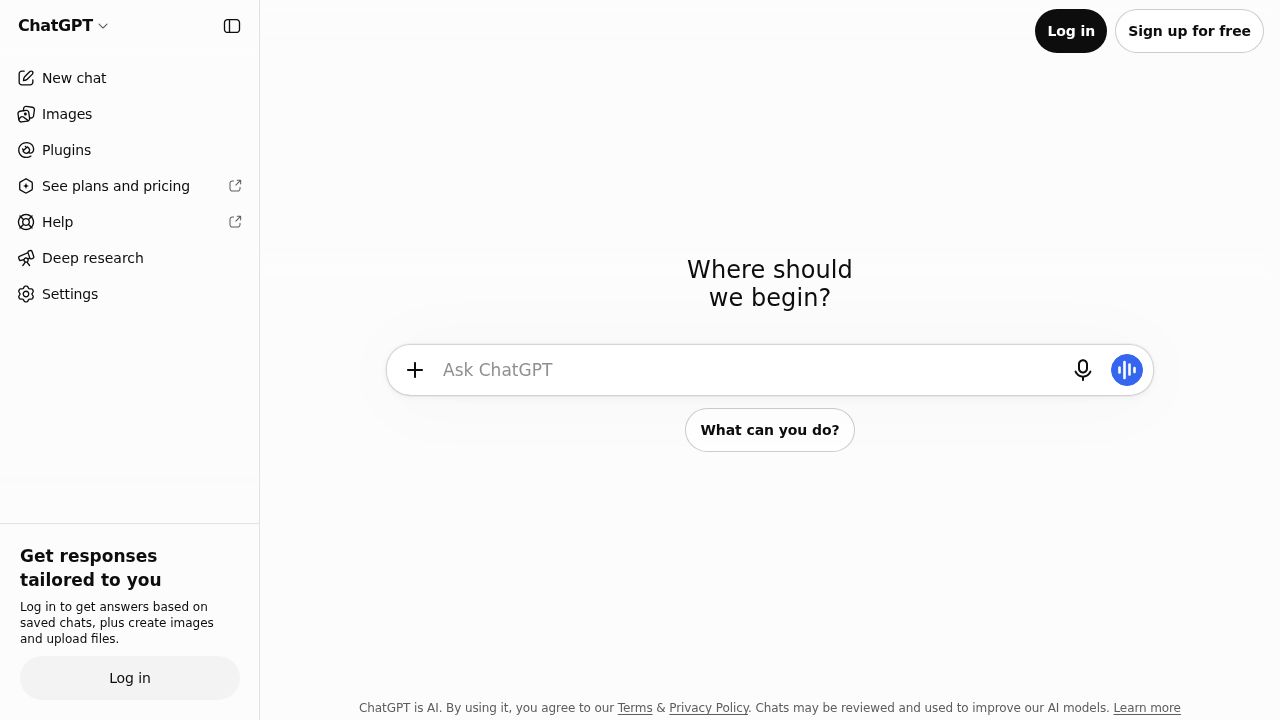
Best for an all-round assistant with a free tier ChatGPT is the default pick for most people because the free plan covers unlimited text chats, with limited image creation, voice, uploads and deep research. Go at $8 a month raises those limits, and Plus at $20 a month adds advanced reasoning, projects, custom GPTs and Codex for coding.
What stands out
- Free plan includes unlimited text chats, subject to abuse guardrails
- Go costs $8 a month and adds more messages with tools, uploads, image creation and voice
- Plus costs $20 a month and adds advanced reasoning, deep research, projects and custom GPTs
- Codex coding agent is included with Plus and higher plans
Keep in mind
- OpenAI says the Go plan may include ads
- Pro starts at $100 a month, with $200 and $500 tiers above it
- Uploads, images, voice and deep research are limited on the free plan
 Claude
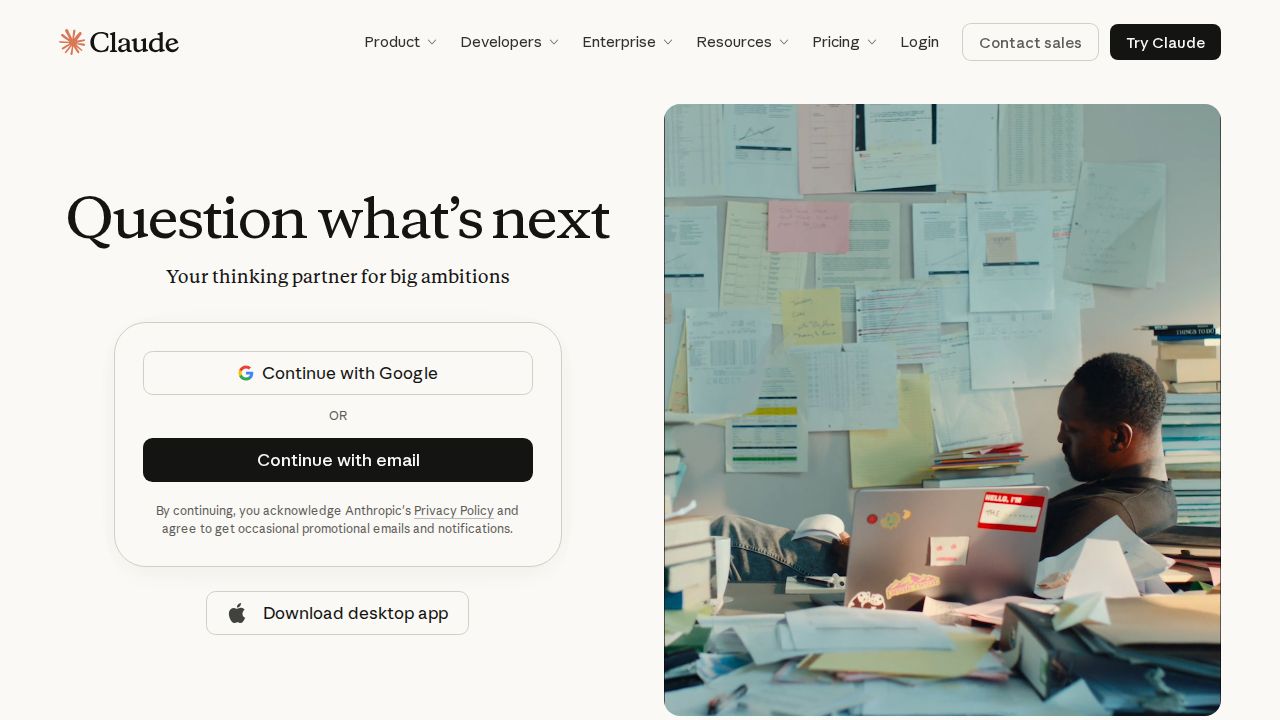
Best for writing, analysis and long projects Claude suits people who write, research or code and want one assistant for all three. The free plan already includes web search, file creation, code execution, memory and up to 5 projects. Pro adds more usage, more models and Claude Code for $20 a month, or $17 a month when you pay for a year.
What stands out
- Free plan includes web search, file creation, code execution, memory and Artifacts
- Pro costs $20 a month, or $17 a month billed annually ($200 up front)
- Pro adds Claude Code, Claude in Chrome and Claude for Microsoft 365
- Apps for web, desktop and mobile
Keep in mind
- Free usage is capped every 5 hours and every week
- The most capable models and Claude Code are not on the free plan
- Max costs $100 a month and Ultra costs $200 a month
 Gemini
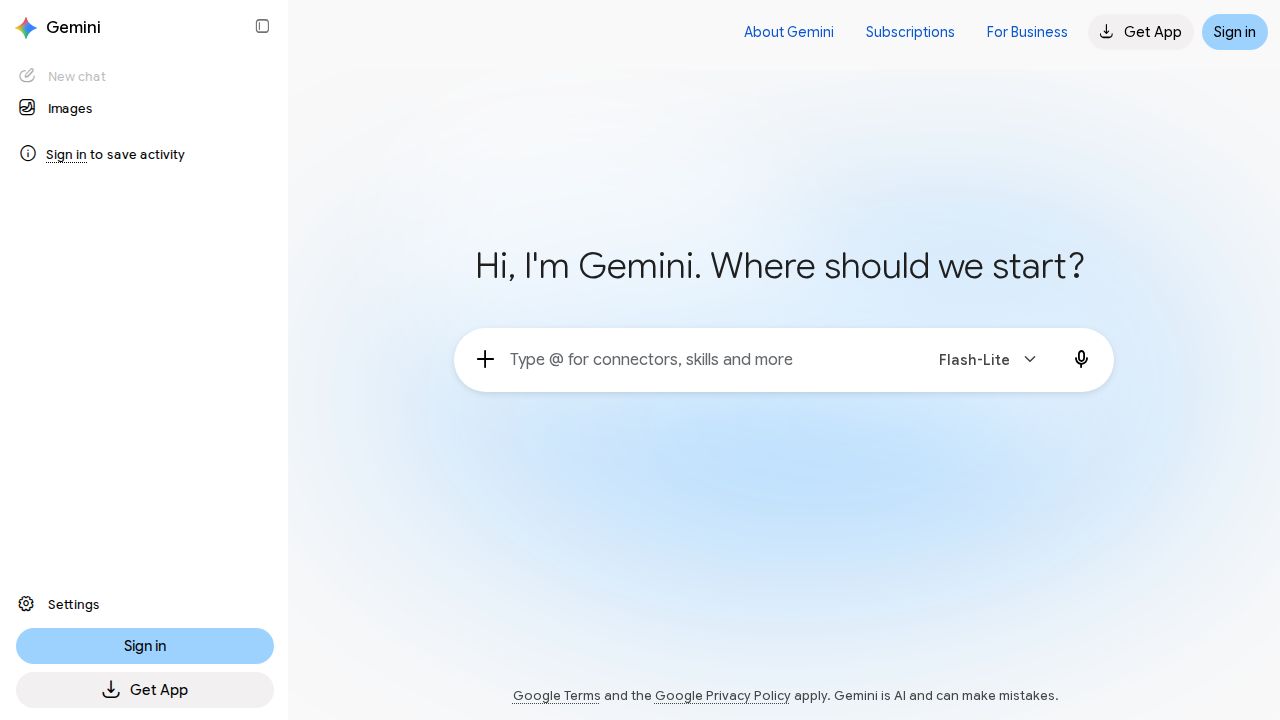
Best for google users who want storage included Gemini makes the most sense if you already live in Gmail, Docs and Google Photos. The free plan includes image generation and editing, Deep Research and Gemini Live. Google AI Plus is the cheapest paid plan on this list at $4.99 a month and bundles 400 GB of storage.
What stands out
- Free plan includes image generation and editing, Deep Research, Gemini Live and Canvas
- Google AI Plus costs $4.99 a month with 2x the free usage limits and 400 GB of storage
- Google AI Pro costs $19.99 a month with 4x the free usage limits and 5 TB of storage
- Paid plans add video generation and Gemini in Gmail
Keep in mind
- Video generation is not listed on the free plan
- Google AI Ultra starts at $99.99 a month
 Microsoft Copilot
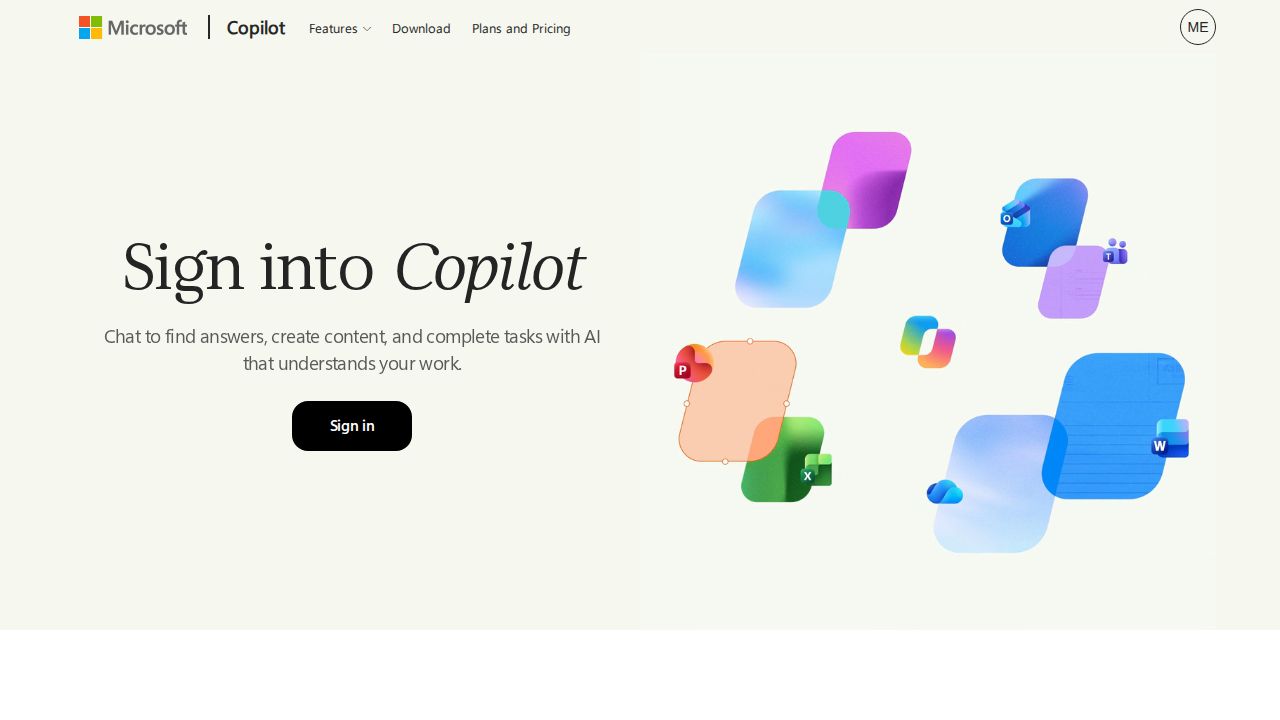
Best for people who work in Word and Excel Copilot is the natural choice if your day runs on Microsoft 365. A free tier is available with a Microsoft account and covers chat, web-grounded answers and image creation. Microsoft 365 Personal adds Copilot inside Word, Excel, PowerPoint and Outlook, plus 1 TB of cloud storage.
What stands out
- Free tier available with a Microsoft account
- Microsoft 365 Personal costs $9.99 a month or $99.99 a year and includes 1 TB of cloud storage
- Personal plan puts Copilot in Word, Excel, PowerPoint and Outlook
- Apps for web, Windows, Mac and mobile
Keep in mind
- On Microsoft 365 Family ($12.99 a month), AI features are for the subscription owner only
- Extensive Copilot usage needs Microsoft 365 Premium at $19.99 a month
- Some features on the free tier are subject to usage limits
 Perplexity
Best for research with cited sources Perplexity is built around search, so it suits people who want answers with sources they can check. The free Standard tier offers nearly unlimited basic searches and a small allowance of Pro Searches. Pro adds advanced models, higher upload limits, image generation and limited video generation.
What stands out
- Free Standard tier with nearly unlimited basic searches
- Pro adds extended Pro Search, advanced AI models and higher file upload limits
- Pro includes image generation and limited video generation
- Education Pro costs $10 a month for verified students and educators
Keep in mind
- The Pro price was not shown on the pages we checked, so see the site for the current rate
- Free tier excludes advanced models and image generation
- Max costs $200 a month or $2,000 a year
 Grok
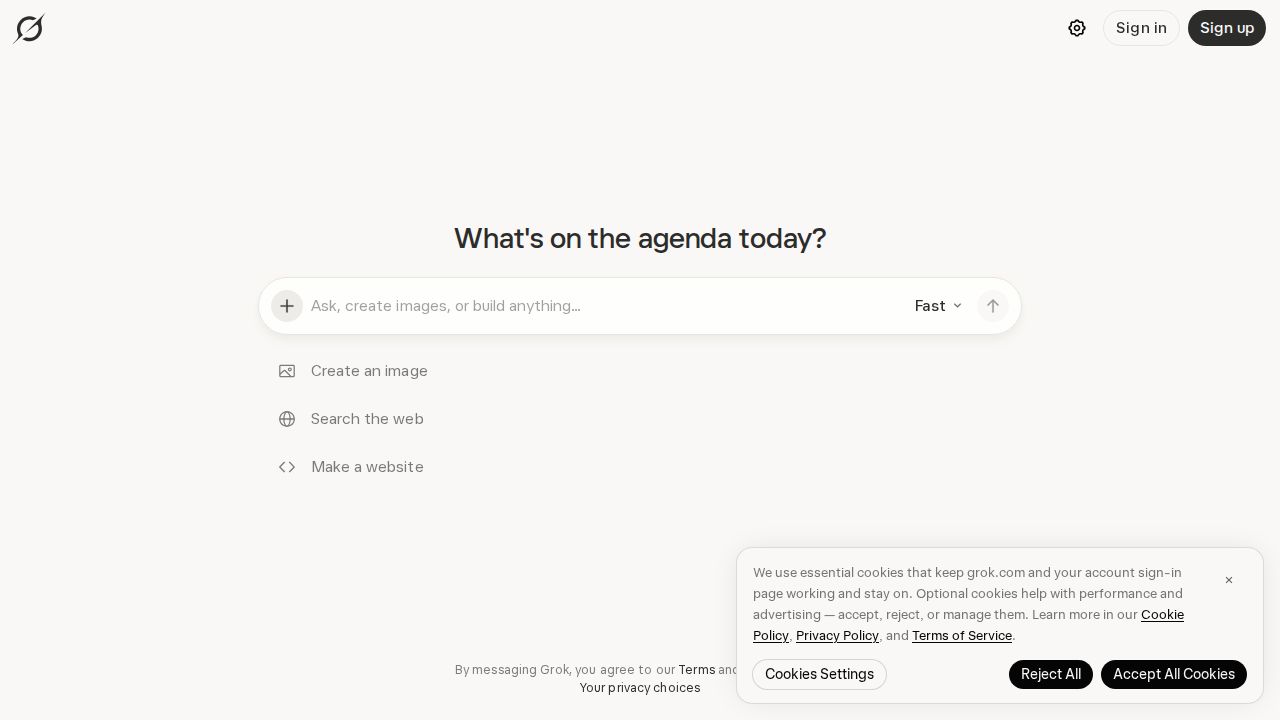
Best for real-time answers from X Grok is worth a look if you spend time on X and want an assistant that draws on posts and trends there. The free plan allows limited chat requests. Plus costs $8 a month and bundles Grok chat, voice, image and video tools with X benefits such as fewer timeline ads.
What stands out
- Free plan with limited Grok chat and agent requests
- Plus costs $8 a month and includes chat, voice, image and video tools
- Plus also includes access to the Cursor coding tool
- Draws on real-time trends from X
Keep in mind
- The latest Grok models need Premium at $30 a month
- Usage on paid plans comes from a shared pool that refreshes weekly
How we chose
We compared each company’s published consumer plans on four things:
- What the free tier includes. Chat limits, web search, image creation and file uploads.
- Price of the first paid plan. The lowest plan an individual can buy, and what it adds.
- Extras in the bundle. Cloud storage, office app integration or coding tools.
- Cost at the top. How expensive the highest tiers get if you become a heavy user.
This list is based on the plans and prices each company publishes. We did not run lab tests or score answer quality. Where a company did not show a price on the pages we checked, we say “See site” instead of guessing.
Free or paid: which do you need?
A free plan is enough for occasional questions, quick drafts and short summaries. All six tools here offer one.
Consider a paid plan when you want one or more of these:
- Higher message limits, so you are not cut off during a long session
- Access to the company’s more capable models
- Deep research reports and larger file uploads
- More image generation, or video generation
- Assistants inside other apps, such as Word, Gmail or a code editor
How to pick the right chatbot
- Start with the apps you already use. Microsoft 365 users should look at Copilot first, and Google users at Gemini.
- Decide what you do most. For sourced research, try Perplexity. For long writing or coding work, try Claude or ChatGPT.
- Use the free tier for a week before paying.
- If you upgrade, pick monthly billing first. You can switch to annual later once you know the plan fits.
- Avoid pasting sensitive personal or work data into any chatbot until you have read its privacy settings.
Frequently asked questions
Which AI chatbot is best for free?
ChatGPT has the most open free plan for chat, with unlimited text chats subject to abuse guardrails. Claude's free plan includes web search, file creation and up to 5 projects, and Gemini's free plan includes image generation and Deep Research.
Is it worth paying for an AI chatbot?
Pay if you keep hitting the free limits or need the more capable models. The cheapest upgrades here are Google AI Plus at $4.99 a month and ChatGPT Go and Grok Plus at $8 a month each.
How much do ChatGPT Plus and Claude Pro cost?
ChatGPT Plus costs $20 a month. Claude Pro costs $20 a month billed monthly, or $17 a month when billed annually at $200 up front.
Do any of these chatbots show ads?
OpenAI states that the ChatGPT Go plan may include ads. Check each company's plan page for its current policy before you subscribe.
Which chatbot works with Microsoft Office?
Microsoft Copilot. Microsoft 365 Personal at $9.99 a month includes Copilot in Word, Excel, PowerPoint and Outlook. Claude Pro also lists Claude for Microsoft 365.
Sources
How we wrote this
This list is based on each company's published plans, prices and feature pages, not on hands-on lab testing. Facts were last checked on November 17, 2026. See our editorial policy.