No company paid to be on this list. Prices were checked on November 17, 2026 and can change. How we make money.
At a glance
| # | Product | Best for | Starting price | Free option |
|---|---|---|---|---|
| 1 | Making images by chatting | $8/mo | Free plan (limited images) | |
| 2 | Free image generation and editing | $4.99/mo | Free plan | |
| 3 | Stylized, artistic images | $8/mo | No | |
| 4 | Images cleared for commercial use | $9.99/mo | Free plan (daily limits) | |
| 5 | Social posts, flyers and designs | $12.99/mo | Free plan | |
| 6 | A free plan with weekly credits | $15/mo | Free plan (slow queue) |
The list
 ChatGPT
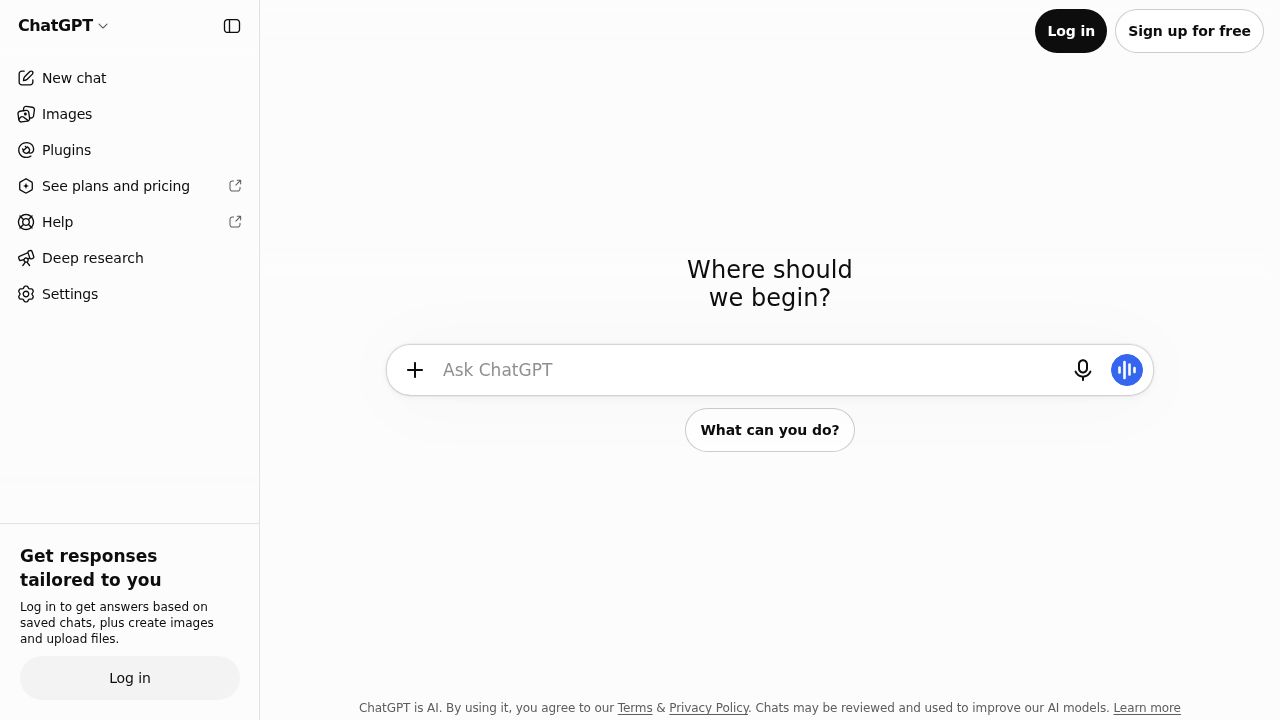
Best for making images by chatting ChatGPT is the easiest way to start because you describe an image in plain language and refine it in the same chat. The free plan includes limited image creation. Go at $8 a month raises the limit, and Plus at $20 a month handles more complex image requests.
What stands out
- Limited image creation is included on the free plan
- Go costs $8 a month and raises image creation limits
- Plus costs $20 a month and adds image generation with Thinking
- One subscription also covers chat, voice and file uploads
Keep in mind
- OpenAI says the Go plan may include ads
- Unlimited, faster image generation is listed only on Pro, which starts at $100 a month
 Gemini
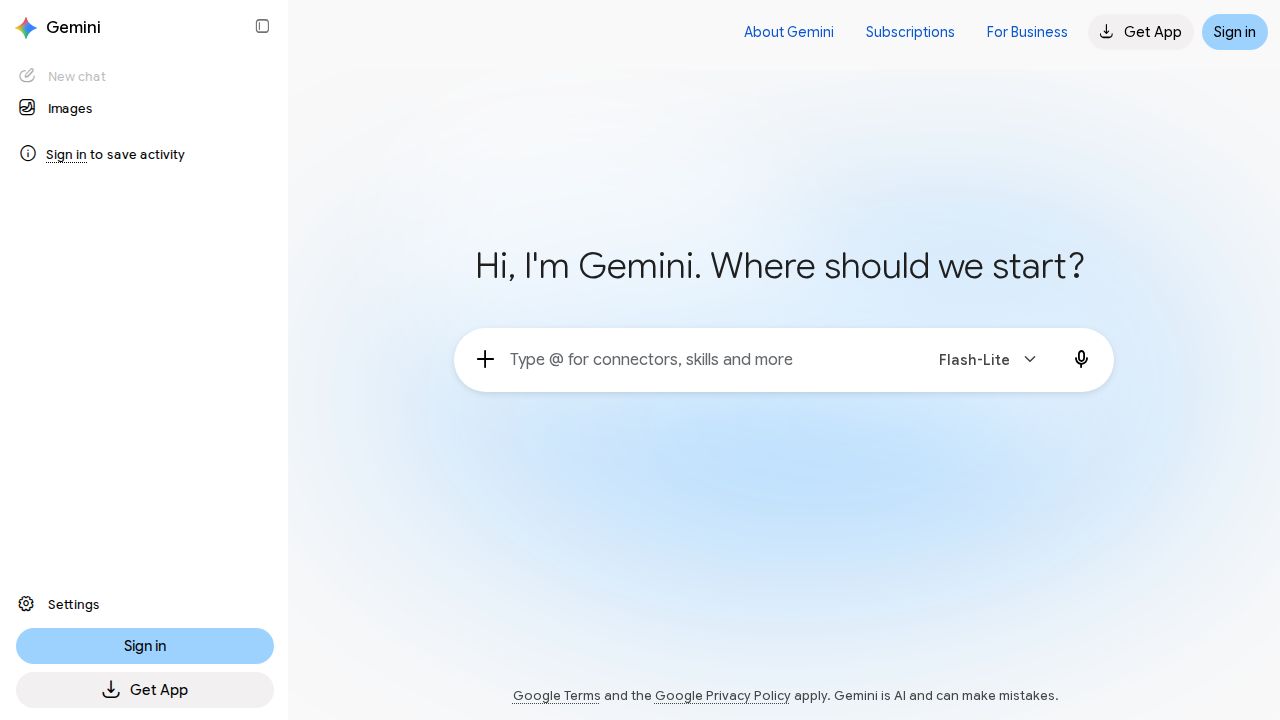
Best for free image generation and editing Gemini includes image generation and editing on its free plan, which makes it a strong no-cost option for anyone with a Google Account. Google AI Plus doubles the free usage limits for $4.99 a month and adds 400 GB of storage, the lowest paid price on this list.
What stands out
- Free plan includes image generation and editing
- Google AI Plus costs $4.99 a month with 2x the free usage limits
- Plus includes 400 GB of storage and 200 Google Flow credits
- Google AI Pro at $19.99 a month raises limits to 4x and storage to 5 TB
Keep in mind
- Usage limits apply on every tier
- Google AI Ultra starts at $99.99 a month
 Midjourney
Best for stylized, artistic images Midjourney suits people who care most about the look of the final image and are happy to pay for it. Basic includes 200 minutes of fast GPU time a month. Standard at $30 a month adds unlimited image generation in Relax mode, which is the better deal for heavy use.
What stands out
- Basic costs $10 a month, or $96 a year ($8 a month)
- Basic includes 3.3 hours of fast GPU time a month
- Standard ($30 a month) adds unlimited Relax mode images and 15 fast hours
- Annual billing is 20% cheaper than paying monthly
Keep in mind
- No free plan or free trial listed
- Basic has no Relax mode
- Stealth mode for private images needs Pro at $60 a month
 Adobe Firefly
Best for images cleared for commercial use Firefly is the pick for business and client work. Adobe says its Firefly models are trained on licensed Adobe Stock and public domain content, and that output from those models is safe for commercial use. The free plan gives limited daily generations, and Standard includes 2,000 credits a month.
What stands out
- Free plan includes limited daily generations for images, video and audio
- Firefly Standard costs $9.99 a month with 2,000 credits
- Also offers partner models from companies including Google and OpenAI
- Firefly Pro adds Adobe Express Premium and Photoshop on web and mobile
Keep in mind
- Adobe's commercial-safety statement covers its own Firefly models, not partner models
- Firefly Pro is $9.99 a month for the first 6 months in a limited-time offer, then $19.99 a month
 Canva
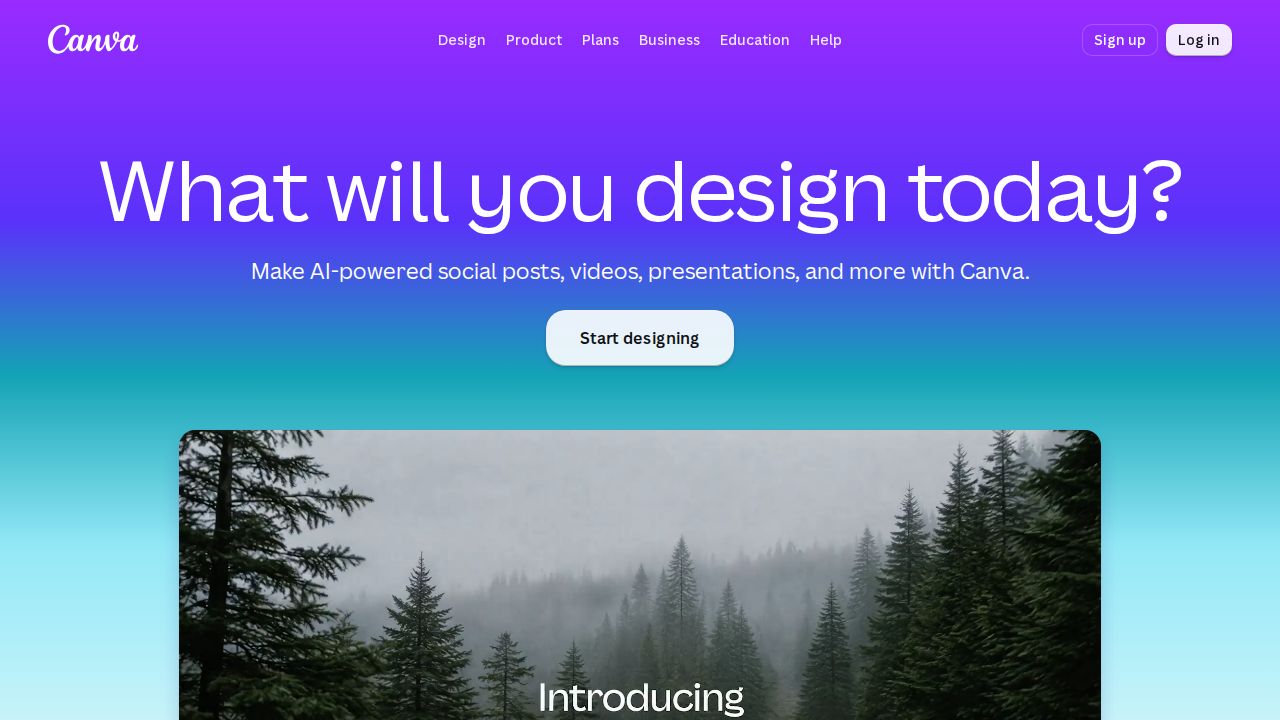
Best for social posts, flyers and designs Canva is the practical choice when the image is one part of a finished design, such as a post, flyer or slide. Canva Pro includes a monthly AI allowance for Magic Write, Magic Media and AI image generation, plus tools such as Background Remover and Magic Resize.
What stands out
- Canva Pro costs $12.99 a month or $119.99 a year
- Pro includes a monthly AI allowance for Magic Media and AI image generation
- Pro also includes Background Remover and Magic Resize
- Free trial of Pro available
Keep in mind
- When the monthly AI allowance runs out, AI tools are unavailable until it resets
- Canva does not state the size of the AI allowance on the pages we checked
- A credit card is required to start the Pro trial
 Ideogram
Best for a free plan with weekly credits Ideogram is a dedicated image generator with a free plan that grants weekly slow credits to eligible accounts. Plus costs $15 a month and includes 1,000 priority credits for faster results. Pro adds private generation and unlimited slow credits for people who create at volume.
What stands out
- Free plan with weekly slow credits for eligible accounts
- Plus costs $15 a month with 1,000 priority credits
- Pro includes 3,500 credits a month, private generation and unlimited slow credits
- Top-up credits carry over between billing cycles
Keep in mind
- Without priority credits, images wait in a slow queue
- Private generation is listed only on Pro, shown at $42 a month billed annually ($504)
- Monthly priority credits expire at the end of each billing cycle
How we chose
We compared each company’s published plans on four things:
- Free access. Whether you can make images without paying, and how tightly that is limited.
- Price of the first paid plan. What it costs and how much usage it includes.
- How usage is metered. Credits, fast hours or a monthly allowance.
- Privacy and commercial use. Whether private generation or commercial-use statements are published.
This list is based on published plans and pricing. We did not run lab tests or score image quality. Where a company did not publish a price, we say “See site” instead of guessing.
Free or paid: which do you need?
A free plan is enough for the odd birthday card, profile picture or blog image. ChatGPT and Gemini both include image creation at no cost.
A paid plan makes sense when you need:
- More images each day without waiting in a slow queue
- Private generation, so your images are not shown publicly
- A clear position on commercial use for client or business work
- Design tools around the image, such as resizing and background removal
How to get better results
- Describe the subject, the setting, the style and the lighting in one prompt.
- State the shape you need, such as square for a profile photo or wide for a banner.
- Change one detail at a time when you refine, so you can see what helped.
- Check hands, text and logos closely before you publish.
- Avoid asking for real people, brand logos or copyrighted characters.
Frequently asked questions
Which AI image generator is free?
ChatGPT, Gemini, Adobe Firefly, Canva and Ideogram all have free plans. Each one limits how many images you can make. Midjourney does not list a free plan or trial.
How much does Midjourney cost?
Midjourney Basic costs $10 a month, or $96 a year. Standard costs $30 a month, Pro $60 and Mega $120, with a 20% discount for annual billing.
Can I use AI images for my business?
Check each service's terms first. Adobe states that everything generated with its own Firefly models is safe for commercial use, which is why Firefly is our pick for business work.
Are my AI images private?
Not always by default. Midjourney offers Stealth mode on Pro and Mega plans only, and Ideogram lists private generation on its Pro plan.
What are credits in an AI image generator?
Credits are the allowance you spend each time you generate. Firefly Standard includes 2,000 credits a month and Ideogram Plus includes 1,000 priority credits a month. Midjourney uses fast GPU hours instead.
Sources
How we wrote this
This list is based on each company's published plans, prices and feature pages, not on hands-on lab testing. Facts were last checked on November 17, 2026. See our editorial policy.