
No company paid to be on this list. Prices were checked on November 17, 2026 and can change. How we make money.
At a glance
| # | Product | Best for | Starting price | Free option |
|---|---|---|---|---|
| 1 | Low-cost help inside your editor | $10/mo | Free plan (2,000 completions/mo) | |
| 2 | A full AI code editor with agents | $8/mo | Free plan (limited requests) | |
| 3 | Agentic coding in the terminal | $17/mo | No | |
| 4 | ChatGPT subscribers who code | $8/mo | Free plan (quick tasks) | |
| 5 | Unlimited Tab completions on a free plan | $20/mo | Free plan (light agent quota) | |
| 6 | A generous free tier | $19.99/mo | Free plan | |
| 7 | Building apps in the browser | $18/mo | See site |
The list
 GitHub Copilot
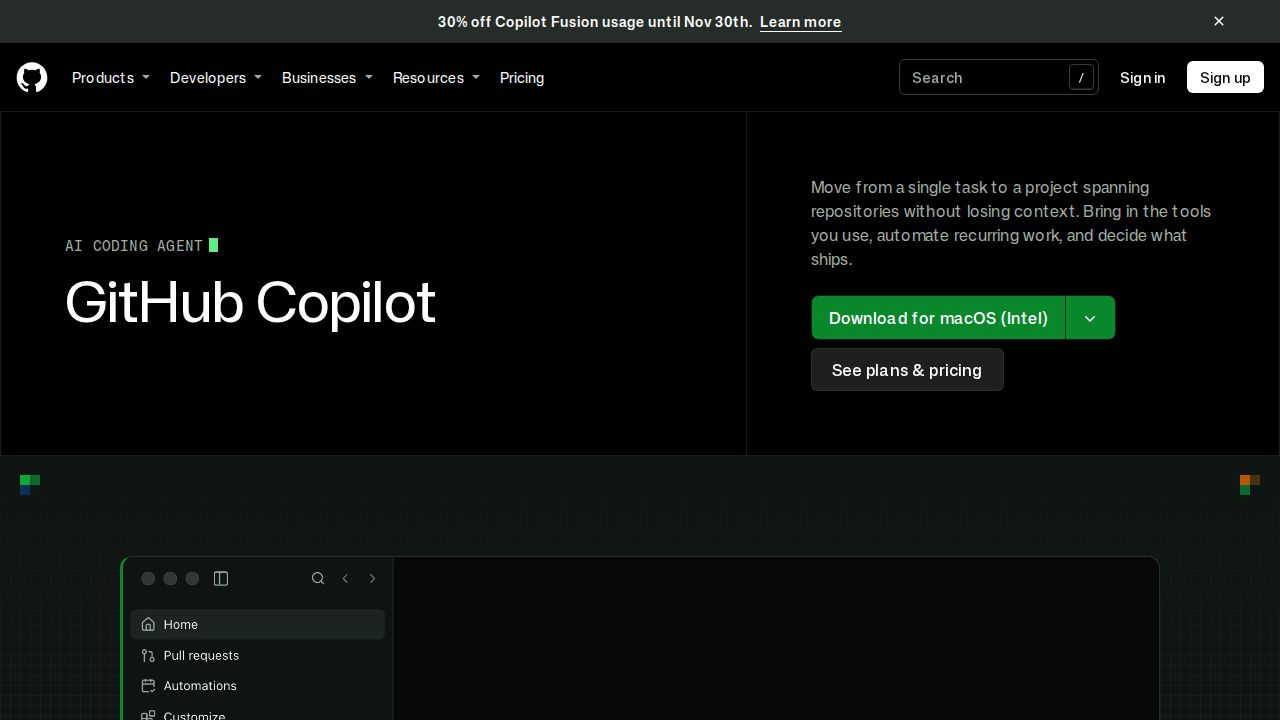
Best for low-cost help inside your editor GitHub Copilot is the safest starting point because the free plan needs no credit card and includes 2,000 completions a month plus limited chat and agent use. Pro costs $10 a month with unlimited completions, code review and a choice of models, which is the lowest price here for unlimited completions.
What stands out
- Free plan includes 2,000 completions a month and agent mode
- Pro costs $10 per user a month with unlimited completions
- Pro includes $15 of AI credits a month, code review and model selection
- Completions and next edit suggestions do not use credits on paid plans
Keep in mind
- Chat and agent usage is limited on the free plan
- Pro+ costs $39 a month and Max costs $100 a month
- Annual pricing is not listed on the plans page
 Cursor
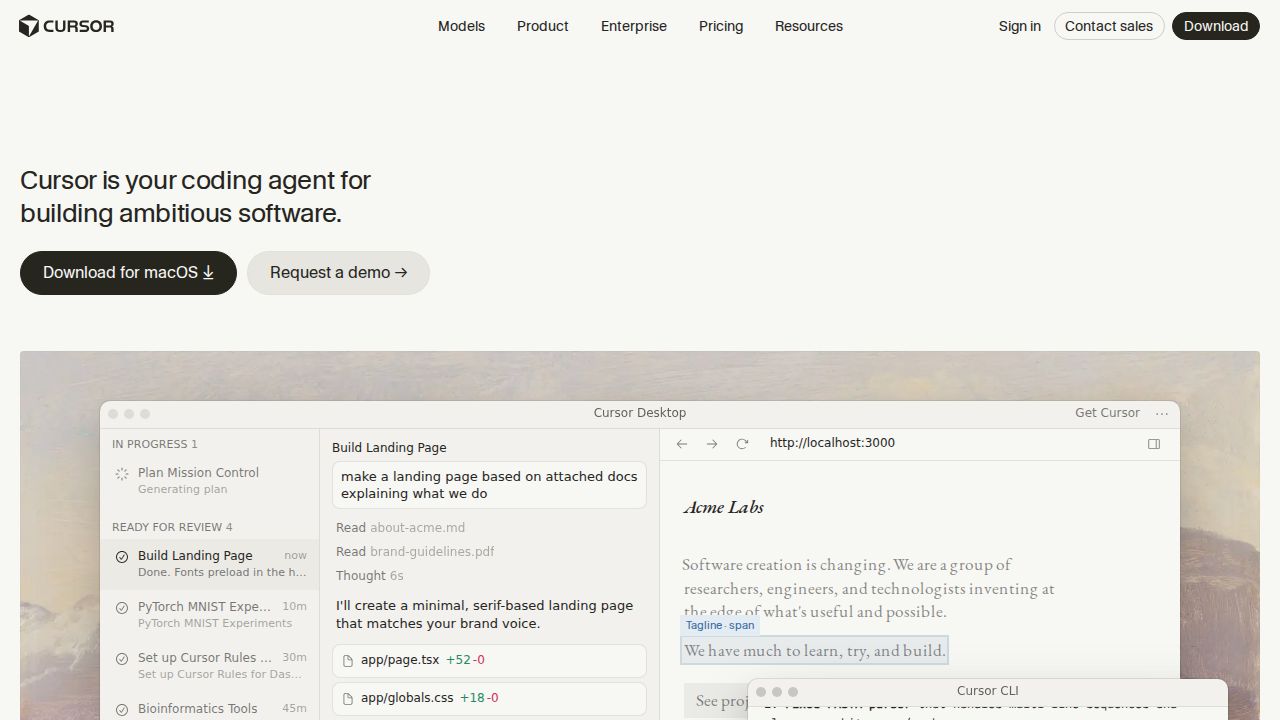
Best for a full AI code editor with agents Cursor is a code editor built around AI agents, with a desktop app, a command-line agent and cloud agents that work in parallel. Its pricing page says subscriptions are sold through X Subscription Corp. Plus costs $8 a month, and Premium adds cloud agents.
What stands out
- Free plan with limited agent and chat requests
- Plus costs $8 a month and includes Grok chat, voice and API access
- Premium ($30 a month) gives 4x Plus usage, cloud agents and AI code reviews
- Lets you choose models from several AI companies
Keep in mind
- Plus is limited to Grok models
- Third-party models are billed separately at API list price
- Usage allowance refreshes weekly, with paid top-offs if you run out
 Claude Code
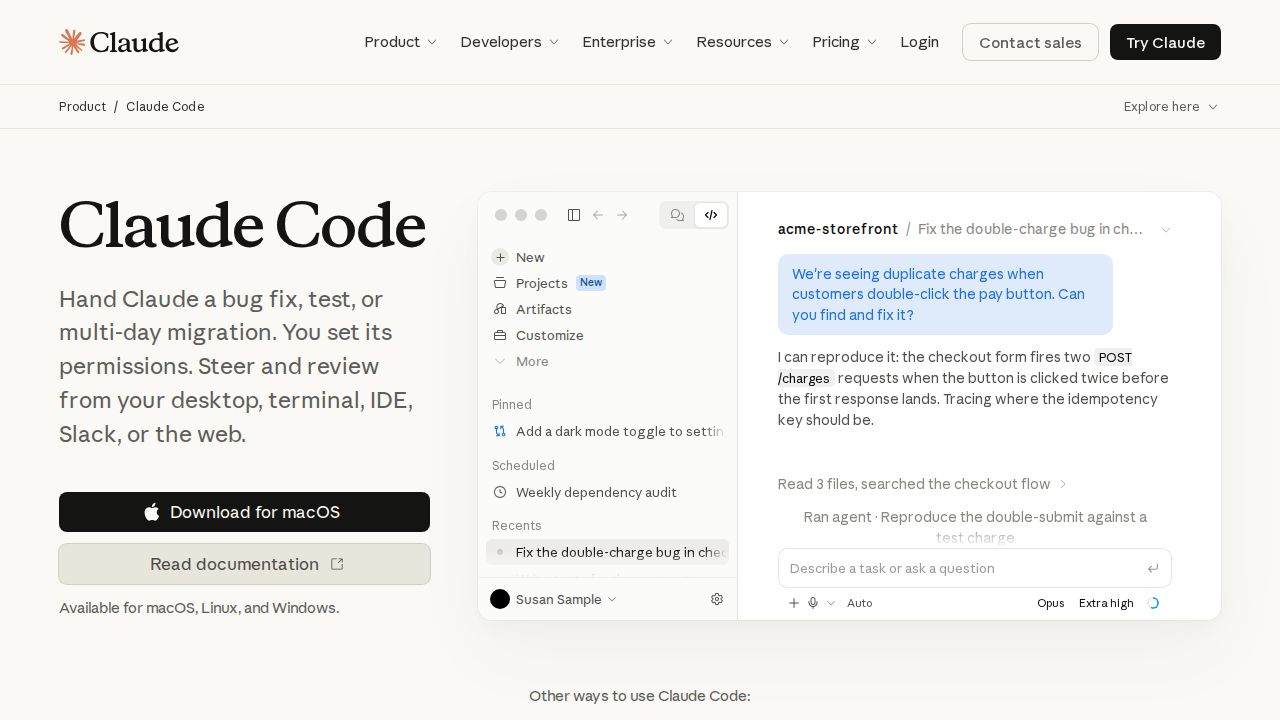
Best for agentic coding in the terminal Claude Code is Anthropic's coding agent. It reads your codebase, edits files and runs commands, and it works in the terminal, VS Code, JetBrains, the browser and the Claude desktop and mobile apps. It comes with Claude Pro, so one subscription covers the chatbot and the coding tool.
What stands out
- Included with Claude Pro at $20 a month, or $17 a month billed annually
- Runs in the terminal, VS Code, JetBrains, the web and desktop and mobile apps
- Can turn GitHub or GitLab issues into code changes and pull requests
- Can work on several tasks at once
Keep in mind
- Not included in the free Claude plan
- Shares usage limits with the rest of your Claude plan
- Max costs $100 a month and Ultra costs $200 a month for more usage
 Codex
Best for chatGPT subscribers who code Codex is OpenAI's software engineering agent and it is tied to your ChatGPT account. It runs as a desktop app, a command-line tool, an editor extension and in the cloud. Plus at $20 a month is the plan OpenAI describes for a few focused coding sessions each week.
What stands out
- Offered on the ChatGPT Free plan for quick coding tasks
- Go costs $8 a month for lightweight coding tasks
- Plus costs $20 a month and includes Codex on the web, in the CLI, in the IDE extension and on iOS
- Cloud tasks keep running after you close your laptop
Keep in mind
- Free and Go access is limited to the desktop app and subject to rollout
- Pro costs $100, $200 or $500 a month for higher limits
 Devin
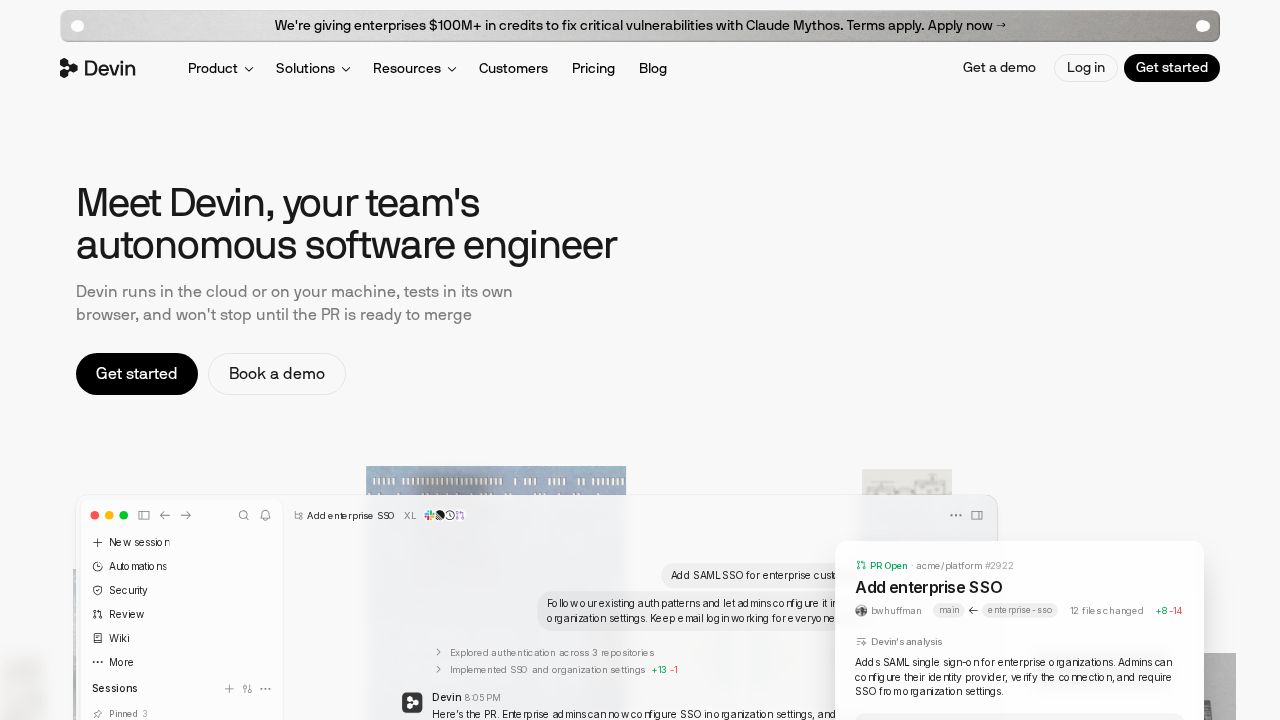
Best for unlimited Tab completions on a free plan Devin, from Cognition, has a free plan with unlimited Tab completions and inline edits plus a light quota for coding with agents. Pro raises the quotas, opens full model availability and adds Devin Cloud. The Windsurf pricing address now redirects to this page.
What stands out
- Free plan includes unlimited Tab completions and unlimited inline edits
- Pro costs $20 a month with increased quotas and full model availability
- Pro includes access to Devin Cloud
- Quotas refresh automatically on a daily and weekly basis
Keep in mind
- Numeric quotas are not published
- Max costs $200 a month
- Extra usage beyond the quota is charged at API pricing
 Google Antigravity
Best for a generous free tier Antigravity is Google's set of agent-based developer tools, with an app, an IDE, extensions and a CLI. The individual plan costs $0 a month and lists unlimited Tab completions and Command requests under basic weekly rate limits. Higher limits come through a Google AI Pro or Ultra subscription.
What stands out
- Individual plan costs $0 a month
- Free plan lists unlimited Tab completions and unlimited Command requests
- Google AI Pro ($19.99 a month) adds higher rate limits
- Google AI Pro also includes 5 TB of storage and the Gemini app
Keep in mind
- Free plan has basic weekly rate limits on agent use
- The highest rate limits need Google AI Ultra, from $99.99 a month
 Replit
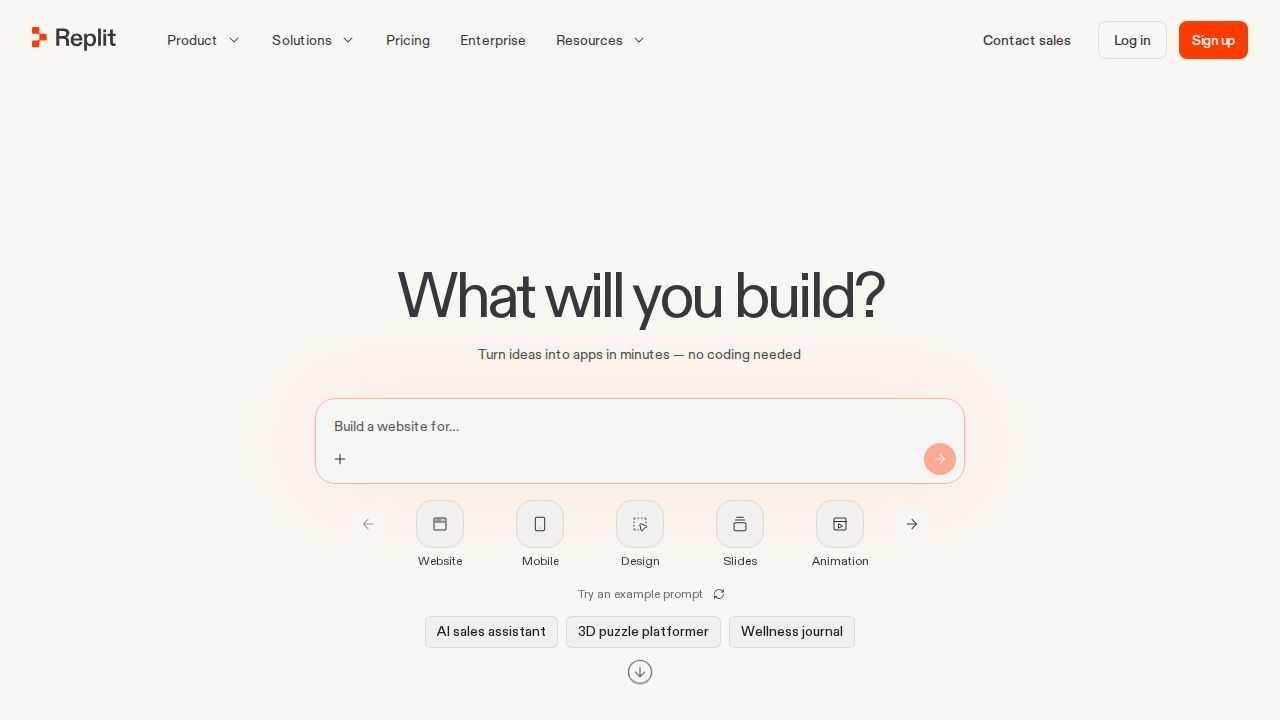
Best for building apps in the browser Replit is aimed at people who want to build and host an app from a browser tab, including beginners who do not want to set up tools on their own computer. Core includes $20 of credits toward more powerful models, unlimited workspaces and AI integrations.
What stands out
- Core is listed at $20 a month, or $18 a month billed annually
- Core includes $20 of credits toward more powerful models
- Unlimited workspaces on Core
- Pro adds up to 15 collaborators and database rollback up to 28 days
Keep in mind
- Free tier details were not shown on the pricing page we checked
- Pro costs $100 a month, or $90 a month billed annually
How we chose
We compared each company’s published plans on four things:
- Free tier. Whether you can code with it at no cost, and what is capped.
- Price of the first paid plan. What an individual developer pays each month.
- Where it works. Inside your editor, in the terminal, in the cloud or in a browser.
- How usage is metered. Credits, quotas and what happens when you run out.
This list is based on published plans and pricing. We did not run lab tests or benchmark code quality. Where a company did not publish a price or free tier detail, we say “See site” instead of guessing.
Which type of coding assistant do you need?
- Suggestions while you type. GitHub Copilot, Devin and Google Antigravity all list completions on their free plans.
- An editor built around AI. Cursor is a full editor with agents, a CLI and cloud agents.
- An agent you hand tasks to. Claude Code and Codex can take a task, edit files and run commands.
- No setup at all. Replit runs in the browser and hosts what you build.
Before you pay
- Start with a free plan to see how often you reach its limits.
- Check what counts against your quota. Completions are often unlimited, while agent tasks use credits.
- Set a spending cap if the tool bills extra usage automatically.
- Review every change the AI makes before you run or ship it.
- Ask your employer before using these tools on work code, and keep passwords and API keys out of prompts.
Frequently asked questions
What is the best free AI coding assistant?
GitHub Copilot Free includes 2,000 completions a month with no credit card. Google Antigravity and Devin both list unlimited Tab completions on their free plans, with limits on agent use.
How much does GitHub Copilot cost?
GitHub Copilot has a free plan. Pro costs $10 per user a month, Pro+ costs $39 and Max costs $100.
Is Claude Code free?
No. Claude Code is not part of the free Claude plan. It is included with Claude Pro at $20 a month, or $17 a month billed annually, and with the Max, Ultra, Team and Enterprise plans.
Do I need to know how to code to use these tools?
Some knowledge helps with every tool here, because you still need to review what the AI writes. Replit is the most beginner-friendly option because it runs in the browser with no setup on your computer.
What happened to Windsurf?
When we checked, the Windsurf pricing address redirected to Devin's pricing page from Cognition. Devin's plans include a free tier and Pro at $20 a month.
Sources
How we wrote this
This list is based on each company's published plans, prices and feature pages, not on hands-on lab testing. Facts were last checked on November 17, 2026. See our editorial policy.