No company paid to be on this list. Prices were checked on November 17, 2026 and can change. How we make money.
At a glance
| # | Product | Best for | Starting price | Free option |
|---|---|---|---|---|
| 1 | Research answers with a generous free plan | See site | Free plan | |
| 2 | AI answers inside Google Search | Free | Free | |
| 3 | Search and a chatbot in one place | $8/mo | Free plan | |
| 4 | Windows and Microsoft 365 users | $9.99/mo | Free plan | |
| 5 | Private AI answers with no account | See site | Free, no account | |
| 6 | An independent index with AI answers | $3/mo | Free with ads | |
| 7 | Paid search with no ads | $5/mo | Free trial (100 searches) |
The list
 Perplexity
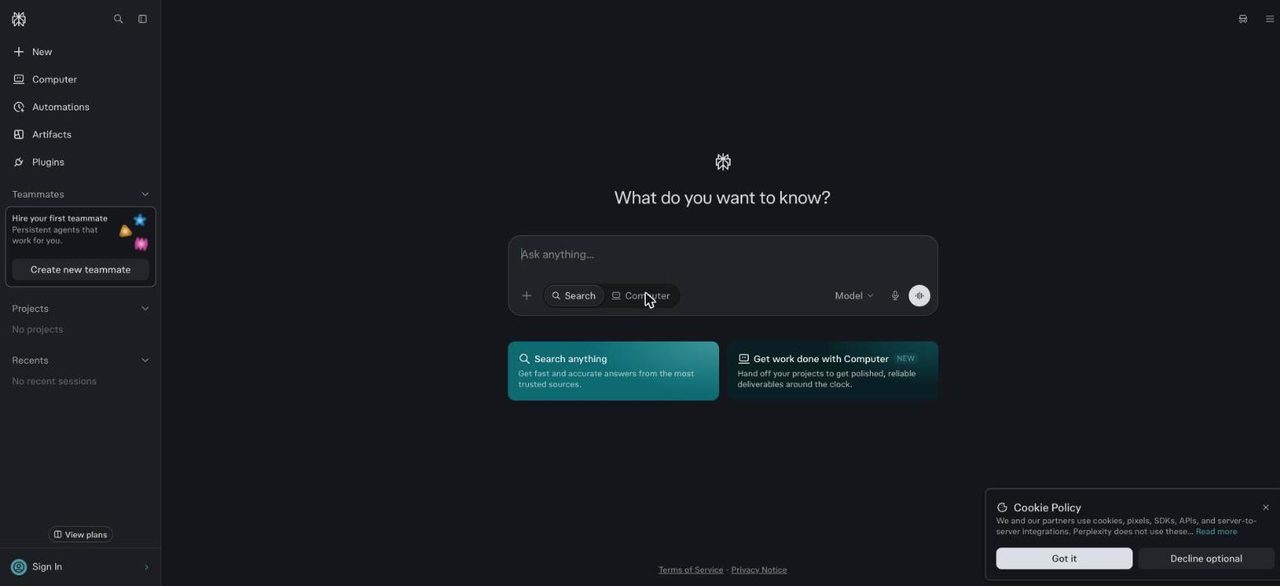
Best for research answers with a generous free plan Perplexity is built as an answer engine first, not a search page with AI added. The free Standard plan allows nearly unlimited basic searches, 3 Pro Searches a day and 1 Research query a month. Pro extends those limits and adds advanced AI models and larger file uploads. Max costs $200 a month.
What stands out
- Free plan with nearly unlimited basic searches
- 3 Pro Searches a day and 1 Research query a month on the free plan
- Pro adds advanced AI models and up to 50 file uploads per project
- Education Pro is $10 a month with student verification
Keep in mind
- The Pro price was not stated on the help pages we fetched
- Pro and Max limits are described as based on average or advanced use, not fixed numbers
- Max is $200 a month
 Google AI Mode
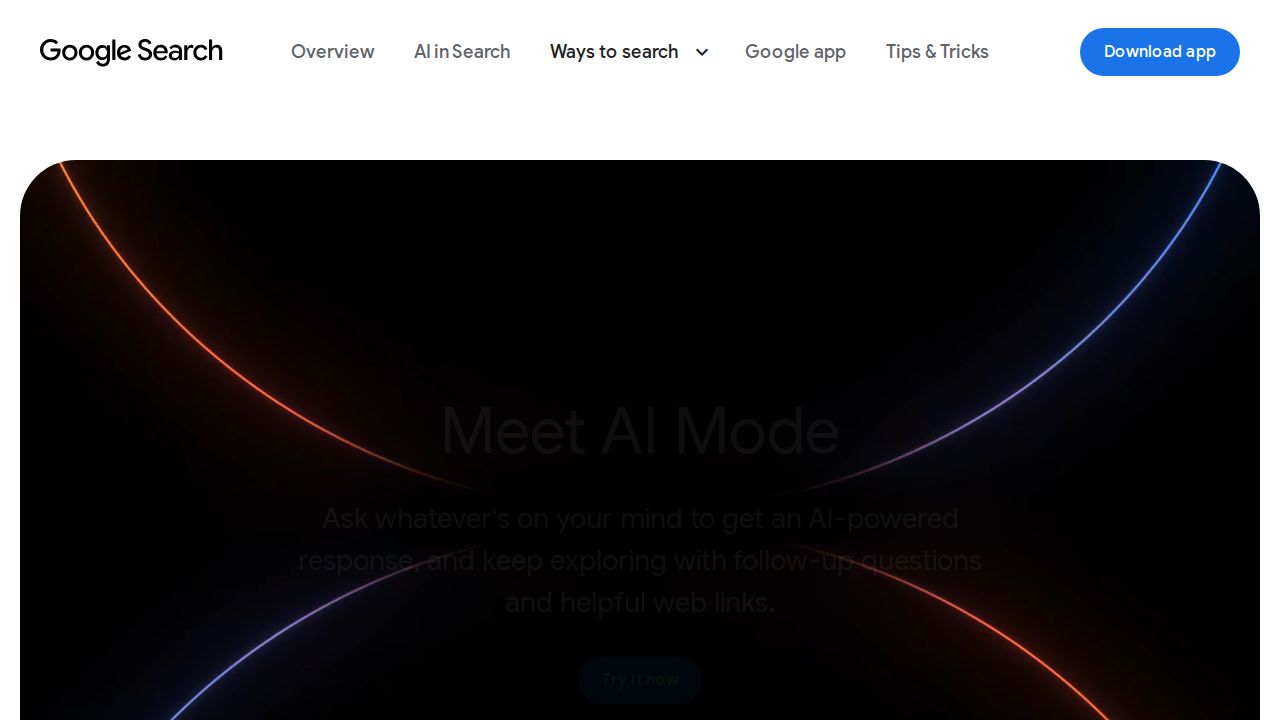
Best for aI answers inside Google Search AI Mode is Google's AI search experience, powered by Gemini. It splits a question into subtopics, searches them at the same time and returns an answer with links to the web. You can ask follow-up questions and search by typing, voice or photo. Google describes it as experimental and says it may make mistakes.
What stands out
- Answers include links to explore more on the web
- Follow-up questions keep the context of your search
- Accepts typed, spoken, photo and image input
- Search Live offers a spoken back-and-forth conversation
Keep in mind
- Google calls it experimental and warns it may make mistakes
- The most advanced model in AI Mode is tied to a Google AI Ultra subscription and has daily limits
 ChatGPT
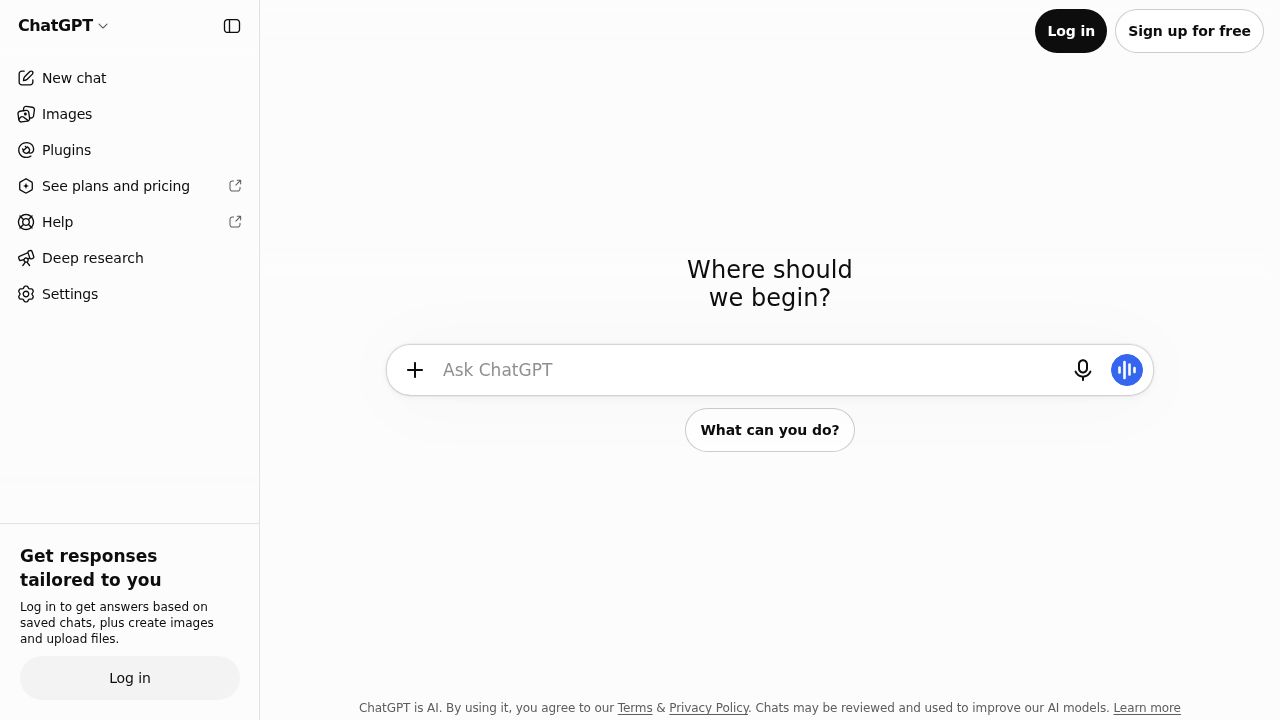
Best for search and a chatbot in one place ChatGPT works well when a search turns into a task, such as drafting an email from what you found. The Free plan includes search and limited deep research. Paid personal plans are Go at $8 a month, Plus at $20 a month and Pro from $100 a month.
What stands out
- Free plan includes search
- Limited deep research on the Free plan
- Go plan at $8 a month
- Plus plan at $20 a month for heavier use
Keep in mind
- Deep research is limited on the Free plan
- Pro starts at $100 a month
 Microsoft Copilot
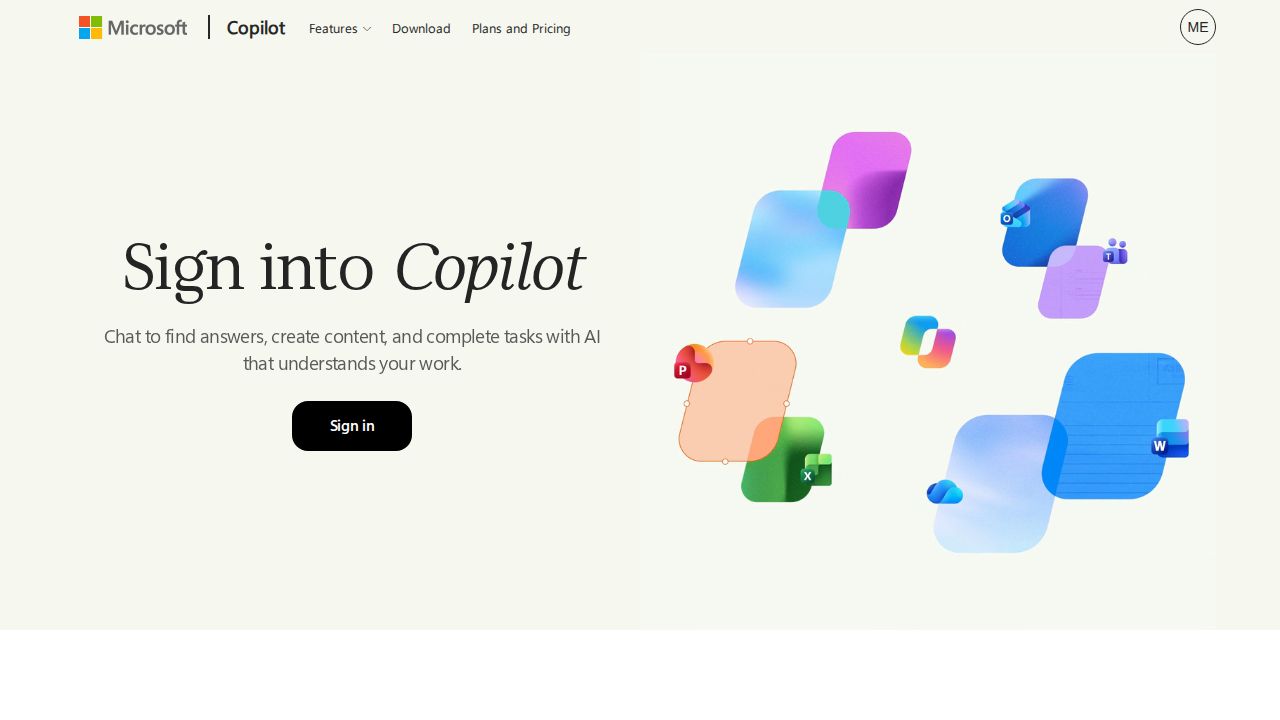
Best for windows and Microsoft 365 users Copilot is free with a signed-in Microsoft account and searches the web to give grounded answers. Some features have usage limits on the free tier. Microsoft 365 Personal at $9.99 a month includes the Copilot app along with the desktop Office apps, so it suits people who already pay for Microsoft 365.
What stands out
- Free with a signed-in Microsoft account
- Searches the web for grounded answers
- Microsoft 365 Personal is $9.99 a month or $99.99 a year
- Researcher feature for finding and explaining information
Keep in mind
- A Microsoft account is required
- Some capabilities have usage limits on the free tier
- On Microsoft 365 Family, AI features are for the subscription owner only
 DuckDuckGo
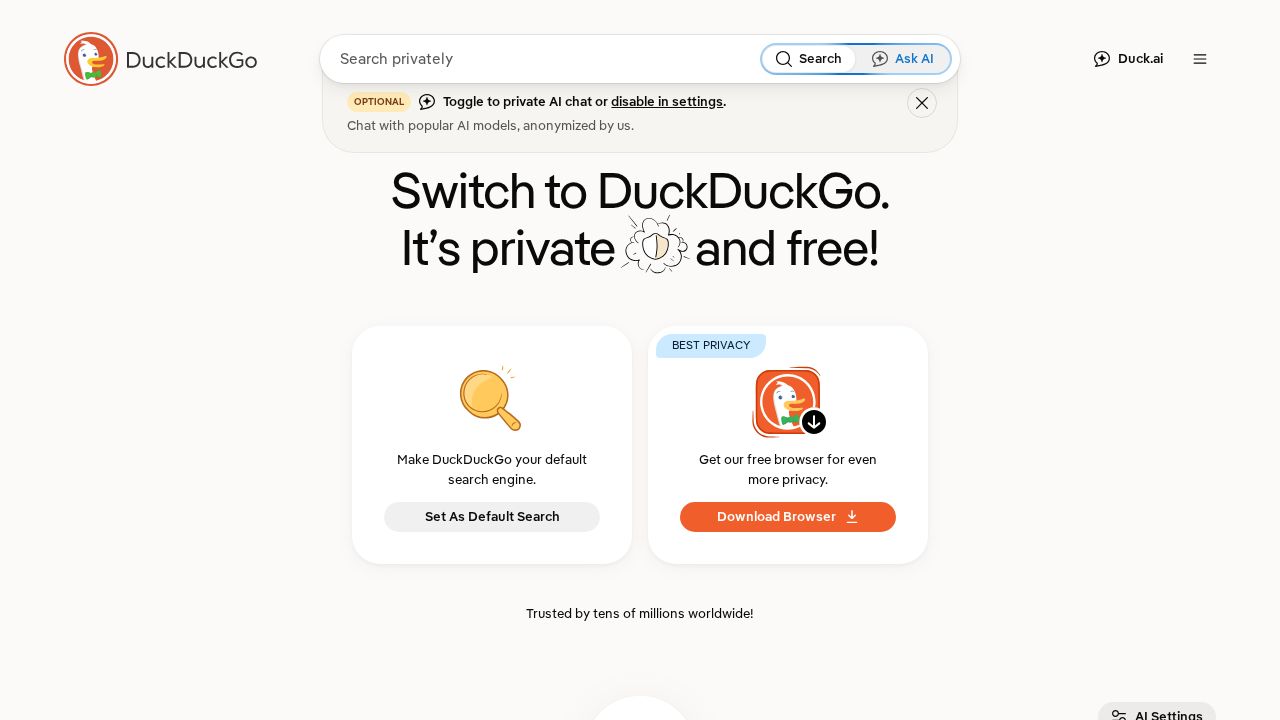
Best for private AI answers with no account DuckDuckGo adds AI in two optional ways. Search Assist writes a short answer from web content and links to one or two sources. Duck.ai is a private chat with third-party AI models. DuckDuckGo says both are free, anonymized and need no account, and you can turn Search Assist down or off.
What stands out
- Search Assist and Duck.ai are free with no account required
- Search Assist answers link to the sources they are based on
- DuckDuckGo says it does not store prompts or train on your data
- Search Assist can be set to often, sometimes, on-demand or never
Keep in mind
- More advanced AI models in Duck.ai need a paid DuckDuckGo subscription
- The subscription price was not shown on the help pages we fetched
- Search Assist cites only one or two sources per answer
 Brave Search
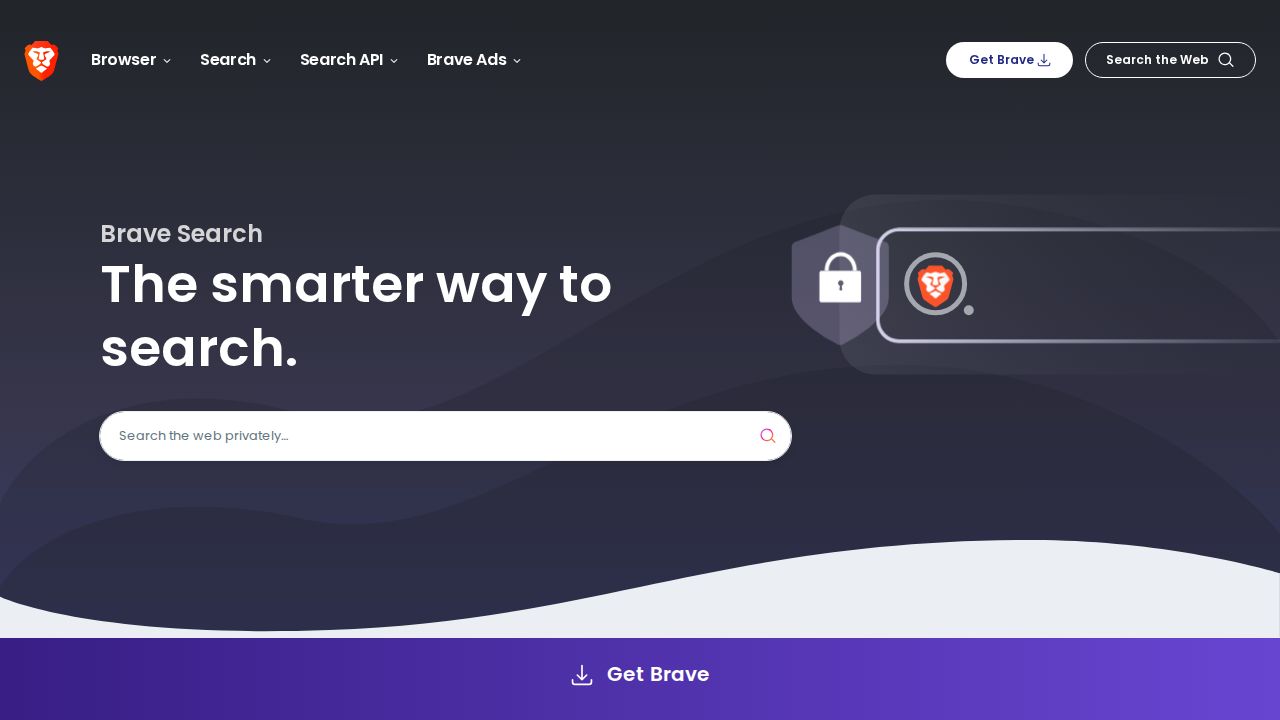
Best for an independent index with AI answers Brave Search runs on its own index instead of relying on results from other search companies. AI Answers give a short summary with references to sources, and Ask Brave handles longer answers, follow-up questions and a Deep Research mode. The standard search is funded by ads. Search Premium removes them for $3 a month.
What stands out
- Built on Brave's own search index
- AI Answers reference the sources behind key claims
- Ask Brave supports follow-up questions and a Deep Research mode
- Search Premium is $3 a month or $29.99 a year
Keep in mind
- Standard results include ads
- Search Premium is only available in the Brave browser
- The AI help page does not list usage limits
 Kagi
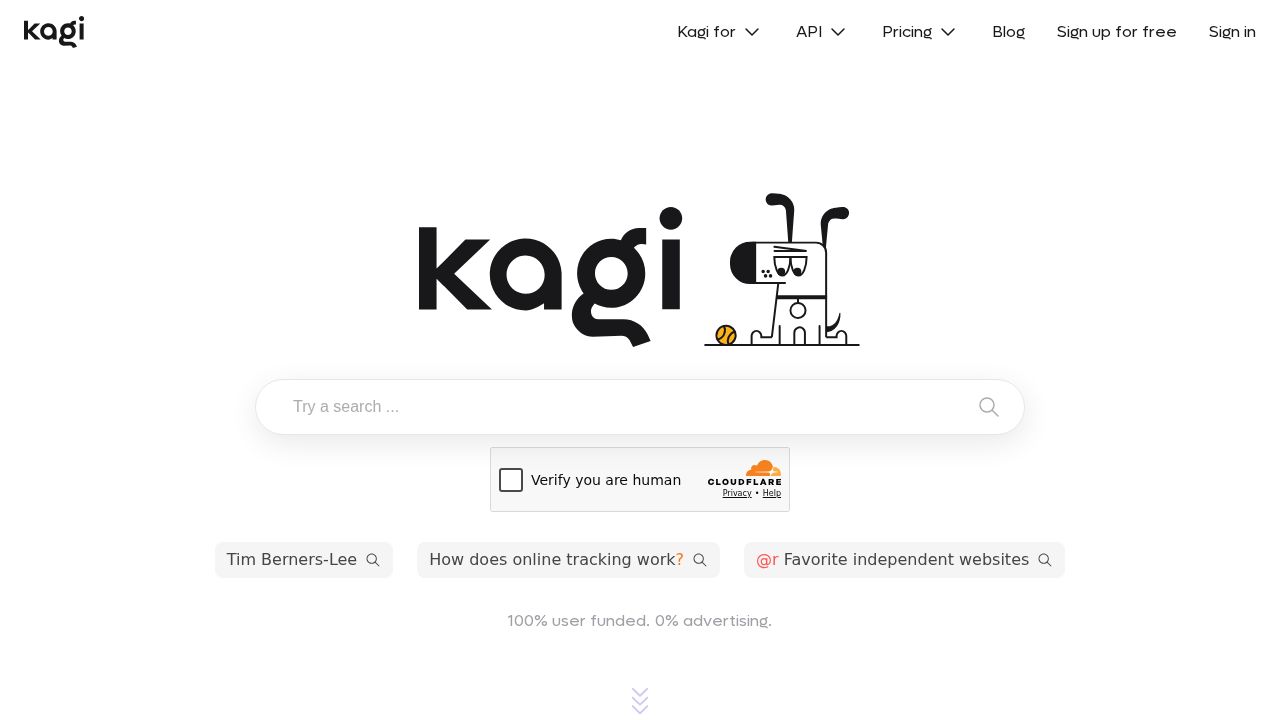
Best for paid search with no ads Kagi charges a subscription instead of showing ads. Starter is $5 a month for 300 searches and Professional is $10 a month for unlimited searches, both with Kagi Assistant in Quick mode. The free trial covers 100 searches and 100 Assistant interactions, which is enough to judge the results.
What stands out
- Starter is $5 a month with 300 searches
- Professional is $10 a month with unlimited searches
- Kagi Assistant included on paid plans
- Free trial with 100 searches and 100 Assistant interactions
Keep in mind
- No ongoing free plan
- Research mode in the Assistant needs the $25 a month Ultimate plan
- Prices exclude sales tax
How we chose
We compared what each company publishes about its product on four things:
- Free access. Can you use it without paying, and do you need an account?
- Sources. Does the answer link to or cite the pages it came from?
- Privacy. What the company says about tracking, stored prompts and training.
- Paid price. The lowest paid personal plan and what it adds.
This list is based on published plans, pricing and help pages, not lab testing. We did not measure answer accuracy. Where a price or free tier was not stated on the pages we read, we write “See site” instead of guessing.
AI search or regular search: when to use each
Use an AI answer engine when:
- You want a summary of a topic drawn from several pages
- Your question is long or has several parts
- You expect to ask follow-up questions
Use regular search results when:
- You want a specific website, store or login page
- You need the newest information, such as live scores or breaking news
- The decision is important enough that you should read the original source
How to check an AI answer
- Open at least two of the linked sources and confirm they say what the answer claims.
- Look at the date on each source. Old pages cause outdated answers.
- Ask the same question in a second tool if the answer matters.
- Be careful with numbers, quotes and medical or legal claims. Verify them at the source.
- Rephrase the question. If the answer changes a lot, treat it with caution.
Frequently asked questions
What is an AI search engine?
It is a search tool that writes an answer to your question from web pages instead of only listing links. Perplexity, Google AI Mode, DuckDuckGo Search Assist and Brave AI Answers all link to or cite the sources they used.
Are AI search engines free?
Several are. Perplexity and ChatGPT have free plans, Copilot is free with a Microsoft account, and DuckDuckGo's AI features are free with no account. Kagi is paid after a 100-search trial.
Which AI search engine is best for privacy?
DuckDuckGo says its AI features are anonymized, need no account and do not store prompts or train on your data. Brave says it does not profile users. Kagi is funded by subscriptions, not ads.
Can I trust AI search answers?
Treat them as a starting point. Google describes AI Mode as experimental and says it may make mistakes. Open the linked sources for anything involving health, money or legal questions.
Is a paid plan worth it?
Only if you hit the free limits. Paid plans mainly buy higher usage, more advanced models, deeper research modes or ad-free results, as with Brave Search Premium at $3 a month.
Sources
- Perplexity help: which subscription plan is right for you
- Perplexity help: Perplexity Max
- Google Search: AI Mode
- Google Search Help: AI Mode
- ChatGPT pricing
- ChatGPT pricing documentation
- Microsoft Copilot
- Microsoft Copilot for individuals
- DuckDuckGo: approach to AI
- DuckDuckGo help: AI-assisted answers
- DuckDuckGo help: subscription
- Brave Search
- Brave Search help: AI features
- Brave premium products
- Kagi pricing
How we wrote this
This list is based on each company's published plans, prices and feature pages, not on hands-on lab testing. Facts were last checked on November 17, 2026. See our editorial policy.