No company paid to be on this list. Prices were checked on November 17, 2026 and can change. How we make money.
At a glance
| # | Product | Best for | Starting price | Free option |
|---|---|---|---|---|
| 1 | Unlimited file transcription at a flat price | $10/mo | Free plan (3 files a day) | |
| 2 | Live meeting transcription | $8.33/mo | Free plan (300 min/mo) | |
| 3 | A large monthly minute allowance | $8.17/mo | Free plan (120 min/mo) | |
| 4 | Subtitles and many languages | $8.50/mo | Free plan (10 upload minutes) | |
| 5 | Editing audio and video by editing text | $16/mo | Free plan (60 min/mo) | |
| 6 | Human transcription when accuracy matters | $25.49/mo | Free plan (45 min/mo) | |
| 7 | Paying by the hour with no subscription | $10/hr | 30 free minutes |
The list
 TurboScribe
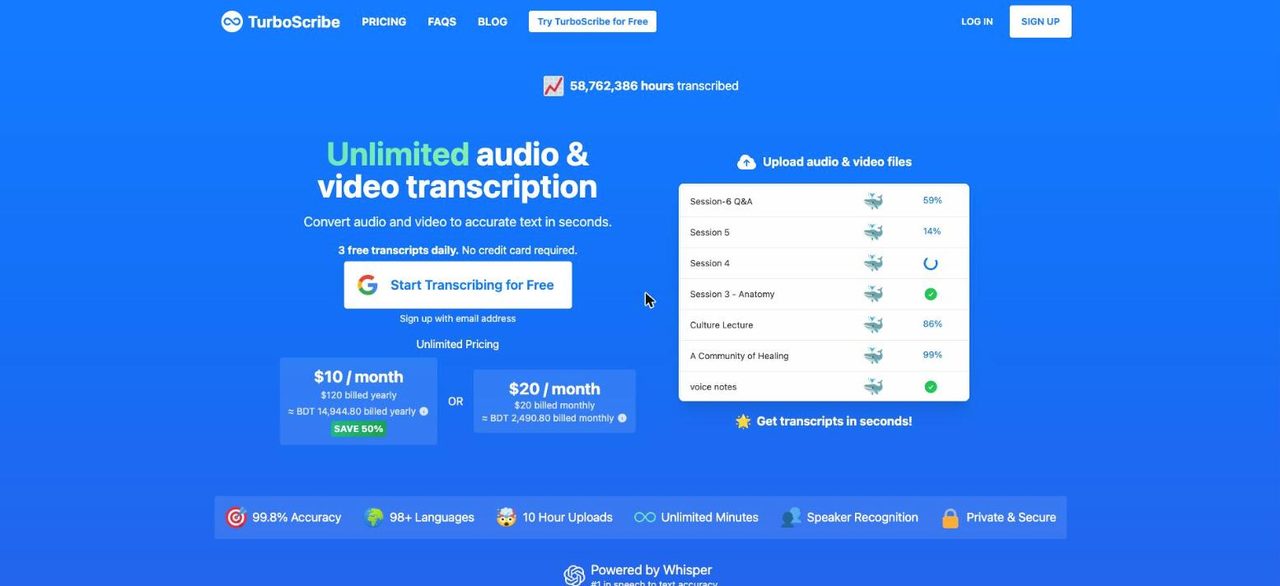
Best for unlimited file transcription at a flat price TurboScribe keeps pricing simple with one paid plan. The free plan allows 3 transcripts a day of up to 30 minutes each. Unlimited costs $10 a month billed yearly ($120) and covers unlimited transcriptions for one person, with files up to 10 hours or 5 GB and 50 uploads at a time.
What stands out
- Free plan with 3 transcripts a day, up to 30 minutes per file
- Unlimited plan is $10 a month, billed yearly at $120
- Files up to 10 hours long or 5 GB on Unlimited
- Transcription in over 98 languages
Keep in mind
- Paying month to month costs $20
- Free plan handles one file at a time with lower priority
- Built for uploaded files, not live meeting notes
 Otter
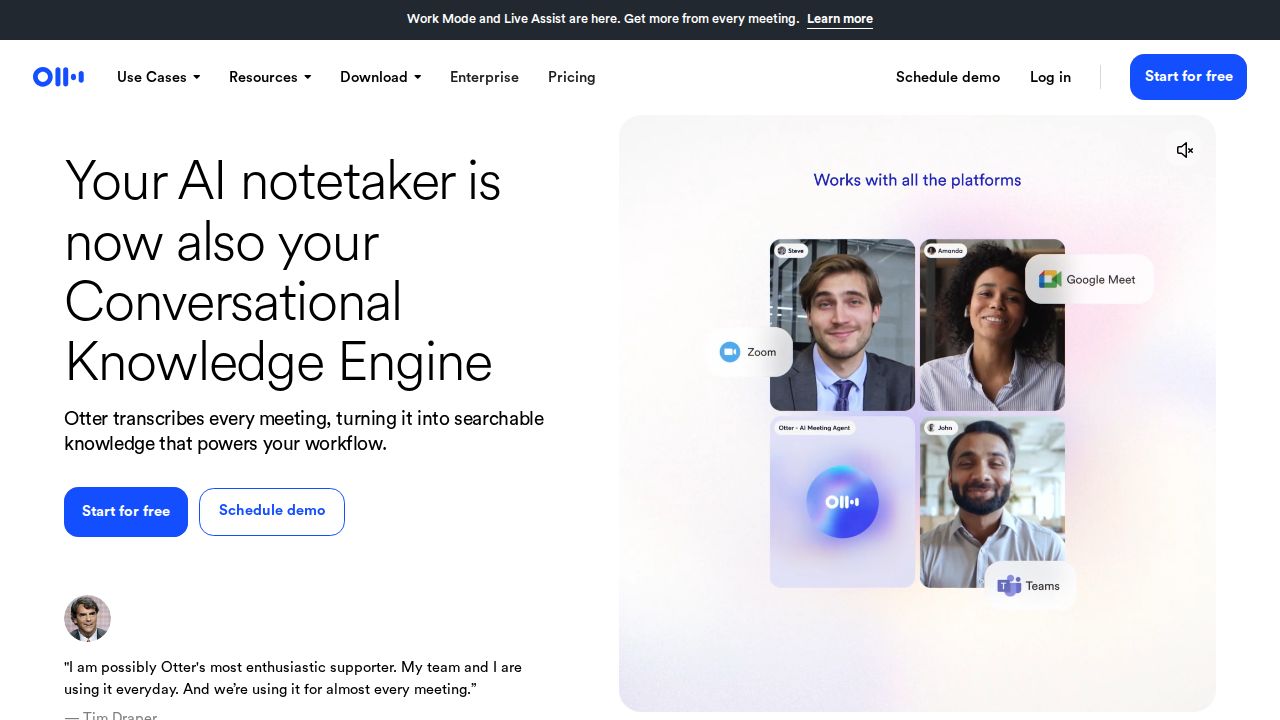
Best for live meeting transcription Otter is built for meetings. The free Basic plan includes 300 minutes a month with live transcription and speaker identification on Zoom, Microsoft Teams and Google Meet, capped at 30 minutes per conversation. Pro raises that to 1,200 minutes and 90 minutes per conversation.
What stands out
- Free plan with 300 transcription minutes a month
- Works with Zoom, Microsoft Teams and Google Meet
- Pro includes 1,200 minutes a month and 90 minutes per conversation
- Pro is listed at $8.33 a month on annual billing
Keep in mind
- Free plan caps each conversation at 30 minutes and allows 3 file imports in total
- Pro is $16.99 if you pay month to month
- The pricing page shows a 50 percent Pro discount with unclear eligibility, so confirm the price at checkout
 Notta
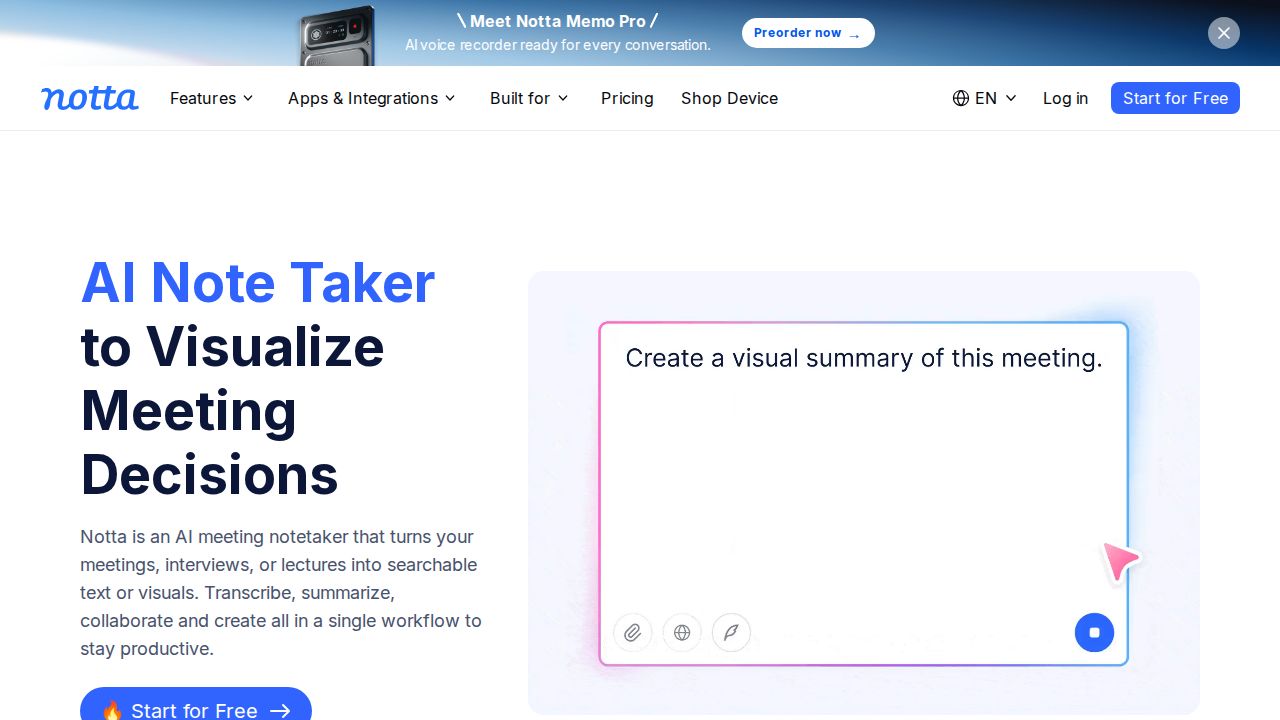
Best for a large monthly minute allowance Notta's Pro plan gives a lot of minutes for the price: 1,800 a month with recordings up to 5 hours, for $8.17 a month billed annually ($97.99). The free plan includes 120 minutes a month but limits each recording to 3 minutes, so treat it as a preview.
What stands out
- Pro includes 1,800 transcription minutes a month
- Recordings up to 5 hours on Pro
- Pro adds transcript export, translation and custom vocabulary
- Transcribes Zoom, Google Meet, Microsoft Teams and Webex meetings
Keep in mind
- Free plan limits each recording to 3 minutes
- Free plan has no transcript export
- The Pro price shown is for annual billing
 Happy Scribe
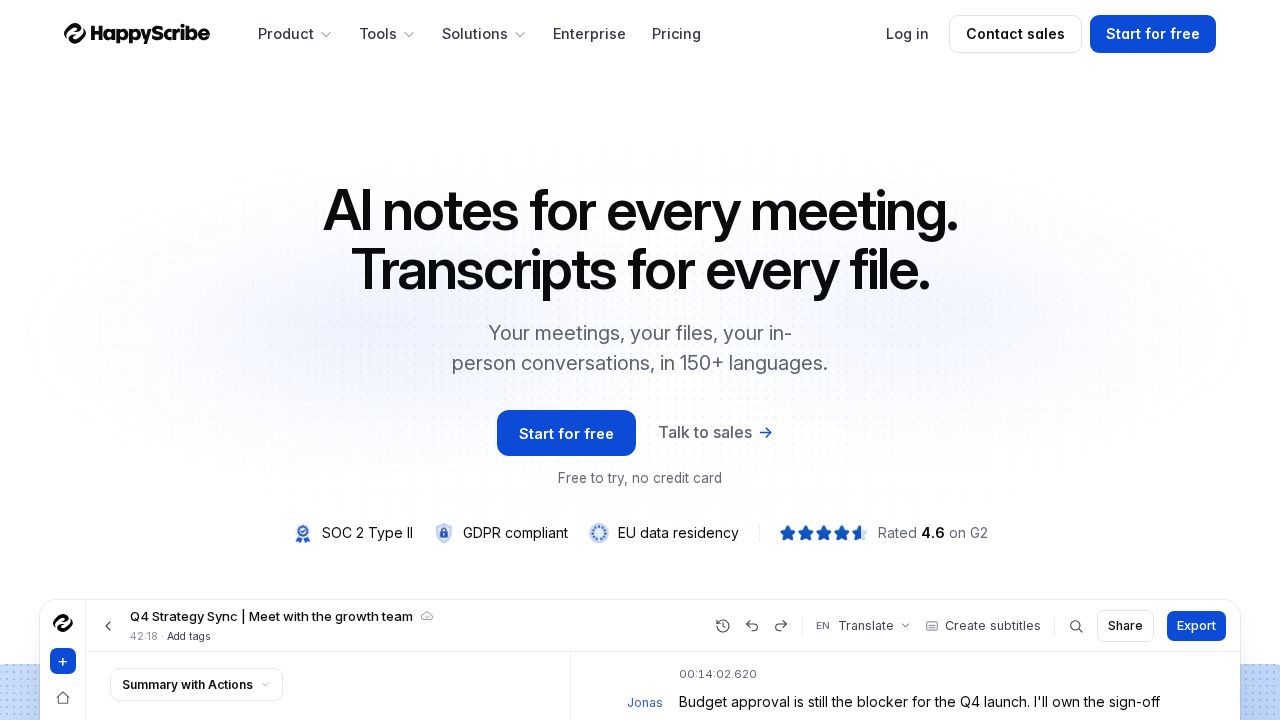
Best for subtitles and many languages Happy Scribe covers transcription and subtitles in more than 150 languages and dialects. The free plan includes unlimited recordings of up to 45 minutes with its notetaker, plus 10 one-time minutes for uploaded files. Basic is $8.50 a month on annual billing with 120 upload minutes a month.
What stands out
- AI speech to text in 150+ languages and dialects
- Free plan records meetings up to 45 minutes each
- Basic includes 120 upload minutes a month
- Exports to DOCX, TXT and SRT on the free plan
Keep in mind
- Only 10 free minutes for uploaded files, one time
- Basic is $17 billed monthly
- Extra minutes cost $0.20 each
 Descript
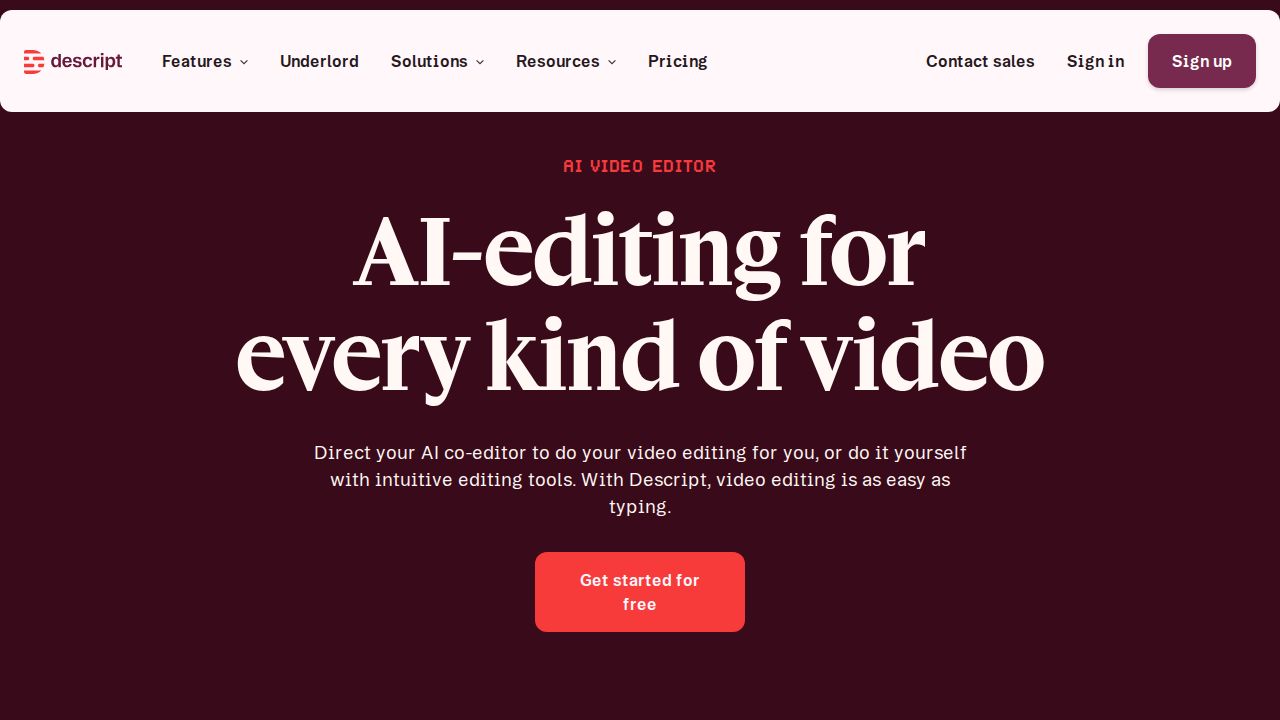
Best for editing audio and video by editing text Descript is an editor as much as a transcription tool. You cut audio and video by editing the transcript. The free plan includes 60 media minutes a month, transcription in 25 languages and speaker detection. Hobbyist starts at $16 a person per month with 10 media hours.
What stands out
- Free plan with 60 media minutes a month and no credit card
- Text-based editing of audio and video
- Hobbyist includes 10 media hours a month and 1080p export without a watermark
- Transcription in 25 languages with speaker detection
Keep in mind
- Free exports are 720p with a watermark
- The page lists $16 and $24 for Hobbyist without labeling which is annual, so check the billing term
 Rev
Best for human transcription when accuracy matters Rev suits legal, research and other work where a person may need to check the transcript. The free plan includes 45 AI minutes a month in English. Human transcription costs $1.99 a minute. Essentials is $25.49 a seat per month on annual billing with 5,000 AI minutes.
What stands out
- Free plan with 45 AI transcription minutes a month
- Human transcription available at $1.99 a minute
- Essentials includes 5,000 AI minutes per user a month
- Subscribers get a discount on human transcription
Keep in mind
- Free plan transcribes English only
- Essentials is $29.99 billed monthly
- More than Spanish and English needs the Pro plan
 Sonix
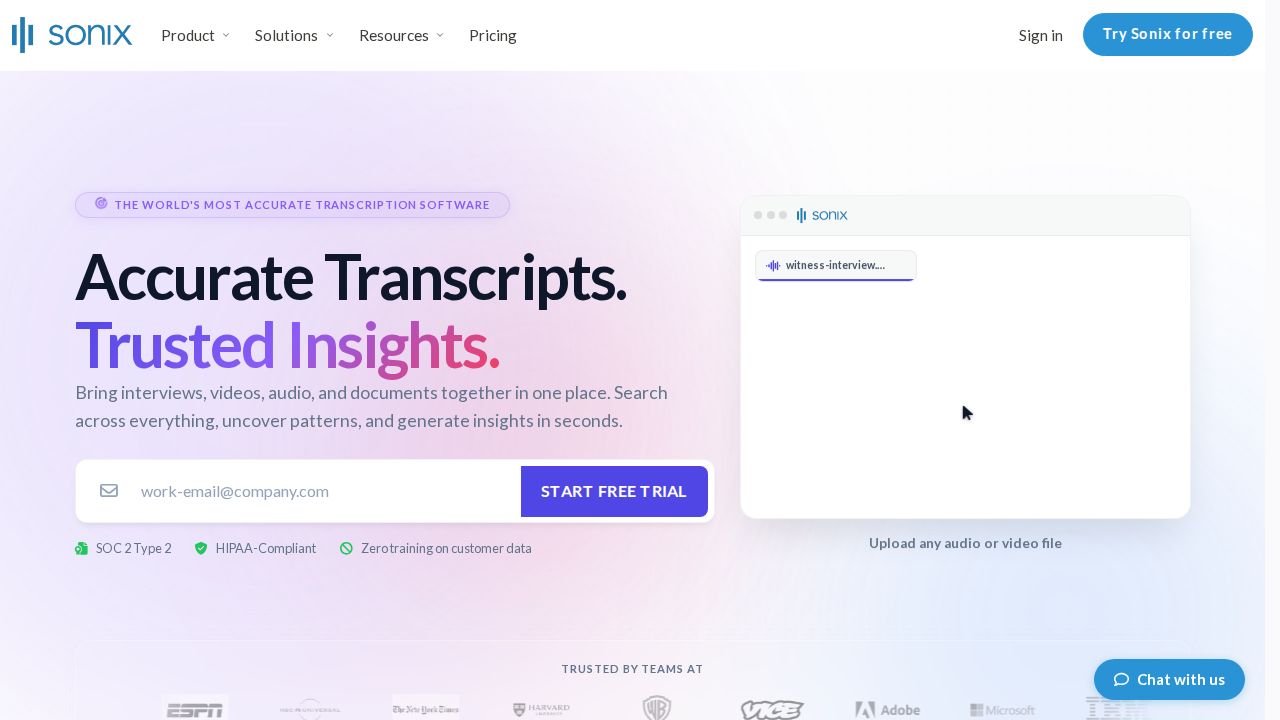
Best for paying by the hour with no subscription Sonix is the pick if you only transcribe now and then. Pay As You Go costs $10 per hour of audio with no subscription, and new accounts get 30 free minutes without a credit card. Subscriptions start with Core at $25 a month for 5 hours, and Sonix supports 54+ languages.
What stands out
- Pay As You Go at $10 an hour with no subscription
- 30 free minutes for new accounts, no credit card
- Transcription and translation in 54+ languages
- In-browser editor and subtitle export
Keep in mind
- No ongoing free plan
- The AI workspace is not available on Pay As You Go
- Extra hours on subscriptions also cost $10 each
How we chose
We compared each company’s published plans on four things:
- Free minutes. How much you can transcribe each month without paying.
- Length caps. The longest single file or recording a plan accepts.
- Entry price. The lowest paid plan, and the gap between annual and monthly billing.
- Extras. Meeting recording, translation, subtitle export and human review.
This list is based on plans and pricing the companies publish, not lab testing. Where a price was not published we write “See site”. Accuracy varies with your audio, so run a sample file through a free plan first.
Files or meetings: which tool type do you need?
- Uploaded files (interviews, lectures, podcasts): look at TurboScribe, Sonix, Happy Scribe or Descript. File length limits matter most.
- Live meetings: look at Otter or Notta. They join calls, label speakers and write summaries.
- Legal or published quotes: consider Rev, where a human can transcribe the audio.
How to get a cleaner transcript
- Record in a quiet room and keep the microphone close to the speaker.
- Ask people not to talk over each other.
- Add names and unusual terms to the custom vocabulary if the tool has one.
- Choose the right language before you upload.
- Read the transcript against the audio before you quote from it.
A note on privacy
Recordings often contain private details. Tell people before you record a call, since some US states require consent from everyone on it. Check where the service stores files and delete uploads you no longer need.
Frequently asked questions
What is the best free AI transcription tool?
It depends on the job. Otter gives 300 free minutes a month for meetings, and TurboScribe allows 3 file transcripts a day of up to 30 minutes each. Notta's free plan limits each recording to 3 minutes.
How accurate is AI transcription?
Accuracy depends on audio quality, accents and background noise, and vendors' accuracy figures are their own claims. For work where errors are costly, Rev sells human transcription at $1.99 a minute.
Which tool is best for transcribing long files?
TurboScribe Unlimited accepts files up to 10 hours or 5 GB. Notta Pro allows recordings up to 5 hours. Otter Pro caps a conversation at 90 minutes.
Can I transcribe without a subscription?
Yes. Sonix charges $10 per hour on pay as you go, and Rev sells human transcription by the minute. Several other tools have free plans with monthly limits.
Do these tools record meetings too?
Otter, Notta and Happy Scribe can join or record Zoom, Google Meet and Microsoft Teams calls. TurboScribe and Sonix are built around uploaded files.
Sources
How we wrote this
This list is based on each company's published plans, prices and feature pages, not on hands-on lab testing. Facts were last checked on November 17, 2026. See our editorial policy.