
No company paid to be on this list. Prices were checked on November 17, 2026 and can change. How we make money.
At a glance
| # | Product | Best for | Starting price | Free option |
|---|---|---|---|---|
| 1 | Creative clips and all-round editing | $12/mo | Free plan (125 one-time credits) | |
| 2 | The lowest price with video credits | $4.99/mo | No | |
| 3 | Low-cost social clips | $8/mo | Free plan (no monthly credits) | |
| 4 | Training videos with AI presenters | $14/mo | Free plan (10 min/mo) | |
| 5 | Avatar videos with a free tier | $24/mo | Free plan (3 videos/mo) | |
| 6 | Many video models in one plan | $25/mo | No |
The list
 Runway
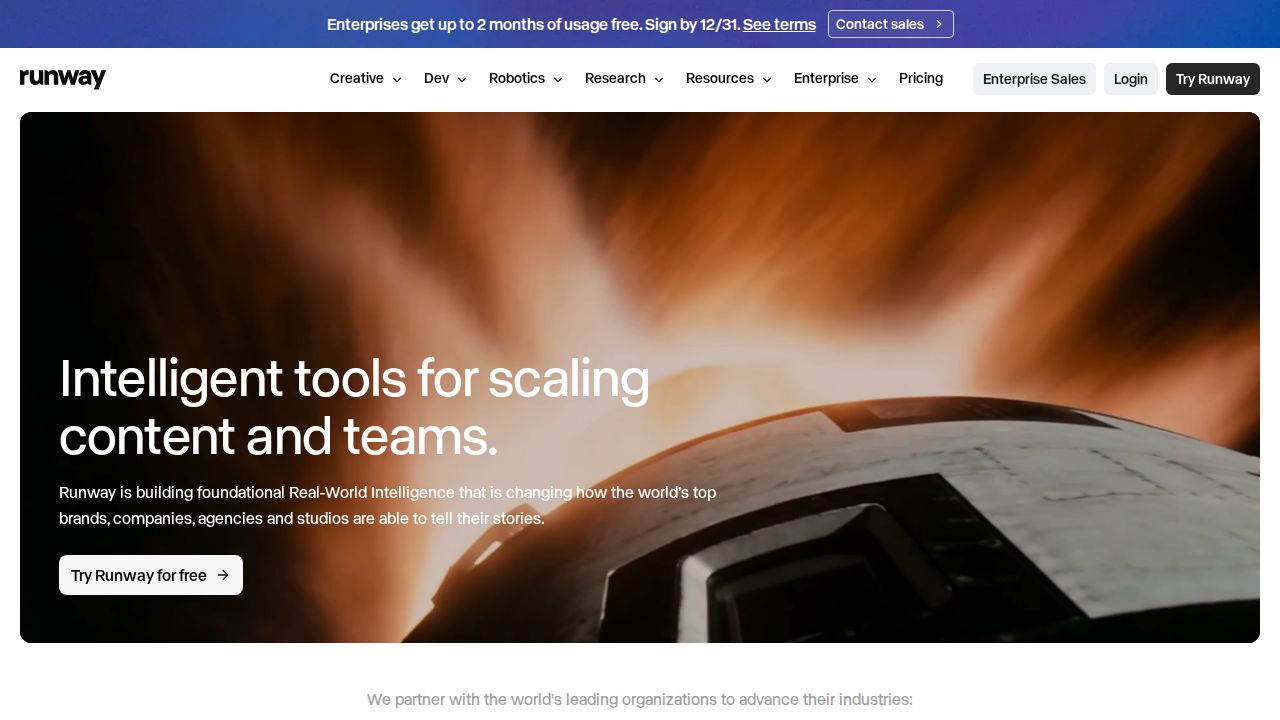
Best for creative clips and all-round editing Runway is a strong first choice for short creative clips because one plan covers video, image, music, voice and sound effects generation. The free plan gives 125 one-time credits to try it. Standard includes 625 credits a month, no watermarks and 4K upscaling.
What stands out
- Free plan includes 125 one-time credits that do not expire
- Standard costs $15 a month, or $12 a month billed annually
- Standard includes 625 credits a month, no watermarks and 4K upscaling
- Pro ($35 a month, or $28 billed annually) includes 2,250 credits a month
Keep in mind
- Free credits are one-time, not monthly
- Credits do not roll over on Standard or Pro
 Google Flow
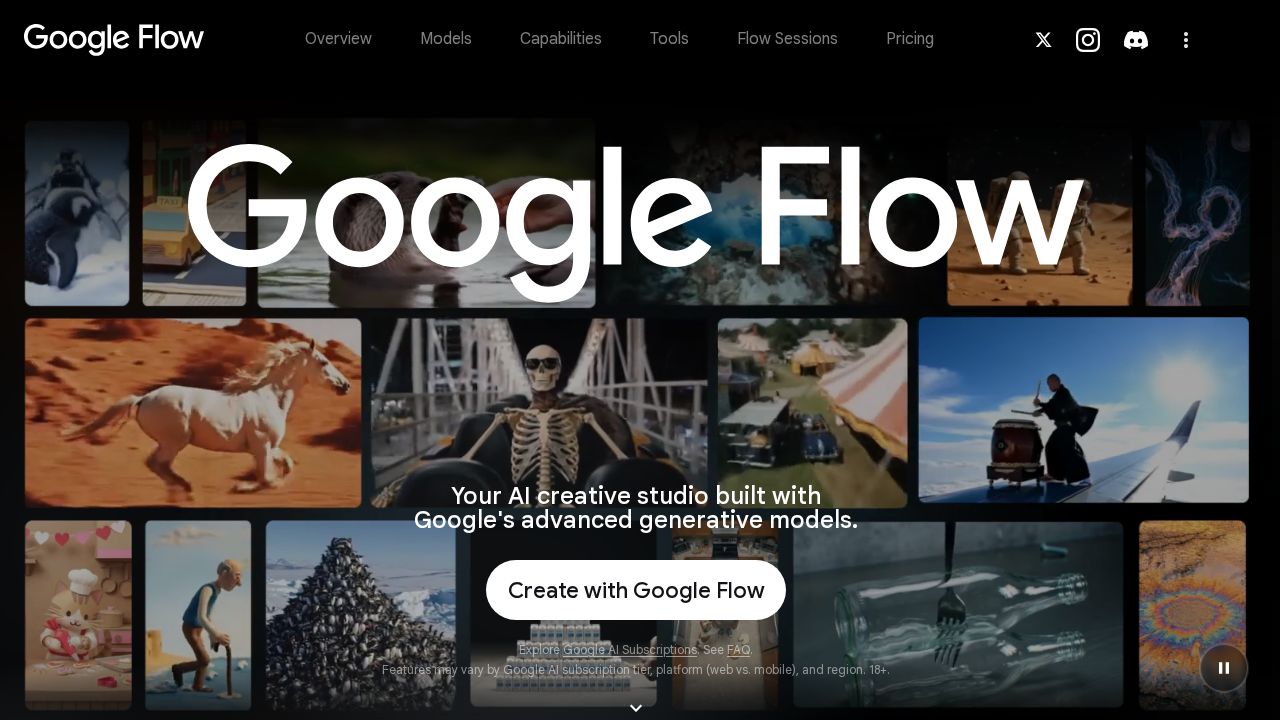
Best for the lowest price with video credits Flow is Google's AI studio for video and images, and access comes through Google AI plans. Google AI Plus is the cheapest route at $4.99 a month with 200 Flow credits and 400 GB of storage. Google AI Pro raises that to 1,000 Flow credits and 5 TB.
What stands out
- Google AI Plus costs $4.99 a month and includes 200 Flow credits
- Google AI Pro costs $19.99 a month and includes 1,000 Flow credits
- Plans also include the Gemini app and Google storage (400 GB on Plus, 5 TB on Pro)
- One subscription covers video, images and chat
Keep in mind
- No video generation or Flow credits are listed on the free Google plan
- The 10,000 and 25,000 credit allowances need Google AI Ultra, from $99.99 a month
 Pika
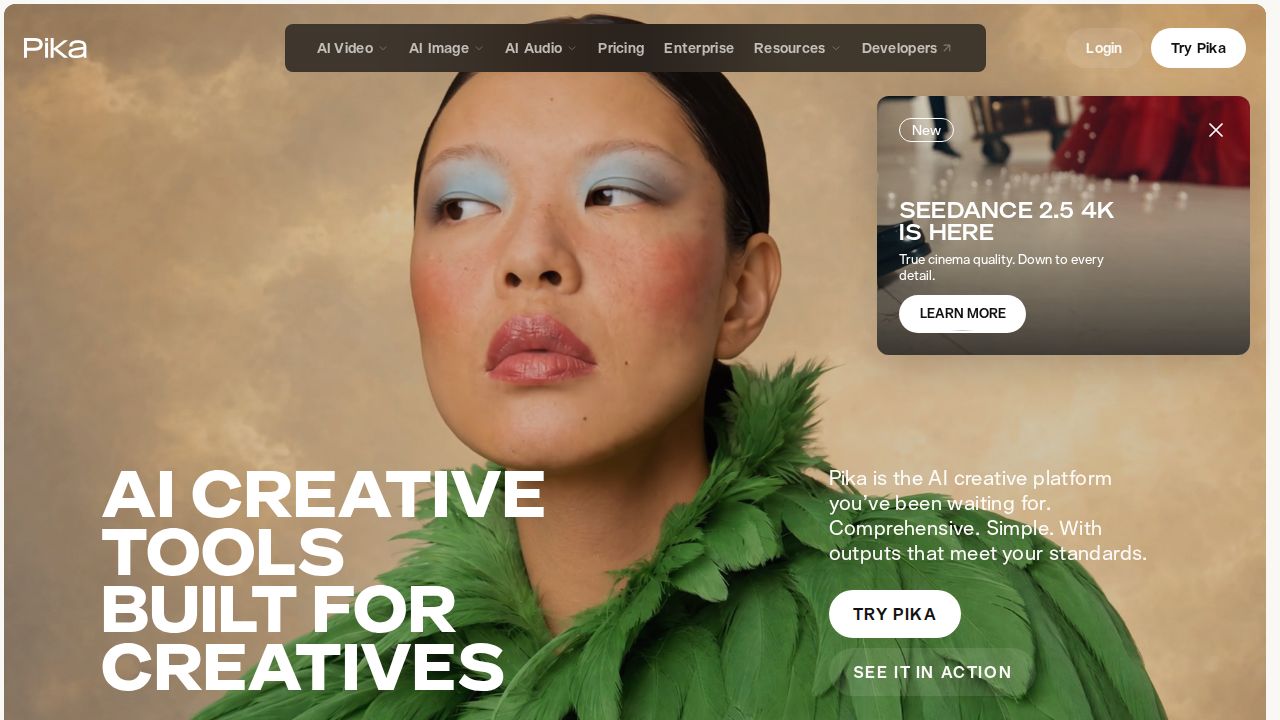
Best for low-cost social clips Pika keeps the entry price low for people making short clips for social media. Starter includes 600 credits a month and a commercial license. The free plan lets you sign up without paying, but it includes no monthly credits, so you buy credit packs to generate.
What stands out
- Starter costs $10 a month, or $8 a month billed annually ($96 a year)
- Starter includes 600 credits a month and a commercial license
- Creator ($35 a month, or $28 billed annually) includes 2,600 credits a month
- Credit packs are sold on every plan at 60 credits per $1
Keep in mind
- Free plan includes 0 monthly credits
- No commercial license on the free plan
- Credit packs cannot be used in the iOS app or the API
 Synthesia
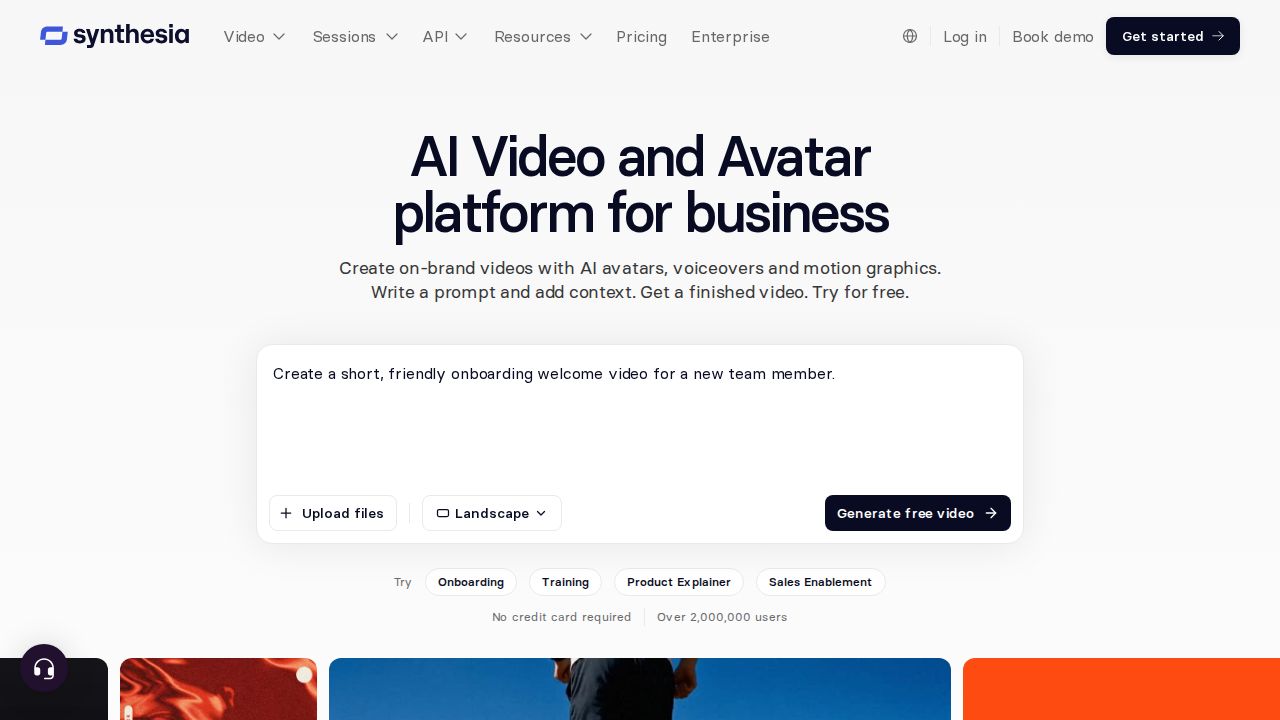
Best for training videos with AI presenters Synthesia makes presenter-style videos from a script, which suits training, onboarding and explainers. The free Basic plan includes 10 minutes of video a month with 9 AI avatars. Starter adds video downloads, logo removal and more than 125 avatars.
What stands out
- Free Basic plan includes 10 minutes of video or dubbing a month
- Starter costs $19 a month, or $14 a month billed yearly ($168)
- Starter includes 125+ AI avatars, video downloads and logo removal
- Starter is $9 for the first month on monthly billing
Keep in mind
- Free videos carry a Synthesia watermark
- Personal avatars need Pro, which costs $89 a month or $59 a month billed yearly
 HeyGen
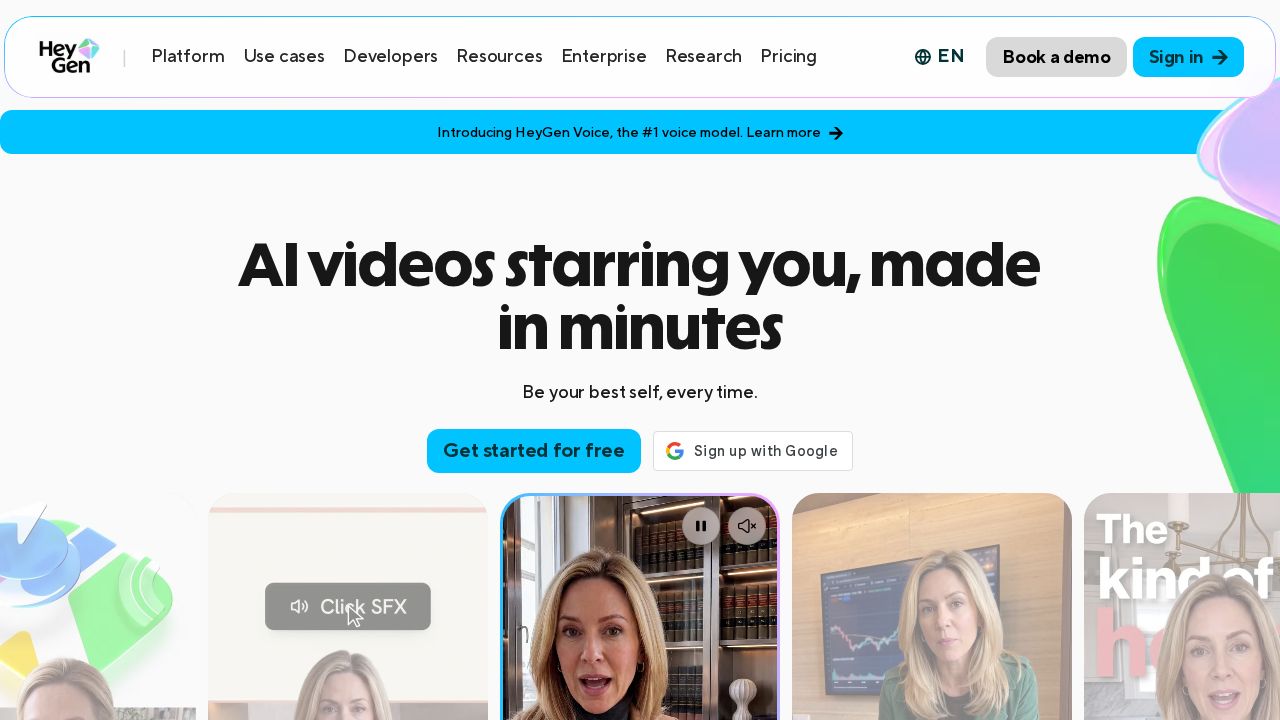
Best for avatar videos with a free tier HeyGen is another avatar video maker, aimed at creators and small businesses. The free plan allows 3 videos a month of up to 1 minute each. Creator removes the watermark, exports at up to 1080p and allows videos of up to 30 minutes.
What stands out
- Free plan includes 3 videos a month, up to 1 minute each
- Creator costs $29 a month, or $24 a month billed annually
- Creator removes the watermark and exports at up to 1080p
- Creator includes 600 credits a month, and credits roll over one month
Keep in mind
- Free videos are watermarked
- 4K export needs the Pro plan, from $49 a month
 Luma AI
Best for many video models in one plan Luma suits people who want to generate with Luma's own models and third-party image and video models from a single subscription. Plus includes 10,000 credits a month and commercial use. It is the most expensive entry plan on this list, and no free plan is shown.

What stands out
- Plus costs $30 a month, or $25 a month billed yearly ($300)
- Plus includes 10,000 credits a month and commercial use
- Access to Luma and third-party image and video models
- Guest collaborators can be given edit access
Keep in mind
- No free plan listed on the pricing page
- Pro jumps to $90 a month, or $75 a month billed yearly
How we chose
We compared each company’s published plans on four things:
- Entry price. The lowest paid plan an individual can buy, on monthly and annual billing.
- Credits included. How much generation the plan covers each month.
- Free plan limits. Whether you can try it without paying, and whether a watermark is added.
- Output terms. Watermark removal, export resolution and commercial use.
This list is based on published plans and pricing. We did not run lab tests or judge video quality. Where a company did not publish a price, we say “See site” instead of guessing.
Which type of AI video tool do you need?
- Short creative clips, ads or social posts. Pick a scene generator: Runway, Google Flow, Pika or Luma.
- Training, onboarding or explainer videos. Pick an avatar presenter tool: Synthesia or HeyGen.
- You already pay for Google storage. Google AI Plus adds Flow credits at a low price.
- You only need a clip now and then. Use a free plan first, and expect a watermark on some of them.
How to keep costs down
- Start on a free plan to learn how prompts work before you spend credits.
- Plan your shots on paper first. Every retry uses credits.
- Generate short clips and join them in an editor instead of asking for one long video.
- Choose monthly billing for the first month, then switch to annual if you keep using it.
- Check whether unused credits roll over. On many plans they do not.
Frequently asked questions
Is there a free AI video generator?
Yes, with limits. Runway gives 125 one-time credits, Synthesia includes 10 minutes of video a month and HeyGen allows 3 short videos a month. Free videos from Synthesia and HeyGen carry a watermark.
What is the cheapest AI video generator?
Google AI Plus costs $4.99 a month and includes 200 Google Flow credits. Pika Starter is next at $8 a month billed annually, or $10 billed monthly.
What is the difference between a video generator and an avatar video maker?
Tools such as Runway, Google Flow, Pika and Luma create scenes from a text prompt or an image. Synthesia and HeyGen turn a script into a video of an AI presenter speaking, which suits training and explainer content.
Can I use AI videos commercially?
It depends on the plan. Pika lists a commercial license on paid plans but not on the free plan, and Luma lists commercial use on Plus. Read the terms for your plan before you publish for a client.
How long can AI videos be?
Limits vary by tool and plan. HeyGen allows up to 1 minute per video on the free plan and up to 30 minutes on Creator. Scene generators usually charge credits per few seconds of footage.
Sources
How we wrote this
This list is based on each company's published plans, prices and feature pages, not on hands-on lab testing. Facts were last checked on November 17, 2026. See our editorial policy.