No company paid to be on this list. Prices were checked on November 17, 2026 and can change. How we make money.
At a glance
| # | Product | Best for | Starting price | Free option |
|---|---|---|---|---|
| 1 | Streaming PC games you already own | See site | Free tier | |
| 2 | A big game library with no PC needed | $22.99/mo | See site | |
| 3 | PS5 and PlayStation Portal owners | $19.99/mo | See site | |
| 4 |  Amazon Luna | Prime members and party games | See site | Included with Prime |
| 5 | Low-cost streaming of games you own | See site | See site | |
| 6 | A full Windows PC in the cloud | $29.99/mo | See site |
The list
 GeForce NOW
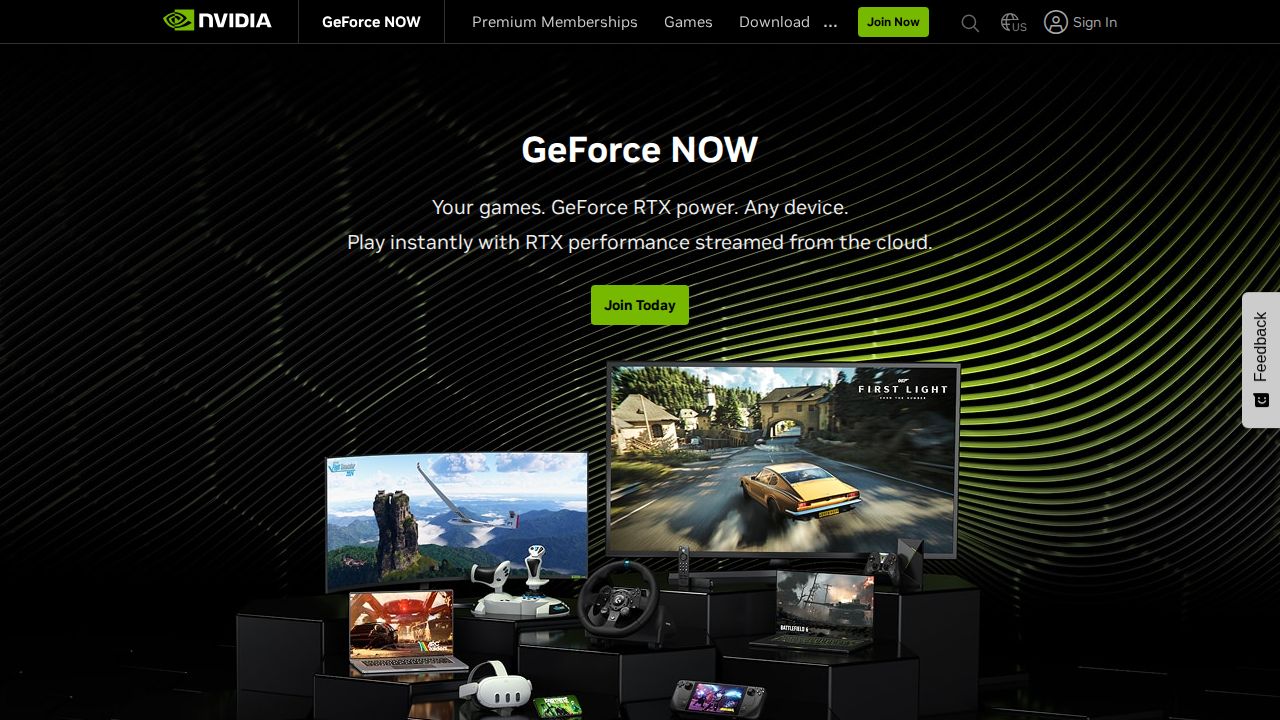
Best for streaming PC games you already own GeForce NOW is the best fit for PC gamers who already own games on stores like Steam. It runs on almost any screen, from Macs and Chromebooks to TVs and phones. The free tier lets you try it, and Ultimate uses RTX 5080 rigs for up to 5K at 120 FPS.
What stands out
- Free tier available
- Performance streams up to 1440p at 60 FPS; Ultimate up to 5K at 120 FPS
- Hundreds of free-to-play games on every tier
- Works on PCs, Macs, Chromebooks, select TVs, phones, Steam Deck and browsers
Keep in mind
- You must own or buy most games on a supported store
- Paid plans cap playtime at 100 hours a month (up to 15 hours roll over)
- Free tier shows up to two minutes of video ads before each session; US prices were not on the pages we checked
 Xbox Cloud Gaming
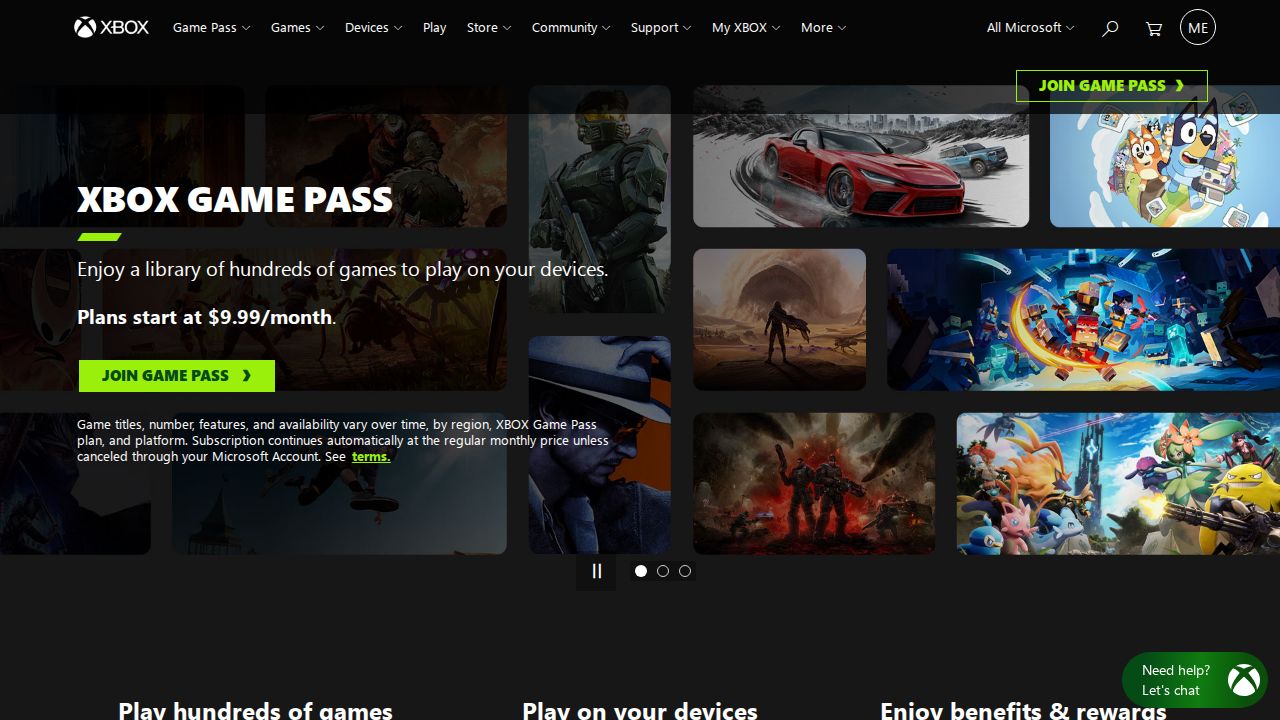
Best for a big game library with no PC needed Xbox Cloud Gaming comes with Game Pass, so you get a library of games to stream rather than buying each one. Ultimate includes 500+ games and the most cloud playtime. It streams to phones, tablets, TVs and VR headsets, and also covers select games you own.
What stands out
- Cloud gaming included in Essential, Premium and Ultimate
- Ultimate includes 500+ games
- Stream select games you already own
- Plays on mobile, tablet, TV and VR headsets
Keep in mind
- Price shown is Game Pass Ultimate from Xbox's April 2026 update; confirm at sign-up
- Xbox's April 2026 post says Ultimate has unlimited cloud play, but the current Game Pass page lists 15 hours a month, so confirm the limit
- PC Game Pass does not include cloud gaming
 PlayStation Plus Premium
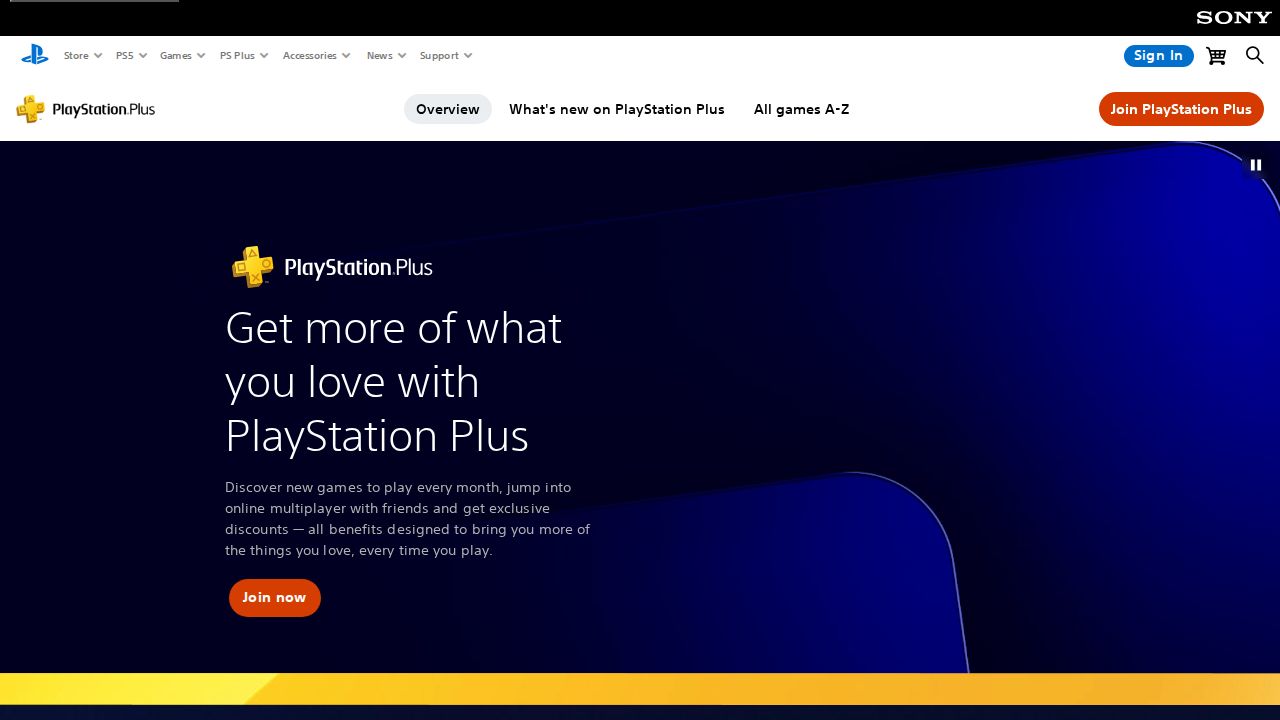
Best for pS5 and PlayStation Portal owners PlayStation Plus Premium is the tier to choose if you want cloud streaming on a PS5 or PlayStation Portal. It includes the Game Catalog of hundreds of games and classic PS2 and PS3 titles. The 12-month plan lowers the effective monthly cost.
What stands out
- $19.99 a month, $54.99 for 3 months or $159.99 a year
- Streams to PS5 and PlayStation Portal
- Includes hundreds of Game Catalog titles plus PS2 and PS3 classics
- Needs 5 Mbps, or 15 Mbps for 1080p
Keep in mind
- Essential and Extra tiers do not include cloud streaming
- PlayStation's page does not mention PC streaming
Amazon Luna
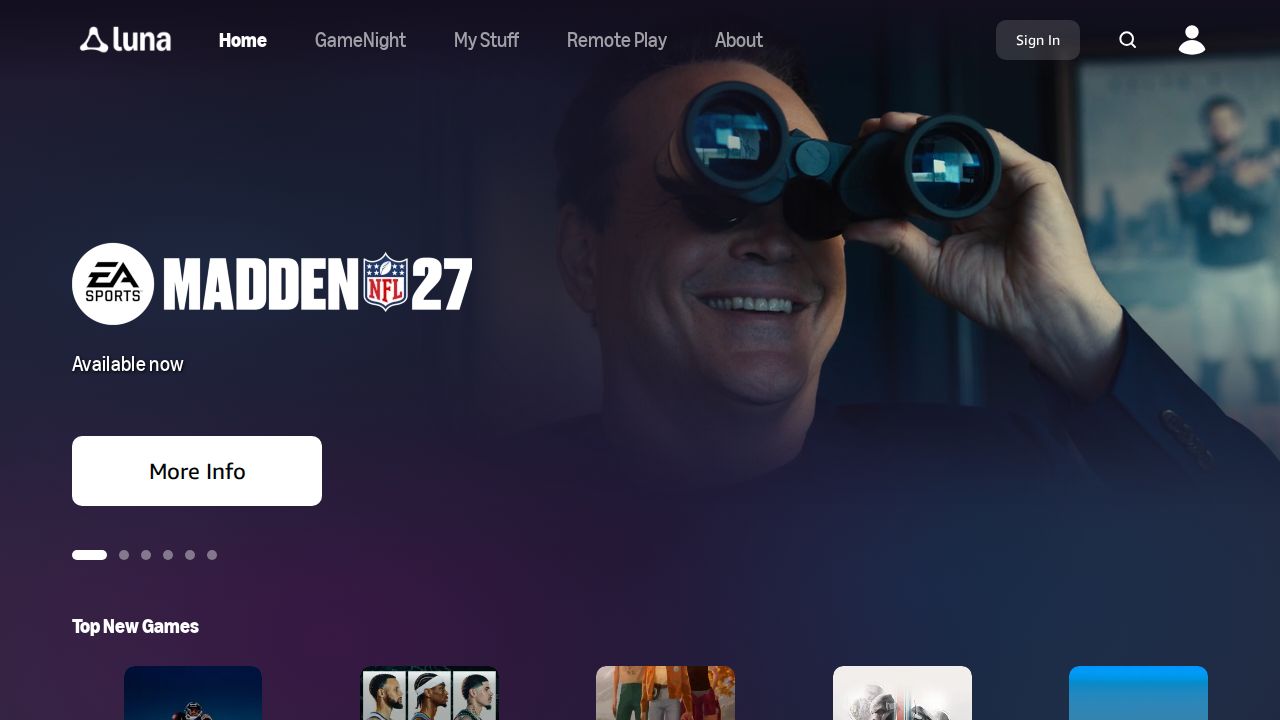
Best for prime members and party games Amazon Luna is the easiest way to try cloud gaming if you already pay for Prime. Prime includes 60+ games and 25+ GameNight party games, and your phone can act as the controller on a compatible TV. Luna Premium adds a bigger library for a monthly fee.
What stands out
- 60+ games included with Prime at no extra cost
- 25+ GameNight local multiplayer party games
- Use your phone as a controller on compatible TVs
- Works on Fire TV, phones, tablets, browsers and select LG and Samsung TVs
Keep in mind
- Luna Premium price is not stated on the pages we checked
- Requires a Prime membership for the included games
 Boosteroid
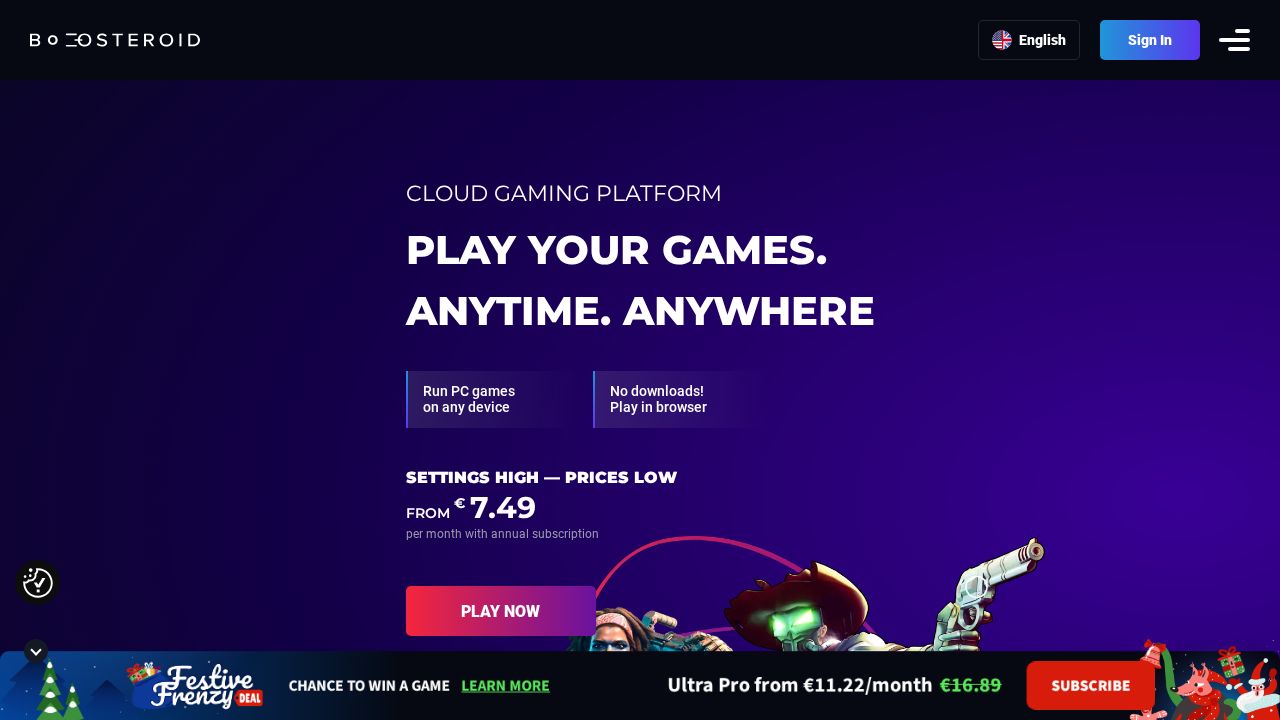
Best for low-cost streaming of games you own Boosteroid streams hundreds of titles from popular PC game stores using your own game accounts. It supports a wide range of devices, including Windows, Mac, Linux, Android, iOS, ChromeOS and several smart TV platforms, plus play in a browser.
What stands out
- Hundreds of supported titles
- Launch games you already own
- Apps for Windows, macOS, Linux, Android, iOS and ChromeOS
- Works on Android TV, Samsung and LG smart TVs and in browsers
Keep in mind
- Homepage shows prices in euros only, so check the US price at sign-up
- You need to own most games
 Shadow
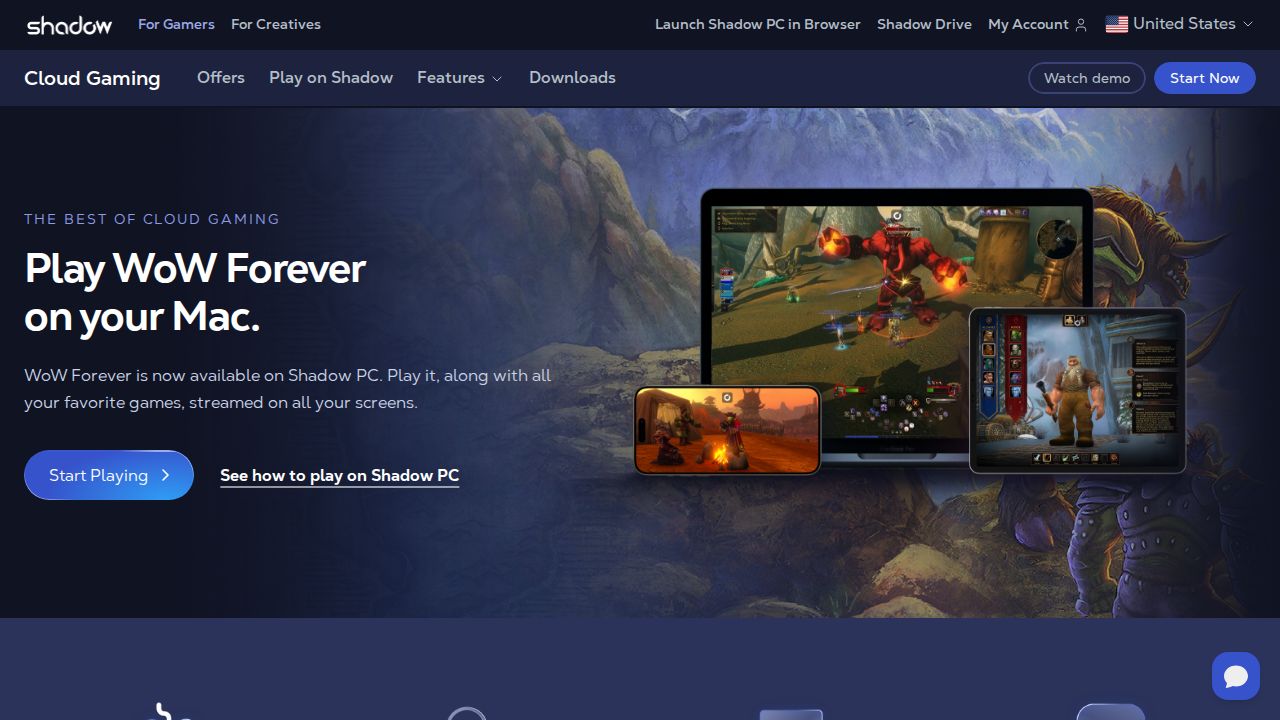
Best for a full Windows PC in the cloud Shadow is different from the others because it rents you a full Windows 11 PC in the cloud. You can install any game launcher or app you like. It suits players who want total control and also need a PC for work or creative apps.
What stands out
- Full Windows 11 PC you control
- Monthly plans with no commitment
- Storage expandable up to 5 TB
- Runs on Windows, macOS, Linux, iOS, Android, Android TV and browsers
Keep in mind
- Neo Lite at $29.99 limits you to 120 hours a month and 4-hour sessions
- Higher tiers cost $37.99 to $59.99 a month
- You must buy your own games
How we chose
We compared each service’s published plans on these points:
- What you can play. Whether games are included or you bring your own.
- Price and free options. The entry price, free tiers and Prime or bundle access.
- Limits. Monthly playtime caps, session lengths and ads.
- Devices. PCs, Macs, TVs, phones, handhelds and browsers.
- Stream quality. Published resolution and frame rate.
This list is based on each company’s published plans and pricing, not lab testing. Where a price was not published, we say “See site” instead of guessing.
Library service or bring your own games?
- You already own PC games: GeForce NOW or Boosteroid stream them without new purchases. Shadow gives you a whole Windows PC.
- You want games included: Xbox Game Pass, PlayStation Plus Premium or Amazon Luna.
- You only want to try it: Start with the GeForce NOW free tier or Luna if you have Prime.
Before you subscribe
- Use a wired connection or a strong 5 GHz Wi-Fi signal.
- Check that your TV or device is on the supported list.
- Pair a controller if you plan to play on a phone or TV.
- Note any monthly hour cap and session length limit.
- Start with a single month before paying for a longer plan.
Frequently asked questions
Is there a free cloud gaming service?
GeForce NOW has a free tier with ads before sessions. Amazon Luna includes 60+ games at no extra cost for Prime members.
Do I need to own the games?
For GeForce NOW, Boosteroid and Shadow, yes, for most titles. Game Pass, PS Plus Premium and Luna include a library of games with the subscription.
Can I play cloud games on my TV?
Yes. GeForce NOW, Luna and Boosteroid support select smart TVs, and Xbox Cloud Gaming lists TVs among its supported devices. You will usually need a controller.
How fast does my internet need to be?
Requirements vary. PlayStation lists 5 Mbps as a minimum and 15 Mbps for 1080p streaming. Higher resolutions need faster, more stable connections.
Are there limits on how long I can play?
Often, yes. GeForce NOW paid plans include 100 hours a month, Shadow plans include 120 to 210 hours, and Game Pass plans list 5 to 15 hours of cloud play a month.
Sources
How we wrote this
This list is based on each company's published plans, prices and feature pages, not on hands-on lab testing. Facts were last checked on November 17, 2026. See our editorial policy.