No company paid to be on this list. Prices were checked on November 17, 2026 and can change. How we make money.
At a glance
| # | Product | Best for | Starting price | Free option |
|---|---|---|---|---|
| 1 | A large free on-demand library | Free | Free plan | |
| 2 | Channel surfing like cable | Free | Free plan | |
| 3 | The most free live channels | Free | Free plan | |
| 4 | Streaming free without an account | Free | Free plan | |
| 5 | Free news and live channels | Free | Free plan | |
| 6 | A simple free live channel lineup | Free | Free plan |
The list
 Tubi
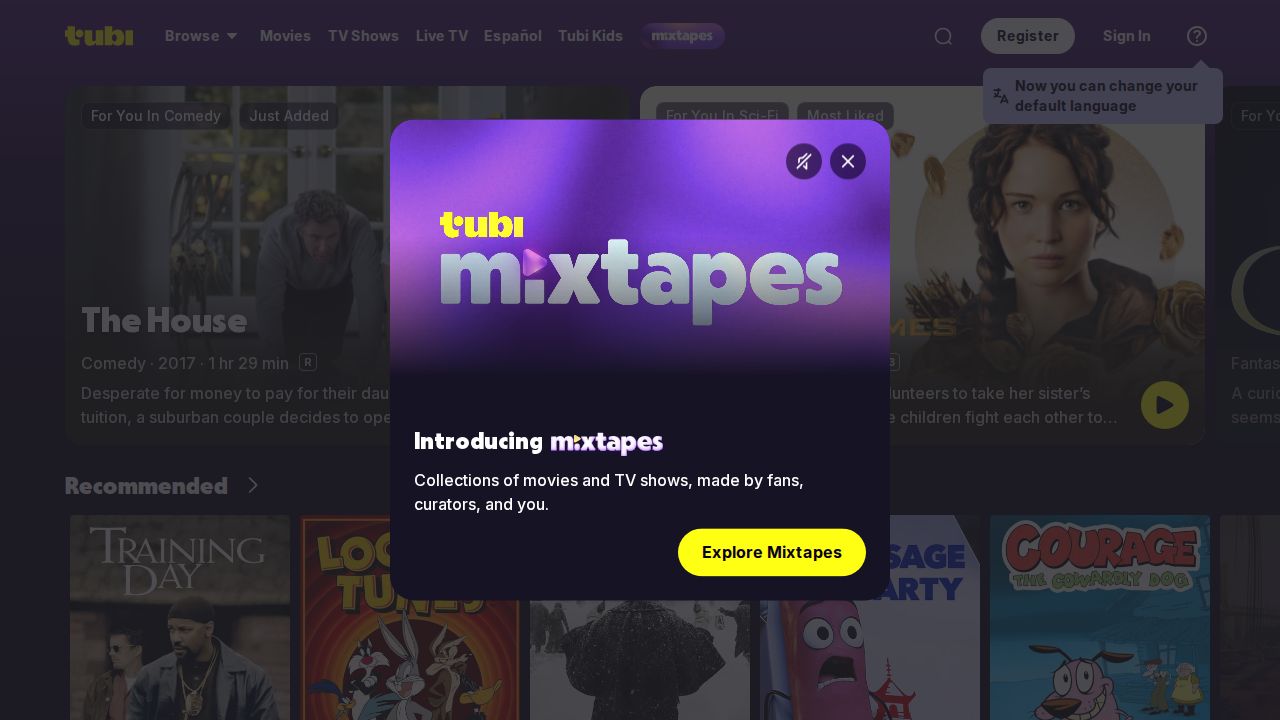
Best for a large free on-demand library Tubi is the easiest free service to recommend. It says there is no subscription and that it is free forever, and it mixes on-demand movies and shows with a live TV section that includes news channels. Apps cover iPhone, Android, Roku, Fire TV and Windows.
What stands out
- No subscription; Tubi describes itself as free forever
- Live TV section with channels such as ABC News Live and LiveNOW from FOX
- Apps for iOS, Android, Roku, Amazon Fire TV and Windows
- Separate Tubi Kids section
Keep in mind
- Supported by ads
- Tubi does not publish a title count on its homepage
 Pluto TV
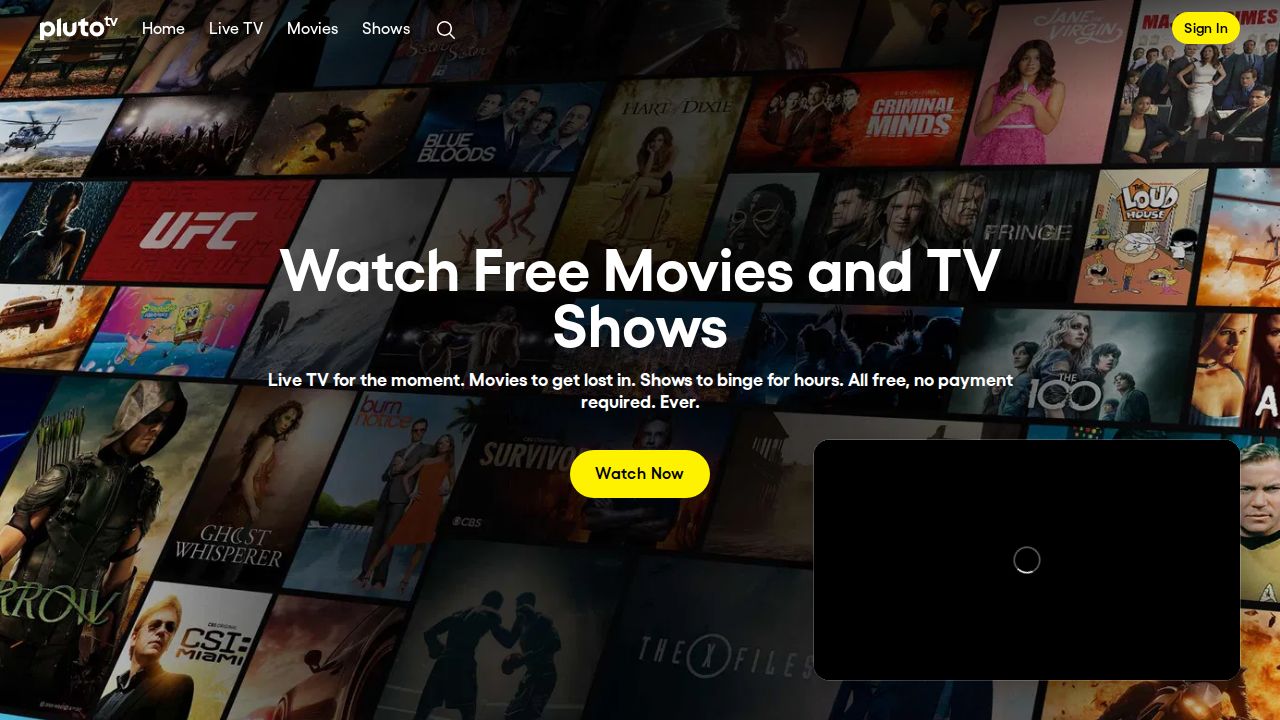
Best for channel surfing like cable Pluto TV feels the most like flipping through cable. It offers hundreds of free live channels plus on-demand movies and shows, with short commercial breaks paying for it. You can start watching in a browser without downloading anything or entering a card.
What stands out
- Hundreds of free live TV channels
- No credit card required
- Optional free profile syncs favorite channels and your watch list
- Runs on Roku, Fire TV, Apple TV, Chromecast, Samsung, LG, Vizio, Xbox, PlayStation and web browsers
Keep in mind
- Short commercial breaks during shows
- No exact channel or title count published
 The Roku Channel
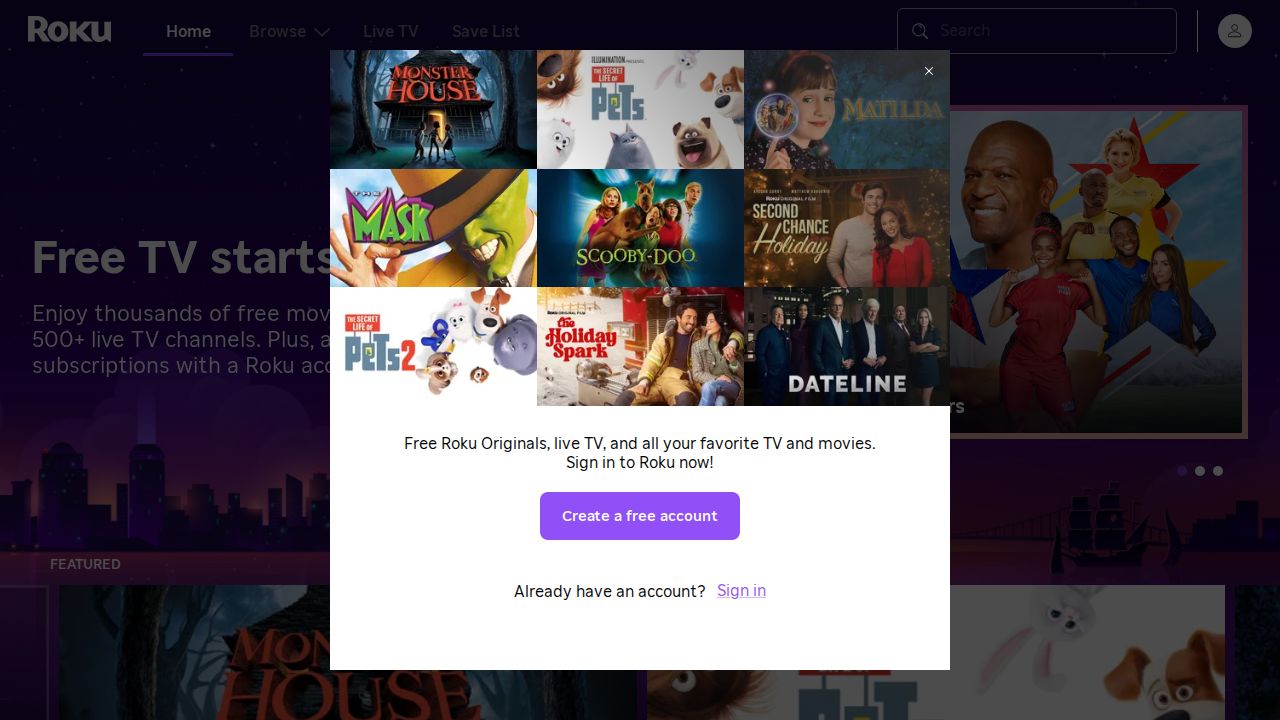
Best for the most free live channels The Roku Channel offers free TV shows and movies plus 500+ live channels, and despite the name you do not need a Roku player. In the US it also runs on the web, the Roku mobile app, Samsung smart TVs and Amazon Fire TV devices. Paid premium subscriptions are optional.
What stands out
- 500+ live channels
- Free TV shows and movies, plus Roku Originals
- Watch on the web, the Roku mobile app, Samsung TVs and Fire TV in the US
- Optional premium subscriptions in the US
Keep in mind
- Roku's help page does not describe how ads work
- Premium subscriptions are not available on Samsung TVs or Fire TV
 Plex
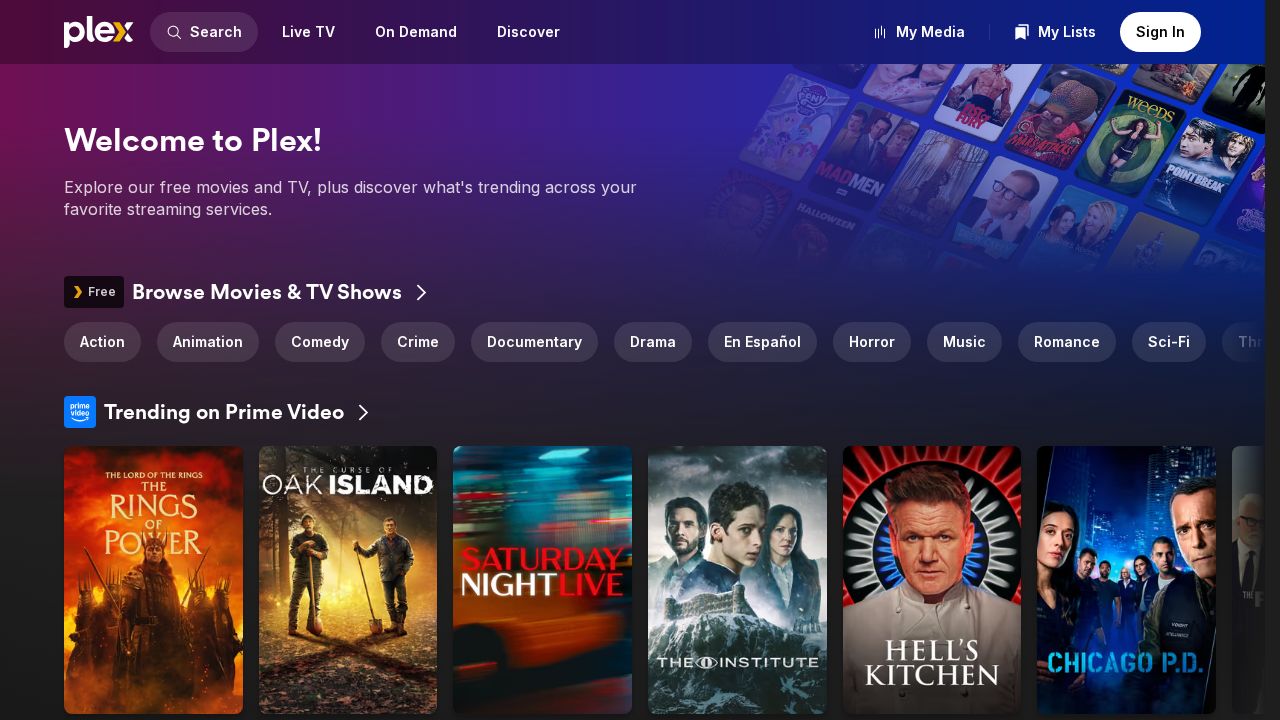
Best for streaming free without an account Plex is a free, legal streaming app that does not ask for a credit card or subscription. You can watch without an account, and signing up for a free one adds a universal watchlist and more free content. It runs on most streaming players, smart TVs, phones and game consoles.
What stands out
- No credit card, subscription or hidden fees
- No account required to start watching
- Free account adds a universal watchlist and more free content
- Available on streaming players, smart TVs, phones, tablets and game consoles
Keep in mind
- No option to watch Plex-provided content without ads
- Plex Pass is for managing your own media and does not remove ads
 Sling Freestream
Best for free news and live channels Sling Freestream is the free tier from Sling TV. It streams live TV, shows, news and movies at no cost, with channel categories for news, entertainment, sports, food and travel, international and Latino viewers. It also points you to thousands of movies on demand.
What stands out
- Free live TV, shows, news and movies
- Thousands of on-demand movies
- Channel categories include news, sports, international and Latino
Keep in mind
- Sling does not publish a channel count for Freestream
- Account and device details are not stated on the Freestream page
 Xumo Play
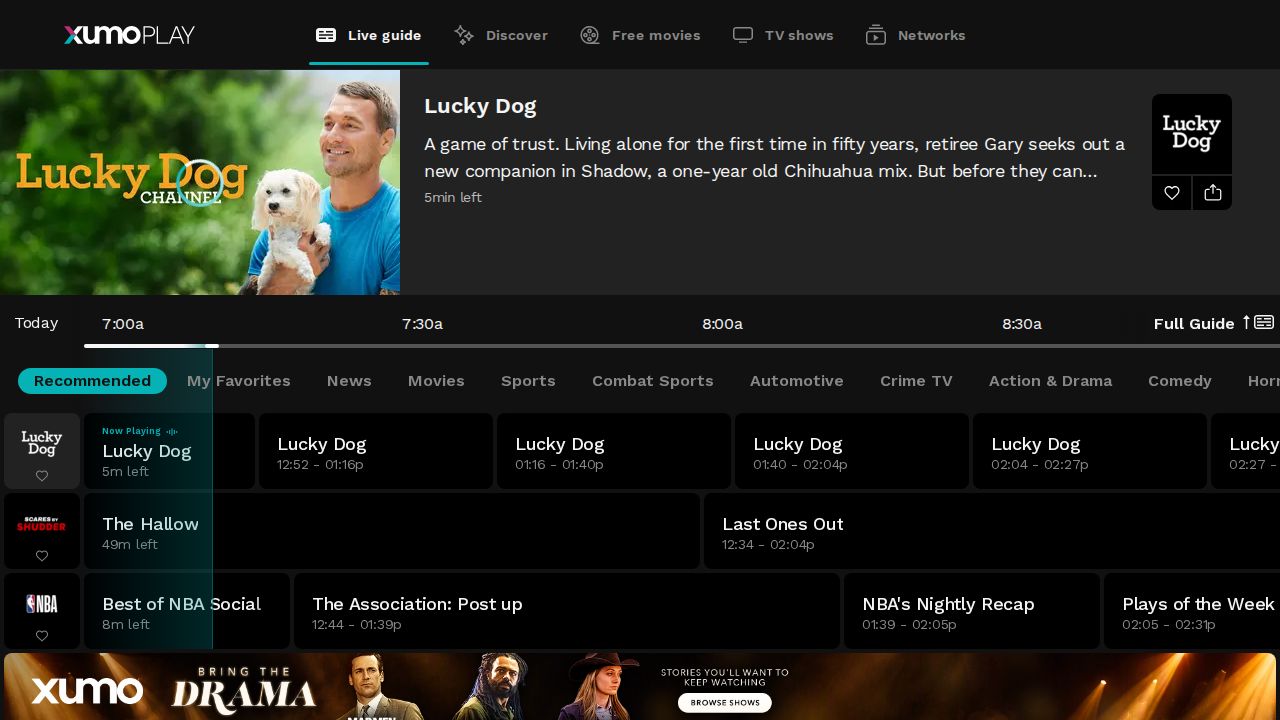
Best for a simple free live channel lineup Xumo Play is a straightforward free service with live and on-demand streaming channels, plus free movies and TV shows. It works in a web browser and has iPhone and Android apps. It is a good backup when the bigger free services do not have what you want.
What stands out
- Free live and on-demand streaming channels
- Free movies and TV shows sections
- Apps for iPhone and Android, plus web viewing
Keep in mind
- No channel count, account rules or ad details published on the homepage
How we chose
We looked at each service’s own website and help pages on these points:
- Truly free. No subscription and no credit card needed to start watching.
- Live and on-demand mix. Whether you get live channels, a library of movies and shows, or both.
- Account rules. Whether you can watch without signing up.
- Device support. Phones, streaming sticks, smart TVs and web browsers.
This list is based on what each company publishes, not lab testing. Every service here is free, so no “See site” prices were needed, but several did not publish channel counts, which we note in the cons.
Free vs paid streaming
Free services are a good fit when you want something on in the background, enjoy older movies or like flipping through live channels. The trade-off is ads, and newer movies and series usually land on paid services first.
- Stick with free if you watch casually or want to cut your monthly bill.
- Pay for a service if you want new releases, no ads or live sports.
Libraries on free services change often as licensing deals start and end. A movie you saw last month may be gone today, so add titles you care about to a watchlist and watch them soon.
Tips for getting more from free apps
- Install two or three; their libraries differ.
- Create a free account where offered to save a watchlist.
- Use the live guide in Pluto TV or The Roku Channel when you do not know what to watch.
- Turn on captions and parental controls in each app’s settings if you share the TV with kids.
Frequently asked questions
Are free streaming services legal?
Yes. The services on this list are run by established companies and pay for content with ads. Plex, for example, describes itself as a free and legal streaming app.
Do I need a credit card to use free streaming services?
No. Pluto TV and Plex both say no credit card is required, and Tubi says there is no subscription.
Can I watch The Roku Channel without a Roku?
Yes. In the US it is available on the web, in the Roku mobile app, on compatible Samsung smart TVs and on Amazon Fire TV devices.
Can I remove ads from free streaming apps?
Usually not. Plex says there is no option to watch its own content without ads. These services rely on ads instead of a monthly fee.
Sources
How we wrote this
This list is based on each company's published plans, prices and feature pages, not on hands-on lab testing. Facts were last checked on November 17, 2026. See our editorial policy.