No company paid to be on this list. Prices were checked on November 17, 2026 and can change. How we make money.
At a glance
| # | Product | Best for | Starting price | Free option |
|---|---|---|---|---|
| 1 |  Kindle+ | The largest ebook catalog | $11.99/mo | 30-day trial |
| 2 | Free ebooks with a library card | Free | Free with library card | |
| 3 | Ebooks and audiobooks together | $11.99/mo | 30-day trial | |
| 4 | Kobo eReader owners | See site | 14-day trial | |
| 5 | Instant library borrowing | Free | Free with library card | |
| 6 | Students and academic reading | See site | See site | |
| 7 | Kids who are learning to read | See site | Free trial |
The list
Kindle+
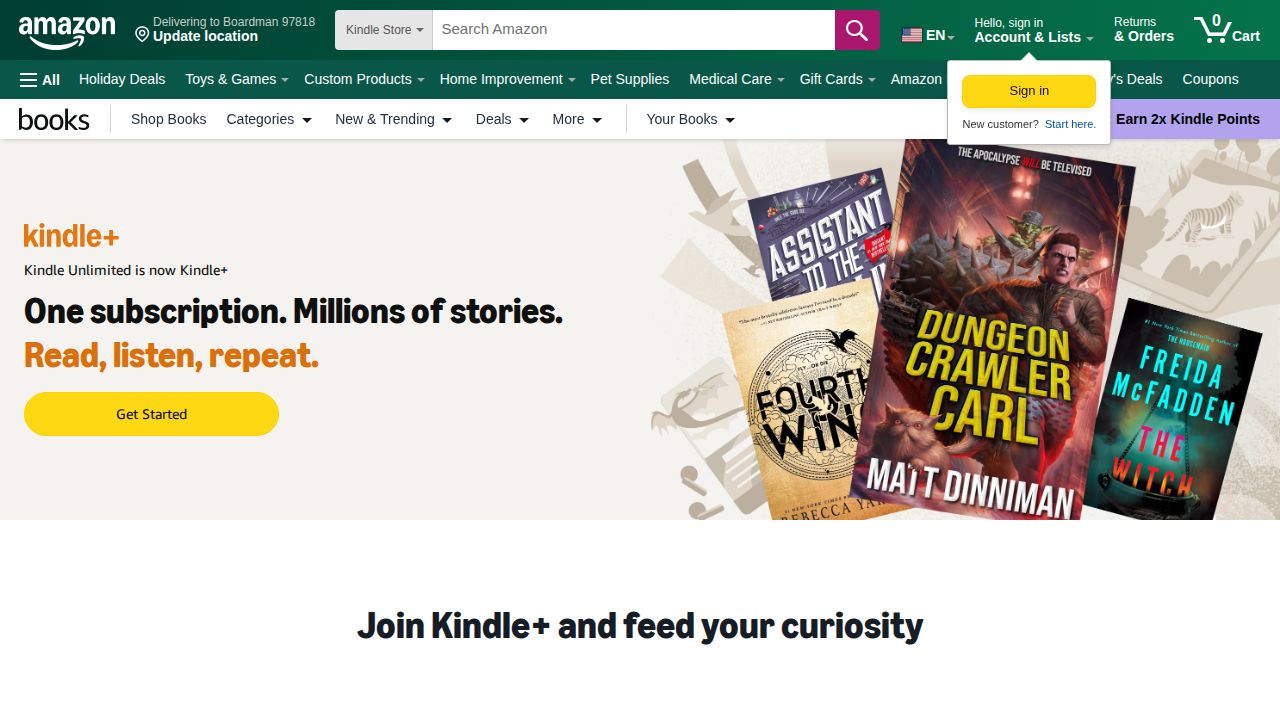
Best for the largest ebook catalog Kindle+ (formerly Kindle Unlimited) is the top pick for heavy readers. Amazon says it includes more than 5 million digital books, plus thousands of audiobooks, comics and magazines. You can borrow up to 20 titles at once and read on any Kindle or in the free Kindle app.
What stands out
- More than 5 million digital books
- Borrow up to 20 titles at a time
- Includes thousands of audiobooks, comics, manga and magazines
- Works on Kindle devices and the free Kindle app
Keep in mind
- Price is plus tax
- The free trial is for new subscribers only
 Libby
Best for free ebooks with a library card Libby is the best free alternative to a paid subscription. You sign in with your public library card and borrow ebooks, audiobooks and magazines. US library books can be sent to a Kindle, and ebooks can be read directly on a Kobo.
What stands out
- Free to borrow with a library card
- Send US library books to a Kindle
- Read Libby ebooks directly on a Kobo
- Magazines include an easy-to-read article mode
Keep in mind
- You need a card from a participating library
- Popular titles may require placing a hold
 Everand
Best for ebooks and audiobooks together Everand combines ebooks, audiobooks and podcasts. Each plan comes with monthly unlocks from a catalog of over 1.5 million titles, plus unlimited access to more than 20,000 titles that need no unlock. It suits readers who also like to listen.
What stands out
- 30-day free trial
- Over 1.5 million titles to unlock
- Unused unlocks roll over for up to 6 months
- Read offline in the iOS and Android apps
Keep in mind
- Standard plan includes only 1 unlock a month
- Plus ($16.99) and Deluxe ($28.99) cost more for 3 or 5 unlocks
 Kobo Plus
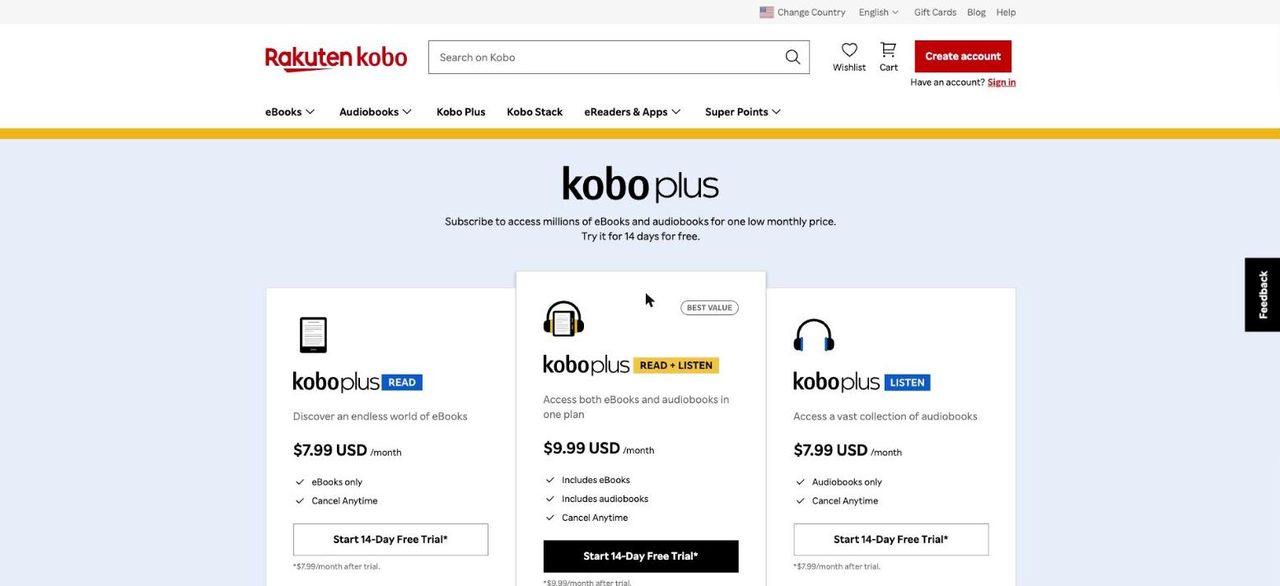
Best for kobo eReader owners Kobo Plus is the natural choice if you own a Kobo eReader. Kobo says the subscription includes hundreds of thousands of ebooks you can read on most Kobo eReaders and in the Kobo app. US customers get a 14-day free trial.
What stands out
- 14-day free trial for US customers
- Hundreds of thousands of ebooks
- Works on most Kobo eReaders and the Kobo app
- Manage the plan on kobo.com or in the Android app
Keep in mind
- US price not shown on the help page we checked
- You lose access to Kobo Plus books if you cancel
- Pre-paid Visa and Mastercard cards are not accepted
 hoopla
Best for instant library borrowing hoopla is a free digital service offered through many public libraries. It lends ebooks, audiobooks and comics, plus movies, TV and music, and lets you borrow titles right away. It pairs well with Libby when you want to avoid hold lists.

What stands out
- Free through participating public libraries
- Ebooks, audiobooks, comics, movies, TV and music
- Titles can be borrowed right away
- Apps for phones, tablets and TV devices such as Roku and Fire TV
Keep in mind
- Your library must offer hoopla
- Monthly borrowing limits are not listed on hoopla's about page
 Perlego
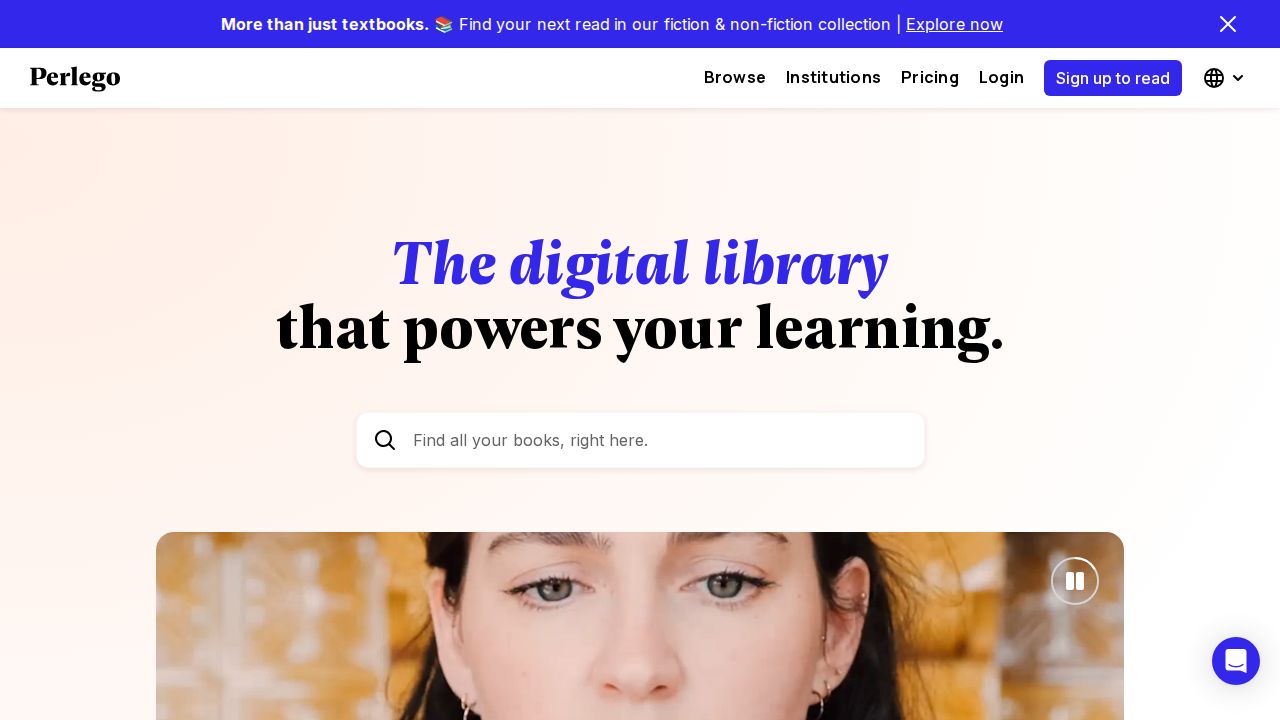
Best for students and academic reading Perlego is built for students and professionals. The Complete plan covers over 1.5 million titles, including academic and specialist books, and adds a research assistant. The cheaper Essential plan focuses on about 800,000 business, personal growth and humanities titles.
What stands out
- Complete plan covers over 1.5 million titles
- One-click citations in several styles
- Offline reading in the iOS and Android apps
- Save 33% with yearly billing
Keep in mind
- US prices were not shown on the pricing page we checked
- Academic focus makes it less suited to casual fiction readers
 Epic
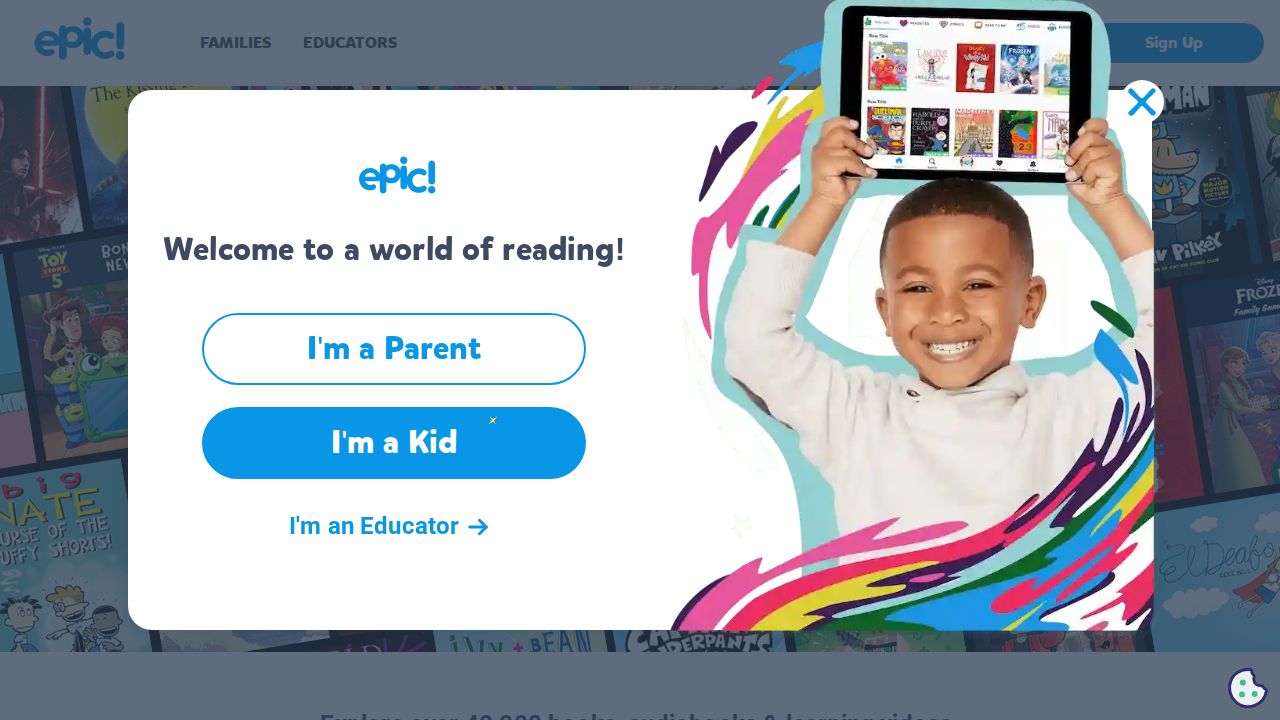
Best for kids who are learning to read Epic is a reading library for children with over 40,000 books, audiobooks and learning videos. Families can start with a free trial, and educators get access for free. It is a good fit for parents who want a curated, kid-focused catalog.
What stands out
- Over 40,000 books and videos
- Includes audiobooks and learning videos
- Free for educators
- Free trial for families
Keep in mind
- Family price was not shown on the homepage we checked
- Catalog is aimed at kids only
How we chose
We compared each service’s published plans on these points:
- Catalog size. How many titles you can read.
- Monthly cost and trials. The entry price and how long you can try it free.
- Device support. Kindle, Kobo, phones, tablets and the web.
- Borrowing rules. How many titles you can hold at once and what happens when you cancel.
This list is based on each company’s published plans and pricing, not lab testing. Where a price was not published, we say “See site” instead of guessing.
Paid subscription or free library app?
Start with a free library app if you read a few books a month and do not mind the occasional wait. Libby and hoopla cost nothing with a library card.
A paid subscription makes more sense when:
- You read several books a month and want no hold lists
- You read on a Kindle or Kobo and want a matching catalog
- You also want audiobooks in the same plan
- You need academic titles, as with Perlego
How to get the most from a trial
- Sign up when you have time to read, not before a busy week.
- Set a reminder a few days before the trial ends.
- Check the catalog for books you actually want before subscribing.
- Cancel through the official site or app if it is not a fit.
Frequently asked questions
Is Kindle+ (Kindle Unlimited) worth it?
If you read more than one ebook a month, it can be. Amazon lists more than 5 million titles and lets you borrow up to 20 at once for $11.99 a month.
Can I get ebooks for free?
Yes. Libby and hoopla lend ebooks for free through participating public libraries. You need a library card.
Do I keep the books if I cancel?
No. Subscription titles from Kindle+, Everand and Kobo Plus are only available while you subscribe.
Which service works with a Kindle?
Kindle+ works on all Kindle devices. Libby can also send US library books to a Kindle.
Which service works with a Kobo eReader?
Kobo Plus works on most Kobo eReaders, and Libby ebooks can be read directly on a Kobo.
Sources
How we wrote this
This list is based on each company's published plans, prices and feature pages, not on hands-on lab testing. Facts were last checked on November 17, 2026. See our editorial policy.