No company paid to be on this list. Prices were checked on November 17, 2026 and can change. How we make money.
At a glance
| # | Product | Best for | Starting price | Free option |
|---|---|---|---|---|
| 1 | iPhone, iPad and Mac owners | Free | Free | |
| 2 | Music and podcasts in one app | Free | Free plan | |
| 3 | Switching between Android and iPhone | Free | Free app | |
| 4 | Shorter listening time on iPhone | Free | Free app | |
| 5 | A huge library on any device | Free | Free | |
| 6 | Open-source, ad-free listening on Android | Free | Free |
The list
 Apple Podcasts
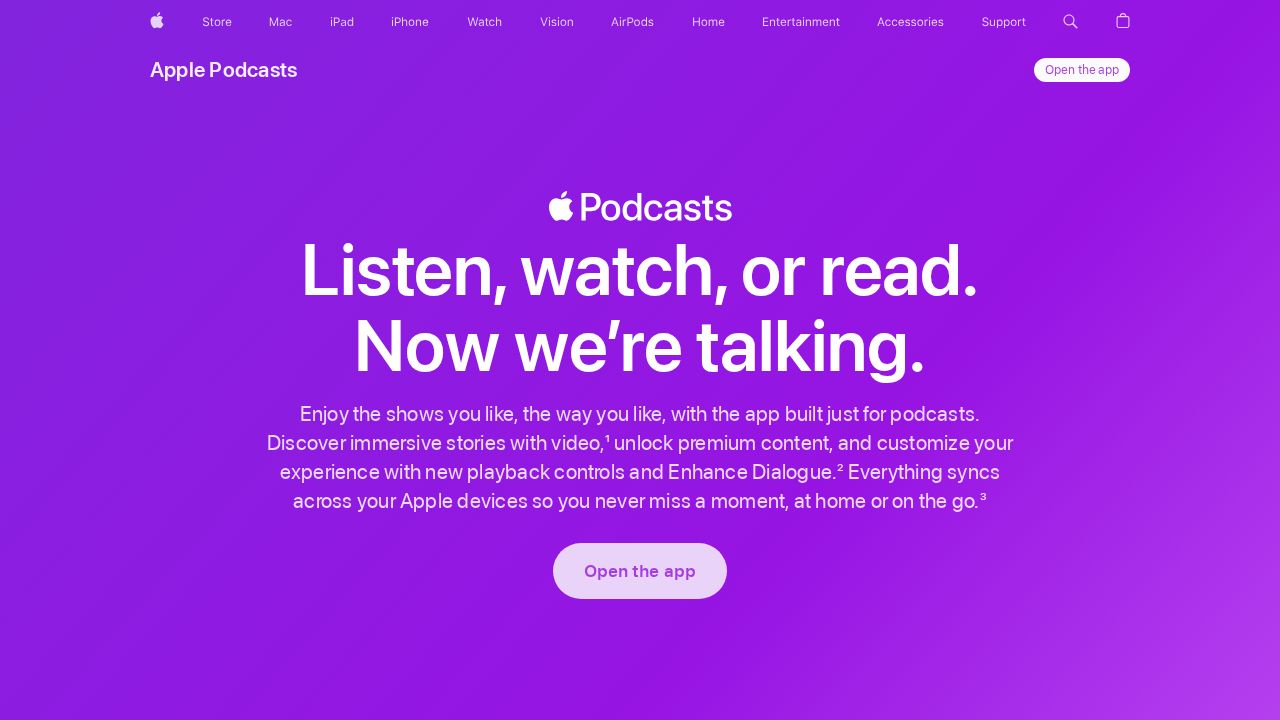
Best for iPhone, iPad and Mac owners Apple Podcasts is the easy default on Apple devices because it is already installed and syncs across iPhone, iPad, Mac and Apple Watch. It offers searchable transcripts, a dialogue enhancer and per-show playback speeds. Some creators sell ad-free or bonus episodes through in-app subscriptions.
What stands out
- Searchable transcripts you can tap to jump through an episode
- Enhance Dialogue makes voices clearer on iOS 26 and iPadOS 26
- Playback speed can be saved per podcast
- Works on CarPlay, HomePod, Apple TV 4K and the web
Keep in mind
- No Android app is mentioned on Apple's page
- Transcripts are available only in select languages
 Spotify
Best for music and podcasts in one app Spotify is a good choice if you already use it for music. The free plan lets you play millions of songs and podcasts without a credit card. Premium Individual costs $12.99 a month and mainly adds music perks, plus 15 hours of audiobooks.
What stands out
- Podcasts are free to play on the free plan
- No credit card needed to sign up for the free plan
- Duo and Family plans cover 2 or up to 6 accounts
- Premium Individual is $12.99 a month if you also want ad-free music
Keep in mind
- Free plan includes ads
- Premium mainly adds music perks, so it adds little for podcast-only listeners
 Pocket Casts
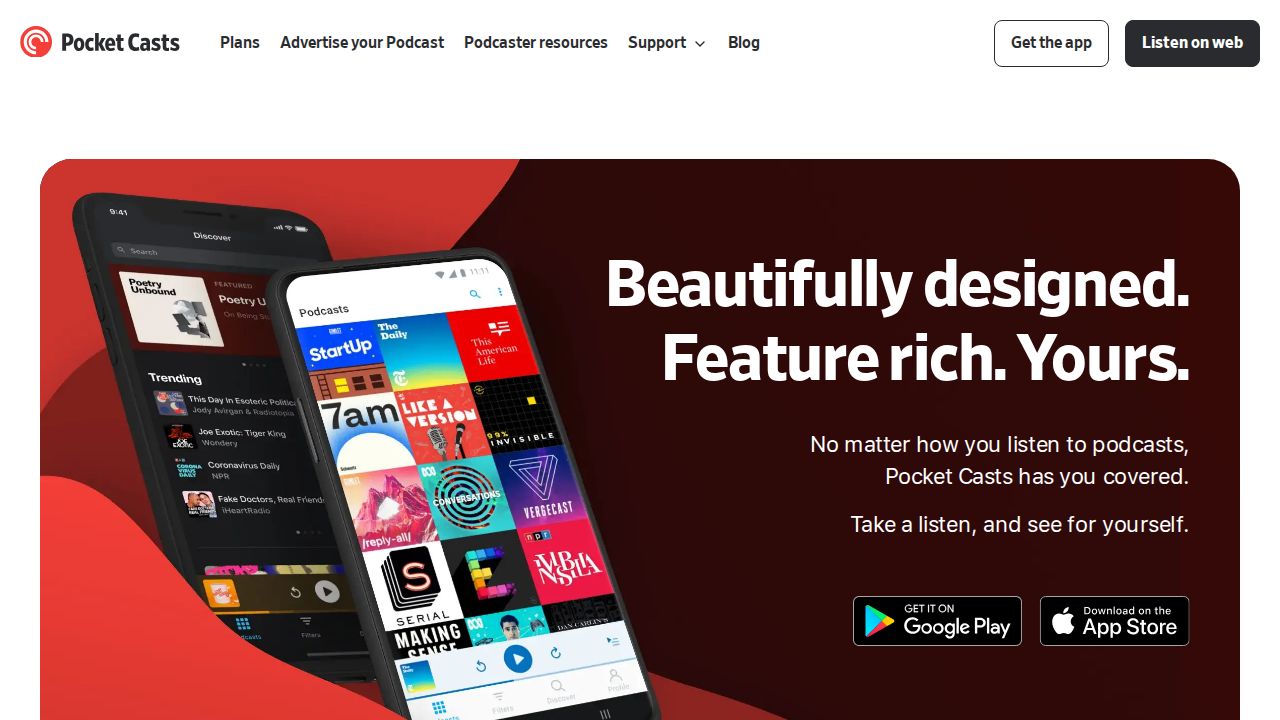
Best for switching between Android and iPhone Pocket Casts is a full-featured player that works on Android, iOS and a web or desktop player. The app is free. The Plus upgrade adds folders that sync across devices and watch apps, and Patron adds 100 GB of cloud storage for your own audio files.
What stands out
- Free app on Android and iOS, plus a web and desktop player
- Plus adds synced folders and wearable apps
- Patron adds 100 GB of cloud storage for uploaded files
- Plus members can share a 2-month Guest Pass
Keep in mind
- Plus and Patron prices are not shown on the official pages we checked
- Folders and watch apps need a paid plan
 Overcast
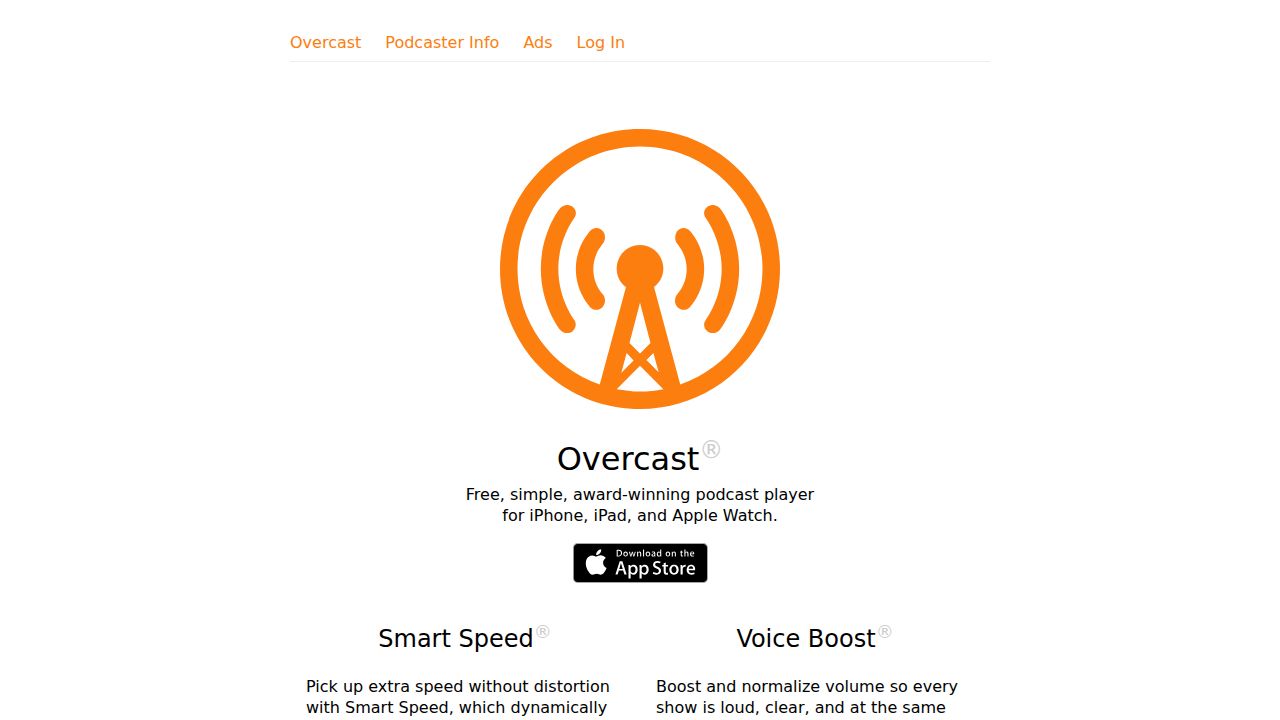
Best for shorter listening time on iPhone Overcast stands out on iPhone for its audio tools. Smart Speed trims silences in talk shows so episodes finish sooner, and Voice Boost evens out volume between shows. Most features are free with small visual ads, and an annual subscription can hide them.
What stands out
- Smart Speed shortens silences without distorting audio
- Voice Boost normalizes volume across shows
- Runs on iPhone, iPad and Apple Watch
- Most features are free
Keep in mind
- No Android app
- Free version shows small visual ads, and the annual subscription price is not shown on the homepage
 Castbox
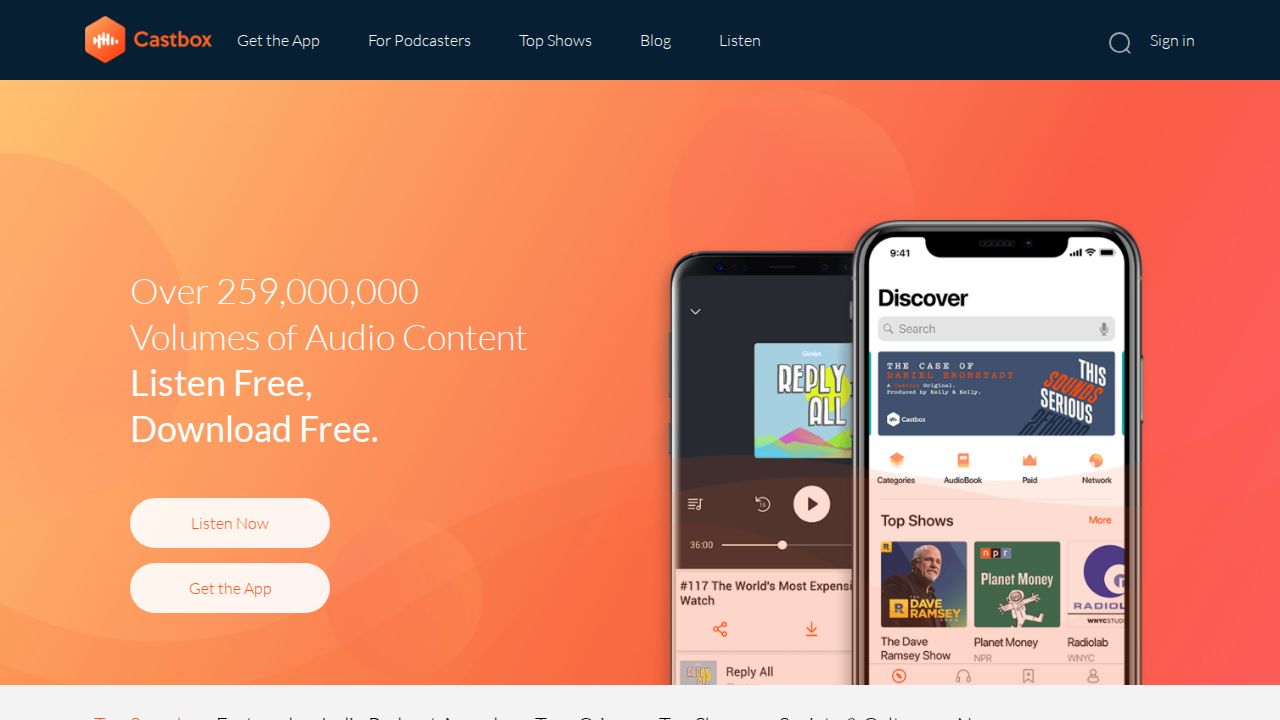
Best for a huge library on any device Castbox is a free podcast player that works on Android, iPhone, PC and smart speakers. The company says it offers over 259 million volumes of audio content, and it supports CarPlay and Android Auto. It suits listeners who want one app across many devices.
What stands out
- Free to listen and download
- Available on Android, iOS and PC
- Works with Alexa, Google Home, CarPlay and Android Auto
- Large catalog of shows and episodes
Keep in mind
- Premium tier details are not shown on the homepage
- Owned by Guru Network, a less familiar company than Apple or Spotify
 AntennaPod
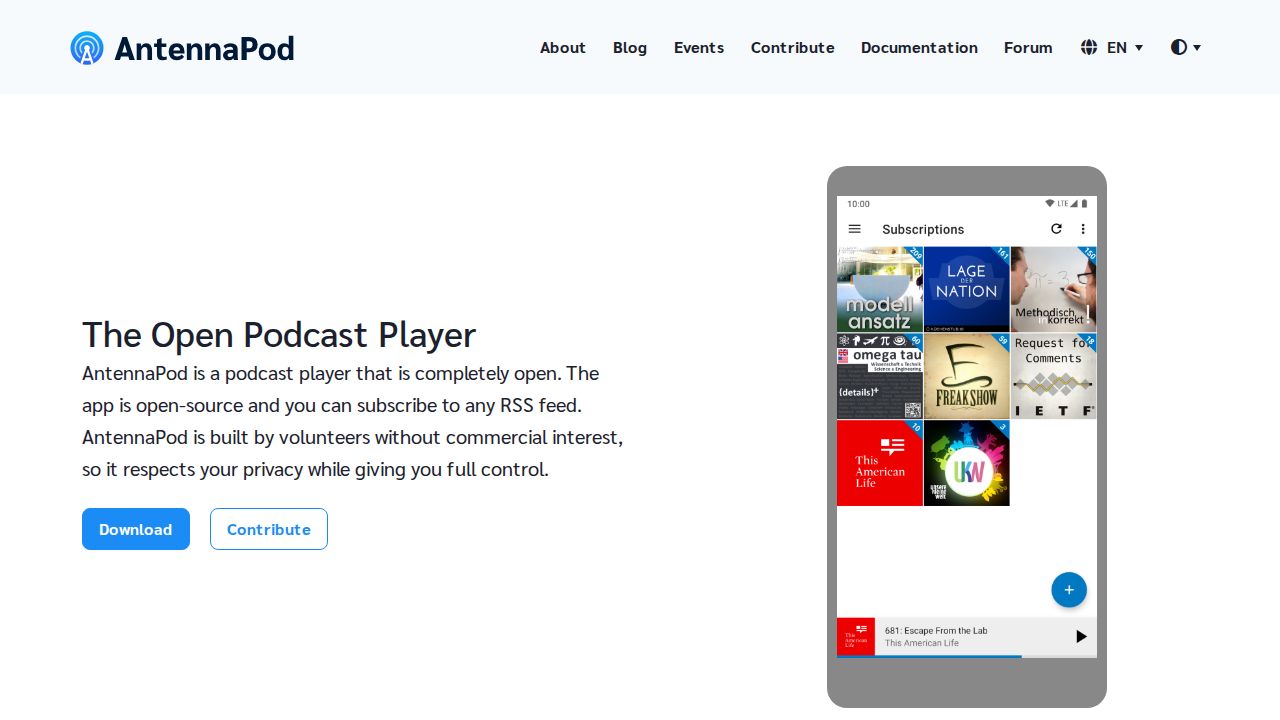
Best for open-source, ad-free listening on Android AntennaPod is an open-source podcast manager for Android built by volunteers. It has no ads in the app and lets you subscribe to any RSS feed, which makes it a strong pick for privacy-minded listeners who want full control over their shows.
What stands out
- Open source and built by volunteers with no commercial interest
- No ads in the app itself
- Subscribe to any RSS feed
- Automatic downloads for offline listening
Keep in mind
- Android only
- The website does not describe cross-device sync options
How we chose
We compared each app’s published features on these points:
- Cost. Whether the core app is free and what paid upgrades add.
- Platforms. iPhone, Android, web, watches and car support.
- Listening tools. Speed controls, silence trimming, volume boost and transcripts.
- Control and privacy. Support for RSS feeds and how ads are handled.
This list is based on each company’s published features and plans, not lab testing. Where a price for a paid upgrade was not published, we say so instead of guessing.
Which app fits your phone?
- iPhone only: Apple Podcasts is already installed. Try Overcast if you want Smart Speed and Voice Boost.
- Android only: AntennaPod for an open-source, ad-free app, or Pocket Casts for a polished free player.
- Both, or switching soon: Pocket Casts, Spotify and Castbox run on iPhone and Android.
- You use Spotify for music: Keep podcasts there to avoid another app.
How to switch podcast apps
- In your current app, look for an export or OPML option in settings.
- Save the OPML file to your phone or cloud storage.
- Open the new app and import the file.
- Check that your shows appear, then turn off auto-downloads in the old app.
- Uninstall the old app once you are happy with the new one.
Frequently asked questions
Do I have to pay for a podcast app?
No. All six apps on this list play podcasts for free. Paid upgrades add extras such as synced folders, watch apps, cloud storage or hiding ads.
What is the best podcast app for Android?
Pocket Casts is a strong all-round choice on Android, and AntennaPod is a free, open-source option with no ads in the app. Spotify and Castbox also run on Android.
What is the best podcast app for iPhone?
Apple Podcasts is built in and adds transcripts and Enhance Dialogue. Overcast is a popular alternative for its Smart Speed and Voice Boost tools.
Can I move my podcasts from one app to another?
Usually, yes. Most dedicated podcast apps can export and import your subscriptions as an OPML file, so you do not have to re-add shows one by one.
Why do some podcasts cost money?
Some creators sell subscriptions for ad-free listening, bonus episodes or early access. In Apple Podcasts, the creator sets the price.
Sources
How we wrote this
This list is based on each company's published plans, prices and feature pages, not on hands-on lab testing. Facts were last checked on November 17, 2026. See our editorial policy.