No company paid to be on this list. Prices were checked on November 17, 2026 and can change. How we make money.
At a glance
| # | Product | Best for | Starting price | Free option |
|---|---|---|---|---|
| 1 | Families who want one main service | $12.49/mo | No | |
| 2 | Free educational shows for young kids | Free | Free plan | |
| 3 | Households with kids of different ages | $8.99/mo | No | |
| 4 | Age-based settings and screen time limits | Free | Free (with ads) | |
| 5 | Nickelodeon shows and family profiles | $8.99/mo | See site | |
| 6 | Free kids titles through your library | Free | With library card |
The list
 Disney+
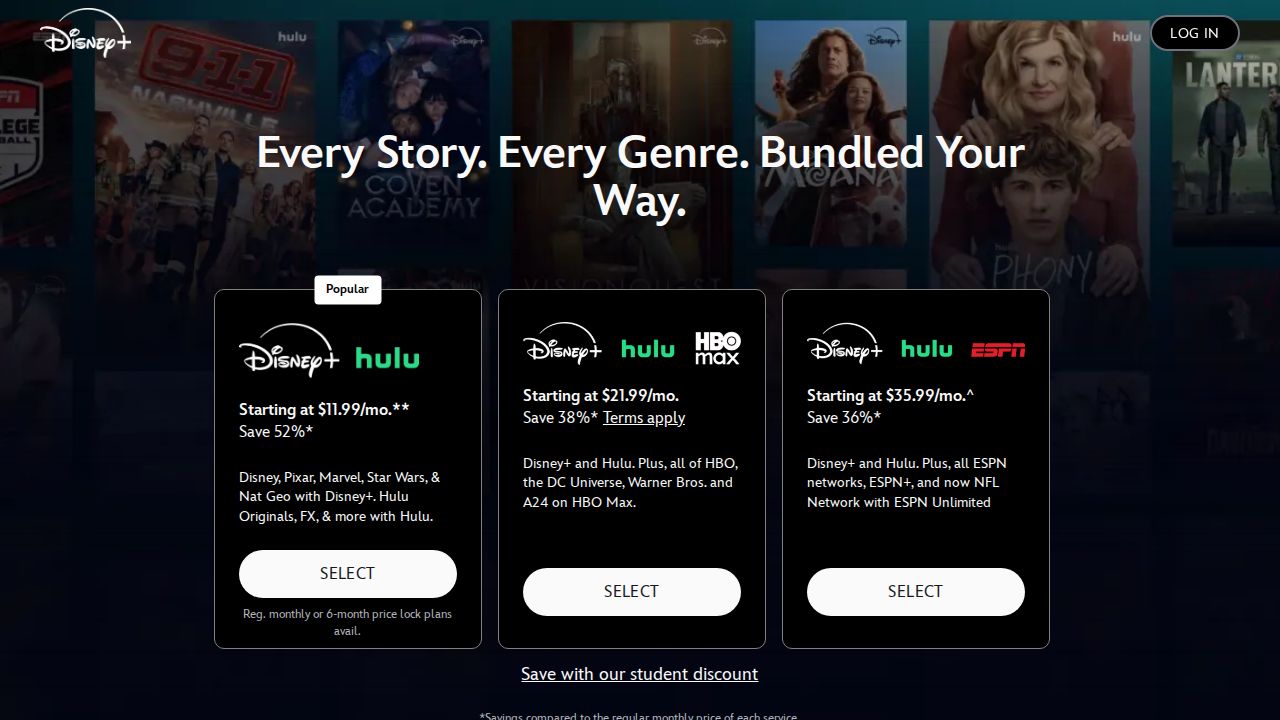
Best for families who want one main service Disney+ is the natural first pick for families. It brings together Disney, Pixar, Marvel, Star Wars and National Geographic, and its parental controls include content rating limits per profile, PIN protection and Junior Mode. Bundles with Hulu or HBO Max add shows for parents.
What stands out
- Disney, Pixar, Marvel, Star Wars and National Geographic in one app
- Parental controls with per-profile rating limits, PIN protection and Junior Mode
- Disney+ and Hulu bundle with ads is $12.99 a month
- 4K UHD and Dolby Atmos on compatible devices
Keep in mind
- Ad-free Disney+ Premium costs $21.49 a month or $214.99 a year
- No free trial listed
 PBS KIDS
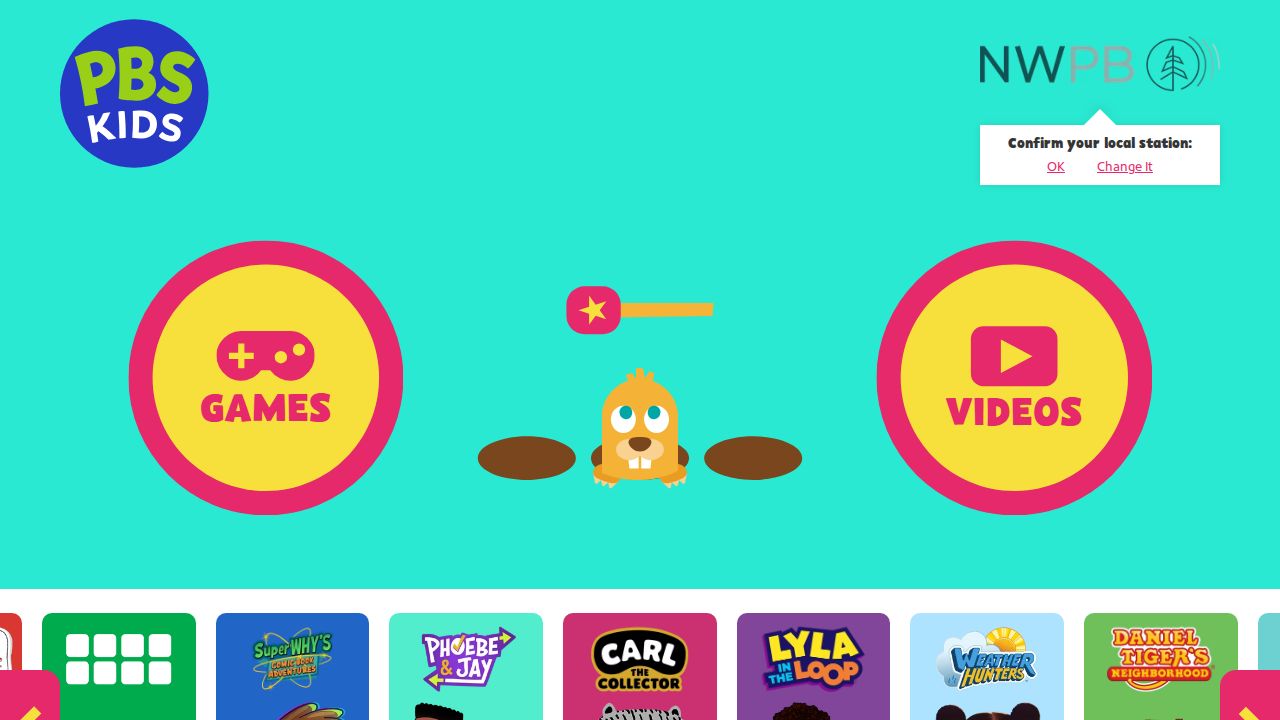
Best for free educational shows for young kids PBS KIDS is the best free choice for preschoolers and early learners. PBS says families can stream for free anytime with no subscription, and the PBS KIDS Video app is free to download and use. It works on most TVs, streaming players, phones and tablets.
What stands out
- Free to stream, no subscription required
- PBS KIDS Video app is free to download and use
- Available on Roku, Fire TV, Apple TV, Android TV, Chromecast, Samsung and Vizio TVs
- Full episodes, movies, clips and podcasts
Keep in mind
- Aimed at preschoolers and young learners, so less for older kids
 Netflix
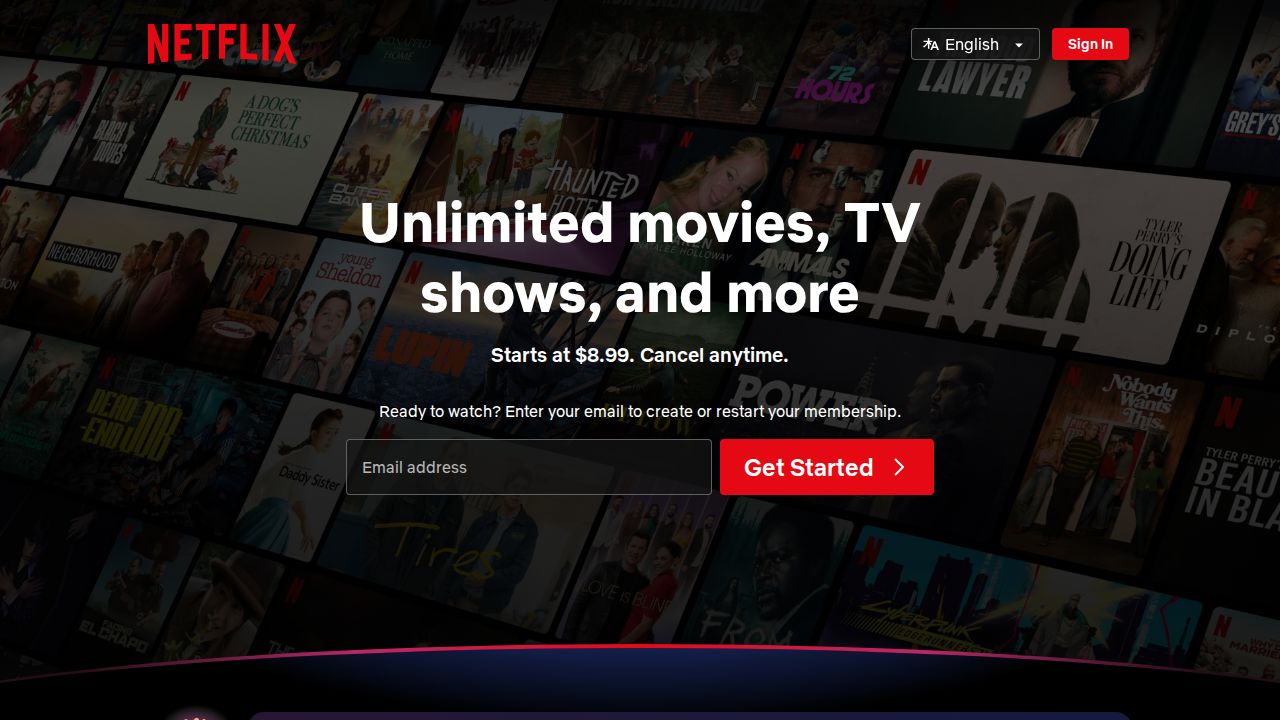
Best for households with kids of different ages Netflix works well when kids and adults share one account. You can create kids profiles, set a maturity rating per profile, block specific titles and lock profiles with a PIN. The Standard with ads plan is $8.99 a month, and Premium allows 4 screens at once for bigger families.
What stands out
- Kids profiles and a Netflix Kids experience
- Set maturity ratings, block titles and view each profile's history
- Profile Lock PIN and a PIN to add new profiles
- Premium allows 4 streams at once and downloads on 6 devices
Keep in mind
- Ad-free Standard is $19.99 a month and Premium is $26.99
- Monthly billing only, no annual plan
 YouTube Kids
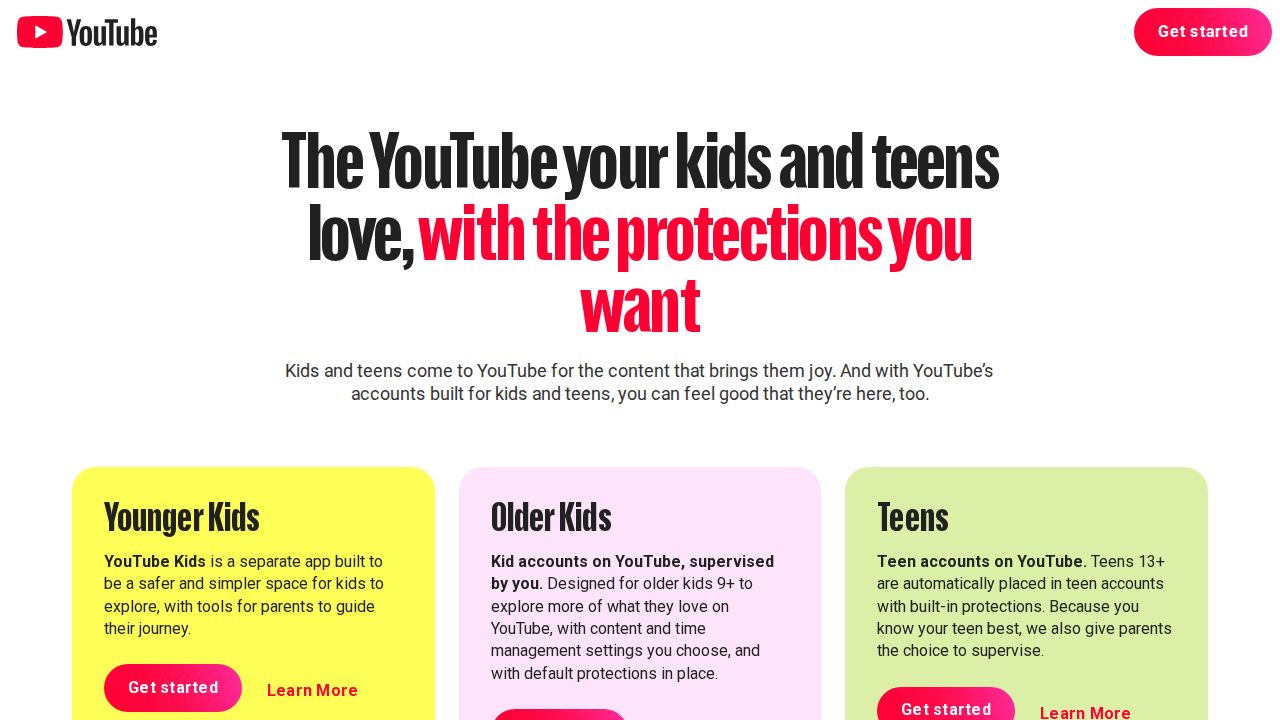
Best for age-based settings and screen time limits YouTube Kids is built for parents who want tight control over a huge video library. You pick a content level by age, can switch to Approved Content Only, set screen time limits and block videos or channels. Up to eight kid profiles each get their own settings.
What stands out
- Content levels for ages 4 and under, 5 to 8, and 9 and up
- Approved Content Only mode, where kids watch only what you allow
- Screen time limits and video or channel blocking
- Up to 8 kid profiles
Keep in mind
- Shows paid ads unless you have YouTube Premium
- YouTube says no filter is perfect and unsuitable videos can slip through
 Paramount+
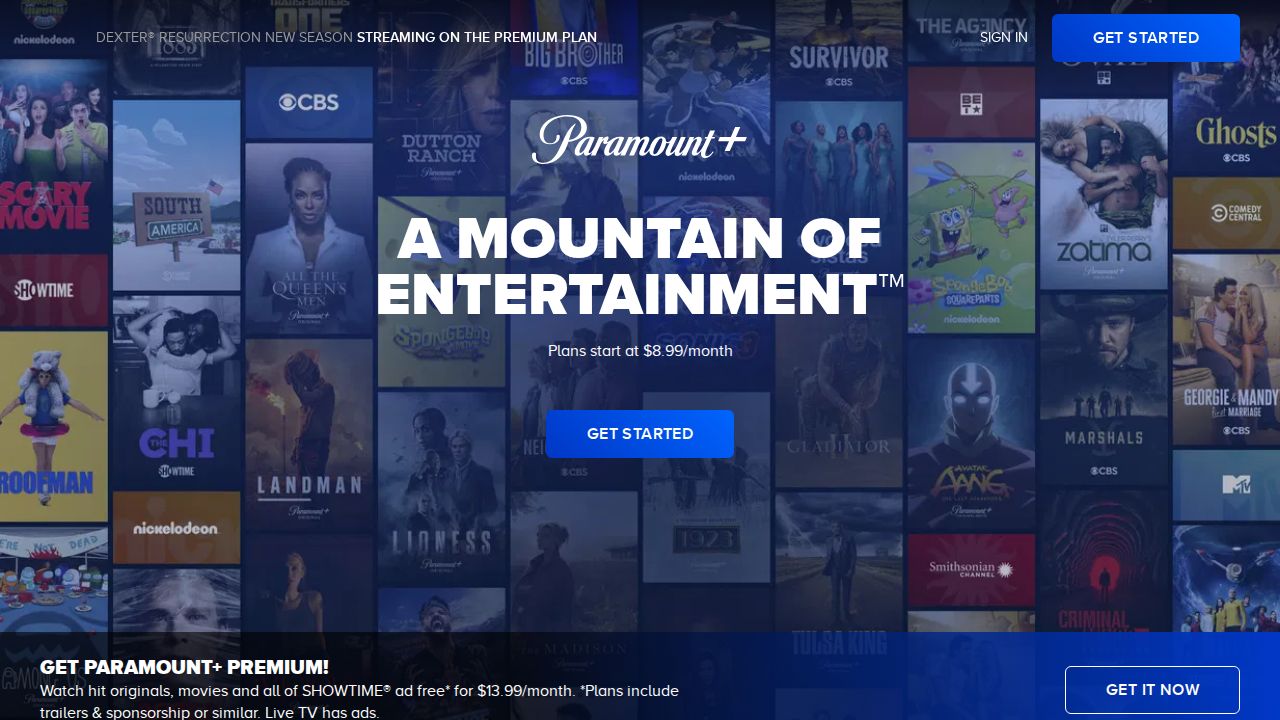
Best for nickelodeon shows and family profiles Paramount+ is a strong second service for families with Nickelodeon fans. The homepage features SpongeBob SquarePants, PAW Patrol, The Loud House and Rugrats, and you can create kid-friendly profiles. Essential with ads is $8.99 a month, and both plans stream on 3 devices at once.
What stands out
- Homepage features SpongeBob SquarePants, PAW Patrol, The Loud House and Rugrats
- Kid-friendly profiles and separate profiles for the whole family
- Stream on 3 devices at once
- Live CBS included on both plans
Keep in mind
- Downloads need Premium at $13.99 a month
- No free trial mentioned on the homepage
 Kanopy
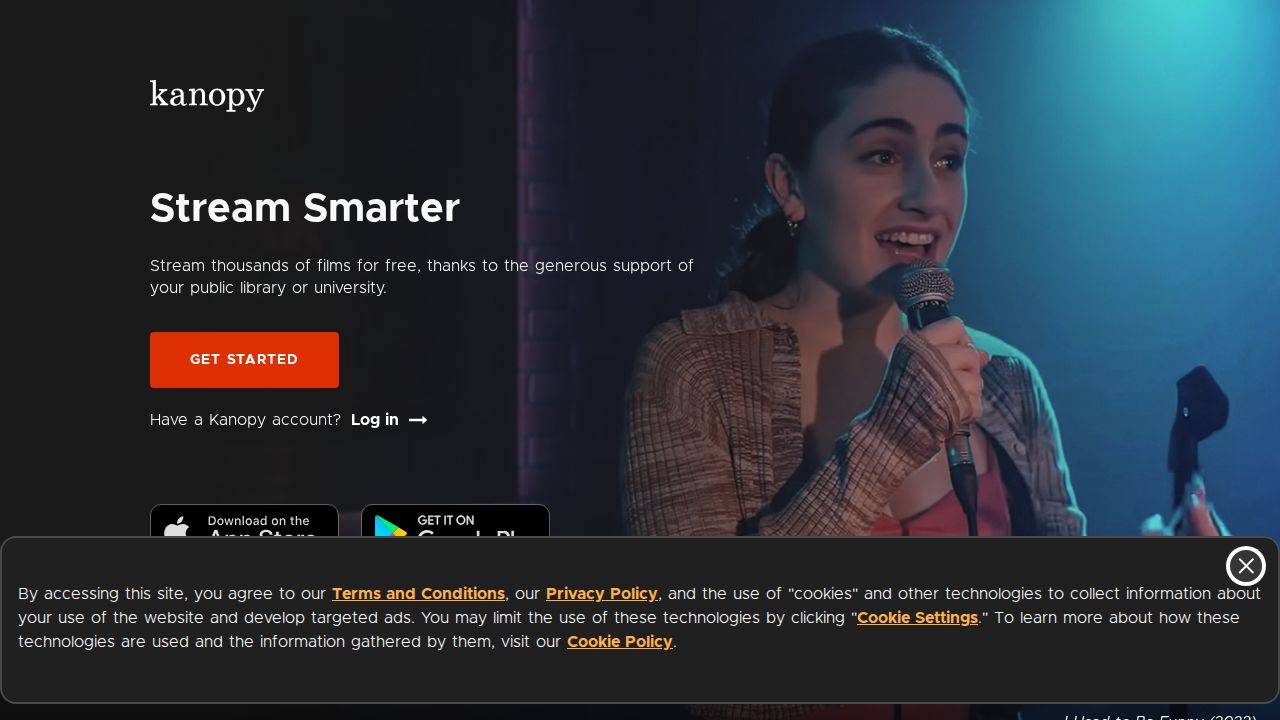
Best for free kids titles through your library Kanopy is worth checking if your public library supports it. Its Kanopy Kids section focuses on ages 2 to 8, and watching those titles does not use the tickets your library gives you each month. Parental controls can keep kids inside Kanopy Kids with a PIN.
What stands out
- Kanopy Kids titles do not use tickets
- PIN-protected parental controls keep children in Kanopy Kids
- Collection focuses on ages 2 to 8
- Apps for iPhone, iPad, Apple TV, Android, Roku, Fire TV, Chromecast and Samsung
Keep in mind
- Only works if your library offers Kanopy, and access terms are set through your library
- Kanopy's help pages do not publish a price
How we chose
We compared each service’s published plans and help pages on these points:
- Kid-friendly content. Whether the service has a dedicated kids area or well-known family brands.
- Parental controls. Kids profiles, rating limits, PIN locks and screen time tools.
- Price. The cheapest plan, and whether a free option exists.
- Device support. TVs, tablets and phones kids actually use.
This list is based on published plans and pricing, not lab testing. Where a company did not publish a price, we use “See site” instead of guessing.
Set up a kids profile in five minutes
- Create a separate profile for each child instead of sharing yours.
- Set the maturity rating or age level that fits each child.
- Add a PIN to your own profile so kids cannot switch into it.
- Turn off autoplay previews if you want to limit binge watching.
- Check viewing history now and then.
Controls only work when they are switched on, so it is worth spending a few minutes in each app’s settings after you sign up. Revisit the settings as your kids get older and their interests change, and talk with them about which apps they can use on their own.
Free or paid for kids?
- Under 6: PBS KIDS covers a lot at no cost, and Kanopy Kids is worth checking through your library.
- Ages 6 to 12: A paid service like Disney+, Netflix or Paramount+ adds more variety and well-known characters.
- Mixed ages: One paid service with separate profiles for each child usually works better than several apps.
Frequently asked questions
What is the best free streaming service for kids?
PBS KIDS is free with no subscription, and its video app is free to download. Kanopy Kids is another option to check if your public library supports Kanopy.
Which streaming service has the best parental controls?
YouTube Kids offers the most granular controls, including age-based content levels, an Approved Content Only mode and screen time limits. Disney+ and Netflix both offer rating limits per profile and PIN locks.
Is Disney+ or Netflix better for kids?
Disney+ is built around family brands like Disney, Pixar and Marvel and starts at $12.49 a month. Netflix starts lower at $8.99 a month and suits homes where kids and adults share one account.
Can I stop my child from leaving the kids section?
Yes. Netflix lets you lock profiles with a PIN, Disney+ offers PIN protection and Junior Mode, and Kanopy requires a PIN to exit Kanopy Kids when parental controls are on.
Sources
How we wrote this
This list is based on each company's published plans, prices and feature pages, not on hands-on lab testing. Facts were last checked on November 17, 2026. See our editorial policy.