No company paid to be on this list. Prices were checked on November 17, 2026 and can change. How we make money.
At a glance
| # | Product | Best for | Starting price | Free option |
|---|---|---|---|---|
| 1 | A free plan without recording caps | $16/mo | Free plan | |
| 2 | Live transcription with speaker names | $8.33/mo | Free plan (300 min/mo) | |
| 3 | Searchable notes for small teams | $10/mo | Free plan (400 min storage) | |
| 4 | Notes without a bot joining the call | $14/mo | Free plan (30-day history) | |
| 5 | Meeting reports and coaching | $15/mo | Free plan (5 meetings) | |
| 6 | Teams that already work in Notion | $20/mo | Limited trial |
The list
 Fathom
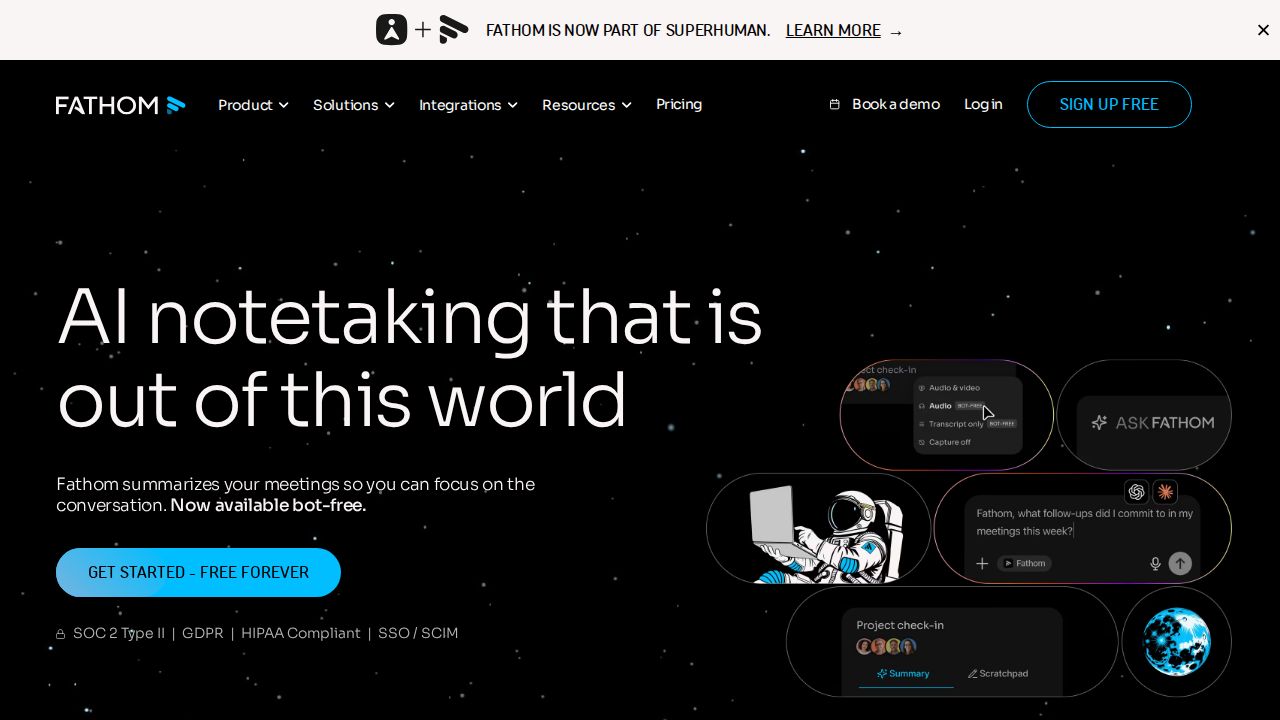
Best for a free plan without recording caps Fathom is the easiest recommendation for individuals because the free plan does not cap recordings or transcriptions and still includes instant AI summaries. You can choose bot-based capture or a bot-free mode on Mac, which is in beta. Premium adds advanced summaries and AI action items.
What stands out
- Free plan includes unlimited recordings and transcriptions
- Instant AI call summaries, clips and search on the free plan
- Premium costs $20 a month, or $16 a month billed annually
- Choice of bot-based or bot-free capture (bot-free is in beta on Mac)
- All plans display a 90-day guarantee
Keep in mind
- Advanced summaries and AI action items need Premium
- Team and Business plans need at least 2 users
 Otter
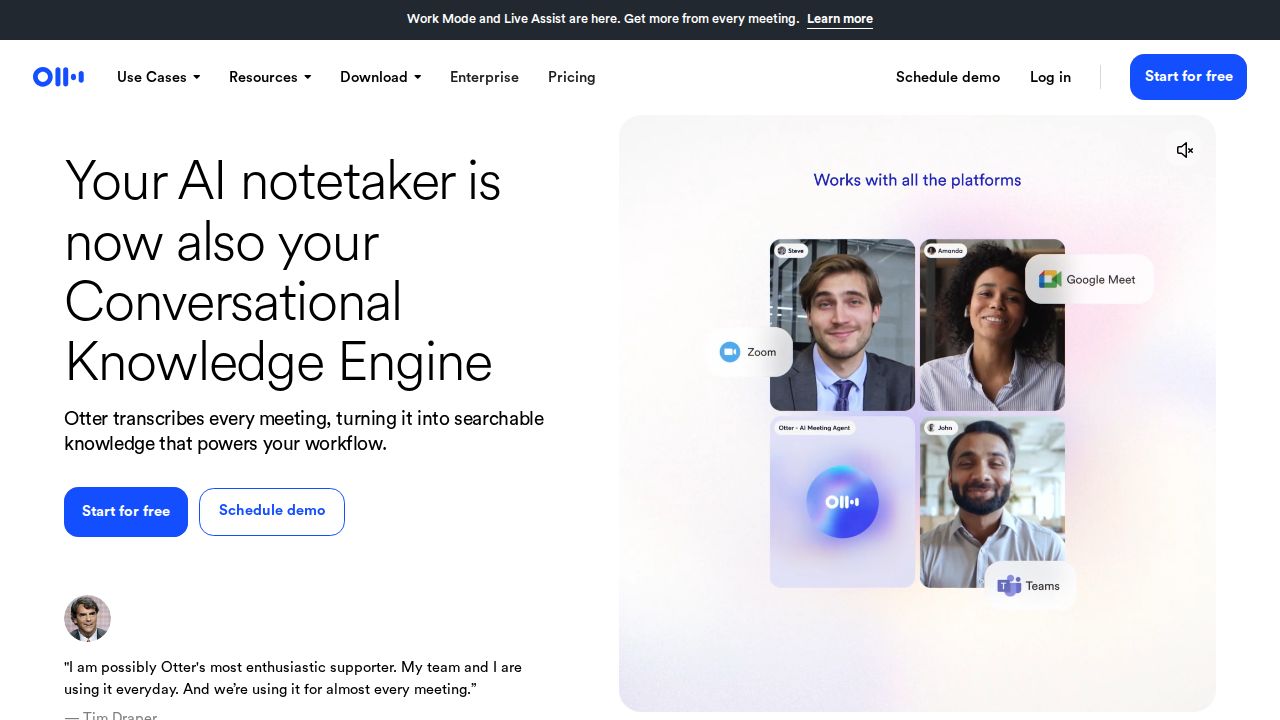
Best for live transcription with speaker names Otter suits people who want a running transcript during the meeting, not only a summary afterward. The free Basic plan includes 300 minutes a month, live transcription and speaker identification. Pro raises that to 1,200 minutes and lifts the per-conversation limit from 30 to 90 minutes.
What stands out
- Free Basic plan with 300 transcription minutes per user each month
- Works with Zoom, Microsoft Teams and Google Meet
- Pro lists at $16.99 a month, or $8.33 a month billed annually
- Pro includes 1,200 minutes a month and unlimited storage
- Students and teachers with a .edu email get 20% off Pro
Keep in mind
- Free plan limits each conversation to 30 minutes
- Free plan keeps only the 25 most recent conversations
- Unlimited meeting minutes need Business, from $19.99 per user a month billed annually
 Fireflies.ai
Best for searchable notes for small teams Fireflies fits small teams that want every call transcribed and searchable in one place. The free plan includes transcription in more than 100 languages with limited AI summaries and 400 minutes of team storage. Pro adds unlimited AI summaries, video recording and downloads.
What stands out
- Free plan includes transcription and integrations with Zoom, Google Meet and Teams
- Pro costs $10 per seat a month, billed annually
- Pro includes unlimited AI summaries and 8,000 minutes of storage per seat
- Transcription in 100+ languages
Keep in mind
- Free plan has limited AI summaries and 400 minutes of storage per team
- The $10 price needs annual billing
- Video recording and downloads need Pro
 Granola
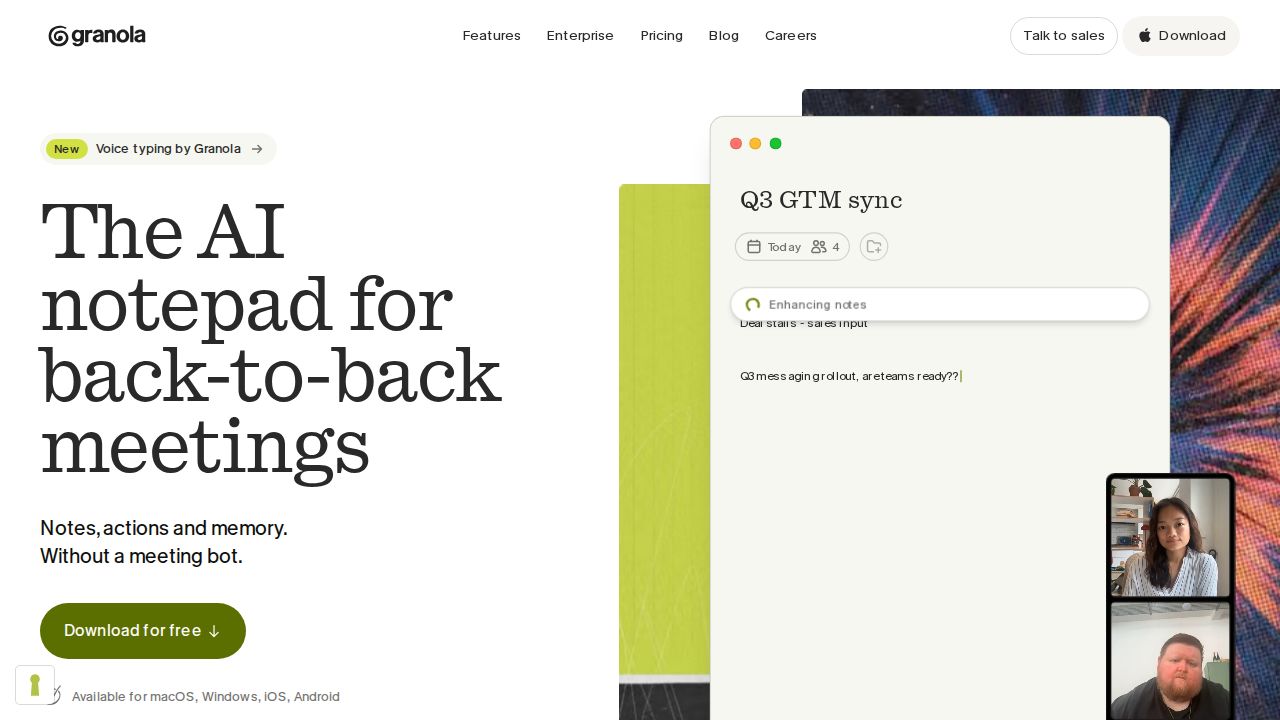
Best for notes without a bot joining the call Granola is for people who dislike a recording bot appearing in the meeting. It captures audio on your device on every plan. The free Basic plan includes AI meeting notes and AI chat, with meeting history limited to 30 days. Business removes the history limit.
What stands out
- Bot-free, device-audio capture on all plans
- Free Basic plan includes AI meeting notes and custom note templates
- Business costs $14 per user a month with unlimited meeting history
- Business adds pre-meeting briefs, follow-up emails and Notion, HubSpot and Zapier integrations
Keep in mind
- Free plan keeps only 30 days of meeting history
- No annual pricing is listed
- SSO and HIPAA-compliant workspaces need Enterprise at $35 per user a month
 Read AI
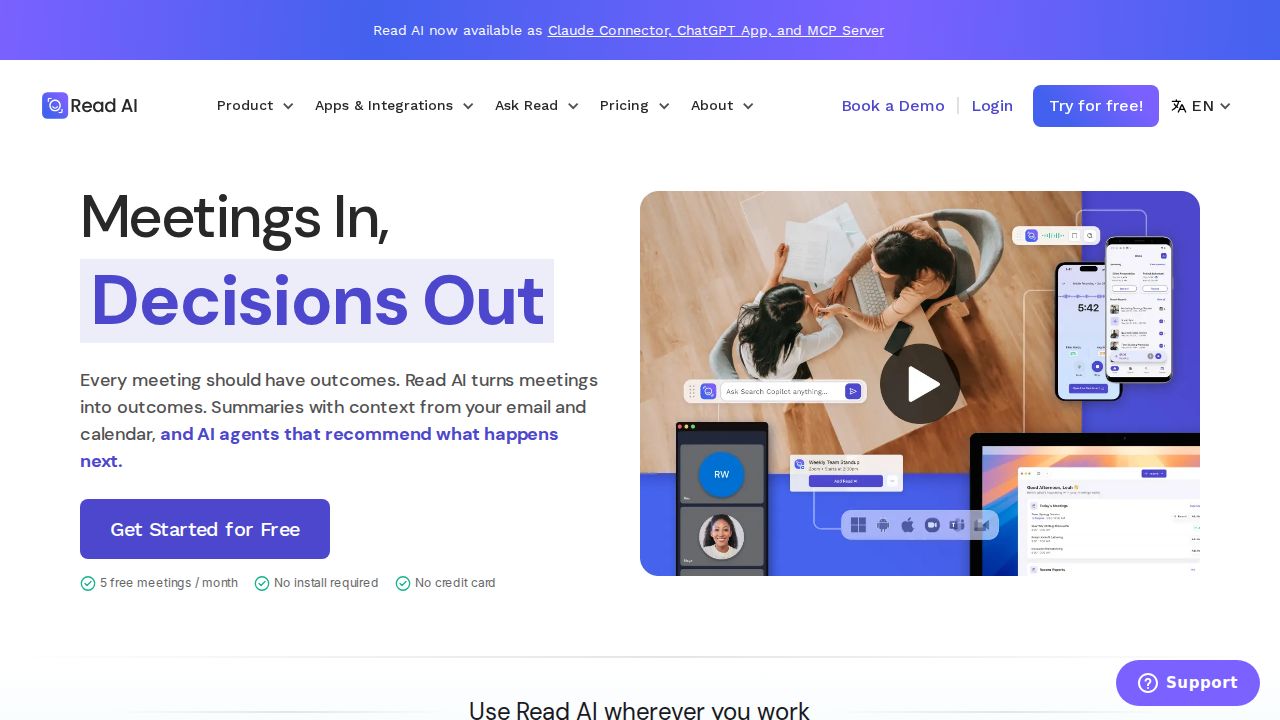
Best for meeting reports and coaching Read AI adds meeting reports and a personalized meeting coach on top of transcripts and summaries. The free plan is small, with 5 transcripts and 5 meeting reports and a 1-hour limit per meeting. Pro removes those caps and extends meetings to 4 hours.
What stands out
- Free plan needs no credit card
- Pro costs $19.75 a month, or $15 a month on annual billing
- Pro includes unlimited transcripts, reports and live notes
- Apps for Windows, macOS, Android and iOS
Keep in mind
- Free plan is limited to 5 transcripts and 5 meeting reports
- Audio and video playback need Enterprise, from $22.50 a month on annual billing
 Notion
Best for teams that already work in Notion Notion makes sense only if your notes, docs and tasks already live there. AI Meeting Notes is included on the Business plan, along with Notion Agent and Enterprise Search, so meeting notes land beside the rest of your work. Free and Plus plans get a limited trial of the AI features.
What stands out
- Business plan includes AI Meeting Notes, Notion Agent and Enterprise Search
- Business costs $20 per member a month on monthly billing
- Meeting notes are stored in the same workspace as docs and tasks
- Yearly billing saves up to 20%
Keep in mind
- Free and Plus plans include only a limited trial of AI Meeting Notes
- More expensive than dedicated note takers if you only need meeting notes
How we chose
We compared each company’s published plans on four things:
- Free plan limits. Minutes, meeting length, history and the number of AI summaries.
- Price per user. The lowest paid plan, and whether that price needs annual billing.
- How it records. A bot that joins the call, or audio captured on your own device.
- What happens after the meeting. Summaries, action items, search and links to other apps.
This list is based on published plans and pricing. We did not run lab tests or measure transcription accuracy. Where a company did not publish a price, we say “See site” instead of guessing.
Free or paid: which do you need?
A free plan is enough if you have a few meetings a week and only want a transcript and a short summary.
Pay for a plan when you need:
- Longer meetings or more minutes each month
- Unlimited history, so older meetings stay searchable
- Action items, follow-up emails or CRM sync
- Admin and security controls for a team
Before you record a meeting
- Tell everyone on the call that an AI note taker is running, and get consent where your state requires it.
- Check your employer’s policy on recording and on third-party AI tools.
- Review who can see the notes afterward, and turn off automatic sharing if you do not want it.
- Read the summary before you send it. Names, numbers and action items can be wrong.
- Delete recordings you no longer need.
Frequently asked questions
What is the best free AI note taker?
Fathom has the most open free plan, with unlimited recordings and transcriptions plus instant AI summaries. Otter's free plan includes 300 minutes a month, and Granola's free plan keeps 30 days of meeting history.
Do AI note takers work with Zoom, Google Meet and Microsoft Teams?
Otter and Fireflies both list support for Zoom, Google Meet and Microsoft Teams. Granola takes a different approach and captures audio from your device instead of joining the call.
Can I take AI notes without a bot joining the meeting?
Yes. Granola lists bot-free, device-audio capture on all three of its plans. Fathom offers a bot-free option on Mac, which is in beta.
How much do AI note takers cost?
Paid plans on this list start at $8.33 a month for Otter Pro billed annually, $10 per seat for Fireflies Pro billed annually, $14 per user for Granola Business and $15 for Read AI Pro on annual billing.
Is it legal to record a meeting with an AI note taker?
Recording laws vary by state, and some states require consent from everyone on the call. Tell all participants before you record, and follow your employer's policy.
Sources
How we wrote this
This list is based on each company's published plans, prices and feature pages, not on hands-on lab testing. Facts were last checked on November 17, 2026. See our editorial policy.