
No company paid to be on this list. Prices were checked on November 17, 2026 and can change. How we make money.
At a glance
| # | Product | Best for | Starting price | Free option |
|---|---|---|---|---|
| 1 | Full control with generative AI built in | $22.99/mo | 7-day trial | |
| 2 | Quick AI fixes without learning an editor | See site | Free plan | |
| 3 | A one-time purchase, no subscription | $99 one-time | 30-day money-back | |
| 4 | Social content with image and video AI | $10.50/mo | See site | |
| 5 | Product photos for online sellers | $7.50/mo | Free trial | |
| 6 | The lowest-cost paid plan | $1.99/mo | See site | |
| 7 | Sharpening, denoising and upscaling | $199/yr | See site |
The list
 Adobe Photoshop
Best for full control with generative AI built in Photoshop is the choice when you want detailed manual editing and AI in one app. The single-app plan is $22.99 a month on an annual plan billed monthly, or $263.88 prepaid for the year. It includes 25 generative credits a month for features such as Generative Fill, and there is a 7-day free trial.
What stands out
- Generative Fill and other AI features built into the editor
- 7-day free trial
- Annual prepaid option at $263.88
- Photography plan at $19.99 a month includes 1,000 generative credits
Keep in mind
- The $22.99 price needs an annual commitment
- The single-app plan includes only 25 generative credits a month
- No free plan
 Canva
Best for quick AI fixes without learning an editor Canva suits people who want fast results for social posts, flyers and listings. Its AI photo tools include Magic Edit for adding or replacing elements with a text prompt, Magic Eraser for removing objects, Background Remover and Magic Grab. Canva says it is always free for individuals, with Canva Pro as the upgrade for premium features.
What stands out
- Magic Edit adds or replaces parts of a photo from a text prompt
- Magic Eraser and Background Remover for cleanup
- AI Image Expander extends a photo beyond its edges
- Free for individuals, according to Canva
Keep in mind
- The pricing page could not be read on the day we checked, so the Canva Pro price is not confirmed
- Canva does not state on its AI photo page which tools need Canva Pro
 Luminar Neo
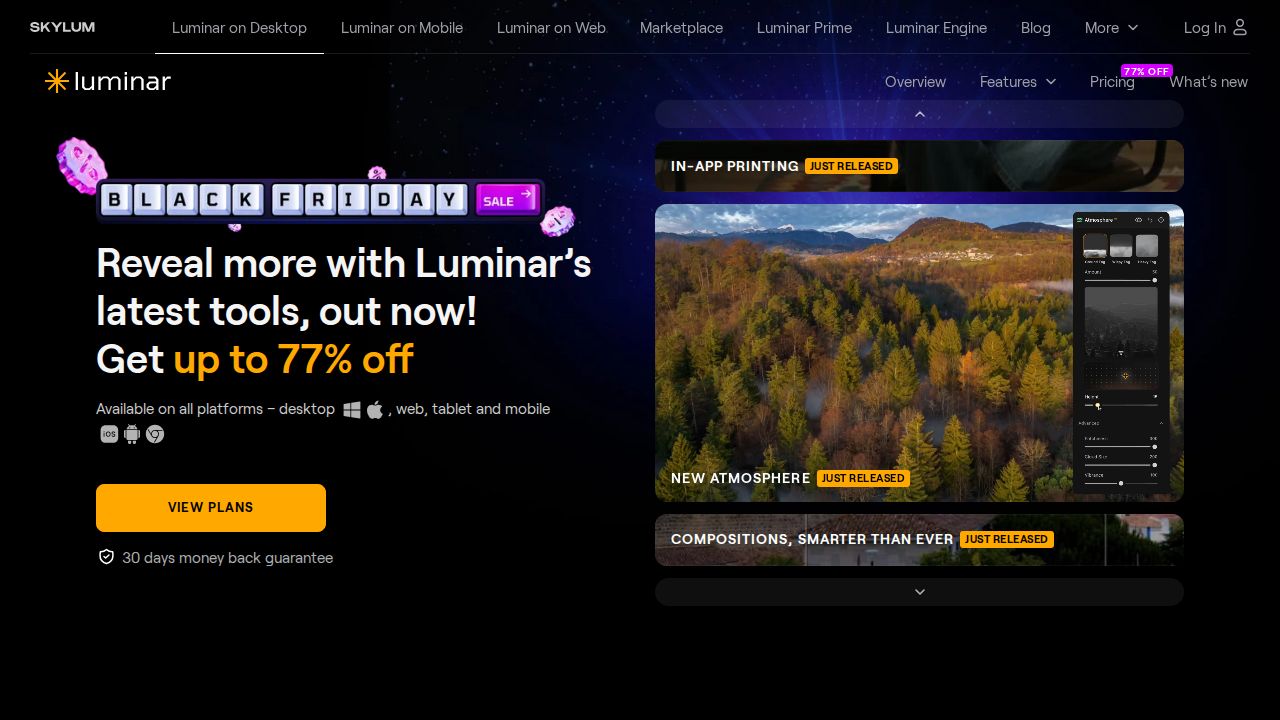
Best for a one-time purchase, no subscription Luminar Neo is for photographers who dislike subscriptions. The Desktop Only license is listed at $99 as a one-time purchase for Mac and Windows, with a 30-day money-back guarantee. AI tools include Sky AI, Background Removal AI, GenErase, GenSwap and GenExpand. The generative tools run for a year, then need a paid renewal.
What stands out
- One-time purchase from $99 for the desktop app
- 30-day money-back guarantee
- AI tools include Sky AI, Noiseless AI, Upscale and GenErase
- All Platforms license at $139 adds mobile and web
Keep in mind
- AI tools and the asset library expire after 365 days unless renewed (from $33 a year on the Desktop Only license)
- The $99 price is shown as a discount from a higher list price
- No free trial mentioned
 Picsart
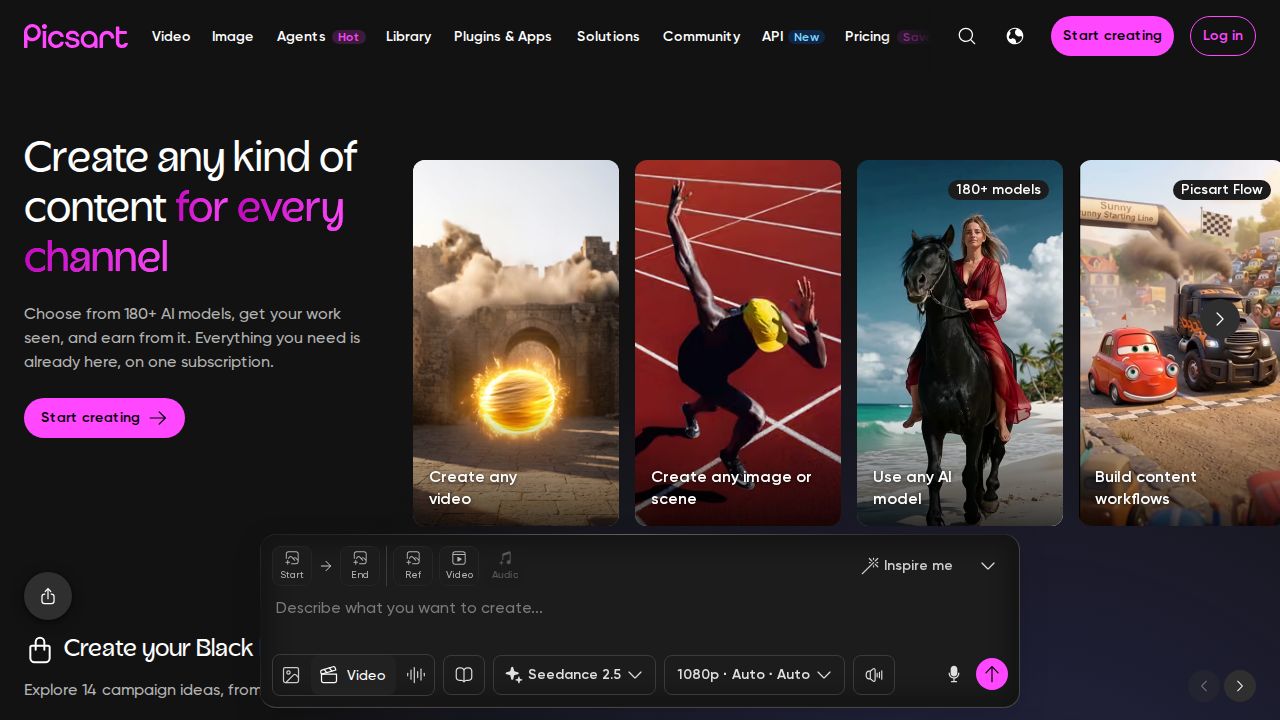
Best for social content with image and video AI Picsart is aimed at creators who make a steady stream of social images and short videos. The Pro plan is listed at $10.50 a month on yearly billing and includes a one-tap image enhancer, advanced background and object removal, and a set of AI agents. Ultra at $60 a month opens up more than 200 AI models.
What stands out
- Pro includes a one-tap image enhancer
- Advanced background and object removal on Pro
- Pro includes AI video generation alongside image tools
- Ultra adds access to 200+ AI video, image and audio models
Keep in mind
- The $10.50 price needs yearly billing
- The pricing page does not describe a free plan or trial
- The exact Pro credit allowance was not readable on the page
 Photoroom
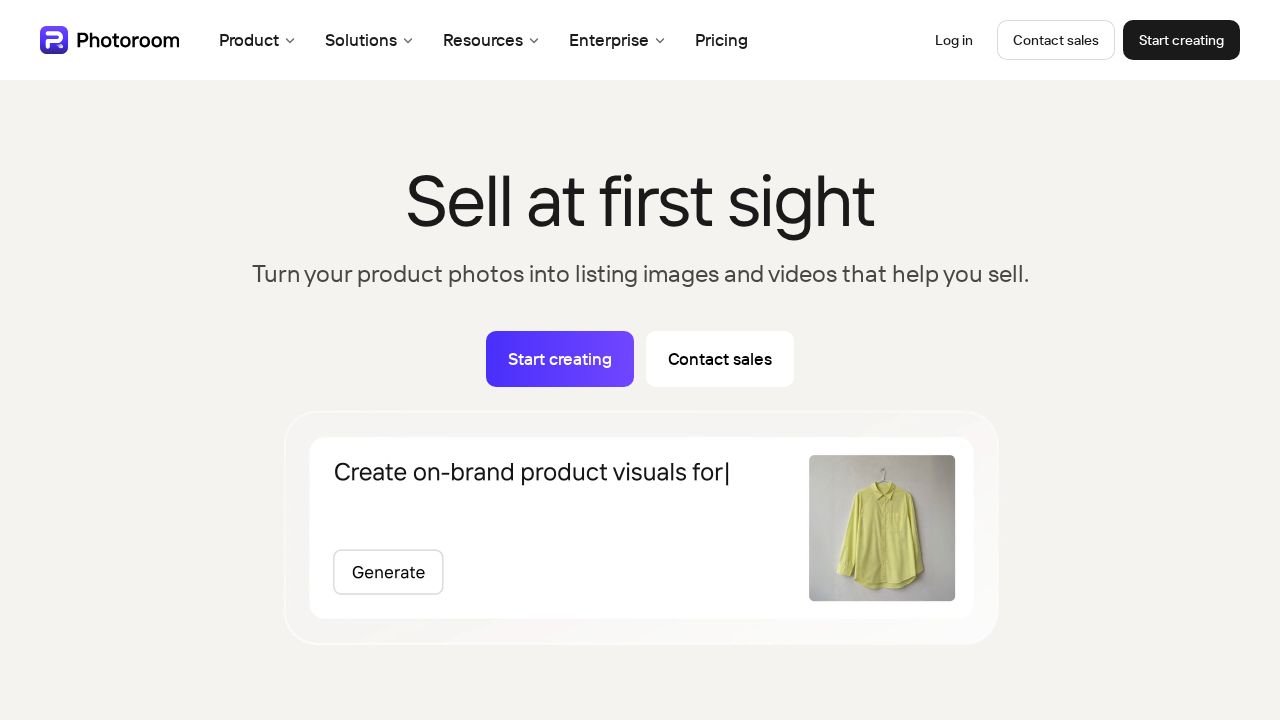
Best for product photos for online sellers Photoroom is built for people who sell things online. Pro is $7.50 a month billed yearly with 8,000 AI credits and 1,000 exports a month, plus AI Backgrounds. Core tools such as Background Remover, Retouch, AI Fill and AI Expand do not use credits. A free trial is offered on Pro and Max.
What stands out
- Pro is $7.50 a month billed yearly with 8,000 AI credits a month
- Background Remover, Retouch, AI Fill and AI Expand do not use credits
- AI Backgrounds for product shots
- Free trial offered on Pro and Max
Keep in mind
- Monthly billing prices are not shown on the pricing page
- The trial length is not stated
- 4K images need the Ultra plan
 Pixlr
Best for the lowest-cost paid plan Pixlr is a browser-based editor with the cheapest paid plan on this list. Plus is $1.99 a month on yearly billing, or $2.49 monthly, with 80 AI credits a month. Premium at $7.99 a month on yearly billing raises that to 1,000 credits and opens all image, video and audio models.

What stands out
- Plus is $1.99 a month on yearly billing, or $2.49 billed monthly
- Premium includes 1,000 AI credits a month
- Runs online in a browser
- Premium adds a private mode
Keep in mind
- Plus includes only 80 AI credits a month
- The pricing page does not describe what free access includes
- No free trial mentioned
 Topaz Photo
Best for sharpening, denoising and upscaling Topaz Photo does one job: improving image quality. Its tools include Upscale, Denoise, Sharpen, Super Focus and Recover Faces. It is the most expensive option here at $199 a year or $39 month to month, so it makes sense for photographers rescuing soft, noisy or low-resolution shots.

What stands out
- Upscale, Denoise and Sharpen tools
- Recover Faces and Dust & Scratch tools
- Annual plan at $199, shown on sale at $169 for the first year
- A web and mobile image plan is also sold
Keep in mind
- $39 a month without an annual commitment
- The $169 first-year price is a limited-time sale rate
- No free trial mentioned on the pricing page
How we chose
We compared each company’s published plans on four things:
- Price and billing. The lowest paid plan, and whether it needs a yearly commitment.
- AI allowance. How many credits or generations you get each month.
- AI tools on offer. Object removal, background removal, generative fill and expand, upscaling and noise reduction.
- Way to try it. A free plan, a trial or a money-back guarantee.
This list is based on plans and pricing the companies publish, not lab testing. Where a price or free plan was not published on the page we read, we write “See site” instead of guessing.
Which type of AI photo editor do you need?
- Full editors (Photoshop, Luminar Neo) combine manual controls with AI. Choose one if you edit photos often and want fine control.
- Quick design tools (Canva, Picsart, Pixlr) favor speed and templates. Choose one for social posts and simple fixes.
- Single-purpose tools (Photoroom, Topaz Photo) do one thing: product shots or image quality.
What to check before you subscribe
- Credits. Find out which AI tools use credits and how many you get. Photoroom, for example, does not charge credits for its core tools.
- Billing term. Many headline prices need yearly billing. Look for the monthly price if you only need a short project done.
- Renewals. Sale prices and first-year rates rise later. Luminar Neo’s AI tools need a yearly renewal after the first year.
- Where it runs. Pixlr runs in a browser. Luminar Neo’s base license covers Mac and Windows only.
- Usage rights. Read the terms if you plan to use AI-edited images commercially.
Frequently asked questions
Is there a free AI photo editor?
Canva says it is always free for individuals and offers AI tools such as Magic Eraser and Background Remover, though it does not list which need Canva Pro. Photoshop has a 7-day free trial, and Photoroom offers a free trial on Pro and Max.
What are generative credits?
Credits are a monthly allowance for AI actions such as filling, expanding or generating images. Photoshop's single-app plan includes 25 a month, Photoroom Pro includes 8,000 and Pixlr Plus includes 80. Each company counts credits differently, so the numbers are not directly comparable.
Can I buy an AI photo editor without a subscription?
Luminar Neo is sold as a one-time purchase from $99. Its AI tools and asset library need a paid renewal after the first 365 days.
Which AI photo editor is best for product photos?
Photoroom is designed for sellers, with AI Backgrounds and a Background Remover that does not use credits. Canva is a good alternative if you also make listings and social graphics.
Which tool fixes blurry or noisy photos?
Topaz Photo focuses on that, with Upscale, Denoise and Sharpen tools. Luminar Neo also lists Supersharp AI, Noiseless AI and Upscale.
Sources
How we wrote this
This list is based on each company's published plans, prices and feature pages, not on hands-on lab testing. Facts were last checked on November 17, 2026. See our editorial policy.