No company paid to be on this list. Prices were checked on November 17, 2026 and can change. How we make money.
At a glance
| # | Product | Best for | Starting price | Free option |
|---|---|---|---|---|
| 1 | A free plan to try AI decks | See site | Free plan (400 AI credits) | |
| 2 | Decks plus all your other design work | See site | Free plan | |
| 3 | Low-cost plans and non-linear decks | $7/mo | Free plan | |
| 4 | Working inside Google Slides or PowerPoint | $10/mo | 7-day trial | |
| 5 | Slides that keep their layout tidy | $14.50/mo | 14-day trial | |
| 6 | Small teams sharing and tracking decks | See site | Free plan (500 AI credits) |
The list
 Gamma
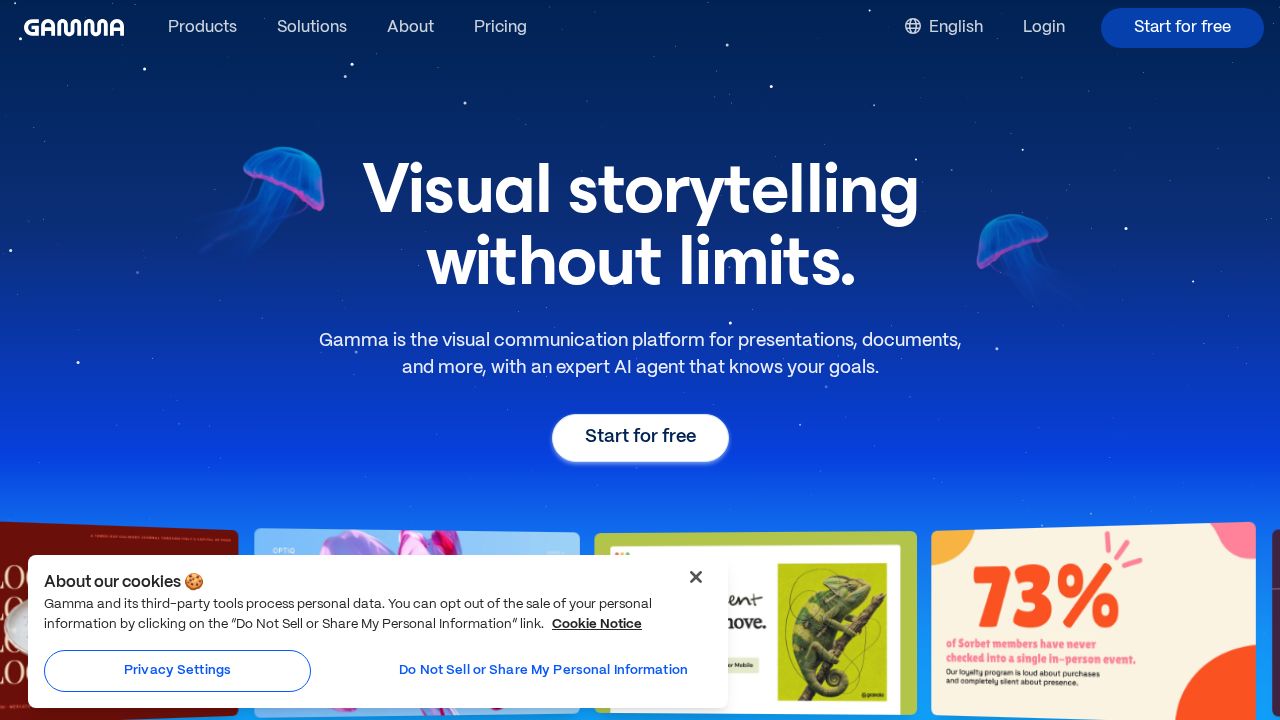
Best for a free plan to try AI decks Gamma is the simplest place to start because the free plan needs no credit card and comes with 400 AI credits at signup. Free decks are capped at 10 cards per generation and carry a Gamma badge. Paid plans raise the card limit, remove the badge and add unlimited AI creation.
What stands out
- Free plan with 400 AI credits at signup and no credit card
- Free plan includes basic PowerPoint and PDF export
- Plus plan adds unlimited AI creation and removes the Gamma badge
- Higher tier adds custom domains, custom fonts and password protection
Keep in mind
- Plan prices were not shown on the pricing page we fetched
- Free plan is limited to 10 cards per generation
 Canva
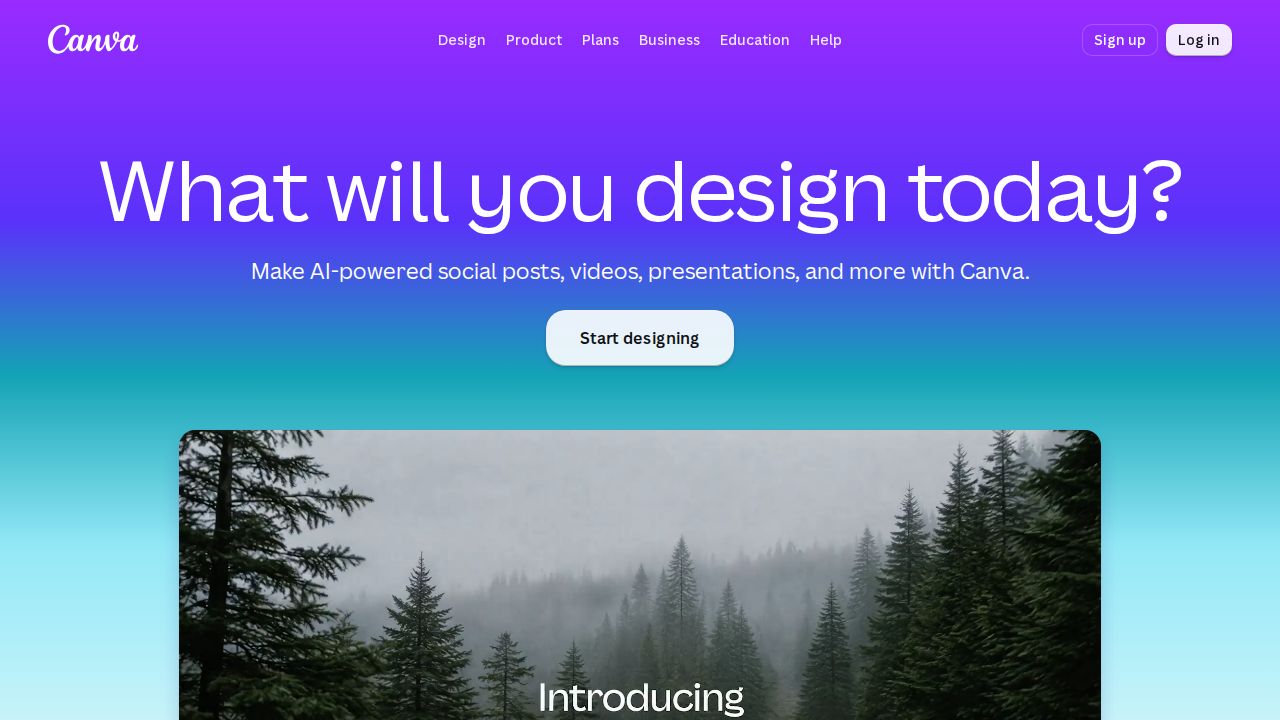
Best for decks plus all your other design work Canva suits people who make more than slides. Its Magic Design for Presentations tool builds a draft deck with an outline, slide text and layout from a short idea. Magic Write, Magic Media and Magic Animate handle text, images and motion. Canva says it is always free for individuals, with Canva Pro as the upgrade.
What stands out
- Magic Design for Presentations drafts an outline, content and layout from a short prompt
- Magic Write refines text and Magic Media generates images
- Brand Kit applies your brand colors and fonts
- Free for individuals, according to Canva
Keep in mind
- The pricing page could not be read on the day we checked, so the Canva Pro price is not confirmed
- Canva does not spell out on its AI presentation page which AI tools are limited on the free plan
 Prezi
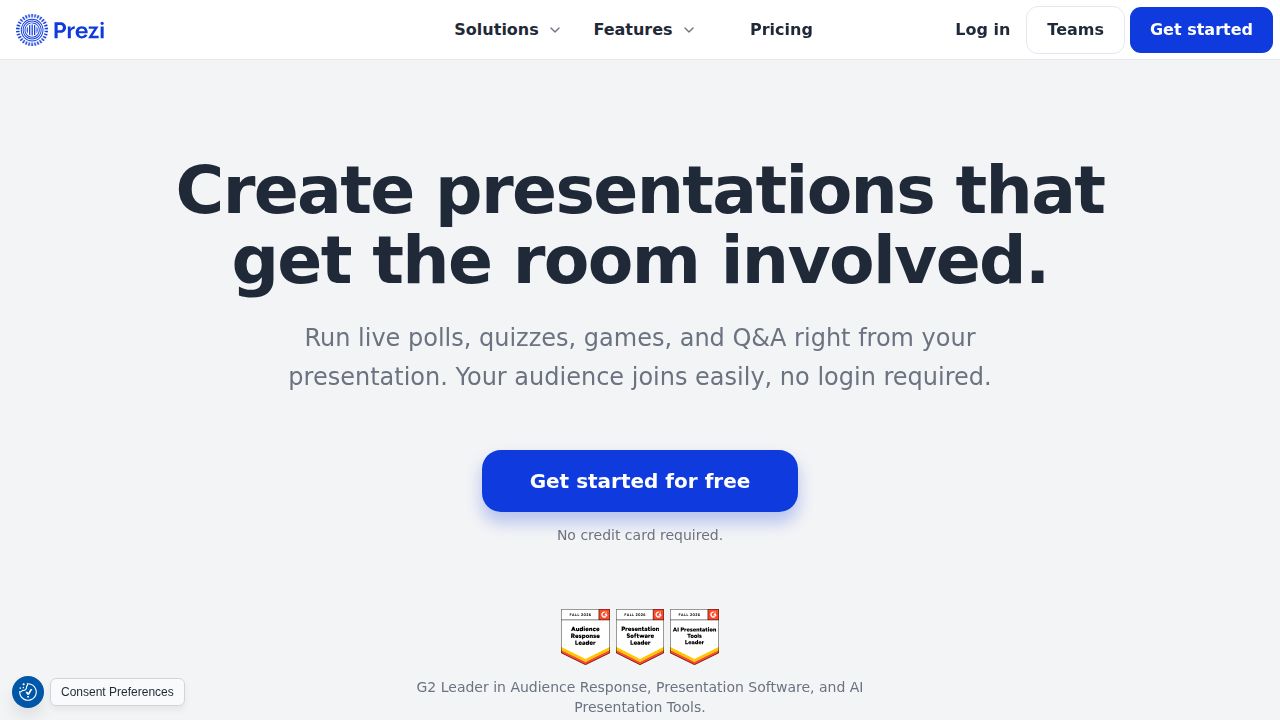
Best for low-cost plans and non-linear decks Prezi has the lowest published paid price here. Its own pricing roundup, dated October 22, 2026, lists a free Basic plan with credit-capped AI and public presentations, and Standard at $7 a month on annual billing with privacy controls and 500 AI credits. Unlimited AI generation starts on Plus at $19 a month.
What stands out
- Free Basic plan with credit-capped AI
- Standard is $7 a month on annual billing and adds privacy controls and 500 AI credits
- Plus at $19 a month adds unlimited AI generation, offline desktop access and PDF export
- Builds a presentation from a document or outline
Keep in mind
- Presentations on the free Basic plan are public
- AI use on Basic and Standard is capped by credits
 Plus AI
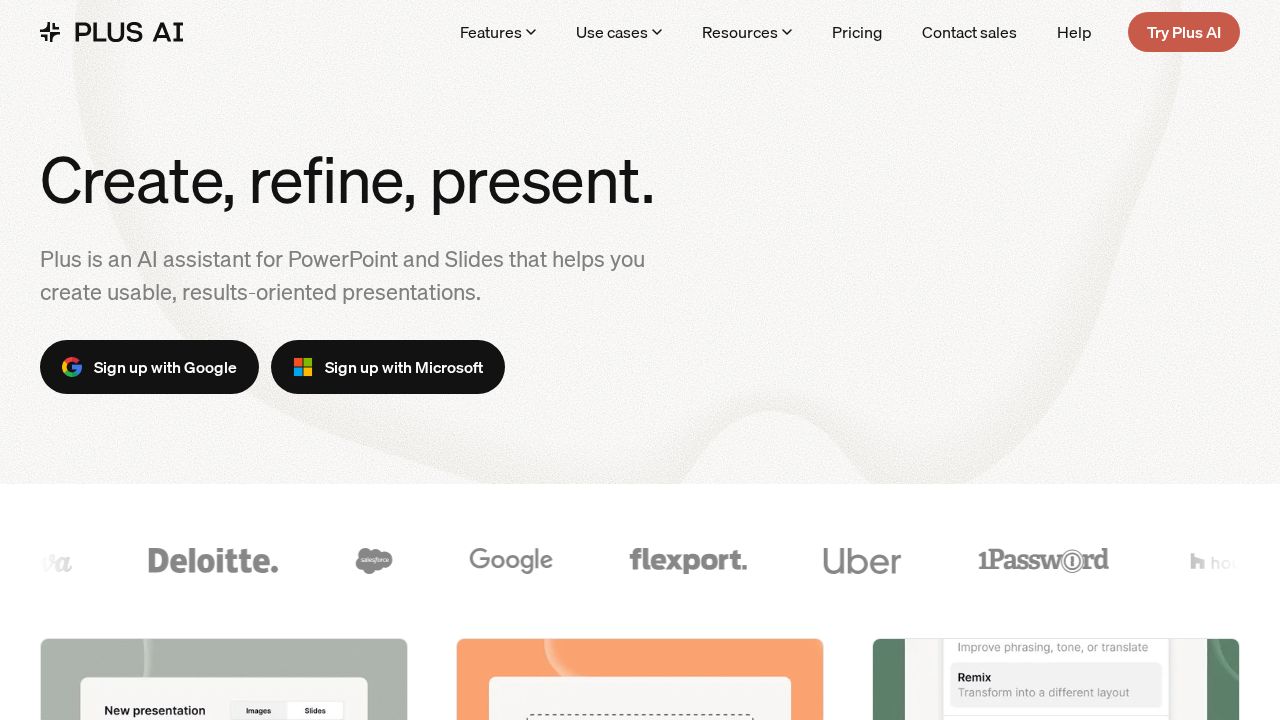
Best for working inside Google Slides or PowerPoint Plus AI is an add-on, not a separate app, so the slides it makes live in Google Slides or PowerPoint. Basic costs $10 a user per month on annual billing ($15 monthly) with 1,500 AI credits. Document uploads and AI image generation start on Pro at $20 a month billed annually.
What stands out
- Works in both Google Slides and PowerPoint
- Basic is $10 a user per month billed annually, or $15 billed monthly
- Basic includes 1,500 AI credits a month, plus slide rewrite and remix tools
- 7-day free trial with 1,000 AI credits on paid plans
Keep in mind
- No free plan is listed, only the 7-day trial
- The trial needs a credit card and is for new customers only
- Document uploads and AI images need the Pro plan
 Beautiful.ai
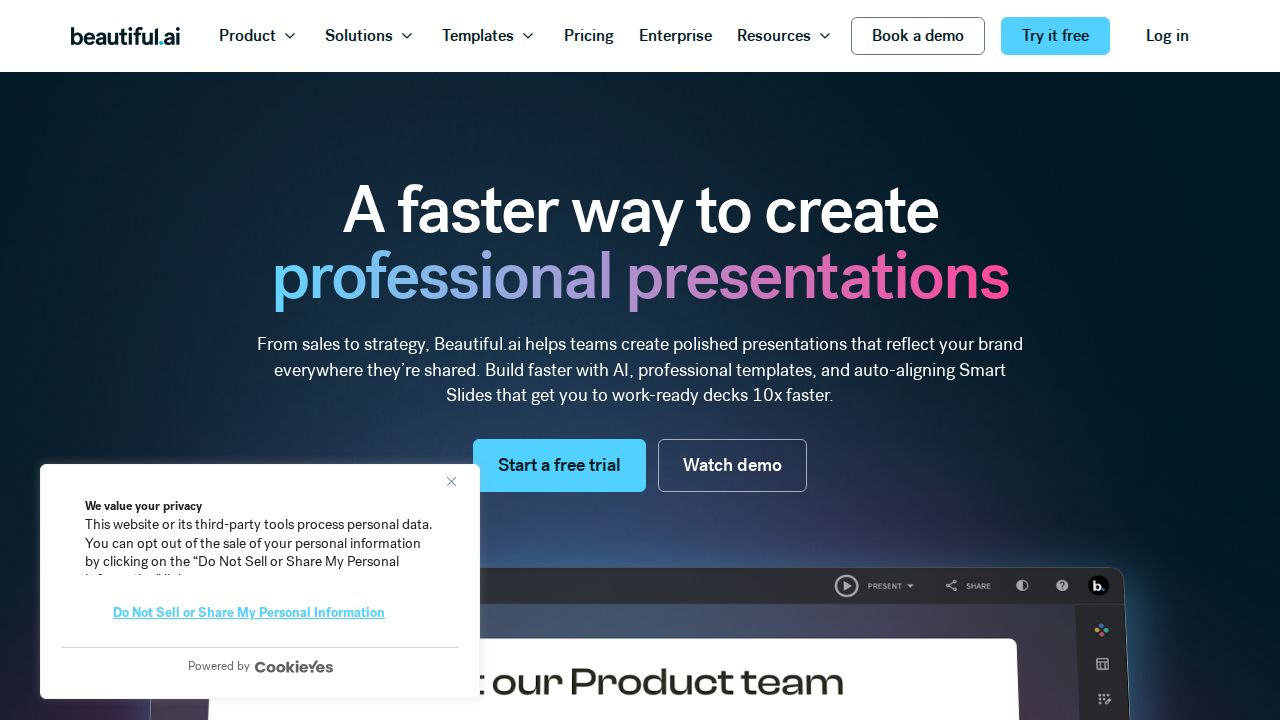
Best for slides that keep their layout tidy Beautiful.ai is built around Smart Slides, with more than 300 layouts that adjust as you add content. The Pro plan for individuals is $14.50 a month billed annually and includes unlimited AI content generation, AI images and PowerPoint import and export. There is no permanent free plan, only a 14-day trial.
What stands out
- Pro includes unlimited AI content generation and AI image generation
- Smart Slides with 300+ layouts
- PowerPoint import and export, plus viewer analytics
- Students with a valid .edu email get a year free
Keep in mind
- No permanent free plan
- The 14-day trial needs a credit card and bills automatically unless you cancel
- The month-to-month option is listed at $45
 Pitch
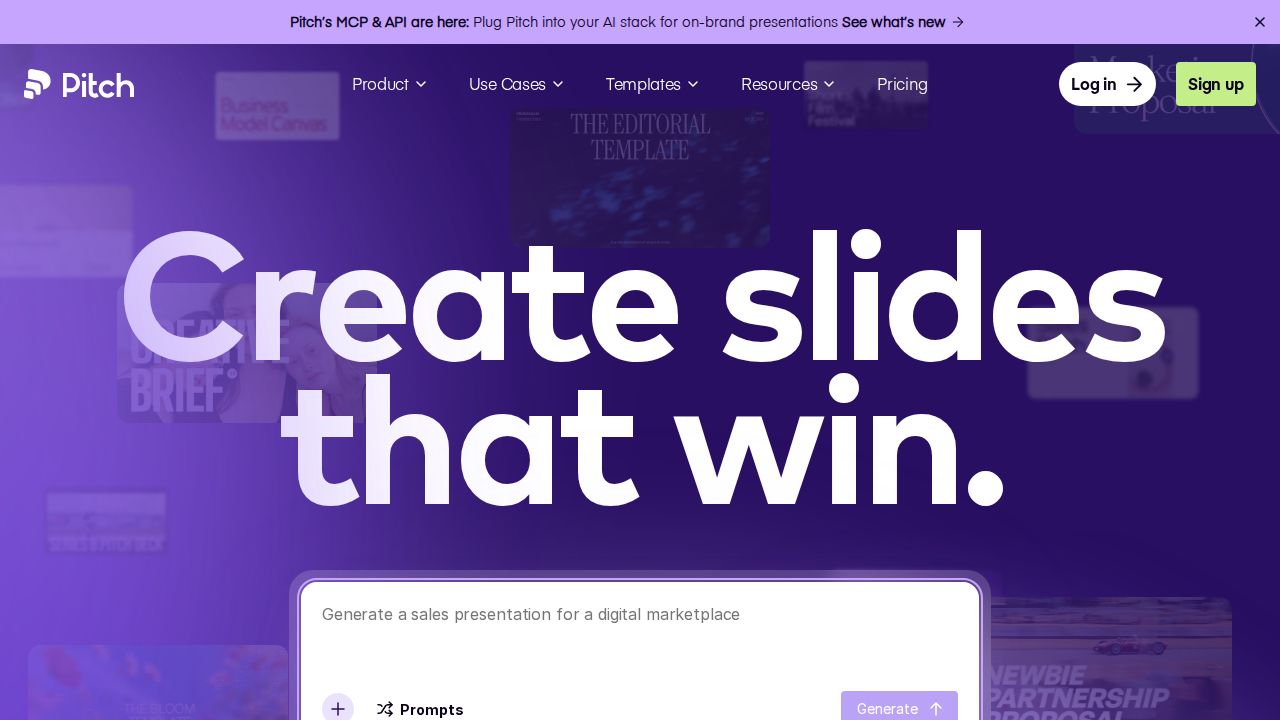
Best for small teams sharing and tracking decks Pitch is aimed at teams that send decks to clients or investors. The free plan covers unlimited presentations for up to 5 members with 500 one-time AI credits. Paid plans add 750 AI credits a month, custom fonts and unbranded PowerPoint export. Prices were shown in euros when we checked, so confirm the US rate.
What stands out
- Free plan with unlimited presentations and up to 5 members
- 500 AI credits on the free plan and 750 a month on paid plans
- Pitch Agent generates a presentation from a prompt
- Team plan adds links that track visits and slide engagement
Keep in mind
- The pricing page showed euro prices, so a US dollar price is not confirmed
- Free plan credits do not renew, and it has no PowerPoint export
How we chose
We compared each company’s published plans on four things:
- Free access. Is there a free plan, or only a trial that needs a credit card?
- AI allowance. How many credits or generations you get before you have to pay or wait.
- Entry price. The lowest paid plan for one person, and whether that price needs annual billing.
- Export and fit. PowerPoint export, and whether the tool works inside software you already use.
This list is based on plans and pricing the companies publish, not lab testing. Where a pricing page did not show a fixed US price on the day we checked, we write “See site” instead of guessing.
Standalone app or add-on?
AI presentation tools come in two forms, and the right one depends on where your slides need to end up.
- Standalone apps (Gamma, Canva, Prezi, Beautiful.ai, Pitch) have their own editor and sharing links. They suit decks you present or send as a link.
- Add-ons (Plus AI) create slides inside Google Slides or PowerPoint. They suit workplaces where everyone expects a standard slide file.
If a client or teacher needs a .pptx file, check the export rules before you commit. Some free plans leave PowerPoint export out.
How to get a better first draft
- Start with an outline or a document, not a one-line prompt. Prezi and Plus AI Pro both accept documents as input.
- State the audience and the number of slides you want.
- Generate once, then edit by hand. Regenerating whole decks burns through credits.
- Replace generic AI images with your own charts and photos where the facts matter.
- Check every number and name on the slides. AI drafts can contain errors.
Frequently asked questions
Is there a free AI presentation maker?
Yes. Gamma, Canva, Prezi and Pitch all have free plans. Gamma includes 400 AI credits at signup and Pitch includes 500 one-time credits, so heavy use will need a paid plan.
Which AI presentation maker works with PowerPoint?
Plus AI works inside PowerPoint and Google Slides. Gamma's free plan includes basic PowerPoint export, and Beautiful.ai Pro includes PowerPoint import and export. Pitch needs a paid plan for PowerPoint export.
What are AI credits?
Credits are the allowance a tool gives you for AI actions such as generating a deck or an image. When they run out you wait for the next cycle, buy more or upgrade. Pitch, for example, sells extra credits at $0.004 each.
How much do AI presentation makers cost?
Published entry prices on this list are $7 a month for Prezi Standard, $10 for Plus AI Basic and $14.50 for Beautiful.ai Pro, all on annual billing. Gamma, Canva and Pitch are marked See site.
Do the free trials need a credit card?
The Plus AI 7-day trial and the Beautiful.ai 14-day trial both require a card. Gamma's free plan does not.
Sources
How we wrote this
This list is based on each company's published plans, prices and feature pages, not on hands-on lab testing. Facts were last checked on November 17, 2026. See our editorial policy.