No company paid to be on this list. Prices were checked on November 17, 2026 and can change. How we make money.
At a glance
| # | Product | Best for | Starting price | Free option |
|---|---|---|---|---|
| 1 | Planning before you spend | $109/yr | 34-day trial | |
| 2 | Couples who budget together | $99.99/yr | 7-day trial | |
| 3 | A free zero-based budget | $79.99/yr | Free version | |
| 4 | Envelope budgeting shared with a partner | $80/yr | Free plan (10 envelopes) | |
| 5 | A lifetime purchase option | $74.99/yr | 7-day trial | |
| 6 | iPhone and Mac users | $109/yr | 1-month trial |
The list
 YNAB
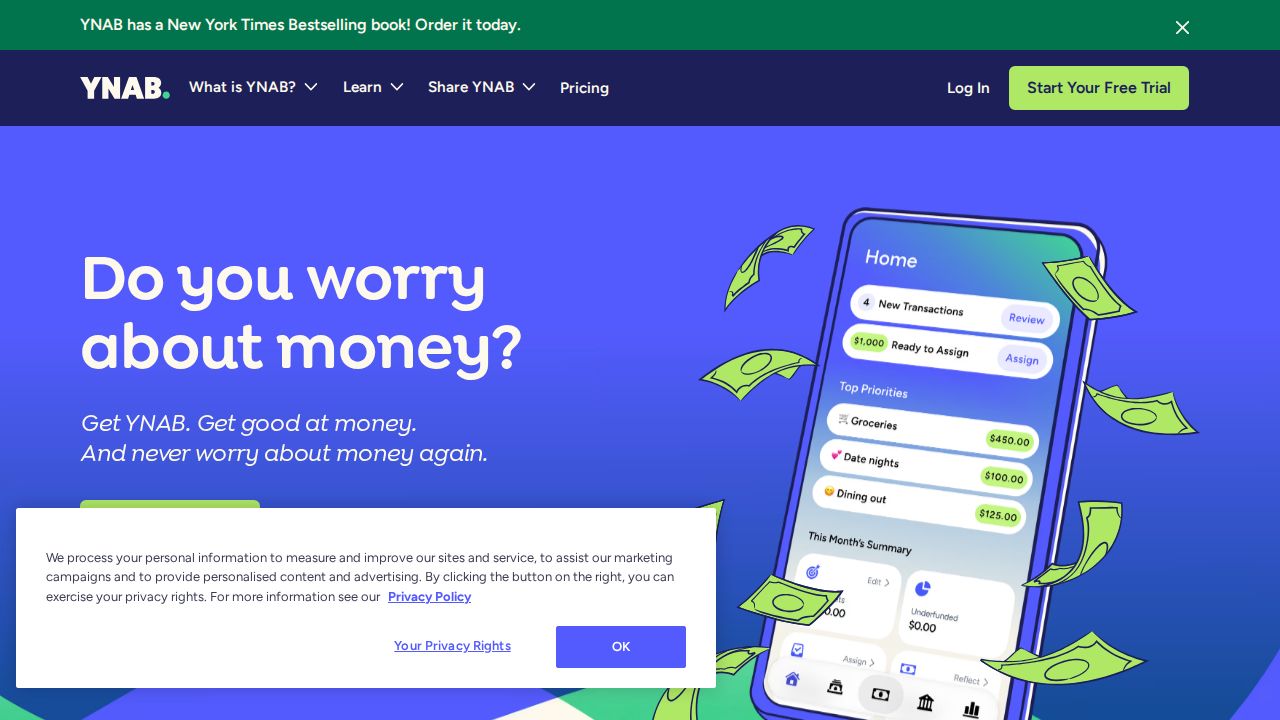
Best for planning before you spend YNAB is built around giving your money a plan before you spend it. It syncs balances, goals and transactions across devices, and one subscription can be shared with others in your household. The 34-day trial needs no credit card when you sign up directly.
What stands out
- 34-day free trial with no credit card when you sign up with YNAB
- Free 365-day trial for college students with proof of enrollment
- One subscription can be shared with up to six people
- Includes savings targets and a loan calculator for debt
Keep in mind
- No free plan after the trial
- Monthly billing costs $14.99, more than the annual rate of $9.08 a month
- The pricing page is inconsistent about how many people can share
 Monarch
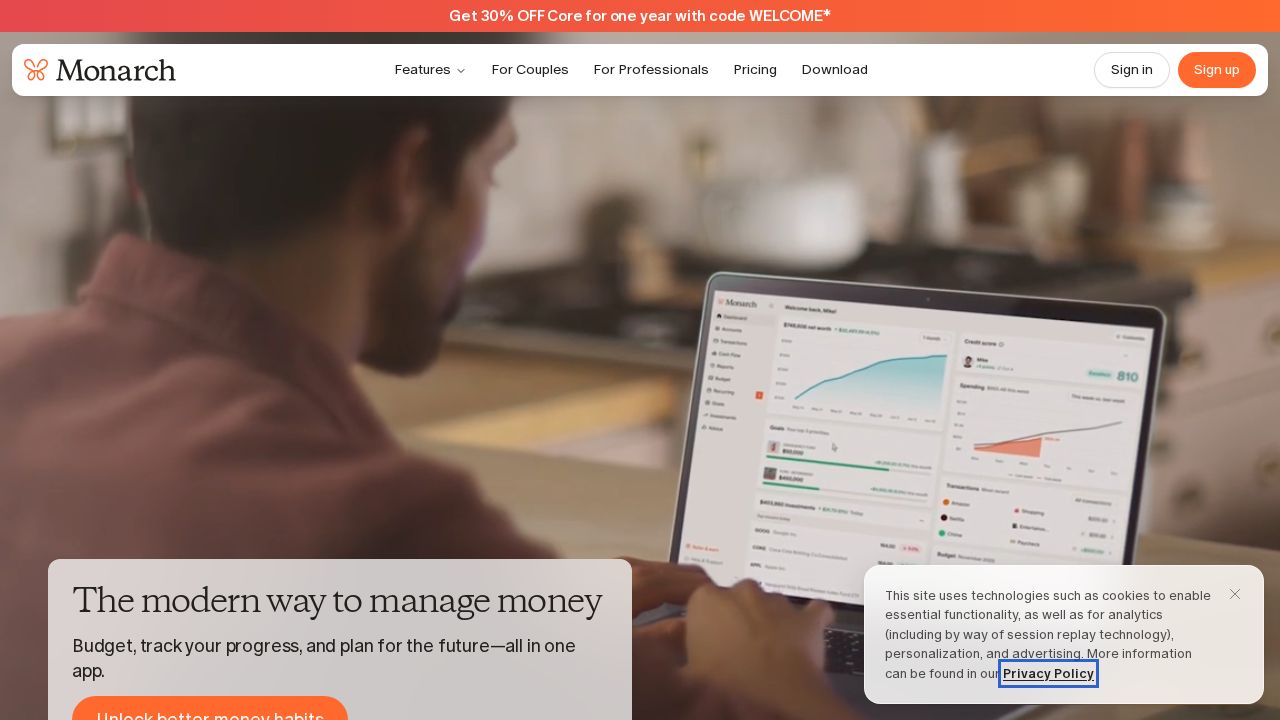
Best for couples who budget together Monarch brings bank, credit card, loan, real estate and investment accounts into one view. You can invite a partner or financial advisor at no extra cost, and each partner links their own accounts. It runs on the web, iOS and Android, and says it has no ads.
What stands out
- Partner and advisor collaboration included at no extra cost
- Net worth view across bank, loan, real estate and investment accounts
- Apps for web, iOS and Android that stay in sync
- No ads, and the company says it does not sell financial data
Keep in mind
- No free plan, only a 7-day trial
- Monthly billing is $14.99; the page does not say which tier each price covers
 EveryDollar
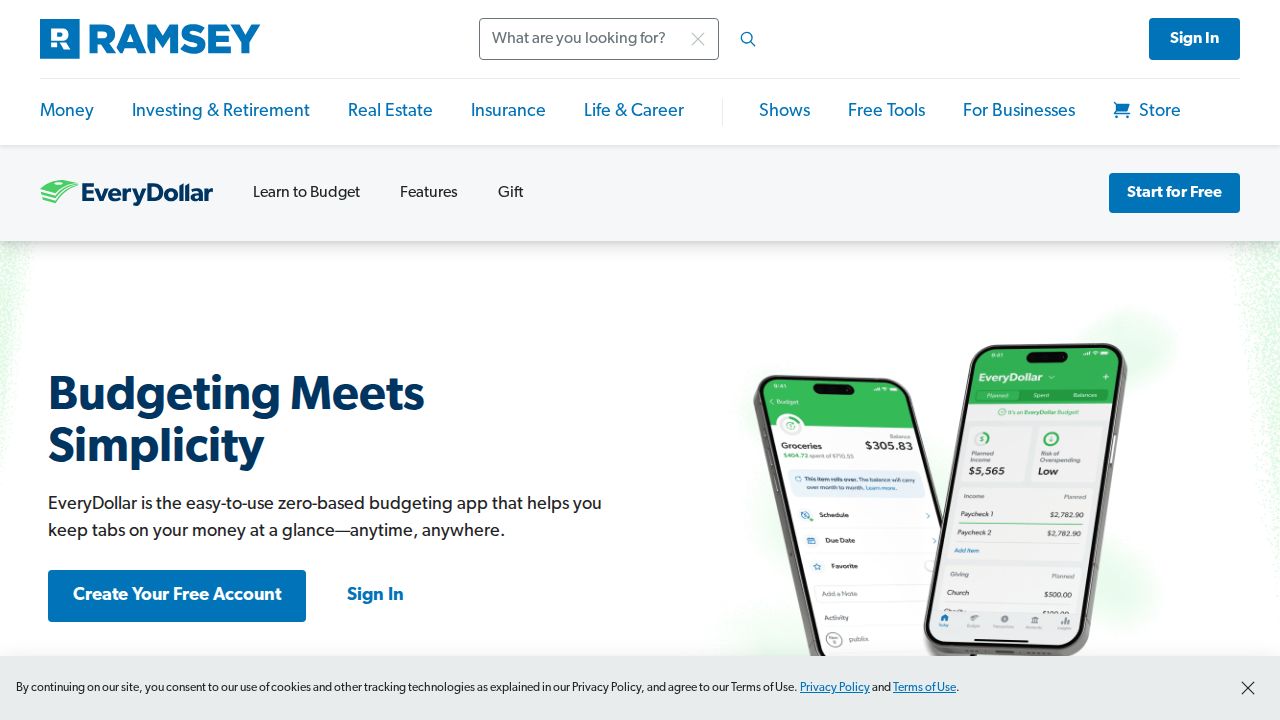
Best for a free zero-based budget EveryDollar's free version lets you build a monthly budget with unlimited categories and enter transactions by hand. Premium adds automatic bank connections, payday-based spending plans, custom reports and CSV export. Premium starts with a 14-day trial for new users.
What stands out
- Free version with unlimited budget categories and sinking funds
- Premium adds automatic bank connections and custom reports
- 14-day free trial of Premium for new users
- Live support on the free version
Keep in mind
- Bank syncing requires Premium
- Monthly billing costs $17.99
- The mobile app and Premium are not available outside the US
 Goodbudget
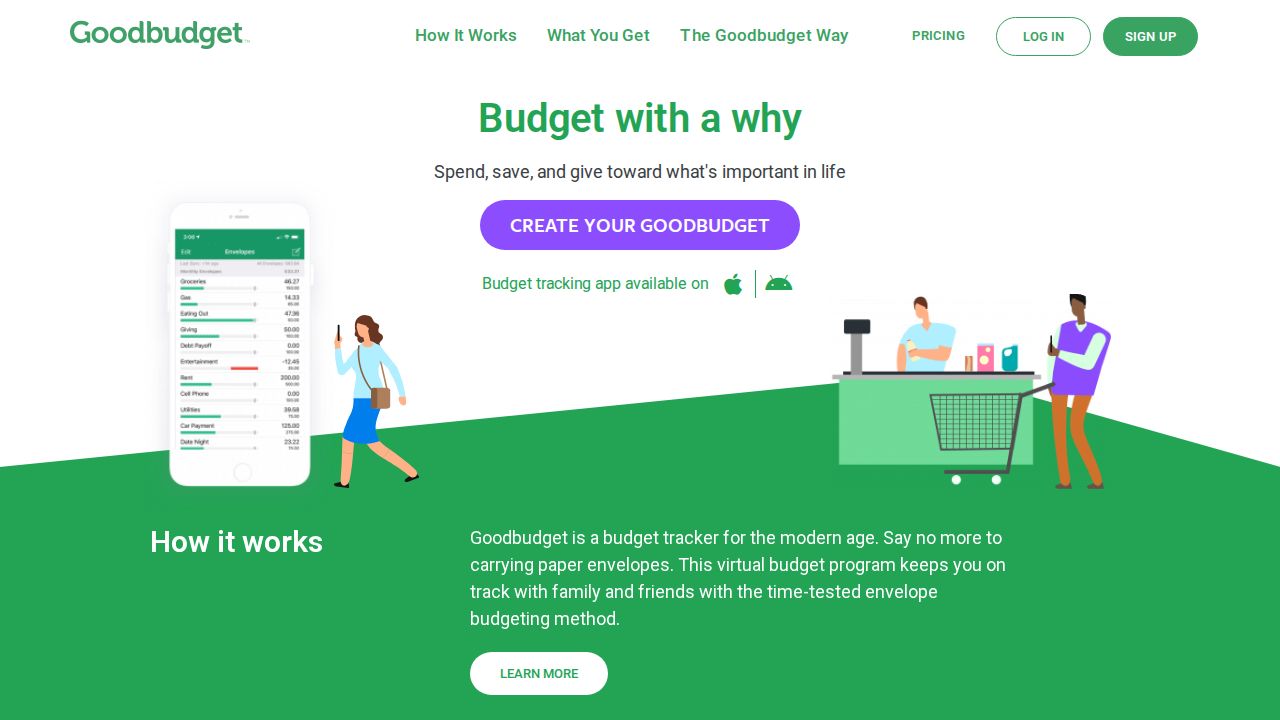
Best for envelope budgeting shared with a partner Goodbudget uses the envelope method, where you divide income into spending categories ahead of time. The free plan covers 10 standard envelopes, one account and two devices, which can work for a couple. Premium removes the envelope limits and adds automatic bank sync for US banks.
What stands out
- Free plan includes debt tracking and budget sharing on two devices
- Premium adds unlimited envelopes and accounts
- Premium keeps seven years of transaction history
- Premium shares a budget across five devices
Keep in mind
- Free plan allows only one account and one year of history
- Automatic bank sync needs Premium and works with US banks only
- Monthly billing costs $10
 PocketGuard
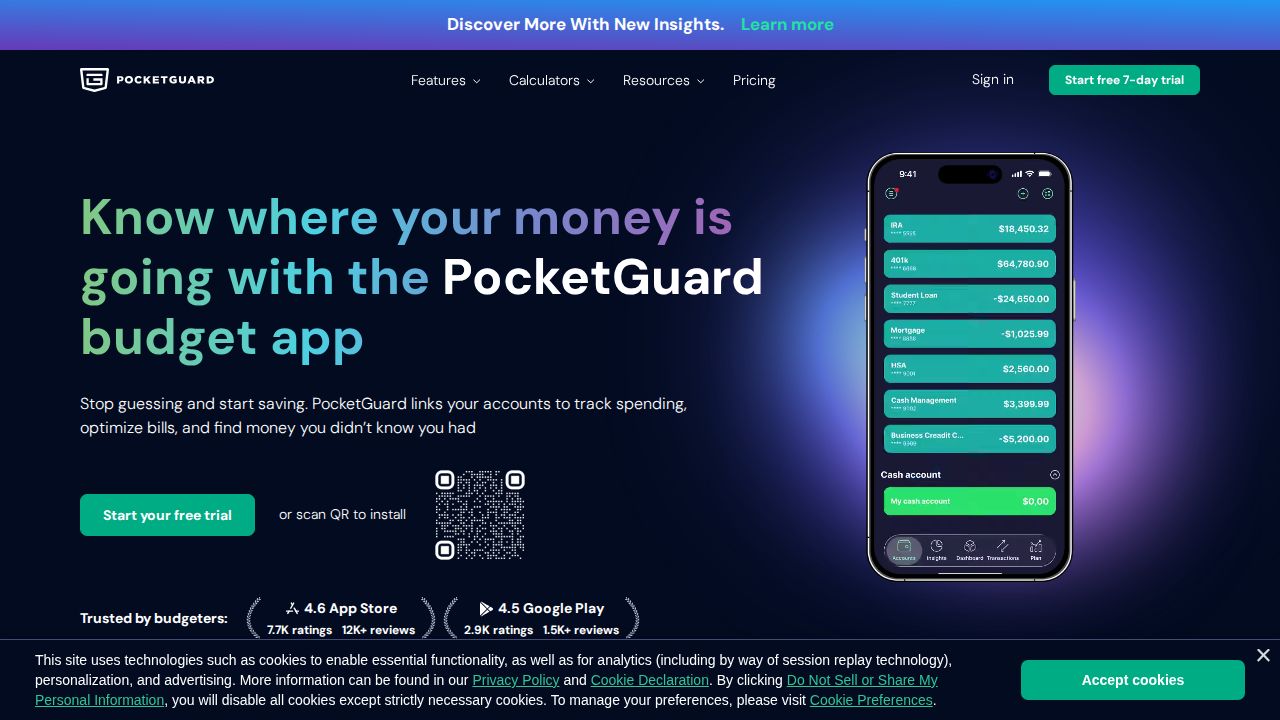
Best for a lifetime purchase option PocketGuard lists budgeting, bill tracking and subscription tools in one paid plan. It offers rollover budgets, a debt payoff plan, transaction rules and help canceling unwanted subscriptions. Uniquely here, it sells a lifetime plan for a single $149.99 payment.
What stands out
- Lifetime plan for a one-time $149.99 payment
- Unlimited category budgets, rollover budgeting and a debt payoff plan
- Tracks recurring bills and helps cancel unwanted subscriptions
- 7-day free trial on all plans
Keep in mind
- The pricing page lists no free tier
- Monthly billing costs $12.99
- Account connections cover the US and Canada
 Copilot Money
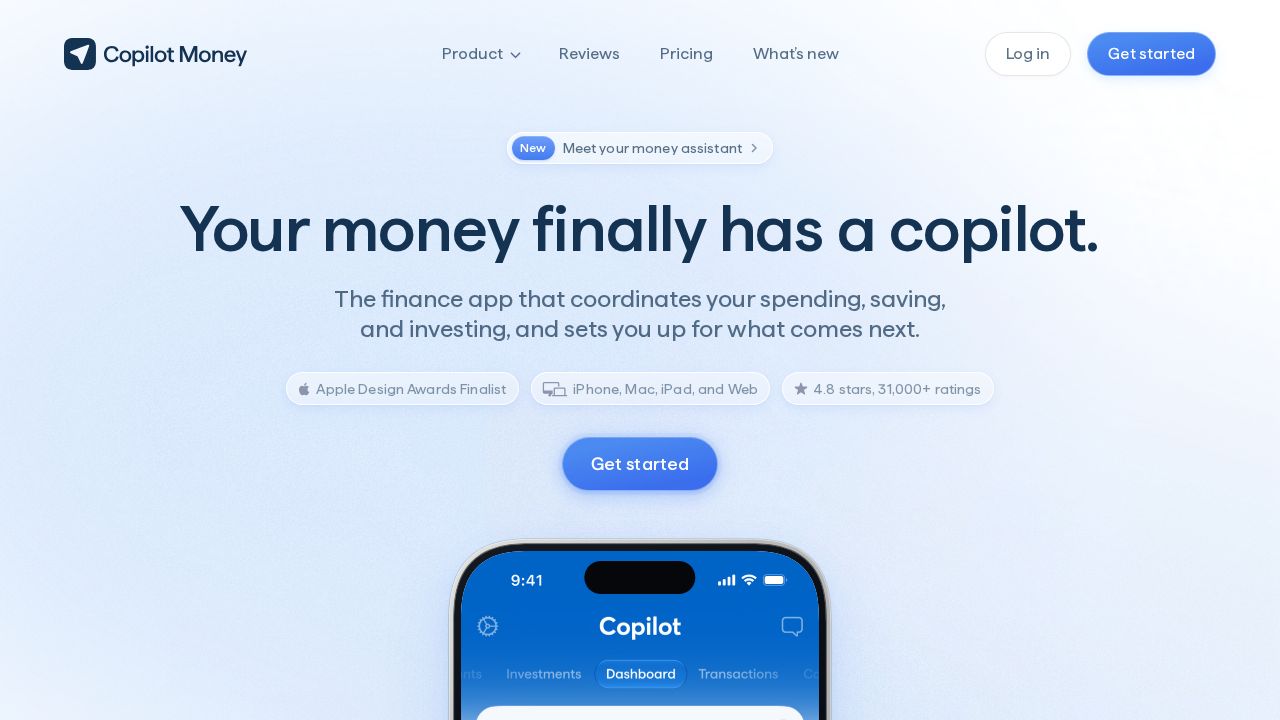
Best for iPhone and Mac users Copilot Money is aimed at Apple users, with apps for iPhone, iPad and Mac plus a web version. It tracks budgets, recurring charges, investments and net worth, and connects to more than 16,000 institutions. A built-in assistant can tidy transactions and suggest budget changes, and it asks before acting.
What stands out
- 1-month free trial
- Connects to 16,000+ financial institutions
- Tracks investments and net worth alongside spending
- Says it does not sell financial data or use it for ads
Keep in mind
- The $109 yearly price is labeled a limited-time offer, down from $119
- No Android app mentioned
- Shared household access is listed as coming soon
How we chose
We compared each app’s published plans and features on these points:
- Price. Annual and monthly rates, plus any lifetime option.
- Free plan or trial. What you can use before paying.
- Bank connections. Whether accounts sync automatically and on which plan.
- Sharing. Whether a partner or household can use the same budget.
This list describes published features and prices only. It is not financial advice, and it is not based on lab testing. Where a company did not show a price on the day we checked, we would say “See site” instead of guessing; every app here had a published price.
Free or paid: which do you need?
A free plan can work if you are comfortable entering transactions by hand. EveryDollar’s free version and Goodbudget’s free plan both allow that.
Paid plans usually add:
- Automatic bank and card syncing
- Unlimited categories, envelopes or accounts
- Reports and spending comparisons over time
- Sharing across more devices or people
Before you subscribe
- Start the free trial and connect only the accounts you need.
- Check whether the price shown is a yearly rate or a monthly rate.
- Note the trial end date so you can cancel in time if it is not a fit.
- Read the app’s privacy page to see how it handles your data.
- Look for an export option so you can take your data with you later.
Frequently asked questions
Are there free budgeting apps?
Yes. EveryDollar and Goodbudget both have free versions. Each limits features such as automatic bank syncing to its paid Premium plan.
Which budgeting apps let couples share a budget?
Monarch includes partner collaboration at no extra cost, YNAB subscriptions can be shared with others, and Goodbudget shares a budget across two devices free or five on Premium.
Do budgeting apps connect to my bank?
Most do on paid plans. EveryDollar Premium links banks through Mastercard Connect and Plaid, and Goodbudget Premium syncs with US banks.
Can I pay once instead of subscribing?
PocketGuard offers a lifetime plan for $149.99. The other apps on this list are sold as subscriptions.
Sources
How we wrote this
This list is based on each company's published plans, prices and feature pages, not on hands-on lab testing. Facts were last checked on November 17, 2026. See our editorial policy.