No company paid to be on this list. Prices were checked on November 17, 2026 and can change. How we make money.
At a glance
| # | Product | Best for | Starting price | Free option |
|---|---|---|---|---|
| 1 | A free, open source desktop client | Free | Free plan | |
| 2 | Mail and calendar on every device | $1.99/mo | Free plan | |
| 3 | A smart inbox across many accounts | $8.25/mo | Free plan | |
| 4 | A one-time purchase option | $49.95/yr | Free plan (2 accounts) | |
| 5 | Security features on a budget | $36/yr | Free plan (2 devices) | |
| 6 | Windows users with one main account | $4.03/mo | Free plan (1 account) |
The list
 Thunderbird
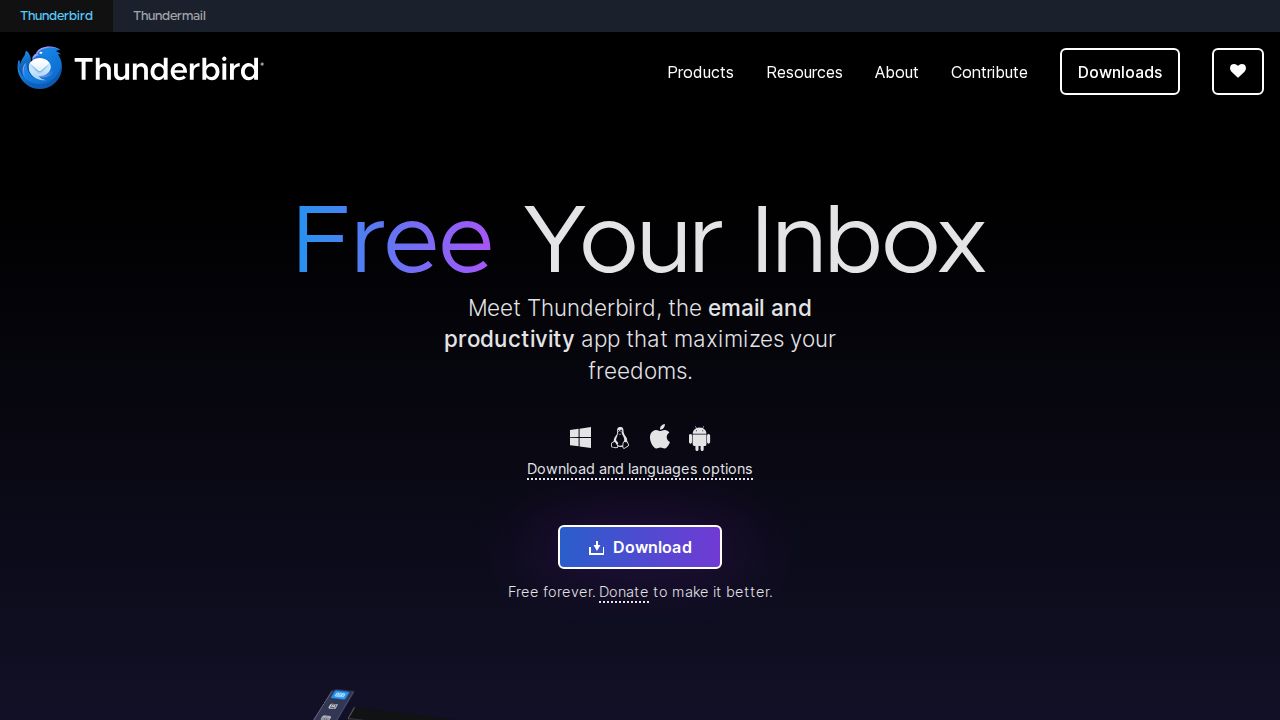
Best for a free, open source desktop client Thunderbird is the pick if you want a capable email client and do not want to pay or see ads. It is open source, funded by donations, and puts mail, calendars and contacts in one app. You can use a unified inbox or keep accounts separate, and add extensions to change how it works.
What stands out
- Free and open source, funded by user donations
- Runs on Windows, macOS, Linux and Android
- Unified inbox, filters, tags and extensions
- States that it does not collect personal data or sell inbox ads
Keep in mind
- The homepage does not list an iOS app
- The homepage links to a separate Thundermail service without giving details or a price
 Microsoft Outlook
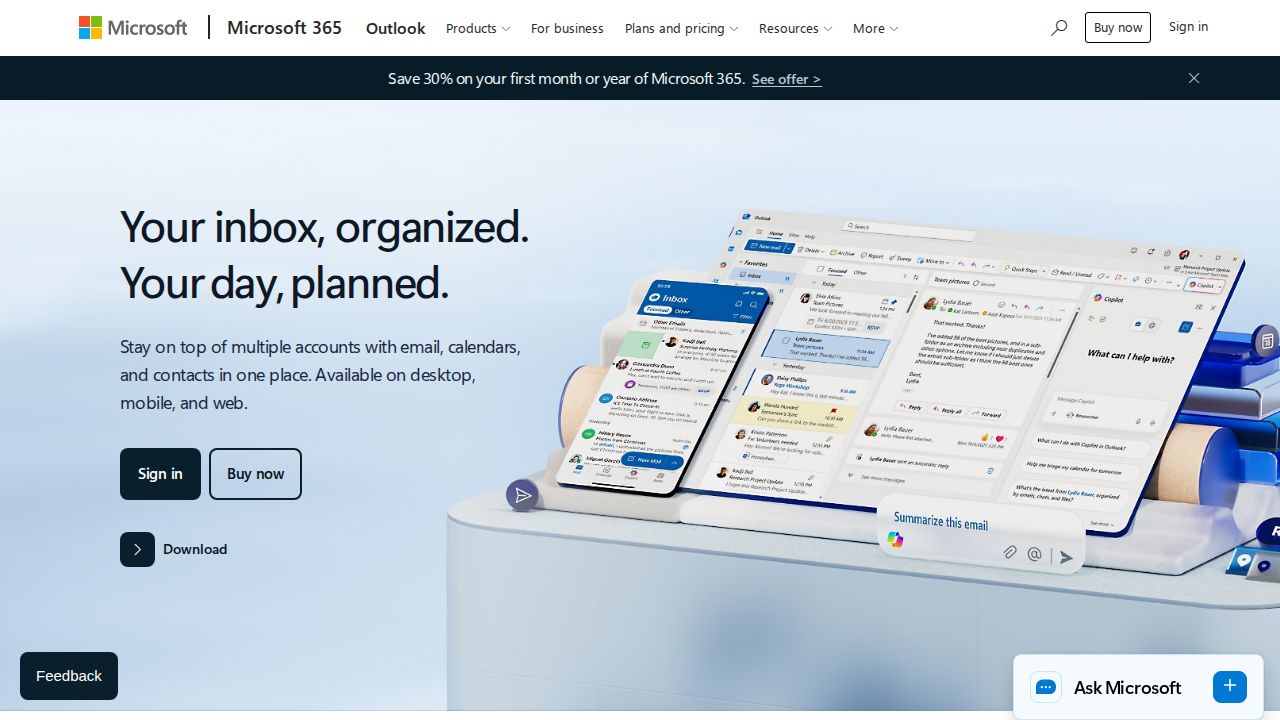
Best for mail and calendar on every device Outlook is a safe choice for most people because the free version covers web, desktop and mobile and connects accounts from Outlook.com, Gmail, Yahoo and iCloud. It includes a focused inbox, snoozing and a built-in calendar. Microsoft 365 Basic removes ads and gives you a 100 GB mailbox.
What stands out
- Free on web, Windows, macOS, Android and iOS
- Connects Outlook.com, Gmail, Yahoo, iCloud and other accounts
- Focused inbox, sweep, snooze and built-in calendar
- Microsoft 365 Basic is $1.99 a month or $19.99 a year with a 100 GB mailbox
Keep in mind
- Free accounts show ads in the inbox
- Copilot in Outlook needs Microsoft 365 Personal or Family
 Spark
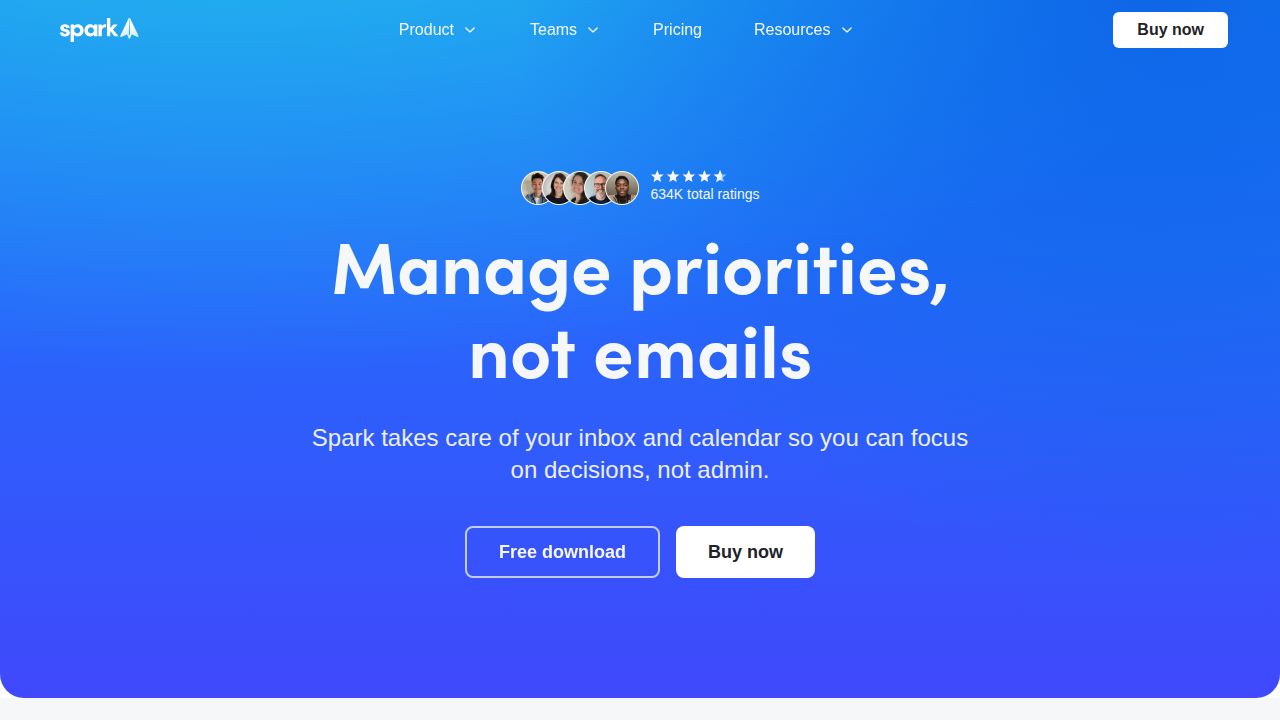
Best for a smart inbox across many accounts Spark sorts incoming mail with a Smart Inbox and lets the free plan connect unlimited email accounts, with a calendar included. The paid Plus plan adds AI writing help, custom templates and team collaboration. It is priced higher than most apps here, so the free plan is the main draw for personal use.
What stands out
- Free plan with unlimited email accounts
- Smart Inbox, Smart Notifications and a calendar on the free plan
- Plus adds Spark +AI, custom templates and team collaboration
- One subscription unlocks paid features on Windows, Mac, Android and iOS
Keep in mind
- Plus is $99 a year (about $8.25 a month) or $10 a month on monthly billing
- AI features on the free plan are a limited preview
- The paid trial is seven days
 eM Client
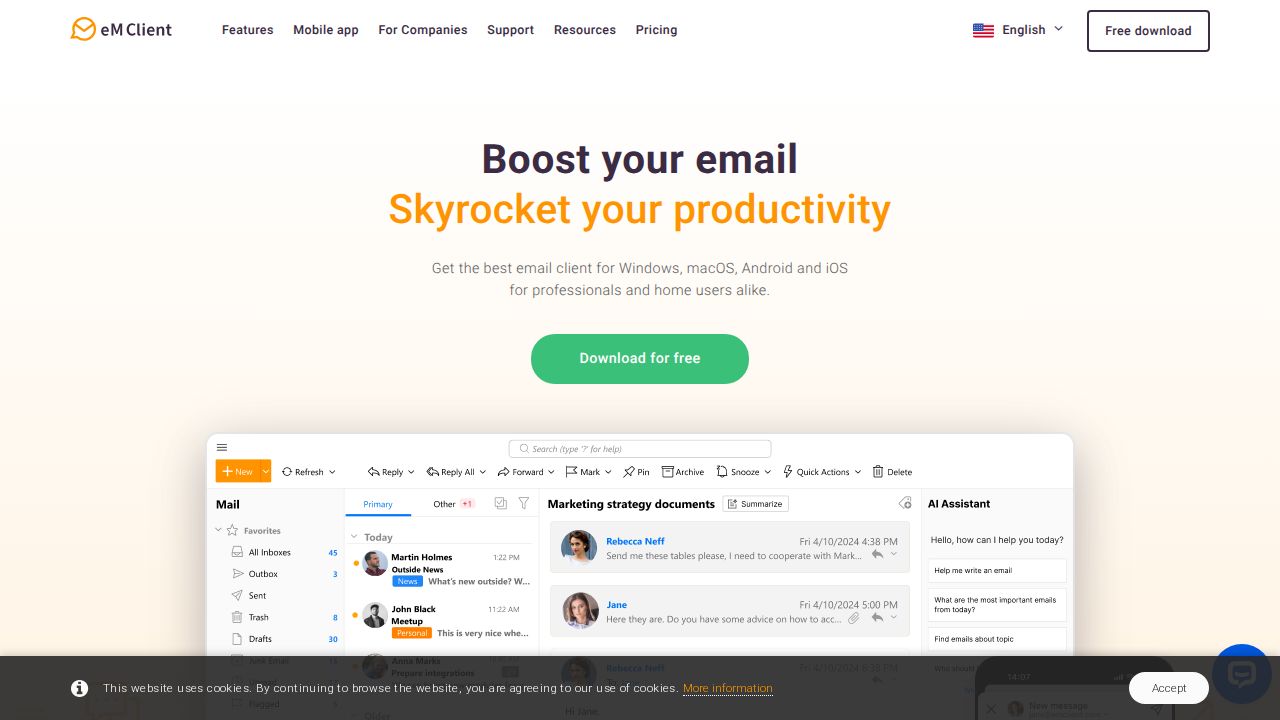
Best for a one-time purchase option eM Client is a desktop app for Windows and macOS that bundles email, calendar, contacts and tasks. The free license covers 2 email accounts for home use. The Personal license removes the account limit and can be bought as a yearly subscription or as a one-time payment of $74.95.
What stands out
- Free license for home use with 2 email accounts
- Personal license covers one person on up to 3 devices
- One-time payment option at $74.95
- 30-day free trial and 30-day money-back guarantee on paid plans
- iOS and Android apps are free and need no license
Keep in mind
- Free license is for non-commercial use on 1 device
- The AI Add-on is included with the yearly plan but not listed with the one-time plan
 Canary Mail
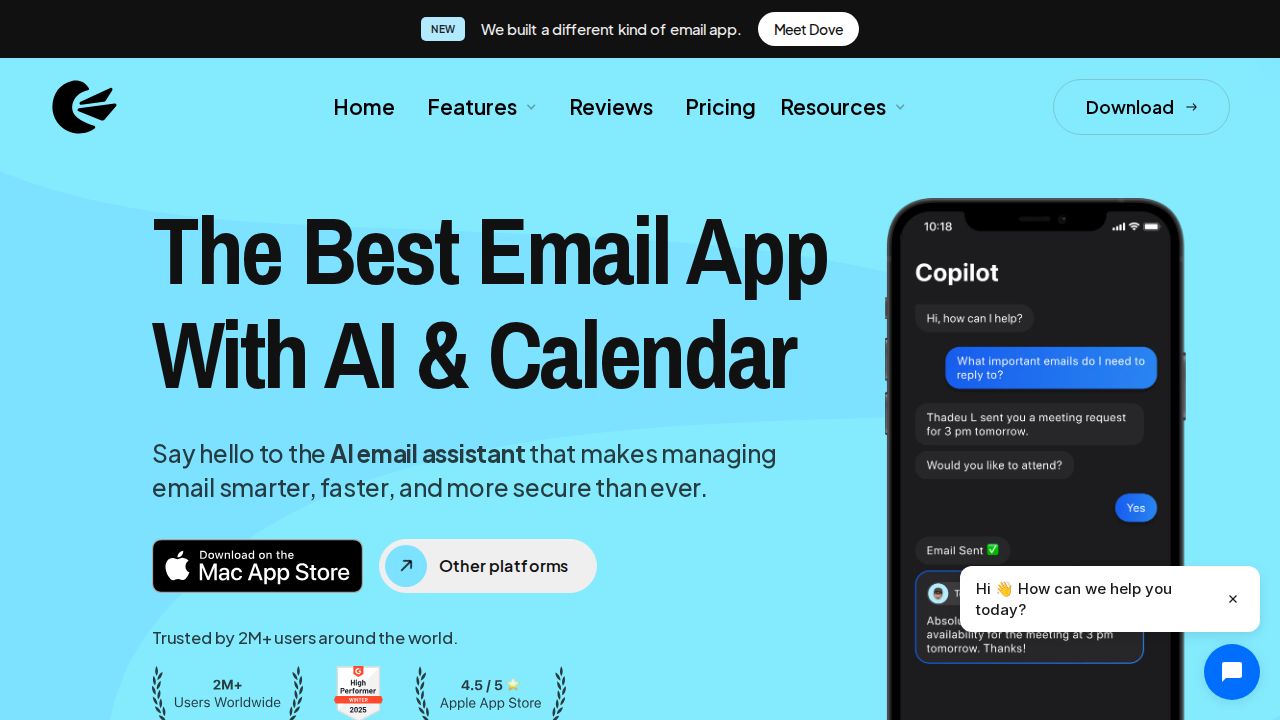
Best for security features on a budget Canary Mail has a free plan with a unified inbox, snooze, templates and unlimited mail accounts on up to 2 devices. Growth costs $36 a year and adds an AI Copilot, Send Later and a calendar. PGP encryption and phishing protection are reserved for the Pro+ plan at $100 a year.
What stands out
- Free plan with unified inbox and unlimited mail accounts
- Growth is $36 a year and covers up to 5 devices
- Works on macOS, iOS, Windows and Android with one license
- 7-day trial of Pro+ features with no credit card
Keep in mind
- Free plan is limited to 2 devices
- No monthly subscriptions; paid plans are billed yearly
- PGP encryption and phishing protection need Pro+ ($100 a year)
 Mailbird
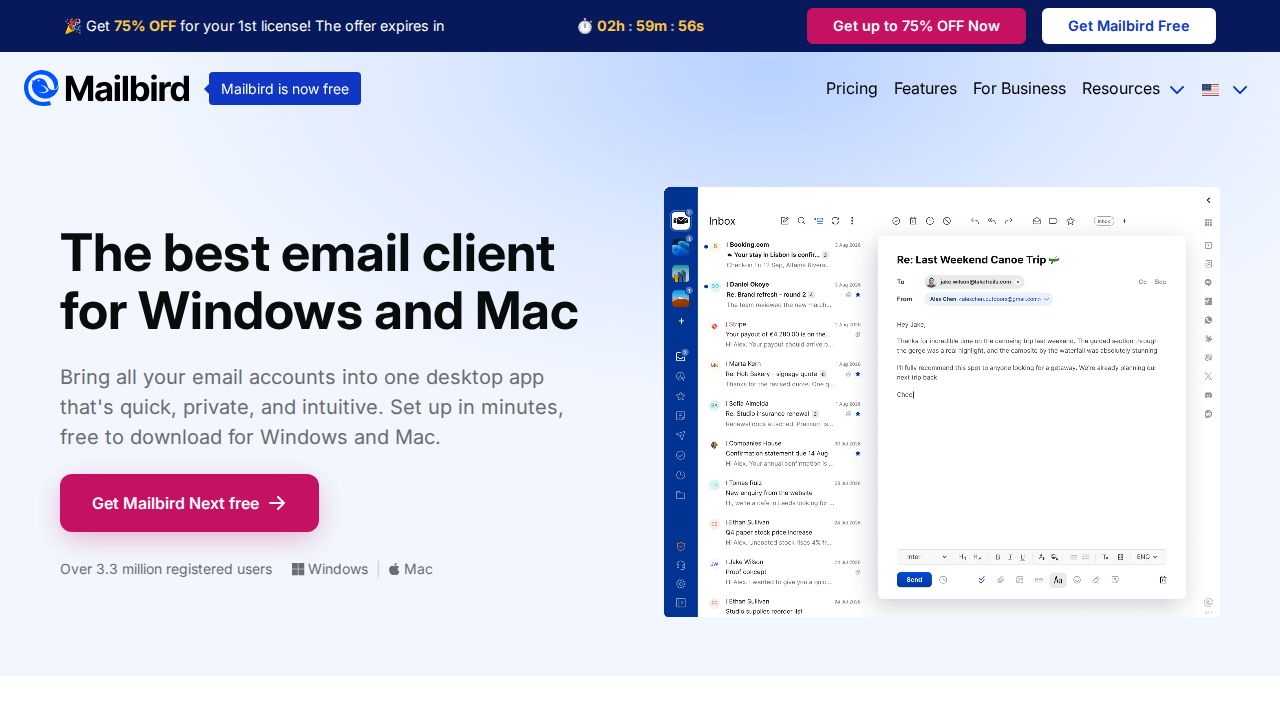
Best for windows users with one main account Mailbird offers a free plan for casual users with one email account on one device. Premium lifts the account limit, covers 3 devices per license and adds email support. It is sold as a yearly subscription or as a pay-once license, both shown at special rates on the day we checked.
What stands out
- Free plan for 1 email account on 1 device
- Premium has unlimited accounts and 3 devices per license
- Pay-once license available
- 14-day money-back guarantee
Keep in mind
- Premium Yearly at $4.03 per user a month, billed yearly, is a special rate (30% off)
- The pay-once price of $99.75 is also a sale price
- Free plan support is limited to the knowledge base
How we chose
We compared each company’s published plans on four things:
- Free version limits. How many accounts and devices the free version allows.
- Platforms. Whether the app runs on Windows, macOS, Linux, iOS and Android.
- Upgrade price. The lowest paid plan, and whether a one-time purchase exists.
- Inbox tools. Unified inbox, snooze, templates, calendar and AI writing help.
This list is based on published plans and pricing, not lab testing. Where a company does not publish a price, we write “See site” instead of guessing.
Do you need a separate email app?
The app or website from your email provider is fine if you have one address. A dedicated client helps when you:
- Have two or more accounts and want one inbox
- Want mail, calendar and contacts in the same window
- Prefer a desktop program over a browser tab
- Want tools such as snooze, send later or templates that your provider lacks
What to look for
- Account limits. Free versions often cap accounts or devices. Count your addresses first.
- Your devices. Thunderbird covers Linux, while eM Client’s desktop app is for Windows and macOS.
- Ads. Outlook’s free version shows ads. Thunderbird says it does not sell inbox ads.
- Subscription or one-time. A one-time license can cost less over several years, but check what updates are included.
- Security extras. Encryption and phishing tools may sit on a higher tier.
How to switch email apps
- Install the new app and sign in to each email account. Your mail stays with your provider, so nothing has to be moved.
- Check that folders, labels and sent mail appear correctly.
- Recreate your signature and any rules or filters you rely on.
- Turn off notifications in the old app, then remove it once you are comfortable.
Frequently asked questions
What is the difference between an email app and an email provider?
The provider (such as Gmail, Outlook.com or iCloud) hosts your address and stores your mail. An email app, or client, is the program you read it in. Most clients on this list can show several providers in one inbox.
What is the best free email app?
Thunderbird is free and open source with no account limit stated. Outlook is free with ads, and Spark's free plan includes unlimited email accounts.
Can I use one app for Gmail, Outlook and iCloud together?
Yes. Outlook lists support for Outlook.com, Gmail, Yahoo and iCloud accounts, and Thunderbird and Spark offer a unified inbox for multiple accounts.
Are there email apps I can buy once and not subscribe to?
Yes. eM Client Personal is $74.95 as a one-time payment, and Mailbird sells a pay-once Premium license.
Sources
How we wrote this
This list is based on each company's published plans, prices and feature pages, not on hands-on lab testing. Facts were last checked on November 17, 2026. See our editorial policy.