No company paid to be on this list. Prices were checked on November 17, 2026 and can change. How we make money.
At a glance
| # | Product | Best for | Starting price | Free option |
|---|---|---|---|---|
| 1 | Most people, especially Gmail users | Free | Free | |
| 2 | Email and calendar in one free app | $1.99/mo | Free plan | |
| 3 | A free app that merges several calendars | Free | Free plan | |
| 4 | Private, encrypted scheduling | $2.49/mo | Free plan (3 calendars) | |
| 5 | Apple users who want extra features | See site | Free plan | |
| 6 | Shared family and couple calendars | $4.49/mo | Free plan | |
| 7 | Time blocking tasks on your calendar | $15/mo | 14-day trial |
The list
 Google Calendar
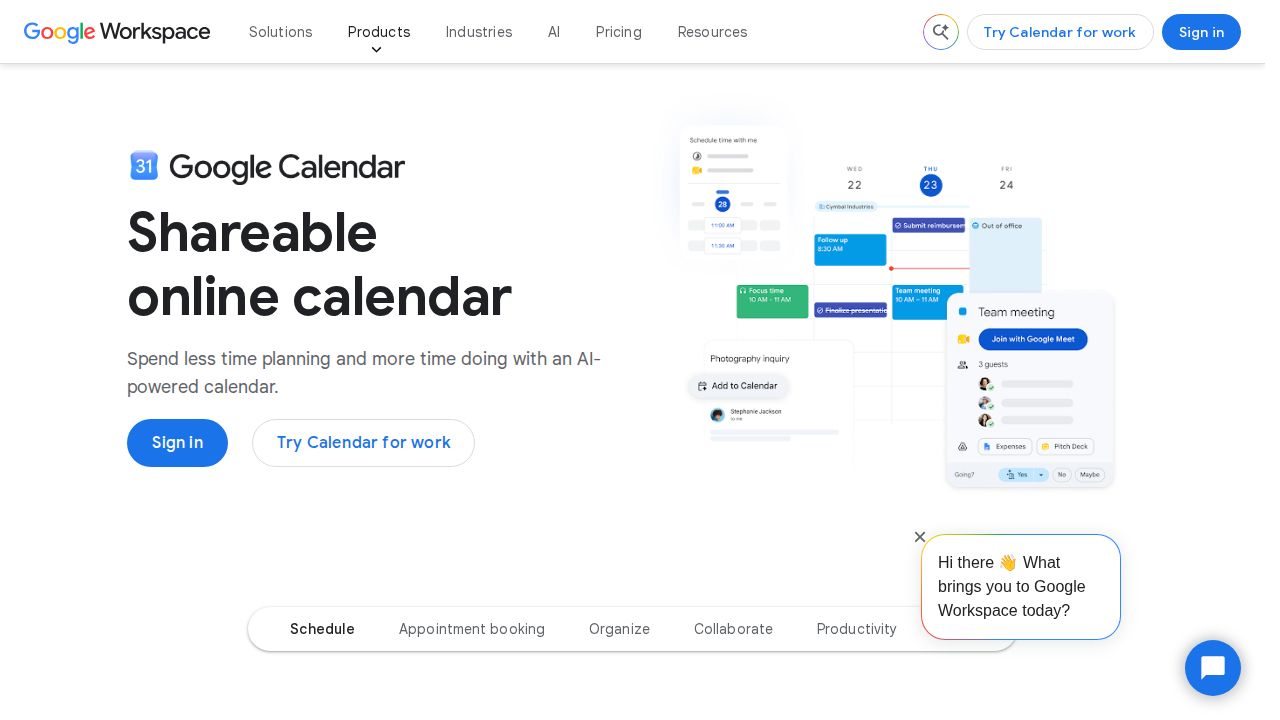
Best for most people, especially Gmail users Google Calendar is the default pick if you already use Gmail. Reservations for flights, hotels and restaurants in your inbox are added automatically, and calendars sync across web, Android, iOS, Wear OS and Apple Watch. It is free with a personal Google Account, and extra booking and reminder features need a paid plan.
What stands out
- Syncs across web, Android and iOS apps, Wear OS and Apple Watch
- Adds flight, hotel and restaurant reservations from Gmail automatically
- A personal Google Account can create one booking page
- Shared calendars, focus time that auto-declines meetings and Time Insights
Keep in mind
- Multiple booking pages, Stripe payments and automatic email reminders need a paid plan
- Gemini scheduling features require a Workspace plan
 Microsoft Outlook
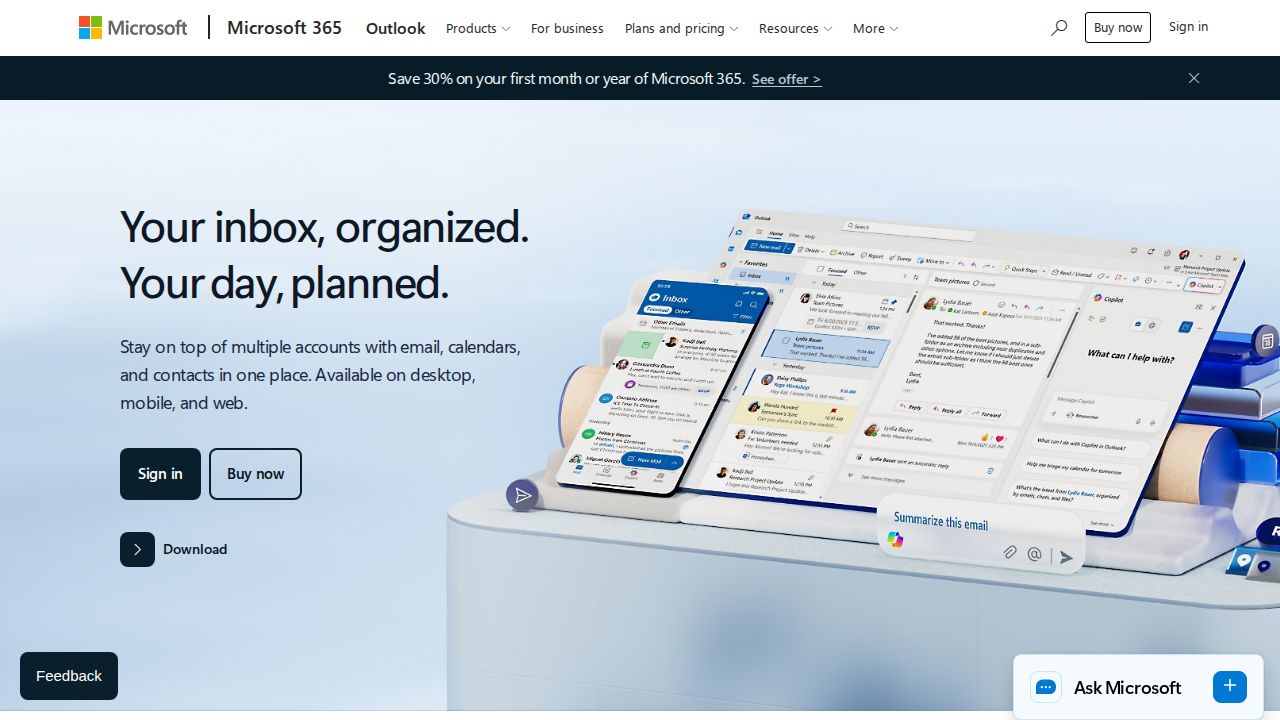
Best for email and calendar in one free app Outlook puts email and calendar in one place and costs nothing to start. The free version works on the web, desktop and mobile, and can connect accounts from Outlook.com, Gmail, Yahoo and iCloud. Paying for Microsoft 365 Basic removes ads and raises mailbox storage to 100 GB.
What stands out
- Free version covers web, desktop and mobile
- Connects Outlook.com, Gmail, Yahoo, iCloud and other accounts
- Event scheduling, reminders, and package and flight tracking
- Microsoft 365 Basic is $1.99 a month or $19.99 a year
Keep in mind
- Free accounts show ads in the inbox
- Free mailbox storage is 15 GB
 Notion Calendar
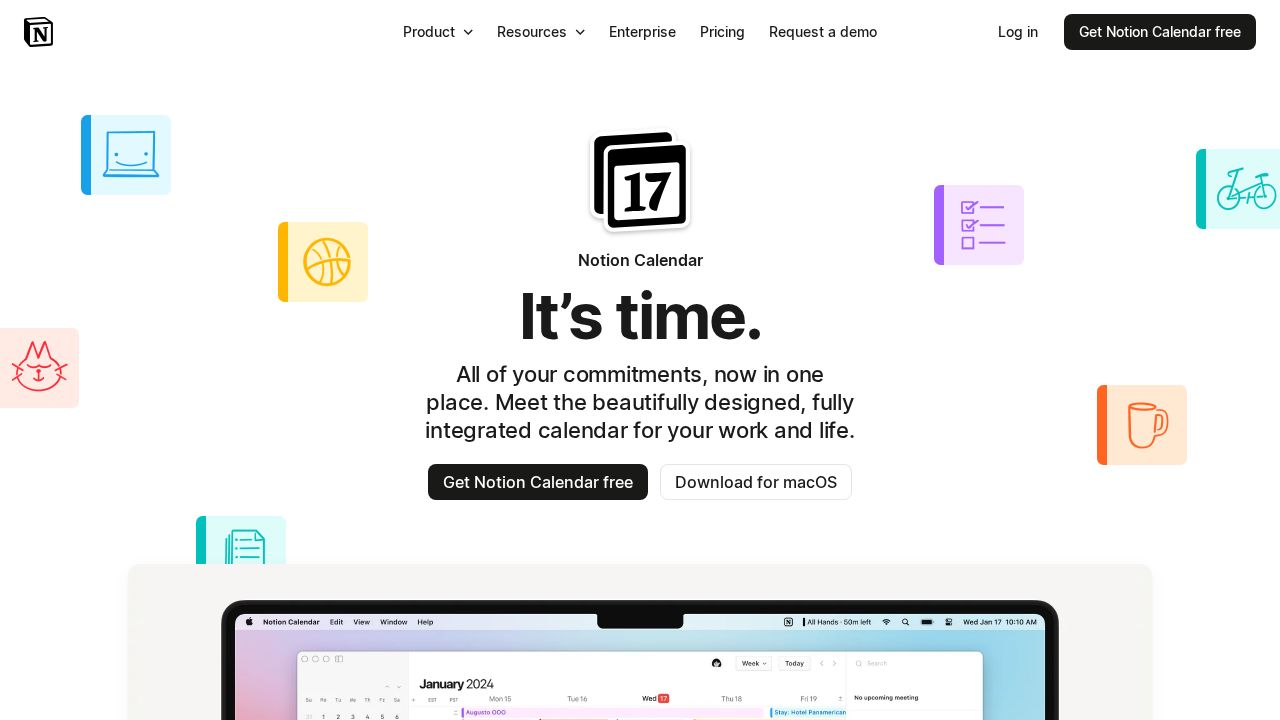
Best for a free app that merges several calendars Notion Calendar is a good fit if you juggle work and personal accounts. It connects Google Calendar, Outlook and iCloud calendars, blocks busy time across them and lets you share a scheduling link. Notion users also see database deadlines and project timelines next to their events.
What stands out
- Offered free on macOS, Windows, iPhone, iPad and Android
- Connects Google Calendar, Outlook and iCloud calendars
- Scheduling links so others can book time with you
- Shows Notion database deadlines alongside events
Keep in mind
- Google Calendar events cannot be imported directly into a Notion database yet
- The product page does not list plan limits, so check Notion's pricing page for details
 Proton Calendar
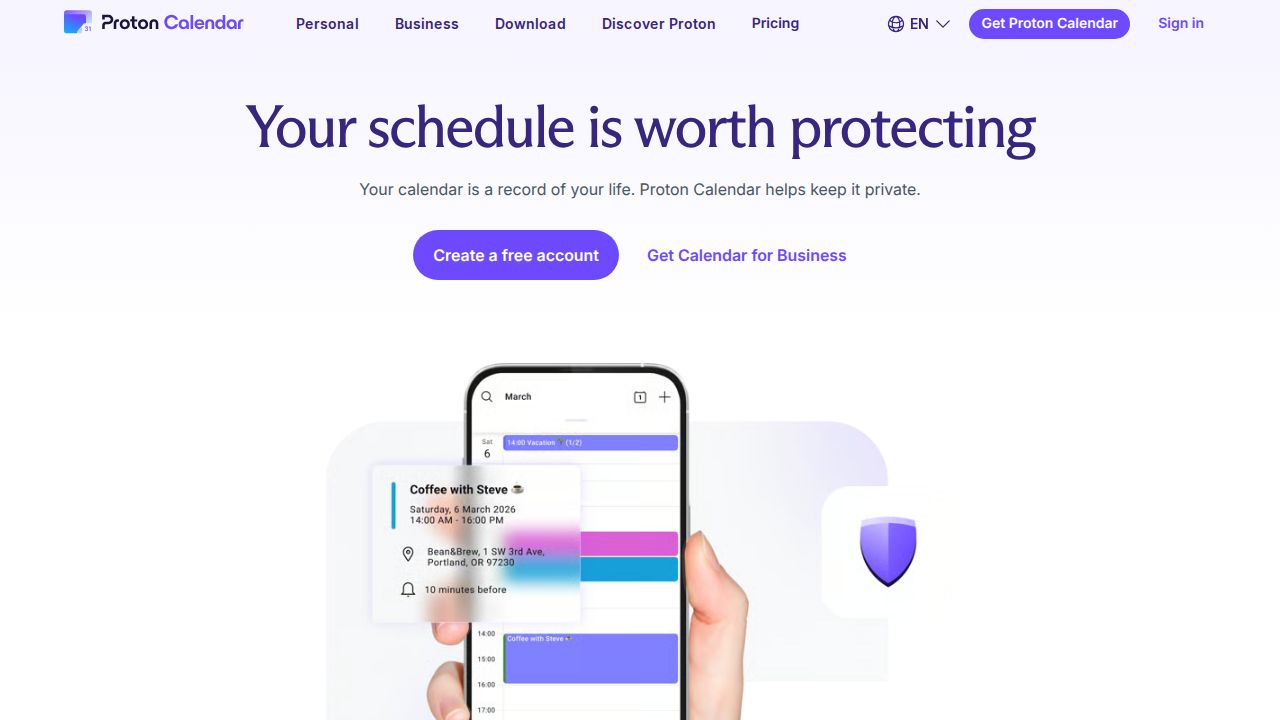
Best for private, encrypted scheduling Proton Calendar suits anyone who does not want their schedule read by the provider. Event titles, descriptions, locations and invitees are end-to-end encrypted. The free plan includes 3 personal calendars. Mail Plus raises that to 25 and adds calendar sharing and a booking page.
What stands out
- End-to-end encryption for event titles, descriptions, locations and invitees
- Free plan includes 3 personal calendars
- Mail Plus includes 25 calendars, calendar sharing and 1 booking page
- Apps for iOS, Android, macOS, Windows and Linux, plus a web app
Keep in mind
- Calendar sharing is not included on the free plan
- Mail Plus is $29.88 for the first 12 months, then renews at $47.88 a year
 Fantastical
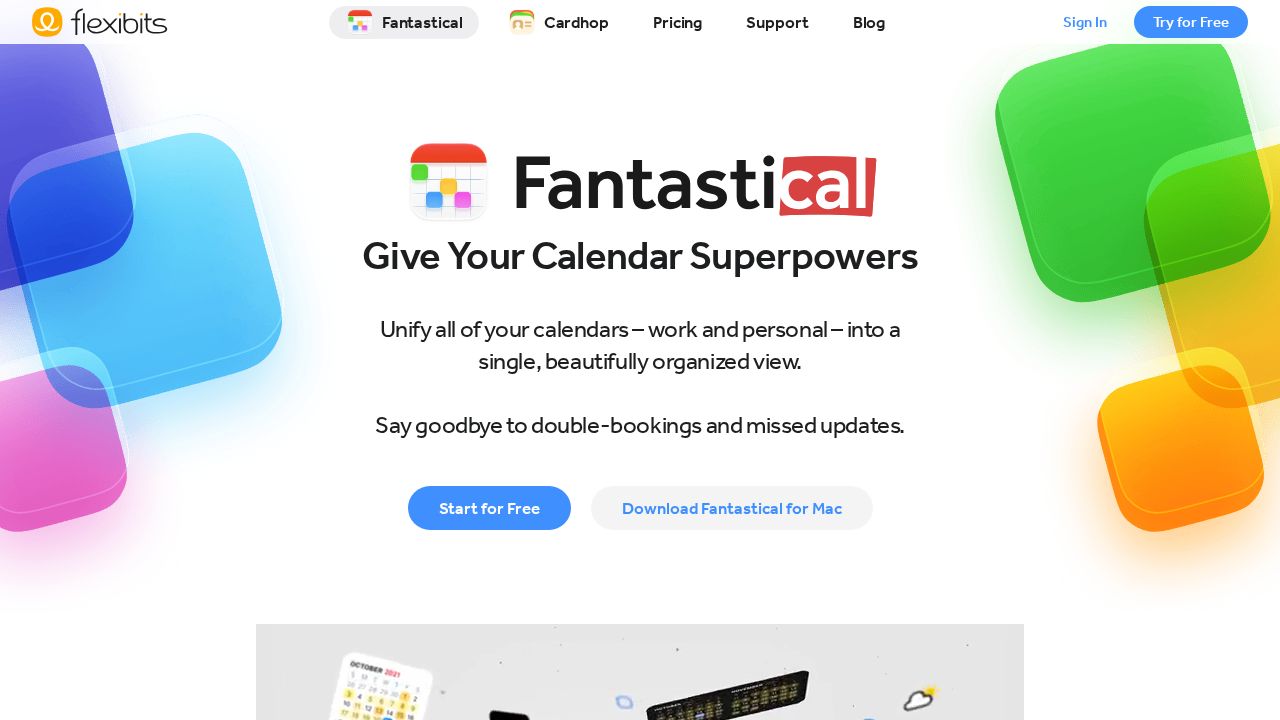
Best for apple users who want extra features Fantastical is aimed at people who live on Apple devices, though it now lists Windows too. The free plan covers core event and task features with one calendar set. The Individual plan adds scheduling tools, travel time, weather and unlimited calendar sets, but the pricing page only shows dollar amounts at checkout.
What stands out
- Free plan with day, week, month, quarter and year views
- Works on Mac, iPhone, iPad, Apple Watch, Apple Vision Pro and Windows
- Individual plan adds Openings, Proposals, travel time and a 10-day weather forecast
- Family plan covers up to 5 members; paid plans have a 14-day trial
Keep in mind
- Dollar prices are not shown on the pricing page
- Free plan is limited to one calendar set and one invitee per event
 TimeTree
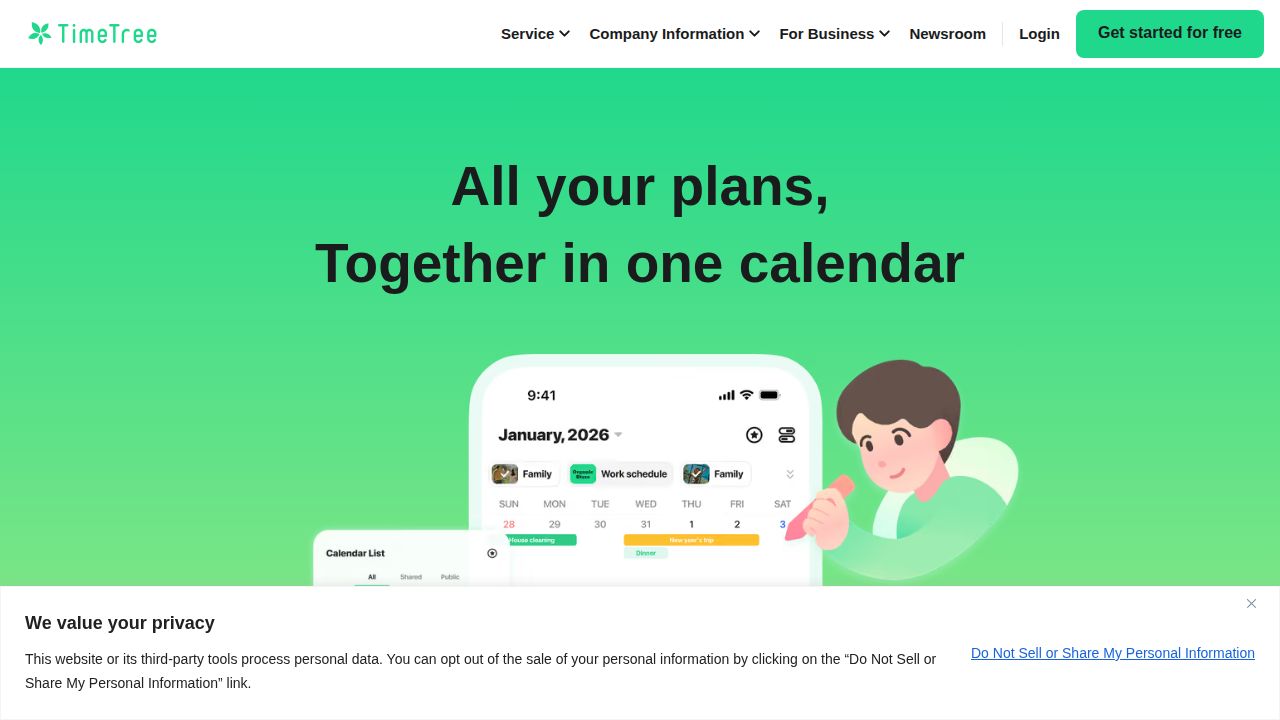
Best for shared family and couple calendars TimeTree is built around sharing a calendar with other people, which makes it a natural choice for households. The free version is ad supported and lets you post photos in event comments. Premium removes ads and adds file attachments, event priority and a vertical hour-by-hour view.
What stands out
- Free version available
- Premium is $4.49 a month or $44.99 a year
- Premium removes ads and adds PDF and document attachments
- First month of Premium is free
Keep in mind
- Free version shows ads
- Pricing varies by region and currency
 Morgen
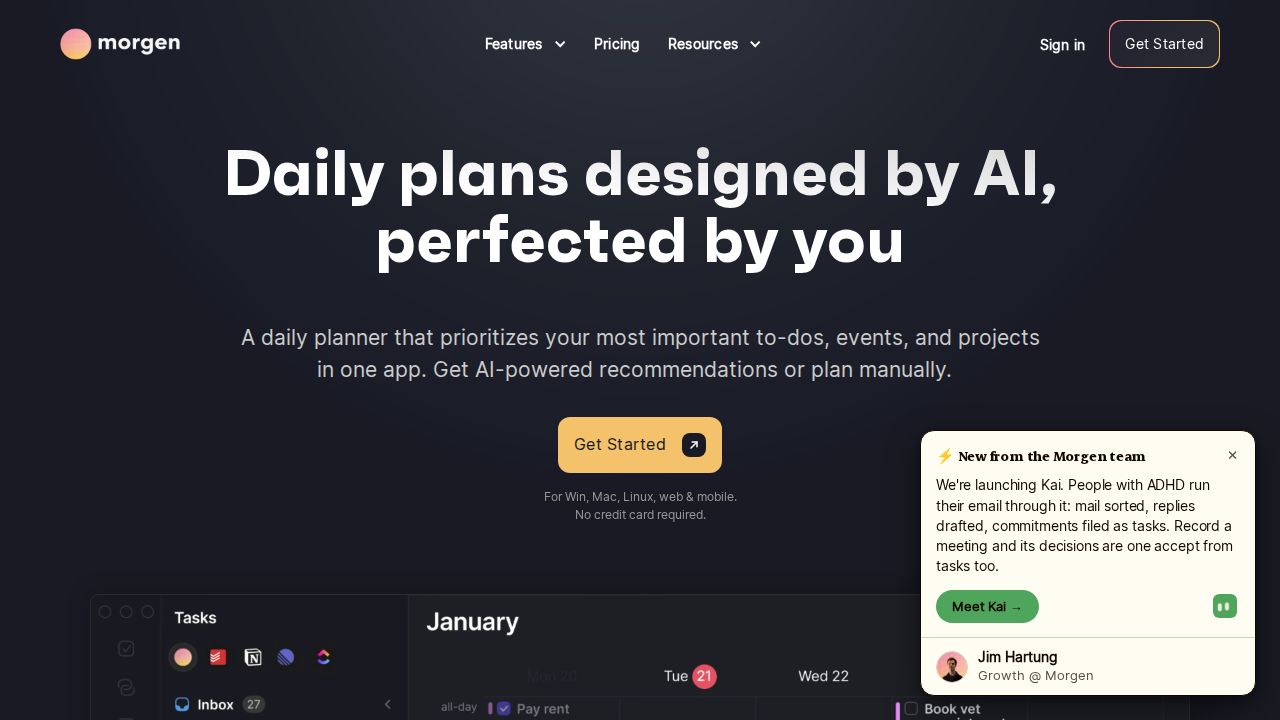
Best for time blocking tasks on your calendar Morgen combines calendars and tasks and plans your day with an AI Planner that blocks time for work. It runs on Windows, macOS, Linux, mobile and the browser. It is the most expensive option here and has no free plan, so it makes sense only if time blocking is central to how you work.
What stands out
- AI Planner for time blocking
- Unlimited calendar and task integrations
- Booking page with scheduling links
- 14-day trial with no credit card and a 30-day money-back guarantee
Keep in mind
- No free plan
- $15 a month applies to yearly billing; paying monthly costs $30
How we chose
We compared each company’s published plans on four things:
- What you get for free. Whether there is a free version and what it leaves out.
- Platforms. Which phones, computers and watches the app runs on.
- Account support. Whether one app can show calendars from Google, Microsoft and Apple together.
- Scheduling extras. Booking pages, shared calendars and task or time blocking tools.
This list is based on published plans and pricing, not lab testing. Where a company did not publish a price on the day we checked, we write “See site” instead of guessing.
Which type of calendar app do you need?
Start with the accounts you already have:
- You use Gmail. Google Calendar picks up reservations from your inbox and syncs to your phone and watch.
- You use Outlook.com or Microsoft 365. Outlook keeps mail and calendar in one app.
- You have several accounts. Notion Calendar shows Google, Outlook and iCloud calendars side by side.
- You share a schedule with a partner or family. TimeTree is designed around shared calendars.
- Privacy comes first. Proton Calendar encrypts event details end to end.
When a paid plan is worth it
A free calendar is enough for most personal schedules. Consider paying when you want:
- More than one booking page, or payments when someone books
- No ads in the app
- File attachments on events
- Automatic time blocking for tasks
- More calendars than a free plan allows
How to move to a new calendar app
- Connect your existing Google, Microsoft or iCloud account in the new app first. Most apps on this list read those accounts directly, so nothing needs to be exported.
- Check that recurring events and reminders show up correctly.
- Turn off notifications in the old app so you do not get every alert twice.
- Keep the old app installed for a week in case something is missing.
Frequently asked questions
What is the best free calendar app?
Outlook and Notion Calendar are both offered free and work with accounts from several providers. Proton Calendar also has a free plan, limited to 3 calendars.
Which calendar app is best for families?
TimeTree is built for shared calendars and has a free version. Google's page also notes that a family group automatically gets a shared Family calendar, and Fantastical has a Family plan for up to 5 members.
Can a calendar app let other people book time with me?
Yes. A personal Google Account can create one booking page, Notion Calendar offers scheduling links, and Proton Mail Plus includes one booking page. Morgen and Fantastical include booking tools on paid plans.
Is there an encrypted calendar app?
Proton Calendar applies end-to-end encryption to event titles, descriptions, locations and invitees, so Proton cannot read them.
Do I need to pay for a calendar app?
Most people do not. Paid plans mainly add extras such as more booking pages, ad removal, file attachments or AI time blocking.
Sources
How we wrote this
This list is based on each company's published plans, prices and feature pages, not on hands-on lab testing. Facts were last checked on November 17, 2026. See our editorial policy.