No company paid to be on this list. Prices were checked on November 17, 2026 and can change. How we make money.
At a glance
| # | Product | Best for | Starting price | Free option |
|---|---|---|---|---|
| 1 | Cross-platform habit tracking | $2.49/mo | Free plan (3 habits) | |
| 2 | iPhone and Apple Watch, no subscription | $5.99 | No | |
| 3 | Turning habits into a game | Free | Free | |
| 4 | A free, private Android tracker | Free | Free | |
| 5 | Guided routines and group challenges | See site | 1-week free trial | |
| 6 | Tracking habits you want to break | See site | See site |
The list
 Habitify
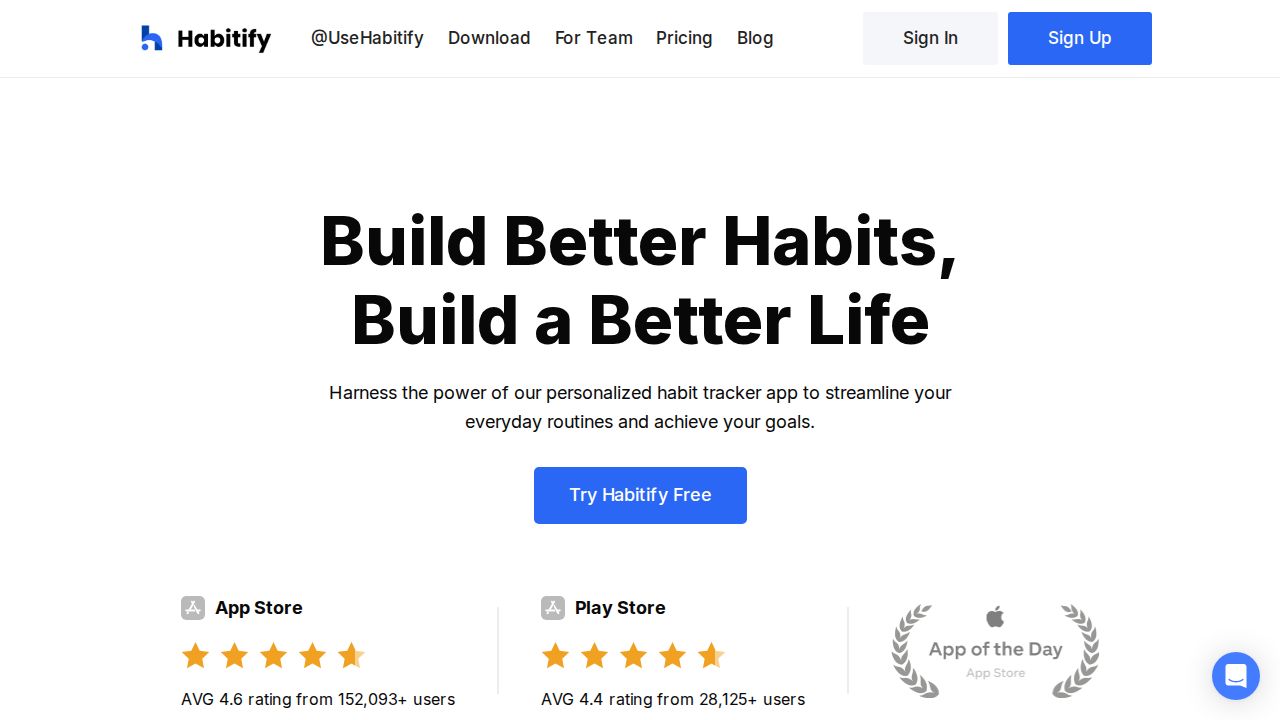
Best for cross-platform habit tracking Habitify is a clean tracker that syncs across iPhone, Mac and Android. The free plan handles up to 3 habits. Premium removes that limit and adds habit stacking, location reminders, calendar and Apple Health links, plus Zapier and IFTTT automation. A lifetime license is also available.
What stands out
- Free plan includes cross-platform sync
- Premium adds unlimited habits and location-based reminders
- Connects with Apple and Google calendars and Apple Health
- Lifetime option for $59.99, billed once
Keep in mind
- Free plan allows only 3 habits
- The $2.49 rate is billed annually; a monthly price was not listed
 Streaks
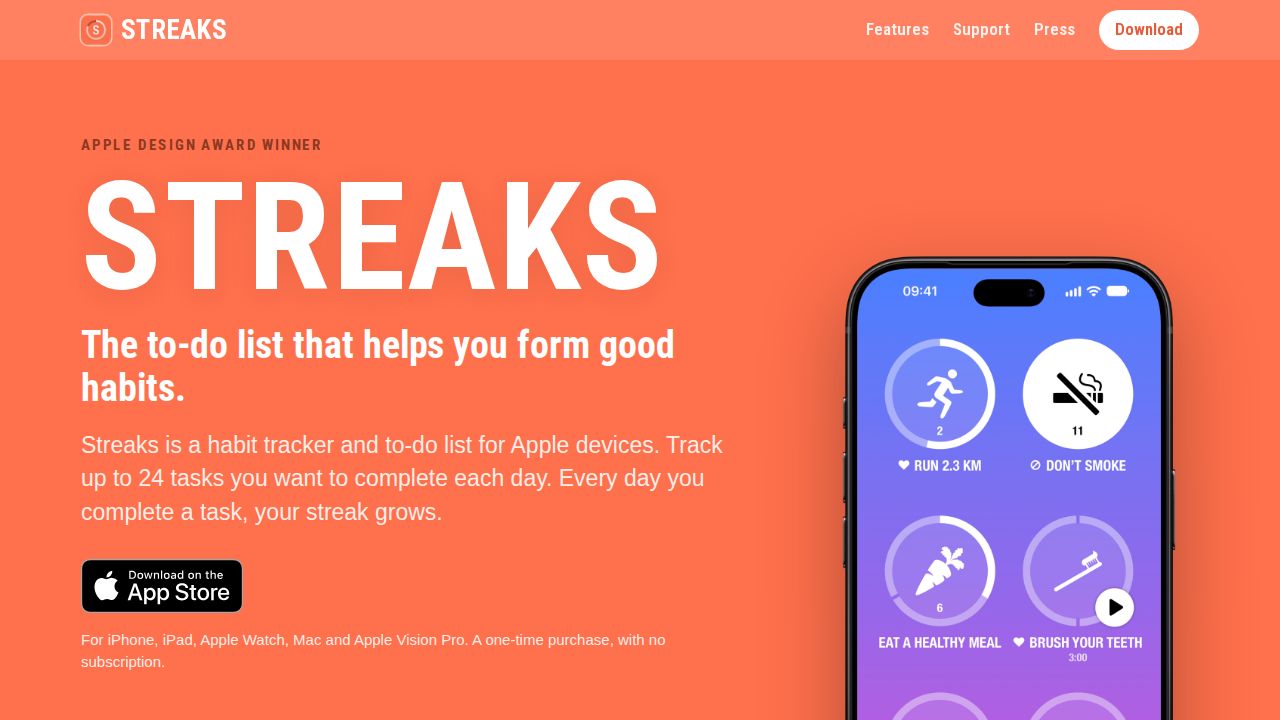
Best for iPhone and Apple Watch, no subscription Streaks is a good fit for Apple users who dislike subscriptions. You pay once and track up to 24 tasks a day across iPhone, iPad, Mac, Apple Watch and Apple Vision Pro. Tasks can link to Apple Health, so steps or other data can tick them off automatically.
What stands out
- One-time purchase with no subscription
- Tracks up to 24 tasks each day
- Apple Health tasks can complete automatically
- Home Screen widgets and Apple Watch complications
Keep in mind
- Apple devices only
- No free version
 Habitica
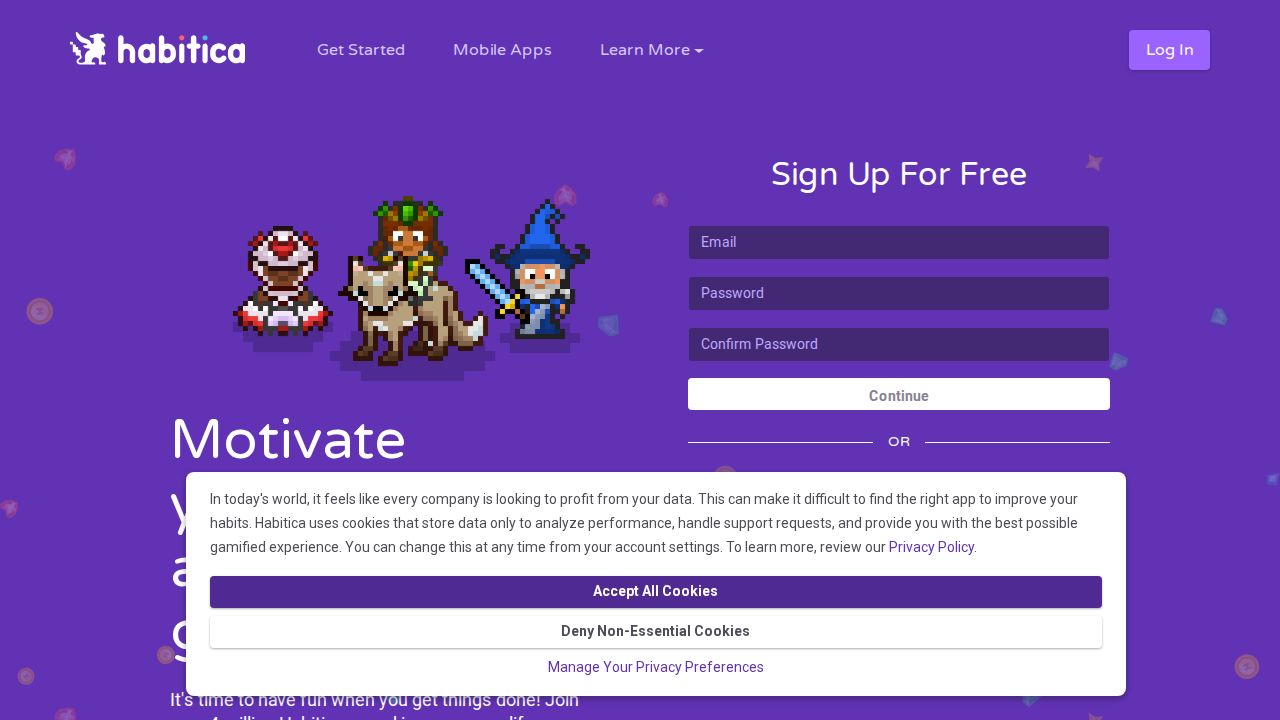
Best for turning habits into a game Habitica treats your routine like a role-playing game. Checking off habits, dailies and to-dos earns gold, experience and in-game items, and you can team up with friends in a party for accountability. The app is free, with an optional subscription and gem packs.
What stands out
- Free to use
- Separate lists for habits, dailies on set schedules and one-time to-dos
- Customizable avatar, gear and pets
- Parties let friends hold each other accountable
Keep in mind
- Optional subscription costs $4.99 a month or $47.99 a year
- Game features can feel busy if you just want a simple checklist
 Loop Habit Tracker
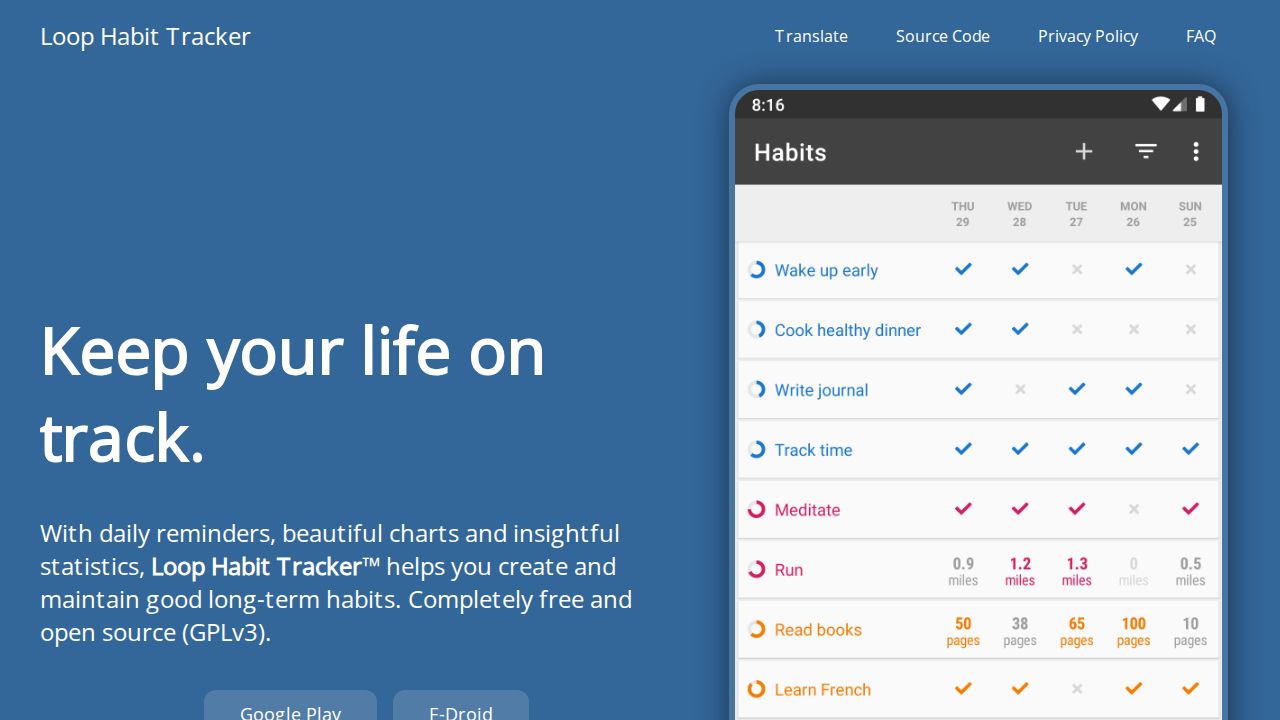
Best for a free, private Android tracker Loop Habit Tracker is a free, open-source Android app with no ads. It works offline with no account, and the developer says data stays on your device. Its habit score rewards consistency, so a few missed days after a long run do not wipe out your progress.
What stands out
- Free, open source (GPLv3) and ad-free
- Works offline without an account
- Flexible schedules, such as three times a week
- Exports data as CSV or SQLite files
Keep in mind
- Available on Android only
- No iPhone version listed
 Productive
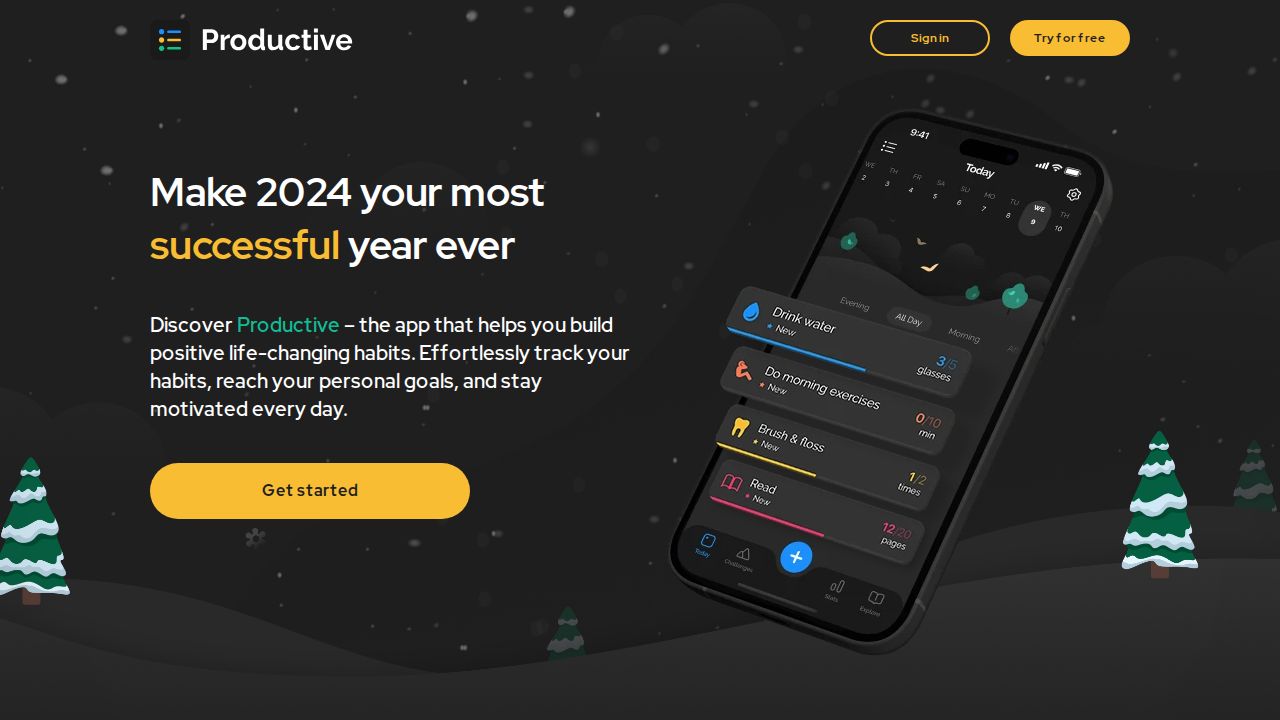
Best for guided routines and group challenges Productive is a mobile habit app for iPhone and Android with a template library to help you build routines. It adds charts and reports for tracking progress, reminders based on time or location, and group challenges where you track habits with other people.
What stands out
- Template library for building routines
- Reminders by time or location
- Group challenges with other users
Keep in mind
- Prices were not listed on its website
- Phone apps only; no desktop version mentioned
 Way of Life
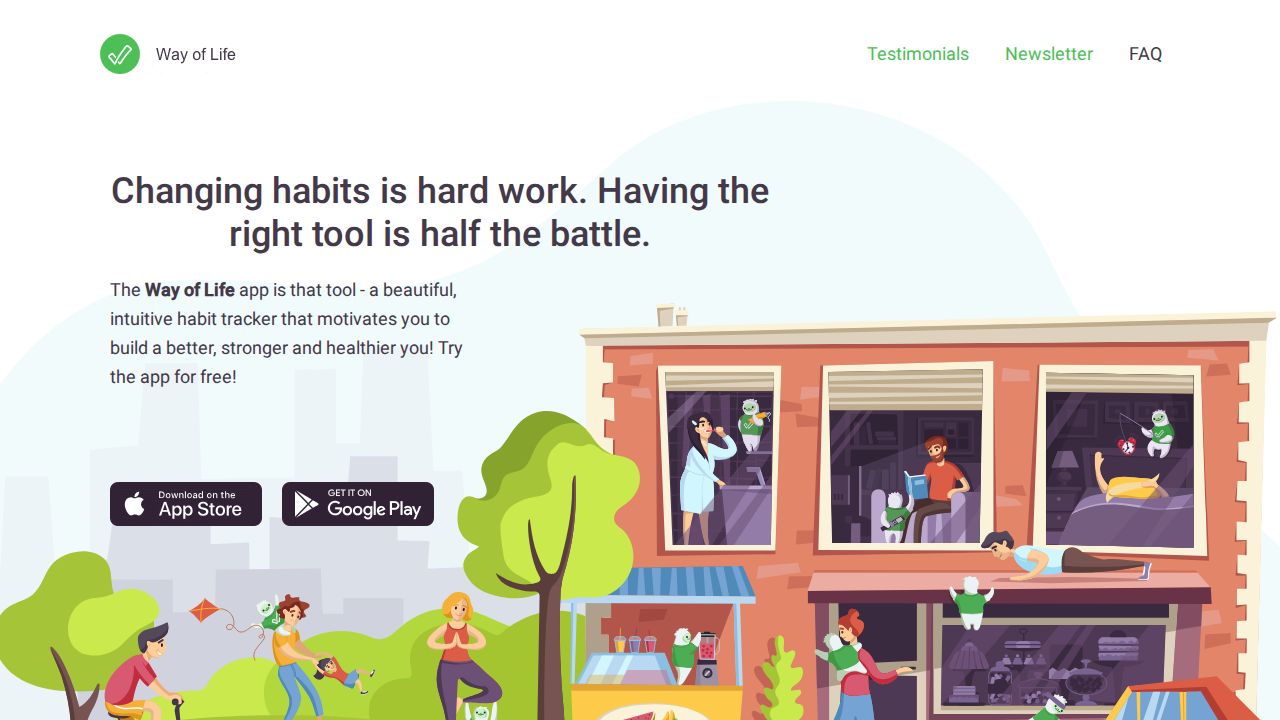
Best for tracking habits you want to break Way of Life is a simple tracker for iPhone and Android that uses a color-coded system, so logging a day takes seconds. A diary lets you note what triggered a bad habit, and charts show trends over weeks, months or years. It suits people working on breaking habits as well as building them.
What stands out
- Color-coded logging that takes seconds a day
- Diary for noting what triggered a bad habit
- Charts covering weeks, months or years
Keep in mind
- Free version limits and Premium price were not listed on its website
- No desktop version mentioned
How we chose
We compared each app’s published features and prices on these points:
- Cost. Free version limits, subscription prices and one-time options.
- Platforms. iPhone, Android, Apple Watch and desktop support.
- Reminders and automation. Time or location reminders and links to health data.
- Progress tracking. Streaks, scores and charts.
This list is based on published plans and pricing, not lab testing. Where a company did not show a price on the day we checked, we say “See site” instead of guessing.
Free or paid: which do you need?
A free app is enough if you track a handful of daily habits on one phone. Loop Habit Tracker and Habitica cost nothing, and Habitify’s free plan handles 3 habits.
A paid app makes sense if you want:
- Unlimited habits
- Sync across a phone, tablet and computer
- Reminders based on location
- Automatic check-offs from Apple Health data
How to make a new habit stick
- Start with one or two habits, not ten.
- Make each habit specific, such as “walk 10 minutes after lunch.”
- Set a reminder for the time you plan to do it.
- Link a new habit to something you already do each day.
- Review your chart weekly and adjust the goal if it is too hard.
Frequently asked questions
Is there a good free habit tracker?
Yes. Loop Habit Tracker is free, open source and ad-free on Android. Habitica is free with optional purchases, and Habitify's free plan covers 3 habits.
Which habit tracker works best with Apple Watch?
Streaks shows remaining tasks in a watch complication or the Smart Stack and lets you complete tasks from your wrist. It is a one-time purchase listed at $5.99.
Can I avoid a subscription?
Yes. Streaks is a one-time purchase, Loop Habit Tracker is free, and Habitify offers a $59.99 lifetime license.
How many habits should I track at once?
Fewer is usually easier to keep up. Starting with two or three habits also fits inside Habitify's free plan limit.
Sources
How we wrote this
This list is based on each company's published plans, prices and feature pages, not on hands-on lab testing. Facts were last checked on November 17, 2026. See our editorial policy.