No company paid to be on this list. Prices were checked on November 17, 2026 and can change. How we make money.
At a glance
| # | Product | Best for | Starting price | Free option |
|---|---|---|---|---|
| 1 | Unlimited requests for one sender | $10.05/mo | 30-day trial | |
| 2 | The most widely recognized name | $11/mo | Free trial | |
| 3 | Low-cost unlimited sending | $10/mo | Free plan (3 docs/mo) | |
| 4 | Proposals and quotes with signing | $19/mo | Free plan (5 docs/mo) | |
| 5 | People who also edit PDFs | $14.99/mo | No | |
| 6 | A free plan for light personal use | See site | Free plan (5 docs/mo) |
The list
 Dropbox Sign
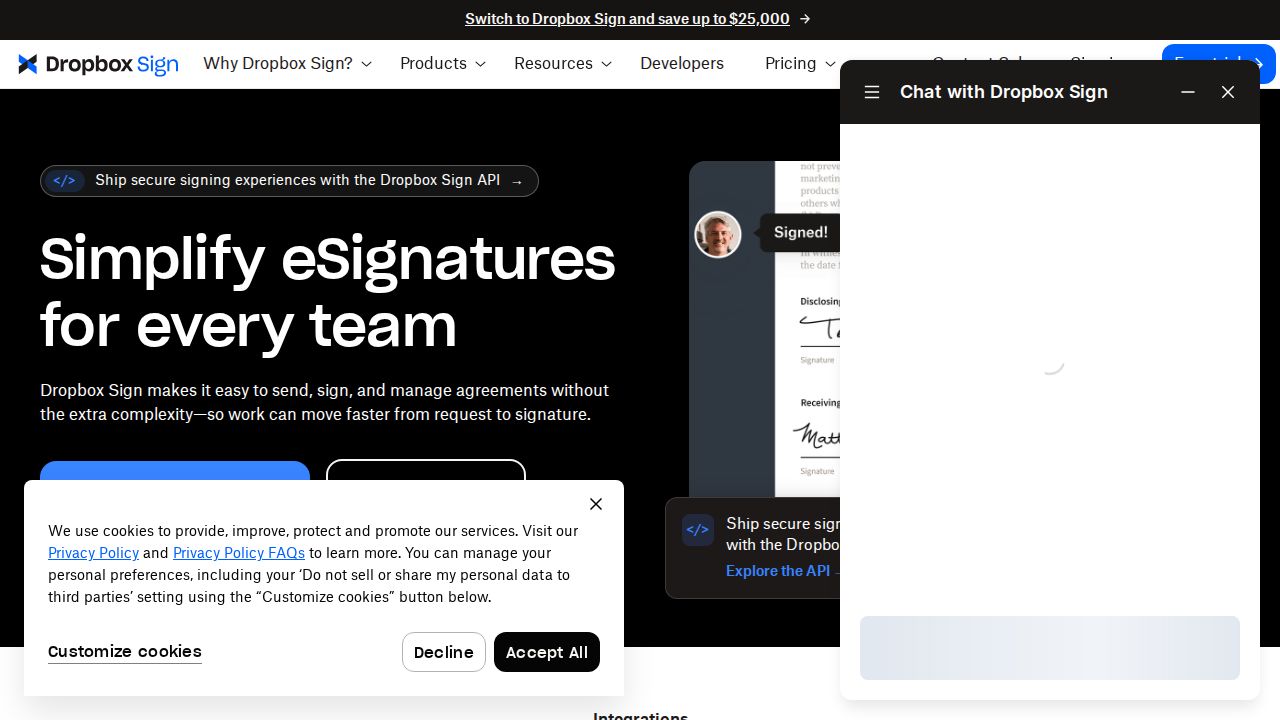
Best for unlimited requests for one sender Dropbox Sign is a strong fit for a freelancer or sole owner who sends many documents. The Essentials plan covers one user with unlimited signature requests and 5 templates. Paid plans include a 30-day free trial, and the service connects with Dropbox, Google Drive, OneDrive and Salesforce.
What stands out
- Essentials lists unlimited signature requests for 1 user
- 30-day free trial on paid plans
- Audit trail included with each agreement
- Works with Dropbox, Google Drive, OneDrive and Salesforce
Keep in mind
- The $10.05 rate is billed yearly at $120.60, and the page advertises 30% off the first year of annual plans, and it also shows a $180 yearly figure, so check the renewal price
- Essentials is $15 a month on monthly billing
- Essentials is limited to 5 templates
 Docusign
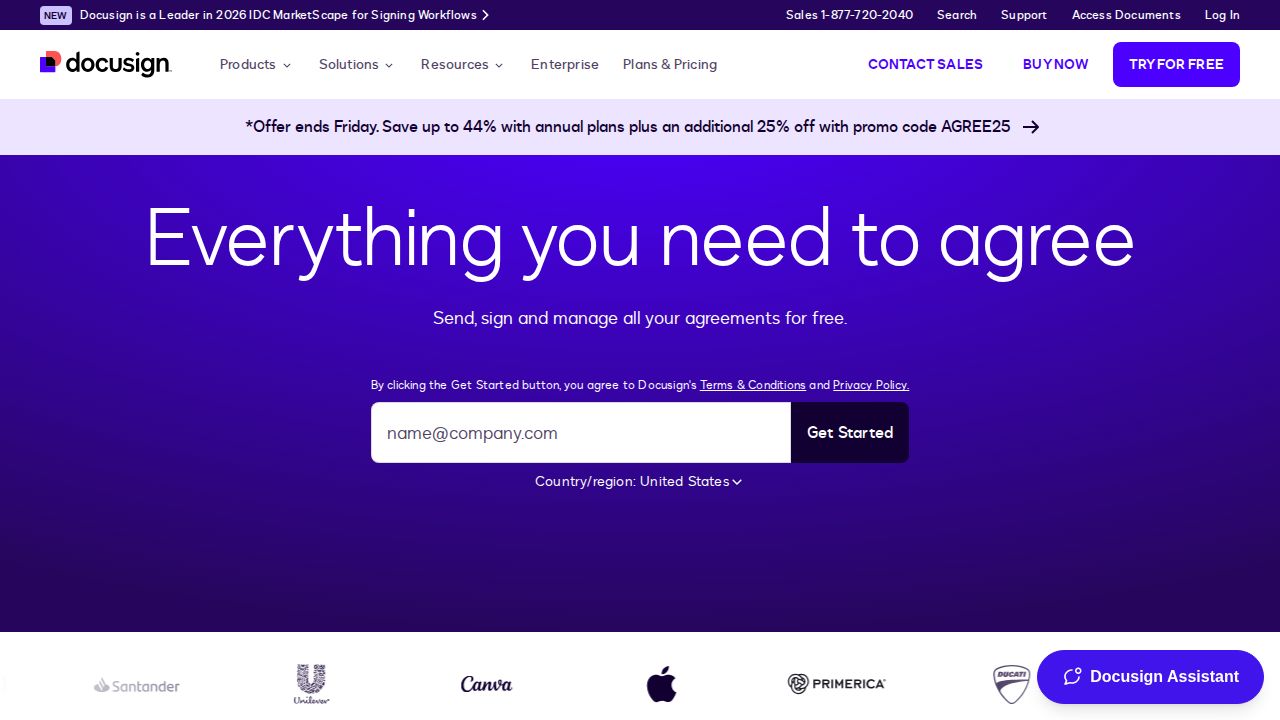
Best for the most widely recognized name Docusign is the name most signers already know. The Personal plan is for a single user and includes 5 envelopes a month at $11 a month, billed monthly on a one-year commitment. Teams move up to Standard at $30 per user, and bulk send and payment collection sit on Business Pro at $45.
What stands out
- Personal plan is $11 a month ($132 for the year) for a single user
- Standard and Business Pro include 100 envelopes per user a year
- Delivery by SMS and WhatsApp is available
- 30-day refund window on annual plans bought on Docusign.com
Keep in mind
- Personal plan is limited to 5 envelopes a month
- Listed prices require a one-year commitment
- No free plan is listed
 SignWell
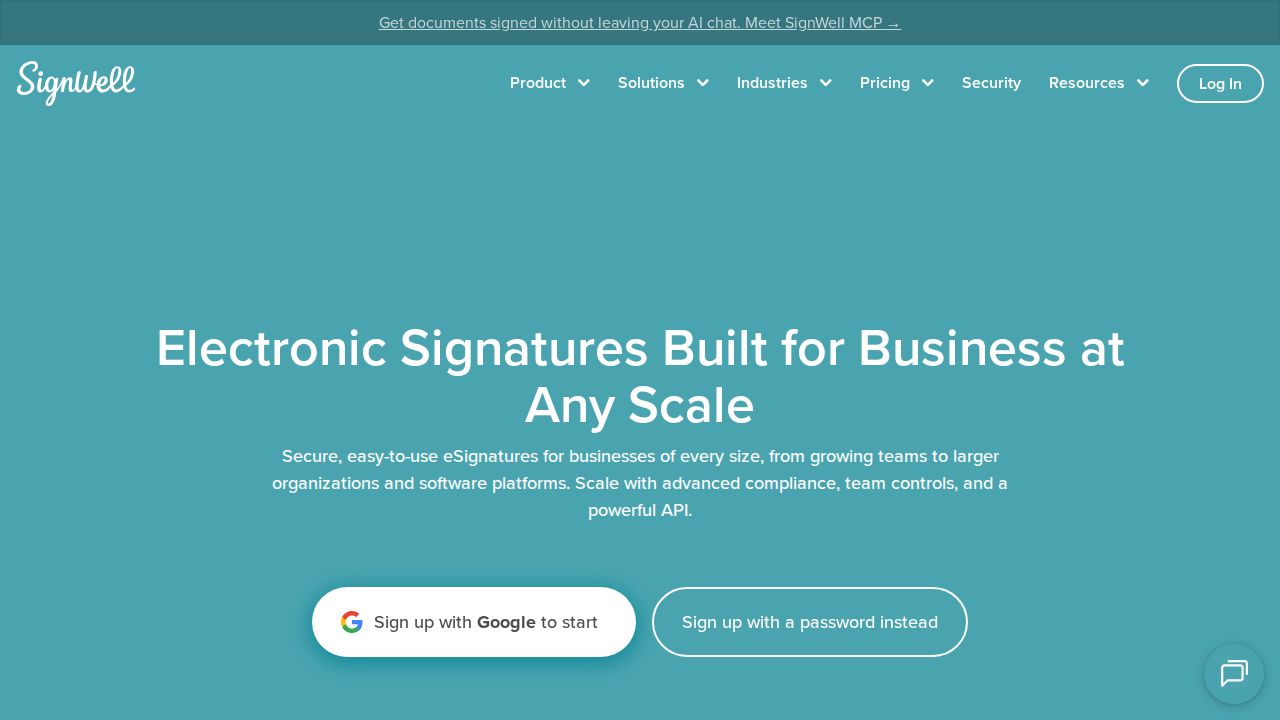
Best for low-cost unlimited sending SignWell keeps pricing simple. The Free plan allows 3 documents a month and 1 template for one sender. Light costs $10 a month on annual billing and includes unlimited documents, 5 templates per sender and bulk send. Business covers 3 senders with unlimited templates and custom branding.
What stands out
- Free plan with 3 documents a month and 1 template
- Light is $10 a month billed annually, with unlimited documents
- Paid plans include audit trails, multiple signers and signing order
- Business plan is $30 a month billed annually for 3 senders
Keep in mind
- Free plan is limited to 1 sender and 1 template
- Light is $12 a month on monthly billing
- Custom branding and in-person signing need Business
 PandaDoc
Best for proposals and quotes with signing PandaDoc goes beyond signing into building proposals, quotes and contracts. The Free plan allows 5 documents a month and up to 5 templates. Starter is $19 per seat a month on annual billing with unlimited documents and e-signatures, and it comes with a 14-day free trial.
What stands out
- Free plan with 5 documents a month and real-time tracking
- Starter includes unlimited documents and e-signatures
- 14-day free trial of Starter
- 24/7 email and chat support
Keep in mind
- Starter is limited to 5 templates
- CRM integrations, custom branding and approval workflows need Business at $49 per seat
- Prices shown are for annual billing
 Adobe Acrobat
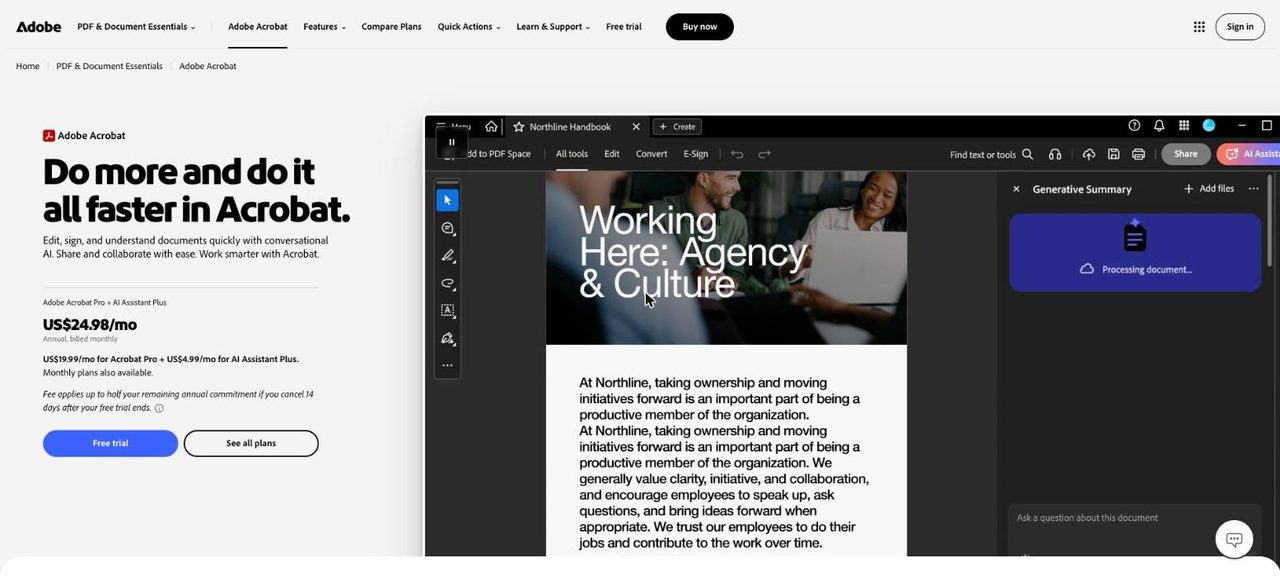
Best for people who also edit PDFs Acrobat makes sense if you need to edit PDFs as well as sign them, because e-signature tools are built into the plans. Standard lets you request signatures and track responses. Pro adds reusable e-sign templates, bulk sending and branding. The lowest prices need an annual plan.
What stands out
- Standard includes requesting e-signatures and tracking responses
- Also edits, converts and password-protects PDFs
- Pro, at $19.99 a month on an annual plan, adds reusable templates and bulk sending
- Team plans start at $16.99 per license a month on an annual plan
Keep in mind
- No free trial is listed for Standard
- Month-to-month pricing is $24.99 for Standard
- Annual plans carry a cancellation fee or no refund after 14 days
 Zoho Sign
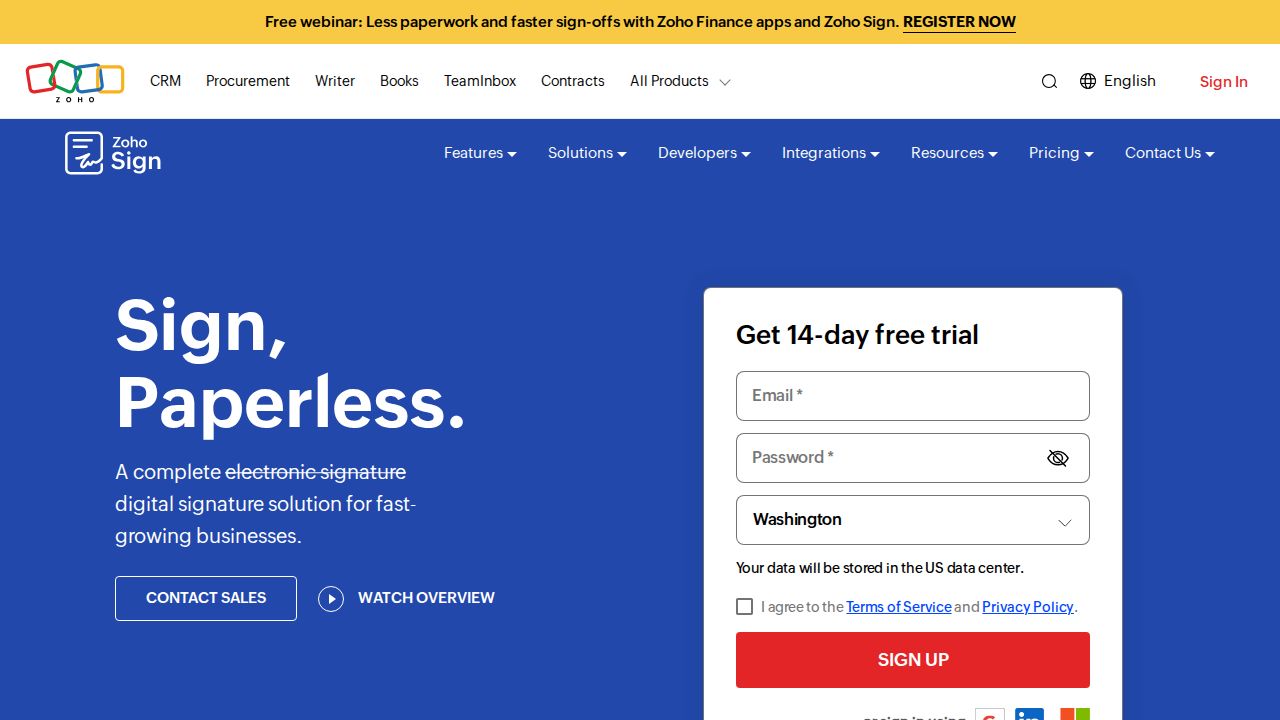
Best for a free plan for light personal use Zoho Sign has a free plan for a single user that covers 5 documents a month, with reminders and an audit trail. Paid tiers add more envelopes, templates, branding and bulk sending. It fits best if you already use other Zoho apps. Dollar prices did not load on the page we checked.
What stands out
- Free plan for a single user with 5 documents a month
- Free plan includes signature workflows, reminders and an audit trail
- 14-day free trial with no credit card required
- Apps for iOS, Android and macOS
- Yearly billing is discounted by 20%
Keep in mind
- Standard plan is capped at 25 envelopes per user a month
- Bulk sending needs the Enterprise plan
- Prices were not shown on the page we checked
How we chose
We compared each company’s published plans on four points:
- Sending limits. How many documents or envelopes you can send per month or year.
- Price for one sender. Using the lowest individual plan and noting the billing term.
- Free plan or trial. What you can do before paying.
- Templates and extras. Template counts, bulk sending and branding.
This list is based on published plans and pricing, not lab testing. Where a price was not published on the page we checked, we write “See site” instead of guessing.
Free or paid: which do you need?
A free plan is enough if you send a lease, a permission slip or a contract a few times a month. PandaDoc and Zoho Sign each cover 5 documents a month, and SignWell covers 3.
Pay for a plan when you need one or more of these:
- More documents than the free monthly cap
- Reusable templates for a form you send often
- Bulk sending to many signers at once
- Your own logo and branding on the signing page
- More than one sender on the account
What to check before you subscribe
- Count your documents. Add up what you sent last month and compare it with the plan limit.
- Read the billing term. Docusign’s listed prices need a one-year commitment, and several others quote annual billing rates.
- Look for intro discounts. Dropbox Sign advertises a first-year discount on annual plans.
- Check template limits. Dropbox Sign Essentials and PandaDoc Starter each stop at 5.
- Use the trial. Dropbox Sign offers 30 days, and PandaDoc and Zoho Sign offer 14, which is enough to send a few real documents.
Frequently asked questions
Is there a free e-signature app?
Yes. PandaDoc and Zoho Sign each allow 5 documents a month on their free plans, and SignWell allows 3. These plans are meant for light personal use.
How much does Docusign cost?
The Personal plan is listed at $11 a month, billed monthly on a one-year commitment, and includes 5 envelopes a month. Standard is $30 per user a month and Business Pro is $45.
What is an envelope?
An envelope is one sending. It can hold one or more documents that go out to your signers together, and most plans count your usage in envelopes or documents.
Which e-signature app is best if I send a lot of documents?
Look for unlimited sending. Dropbox Sign Essentials lists unlimited signature requests, and SignWell Light and PandaDoc Starter list unlimited documents.
Do these apps keep a record of who signed?
The services on this list describe audit trails or response tracking. Dropbox Sign, SignWell and Zoho Sign all list an audit trail, and PandaDoc and Adobe Acrobat list tracking.
Sources
How we wrote this
This list is based on each company's published plans, prices and feature pages, not on hands-on lab testing. Facts were last checked on November 17, 2026. See our editorial policy.