No company paid to be on this list. Prices were checked on November 17, 2026 and can change. How we make money.
At a glance
| # | Product | Best for | Starting price | Free option |
|---|---|---|---|---|
| 1 | Free surveys linked to Google Sheets | Free | Free plan | |
| 2 | Unlimited forms on a free plan | $24/mo | Free plan (fair use) | |
| 3 | Order forms and payment collection | $34/mo | Free plan (5 forms) | |
| 4 | People who already use Microsoft 365 | Free | Free plan | |
| 5 | High submission counts on a budget | See site | Free plan (3 forms) | |
| 6 | Polished one-question-at-a-time forms | See site | Free plan (10 responses/mo) |
The list
 Google Forms
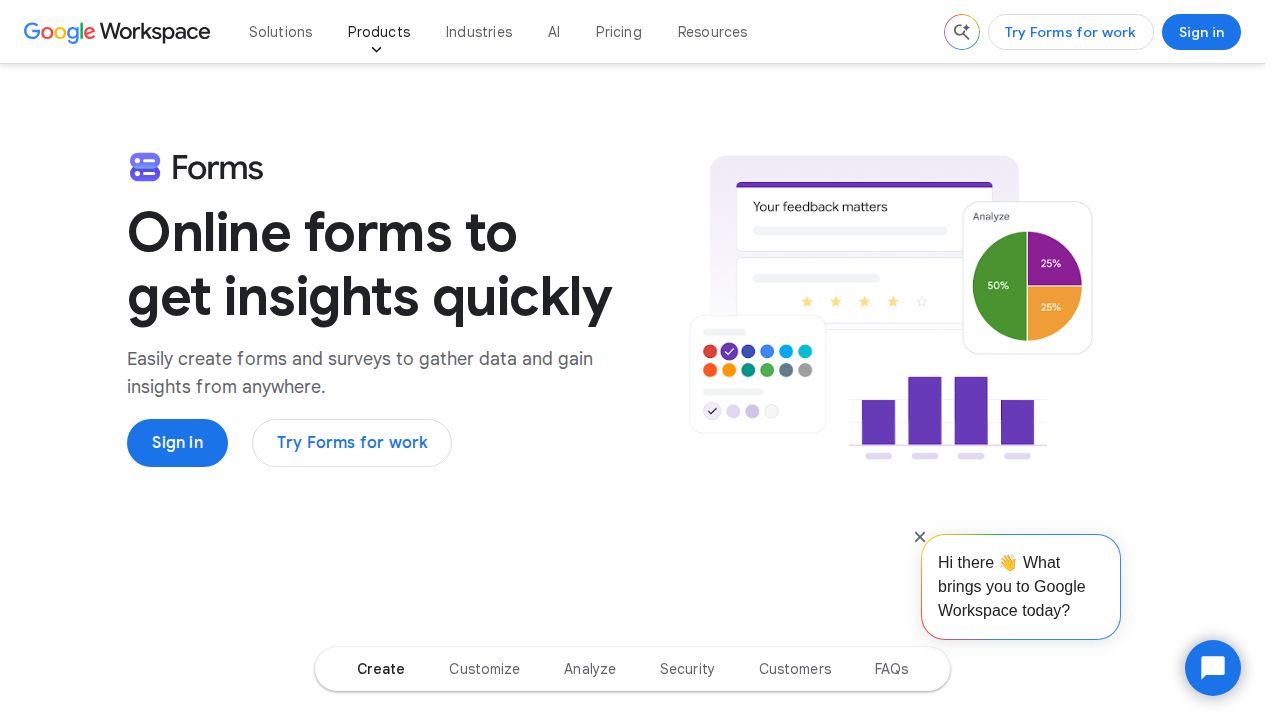
Best for free surveys linked to Google Sheets Google Forms is the default choice for most households, schools and small groups. It offers multiple question types, templates, quizzes and logic that shows questions based on earlier answers. Responses appear as live charts and can be sent to Google Sheets for deeper analysis.
What stands out
- Free to use with a Google account
- Quizzes and question logic based on earlier answers
- Charts update in real time as responses arrive
- Exports responses to Google Sheets
Keep in mind
- Payments and advanced design options are not part of the product page
- Business features sit inside paid Google Workspace plans
 Tally
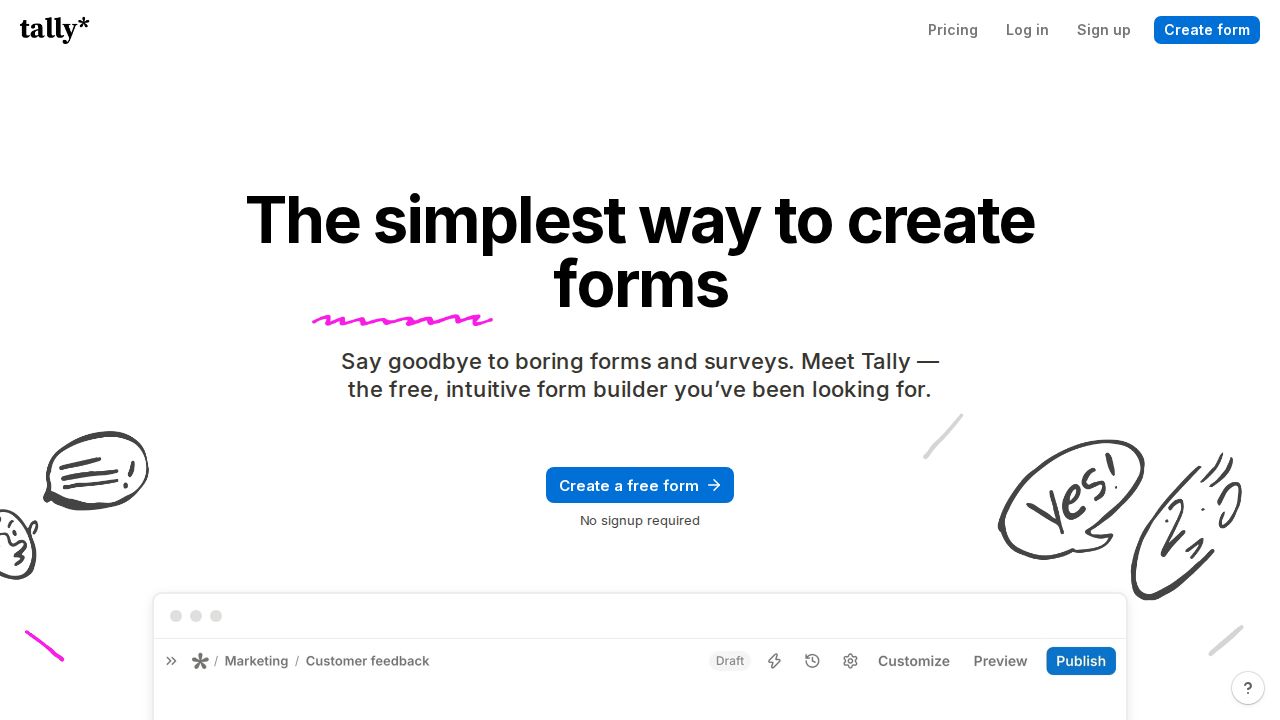
Best for unlimited forms on a free plan Tally gives away more than most rivals. The free plan has unlimited forms and submissions within fair use rules, plus conditional logic, signatures, file uploads, payments and integrations with Google Sheets, Notion, Airtable and Zapier. Pro at $24 a month removes Tally branding and adds custom domains.
What stands out
- Unlimited forms and submissions on the free plan, within fair use
- Free plan includes logic, signatures, file uploads and payments
- Pro adds custom domains, partial submissions and drop-off analytics
- Yearly billing gives 2 months off
Keep in mind
- Free forms carry Tally branding
- Free file uploads are limited to 10 MB per file
 Jotform
Best for order forms and payment collection Jotform suits small businesses that need payment forms, higher volumes and many templates. The free Starter plan allows 5 forms, 100 submissions a month and 10 payment submissions. Bronze raises that to 25 forms and 1,000 submissions for $34 a month billed annually.
What stands out
- Free Starter plan with 5 forms and 100 monthly submissions
- Bronze is $34/mo billed annually, or $39 month to month
- 50% off paid plans for nonprofits and schools
- Collects payments, with 10 a month on the free plan
Keep in mind
- Free plan is capped at 100 submissions a month
- Higher tiers get expensive, with Gold at $99/mo billed annually
 Microsoft Forms
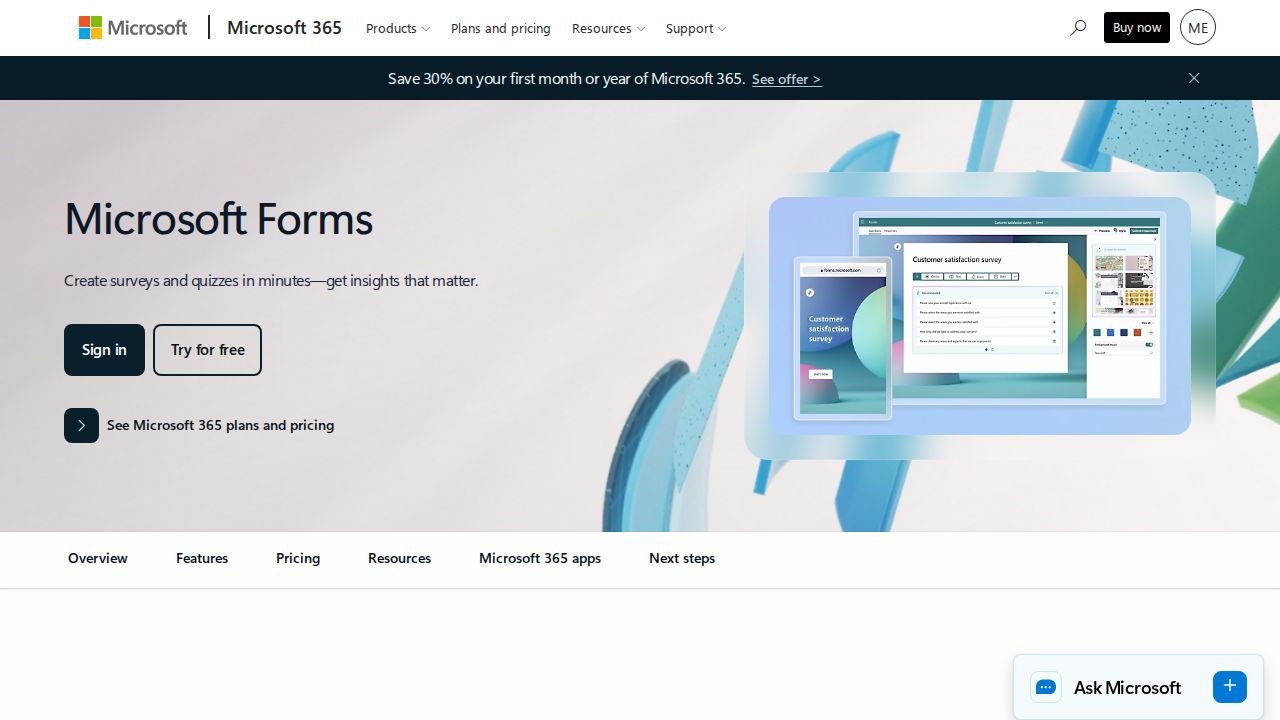
Best for people who already use Microsoft 365 Microsoft Forms is a free survey tool that covers surveys, polls, quizzes and general forms. It makes the most sense if your school or office already runs on Microsoft accounts. Microsoft's page lists few details beyond those basics, so it suits simple forms more than complex ones.
What stands out
- Free survey tool from Microsoft
- Builds surveys, polls, quizzes and forms
- Fits households and schools already using Microsoft accounts
Keep in mind
- Microsoft's page lists only basic features
- The page does not say whether a Microsoft account is required
 Zoho Forms
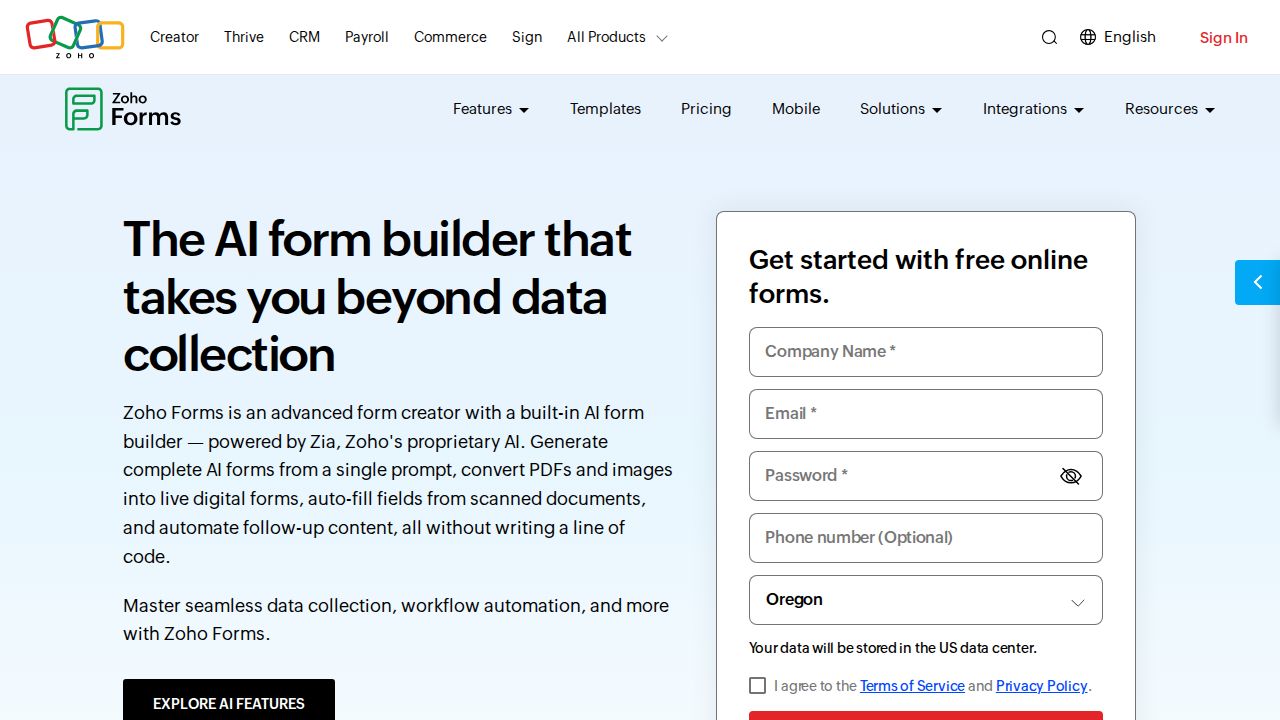
Best for high submission counts on a budget Zoho Forms has a small free plan by form count but a large one by volume: 3 forms with 500 submissions a month and 200 MB of storage. Paid plans remove the form limit, starting with Basic at 10,000 submissions a month. It also fits teams already using other Zoho apps.
What stands out
- Free plan allows 500 submissions a month
- Paid plans include unlimited forms
- Basic plan allows 10,000 submissions a month
- Standard plan supports 10 users
Keep in mind
- Free plan is limited to 3 forms
- Data export and custom themes are not on the free plan
- Prices were not shown on the pricing pages we checked
 Typeform
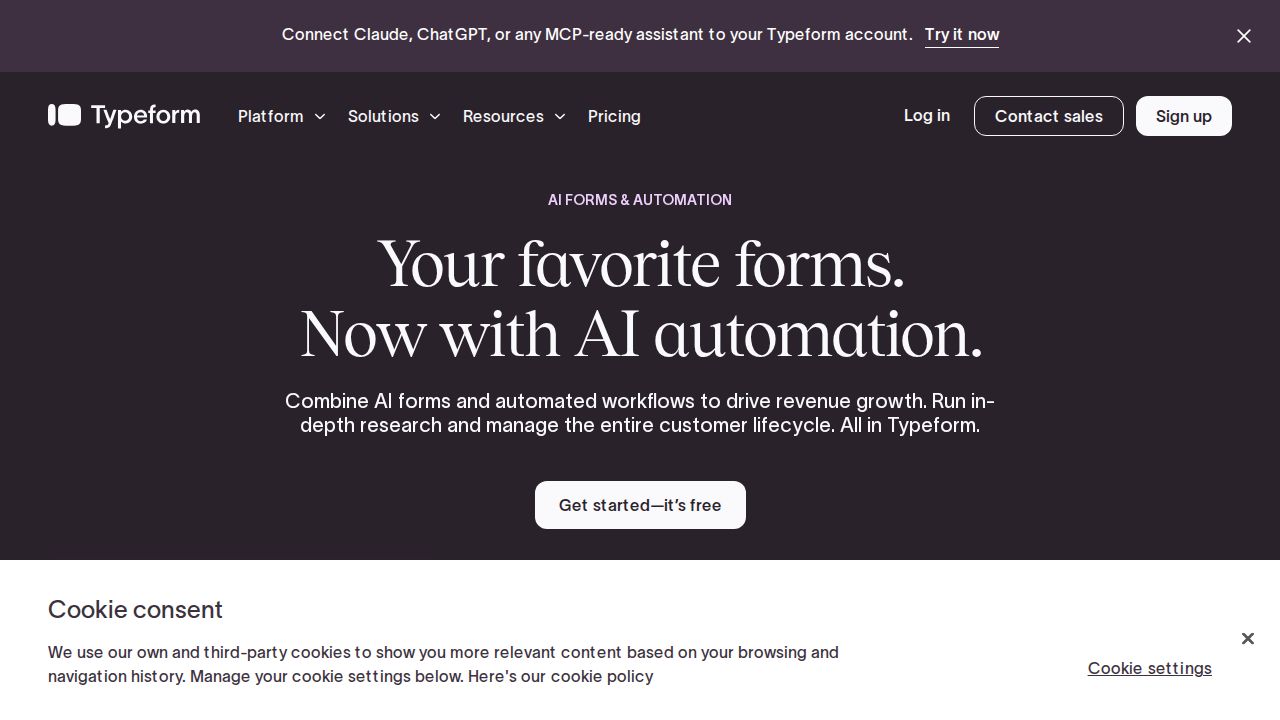
Best for polished one-question-at-a-time forms Typeform is known for conversational forms that show one question at a time. Its free plan is only good for testing, since it allows 10 responses a month across all forms. Paid plans include unlimited forms, with Basic covering 100 responses a month for one seat.
What stands out
- Unlimited forms on every plan
- Basic plan includes 100 responses a month
- Plus plan adds 3 seats and 1,000 responses a month
Keep in mind
- Free plan allows just 10 responses a month, with no rollover
- The pricing page showed two different sets of prices for the same plans
How we chose
We ranked the builders on what each company publishes:
- Free plan limits. Number of forms and responses per month.
- Lowest paid price. And what it adds over the free plan.
- Useful features. Logic, quizzes, file uploads, payments and integrations.
- Ease of fit. Whether it works with accounts and tools you already use.
This list is based on published plans and pricing, not lab testing. Where a price was not shown on the page we checked, we write “See site” instead of guessing.
Which form builder fits your job?
- A quick survey, sign-up sheet or class quiz: Google Forms or Microsoft Forms.
- Many forms with no budget: Tally.
- Order forms or event payments: Jotform or Tally.
- High response volume at low cost: Zoho Forms.
- Brand-heavy forms where design matters most: Typeform.
Before you publish a form
- Write the questions in a document first and cut any you do not need.
- Check the free plan’s monthly response cap against your expected traffic.
- Test the form on a phone, since most people will fill it in there.
- Turn on email alerts or a Sheets connection so responses do not pile up unread.
- Add a short privacy note if you collect names, emails or payments.
Free plan limits at a glance
- Tally: unlimited forms and submissions under fair use.
- Zoho Forms: 3 forms and 500 submissions a month.
- Jotform: 5 forms and 100 submissions a month.
- Typeform: unlimited forms but 10 responses a month in total.
Frequently asked questions
What is the best free form builder?
Google Forms is the simplest free choice for most people. If you want more features without paying, Tally's free plan includes unlimited forms and submissions under fair use, plus logic, payments and file uploads.
Can I collect payments with a free form builder?
Yes. Tally includes payments on its free plan, and Jotform's free Starter plan allows 10 payment submissions a month.
How many responses can I get for free?
It varies. Typeform allows 10 a month, Jotform 100 a month, Zoho Forms 500 a month, and Tally sets no fixed number under its fair use rules.
Are there discounts for nonprofits or schools?
Jotform lists 50% off its Bronze, Silver and Gold plans for nonprofits and educational institutions.
Sources
How we wrote this
This list is based on each company's published plans, prices and feature pages, not on hands-on lab testing. Facts were last checked on November 17, 2026. See our editorial policy.