No company paid to be on this list. Prices were checked on November 17, 2026 and can change. How we make money.
At a glance
| # | Product | Best for | Starting price | Free option |
|---|---|---|---|---|
| 1 | A free editor on every device | Free | Free plan | |
| 2 | Free browser tools with no stated caps | Free | Free plan (ad-supported) | |
| 3 | Changing existing text in a browser | $63/yr | Free plan (3 tasks/hr) | |
| 4 | Merging and organizing pages for free | $5/mo | Free plan (task limits) | |
| 5 | Free comments and signatures | $14.99/mo | Free plan (annotations) | |
| 6 | Trying every tool for a week | See site | Free plan (daily limits) | |
| 7 | Filling and creating simple forms | See site | Free plan (10 MB files) |
The list
 PDFgear
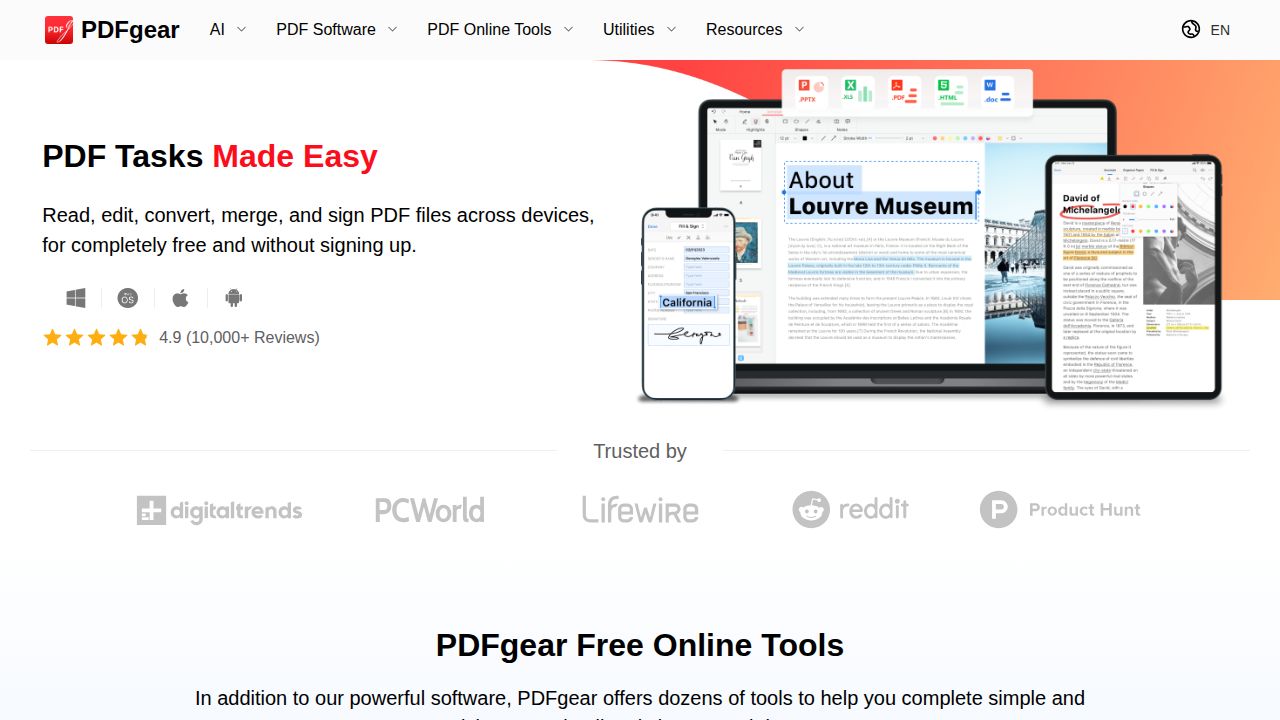
Best for a free editor on every device PDFgear is the most complete free option here. The company describes the whole product as free, with no sign-up, and offers apps for Windows, Mac, iPhone, iPad and Android plus browser tools. Editing covers text, images, links, signatures and form fields, and it includes OCR for scanned pages.
What stands out
- Free on Windows, Mac, iOS, Android and the web
- No account needed
- Edits text, images, shapes, links and form fields
- OCR turns scans into editable Word or TXT files in 30+ languages
- Includes an AI chat-with-PDF feature
Keep in mind
- No usage or file size limits are published, so heavy users cannot plan around stated caps
 PDF24
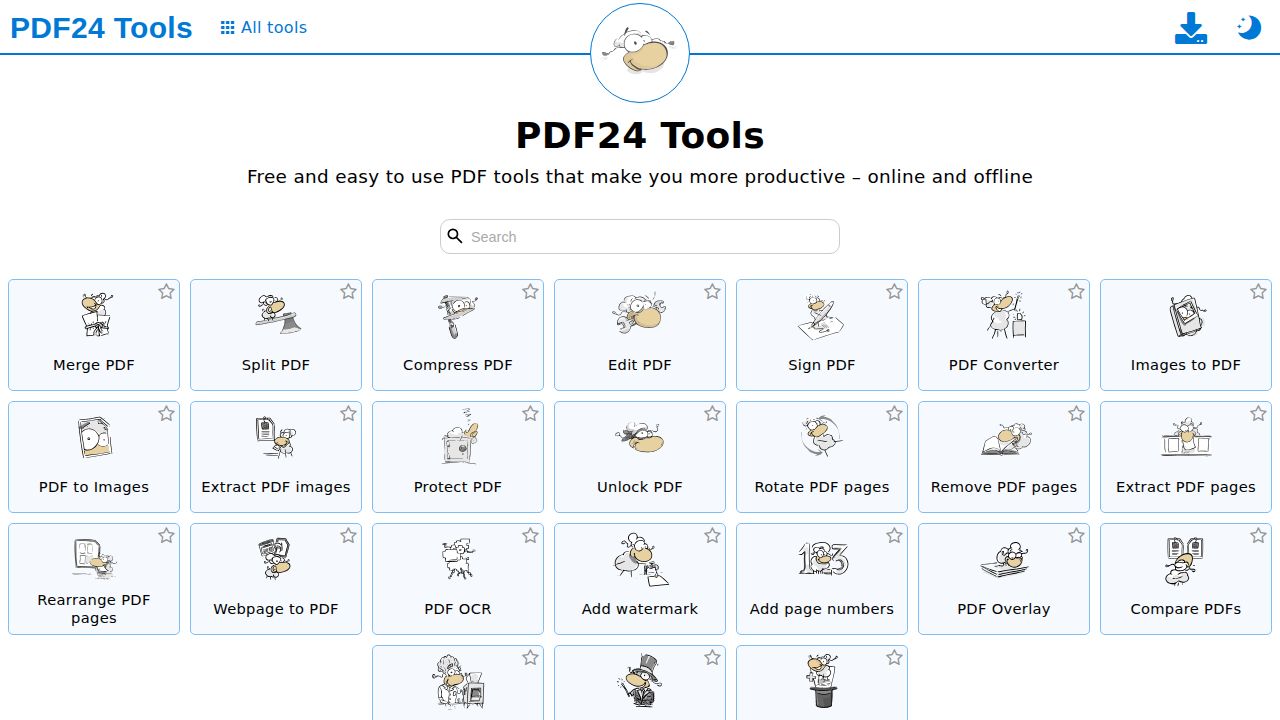
Best for free browser tools with no stated caps PDF24 suits people who want a long menu of free tools without an account. The company says there are no artificial limits and that ads on its pages pay for the service. Its one editor handles text, images, shapes, signatures, comments and forms, and the free PDF24 Creator app brings similar tools to Windows.
What stands out
- No registration or installation needed for the web tools
- One editor for text, images, shapes, signatures, comments and forms
- Free PDF24 Creator desktop app for Windows keeps files on your PC
- Uploads are encrypted and removed from servers after a short time
Keep in mind
- Ads appear on the web pages
- The desktop app is Windows only
 Sejda
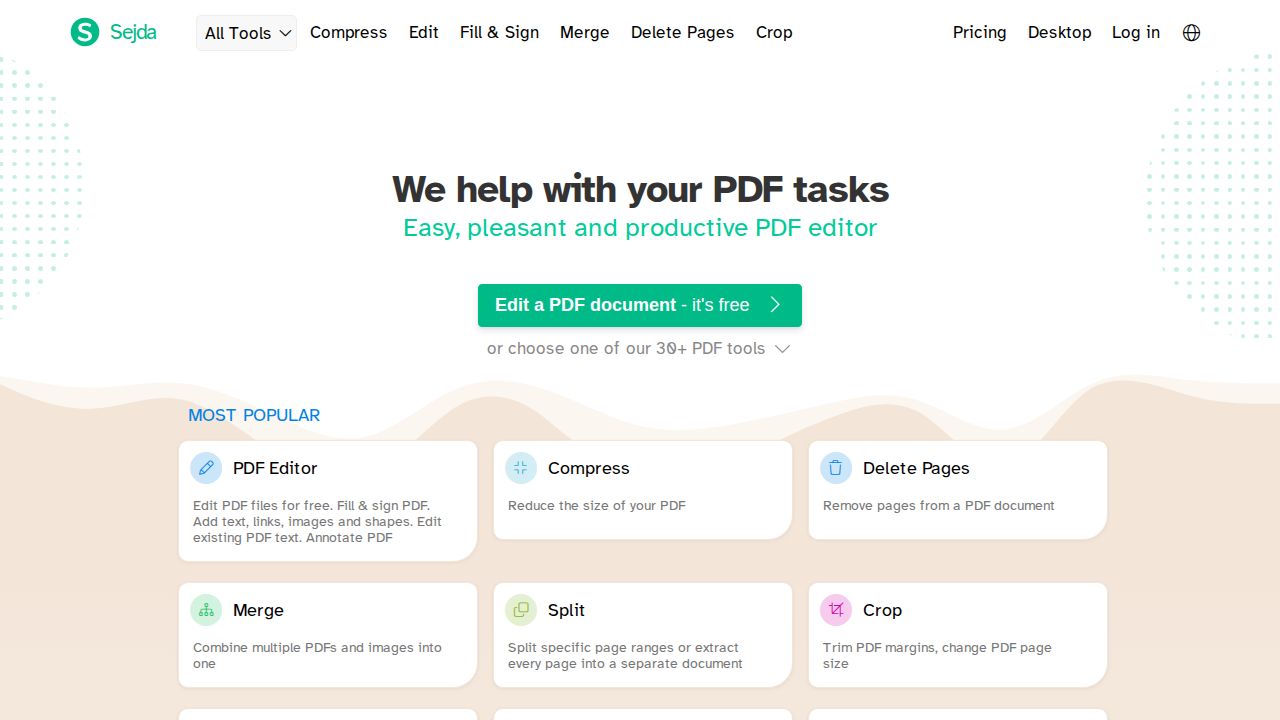
Best for changing existing text in a browser Sejda is a strong pick for occasional fixes to the words already in a PDF. The free web editor lets you click existing text and change it, including font and color. The catch is the cap: files up to 200 pages or 50 MB, and 3 tasks per hour. A $5 week pass covers short bursts of work.
What stands out
- Free editing of existing text, without sign-up
- Adds images, signatures and form fields
- Uploaded files are deleted automatically after 2 hours
- $5 Web Week Pass for 7 days of web access
Keep in mind
- Free use is capped at 200 pages or 50 MB and 3 tasks per hour
- Free OCR stops at 10 pages per task
- Text editing does not work on scanned documents
 iLovePDF
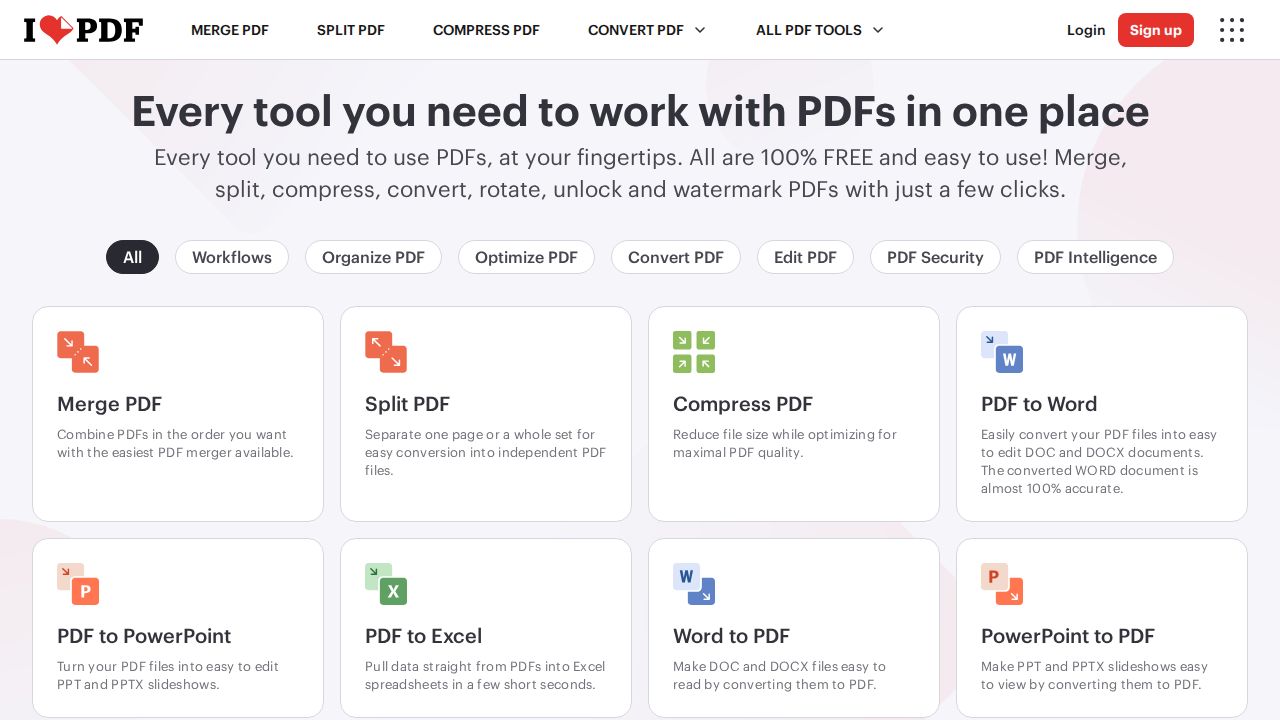
Best for merging and organizing pages for free iLovePDF is generous for page tasks such as merging, rotating and reordering, with up to 25 files per merge on the free Basic plan. Editing and conversion are more limited for free users. OCR, the desktop and mobile apps, and ad-free use all need Premium, which costs $5 a month on yearly billing.
What stands out
- Free Basic plan in the browser
- Merge PDF allows 25 files and Rotate PDF 20 on the free plan
- Most free tools accept files up to 100 MB
- Premium is $5 a month billed annually, or $9 month to month
Keep in mind
- OCR, desktop and mobile apps need Premium
- Free plan shows ads
- Most tools allow only 1 to 2 tasks on the free plan
 Adobe Acrobat online
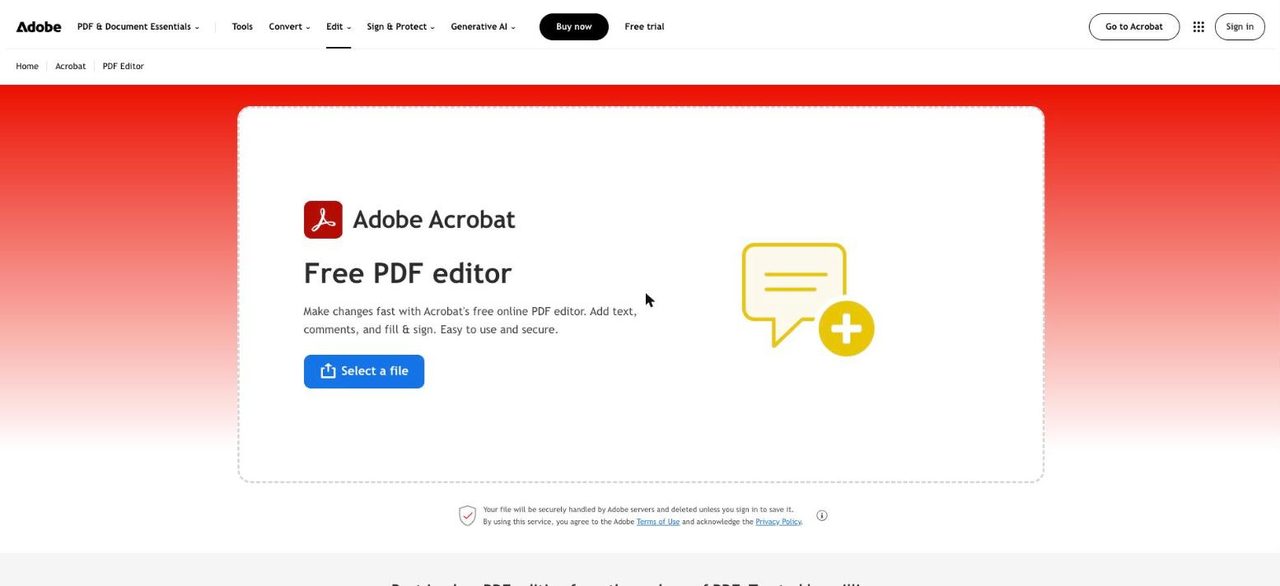
Best for free comments and signatures Adobe's free online editor is fine for marking up a document: text boxes, comments, highlights, drawings and signatures through Fill & Sign. It does not change existing text. Adobe lists that, plus adding images, OCR and redaction, as Acrobat Pro features, and a free Adobe account is needed to download your work.
What stands out
- Free text boxes, sticky notes, highlights and drawings
- Free Fill & Sign tool for signatures
- 7-day free trial of Acrobat Pro
- Paid plans work on desktop, mobile and the web
Keep in mind
- Editing existing text and adding images need Acrobat Pro
- A free Adobe account is required to download or share files
- Acrobat Standard is $14.99/mo and Pro $19.99/mo on annual plans billed monthly
 Smallpdf
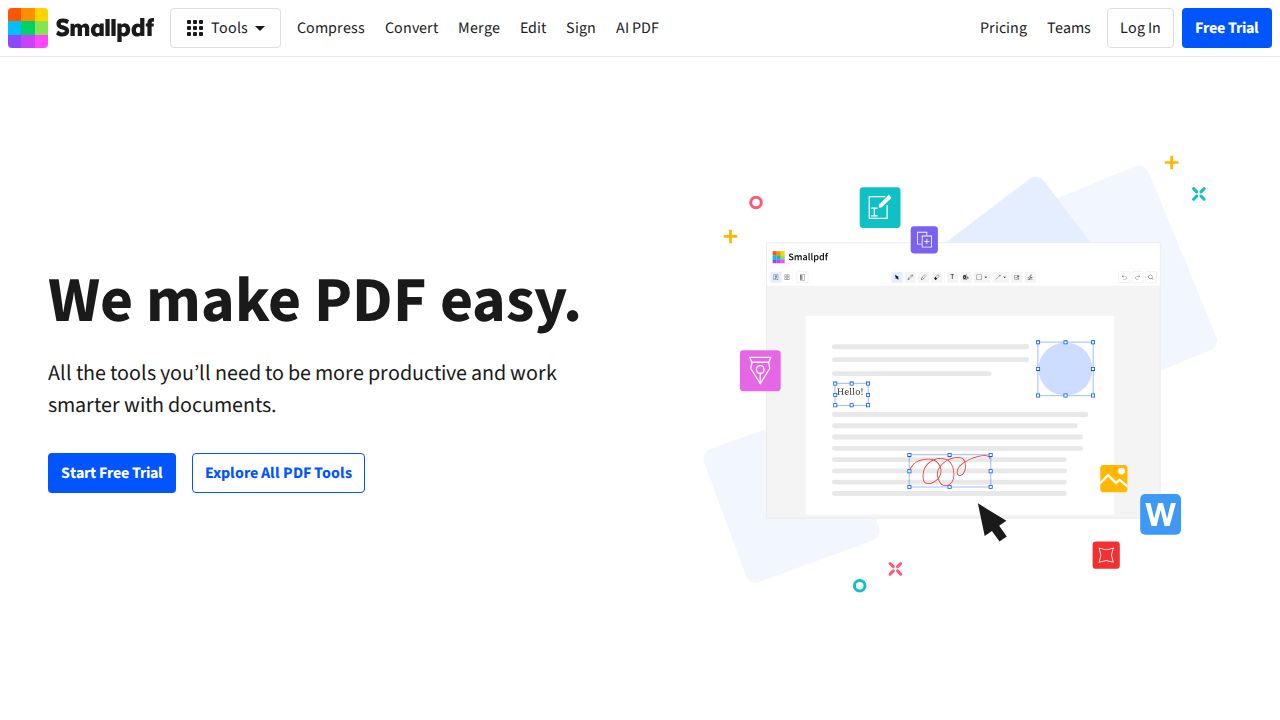
Best for trying every tool for a week Smallpdf offers 30+ tools on its free plan, but with limited downloads and a daily cap on many tools such as merge, compress and convert. Editing existing text and OCR are Pro features. The 7-day trial unlocks everything and drops back to the free plan if you cancel.
What stands out
- 30+ document tools on the free plan
- 7-day trial of Pro with unlimited access
- Yearly Pro billing is 25% cheaper per month than monthly
Keep in mind
- Edit Text, OCR and batch processing need Pro
- Free downloads are limited, and no daily number is published
- Pro price was not shown on the pricing page
 PDFescape
Best for filling and creating simple forms PDFescape's free online version is aimed at filling in forms, adding content and building simple forms of your own. It adds no logo or watermark. Limits are tight, with a 10 MB file size cap and 10 stored files, and editing existing text and images is listed with the paid desktop features.
What stands out
- Free online version adds no logo or watermark
- Fill existing forms and create new ones
- Free plan keeps 10 stored files with 7 days of history
Keep in mind
- Free files are capped at 10 MB
- Editing existing text and images is listed under paid Desktop features
- Premium and Ultimate prices are not shown on the plan page
How we chose
We looked only at what each company publishes about its free tier:
- Real editing. Can you change existing text, or only add notes on top?
- Published limits. Pages, file size, tasks per hour and downloads.
- Sign-up and watermarks. Whether you need an account and whether output is marked.
- Platforms. Browser, Windows, Mac and phone apps.
This list is based on published plans and pricing, not lab testing. Where a company did not publish a paid price on the page we checked, we write “See site” instead of guessing.
Which kind of free editor do you need?
- You want to fix a typo or change a date. Pick a tool that edits existing text for free: PDFgear, PDF24 or Sejda.
- You only need to sign or add notes. Adobe’s free online editor and PDFescape cover comments, text boxes, signatures and forms.
- You mostly merge or reorder pages. iLovePDF’s free plan allows larger batches for merging than for other tools.
- Your file is a scan. You need OCR first. PDFgear includes it, while Sejda caps free OCR at 10 pages per task.
Tips to stay within free limits
- Compress large files before editing, since several free tiers cap file size.
- Split a long document and edit only the pages that need changes.
- Group your edits into one session when a tool limits tasks per hour.
- Download your file right away. Several services delete uploads after a few hours.
- Check the final file for a watermark or branding before you send it.
Frequently asked questions
Is there a truly free PDF editor with no watermark?
Yes. PDFgear and PDF24 describe their tools as free, and PDFescape says its free online version adds no logo or watermark to your file.
Which free PDF editor lets me change the existing text?
PDFgear, PDF24 and Sejda all edit existing text for free. Sejda limits free use to 3 tasks per hour, and none of them can edit text in a scanned page without OCR first.
Do I need an account to use a free PDF editor?
Not always. PDFgear, PDF24 and Sejda work without sign-up. Adobe's online editor needs a free Adobe account to download or share your file.
Are free online PDF editors safe for private documents?
They upload your file to a server. Sejda deletes uploads after 2 hours and PDF24 removes them after a short time. For sensitive files, a desktop app such as PDFgear or PDF24 Creator keeps the work on your computer.
Sources
How we wrote this
This list is based on each company's published plans, prices and feature pages, not on hands-on lab testing. Facts were last checked on November 17, 2026. See our editorial policy.