No company paid to be on this list. Prices were checked on November 17, 2026 and can change. How we make money.
At a glance
| # | Product | Best for | Starting price | Free option |
|---|---|---|---|---|
| 1 | Driving reports and place alerts | $9.99/mo | Free plan | |
| 2 | Families who all use iPhone | Free | Free | |
| 3 | Sharing location from Android | Free | Free | |
| 4 | Younger kids with Android phones | Free | Free | |
| 5 | Location plus online safety alerts | $14/mo | 7-day trial | |
| 6 | Temporary shares that end on a timer | Free | Free |
The list
 Life360
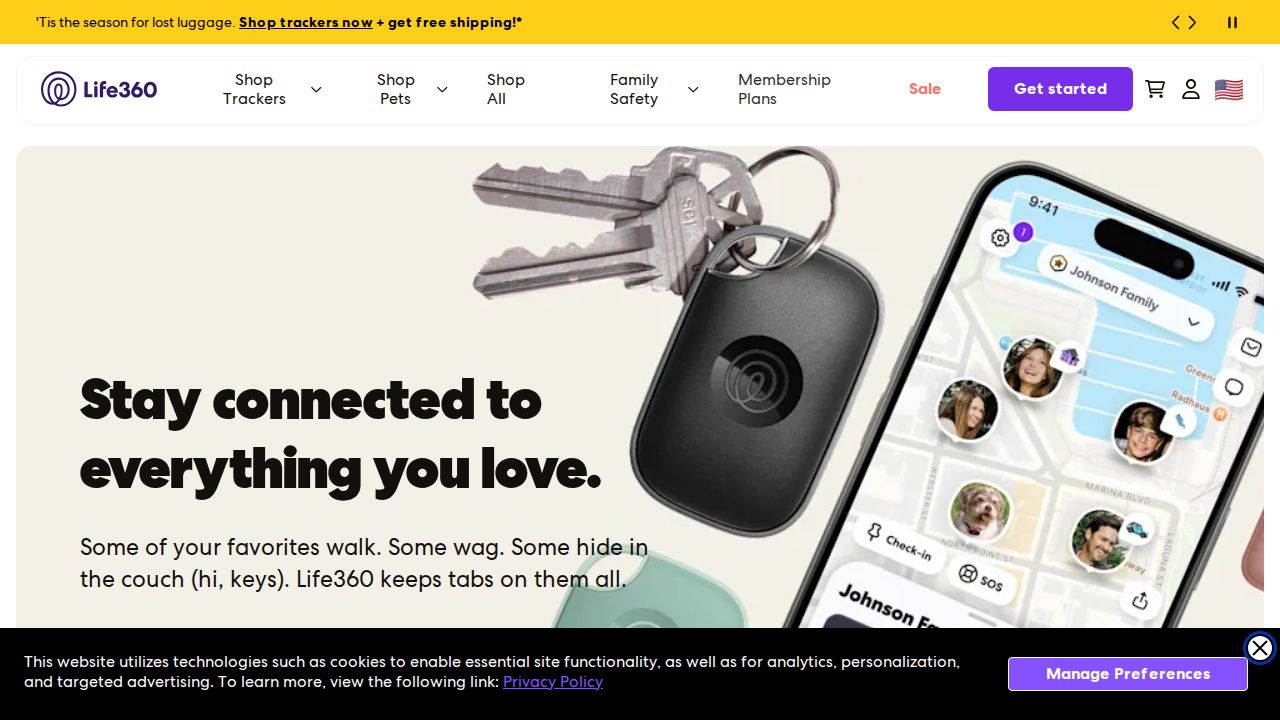
Best for driving reports and place alerts Life360 is a dedicated family location app with a free plan and three paid tiers. The free plan covers location sharing, a Family Driving Summary, 2 days of history and alerts for 2 places. Paid plans add longer history, more places, SOS alerts and, on Gold and Platinum, emergency dispatch and roadside help.
What stands out
- Free plan with location sharing and 2 place alerts
- Silver is $9.99 a month with 7 days of history and 5 places
- Gold is $16.99 a month with 30 days of history, unlimited places and emergency dispatch
- 7-day free trial on paid plans
Keep in mind
- Free plan keeps only 2 days of location history
- Annual prices were not listed; the page only says annual billing saves 17%
 Find My
Best for families who all use iPhone Find My is built into every iPhone and works with Family Sharing. The organizer turns on location sharing, and each member chooses whether to share. Locations show in Find My and Messages, and family members can get a recurring alert when someone arrives at or leaves a place.
What stands out
- Built into iPhone and iPad at no cost
- Each family member chooses whether to share and can stop at any time
- Arrival and departure notifications for places you pick
- Family can help find a lost device, play a sound or turn on Lost Mode
Keep in mind
- Apple devices only
- Location in Messages and Maps needs iOS 17 or iPadOS 17
 Find Hub
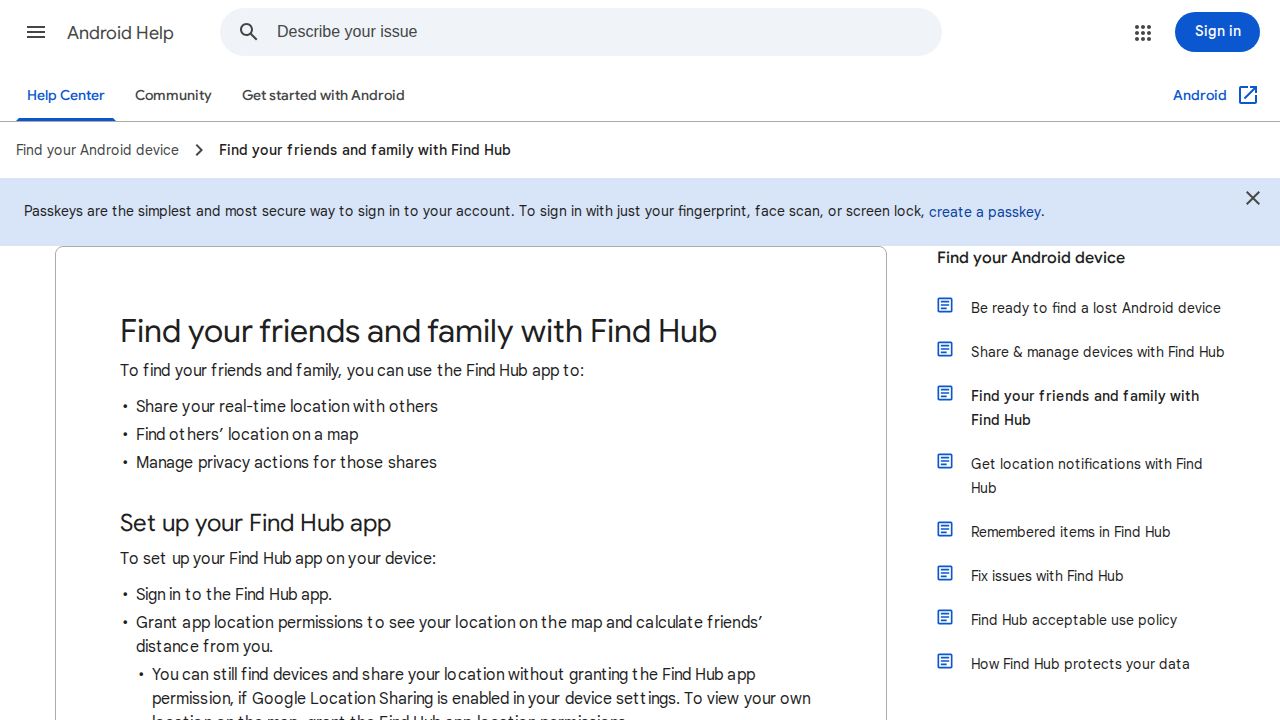
Best for sharing location from Android Find Hub is Google's app for finding devices and people. You choose who to share with and for how long: one hour, until the end of the day, until you turn it off, or a custom time. Contacts are notified in Find Hub or Google Maps, or by email if they use neither.
What stands out
- Free Google app
- Share for an hour, the rest of the day, a custom time or until you stop
- Arrival and departure alerts for people who share with you
- Stopping a share ends it in every app that uses Google Location Sharing
Keep in mind
- Link shares let anyone with the link see your location
- Google's help page does not say whether it works on iPhone
 Google Family Link
Best for younger kids with Android phones Family Link pairs location with Google's parental controls, so it suits a younger child with a first Android phone. Parents see the child's device on a map and can get alerts when the child arrives at or leaves a family place such as school. It also supports compatible Fitbit devices.
What stands out
- Free with the rest of Family Link's controls
- Arrival and departure alerts for family places
- Works on Android devices and compatible Fitbit devices
Keep in mind
- Shows only one device at a time, the one the child uses most
- Alerts turn off if Location Accuracy is off
- The device must be on, online and recently used
 Bark
Best for location plus online safety alerts Bark is mainly an online safety app, but its plan includes location tracking, location alerts and check-ins. It makes sense if you also want alerts about bullying or other risks in your child's messages. One subscription covers unlimited children and devices on iPhone and Android.
What stands out
- Location tracking, alerts and check-ins
- $14 a month or $99 a year for unlimited kids and devices
- Also blocks sites and apps and sets screen time schedules
Keep in mind
- Costs more than a location-only app if you only need location
- No free plan
 Glympse
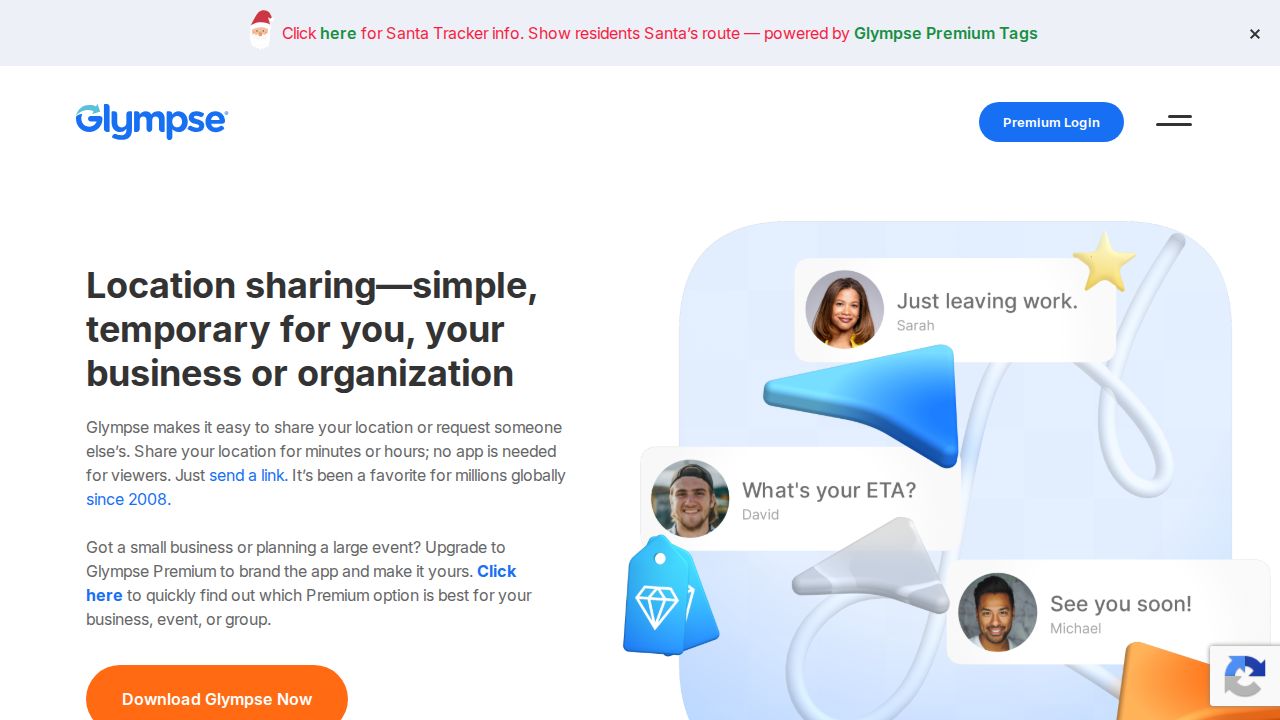
Best for temporary shares that end on a timer Glympse is a free app for sharing live location for a set time, from 5 minutes up to 12 hours, after which the share ends on its own. That fits a teen walking home from practice or a parent driving to pick someone up, without leaving location on all the time.
What stands out
- Free base app on iPhone and Android
- Shares end automatically after 5 minutes to 12 hours
- Recipients can view a share through a web link
Keep in mind
- No ongoing family map or place alerts
- Premium Tags and Premium Shares cost $9.99 a month each
How we chose
We compared each app’s published features and plans on:
- Cost. Whether there is a free option and what paid plans cost.
- Location history. How far back you can see.
- Place alerts. Notifications when someone arrives at or leaves home or school.
- Device support. Whether it works across iPhone and Android.
- Control for the person sharing. Whether each person can choose to share and stop.
The list reflects published plans and pricing, not lab testing. Where a price was not published, we write “See site”.
Make location sharing a family agreement
Location sharing works best when everyone knows it is on and why. Before you turn it on:
- Explain what others in the family will see, such as current location and arrival alerts.
- Share your own location too, so it goes both ways.
- Agree on when it stays on, for example on school days or late nights out.
- Decide what happens if someone turns it off, and talk about it instead of punishing.
- Revisit the rules as your teen gets older and earns more independence.
Do you need a paid plan?
For most families, no. Free tools cover current location and place alerts. A paid Life360 plan is worth it if you want longer history, driving reports or emergency features such as crash detection and dispatch.
If your family mixes iPhone and Android, pick one app everyone can run, such as Life360, rather than splitting across Find My and Find Hub. One shared map is easier to keep up with than two.
Frequently asked questions
What is the best free family locator app?
Find My is the easiest choice for an all-iPhone family. Android families can use Find Hub or Google Family Link, and Life360 has a free plan that works on both.
Can I share location between an iPhone and an Android phone?
Life360, Bark and Glympse all run on iPhone and Android. Find My is Apple only.
How long do family locator apps keep location history?
Life360 keeps 2 days on the free plan, 7 days on Silver and 30 days on Gold and Platinum.
Can my child turn off location sharing?
In Find My and Find Hub, each person controls their own sharing and can stop at any time. Agree on the family's rules together so turning it off is a conversation, not a secret.
Can I get an alert when my child gets to school?
Yes. Life360, Find My, Find Hub and Google Family Link all support alerts when someone arrives at or leaves a place you set.
Sources
- Life360 plans and pricing
- Apple Support: Share your location with your Family Sharing group
- Apple Support: Share your location on iPhone
- Android Help: Find your friends and family with Find Hub
- Google Family Link
- Google For Families Help: Find your child's device location
- Bark app overview
- Glympse: What is the Glympse app
- Microsoft Support: Saved places and location alerts
How we wrote this
This list is based on each company's published plans, prices and feature pages, not on hands-on lab testing. Facts were last checked on November 17, 2026. See our editorial policy.