No company paid to be on this list. Prices were checked on November 17, 2026 and can change. How we make money.
At a glance
| # | Product | Best for | Starting price | Free option |
|---|---|---|---|---|
| 1 | Mixed households with many device types | $59.95/yr | Free plan (1 device) | |
| 2 | Alerts about worrying content | $14/mo | 7-day trial | |
| 3 | Families who all use Apple devices | Free | Free | |
| 4 | Android phones and Chromebooks | Free | Free | |
| 5 | Unlimited kids and devices on one plan | $10/mo | 14-day trial | |
| 6 | School-time rules and web supervision | $49.99/yr | See site | |
| 7 | Web filtering on computers | $39.99/yr | No |
The list
 Qustodio
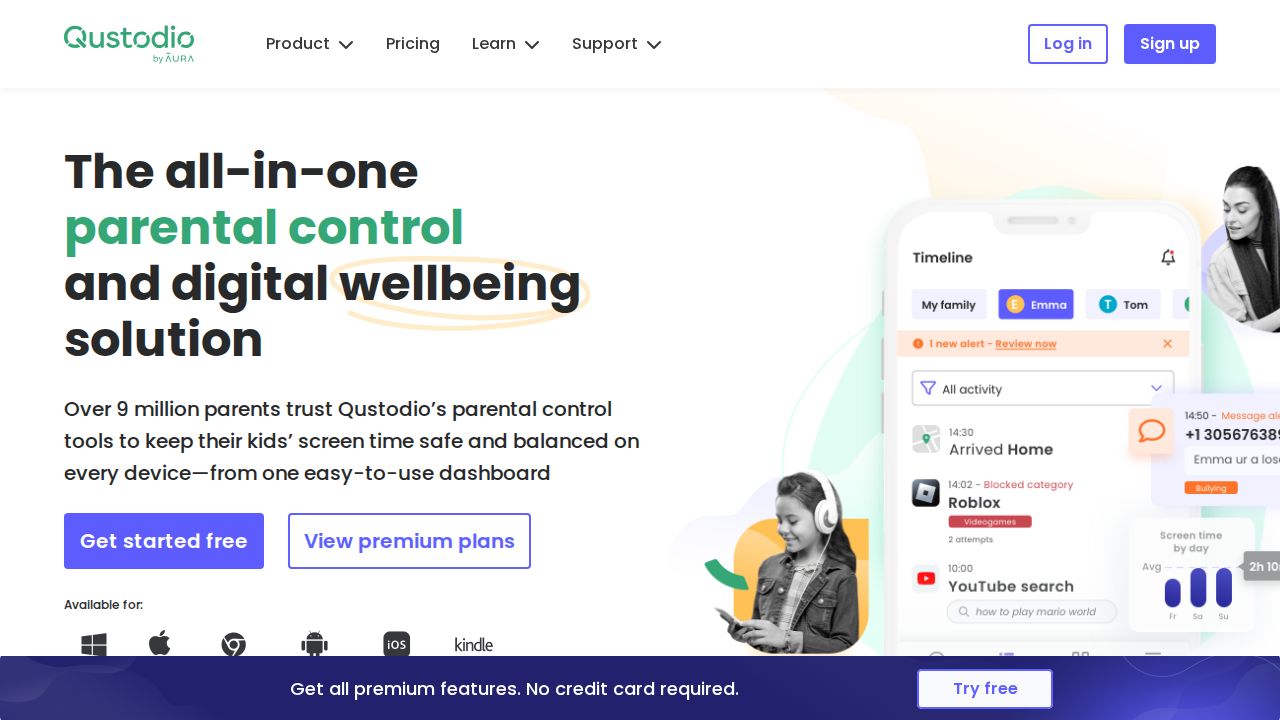
Best for mixed households with many device types Qustodio is the broadest pick for a home with a mix of phones, tablets and computers. Its plans page lists Windows, Mac, Chromebook, Android, iOS and Kindle. A free plan protects one device, Basic covers up to 5 devices, and Complete removes the device cap for family use.
What stands out
- Free plan protects a single device with basic features
- Basic is $59.95 a year for up to 5 devices; Complete is $104.95 a year for unlimited family devices
- Lists web filtering, daily time limits, app blocking, location monitoring and 30-day activity reports
- 30-day money-back guarantee
Keep in mind
- Calls and messages monitoring on iOS requires a Windows or Mac computer
- The panic button and social app message alerts are listed as Android only
- The plans page is not fully clear on which features sit in Basic versus Complete
 Bark
Best for alerts about worrying content Bark suits parents who want to hear about problems without reading every message. It scans texts, social media, searches and email and sends alerts on flagged issues such as bullying or predators. One subscription covers unlimited children and devices, and it also blocks sites and apps and sets screen time schedules.
What stands out
- $14 a month or $99 a year covers unlimited kids and devices
- Sends alerts on flagged issues instead of full message logs
- Website and app blocking, screen time schedules, location tracking and alerts
- 7-day free trial
Keep in mind
- On iPhone, monitoring texts, photos and videos needs the Bark Sync add-on ($6 a month or $49 a year) or the Bark Desktop App
- No free plan
 Apple Screen Time
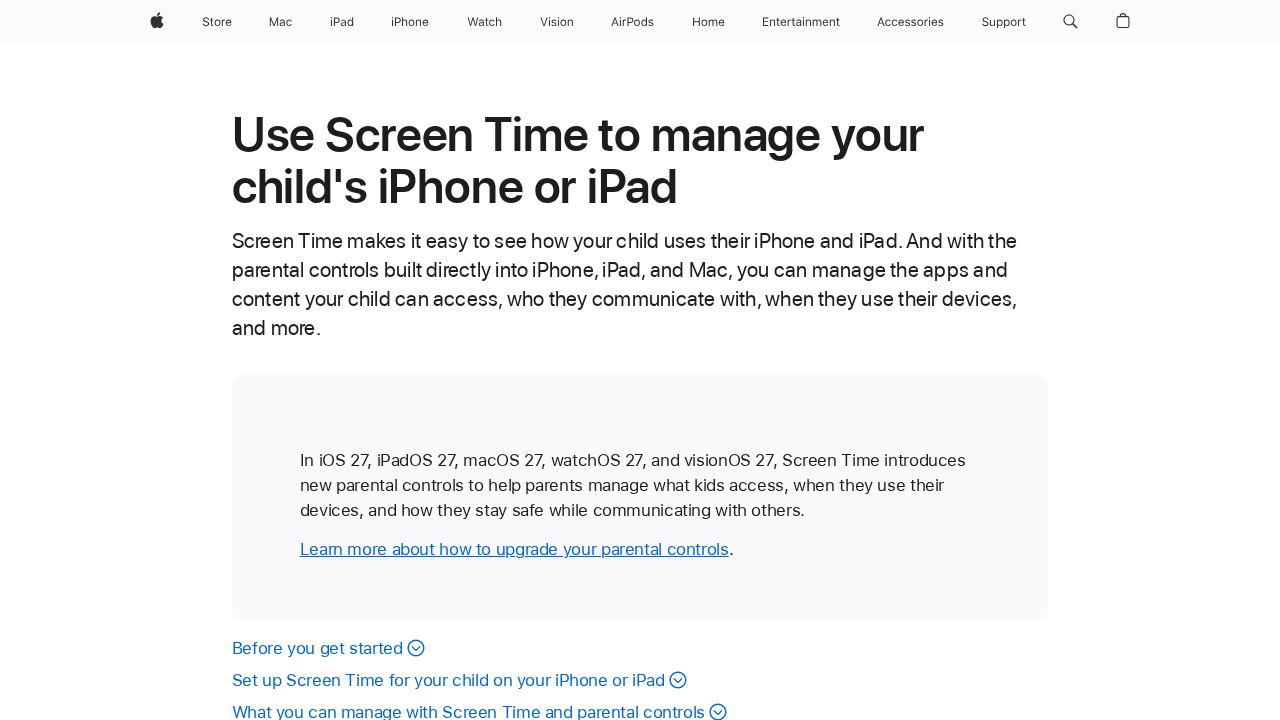
Best for families who all use Apple devices If your child uses an iPhone or iPad, start here before paying for anything. Screen Time is built into the device and managed through Family Sharing. Parents can set time allowances and schedules, approve purchases and websites, limit contacts, and set age ratings for content, all from their own device.
What stands out
- Built into iPhone, iPad and Mac at no extra cost
- Daily time allowances by app category, plus weekday and weekend schedules
- Ask to Buy and Ask to Browse send approval requests to a parent
- Communication Safety works on the device, and Apple does not get access to the photos or videos
Keep in mind
- Requires Family Sharing and a Child Account for each child
- Does not manage Android or Windows devices
 Google Family Link
Best for android phones and Chromebooks Family Link is the natural first step for a child with an Android phone or a Chromebook. Parents can set daily screen time, schedule downtime, put limits on single apps, approve new app installs and see the device's location. The parent app is available on both Google Play and the App Store.
What stands out
- Screen time limits, downtime and per-app time limits
- New apps can require a parent's approval
- Location on a map, with alerts when a child arrives at or leaves a place
- Parents can manage it from an Android phone or an iPhone
Keep in mind
- On a child's iPhone or in a web browser, only YouTube and Google Search settings apply
- Google says its content filters are not perfect
 Aura
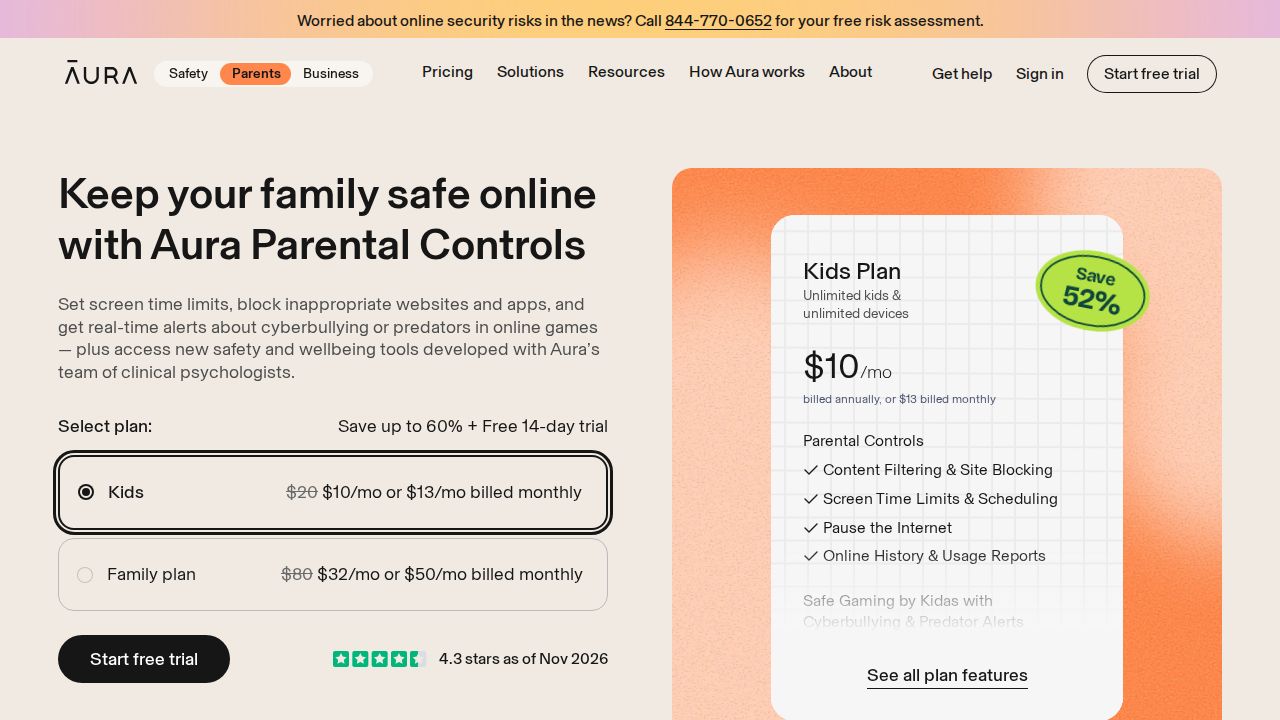
Best for unlimited kids and devices on one plan Aura's Kids plan is a fit for larger families because it covers unlimited kids and devices. It includes content filtering, site blocking, screen time limits and schedules, and a button to pause the internet. A pricier Family plan adds identity protection, antivirus, a VPN and a password manager for five adults.
What stands out
- Kids plan is $10 a month billed annually, or $13 billed monthly
- Covers unlimited kids and devices
- 14-day free trial and a 60-day money-back guarantee on annual plans
- Usage reports and online history are included
Keep in mind
- Needs iOS 16 or later, or Android 12 or later
- Safe Gaming alerts work only on Windows PCs
- The page shows $10 as a discount from $20, so the rate may change
 Norton Family
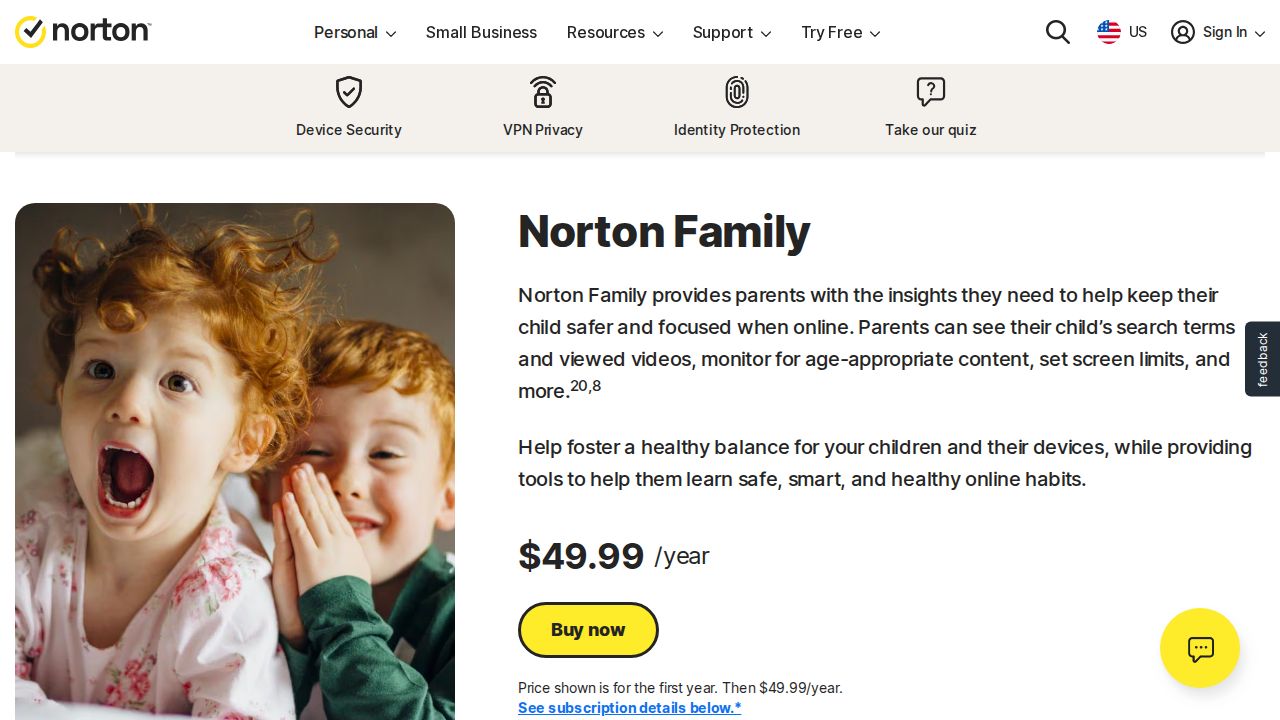
Best for school-time rules and web supervision Norton Family is a single yearly plan with a long feature list for Windows and Android. It covers web, time, search and video supervision, an instant device lock, and a School Time mode that limits distractions during school hours. Location supervision on phones keeps 30 days of history.
What stands out
- $49.99 for the first year
- School Time mode and Instant Lock on Windows, Android and iOS
- Location supervision with 30 days of history on Android and iOS
- Weekly or monthly activity reports by email
Keep in mind
- Not supported on Mac
- App supervision is listed for Windows and Android only, not iOS
- The renewal price was not shown on the page and may be higher
 Net Nanny
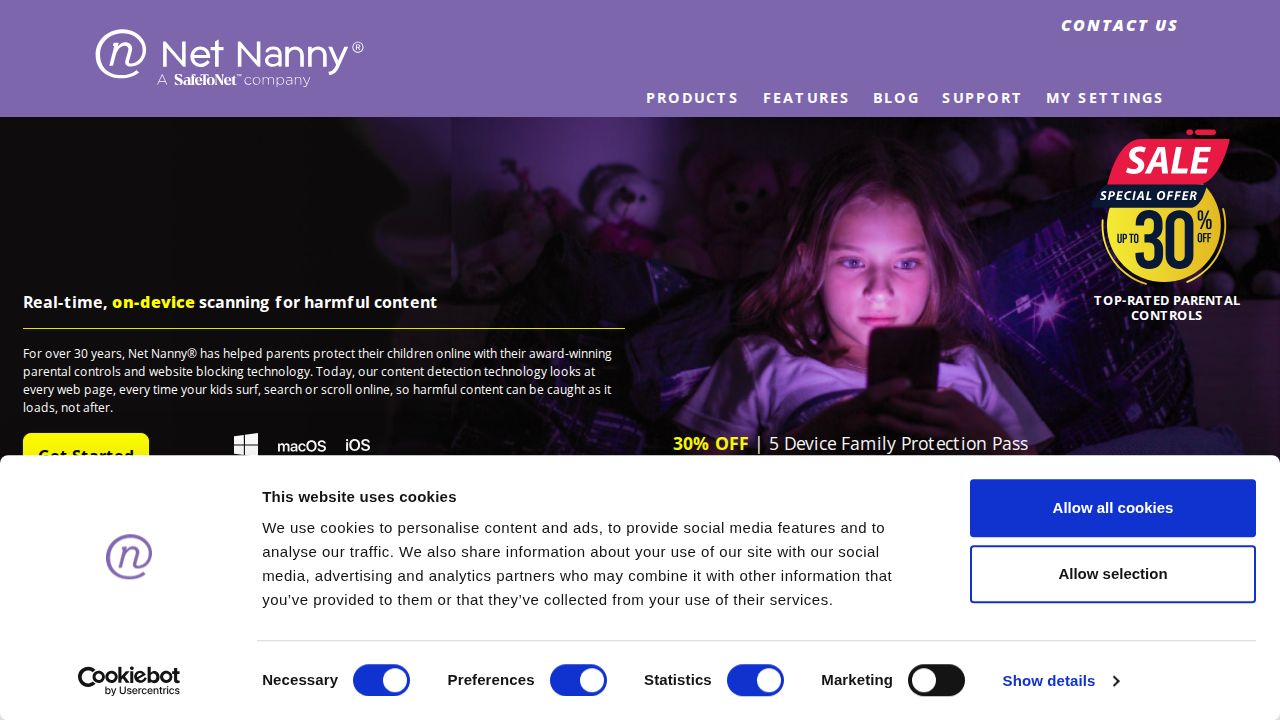
Best for web filtering on computers Net Nanny is built around its internet filter and website blocker, which makes it a reasonable choice for a family computer. The cheapest plan covers one Windows or macOS desktop. The Family Protection Pass adds more devices and iOS, with screen time management, location tracking and a Family Feed of alerts.
What stands out
- 1 Desktop plan is $39.99 a year
- Family Protection Pass covers 5 devices for $54.99 a year or 20 devices for $89.99 a year
- Internet filter, website blocker, screen time management and alerts
- App blocking is listed for iOS devices
Keep in mind
- No free plan or trial listed
- Prices shown are discounted from $49.99, $79.99 and $129.99
- The homepage plan table lists Windows, macOS and iOS only
How we chose
We compared what each company publishes on its own site, looking at:
- Price and device limits. What the lowest plan costs and how many kids or devices it covers.
- Platform coverage. Which phones, tablets and computers the child app runs on.
- Core controls. Web filtering, screen time limits, app blocking and location.
- Published gaps. Features the company says are limited or missing on a platform, especially iOS.
- A way to try it. A free plan, a free trial or a money-back guarantee.
This list is based on published plans and pricing, not lab testing. Where a price or trial was not shown on the day we checked, we write “See site” instead of guessing.
Start with the free tools
Before you buy anything, set up the tool your child’s device already has:
- iPhone or iPad: Apple Screen Time through Family Sharing
- Android phone or Chromebook: Google Family Link
Move to a paid app if you need one or more of these:
- One dashboard for a mix of Apple, Android and Windows devices
- Alerts about bullying or other risks in messages
- Web filtering across browsers and devices
- Activity reports you can review each week
How to roll it out at home
- Talk first. Tell your child what the app does and what it does not do.
- Set rules together where you can, such as bedtime and homework hours.
- Start with light limits and adjust after a week or two.
- Give your child a way to ask for more time or for a blocked site.
- Review the settings as your child gets older. A teen needs more privacy than a seven-year-old.
Frequently asked questions
Do I need to pay for a parental control app?
Not always. Apple Screen Time and Google Family Link are free and cover time limits, app approvals and content settings. A paid app helps when your family uses several device types or you want one dashboard for everything.
Which parental control app covers the most devices?
Bark and Aura both cover unlimited kids and devices on one subscription. Qustodio Complete is unlimited for family devices, and Qustodio Basic covers up to 5.
Do parental control apps work the same on iPhone and Android?
No. Qustodio, Bark and Norton Family all publish features that are limited on iOS, such as message monitoring or app supervision. Check the iOS notes on each company's site.
Should I tell my child about parental controls?
Yes. These apps are designed to be used openly. Explaining the rules and the reasons tends to work better than surprises, and it gives older kids a say in how limits change over time.
Is there a parental control app with a free trial?
Bark lists a 7-day free trial and Aura lists a 14-day free trial. Qustodio offers a free one-device plan and a 30-day money-back guarantee on paid plans.
Sources
How we wrote this
This list is based on each company's published plans, prices and feature pages, not on hands-on lab testing. Facts were last checked on November 17, 2026. See our editorial policy.