
No company paid to be on this list. Prices were checked on November 17, 2026 and can change. How we make money.
At a glance
| # | Product | Best for | Starting price | Free option |
|---|---|---|---|---|
| 1 | Feature-rich maps at a low price | $4.92/mo | Free plan (10 online maps) | |
| 2 | Quick, simple maps in a browser | $5/mo | Free plan (3 private diagrams) | |
| 3 | Apple users who want a native app | $2.99/mo | Free version | |
| 4 | Teams that also use MeisterTask | See site | Free plan (3 maps) | |
| 5 | Mind maps alongside flowcharts and docs | $10/mo | Free plan (limited) |
The list
 Xmind
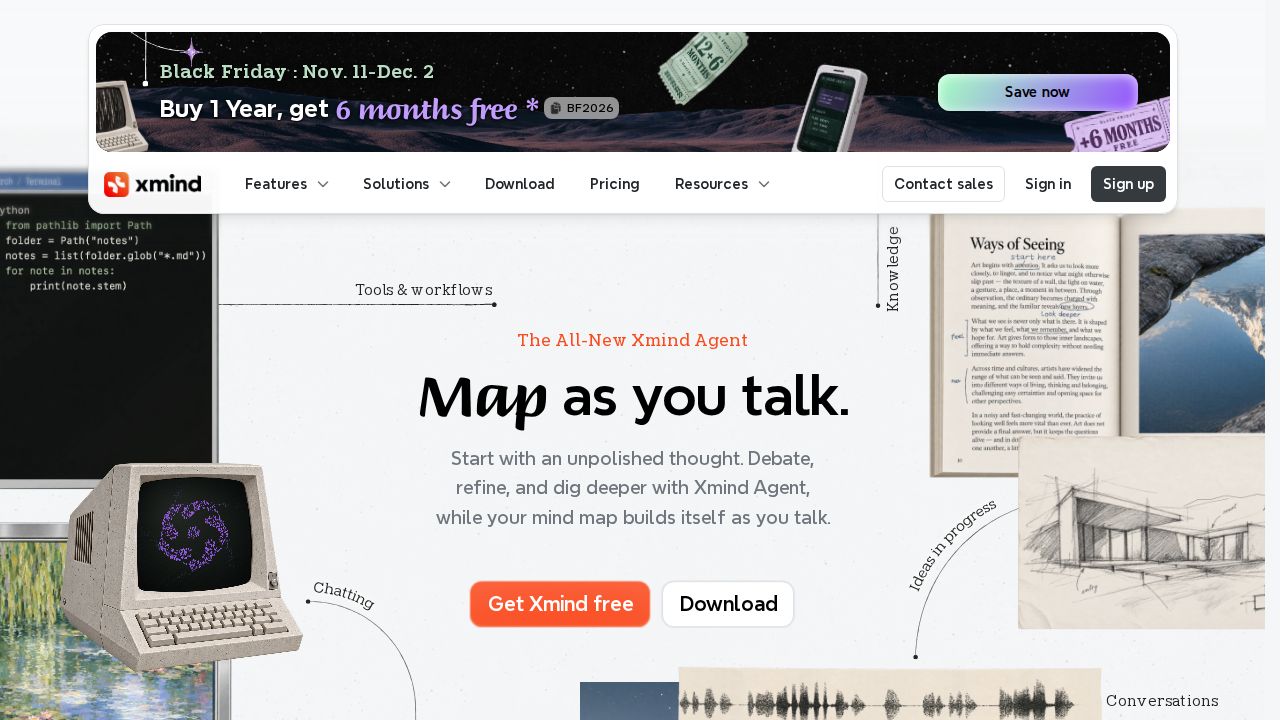
Best for feature-rich maps at a low price Xmind gives you the most for a small outlay. The free plan covers 10 online maps with basic themes and link sharing. Pro raises the cap to 50 maps and removes export watermarks, while Premium adds unlimited collaborative maps, Gantt charts and task assignees.
What stands out
- Free plan includes 10 online maps and 50 AI credits at sign-up
- Pro exports to PNG, SVG, PDF, Markdown and Office formats without a watermark
- One subscription covers up to 5 computers and 5 mobile devices
- Yearly purchases from the website come with a 7-day money-back guarantee
Keep in mind
- The 7-day free trial applies to yearly plans only
- Unlimited collaborative maps and real-time collaboration need Premium, listed at $8.25 a month
- Monthly subscriptions are non-refundable
 Coggle
Best for quick, simple maps in a browser Coggle is a clean, browser-based option for people who want to start mapping without setup. The free plan already includes real-time collaboration, full change history and PDF or image downloads. The Awesome plan at $5 a month removes the private diagram limit and adds more styling control.
What stands out
- Unlimited public diagrams on the free plan
- Real-time collaboration and full change history included for free
- Imports and exports .mm and text files, and exports to Microsoft Visio
- Organisation plan adds single sign-on for $8 per member a month
Keep in mind
- Free plan allows only 3 private diagrams
- No annual pricing or free trial listed on the plans page
 MindNode
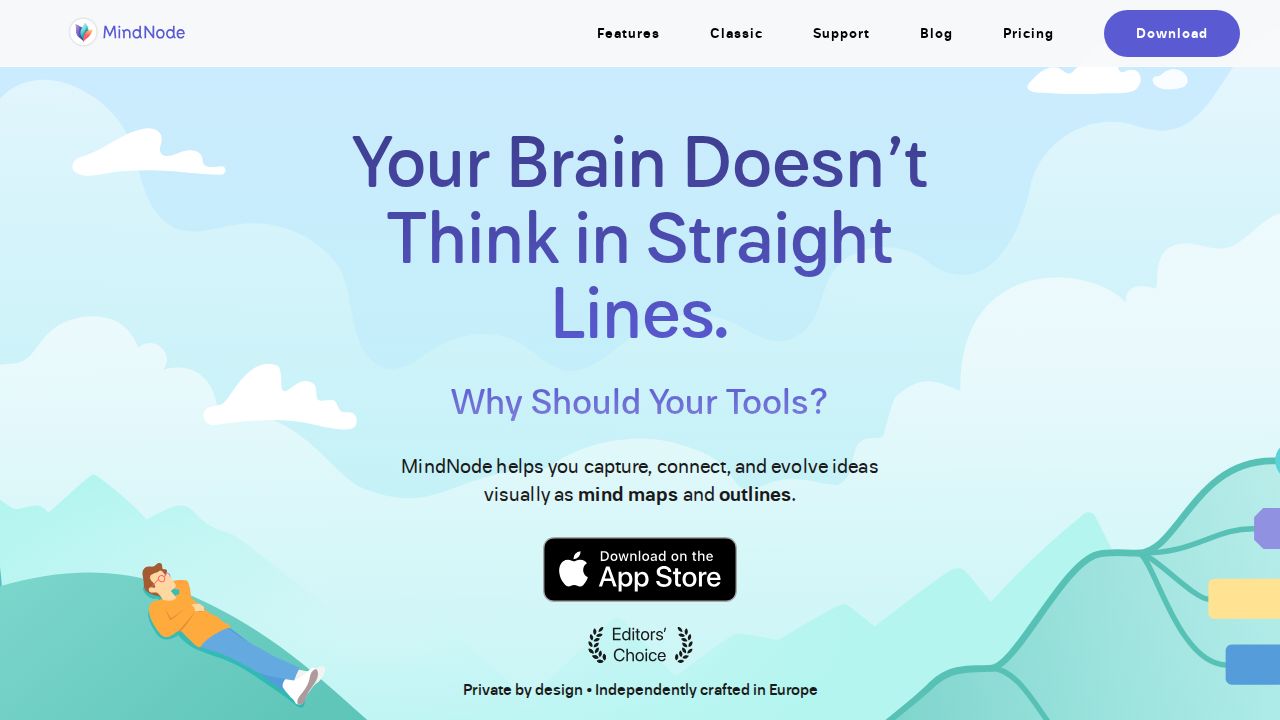
Best for apple users who want a native app MindNode is built for Apple devices and runs on Mac, iPhone, iPad, Apple Watch and Apple Vision Pro. The free version handles mind mapping plus import and export. MindNode Plus adds outlining, tasks, visual tags, themes and collaboration for $2.99 a month or $24.99 a year.
What stands out
- Free version includes mind mapping, import and export
- MindNode Plus costs $24.99 a year, the lowest yearly price on this list
- Plus adds outlining, focus mode, visual tags and Apple Intelligence features
- Also available through the Setapp app subscription
Keep in mind
- Apple devices only; no Windows, Android or web app
- The length of the Plus free trial is not stated
 MindMeister
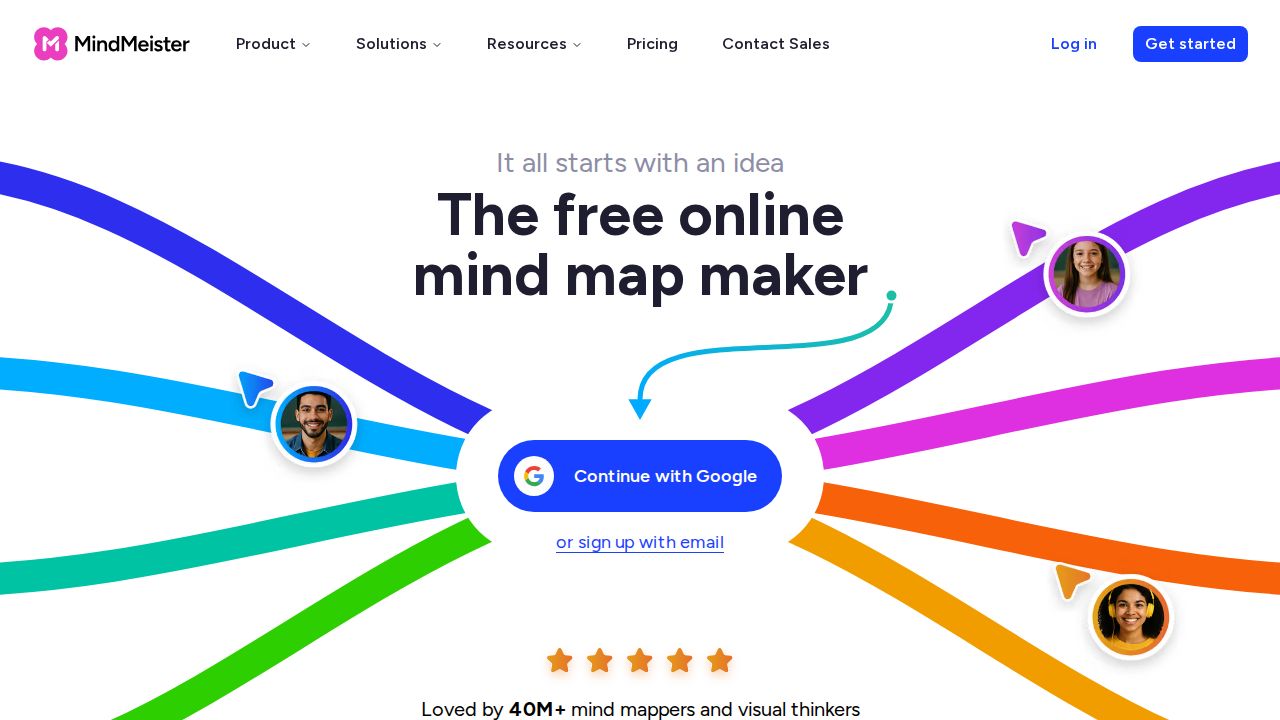
Best for teams that also use MeisterTask MindMeister is a web-based tool with strong sharing. Even the free Basic plan allows unlimited collaborators, presentations, outline mode and the mobile apps. Paid plans unlock unlimited maps, version history, attachments and exports. Prices vary by region, so check the US price on the pricing page.
What stands out
- Free plan allows unlimited collaborators on your maps
- Integrates with MeisterTask and Microsoft Teams
- Personal plan adds unlimited maps, version history and PDF or Markdown export
- 50% discount for students, educators and non-profits through support
Keep in mind
- Free plan is limited to 3 mind maps and has no exports or printing
- No monthly billing; paid plans are billed every 6 or 12 months
- The pricing page we reviewed showed euro prices, so the US price is not listed here
 Whimsical
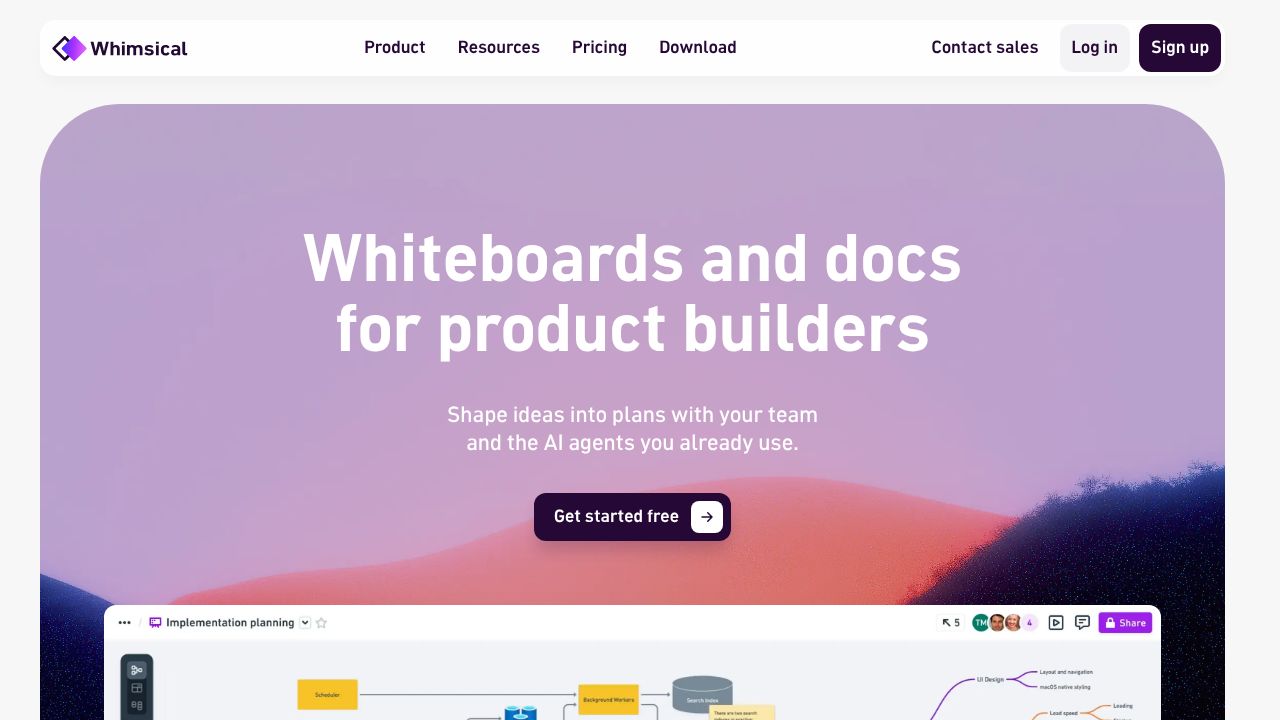
Best for mind maps alongside flowcharts and docs Whimsical combines mind maps with flowcharts, wireframes and docs in one workspace, which suits small teams planning projects. Viewers are always free. Pro costs $10 per editor a month billed annually, or $12 billed monthly, and removes the free plan's object limits and export watermarks.
What stands out
- Mind maps, flowcharts, wireframes and docs in one tool
- Unlimited free viewers and guests
- Pro adds 90-day version history and 100 GB of storage
- Students and teachers can apply to use it for free
Keep in mind
- Free plan limits board objects and doc blocks each month and watermarks exports
- Priced per editor, so costs add up for larger teams
How we chose
We compared each company’s published plans on four points:
- Free plan limits. How many maps or diagrams you can keep without paying.
- Price of the first paid tier. And whether monthly billing is available.
- Collaboration. Whether others can edit with you, and on which plan.
- Platforms. Browser, desktop and mobile support.
This list is based on published plans and pricing, not lab testing. Where a pricing page did not show a US price on the day we checked, we say “See site” instead of guessing.
Free or paid: which do you need?
A free plan is usually enough if you make a few maps for study notes, brainstorming or planning a single project. Coggle, Xmind and MindNode all handle that well at no cost.
Consider paying when you need any of these:
- More maps than the free cap allows
- Exports without a watermark, or exports to Office or PDF
- Version history so you can roll back changes
- Live collaboration with a team
Tips for a useful mind map
- Put one clear topic in the center.
- Keep each branch to a short phrase, not a sentence.
- Use color or icons to group related ideas.
- Limit yourself to three or four levels of depth before starting a new map.
- Export or share the map once it is done so it does not sit forgotten in the app.
Frequently asked questions
Is there a completely free mind mapping tool?
Yes. All five tools here have a free plan or version. Coggle allows unlimited public diagrams, Xmind allows 10 online maps, and MindNode's free version covers basic mapping on Apple devices.
Which mind mapping tool is best for collaboration?
Coggle includes real-time collaboration on its free plan, and MindMeister allows unlimited collaborators even on Basic. Xmind reserves real-time collaboration for its Premium plan.
Can I use a mind mapping app on Windows?
Xmind supports Mac and PC, and Coggle, MindMeister and Whimsical work in a web browser. MindNode is the exception, since it runs only on Apple devices.
Do I need a paid plan to export my maps?
It depends on the tool. Coggle's free plan includes PDF and image downloads, while MindMeister Basic has no file exports and Whimsical's free plan adds a watermark.
Sources
How we wrote this
This list is based on each company's published plans, prices and feature pages, not on hands-on lab testing. Facts were last checked on November 17, 2026. See our editorial policy.