
No company paid to be on this list. Prices were checked on November 17, 2026 and can change. How we make money.
At a glance
| # | Product | Best for | Starting price | Free option |
|---|---|---|---|---|
| 1 | Notes, docs and databases in one place | $10/mo | Free plan | |
| 2 | Private notes stored on your own device | Free | Free app | |
| 3 | A free notebook on every device | Free | Free | |
| 4 | Quick notes, lists and reminders | Free | Free | |
| 5 | Markdown notes on Mac, iPhone and iPad | $2.99/mo | Free version (no sync) | |
| 6 | Heavy users who want unlimited notes | See site | Free plan (50 notes) |
The list
 Notion
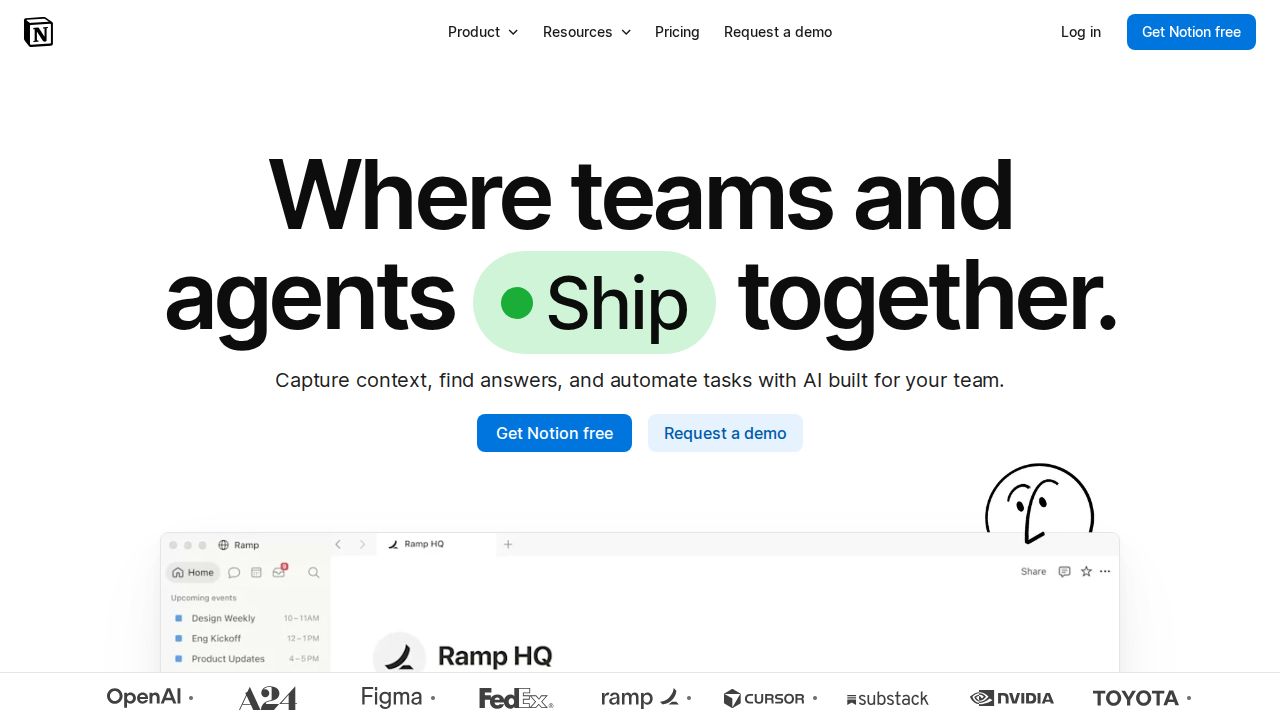
Best for notes, docs and databases in one place Notion suits people who want notes, task lists and simple databases in the same workspace. The Free plan covers unlimited pages and blocks for a single user, which is enough for personal note taking. Plus mainly raises the file upload limit from 5 MB to 5 GB and extends page history from 7 to 30 days.
What stands out
- Free plan includes unlimited pages and blocks for a single user
- Plus raises file uploads to 5 GB per file and page history to 30 days
- Plus adds custom forms, custom sites, charts and basic connections such as Slack and Google Drive
- Yearly billing is discounted by up to 20%
Keep in mind
- Free plan limits uploads to 5 MB per file and page history to 7 days
- AI is only a limited trial on Free and Plus; the full AI features sit on the $20 Business plan
 Obsidian
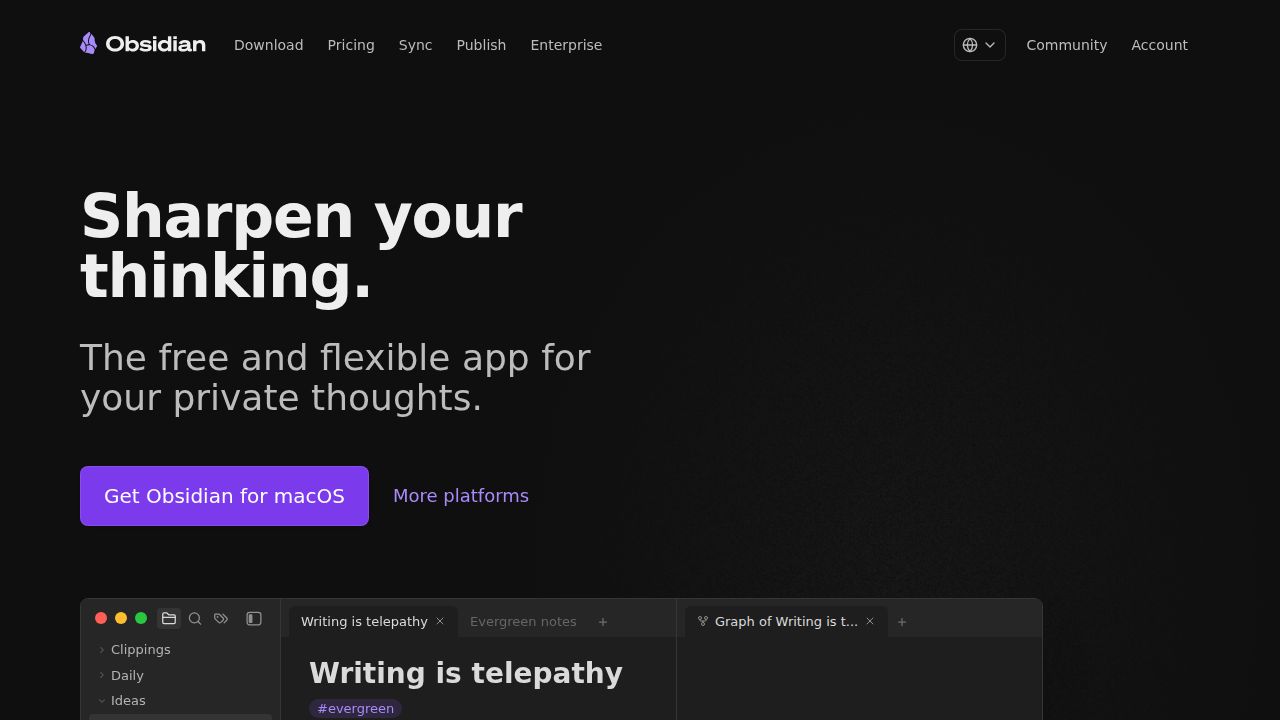
Best for private notes stored on your own device Obsidian is the pick for people who want to own their files. The app is free without limits, needs no sign-up and keeps notes locally on your device. You only pay if you want the company's add-on services: Sync for moving notes between devices or Publish for putting notes on the web.
What stands out
- The app is free with no sign-up required
- Notes are stored locally on your device
- Optional Sync is $4 a month billed annually, with end-to-end encryption and version history
- Optional Publish puts notes on the web for $8 per site a month billed annually
Keep in mind
- Syncing between devices through Obsidian Sync is a paid add-on
- Sync and Publish cost more on monthly billing ($5 and $10)
 Microsoft OneNote
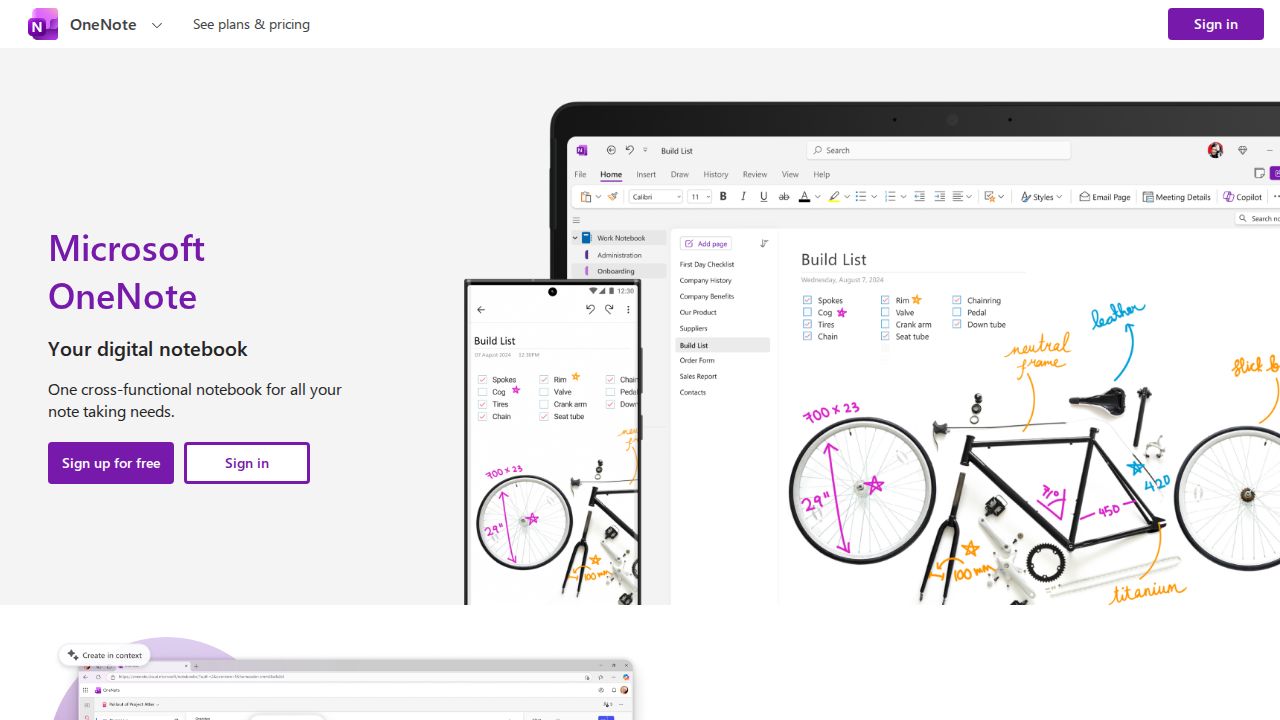
Best for a free notebook on every device OneNote is a good fit if you want a free notebook that works on computers, tablets, phones and the web. Microsoft says you can get it free on all your devices and share notebooks with others for viewing or editing. Paid Microsoft 365 plans add Copilot features and large cloud storage, but they are optional.
What stands out
- Free on computers, tablets, phones and the web
- Notebooks can be shared for viewing or editing
- Can save web pages and email content into a notebook
- Digital ink for sketching, annotating and highlighting
Keep in mind
- Copilot features are tied to paid Microsoft 365 plans, which start at $9.99 a month for Personal
- Microsoft's pages do not state how much storage the free version includes
 Google Keep
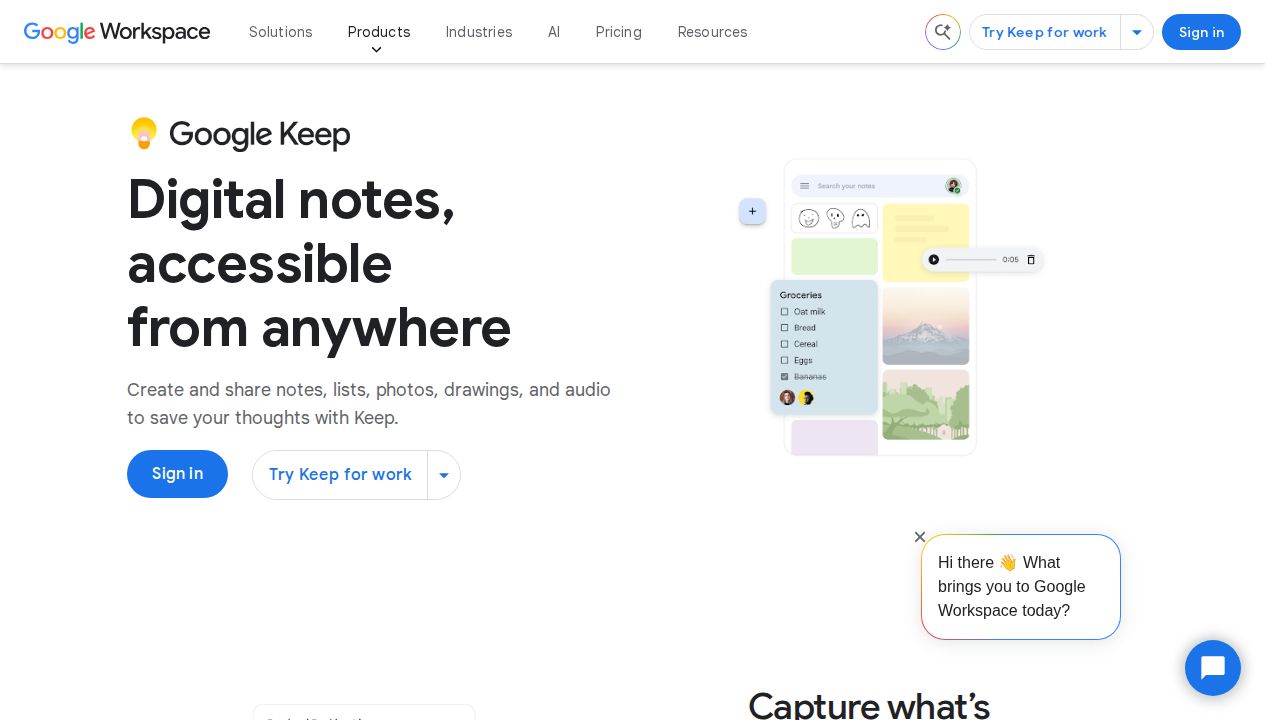
Best for quick notes, lists and reminders Google Keep is built for short notes rather than long documents. Google describes it as a free note-taking app for personal use, and it handles notes, lists, photos, drawings and audio. Notes sync between phone, computer and smartwatch, and you can keep editing offline until you reconnect.
What stands out
- Free for personal use with a Google Account
- Captures notes, lists, photos, drawings and audio
- Color codes, labels, pins and search for organizing
- Offline editing that syncs when you reconnect
- Real-time collaboration on shared notes
Keep in mind
- Organization is limited to labels, colors and pins rather than notebooks
- Business use runs through paid Google Workspace plans
 Bear
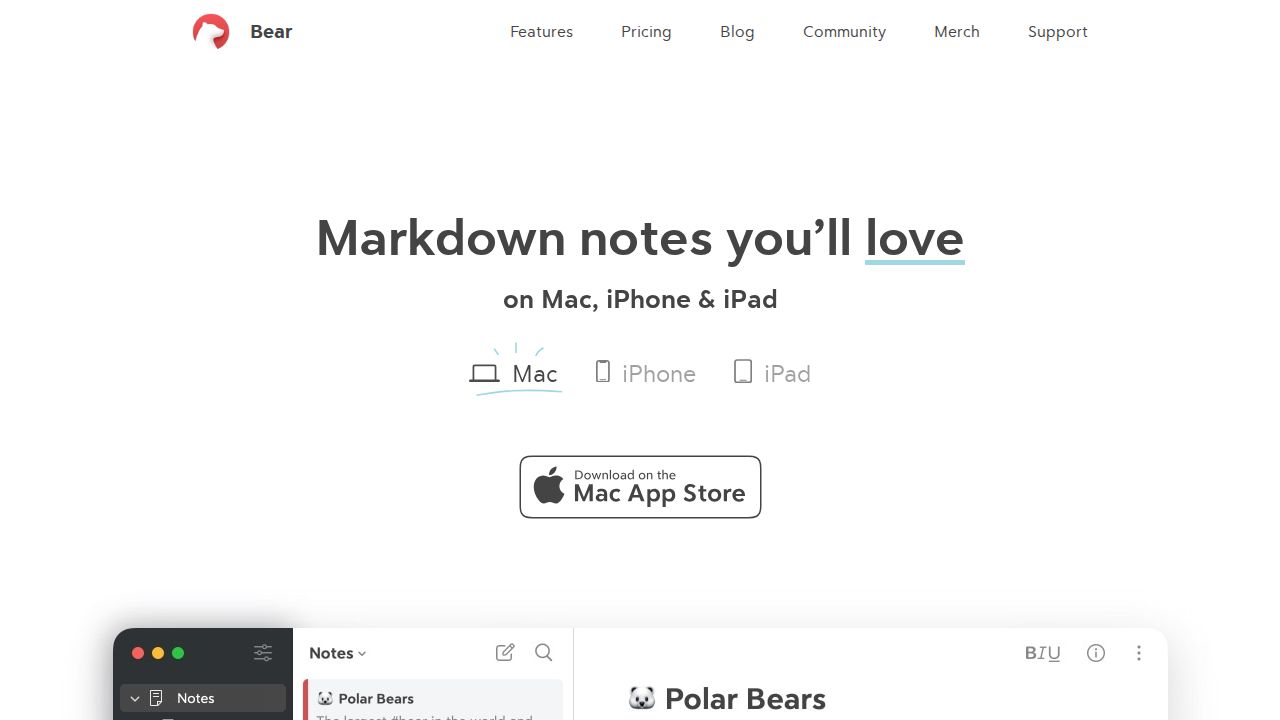
Best for markdown notes on Mac, iPhone and iPad Bear is a Markdown note app made only for Apple devices. The free version keeps notes locally and already includes document scanning and basic exports. Bear Pro, at $2.99 a month or $29.99 a year, adds iCloud sync, search inside PDFs and images, and more export formats.
What stands out
- Free version with local notes, document scanning and export to TXT, Markdown and RTF
- Pro costs $2.99 a month or $29.99 a year, with a 7-day free trial
- Pro adds iCloud sync and search inside PDFs and images
- Note encryption and support for Apple's Advanced Data Protection
Keep in mind
- Available only on Mac, iPhone and iPad
- Syncing between devices needs Pro
 Evernote
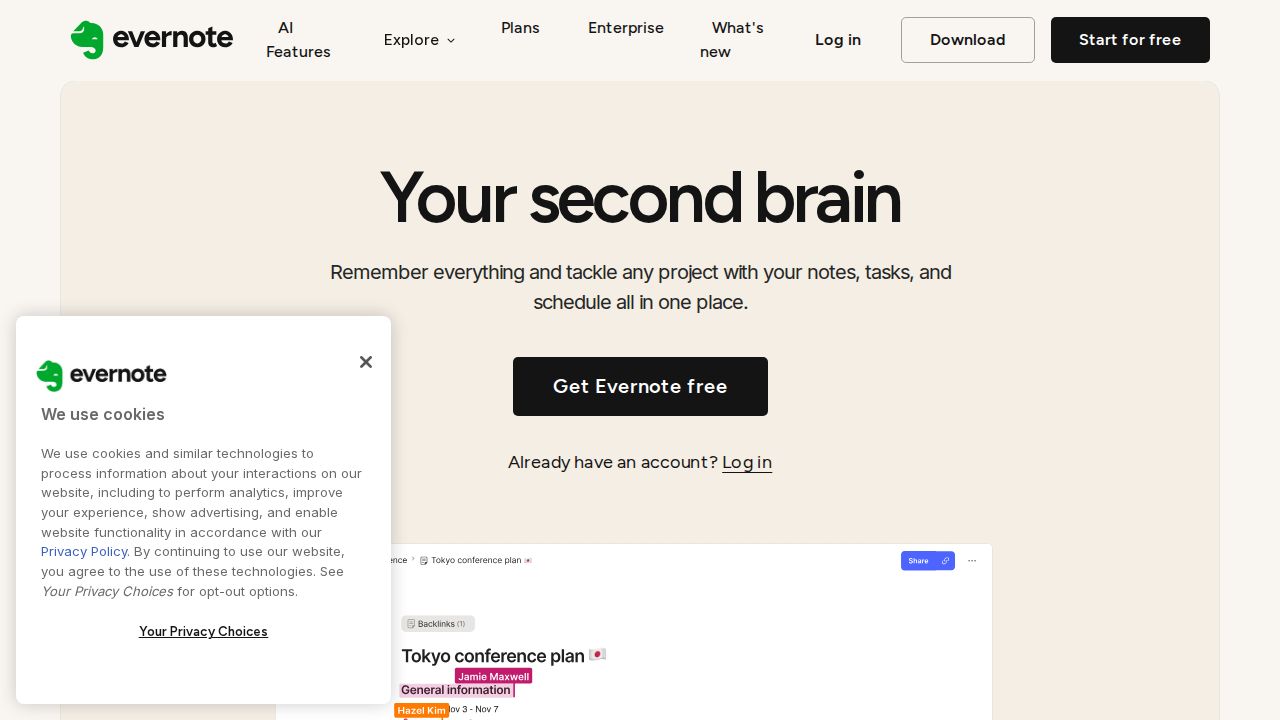
Best for heavy users who want unlimited notes Evernote now sells Starter and Advanced plans in place of its old Personal and Professional tiers. The Free plan is small, with 50 notes, 1 notebook and 1 device. Starter allows 1,000 notes on 3 devices, and Advanced lists unlimited notes. Prices are not shown on the public comparison page.
What stands out
- Advanced plan lists unlimited notes, notebooks and devices, subject to safeguard limits
- Starter plan allows 1,000 notes, 20 notebooks and 3 devices with 5 GB of storage
- Paid plans come with a 7-day free trial
- Eligible college students get 40% off one year of Advanced
Keep in mind
- Free plan is limited to 50 notes, 1 notebook and 1 device
- Prices are not published on the plan comparison page
How we chose
We compared what each company publishes about its app on four points:
- What the free version includes. Number of notes, devices and upload limits.
- Cost of the cheapest paid plan. Using the personal or per-member price.
- Sync and offline use. Whether notes move between devices without paying, and whether they are stored locally.
- Platforms. Whether the app runs on phones, computers and the web, or only on some devices.
This list is based on published plans and pricing, not lab testing. Where a company did not show a price on the page we checked, we write “See site” instead of guessing.
Free or paid: which do you need?
A free app is enough for most personal note taking. Pick by the way you work:
- Short notes and lists: Google Keep.
- Notebooks with sections and handwriting: Microsoft OneNote.
- Long documents, tables and databases: Notion.
- Plain Markdown files you control: Obsidian, or Bear on Apple devices.
Paying makes sense when you hit one of these limits:
- You need sync and the app charges for it (Obsidian Sync, Bear Pro).
- You attach large files (Notion Free stops at 5 MB per file).
- You have more notes or devices than the free plan allows (Evernote Free stops at 50 notes and 1 device).
How to move your notes to a new app
- Export notes from your current app. Markdown, TXT and HTML are the most widely accepted formats.
- Import a small batch into the new app first and check that formatting, images and attachments came across.
- Import the rest, then rebuild your folders, tags or notebooks.
- Keep the old app installed for a few weeks before deleting anything.
Frequently asked questions
What is the best free note-taking app?
It depends on how you take notes. Microsoft OneNote and Google Keep are free, Obsidian is free with notes stored on your device, and Notion's Free plan gives a single user unlimited pages and blocks.
Which note-taking apps work offline?
Obsidian and the free version of Bear store notes locally on your device. Google Keep also lets you edit offline and syncs changes once you reconnect.
Is Evernote still free?
Yes, but the Free plan is limited to 50 notes, 1 notebook and 1 device with 1 GB of storage. The Starter plan raises that to 1,000 notes on 3 devices.
Do I have to pay to sync notes between devices?
Not always. OneNote, Google Keep and Notion sync on their free versions. Obsidian charges $4 a month billed annually for its Sync service, and Bear needs Pro for iCloud sync.
Which note app is best for iPhone and Mac users?
Bear is made only for Mac, iPhone and iPad and costs $2.99 a month for Pro. The other apps on this list also run on Apple devices.
Sources
How we wrote this
This list is based on each company's published plans, prices and feature pages, not on hands-on lab testing. Facts were last checked on November 17, 2026. See our editorial policy.