
No company paid to be on this list. Prices were checked on November 17, 2026 and can change. How we make money.
At a glance
| # | Product | Best for | Starting price | Free option |
|---|---|---|---|---|
| 1 | Teams that want lots of templates | $8/mo | Free plan (3 editable boards) | |
| 2 | Free, quick hand-drawn sketches | $6/mo | Free plan | |
| 3 | Running workshops and team sessions | $9.99/mo | Free plan (3 editable murals) | |
| 4 | Boards plus flowcharts and docs | $10/mo | Free plan (limited) | |
| 5 | Teams that already design in Figma | See site | Free plan | |
| 6 | Microsoft 365 and Teams users | See site | See site |
The list
 Miro
Best for teams that want lots of templates Miro is the broadest whiteboard here. The free plan includes 7,000+ templates, 250+ integrations and unlimited team members, which is enough to try it properly. Starter at $8 per member a month, billed yearly, unlocks unlimited private boards, voting, timers and high-resolution exports.

What stands out
- Free plan includes 7,000+ templates and 250+ integrations
- Starter adds unlimited private boards, timer and voting tools
- 14-day free trial of the Business plan
- Docs, Tables, Slides and Kanban formats on every plan
Keep in mind
- Free plan keeps only your 3 most recent boards editable
- Starter price shown is billed yearly; monthly billing costs more
 Excalidraw
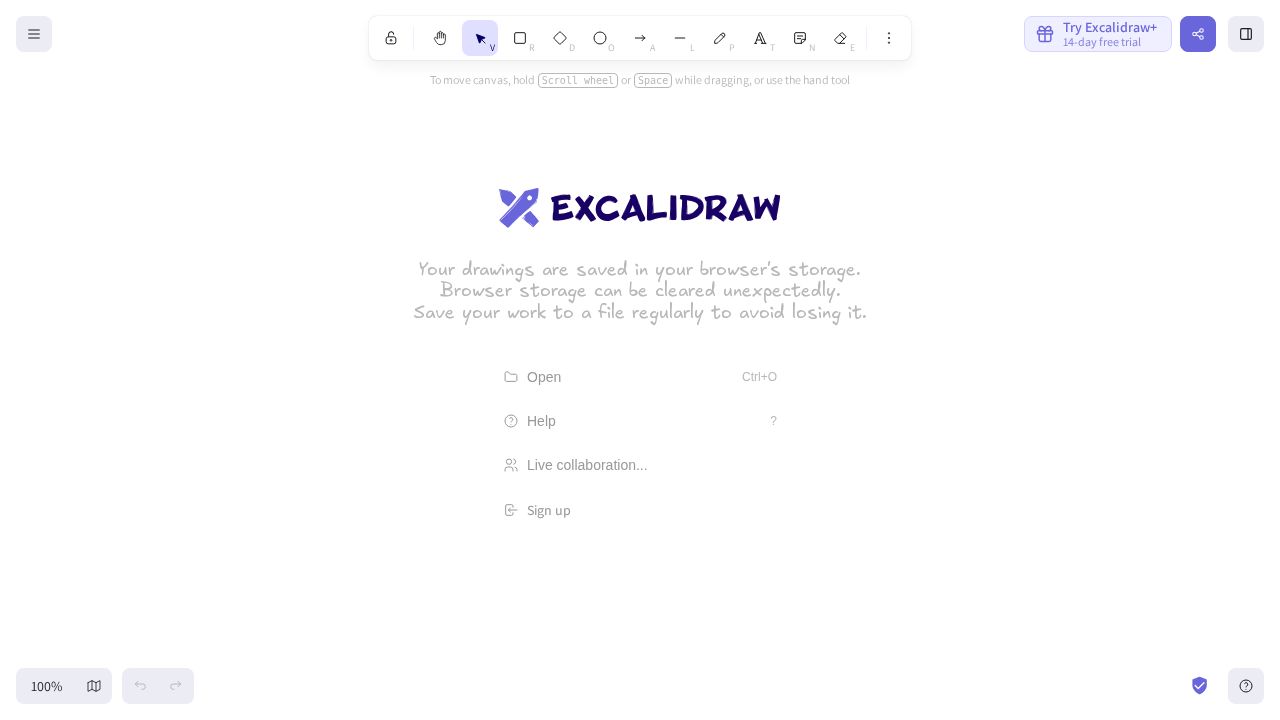
Best for free, quick hand-drawn sketches Excalidraw is a lightweight sketching board with a hand-drawn look. The free editor allows unlimited collaborators and encrypts data in the browser. Excalidraw+ costs $6 per user a month paid yearly and adds unlimited cloud-saved scenes, comments and presentations.
What stands out
- Free editor with unlimited collaborators and local end-to-end encryption
- Open-source software
- Excalidraw+ adds unlimited scenes, folders and PDF or PPTX export
- 14-day free trial of Excalidraw+
Keep in mind
- Free editor is limited to one scene at a time
- Plus is $7 per user a month if paid monthly
 Mural
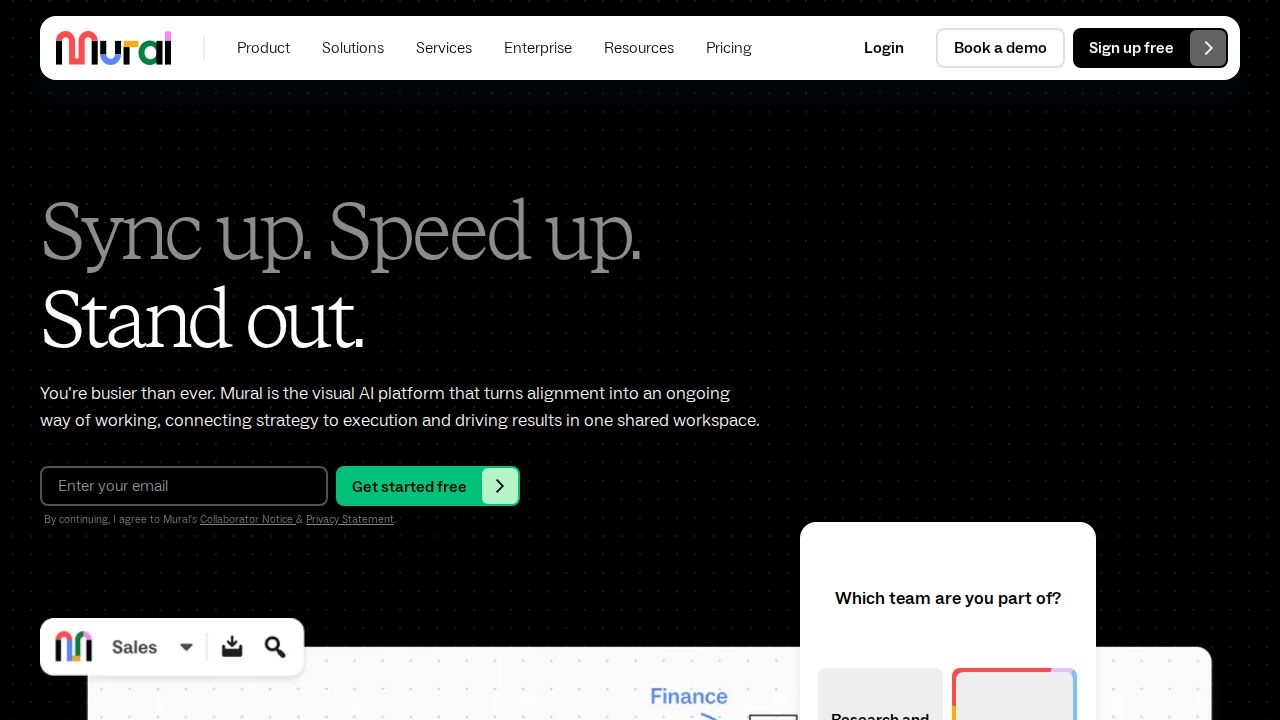
Best for running workshops and team sessions Mural is built around facilitation. Every plan, including Free, has its Facilitation Superpowers tools and open rooms. Team+ removes the free plan's editing cap and adds private rooms and Mural AI for $9.99 per member a month billed annually, or $12 billed monthly.
What stands out
- Facilitation tools included on the free plan
- Unlimited members on the free plan
- Team+ adds unlimited editable murals, private rooms and Mural AI
- Zoom and Webex integrations on Team+
Keep in mind
- Free plan allows only 3 editable murals at a time and no guest access
- Business plan is billed annually only
 Whimsical
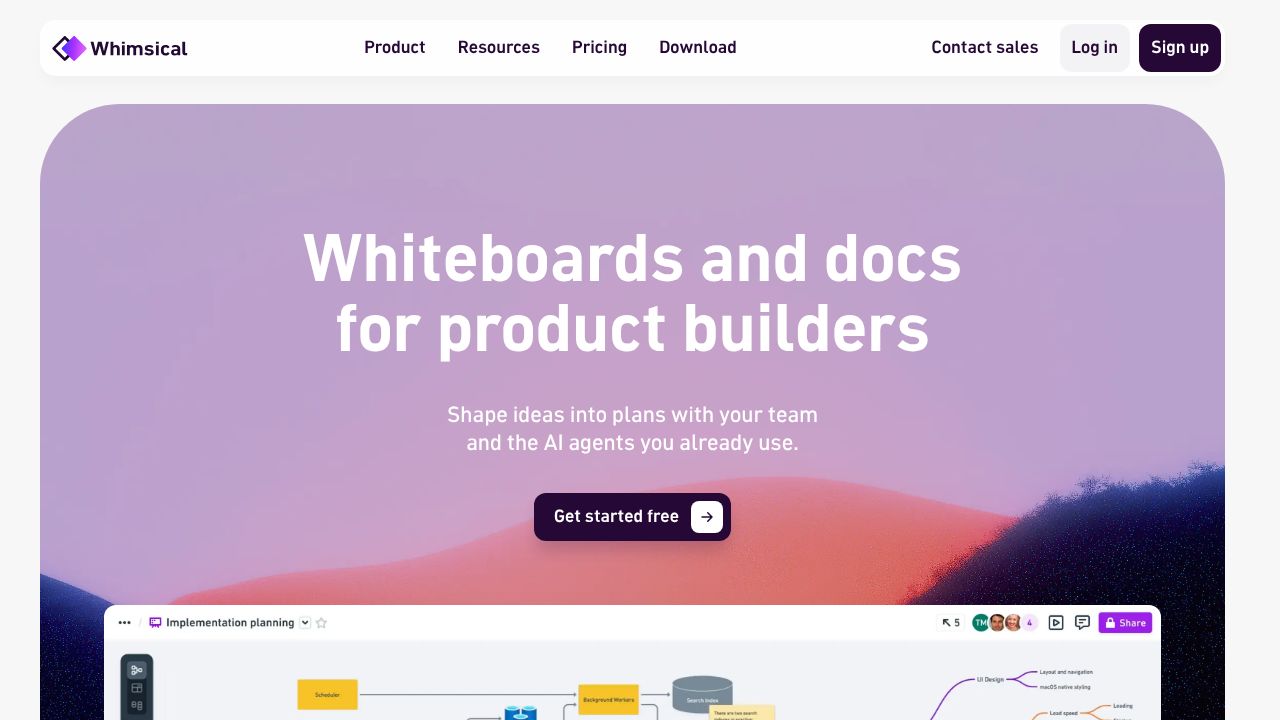
Best for boards plus flowcharts and docs Whimsical pairs whiteboards with flowcharts, mind maps, wireframes and docs, which suits product teams that plan and document in one place. Viewers are always free. Pro costs $10 per editor a month billed annually and removes the free plan's monthly object limits and export watermarks.
What stands out
- Whiteboards, flowcharts, wireframes and docs in one workspace
- Unlimited free viewers and guests
- Pro adds 90-day version history and password-protected files
- Non-profits get 20% off
Keep in mind
- Free plan limits board objects and doc blocks per month
- Pro is $12 per editor a month if billed monthly
 FigJam
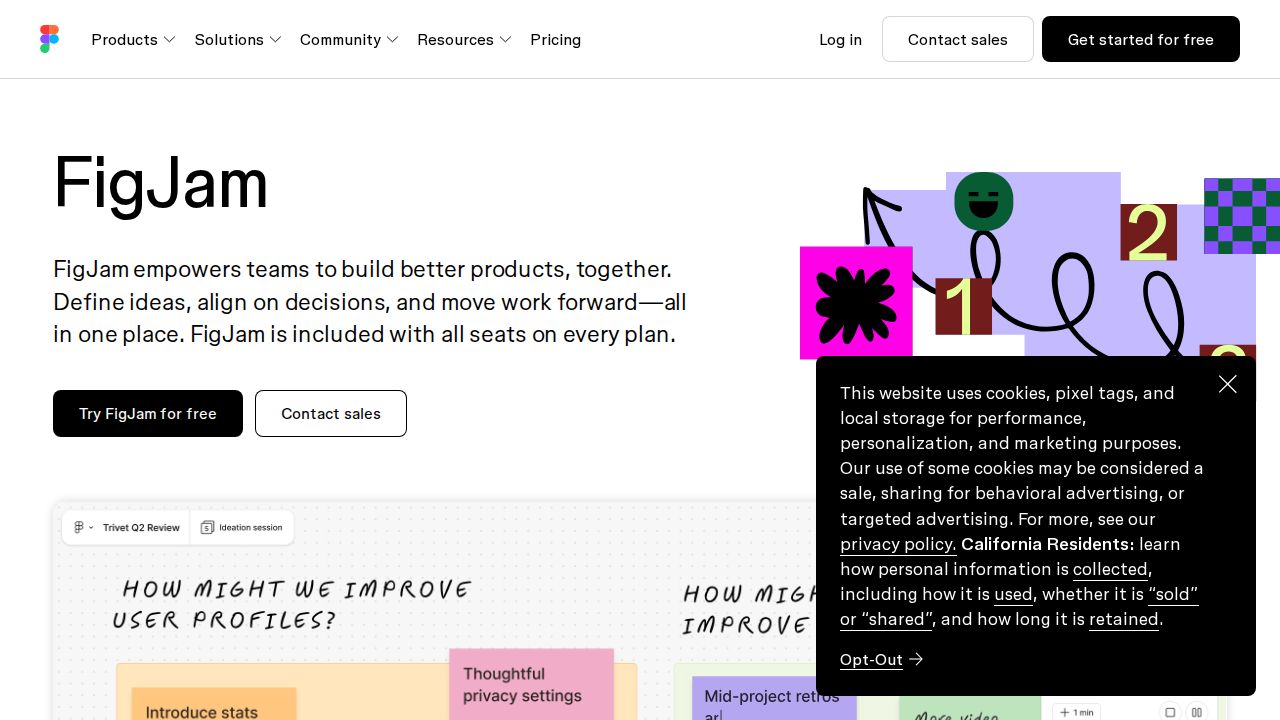
Best for teams that already design in Figma FigJam is Figma's whiteboard, so it fits teams that already use Figma for design. It covers sticky notes, dot voting, stamps, cursor chat and templates, and it can pull in frames and design libraries from Figma files. Figma's pricing page did not list FigJam pricing when we checked.
What stands out
- Sticky notes, shapes, connectors and drawing tools
- Dot voting, stamps and quick emotes for feedback
- Brings in Figma frames and team design libraries
Keep in mind
- Paid plan prices were not shown on the pages we checked
- Most useful if your team already works in Figma
 Microsoft Whiteboard
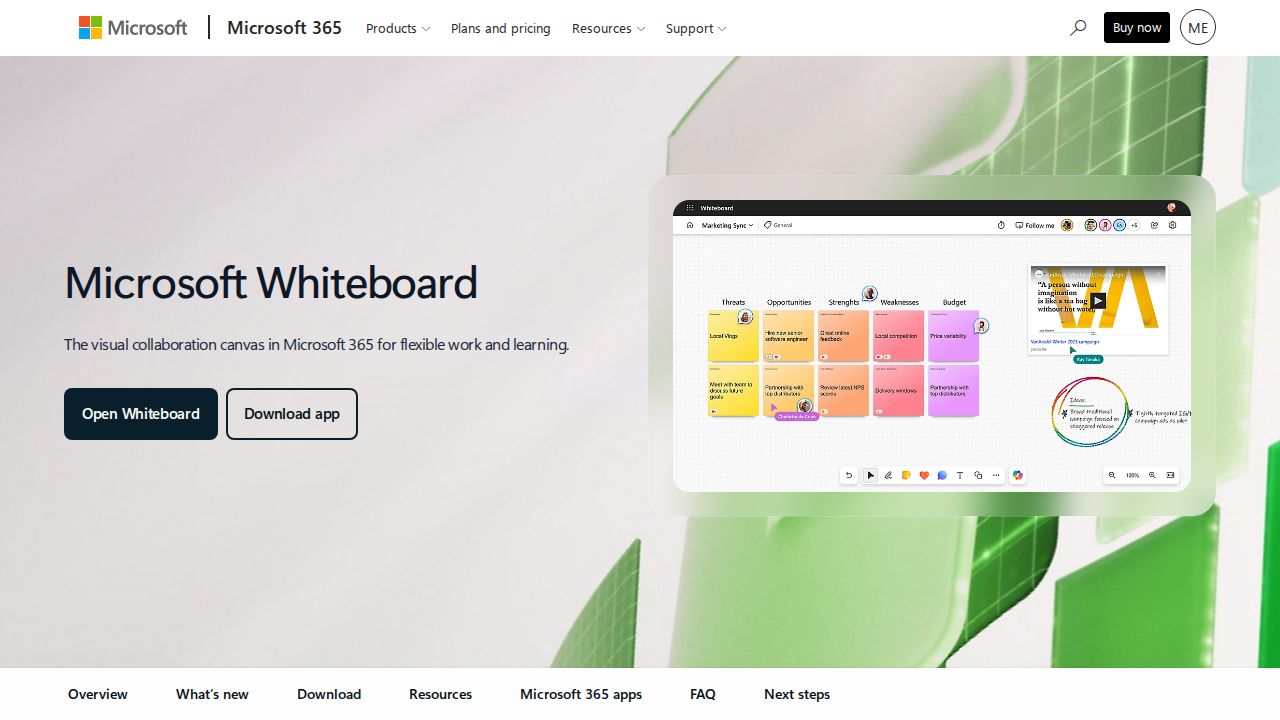
Best for microsoft 365 and Teams users Microsoft Whiteboard is part of Microsoft 365 and works inside Teams meetings, so it suits households and offices already paying for Microsoft 365. It offers more than 60 free templates, sticky notes, inking and Copilot help for sorting and summarizing ideas, on Windows, iOS, Android and the web.
What stands out
- More than 60 free templates
- Shared whiteboards inside Microsoft Teams meetings
- Runs on Windows 11, iOS, Android, Surface Hub and the web
- Exports to OneNote
Keep in mind
- Microsoft's page does not list a standalone price
- Fewer facilitation tools than Miro or Mural
How we chose
We compared each whiteboard’s published plans on these points:
- Free plan limits. How many boards stay editable and who can join.
- Price per member. Annual and monthly rates where shown.
- Meeting tools. Voting, timers, reactions and facilitation features.
- Integrations. Links to video calls, design tools and project trackers.
This list is based on published plans and pricing, not lab testing. Where a company did not show a price on the day we checked, we say “See site” instead of guessing.
Free or paid: which do you need?
A free plan works for occasional brainstorming, a class project or a one-off planning session. Watch the board limits, though. Miro and Mural keep only 3 boards editable on their free plans.
Pay for a plan when you need:
- Unlimited or private boards
- Guest access for clients or contractors
- Timers, voting and other tools for running meetings
- High-resolution exports or version history
How to run a better whiteboard session
- Pick a template before the meeting so people are not staring at a blank canvas.
- Share the link with edit rights ahead of time and check that guests can get in.
- Give each person a sticky note color so ideas are easy to trace.
- Use a timer for brainstorming rounds and voting to choose priorities.
- Export or summarize the board afterward and share next steps.
Frequently asked questions
What is the best free online whiteboard?
Excalidraw's free editor allows unlimited collaborators and includes 10 AI requests a day. Miro and Mural also have free plans, but each keeps only 3 boards editable at a time.
How much does an online whiteboard cost for a team?
Most charge per member. Miro Starter is $8 per member a month billed yearly, Mural Team+ is $9.99 billed annually and Whimsical Pro is $10 per editor billed annually.
Can guests join a whiteboard without paying?
Often, yes. Whimsical allows unlimited free viewers and guests, and Mural lets visitors view free murals. Miro's free plan has no guest or visitor roles.
Is there a whiteboard built into Microsoft Teams?
Yes. Microsoft Whiteboard can be shared in Teams meetings and appears as a tab in meeting chats.
Sources
How we wrote this
This list is based on each company's published plans, prices and feature pages, not on hands-on lab testing. Facts were last checked on November 17, 2026. See our editorial policy.