No company paid to be on this list. Prices were checked on November 17, 2026 and can change. How we make money.
At a glance
| # | Product | Best for | Starting price | Free option |
|---|---|---|---|---|
| 1 | Accurate Office conversions | $14.99/mo | Free plan (limited) | |
| 2 | Cheap unlimited conversions | $5/mo | Free plan (task limits) | |
| 3 | Free conversions with no account | Free | Free plan (ad-supported) | |
| 4 | Large files and many formats | See site | Free plan (10/day) | |
| 5 | Simple drag-and-drop converting | See site | Free plan (daily limits) | |
| 6 | Rare and older file formats | See site | Free plan (50 MB files) | |
| 7 | A one-time license instead of a plan | $129.99/yr | 14-day trial |
The list
 Adobe Acrobat
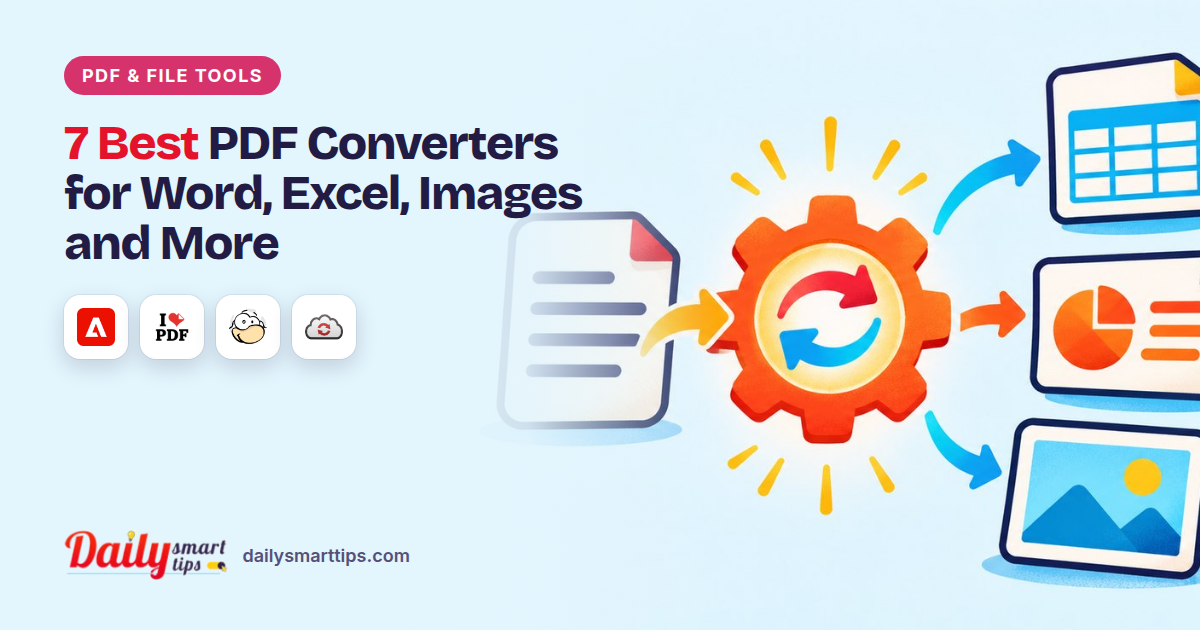
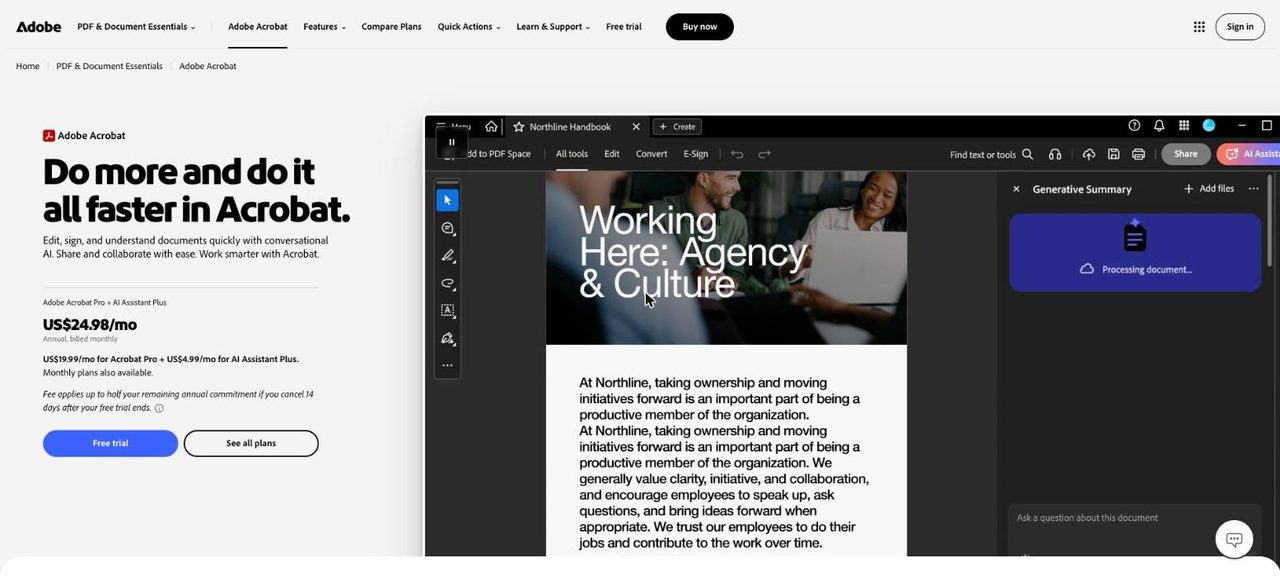
Best for accurate Office conversions Adobe Acrobat covers the widest set of everyday conversions, from PDF to Word, Excel, PowerPoint, RTF, HTML and images, and many file types into PDF. Free online use needs an Adobe account and is limited. Unlimited and batch conversions need a paid plan, starting with Acrobat Standard.
What stands out
- Converts PDF to Word, Excel, PowerPoint, HTML, RTF, text, JPG, PNG and TIFF
- Acrobat Standard is $14.99/mo on an annual plan billed monthly
- Acrobat Pro turns scans into editable PDFs
- 7-day free trial of Acrobat Pro
Keep in mind
- Unlimited and batch conversions need a paid plan
- Annual plans charge a fee or are non-refundable if cancelled after 14 days
- Month-to-month Standard costs $24.99
 iLovePDF
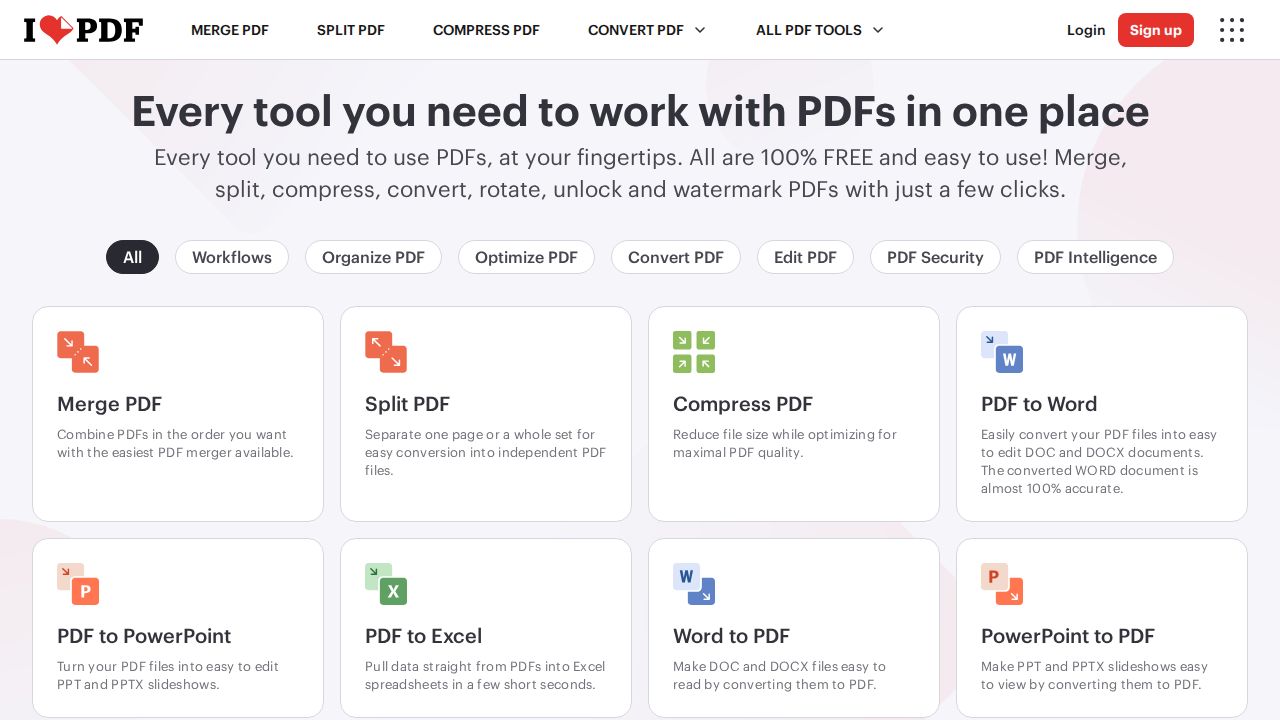
Best for cheap unlimited conversions iLovePDF is the best value paid converter on this list. Premium costs $5 a month on yearly billing and lifts file sizes to 4 GB on most tools. The free plan works for small Office files up to 15 MB, but conversions of scanned pages need Premium because OCR is not free.
What stands out
- Premium is $5/mo billed yearly, or $9 month to month
- Premium handles files up to 4 GB on most tools
- Desktop and mobile apps included with Premium
- Advanced OCR on Premium
Keep in mind
- Free Office conversions are capped at 15 MB per file
- OCR during conversion is not available on the free plan
 PDF24
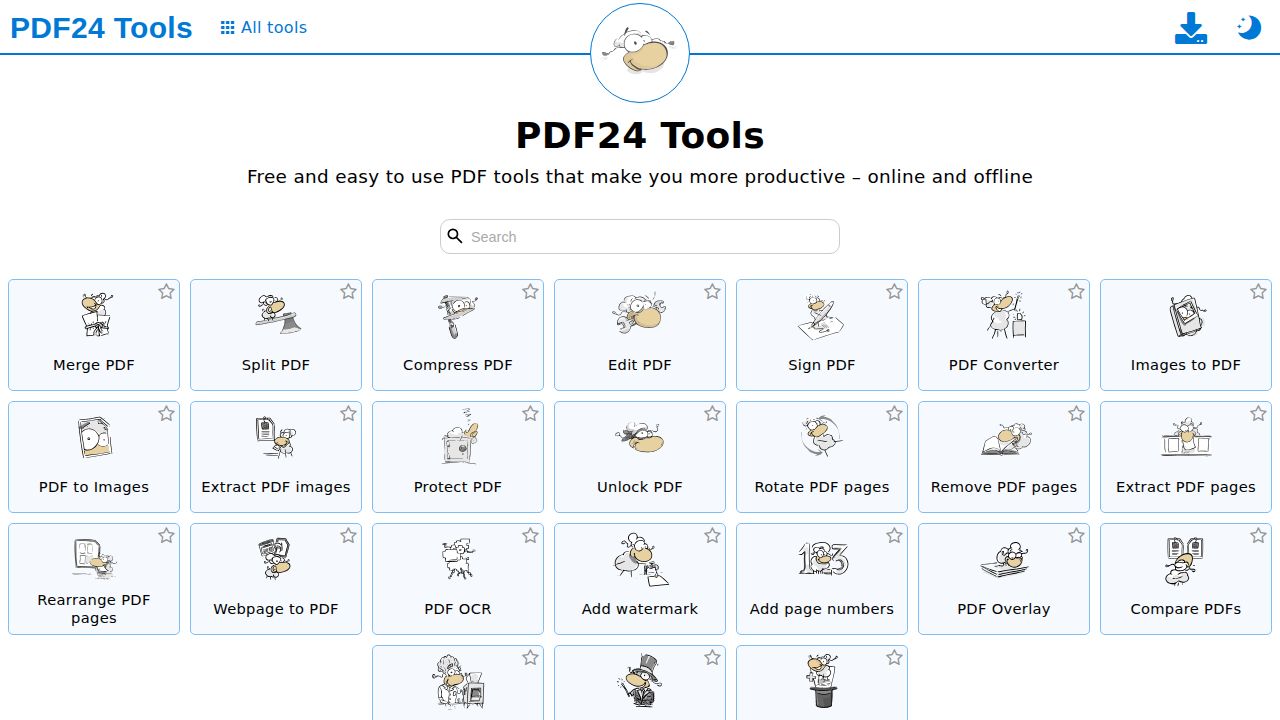
Best for free conversions with no account PDF24 is the pick if you never want to pay. It converts Office files, images, websites and scans into PDF, and PDFs back to Word, Excel and images, with no registration. The company says there are no artificial limits. A free Windows app, PDF24 Creator, does similar work on your PC.
What stands out
- Converts to PDF from Office files, images, websites and scans
- Converts PDF to Word, Excel, JPG and PNG
- No registration required
- Free PDF24 Creator app for Windows
Keep in mind
- Supported by ads on the web pages
- No Mac desktop app
 CloudConvert
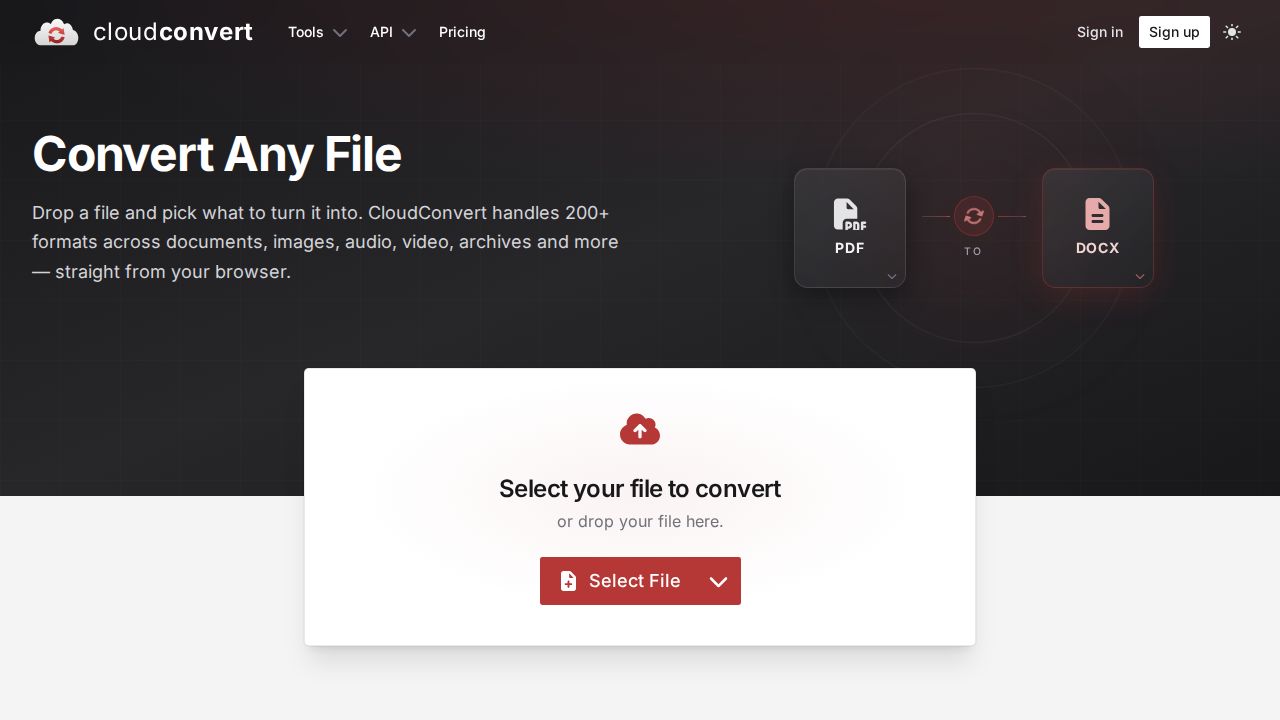
Best for large files and many formats CloudConvert works on a credit system, so it suits people who convert in bursts. The free tier gives 10 conversions a day with files up to 1 GB, which is far above most free limits. Paid options are 1,000-credit packages that never expire or a monthly subscription.
What stands out
- 10 free conversions a day
- Free files up to 1 GB
- Prepaid credit packages never expire
- Subscriptions can be up to 50% cheaper per credit than packages
Keep in mind
- Prices were not shown on the pricing page we checked
- Credit pricing takes some working out
 Smallpdf
Best for simple drag-and-drop converting Smallpdf keeps conversion simple, with tools for Word, Excel, PowerPoint, JPG and PNG in both directions. The free plan has a daily download limit on convert tools. OCR and batch processing need Pro, and a 7-day trial lets you test the paid features before you are charged.
What stands out
- Converts to and from Word, Excel, PowerPoint and JPG, plus PDF to PNG
- 7-day Pro trial with unlimited access
- Yearly billing is 25% cheaper per month than monthly
Keep in mind
- OCR and batch processing are Pro only
- Daily download limit on free conversions
- Pro price was not shown on the pricing page
 Zamzar
Best for rare and older file formats Zamzar is a general file converter rather than a PDF specialist, which helps when a file arrives in an unusual format. It lists more than 1,100 supported formats and converts files up to 50 MB for free. Larger files need a paid account before you can download the result.
What stands out
- More than 1,100 supported formats
- Free conversions for files up to 50 MB
- Works in the browser with no install
Keep in mind
- Files over 50 MB need a paid account
- Plan prices were not shown on the page we checked
- The homepage gives two format counts (1,100+ and 1,200+)
 Foxit PDF Editor
Best for a one-time license instead of a plan Foxit PDF Editor suits people who convert and edit PDFs daily and prefer desktop software. Both plans include conversion to Word, Excel and PowerPoint, plus OCR. You can pay $129.99 a year or buy Foxit PDF Editor 14 outright for $209.99, which avoids a subscription.
What stands out
- Converts PDFs to Word, Excel and PowerPoint, with OCR
- One-time license for Foxit PDF Editor 14 at $209.99
- Monthly billing available from $10.99
- 14-day free trial
Keep in mind
- No free plan
- The page does not say which plan the $10.99 monthly price applies to
How we chose
We compared each converter on what the company publishes:
- Formats. Word, Excel, PowerPoint and images in both directions, plus less common types.
- Free limits. Conversions per day, file size caps and account requirements.
- OCR. Whether scanned PDFs can become editable files, and at what plan.
- Price model. Subscription, credits or a one-time license.
This list is based on published plans and pricing, not lab testing. Where a price was not shown on the page we checked, we write “See site” instead of guessing.
Online converter or desktop software?
Use an online converter when:
- You convert a few files a week
- Files are not confidential
- You switch between computers
Use desktop software such as Foxit PDF Editor, Acrobat or PDF24 Creator when:
- Files are large or contain private data
- You convert in batches
- You need to edit the result in the same app
Getting a cleaner conversion
- Start from the original Word or Excel file when you can, rather than a PDF of it.
- Run OCR on scanned PDFs before converting them to Word.
- Expect complex tables and columns to need some manual cleanup.
- Check fonts in the output, since missing fonts are often swapped.
- Delete uploaded files from the service if it offers that option.
Common conversion jobs and where to start
- PDF to Word for editing: Adobe Acrobat, PDF24 or iLovePDF.
- Office files to PDF for sharing: Any tool on this list handles this well for free.
- Images or HEIC photos to PDF: Adobe’s online tools and PDF24 both accept image files.
- An odd or legacy format: Try Zamzar or CloudConvert, which cover far more file types than PDF specialists.
Frequently asked questions
What is the best free PDF to Word converter?
PDF24 converts PDF to Word for free with no account. Adobe and Smallpdf also offer free conversions, but with limits, and iLovePDF caps free Office conversions at 15 MB.
Can I convert a scanned PDF to an editable Word file?
Yes, but you need OCR. It is included in Acrobat Pro, iLovePDF Premium, Smallpdf Pro and Foxit PDF Editor.
Is there a PDF converter without a subscription?
Yes. PDF24 is free, CloudConvert sells credit packages that never expire, and Foxit sells a one-time license for Foxit PDF Editor 14 at $209.99.
Which converter handles the largest files?
CloudConvert allows free files up to 1 GB, and iLovePDF Premium handles up to 4 GB on most tools.
Sources
How we wrote this
This list is based on each company's published plans, prices and feature pages, not on hands-on lab testing. Facts were last checked on November 17, 2026. See our editorial policy.