No company paid to be on this list. Prices were checked on November 17, 2026 and can change. How we make money.
At a glance
| # | Product | Best for | Starting price | Free option |
|---|---|---|---|---|
| 1 | Full-featured editing for regular use | $14.99/mo | Free trial (Pro only) | |
| 2 | Low-cost everyday PDF tasks | $5/mo | Free plan (task limits) | |
| 3 | A one-time license option | $10.99/mo | 14-day trial | |
| 4 | Mac, iPhone and iPad users | $79.99/yr | 30-day money-back | |
| 5 | Quick online edits in a browser | See site | Free plan (daily limits) | |
| 6 | Occasional use with a 7-day pass | $63/yr | Free plan (limits) |
The list
 Adobe Acrobat
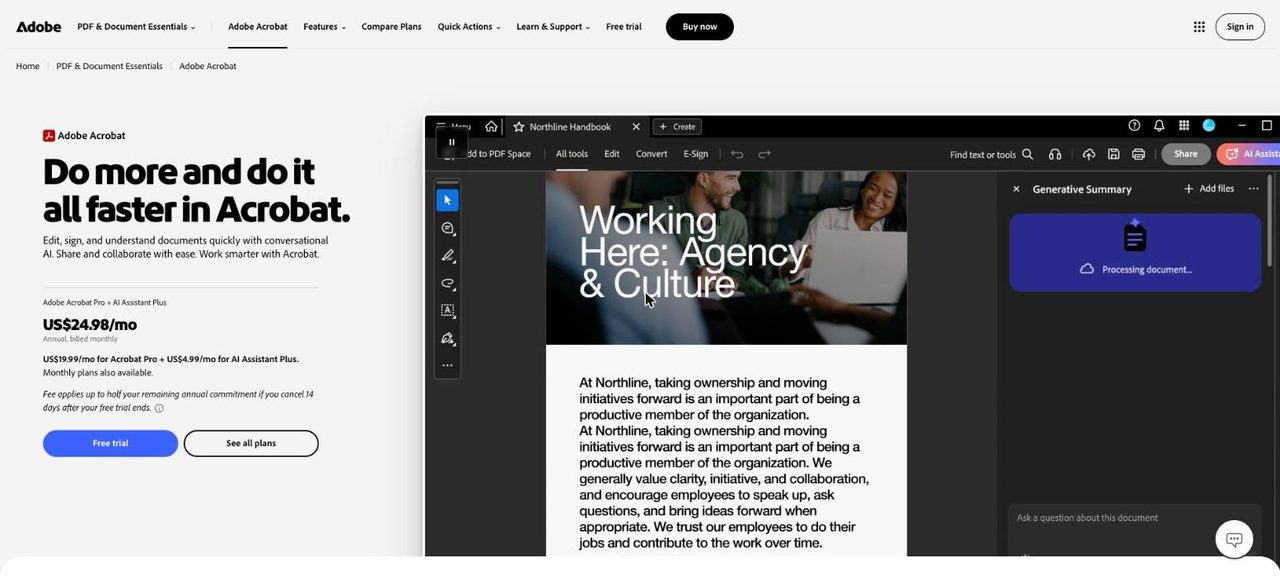
Best for full-featured editing for regular use Acrobat comes from the company behind the PDF format and covers the widest range of tasks. Standard handles editing, converting, organizing, e-signatures and password protection. Pro adds redaction, web forms and turning scans into editable PDFs. The lowest prices require an annual commitment, so read the cancellation terms first.
What stands out
- Standard is $14.99 a month on an annual plan billed monthly, or $179.88 prepaid for the year
- Standard covers editing, converting, organizing, e-signatures and password protection
- Pro, at $19.99 a month on an annual plan, adds redaction and editable scans
- Month-to-month plans can be canceled anytime with no fee
Keep in mind
- Month-to-month pricing is higher: $24.99 for Standard and $29.99 for Pro
- Annual plans carry a cancellation fee or no refund after 14 days
- No free trial is listed for Standard
 iLovePDF
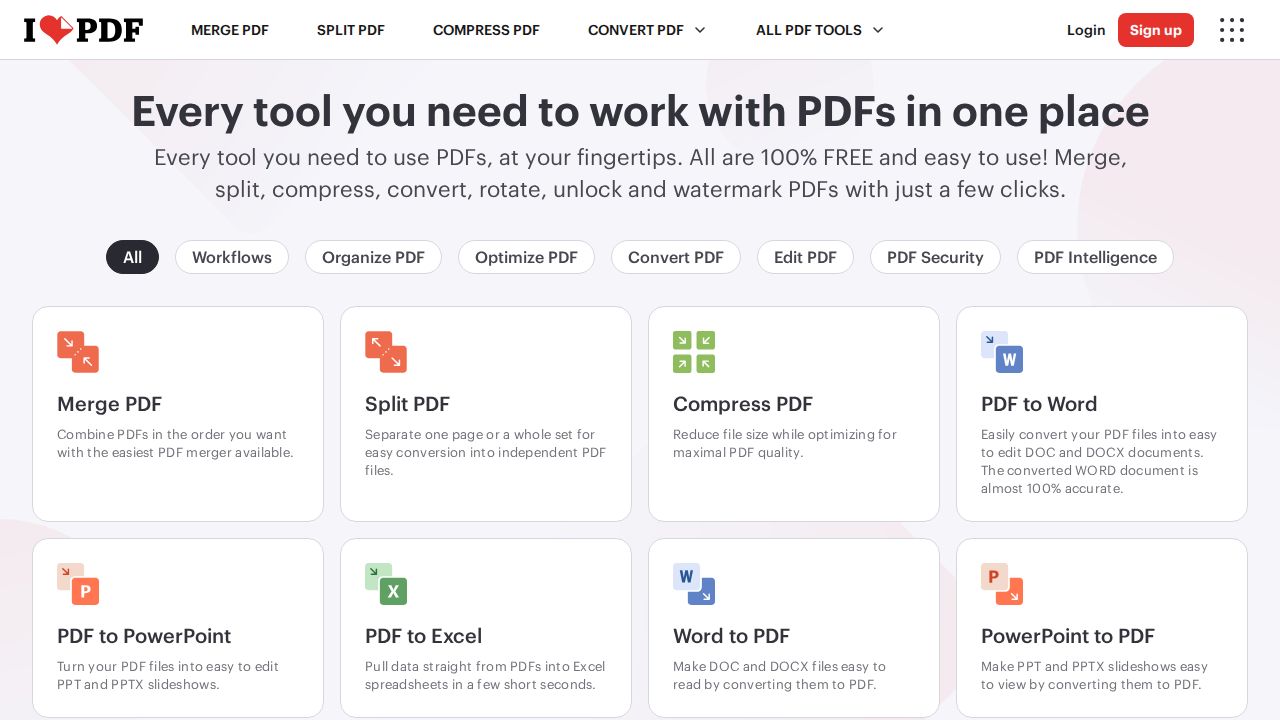
Best for low-cost everyday PDF tasks iLovePDF is a low-cost toolbox for merging, splitting, compressing and converting PDFs. The free Basic plan works in the browser with limits on batch size and file size. Premium is $5 a month on annual billing and adds unlimited processing, desktop and mobile apps, digital signatures and no ads.
What stands out
- Free Basic plan for web use
- Premium is $5 a month billed annually ($60 a year)
- Premium includes unlimited document processing across web, mobile and desktop
- Premium adds digital signatures and an ad-free experience
Keep in mind
- Free plan limits batch processing and file sizes
- Desktop and mobile apps are not included in the free plan
- Premium is $9 a month on monthly billing
 Foxit PDF Editor
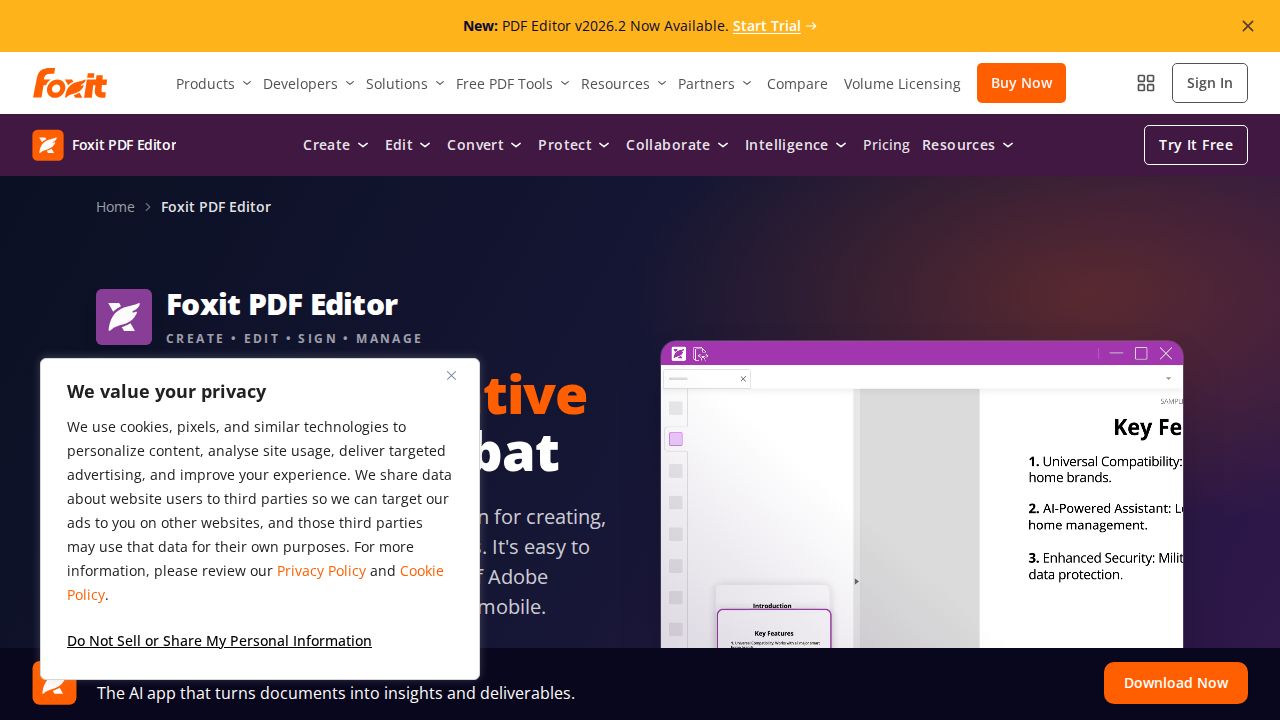
Best for a one-time license option Foxit is the main alternative for people who want desktop software with either a subscription or a one-time license. Subscriptions start at $10.99 per user a month and include editing, conversion, forms and OCR. Foxit PDF Editor 14 is a perpetual license for Windows and macOS at $209.99.
What stands out
- Subscriptions start at $10.99 per user a month for Windows, macOS and web
- Includes text and image editing, Office conversion, forms and OCR
- PDF Editor 14 perpetual license is a one-time $209.99
- PDF Editor+ at $159.99 a year adds mobile apps and Foxit eSign with 150 envelopes a year
- 14-day free trial with no credit card required
Keep in mind
- The perpetual license leaves out the AI Assistant, Smart Redact and cloud features
- Mobile apps need the PDF Editor+ plan
 PDF Expert
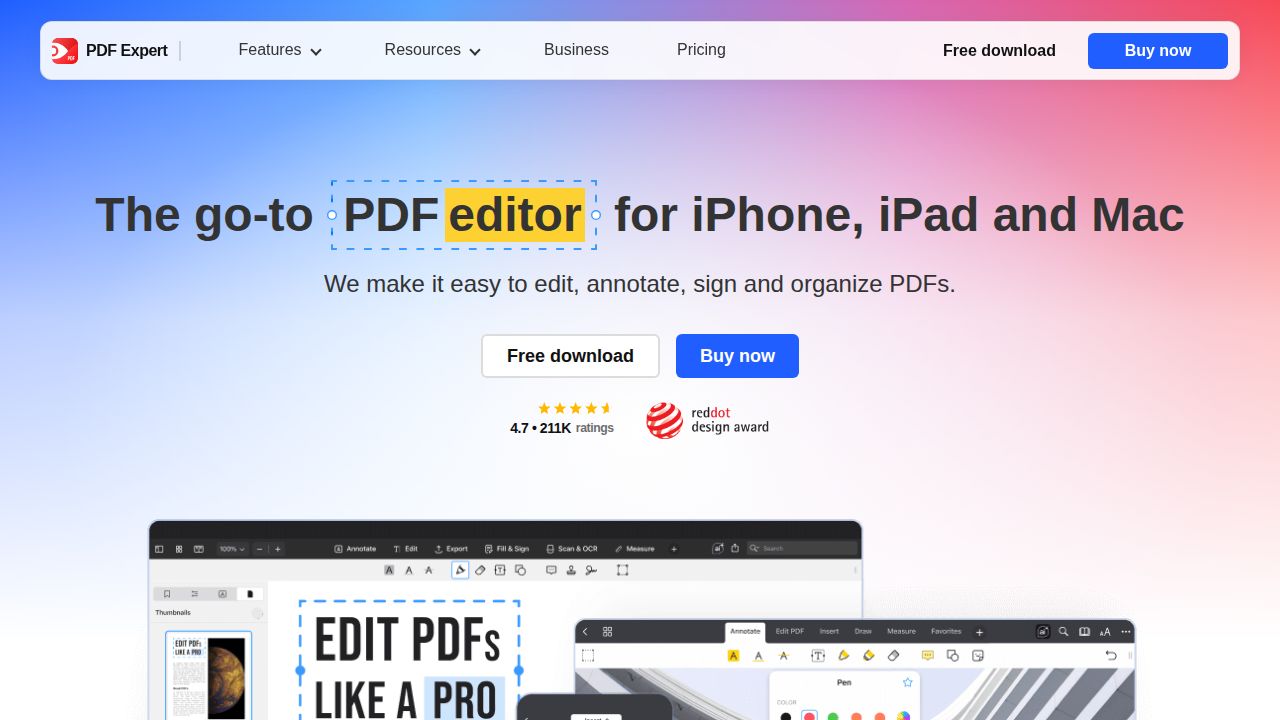
Best for mac, iPhone and iPad users PDF Expert is built for Apple devices. The yearly plan costs $79.99 and covers iPhone, iPad and Mac, with editing of text, images and links, OCR, signing and conversion to Word, Excel and PowerPoint. Mac-only users can buy a lifetime license for $139.99 instead.
What stands out
- Yearly plan is $79.99 and covers iPhone, iPad and Mac
- Lifetime license for Mac is a one-time $139.99
- Edits text, images and links, with OCR and document signing
- 30-day money-back guarantee on both plans
Keep in mind
- No Windows or Android version listed
- The lifetime license is Mac only, and some new features may cost extra
 Smallpdf
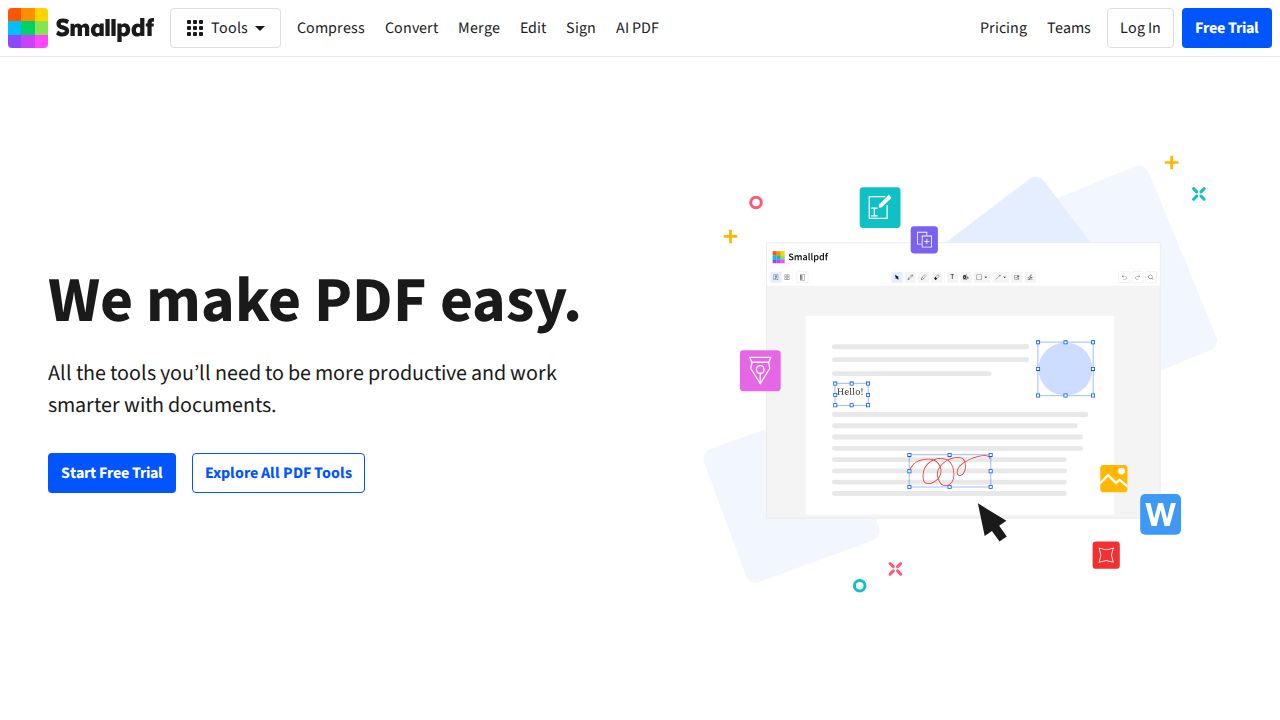
Best for quick online edits in a browser Smallpdf is an online suite of more than 30 document tools. The Free plan gives access to the tools with daily download and task limits. Pro removes those limits and adds Edit Text, OCR and strong compression. A 7-day free trial of Pro is available, and yearly billing is cheaper than monthly.
What stands out
- Free plan with access to 30+ document tools
- Pro includes unlimited downloads, Edit Text, OCR and strong compression
- 7-day free trial of Pro
- Team plan available from 2 seats
Keep in mind
- Free plan has daily download and task limits
- Edit Text and OCR need Pro
- Prices were not shown on the page we checked
 Sejda
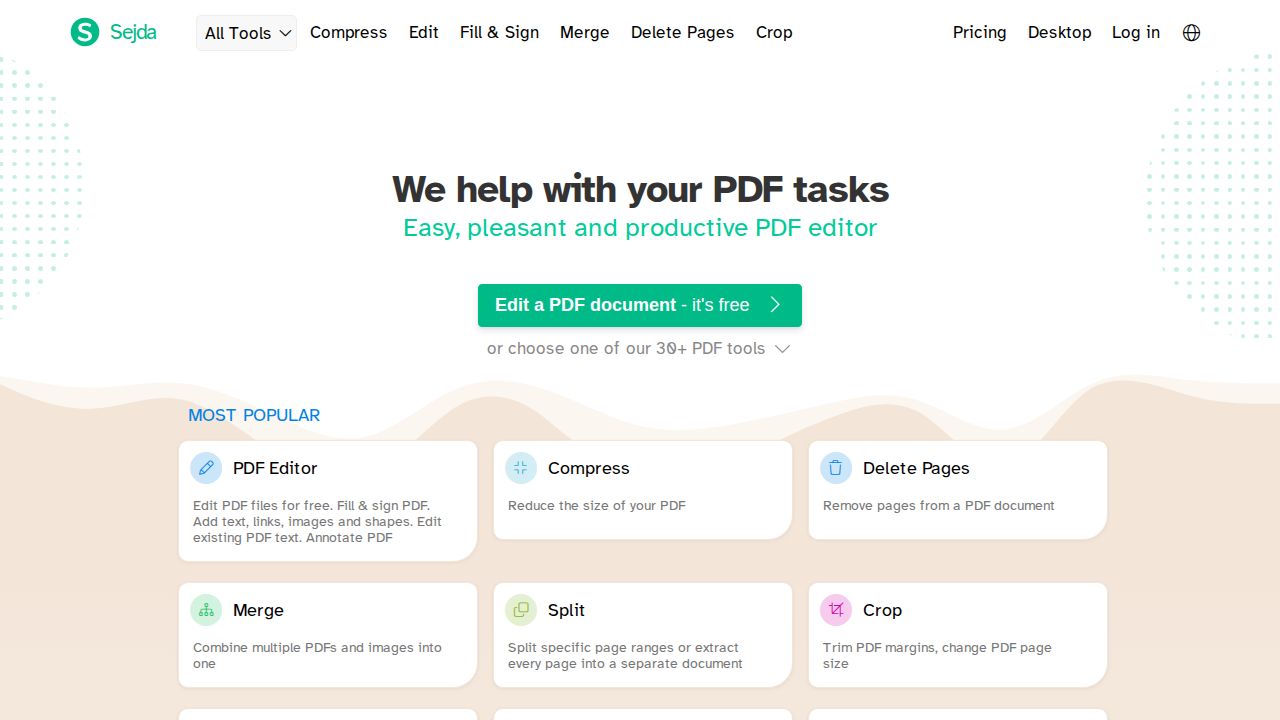
Best for occasional use with a 7-day pass Sejda is a good fit for people who edit a PDF now and then. It offers a free plan with page and hourly limits, and a $5 Web Week Pass that lasts 7 days and does not renew. The Desktop+Web Annual plan is $63 a year and lets you process files offline on your own computer.
What stands out
- Free plan for web and desktop, with usage limits
- Web Week Pass is a one-time $5 for 7 days and does not auto-renew
- Desktop+Web Annual plan is $63 per user a year
- Sejda Desktop processes files offline, so they stay on your computer
- Paid plans allow files up to 500 MB
Keep in mind
- Free desktop use is limited to 3 tasks a day and documents up to 50 MB or 200 pages
- Perpetual licenses are no longer offered
How we chose
We compared what each company publishes on four points:
- Price and billing terms. Monthly, annual and one-time options, plus cancellation rules.
- Free plan or trial. What you can do before paying.
- Editing depth. Whether the product edits existing text and images, and whether OCR is included.
- Platforms. Browser, Windows, Mac and mobile.
This list is based on published plans and pricing, not lab testing. Where a price was not published on the page we checked, we write “See site” instead of guessing.
Online tool or desktop app?
Choose an online tool (iLovePDF, Smallpdf, Sejda web) when:
- You edit PDFs a few times a month
- Your files are small
- You are comfortable uploading the document
Choose a desktop app (Adobe Acrobat, Foxit PDF Editor, PDF Expert, Sejda Desktop) when:
- You work with PDFs every week
- Files are large or contain private information
- You need redaction, form building or scanned-page editing
How to avoid overpaying
- List the three tasks you do most often, such as merging, signing or editing text.
- Check whether a free plan covers them within its limits.
- For a one-off job, look at short options such as Sejda’s 7-day pass or a free trial.
- Before choosing an annual plan, read the refund terms. Adobe’s annual plans have fees or no refund after 14 days.
- If you dislike subscriptions, compare the one-time licenses from Foxit and PDF Expert.
- Recheck the price at checkout, since tax is often added there.
Frequently asked questions
Is there a free PDF editor?
iLovePDF, Smallpdf and Sejda all have free plans. Each one limits how many tasks, pages or downloads you get, and some editing features such as OCR need a paid plan.
How much does Adobe Acrobat cost?
Acrobat Standard is $14.99 a month and Acrobat Pro is $19.99 a month on an annual plan billed monthly. Month-to-month plans cost $24.99 and $29.99.
Can I buy a PDF editor without a subscription?
Yes. Foxit PDF Editor 14 is a one-time $209.99 for Windows and macOS, and PDF Expert sells a lifetime Mac license for $139.99. Sejda also sells a $5 pass that lasts 7 days and does not renew.
What is the cheapest paid PDF editor on this list?
iLovePDF Premium is $5 a month billed annually. Sejda's Desktop+Web Annual plan works out lower per month at $63 a year.
Which PDF editor is best for Mac?
PDF Expert is made for Mac, iPhone and iPad and costs $79.99 a year or $139.99 for a lifetime Mac license. Adobe Acrobat and Foxit PDF Editor also run on macOS.
Sources
How we wrote this
This list is based on each company's published plans, prices and feature pages, not on hands-on lab testing. Facts were last checked on November 17, 2026. See our editorial policy.