No company paid to be on this list. Prices were checked on November 17, 2026 and can change. How we make money.
At a glance
| # | Product | Best for | Starting price | Free option |
|---|---|---|---|---|
| 1 | Organizing and editing a photo library | $11.99/mo | 7-day trial | |
| 2 | Free editing on a phone | Free | Free plan | |
| 3 | Pro-level desktop editing for free | Free | Free plan | |
| 4 | Quick edits for social posts | $12.99/mo | Free plan | |
| 5 | Complex retouching and compositing | $22.99/mo | 7-day trial | |
| 6 | A free, open source desktop editor | Free | Free plan | |
| 7 | A cheap ad-free plan in the browser | $1.99/mo | See site |
The list
 Adobe Lightroom
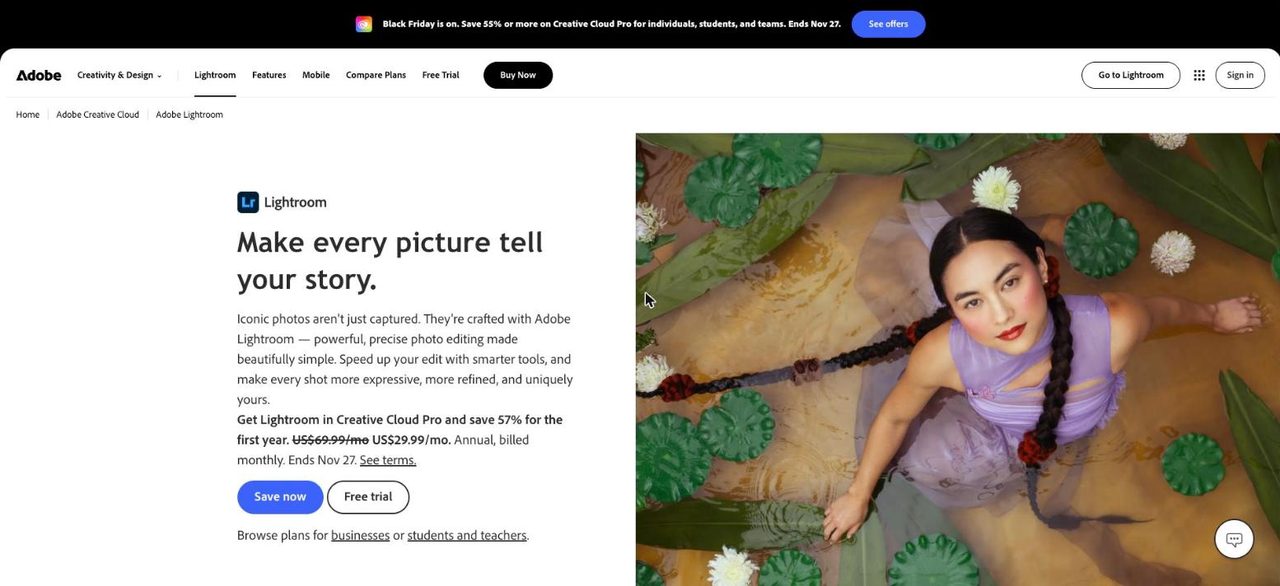
Best for organizing and editing a photo library Lightroom is the best all-round choice for people who shoot a lot and want to edit and organize in one place. The plan includes Lightroom on mobile, desktop and web plus Lightroom Classic, with 1 TB of cloud storage. The mobile app is free, with premium tools as an upgrade.
What stands out
- $11.99/mo on an annual plan billed monthly, or $119.88 a year
- 1 TB of cloud storage
- Includes Lightroom Classic and Lightroom on mobile, desktop and web
- Free Lightroom mobile app for iOS and Android
Keep in mind
- Subscription only
- Premium mobile features need a paid plan
 Snapseed
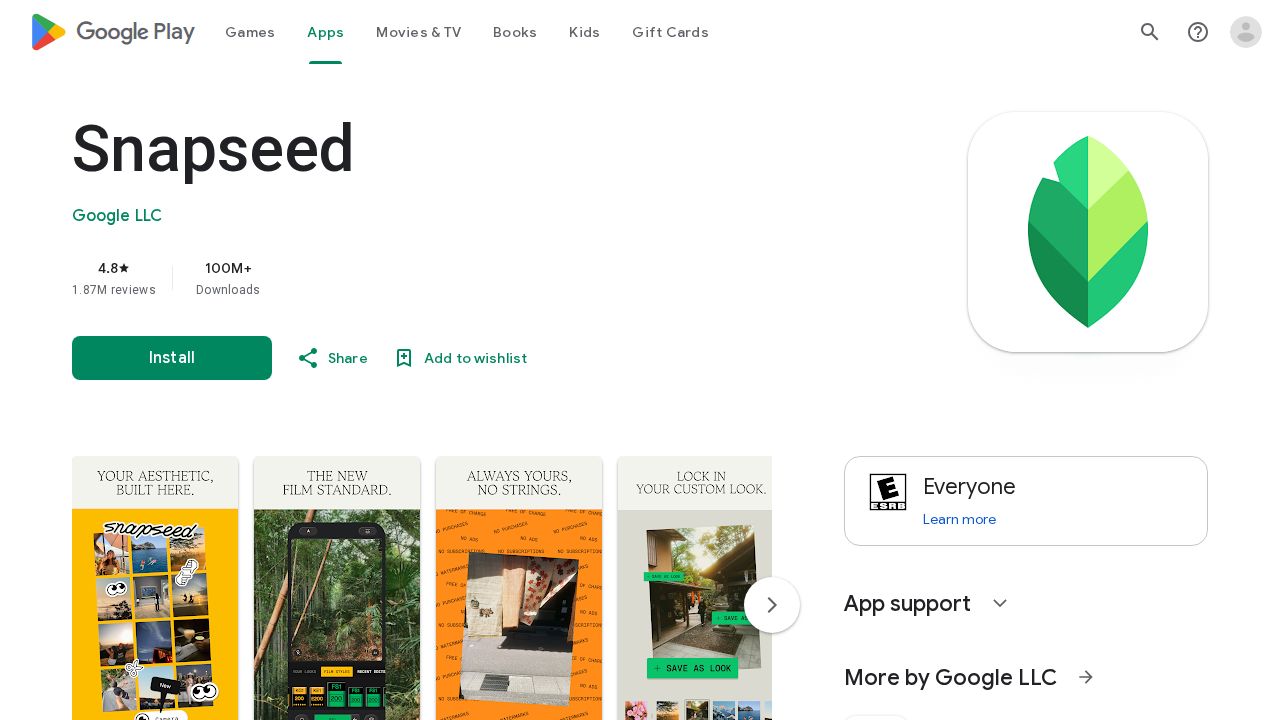
Best for free editing on a phone Snapseed, made by Google, is the strongest free phone editor here. Its store listing says there are no subscriptions, purchases, ads or watermarks. It offers 30+ tools and filters, opens RAW files, and includes healing, curves and selective adjustments for editing just part of a photo.
What stands out
- Free, with no subscriptions, ads or watermarks
- 30+ tools and filters
- Opens and edits JPG and RAW files
- Healing tool removes unwanted objects or people
Keep in mind
- A phone app, not a desktop editor
- RAW Develop supports only some RAW types
 Affinity
Best for pro-level desktop editing for free Affinity, which now links into Canva, is free for individuals and combines photo editing, vector design and page layout in one app. It runs on Mac, Windows and iPad and opens PSD and other common design files. AI tools are optional and need a Canva premium plan.
What stands out
- Free for individuals
- Photo, vector and layout tools in one app
- Mac, Windows and iPad
- Opens PSD, AI and IDML files, with non-destructive editing
Keep in mind
- AI features need a Canva premium plan
- Business single sign-on requires contacting Canva sales
 Canva
Best for quick edits for social posts Canva is less a photo editor than a design tool with photo editing built in, which suits people making social posts, flyers or invitations. The free plan covers the basics. Canva Pro, at $12.99 a month or $119.99 a year for up to 5 people, adds one-click background removal and premium stock.
What stands out
- Free plan available
- Pro covers up to 5 people for $119.99 a year
- Pro includes one-click background removal
- Pro includes a large premium stock library
Keep in mind
- Background remover needs Pro
- Free trial requires a credit card
- Fewer fine-grained photo controls than a dedicated editor
Adobe Photoshop
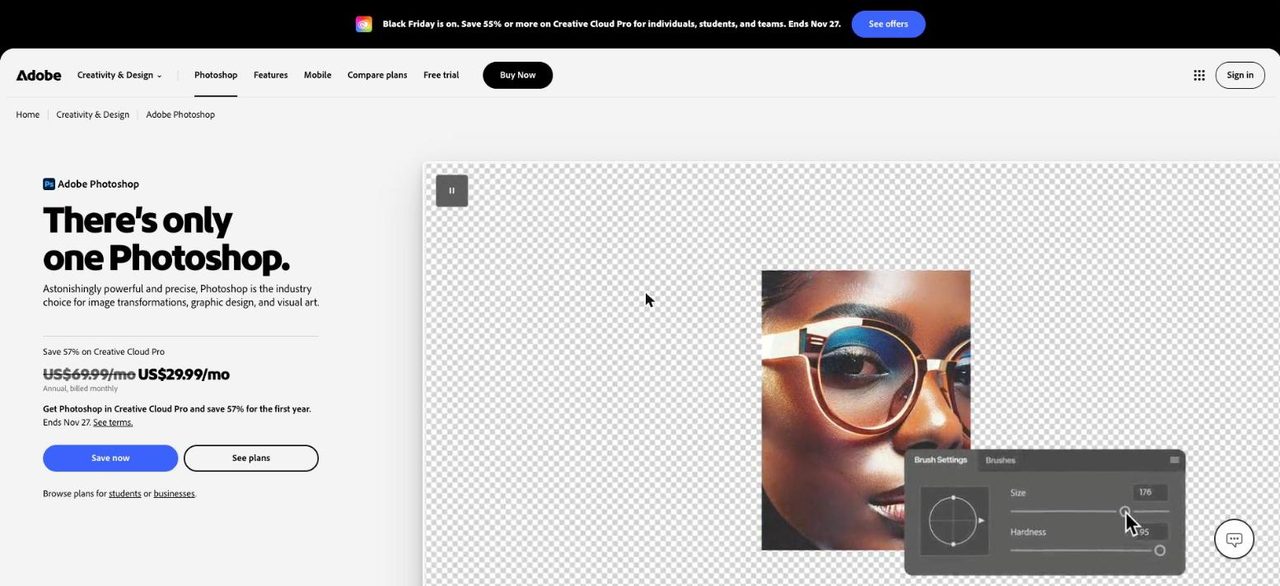
Best for complex retouching and compositing Photoshop is the tool for detailed retouching, compositing and generative AI edits. The single-app plan costs $22.99 a month on an annual plan and includes 100 GB of storage and 25 generative credits a month. If you also want Lightroom, the Photography plan includes both for $19.99 a month.
What stands out
- $22.99/mo on an annual plan, or $263.88 prepaid
- Photography plan adds Lightroom and 1 TB storage for $19.99/mo
- 7-day free trial
- Generative AI tools built in
Keep in mind
- No free tier for Photoshop itself
- Single-app plan includes only 25 generative credits a month
- Trial converts to a paid plan unless cancelled
 GIMP
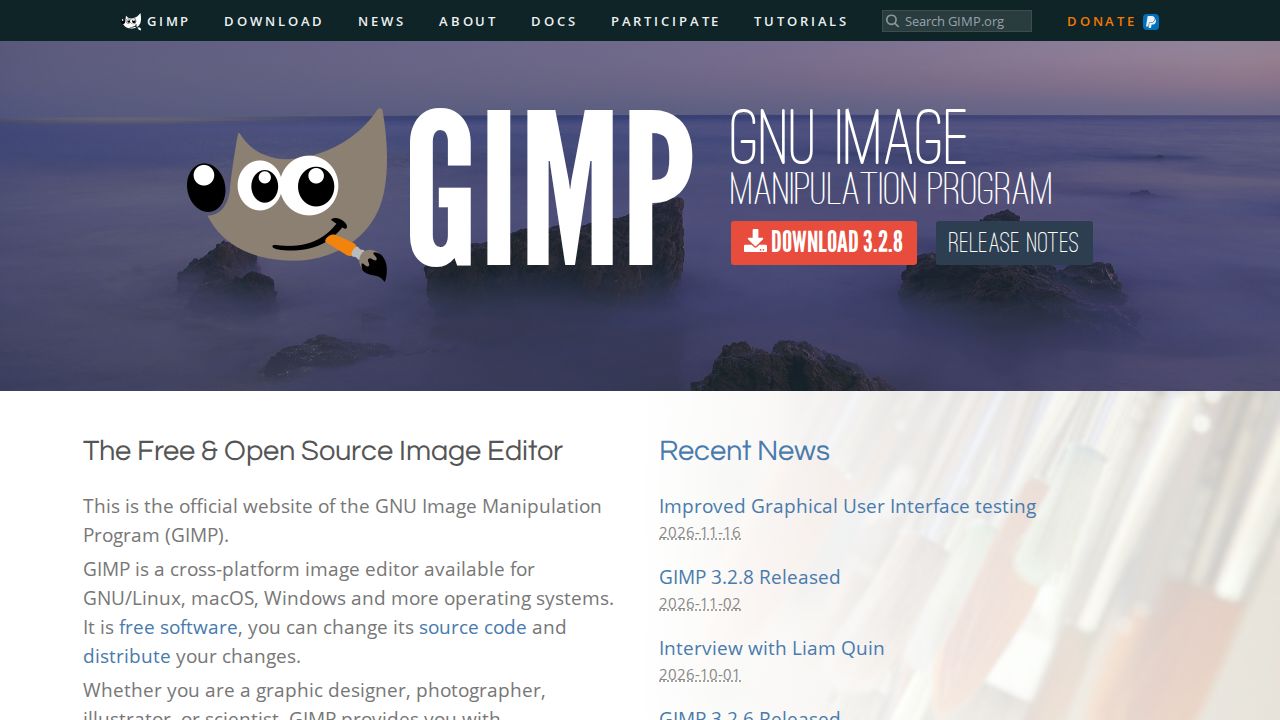
Best for a free, open source desktop editor GIMP is free, open source software for retouching, restoring and building composite images. It runs on Windows, macOS and Linux and can be extended with community plug-ins and scripts. Version 3.2.8 was released in November 2026, so it is actively maintained.
What stands out
- Free and open source
- Windows, macOS and Linux
- Extendable with Python and Scheme plug-ins
- Version 3.2.8 released November 2, 2026
Keep in mind
- No mobile app
- No built-in cloud storage or sync
 Pixlr
Best for a cheap ad-free plan in the browser Pixlr is a browser-based editor that also works on desktop and mobile with one account. Plus costs $1.99 a month billed yearly and removes ads, unlocks unlimited saves and adds 80 AI credits a month. Premium, at $7.99 a month billed yearly, raises that to 1,000 credits.

What stands out
- Plus is $1.99/mo billed yearly, or $2.49 month to month
- Plus removes ads and allows unlimited saves
- Works across web, desktop and mobile
- Premium includes 1,000 AI credits a month
Keep in mind
- Free plan details were not shown on the pricing page
- Plus includes only 80 AI credits a month
How we chose
We ranked each app on what its maker publishes:
- Editing depth. Basic fixes, RAW support, healing and selective edits.
- Cost. Free use, subscription price and what the upgrade adds.
- Platforms. Phone, desktop and browser.
- AI features. Which ones are included and which cost extra.
This list is based on published plans and pricing, not lab testing. Where a company did not publish a detail on the page we checked, we write “See site” instead of guessing.
Phone app or desktop editor?
Choose a phone app such as Snapseed or Lightroom mobile when:
- Most of your photos come from your phone
- You want quick fixes before sharing
Choose a desktop editor such as Lightroom, Photoshop, Affinity or GIMP when:
- You shoot RAW with a camera
- You edit large batches or print photos
- You need layers or detailed retouching
Tips before you pay
- Try the free option first. Snapseed, Affinity and GIMP cost nothing.
- Use a 7-day trial, such as Lightroom’s, on a real batch of your photos.
- Check whether the AI tool you want is included or needs credits.
- Note that Adobe annual plans are billed monthly but commit you for a year.
Free vs paid at a glance
- Free with no catch: Snapseed, GIMP and Affinity for individuals.
- Free with paid extras: Canva and Lightroom mobile, where background removal or premium tools cost extra.
- Paid only, with a trial: Photoshop and the Lightroom desktop plan, both with 7-day trials.
- Cheapest paid upgrade: Pixlr Plus at $1.99 a month billed yearly.
Frequently asked questions
What is the best free photo editing app?
On a phone, Snapseed is free with no ads or purchases. On a computer, Affinity is free for individuals and GIMP is free and open source.
Is Lightroom or Photoshop better for most people?
Lightroom suits editing and organizing many photos, and costs $11.99 a month on an annual plan. Photoshop is for detailed retouching. The Photography plan includes both for $19.99 a month.
Do I need to pay for AI photo editing?
Usually, yes. Affinity's AI tools need a Canva premium plan, Canva's background remover needs Pro, and Pixlr gives AI credits on paid plans.
Can I edit RAW photos for free?
Yes. Snapseed opens RAW files on a phone, and GIMP and Affinity are free desktop options.
Sources
How we wrote this
This list is based on each company's published plans, prices and feature pages, not on hands-on lab testing. Facts were last checked on November 17, 2026. See our editorial policy.