No company paid to be on this list. Prices were checked on November 17, 2026 and can change. How we make money.
At a glance
| # | Product | Best for | Starting price | Free option |
|---|---|---|---|---|
| 1 | Simple boards at a low price | $5/mo | Free plan (10 collaborators) | |
| 2 | Structured projects with many steps | $10.99/mo | Free plan (2 users) | |
| 3 | A generous free plan with many features | $9/mo | Free plan | |
| 4 | Teams that mix docs with tasks | $10/mo | Free plan | |
| 5 | Visual boards and automations | $9/mo | Free plan (2 seats) | |
| 6 | A flat price instead of per-user fees | $29/mo | Free plan (1 project) |
The list
 Trello
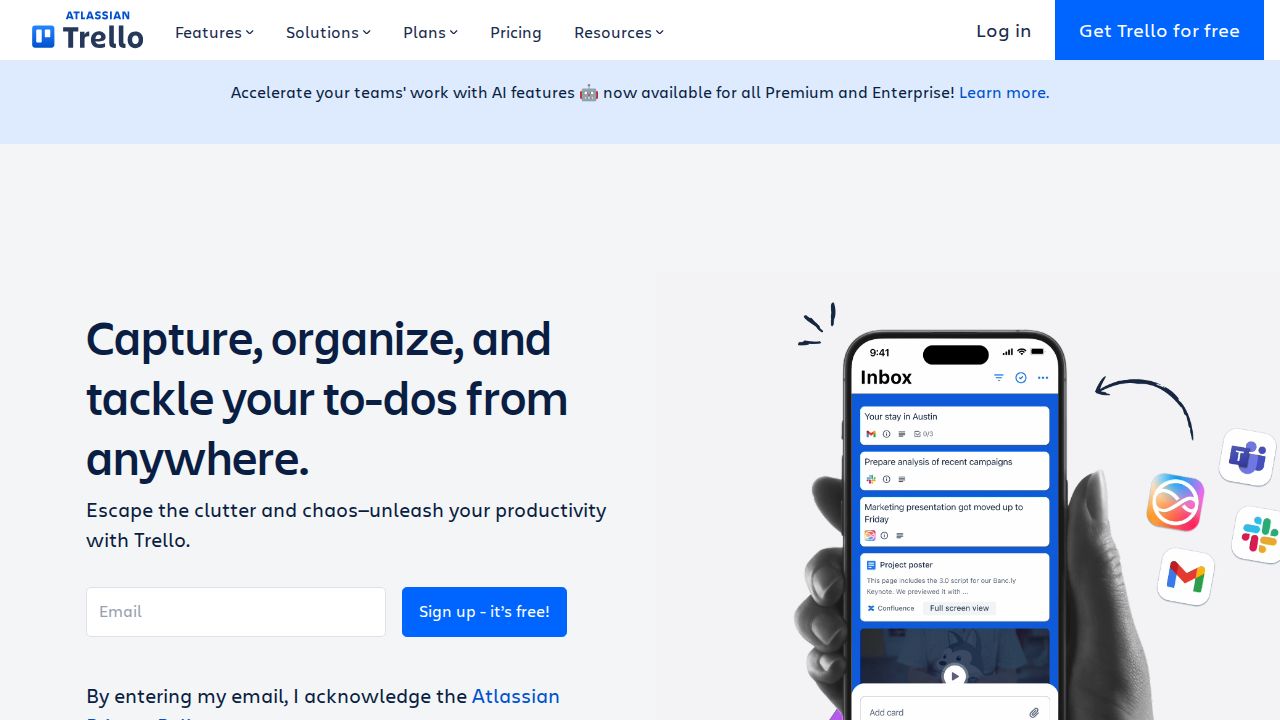
Best for simple boards at a low price Trello is the easiest starting point for a small team that thinks in boards and cards. The Free plan allows up to 10 collaborators and 10 boards per Workspace with unlimited cards. Standard removes the board cap and adds custom fields and advanced checklists for $5 per user a month on annual billing.
What stands out
- Free plan with up to 10 collaborators, 10 boards per Workspace and unlimited cards
- Standard is $5 per user a month billed annually, with unlimited boards
- Standard adds custom fields, advanced checklists and 250 MB file uploads
- Premium at $10 per user adds Calendar, Timeline, Table, Dashboard and Map views
Keep in mind
- Calendar and Timeline views need Premium
- Free plan is capped at 250 Workspace command runs a month and 10 MB per file
- Standard is $6 per user on monthly billing
 Asana
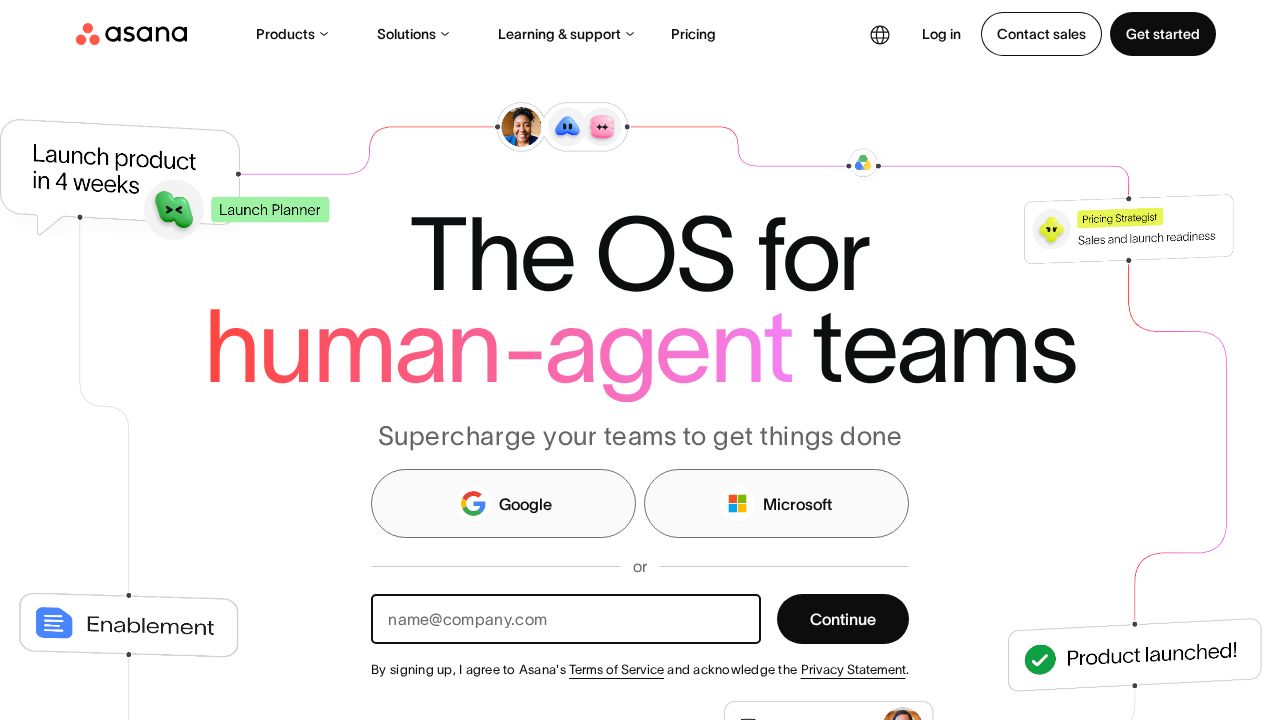
Best for structured projects with many steps Asana suits teams that run detailed, multi-step projects. The free Personal plan covers unlimited tasks and projects with list, board and calendar views, but only for 2 users. Starter adds Timeline and Gantt views, reporting dashboards, forms and unlimited automations, and it allows unlimited free guests.
What stands out
- Free Personal plan with unlimited tasks and projects
- List, board and calendar views on the free plan
- Starter adds Timeline and Gantt views, dashboards, forms and unlimited automations
- Unlimited free guests on Starter
Keep in mind
- Free plan is limited to 2 users
- Starter is $13.49 per user on monthly billing
- Portfolios, goals and approvals need the $24.99 Advanced plan
 ClickUp
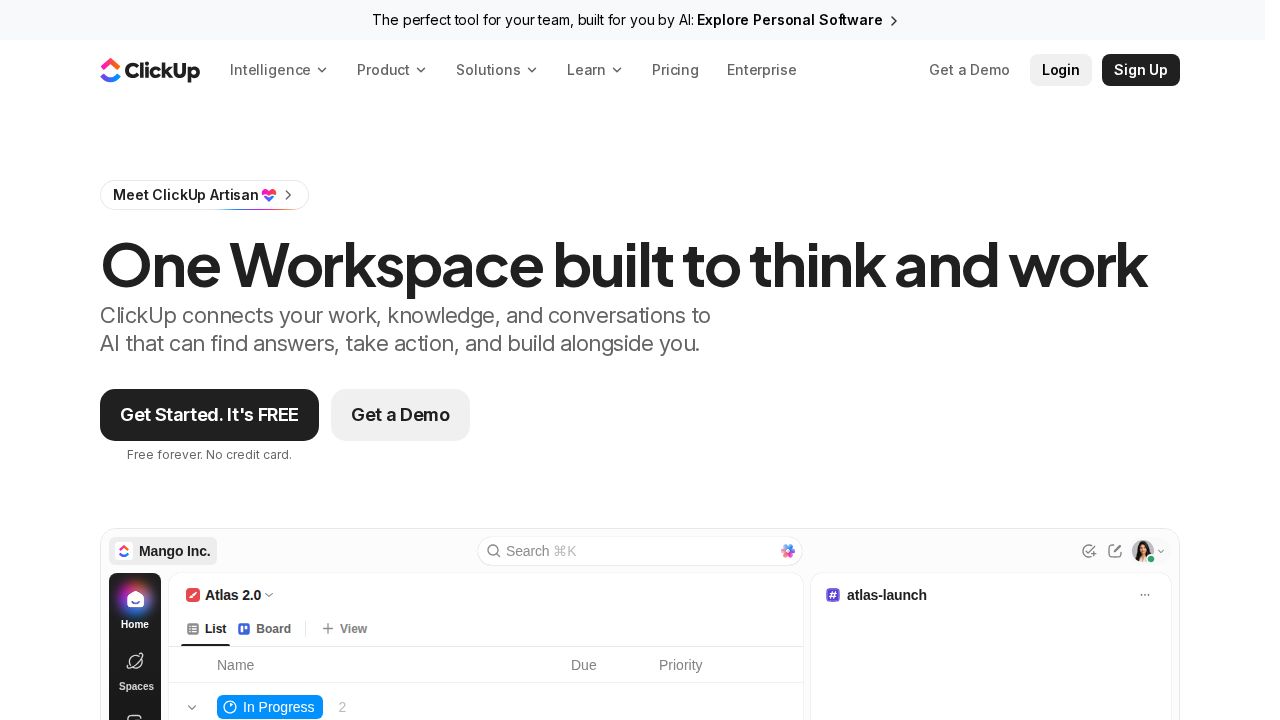
Best for a generous free plan with many features ClickUp packs the most into its free tier. Free Forever includes unlimited tasks and unlimited free members, along with Kanban boards, a calendar view, docs and time tracking. The main free limit is 60 MB of file storage. The Core plan removes that cap and adds Gantt charts, goals and custom fields.
What stands out
- Free Forever plan with unlimited tasks and unlimited free members
- Kanban boards, calendar view, docs and time tracking on the free plan
- Core plan includes unlimited storage, unlimited Gantt charts and custom fields
- 24/7 support listed on the free plan
Keep in mind
- Free plan is limited to 60 MB of storage and 5 Spaces
- The $9 Core price is billed yearly and shown as a discount from $12
 Notion
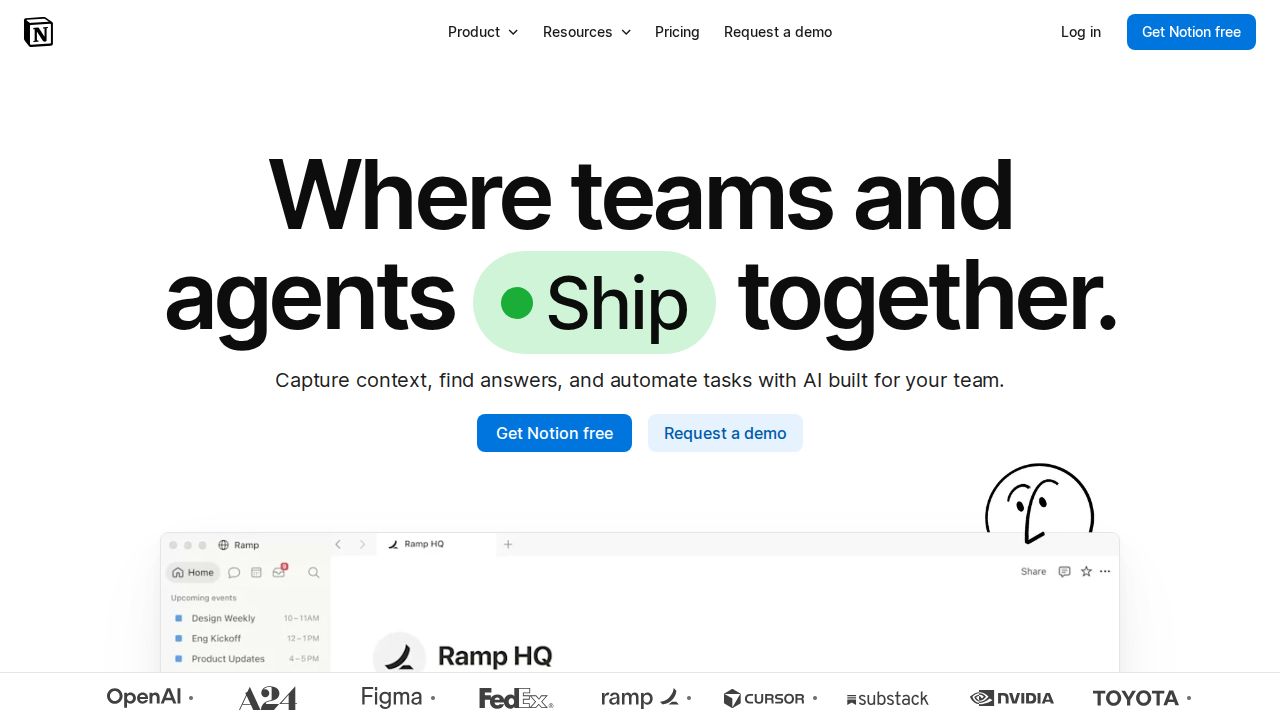
Best for teams that mix docs with tasks Notion works well when a team wants its project boards, meeting notes and documentation in one workspace. The Free plan is unlimited for a single user, but teams of two or more face a block limit. Plus lifts file uploads to 5 GB per file and adds charts, forms and basic connections such as Slack.
What stands out
- Free plan with unlimited pages and blocks for a single user
- Plus adds 5 GB file uploads and 30 days of page history
- Plus includes charts, custom forms and basic connections such as Slack and Google Drive
- Yearly billing is discounted by up to 20%
Keep in mind
- On the Free plan, teams of 2 or more members have a block limit
- Private teamspaces and granular database permissions need the $20 Business plan
 monday.com
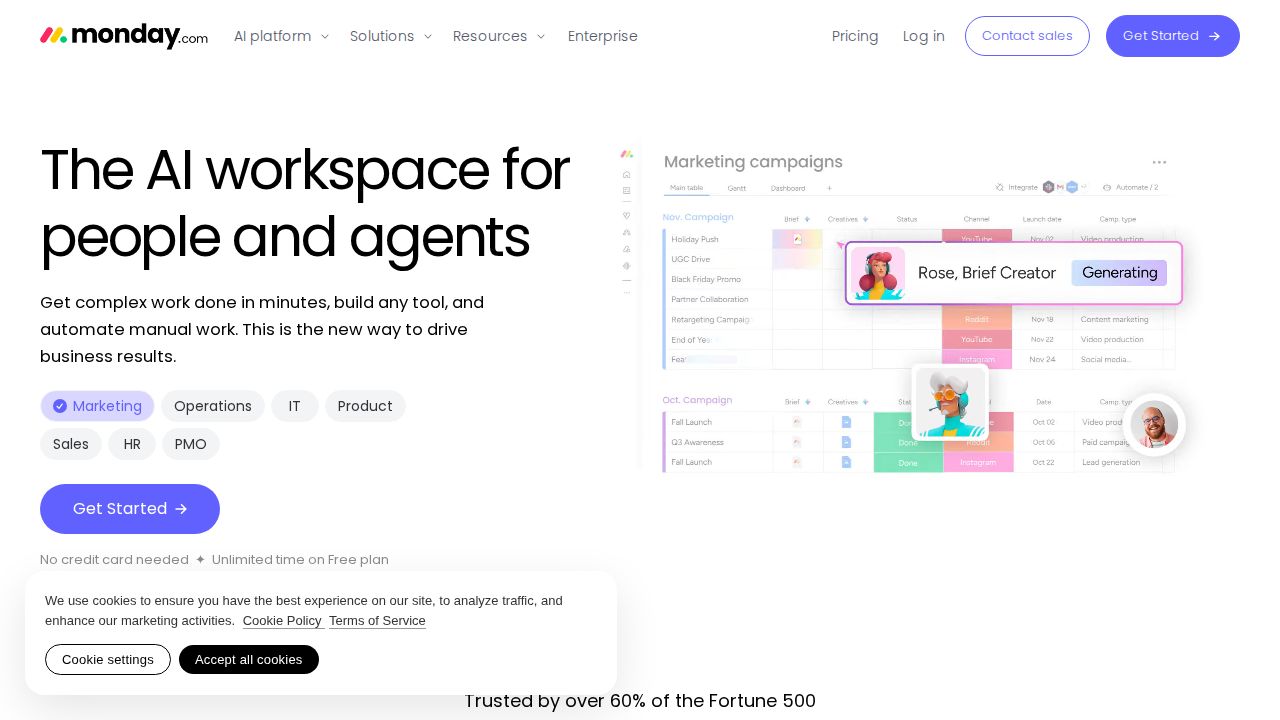
Best for visual boards and automations monday.com is a visual work tracker built around colorful boards. The Free plan covers up to 2 seats and 3 boards. Basic costs $9 per seat a month on annual billing with unlimited items, while Timeline, Gantt and calendar views, guest access and automations start on the $12 Standard plan.
What stands out
- Free plan for up to 2 seats with 3 boards and 200+ templates
- Basic is $9 per seat a month billed annually, with unlimited items and free viewers
- Standard adds Timeline, Gantt and calendar views plus guest access
- Standard includes 250 automation actions a month
Keep in mind
- Paid plans start from 3 users, according to the pricing FAQ
- Automations and Gantt views are not on the Basic plan
- Prices shown are for annual billing; monthly billing costs more
 Basecamp
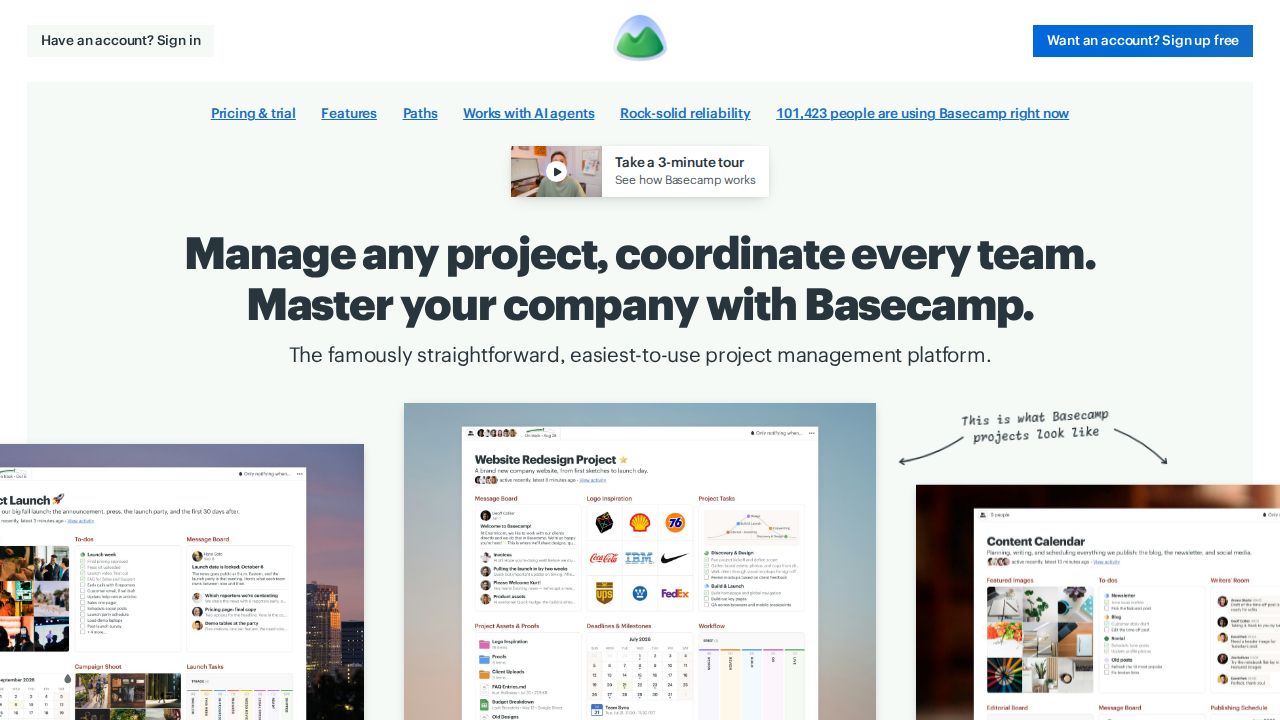
Best for a flat price instead of per-user fees Basecamp charges per account instead of per user, which keeps the bill predictable. The Free plan covers 1 project, 1 GB of storage and up to 3 users. Freelancer is $29 a month for up to 5 users and 3 active projects, and Pro is $79 a month for up to 10 users and 8 active projects.
What stands out
- Free plan with 1 project, 1 GB of storage and up to 3 users
- Freelancer plan is $29 a month for up to 5 users and 10 GB
- Pro plan is $79 a month for up to 10 users, 8 active projects and 25 GB
- 30-day free trial on paid plans with no credit card required
Keep in mind
- Active project caps apply on every plan below Pro Unlimited
- You cannot downgrade from a paid plan to the Free plan
- Unlimited users and projects need Pro Unlimited at $329 a month, or $199 billed annually
How we chose
We compared each company’s published plans on four points:
- Free plan team size. How many people can work together before you pay.
- Lowest paid price per user. Using the annual billing rate, with the monthly rate noted where the page shows it.
- Views and automation. Which tier unlocks timeline or Gantt views and automations.
- Limits that bite small teams. Storage, board and project caps.
This list is based on published plans and pricing, not lab testing. Where a price is not published on a company’s page, we write “See site” instead of guessing.
What to look for in a small-team tool
- Team size today and in a year. A 2-user free plan is fine for a pair of founders and useless for a team of six.
- How you like to see work. Boards suit simple flows. Timelines help when tasks depend on each other.
- Guests. If clients or contractors need access, check guest rules. Asana Starter includes unlimited free guests, and monday.com adds guest access on Standard.
- Billing terms. Annual billing is cheaper per month but locks you in for a year.
How to try a tool without wasting a month
- Pick one real project, not a test project.
- Set it up on the free plan with the people who will use it.
- Run it for two weeks and note every time you hit a limit.
- Upgrade only if those limits cost you time, and choose monthly billing first if the page offers it.
Frequently asked questions
What is the best free project management tool for a small team?
Trello's Free plan allows up to 10 collaborators and 10 boards per Workspace. ClickUp's Free Forever plan includes unlimited tasks and unlimited free members, with a 60 MB storage limit.
How much do project management tools cost per user?
On annual billing, entry plans on this list run from $5 per user a month (Trello Standard) to $10.99 (Asana Starter). Basecamp is different and charges a flat $29 a month for up to 5 users.
Is Asana free for teams?
Asana's free Personal plan is limited to 2 users. Larger teams need Starter at $10.99 per user a month billed annually, or $13.49 billed monthly.
Which tools include Gantt charts?
Asana Starter, ClickUp Core, monday.com Standard and Trello Premium (as Timeline view) include timeline or Gantt views. Check each free plan before counting on one, because these views are mostly listed on paid tiers.
Is per-user or flat pricing cheaper?
It depends on team size. A 5-person team pays $25 a month on Trello Standard billed annually and $29 on Basecamp Freelancer. Per-user plans grow with every hire, while Basecamp moves up in steps by plan.
Sources
How we wrote this
This list is based on each company's published plans, prices and feature pages, not on hands-on lab testing. Facts were last checked on November 17, 2026. See our editorial policy.